


Last adaptation to the version: 12.6.0
New:
- Updated to Redesign of the webinterface
notempty
This article refers to a Beta version
Set Firewall as Namesever
UTMuser@firewall.name.fqdn Network 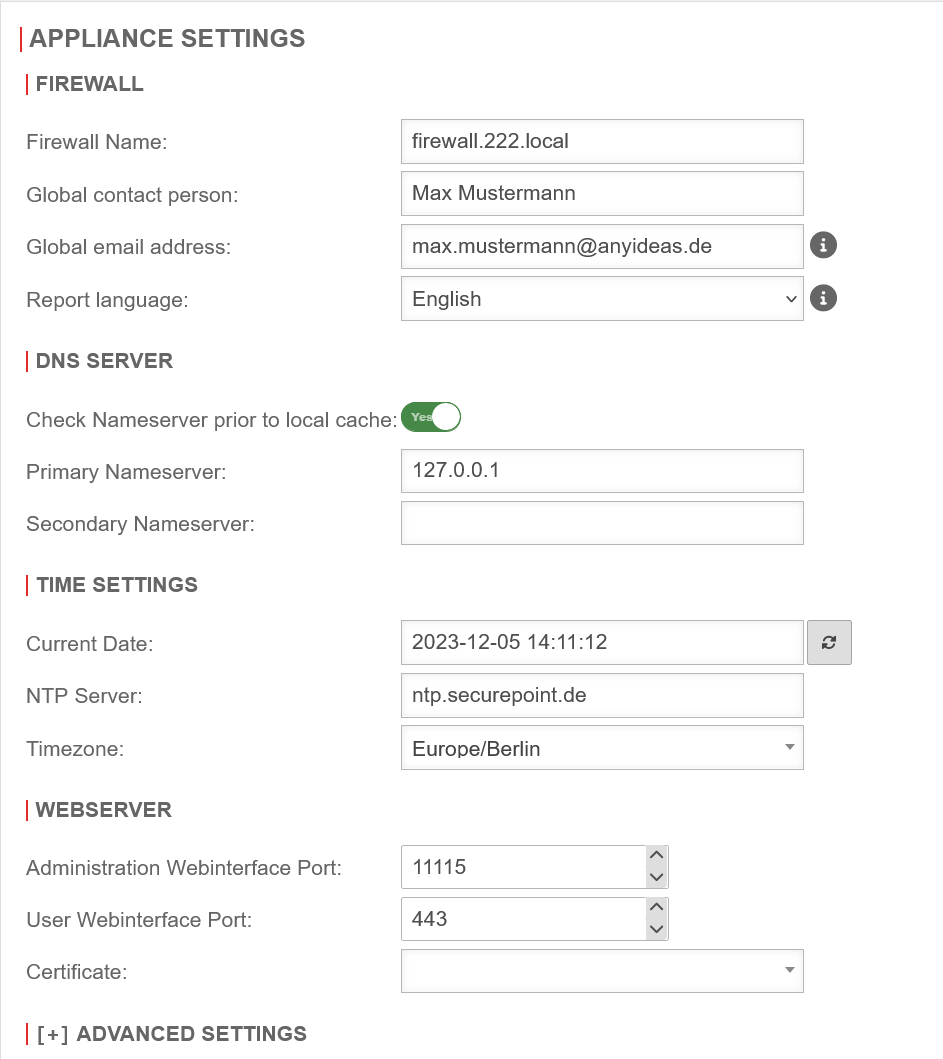
If no nameserver is stored, DNS queries are resolved via the root DNS servers and the DNS servers stored there for the top-level domains

Nameserver IP
The first step is to define the UTM itself as the nameserver of the firewall.
- Configuration under Area Server settings section DNS Server
- Field Primary nameserver set the IP to 127.0.0.1 (localhost) as IP.
- Save with