Unten werden bis zu 50 Ergebnisse im Bereich 10.651 bis 10.700 angezeigt.
-
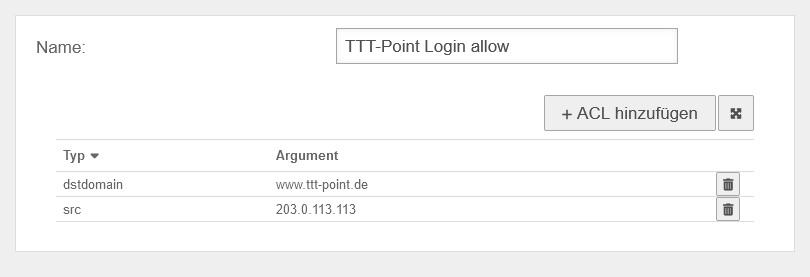 UTM v12.6.1 Reverse-Proxy Kombinationsbeispiel Allow Set.png 810 × 277; 12 KB
-
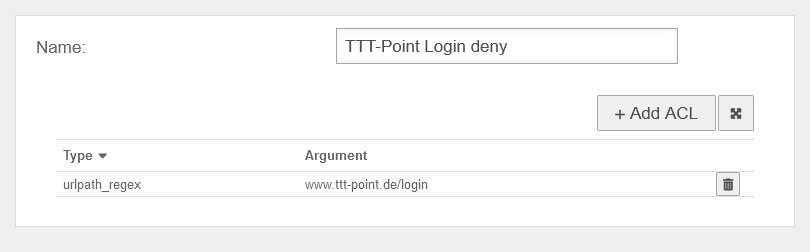 UTM v12.6.1 Reverse-Proxy Kombinationsbeispiel Deny Set-en.png 810 × 252; 11 KB
-
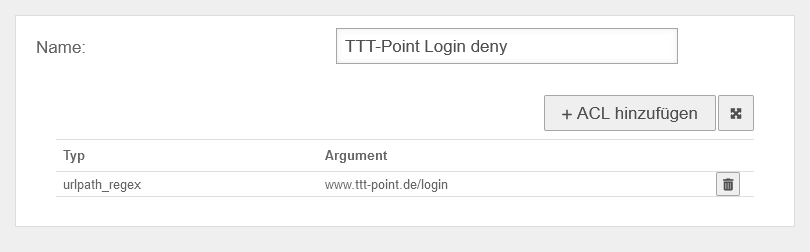 UTM v12.6.1 Reverse-Proxy Kombinationsbeispiel Deny Set.png 810 × 252; 11 KB
-
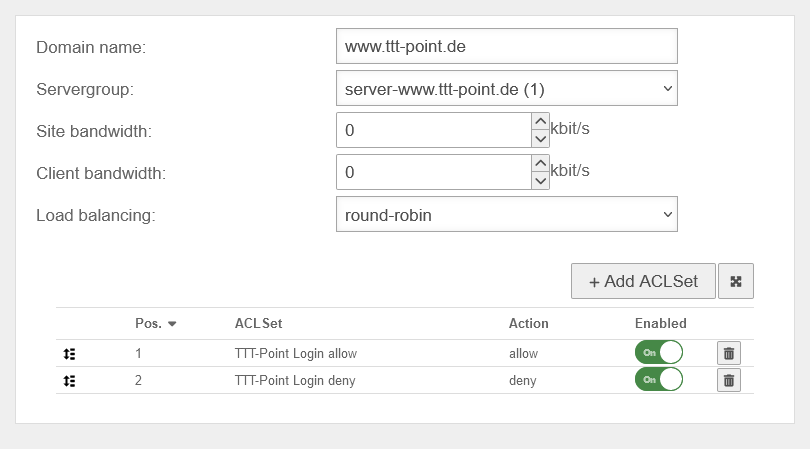 UTM v12.6.1 Reverse-Proxy Kombinationsbeispiel Site-en.png 810 × 449; 27 KB
-
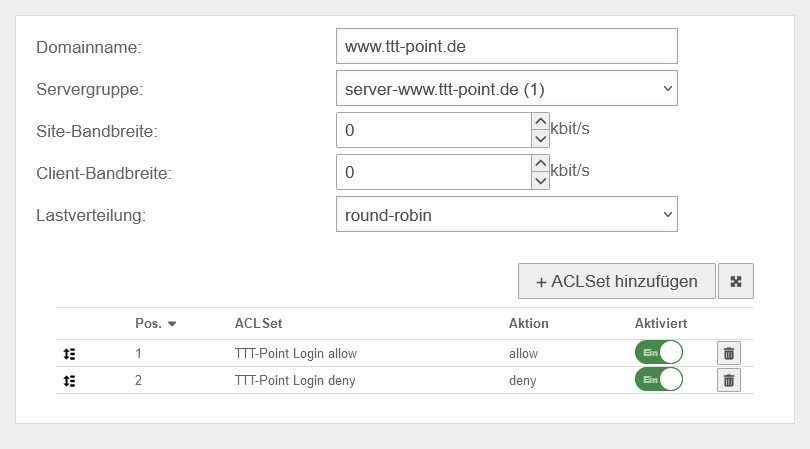 UTM v12.6.1 Reverse-Proxy Kombinationsbeispiel Site.png 810 × 449; 27 KB
-
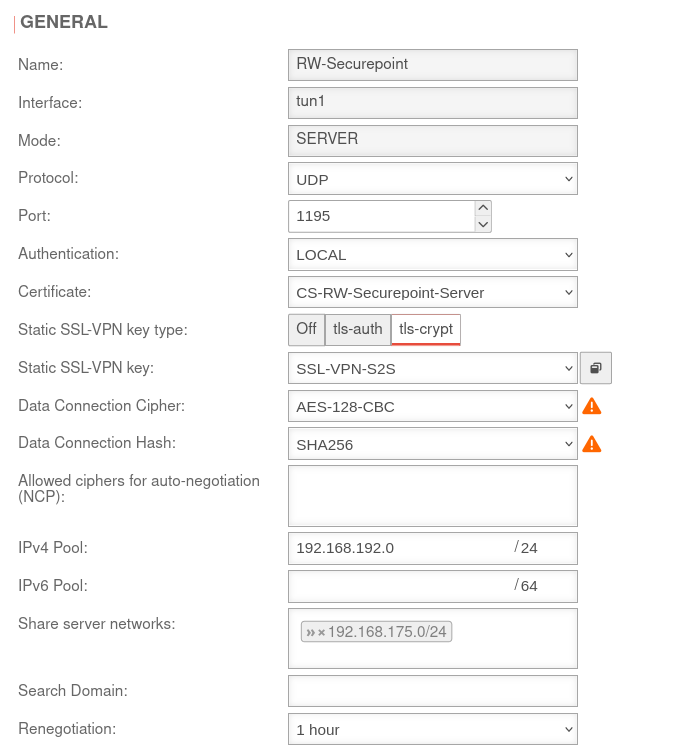 UTM v12.6.1 SSL-VPN RW Verbindung bearbeiten Allgemein-en.png 674 × 751; 71 KB
-
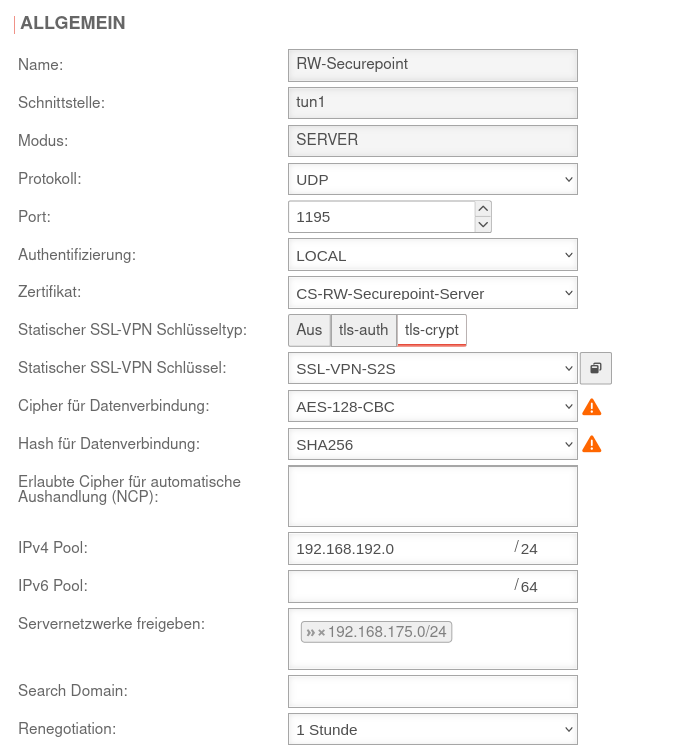 UTM v12.6.1 SSL-VPN RW Verbindung bearbeiten Allgemein.png 674 × 751; 75 KB
-
-
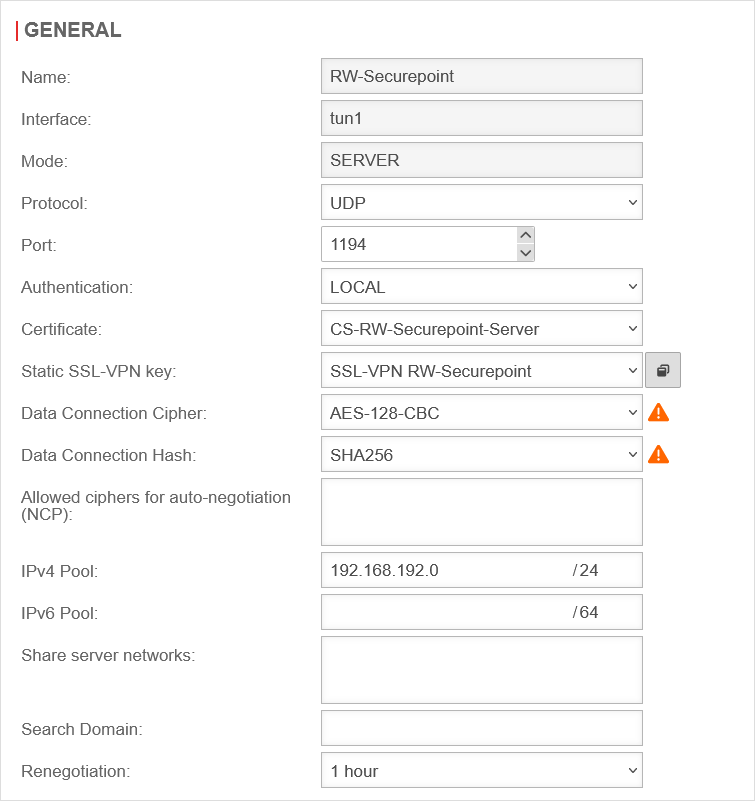
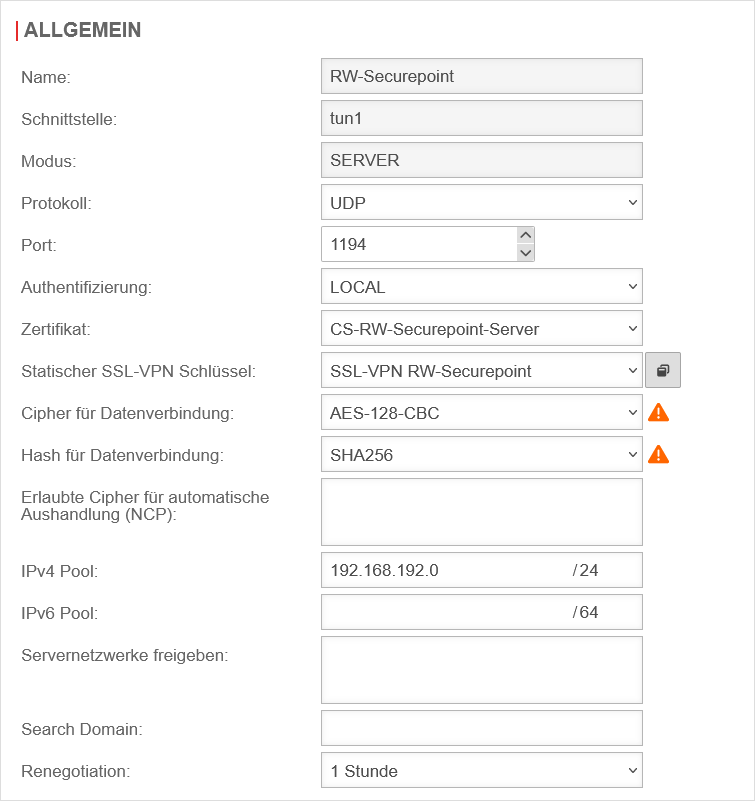 UTM v12.6.1 SSL-VPN Roadwarrior Verbindung bearbeiten Allgemein.png 755 × 801; 49 KB
-
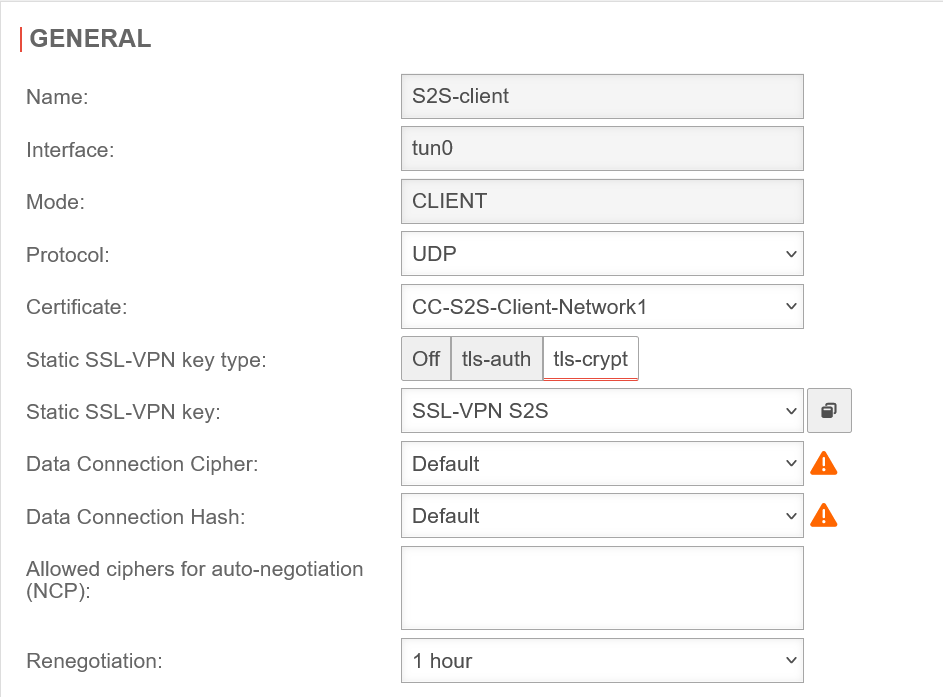 UTM v12.6.1 SSL-VPN S2S Client Allgemein-en.png 943 × 697; 57 KB
-
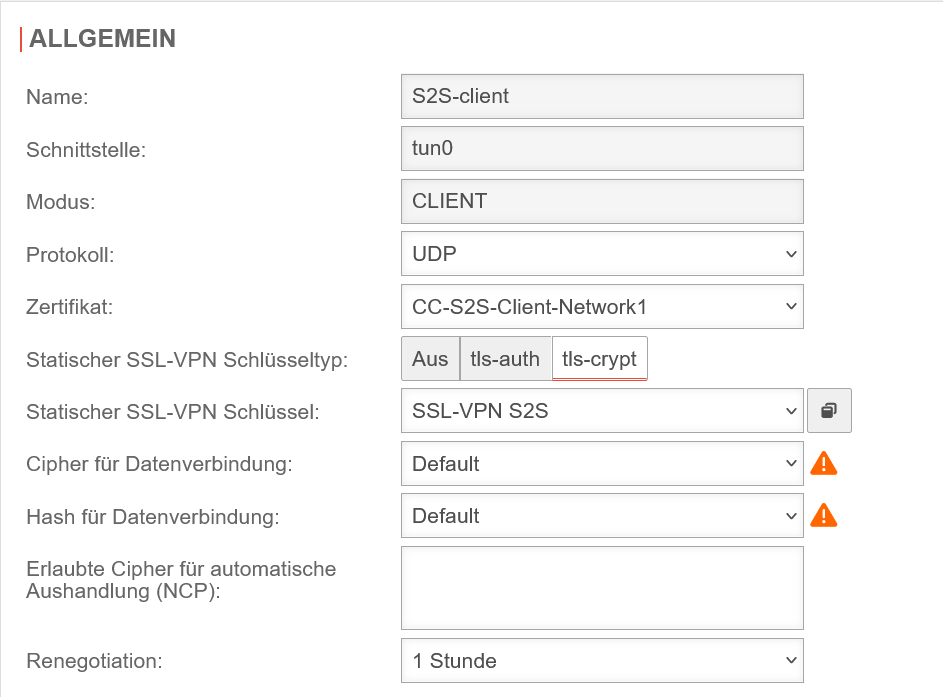 UTM v12.6.1 SSL-VPN S2S Client Allgemein.png 943 × 697; 60 KB
-
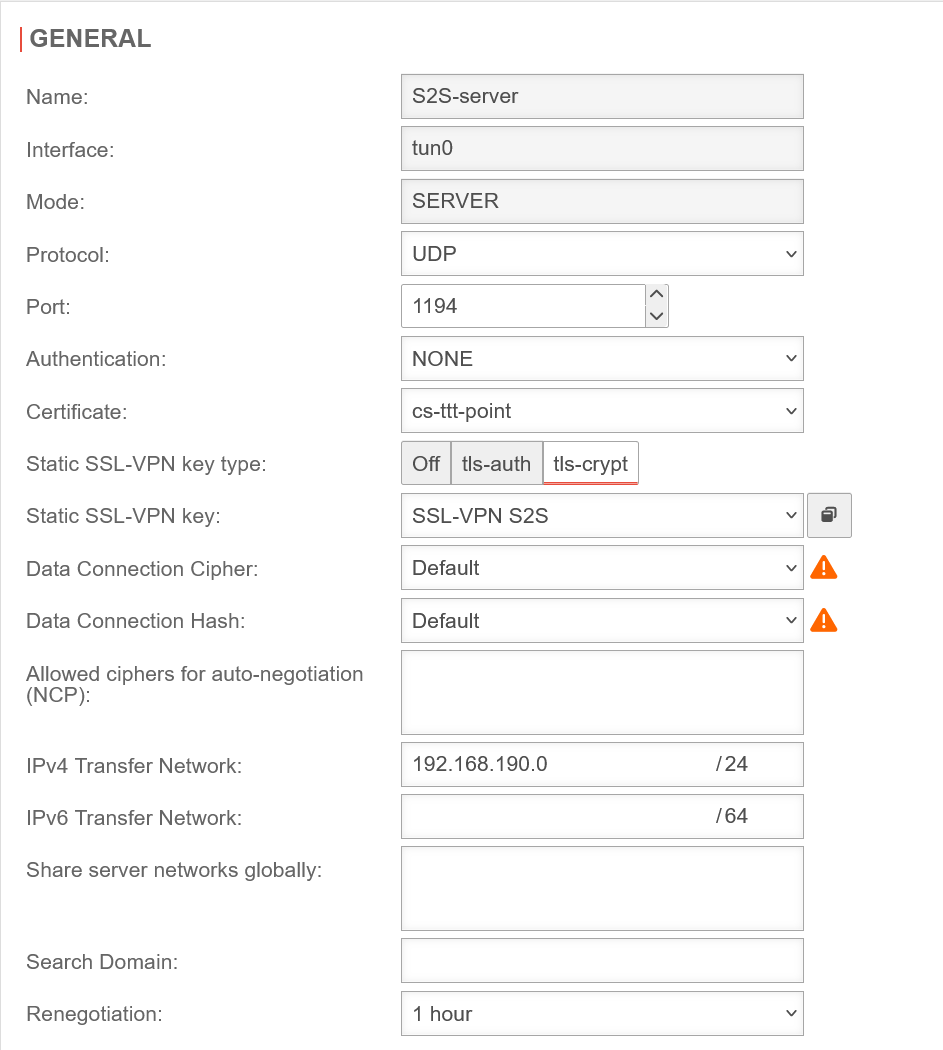 UTM v12.6.1 SSL-VPN S2S Server Allgemein-en.png 943 × 1.050; 84 KB
-
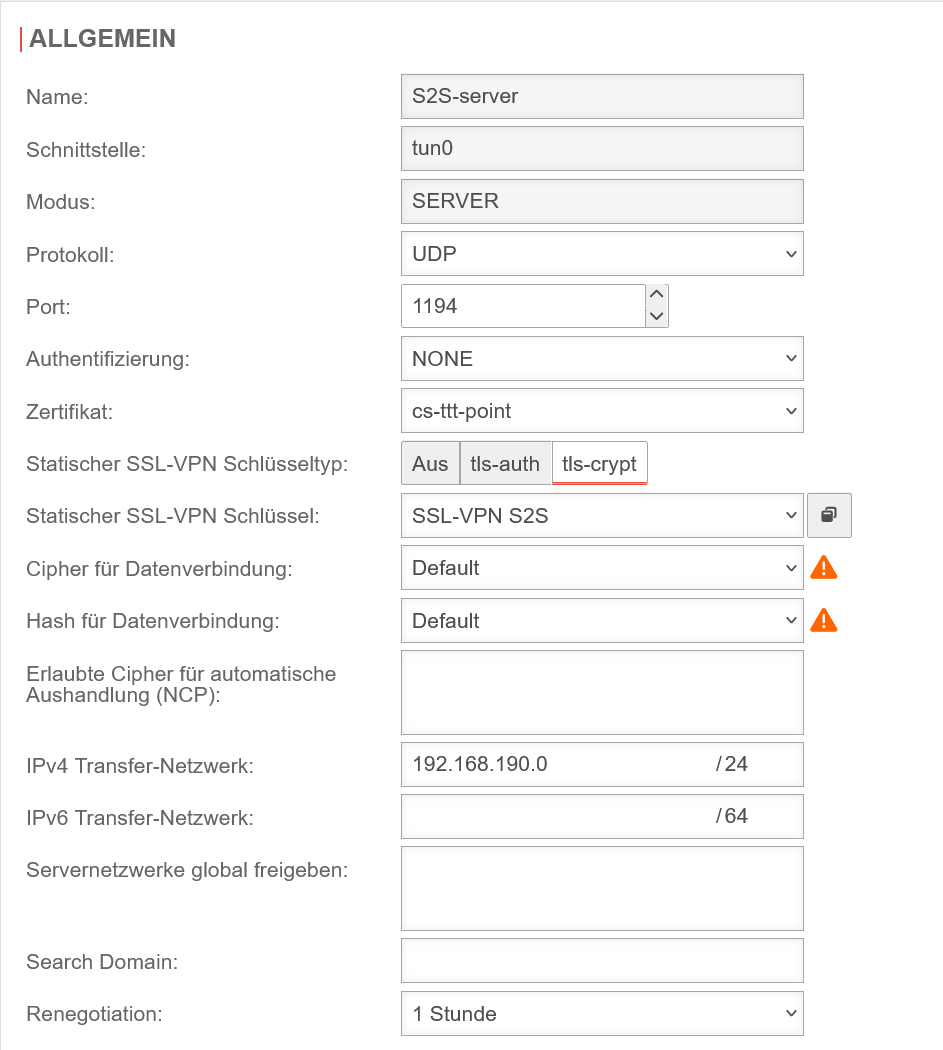 UTM v12.6.1 SSL-VPN S2S Server Allgemein.png 943 × 1.050; 87 KB
-
 UTM v12.6.1 Toolleiste.png 270 × 91; 5 KB
-
 UTM v12.6.1 UI E-Mail-Verwaltung Tag-en.png 743 × 202; 7 KB
-
 UTM v12.6.1 UI E-Mail-Verwaltung Tag.png 743 × 203; 8 KB
-
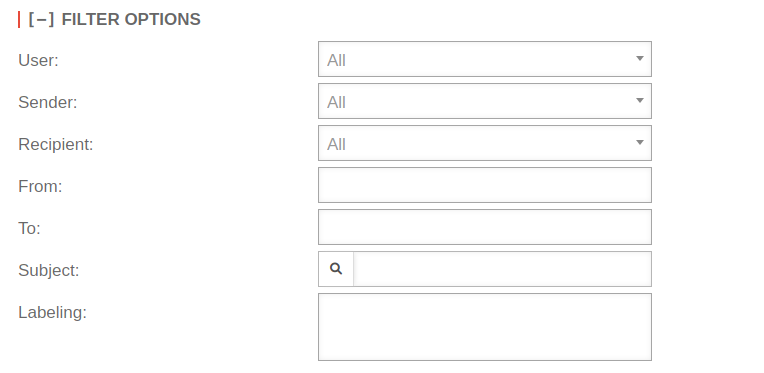 UTM v12.6.1 UI E-Mails Mailbox-en.png 764 × 373; 15 KB
-
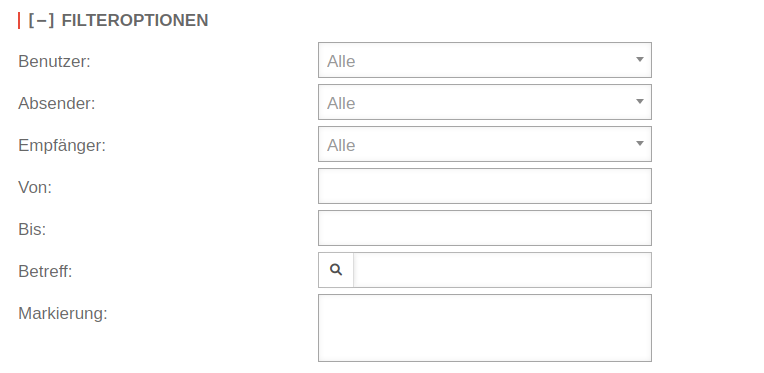 UTM v12.6.1 UI E-Mails Mailbox.png 764 × 373; 17 KB
-
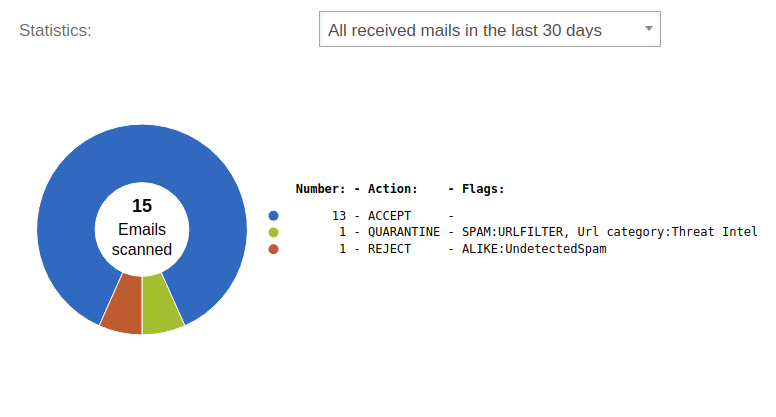 UTM v12.6.1 UI E-Mails Statistiken-en.png 776 × 417; 30 KB
-
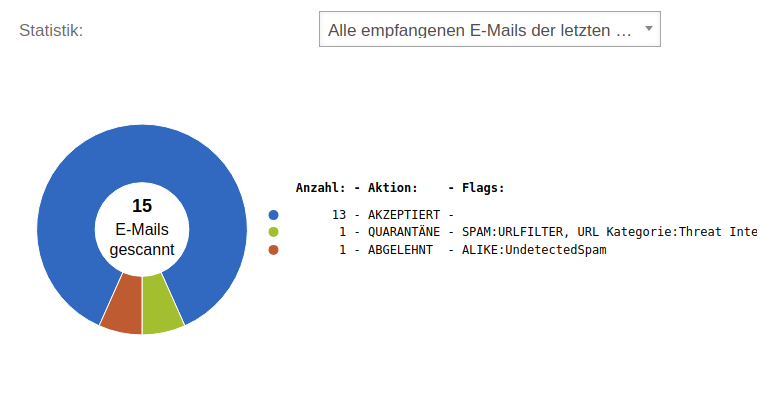 UTM v12.6.1 UI E-Mails Statistiken.png 776 × 417; 30 KB
-
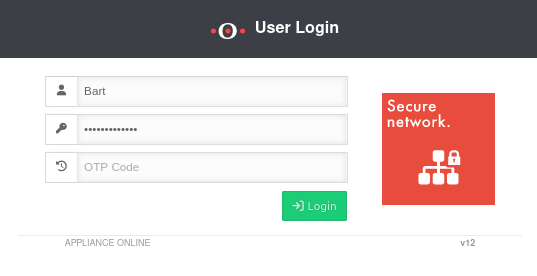 UTM v12.6.1 UI Login OTP-en.png 537 × 276; 16 KB
-
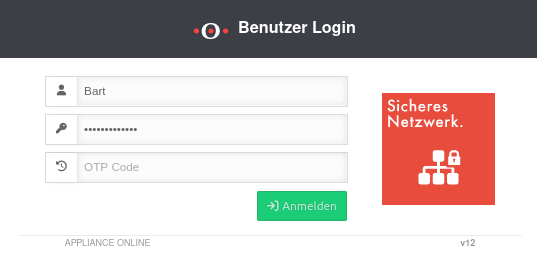 UTM v12.6.1 UI Login OTP.png 537 × 276; 17 KB
-
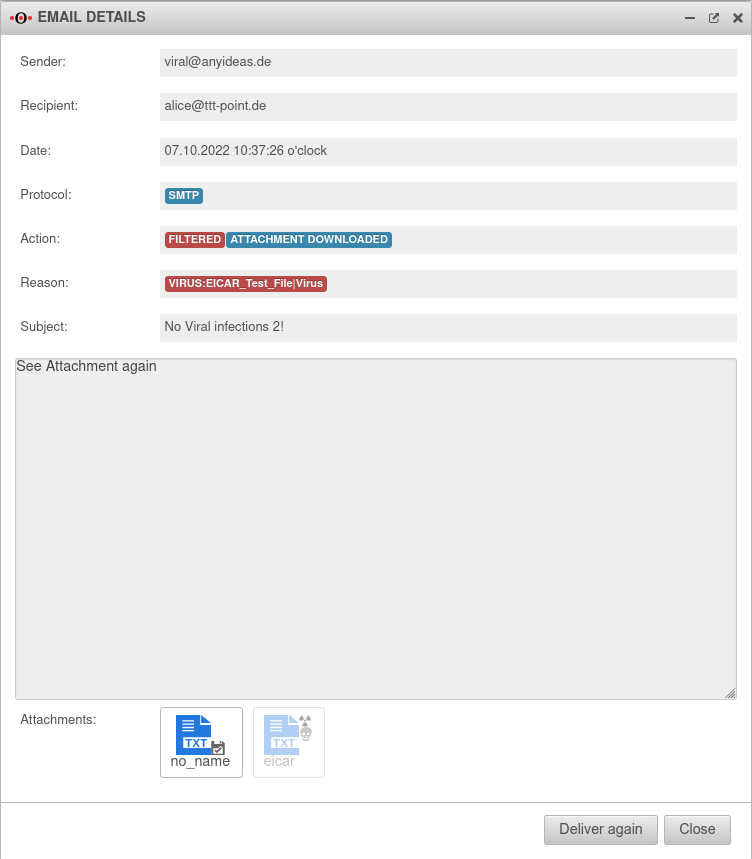 UTM v12.6.1 UI Mailquarantäne E-Mail Details-en.png 752 × 859; 54 KB
-
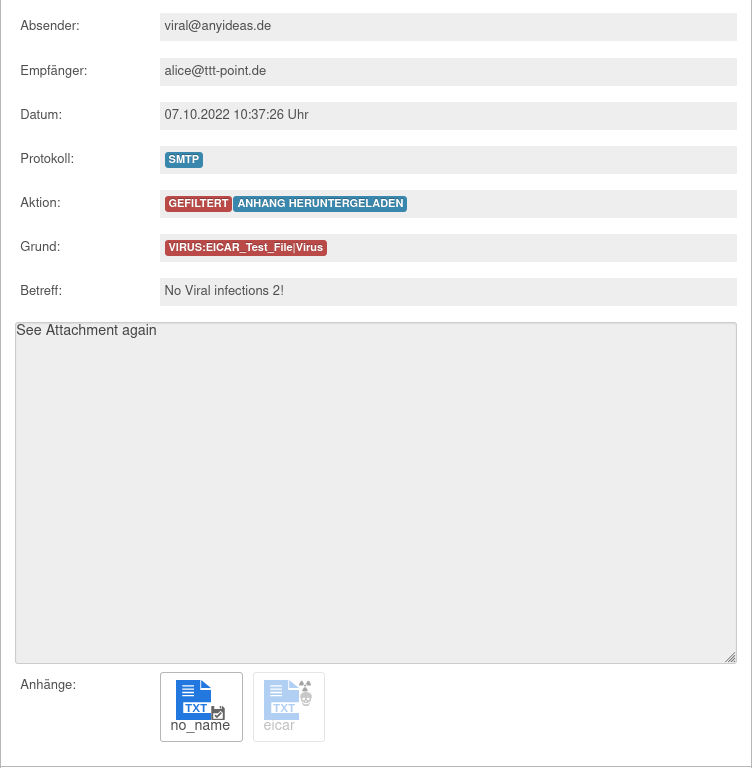 UTM v12.6.1 UI Mailquarantäne E-Mail Details.png 752 × 768; 45 KB
-
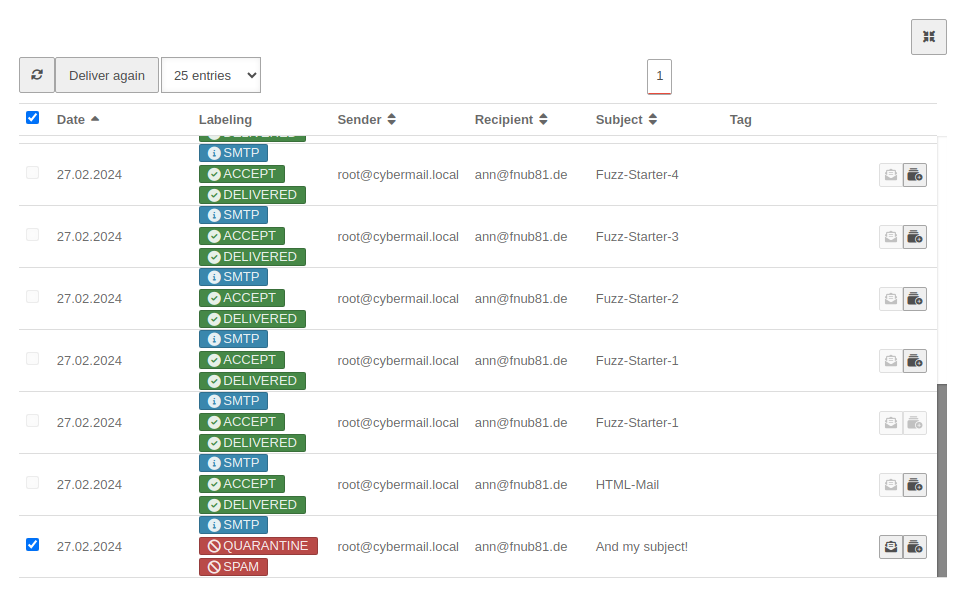 UTM v12.6.1 UI Mailquarantäne Erneut zusenden-en.png 966 × 605; 77 KB
-
 UTM v12.6.1 UI Mailquarantäne Erneut zusenden.png 966 × 606; 79 KB
-
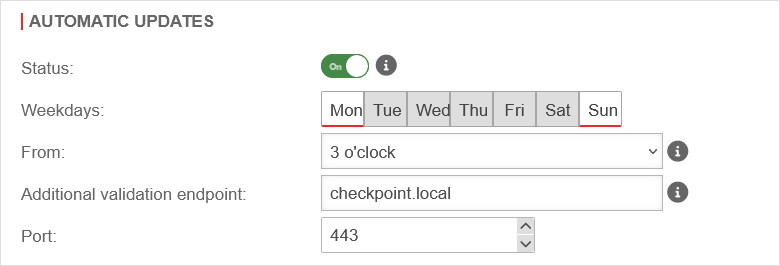 UTM v12.6.1 spupdater Firmware Updates Automatische Updates-en.png 780 × 266; 17 KB
-
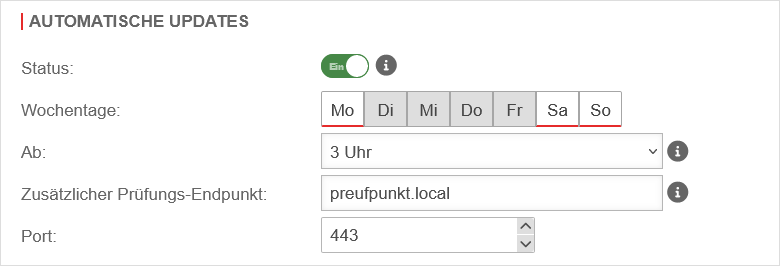 UTM v12.6.1 spupdater Firmware Updates Automatische Updates.png 780 × 266; 17 KB
-
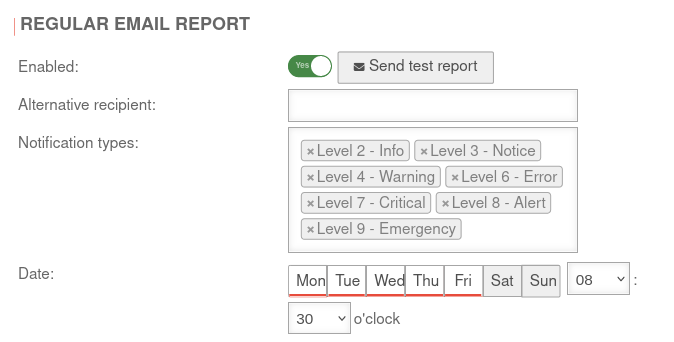 UTM v12.6.2 Alerting Center Regelmässiger E-Mail Bericht-en.png 674 × 342; 36 KB
-
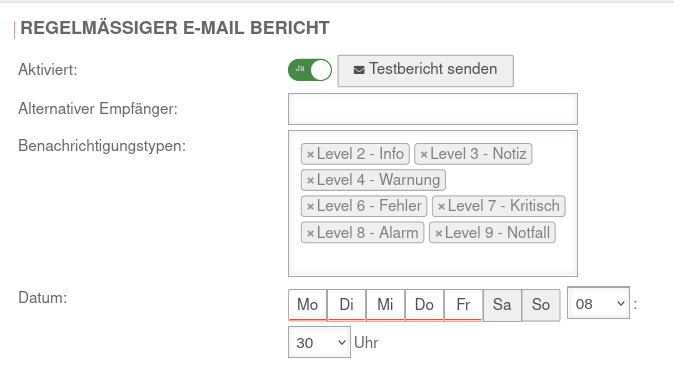 UTM v12.6.2 Alerting Center Regelmässiger E-Mail Bericht.png 674 × 367; 36 KB
-
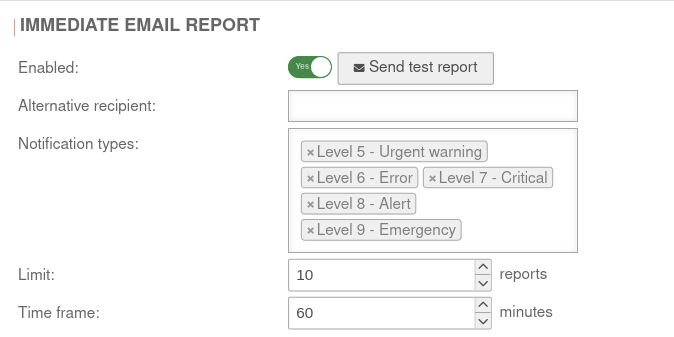 UTM v12.6.2 Alerting Center Umgehender E-Mail Bericht-en.png 674 × 337; 32 KB
-
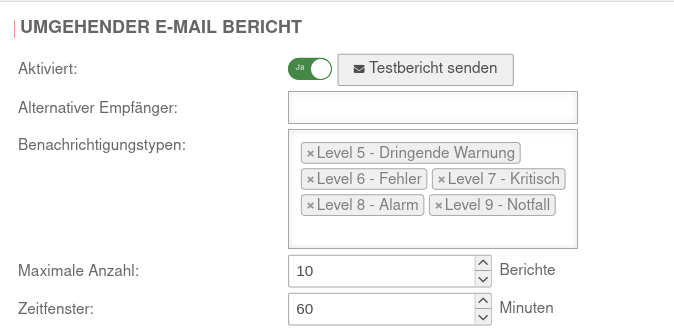 UTM v12.6.2 Alerting Center Umgehender E-Mail Bericht.png 674 × 334; 34 KB
-
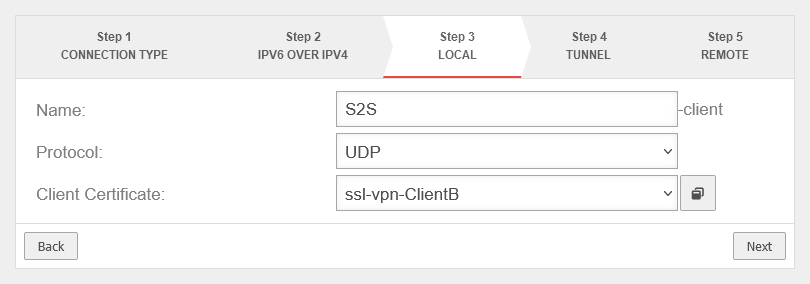 UTM v12.6.2 Cloud Konzentrator ClientB Konfig Schritt 3-en.png 810 × 284; 16 KB
-
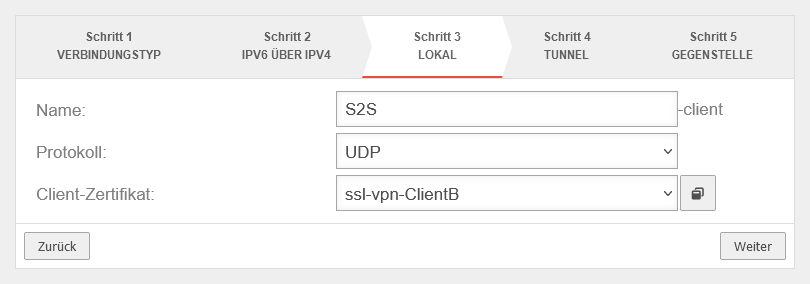 UTM v12.6.2 Cloud Konzentrator ClientB Konfig Schritt 3.png 810 × 284; 16 KB
-
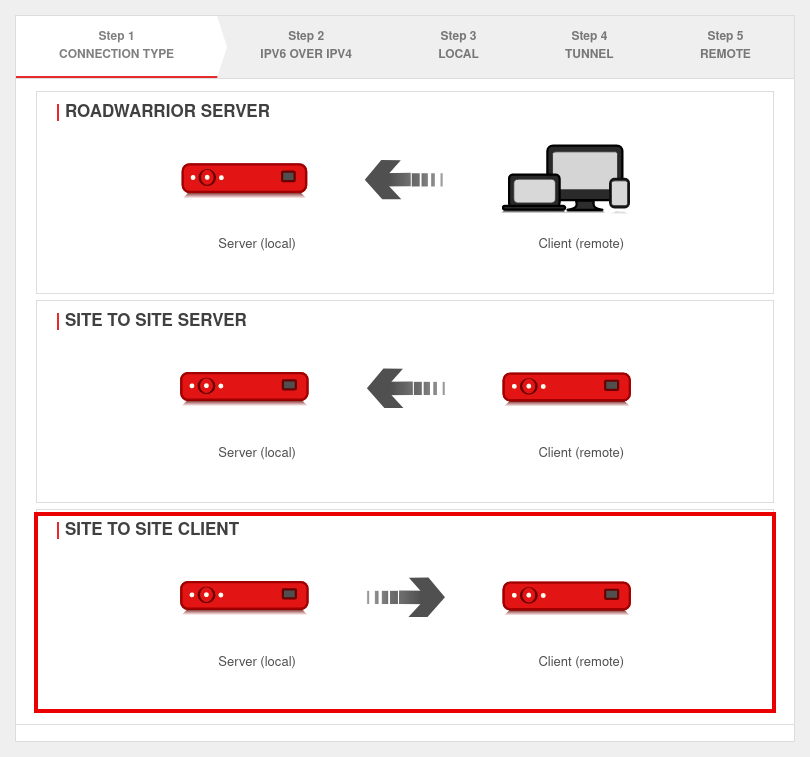 UTM v12.6.2 Cloud Konzentrator Client Konfig Schritt 1-en.png 810 × 757; 49 KB
-
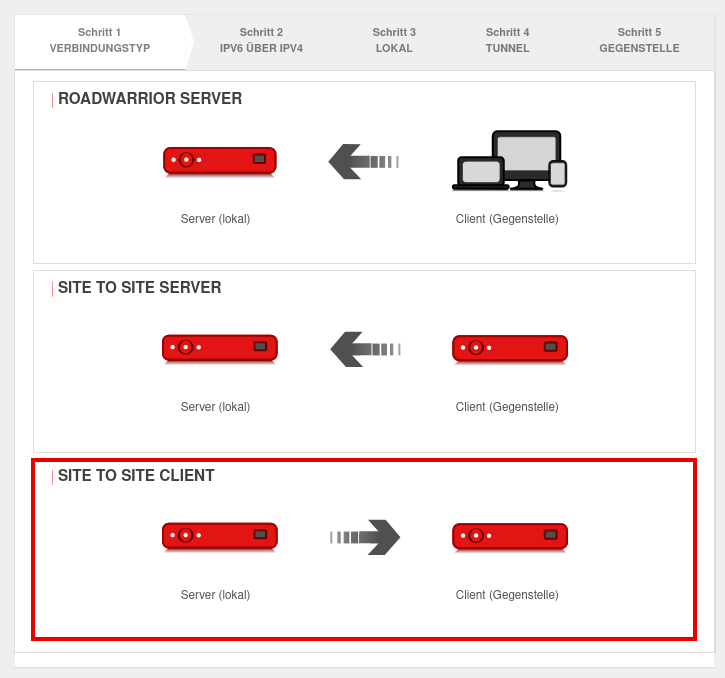 UTM v12.6.2 Cloud Konzentrator Client Konfig Schritt 1.png 725 × 678; 45 KB
-
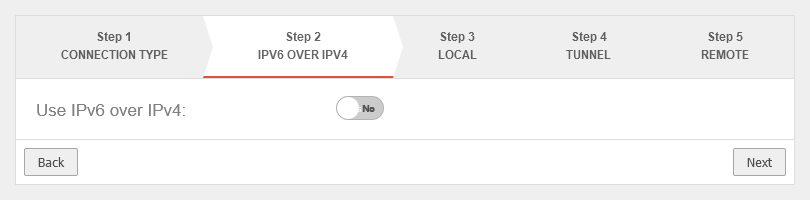 UTM v12.6.2 Cloud Konzentrator Client Konfig Schritt 2-en.png 810 × 200; 11 KB
-
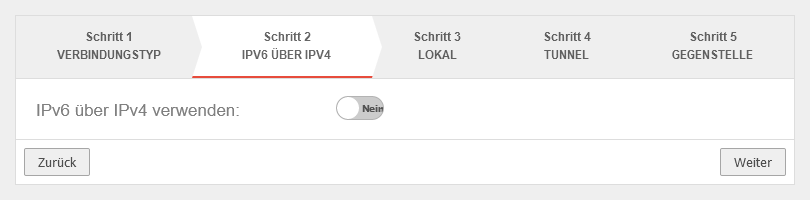 UTM v12.6.2 Cloud Konzentrator Client Konfig Schritt 2.png 810 × 200; 11 KB
-
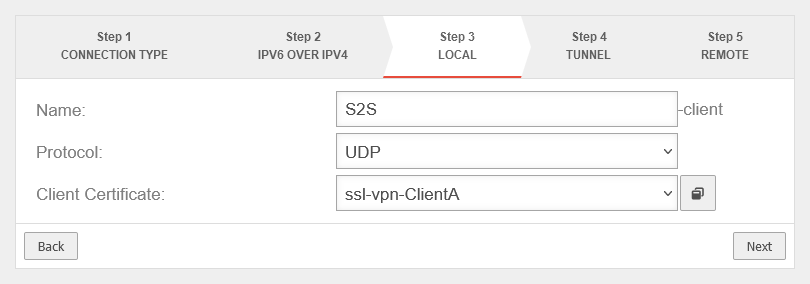 UTM v12.6.2 Cloud Konzentrator Client Konfig Schritt 3-en.png 810 × 284; 16 KB
-
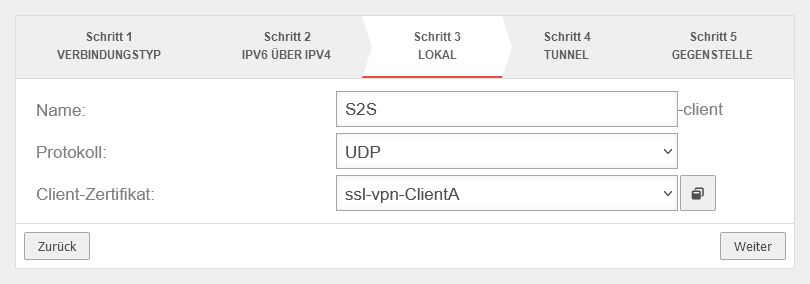 UTM v12.6.2 Cloud Konzentrator Client Konfig Schritt 3.png 810 × 284; 16 KB
-
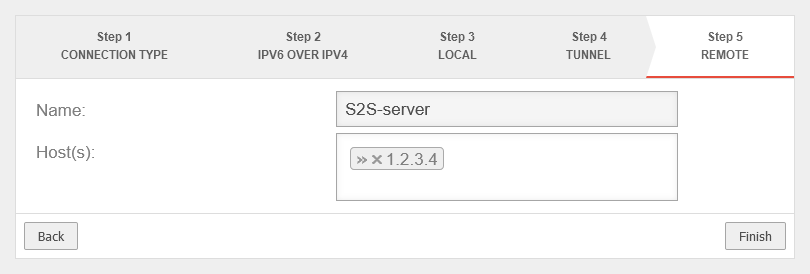 UTM v12.6.2 Cloud Konzentrator Client Konfig Schritt 5-en.png 810 × 274; 14 KB
-
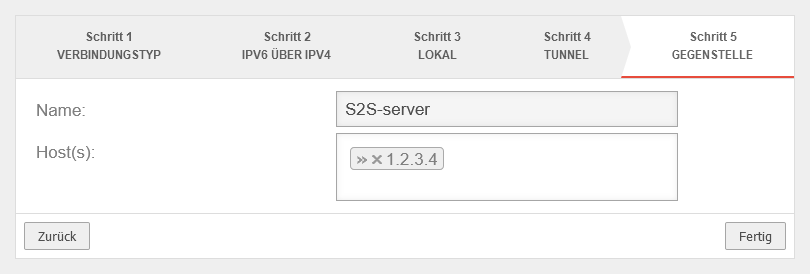 UTM v12.6.2 Cloud Konzentrator Client Konfig Schritt 5.png 810 × 274; 14 KB
-
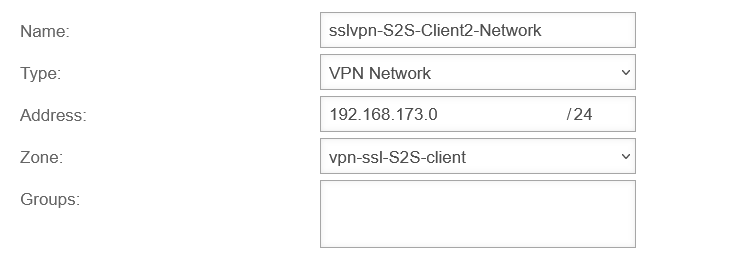 UTM v12.6.2 Cloud Konzentrator Client Netzwerkobjekt Client2-en.png 745 × 260; 14 KB
-
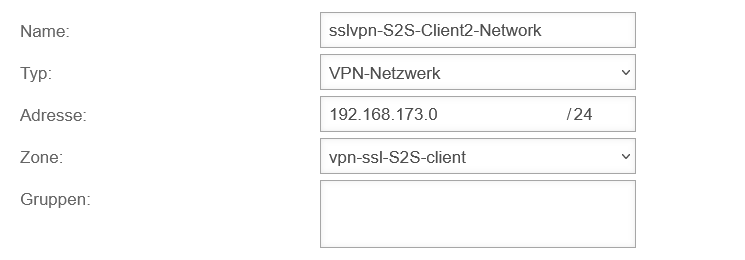 UTM v12.6.2 Cloud Konzentrator Client Netzwerkobjekt Client2.png 745 × 260; 14 KB
-
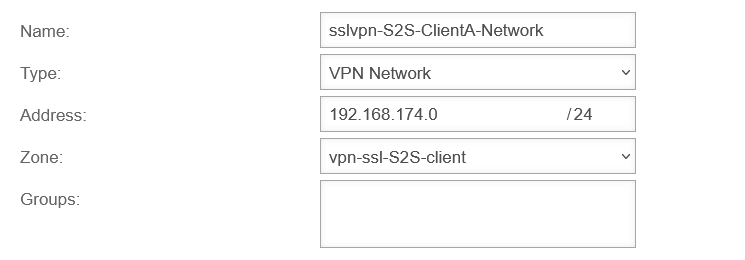 UTM v12.6.2 Cloud Konzentrator Client Netzwerkobjekt ClientA-en.png 745 × 260; 14 KB
-
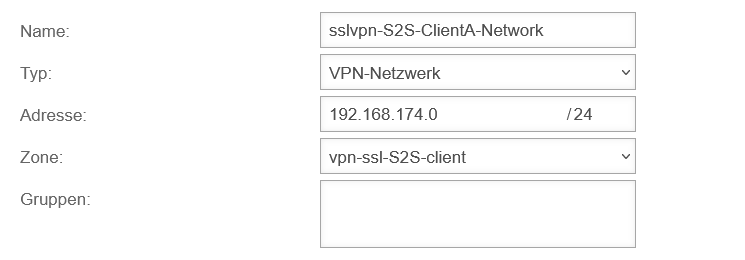 UTM v12.6.2 Cloud Konzentrator Client Netzwerkobjekt ClientA.png 745 × 260; 14 KB
-
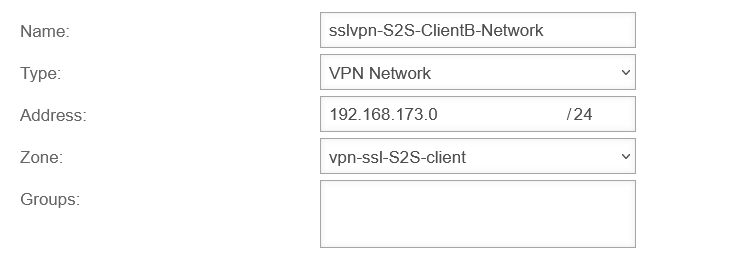 UTM v12.6.2 Cloud Konzentrator Client Netzwerkobjekt ClientB-en.png 745 × 260; 14 KB
-
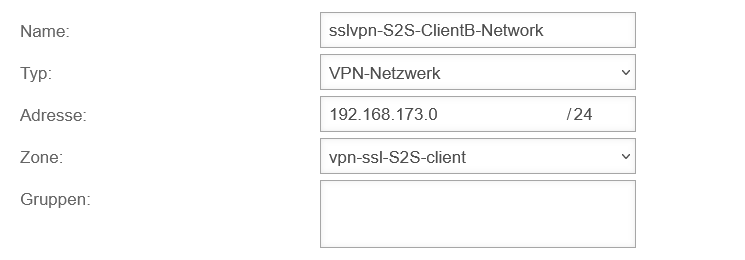 UTM v12.6.2 Cloud Konzentrator Client Netzwerkobjekt ClientB.png 745 × 260; 14 KB
-
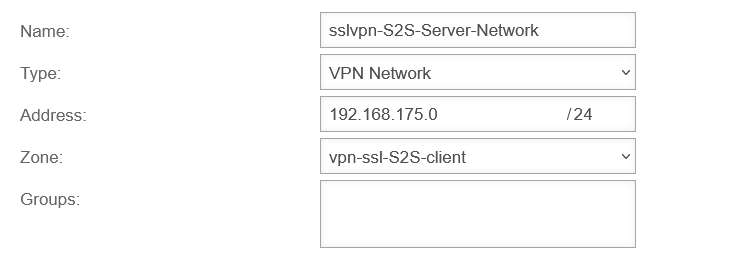 UTM v12.6.2 Cloud Konzentrator Client Netzwerkobjekt Server-en.png 745 × 260; 14 KB
-
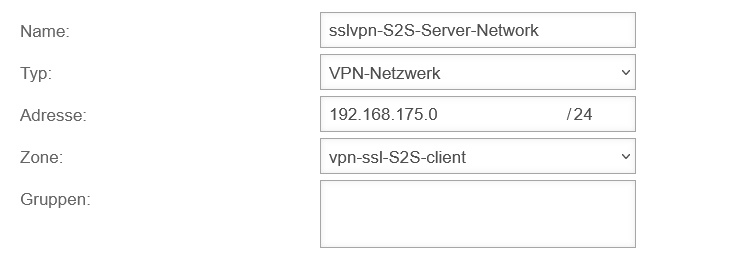 UTM v12.6.2 Cloud Konzentrator Client Netzwerkobjekt Server.png 745 × 260; 14 KB


