Unten werden bis zu 50 Ergebnisse im Bereich 11.201 bis 11.250 angezeigt.
-
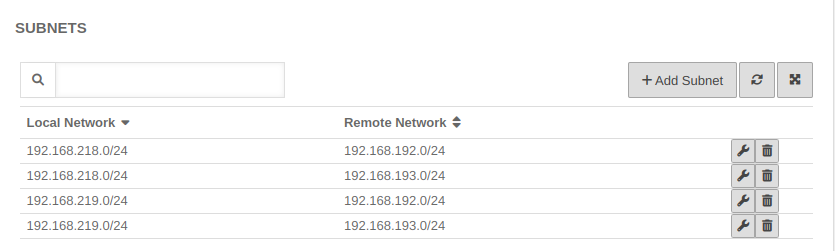 UTM v12.6 IPSec S2S Phase2 4Subnetze-en.png 835 × 251; 27 KB
-
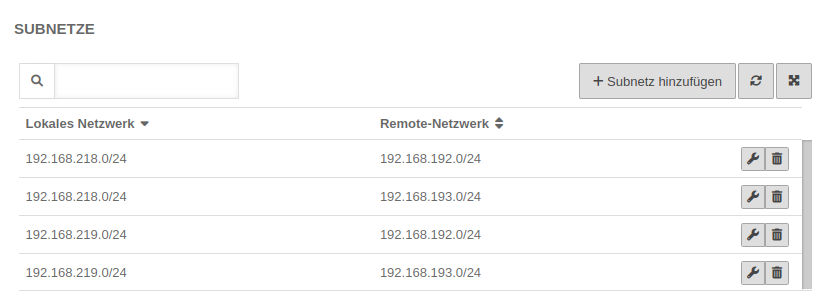 UTM v12.6 IPSec S2S Phase2 4Subnetze.png 831 × 302; 30 KB
-
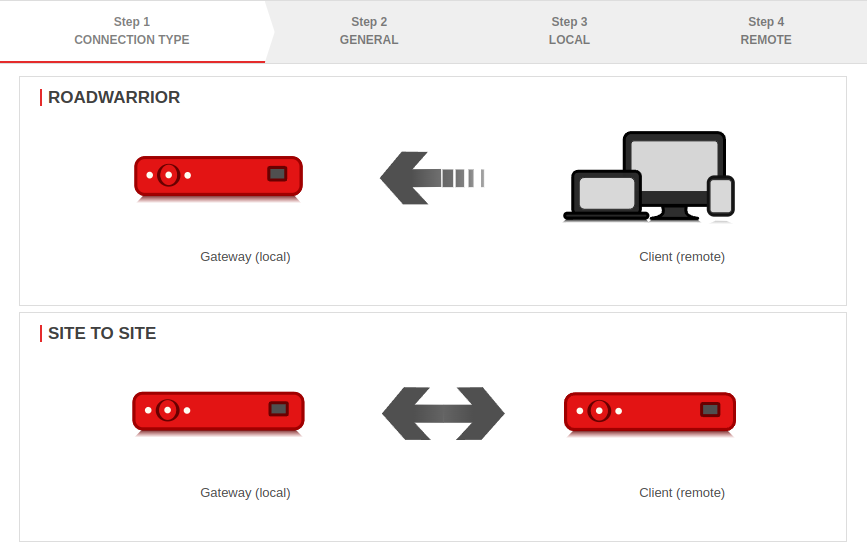 UTM v12.6 IPSec S2S Schritt1-en.png 867 × 554; 35 KB
-
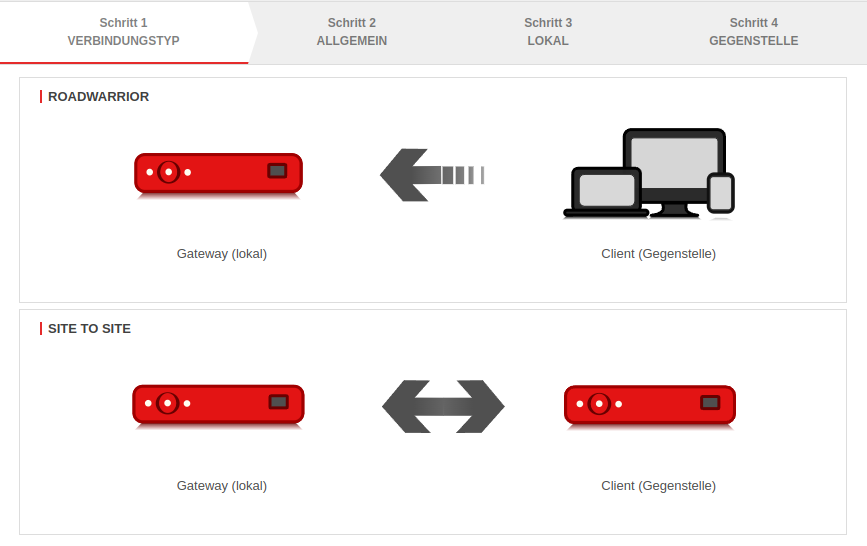 UTM v12.6 IPSec S2S Schritt1.png 867 × 546; 40 KB
-
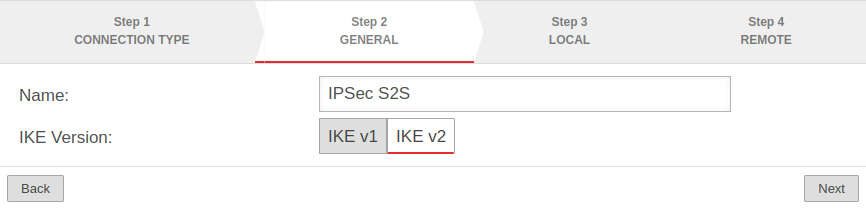 UTM v12.6 IPSec S2S Schritt2-en.png 866 × 209; 19 KB
-
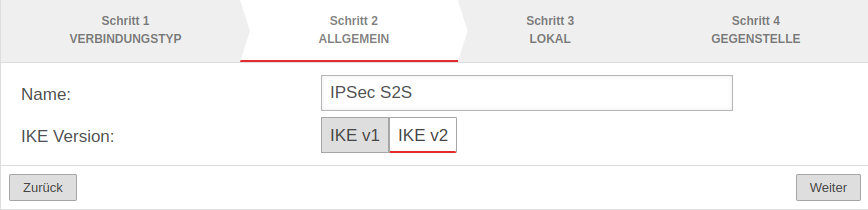 UTM v12.6 IPSec S2S Schritt2.png 868 × 210; 23 KB
-
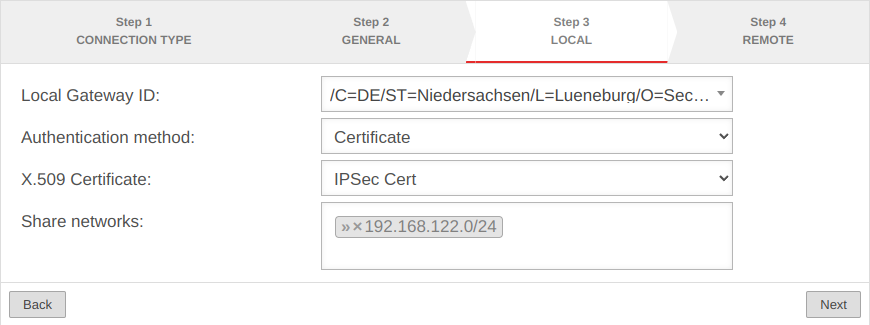 UTM v12.6 IPSec S2S Schritt3-en.png 870 × 325; 38 KB
-
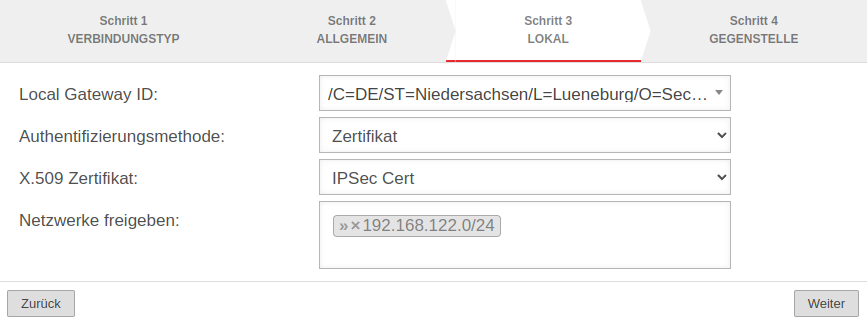 UTM v12.6 IPSec S2S Schritt3.png 867 × 325; 40 KB
-
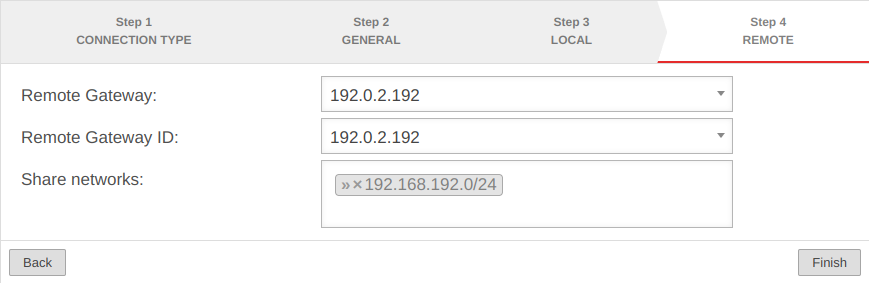 UTM v12.6 IPSec S2S Schritt4-en.png 869 × 283; 30 KB
-
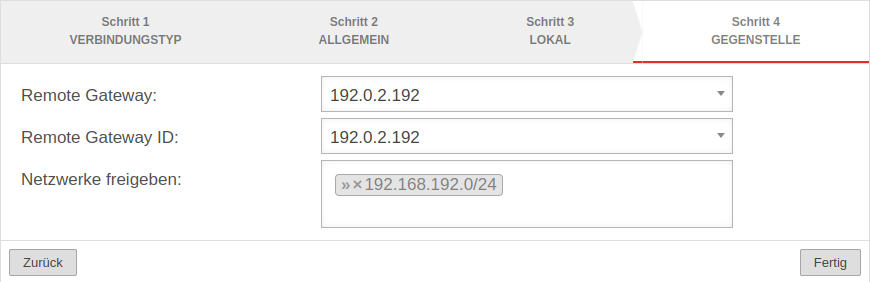 UTM v12.6 IPSec S2S Schritt4.png 870 × 282; 33 KB
-

-

-
-
-
-
-

-

-
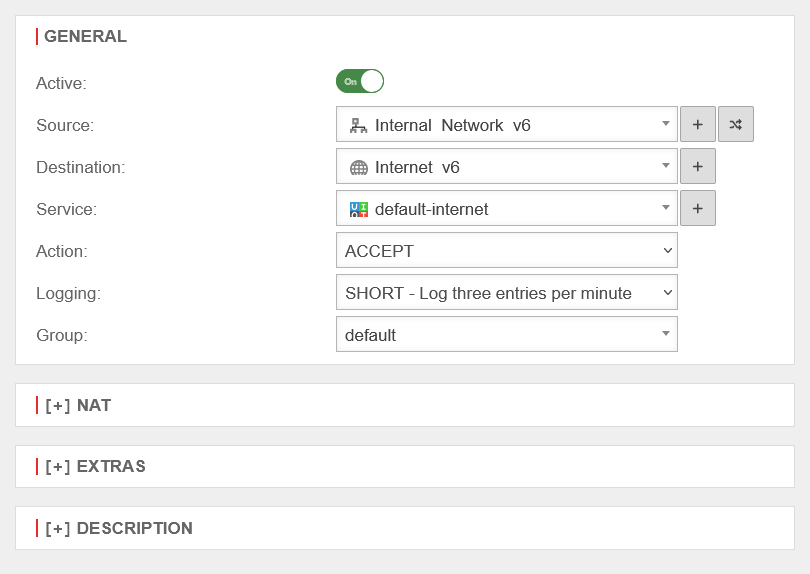 UTM v12.6 IPv6Prefix-Delegation Paketfilterregel hinzufuegen-en.png 810 × 574; 29 KB
-
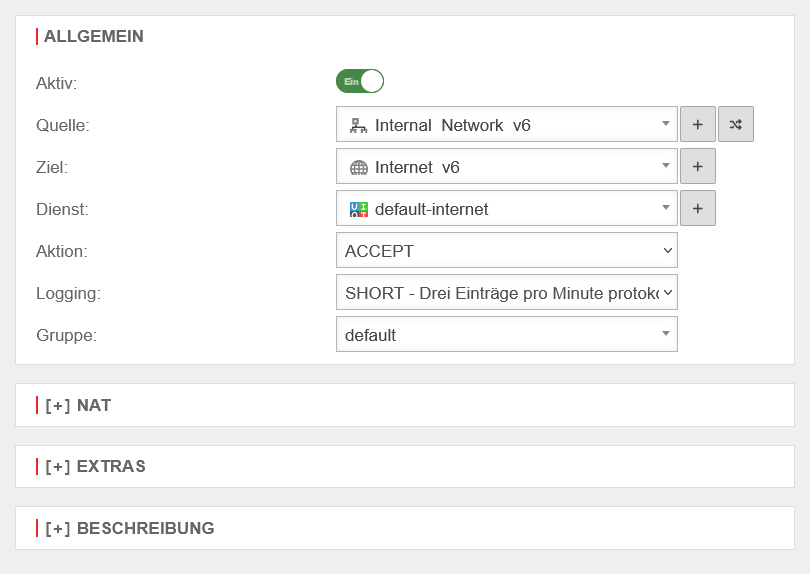 UTM v12.6 IPv6Prefix-Delegation Paketfilterregel hinzufuegen.png 810 × 574; 29 KB
-
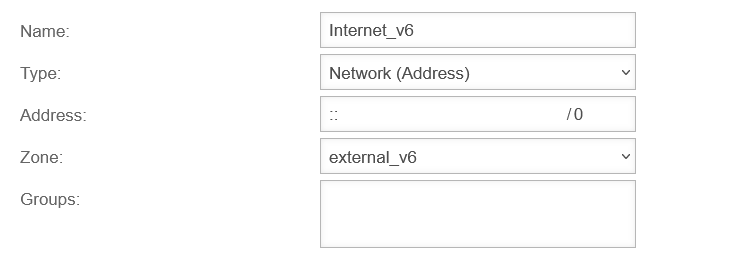
-
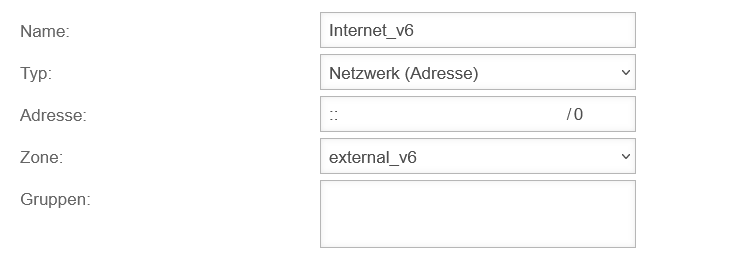
-
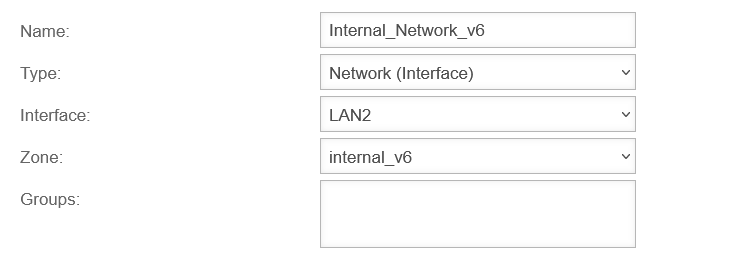
-
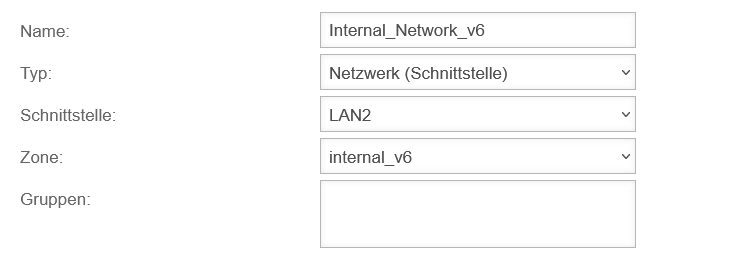
-
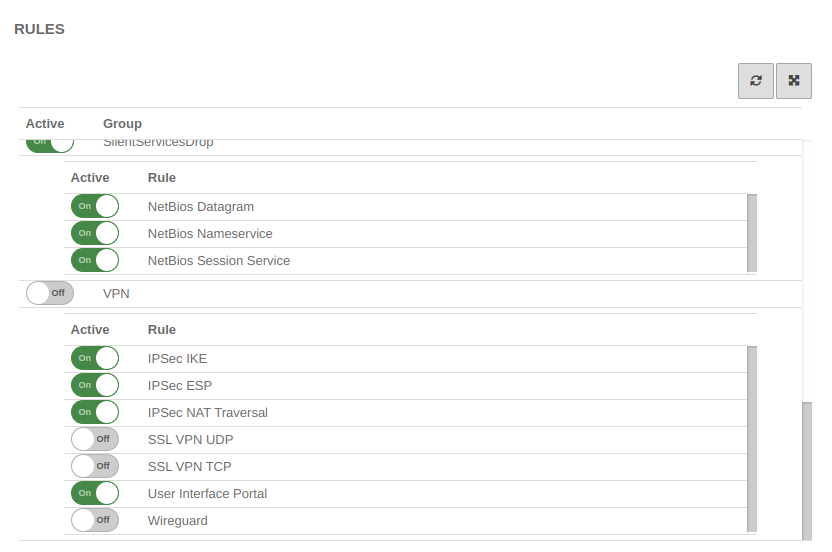 UTM v12.6 Implizite-Regeln IPSec-en.png 832 × 552; 42 KB
-
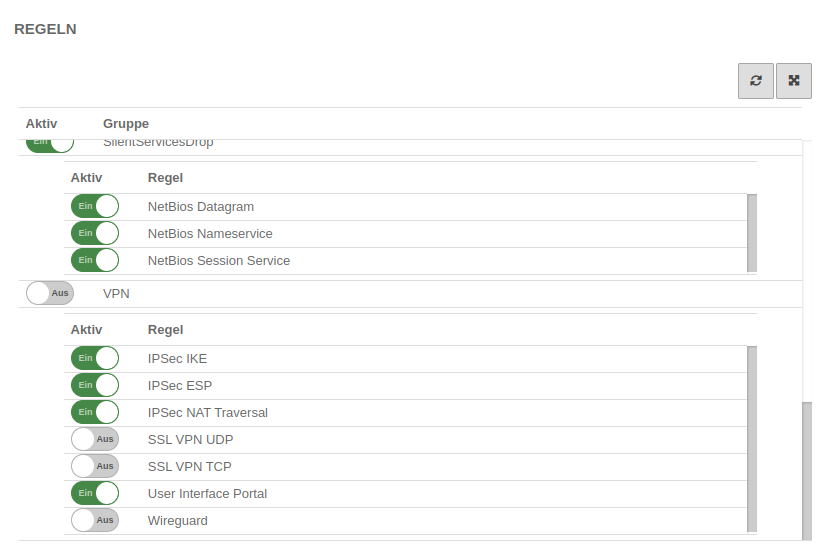 UTM v12.6 Implizite-Regeln IPSec.png 831 × 553; 44 KB
-
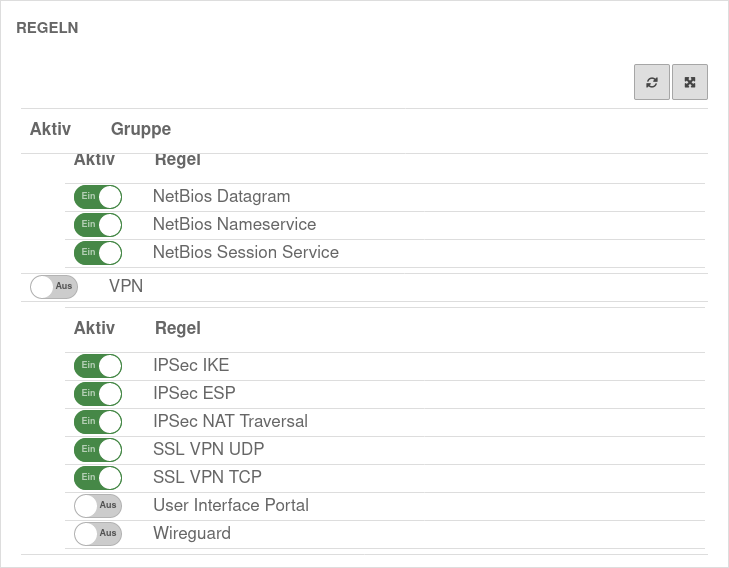 UTM v12.6 Implizite Regeln VPN.png 729 × 568; 50 KB
-
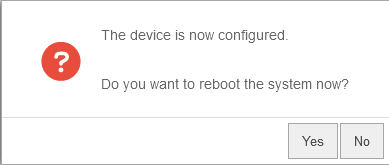 UTM v12.6 Installationsassistent Neustart Dialog-en.png 389 × 165; 6 KB
-
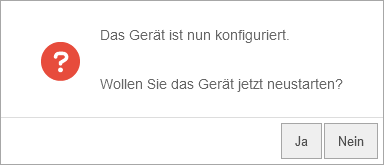 UTM v12.6 Installationsassistent Neustart Dialog.png 384 × 165; 6 KB
-
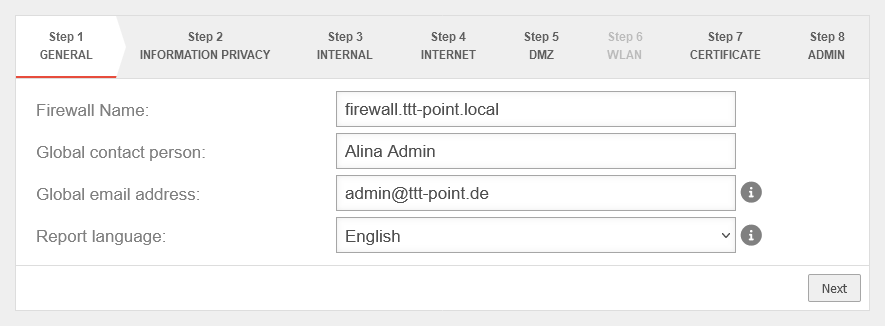 UTM v12.6 Installationsassistent Schritt 1-en.png 885 × 326; 22 KB
-
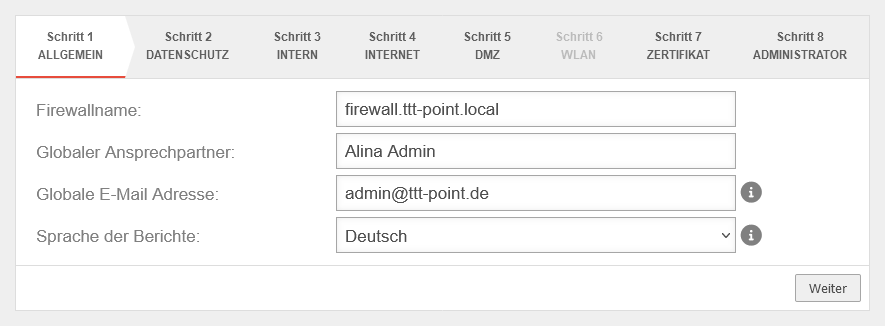 UTM v12.6 Installationsassistent Schritt 1.png 885 × 326; 23 KB
-
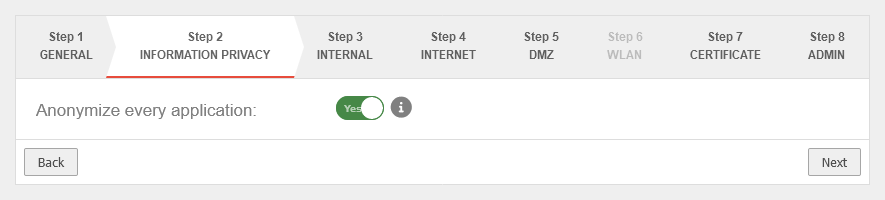 UTM v12.6 Installationsassistent Schritt 2-en.png 885 × 200; 13 KB
-
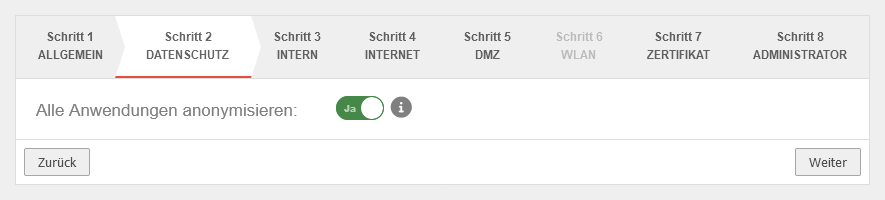 UTM v12.6 Installationsassistent Schritt 2.png 885 × 200; 14 KB
-
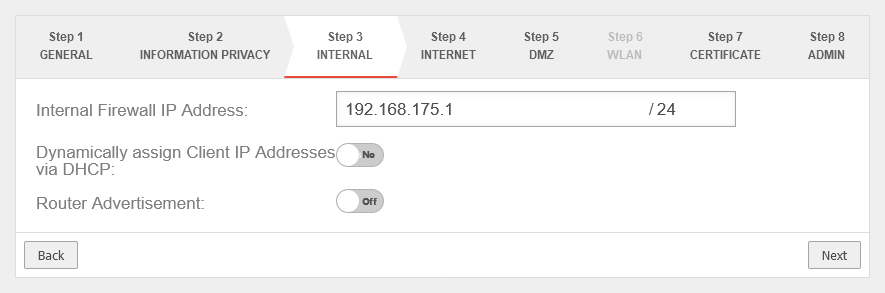 UTM v12.6 Installationsassistent Schritt 3-en.png 885 × 293; 20 KB
-
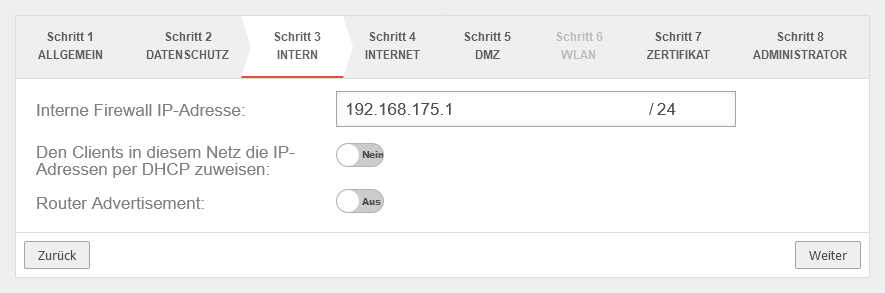 UTM v12.6 Installationsassistent Schritt 3.png 885 × 293; 21 KB
-
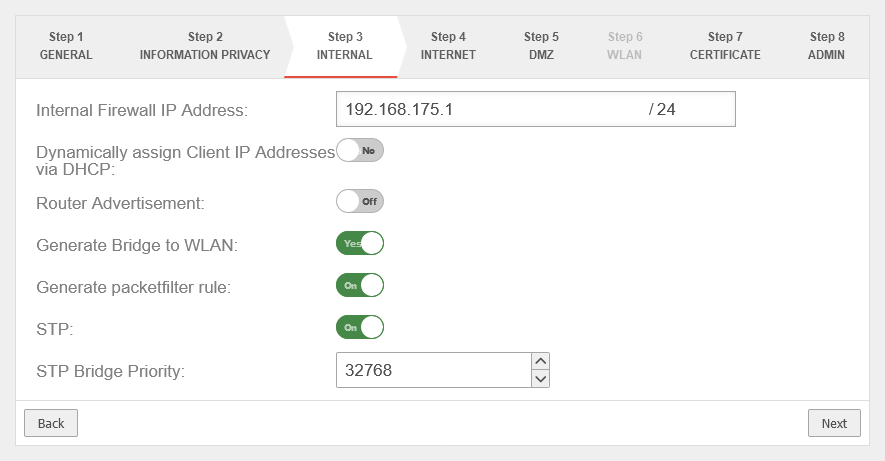 UTM v12.6 Installationsassistent Schritt 3 WLAN-en.png 885 × 461; 32 KB
-
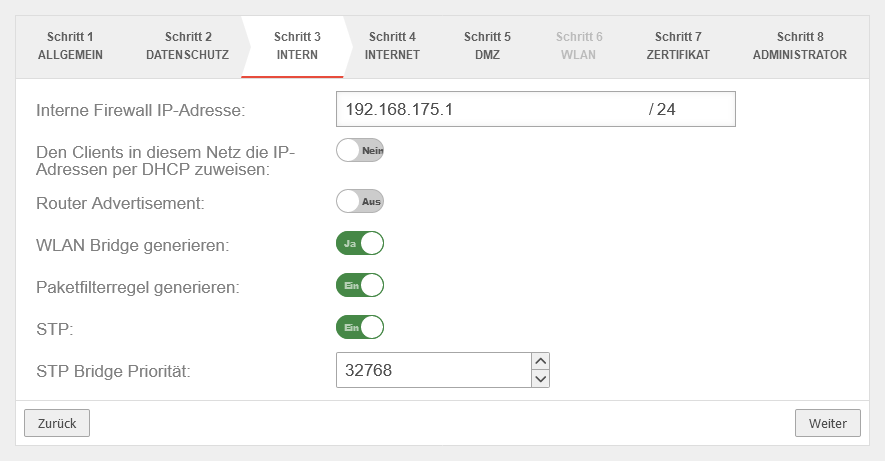 UTM v12.6 Installationsassistent Schritt 3 WLAN.png 885 × 461; 32 KB
-
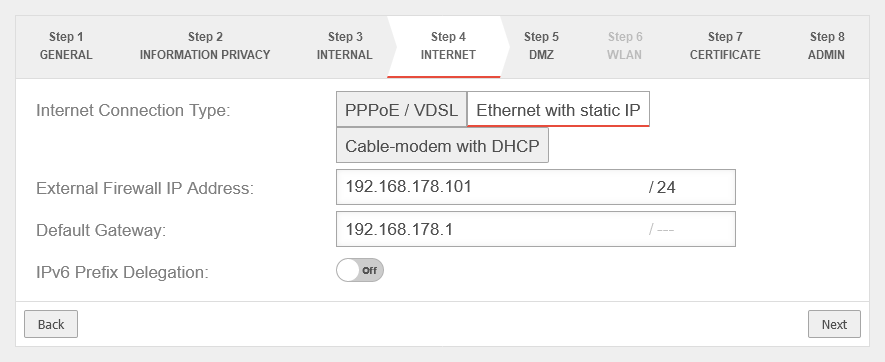 UTM v12.6 Installationsassistent Schritt 4 Ethernet statisch-en.png 885 × 362; 26 KB
-
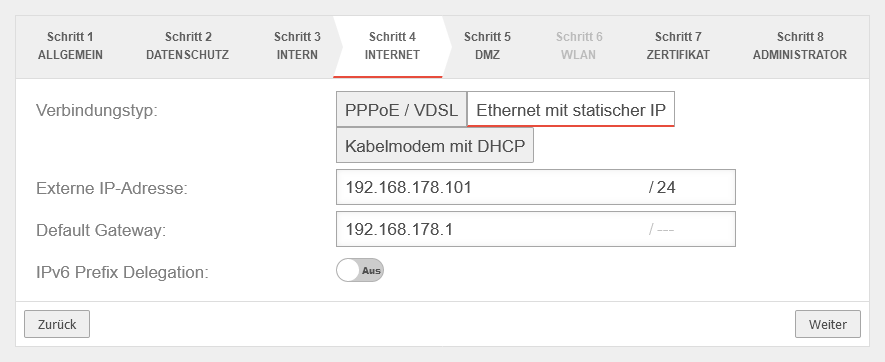 UTM v12.6 Installationsassistent Schritt 4 Ethernet statisch.png 885 × 362; 25 KB
-
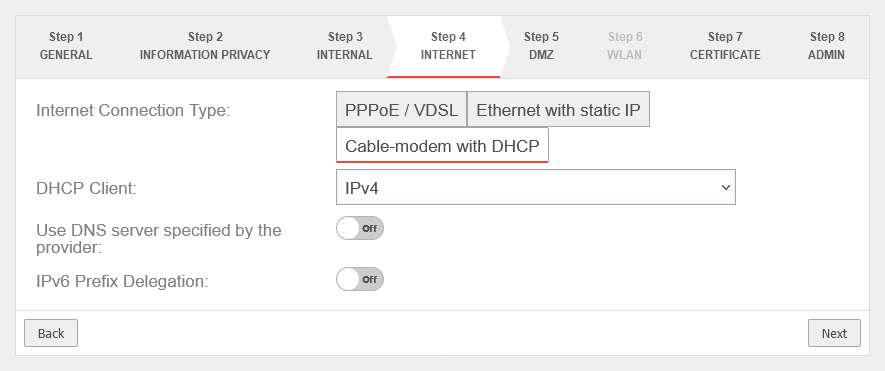 UTM v12.6 Installationsassistent Schritt 4 Kabelmodem DHCP-en.png 885 × 371; 25 KB
-
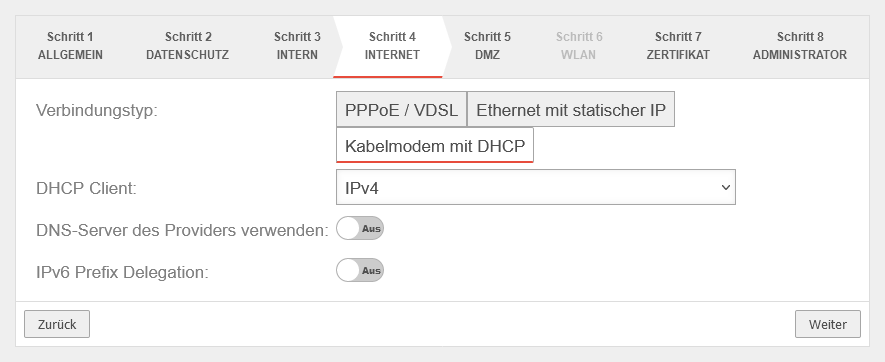 UTM v12.6 Installationsassistent Schritt 4 Kabelmodem DHCP.png 885 × 362; 24 KB
-
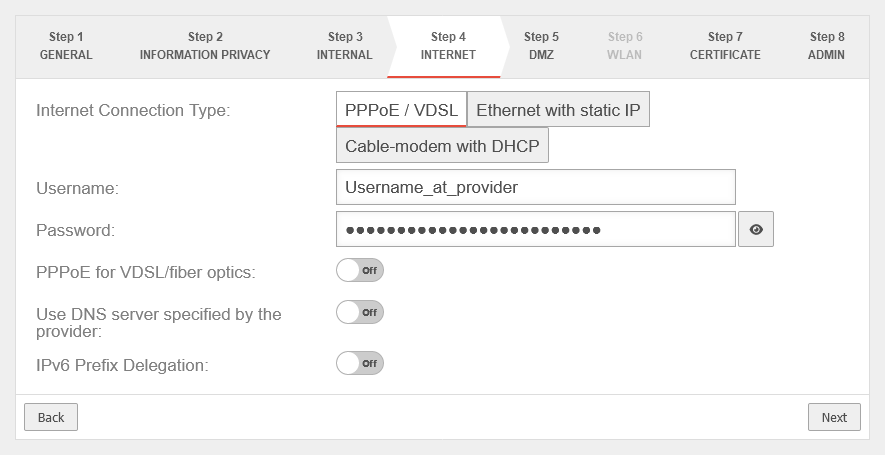 UTM v12.6 Installationsassistent Schritt 4 PPPoE+VDSL-en.png 885 × 455; 31 KB
-
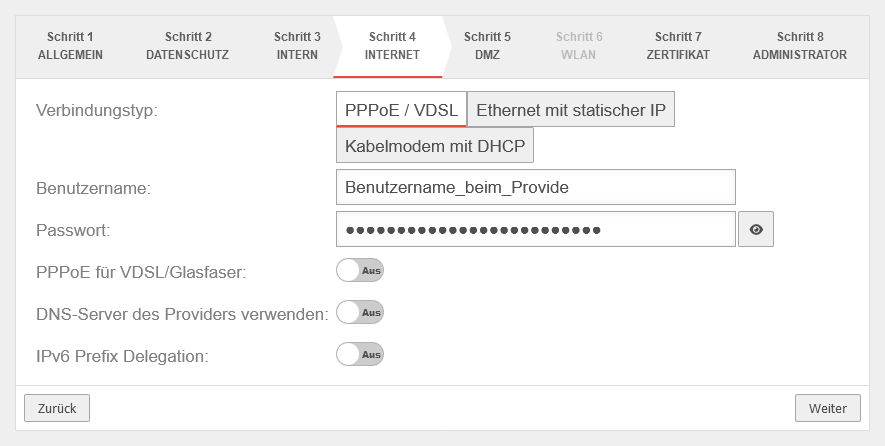 UTM v12.6 Installationsassistent Schritt 4 PPPoE+VDSL.png 885 × 446; 31 KB
-
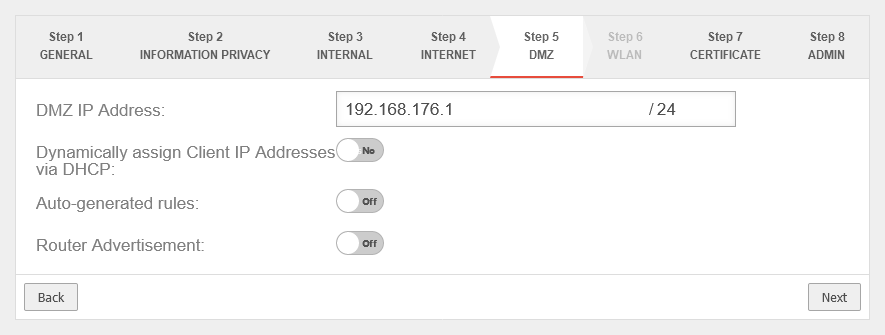 UTM v12.6 Installationsassistent Schritt 5-en.png 885 × 335; 22 KB
-
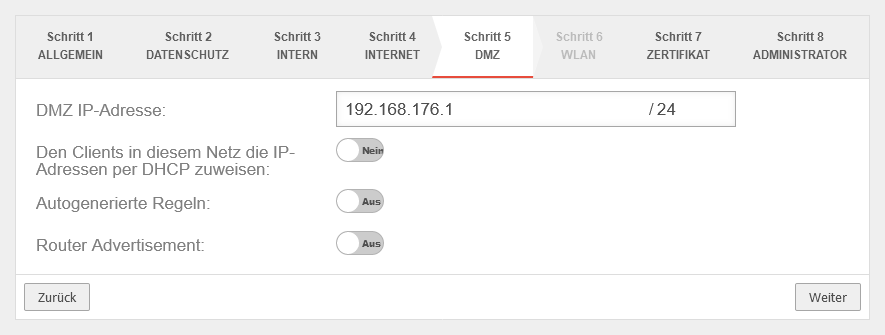 UTM v12.6 Installationsassistent Schritt 5.png 885 × 335; 23 KB
-
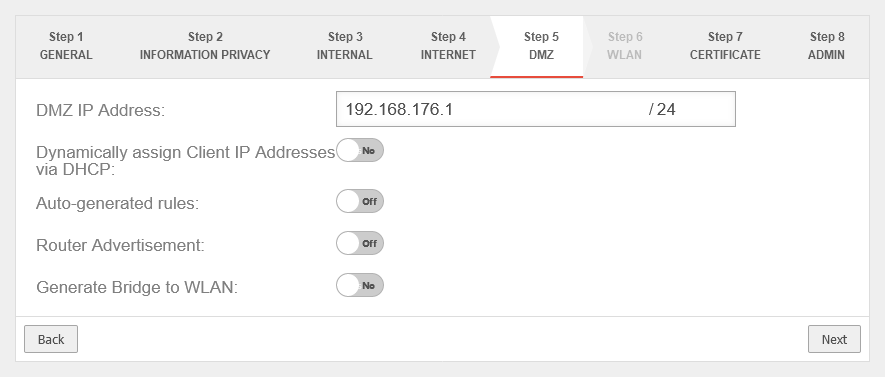 UTM v12.6 Installationsassistent Schritt 5 WLAN-en.png 885 × 377; 26 KB
-
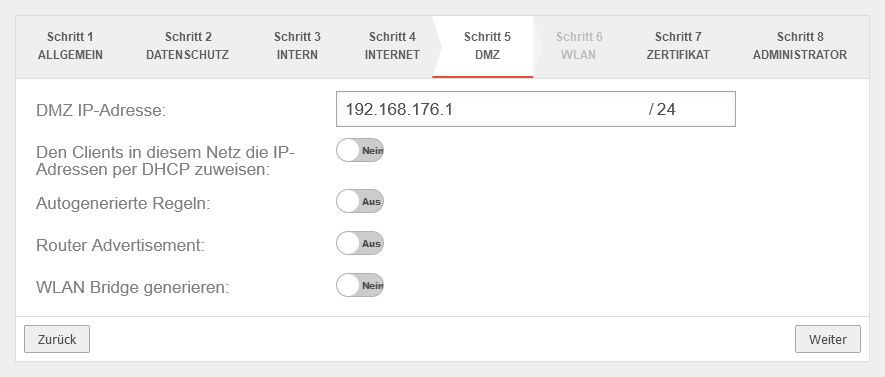 UTM v12.6 Installationsassistent Schritt 5 WLAN.png 885 × 377; 27 KB
-
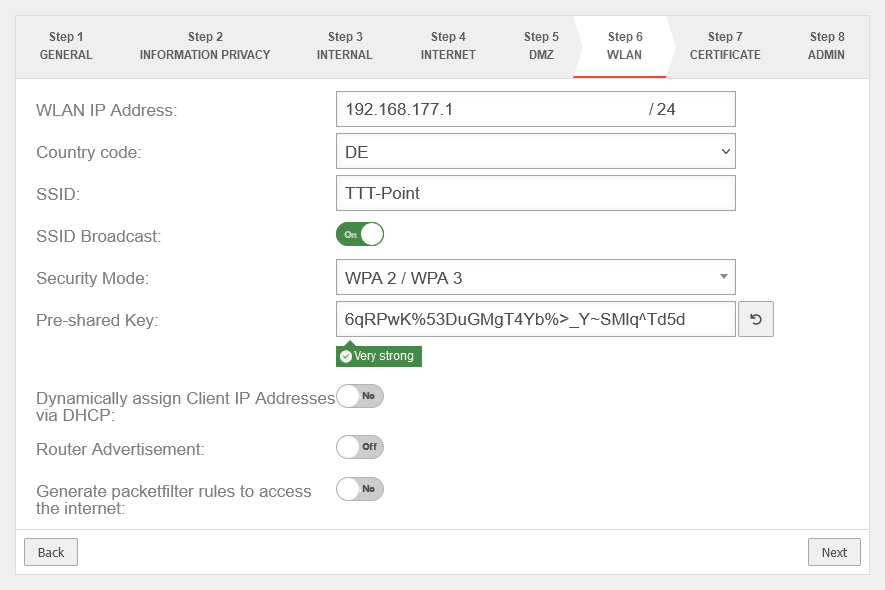 UTM v12.6 Installationsassistent Schritt 6-en.png 885 × 590; 41 KB
-
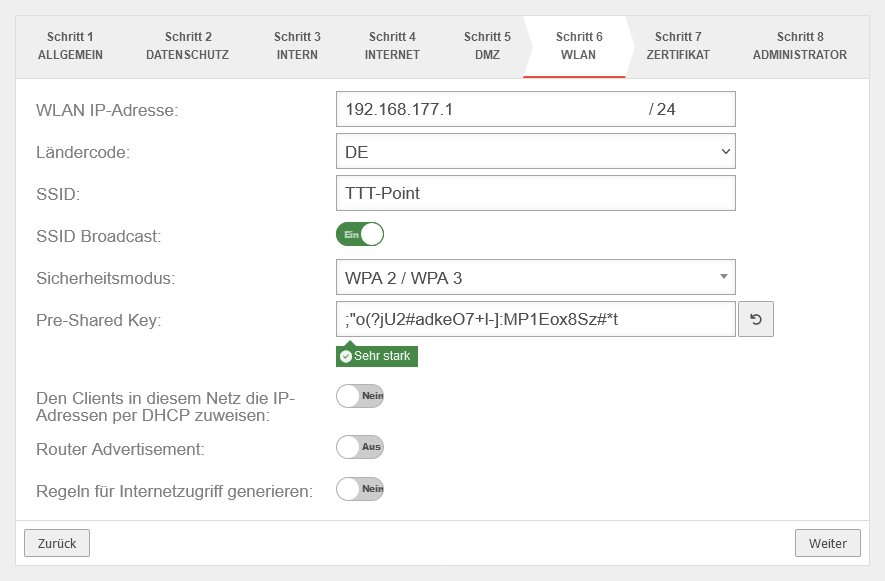 UTM v12.6 Installationsassistent Schritt 6.png 885 × 581; 40 KB
-
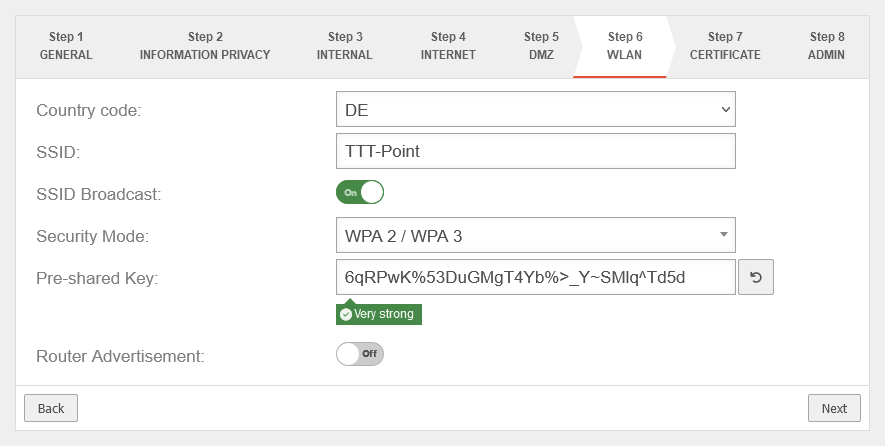 UTM v12.6 Installationsassistent Schritt 6 Bridge-en.png 885 × 446; 30 KB


