Unten werden bis zu 50 Ergebnisse im Bereich 12.651 bis 12.700 angezeigt.
-
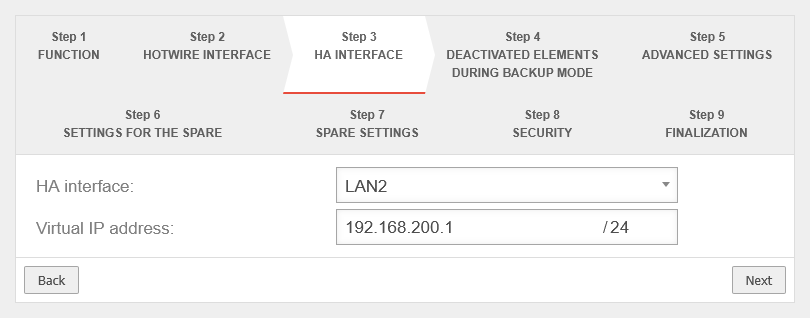 UTM v14.1.0 Cluster Assistent Master Schritt 3-en.png 810 × 318; 20 KB
-
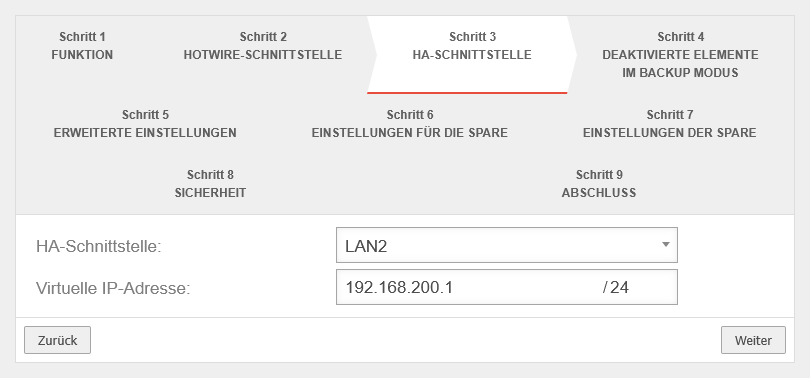 UTM v14.1.0 Cluster Assistent Master Schritt 3.png 810 × 378; 23 KB
-
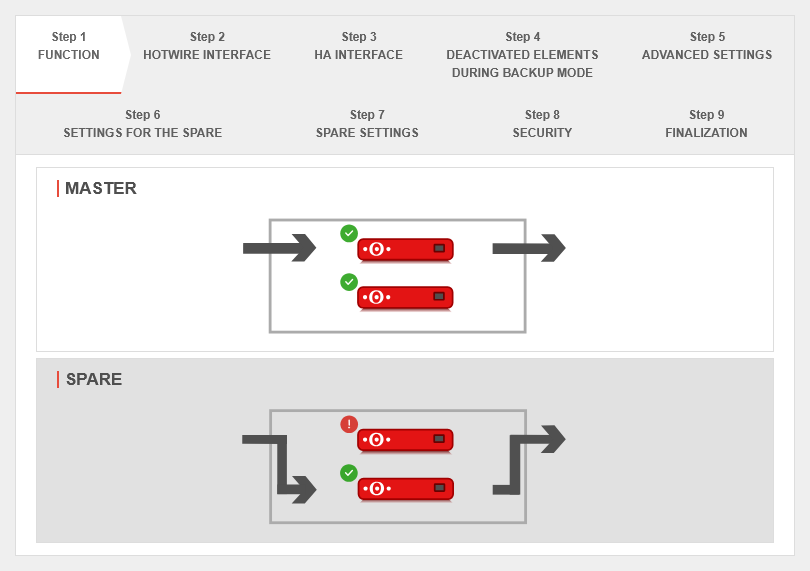 UTM v14.1.0 Cluster Assistent Spare Schritt 1-en.png 810 × 571; 35 KB
-
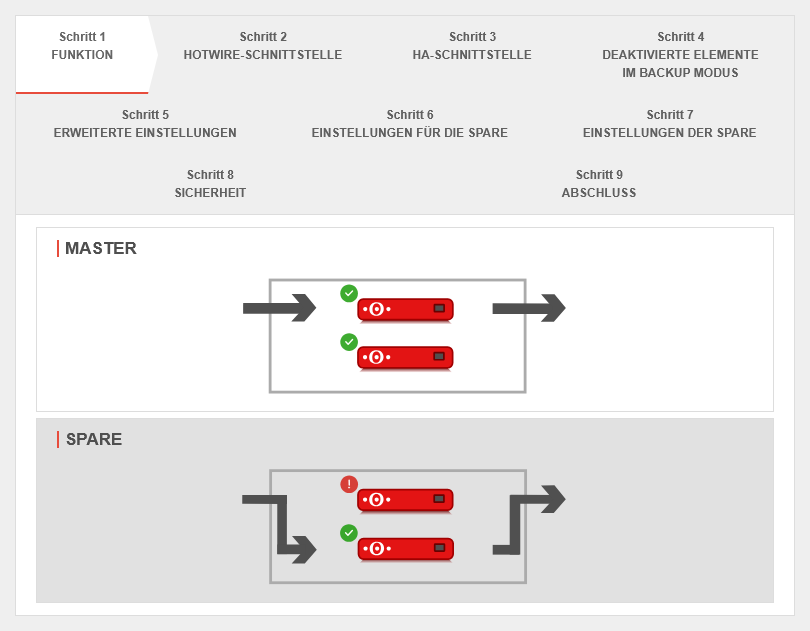 UTM v14.1.0 Cluster Assistent Spare Schritt 1.png 810 × 631; 38 KB
-
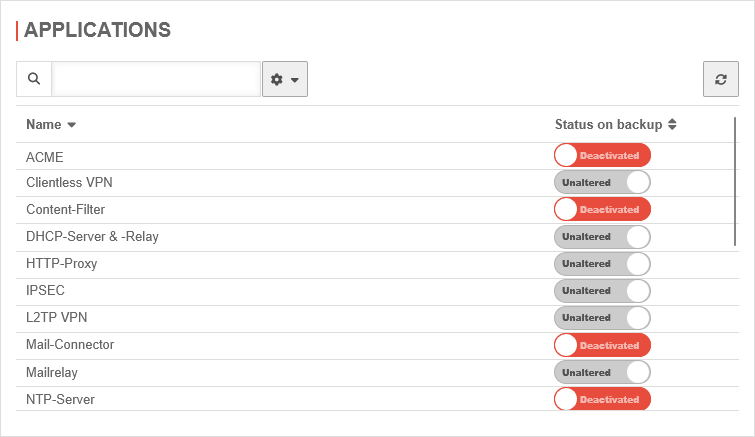 UTM v14.1.0 Cluster Clusterkonfiguration Anwendungen-en.png 755 × 437; 32 KB
-
 UTM v14.1.0 Cluster Clusterkonfiguration Anwendungen.png 755 × 437; 33 KB
-
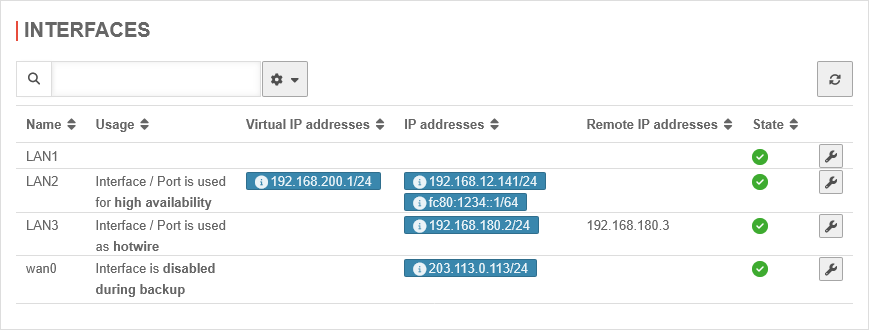 UTM v14.1.0 Cluster Clusterkonfiguration Schnittstellen 2-en.png 869 × 330; 27 KB
-
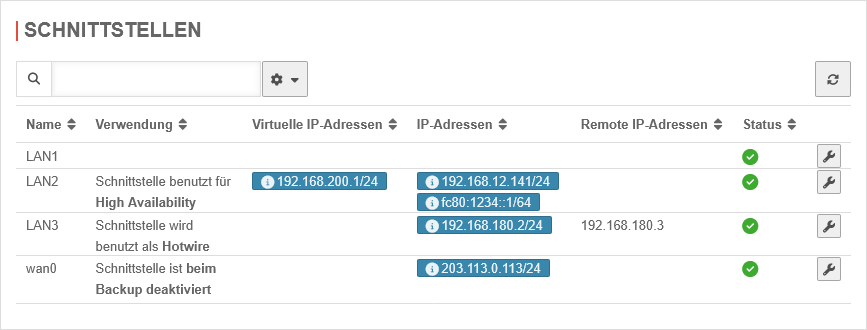 UTM v14.1.0 Cluster Clusterkonfiguration Schnittstellen 2.png 867 × 330; 28 KB
-
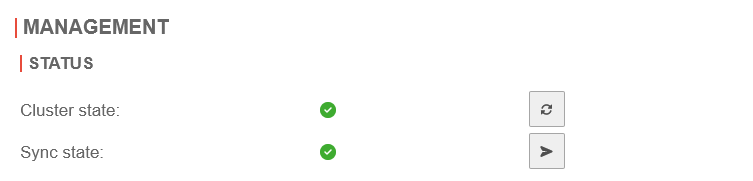 UTM v14.1.0 Cluster Ergebnis 1 master-en.png 753 × 181; 8 KB
-
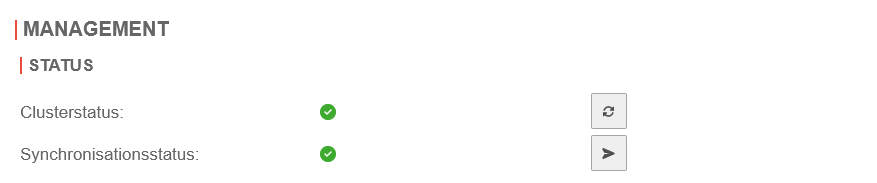 UTM v14.1.0 Cluster Ergebnis 1 master.png 877 × 183; 9 KB
-
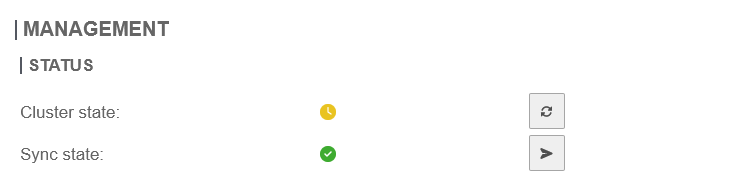 UTM v14.1.0 Cluster Ergebnis 1 spare-en.png 753 × 183; 8 KB
-
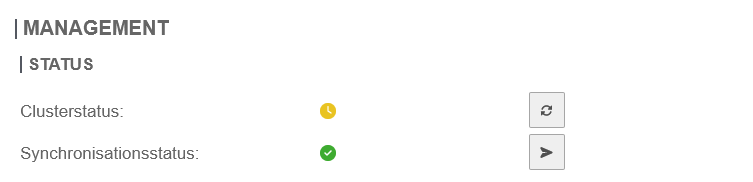 UTM v14.1.0 Cluster Ergebnis 1 spare.png 753 × 182; 9 KB
-
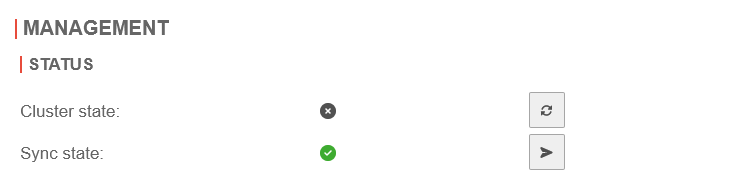 UTM v14.1.0 Cluster Sync-Status gruen-en.png 753 × 182; 8 KB
-
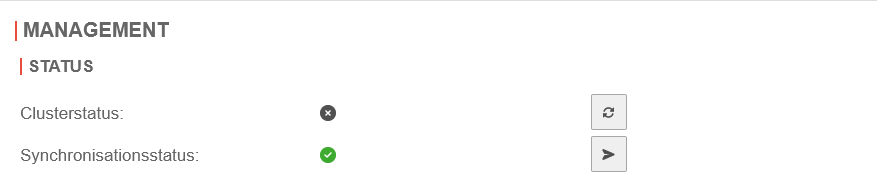 UTM v14.1.0 Cluster Sync-Status gruen.png 877 × 184; 9 KB
-
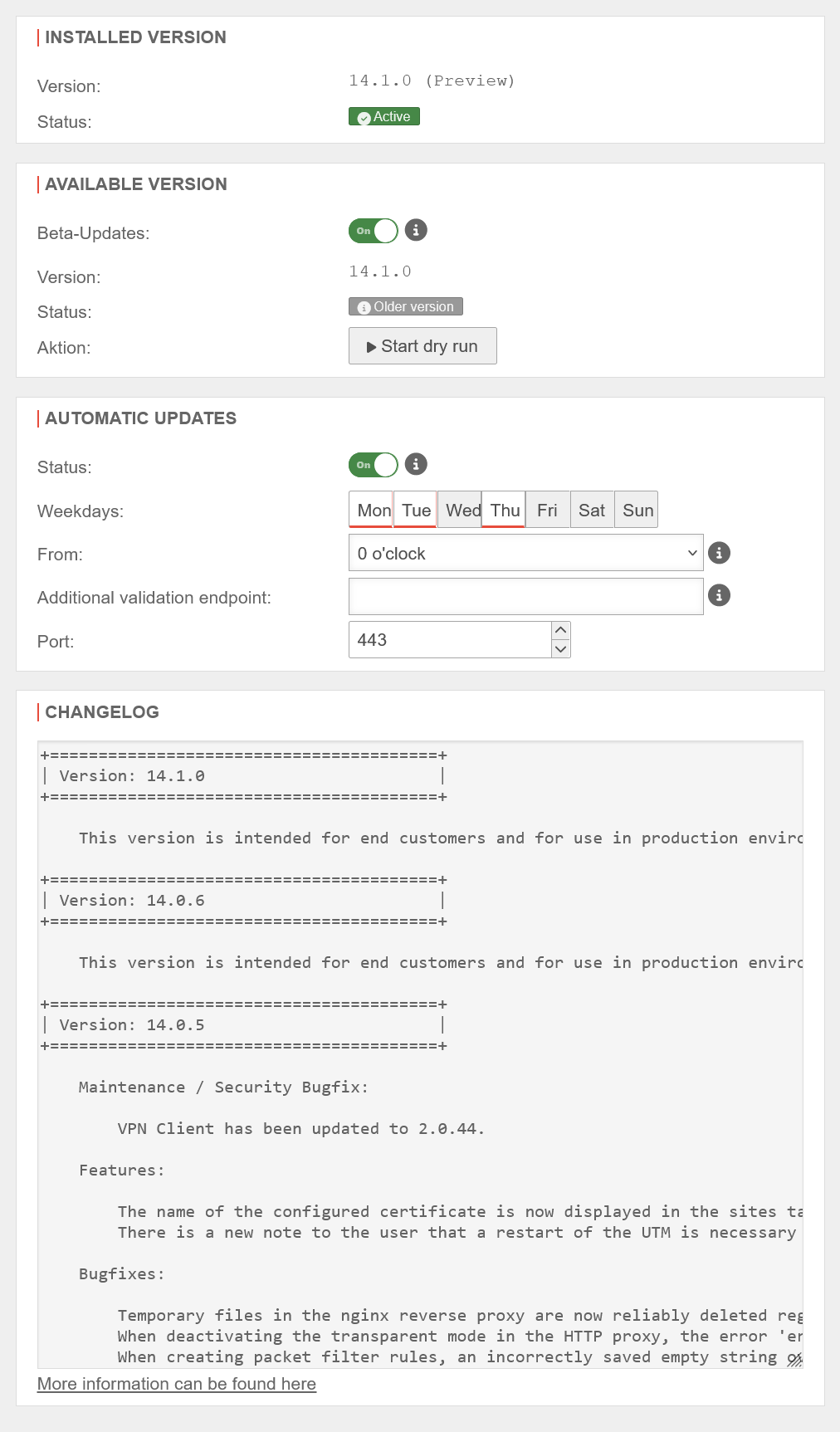 UTM v14.1.0 Extras Firmware Updates-en.png 1.012 × 1.725; 128 KB
-
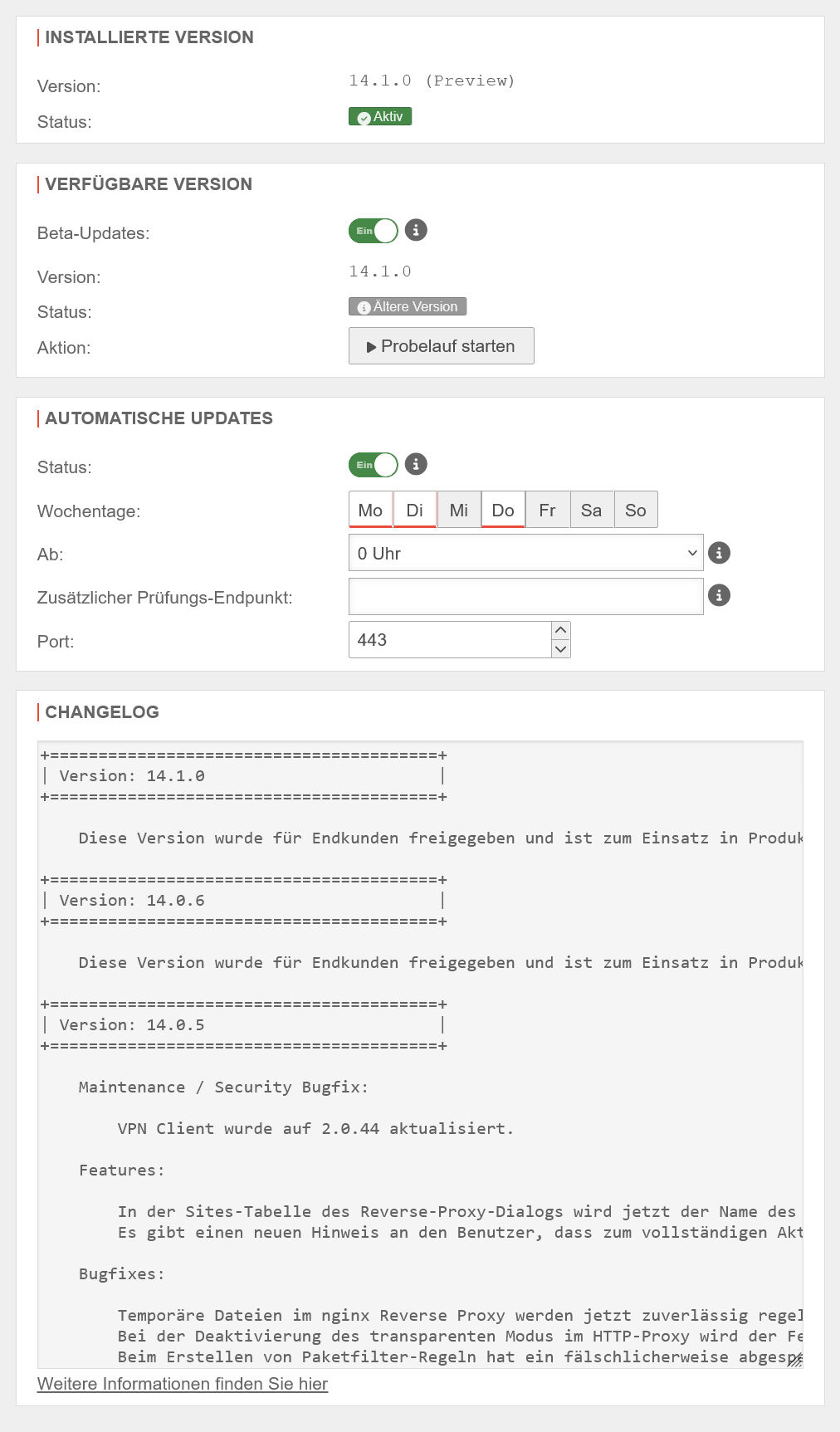 UTM v14.1.0 Extras Firmware Updates.png 1.012 × 1.725; 130 KB
-
 UTM v14.1.0 Firewall Paketfilter Regel Assistent-en.png 810 × 574; 50 KB
-
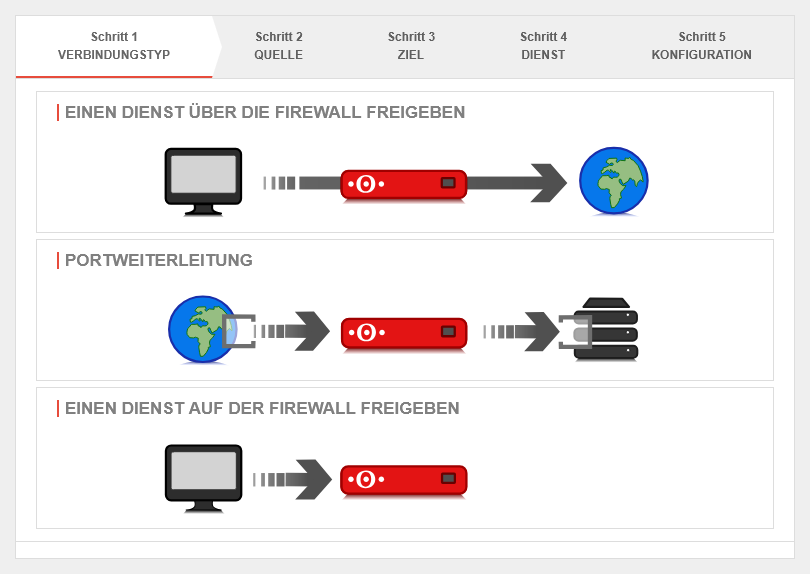 UTM v14.1.0 Firewall Paketfilter Regel Assistent.png 810 × 574; 50 KB
-
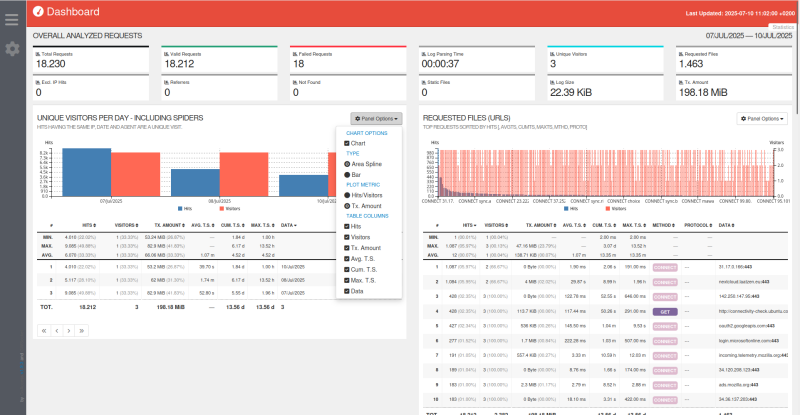 UTM v14.1.0 HTTP-Statistiken.png 800 × 415; 131 KB
-
 UTM v14.1.0 HTTP-Statistiken Dialog-en.png 780 × 171; 11 KB
-
 UTM v14.1.0 HTTP-Statistiken Dialog.png 780 × 173; 12 KB
-
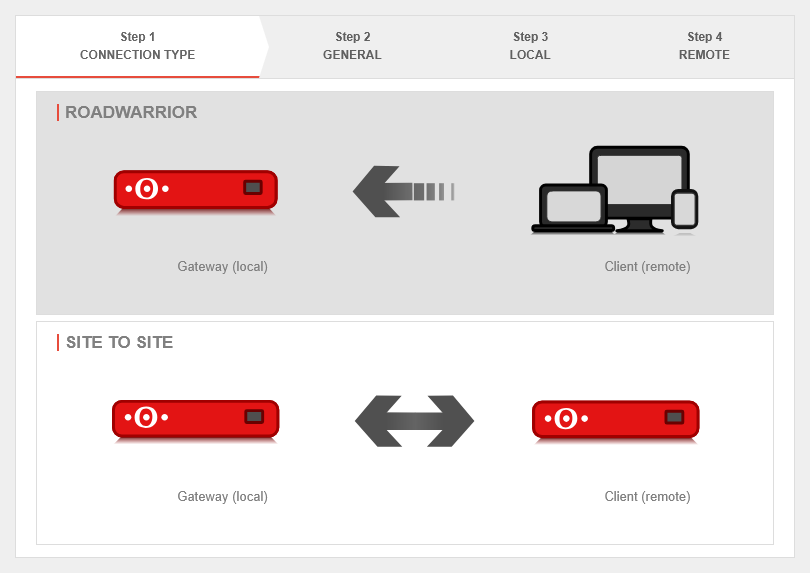 UTM v14.1.0 IPSec-EAP Verbindungsassistent Schritt 1-en.png 810 × 573; 35 KB
-
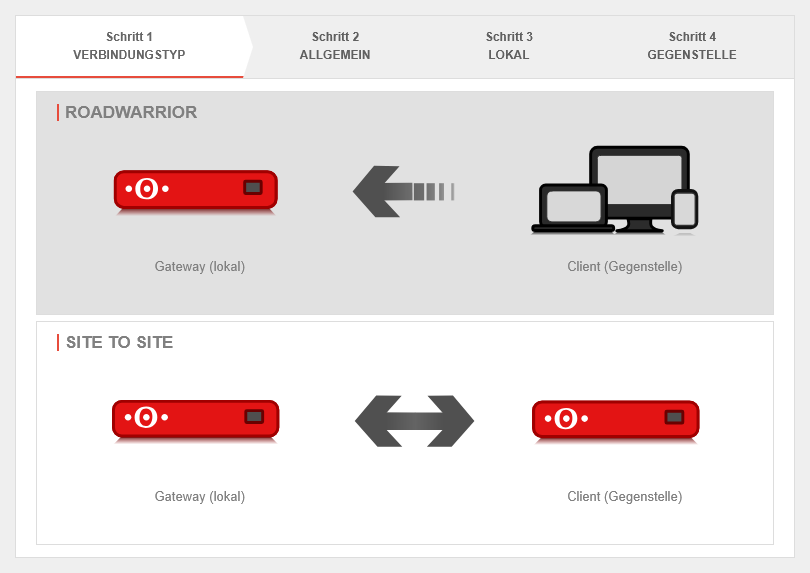 UTM v14.1.0 IPSec-EAP Verbindungsassistent Schritt 1.png 810 × 573; 35 KB
-
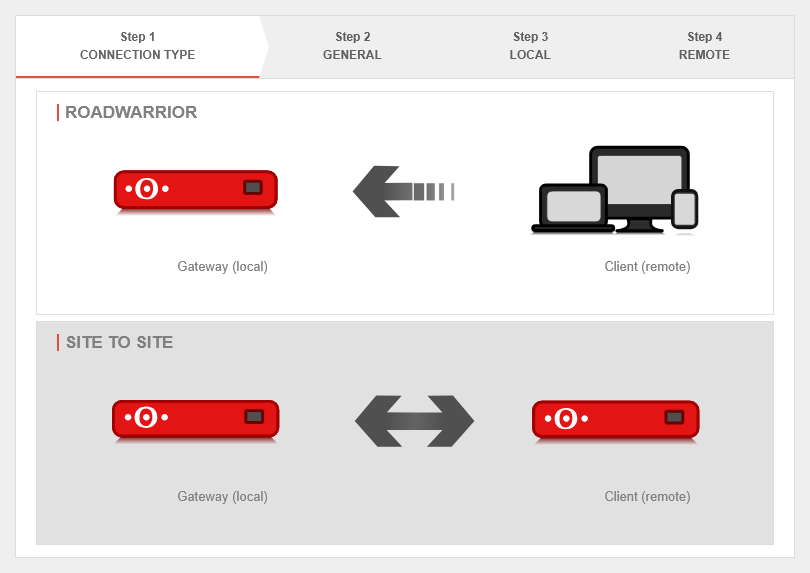 UTM v14.1.0 IPSec Multipathrouting Konfiguration Schritt 1-en.png 810 × 573; 35 KB
-
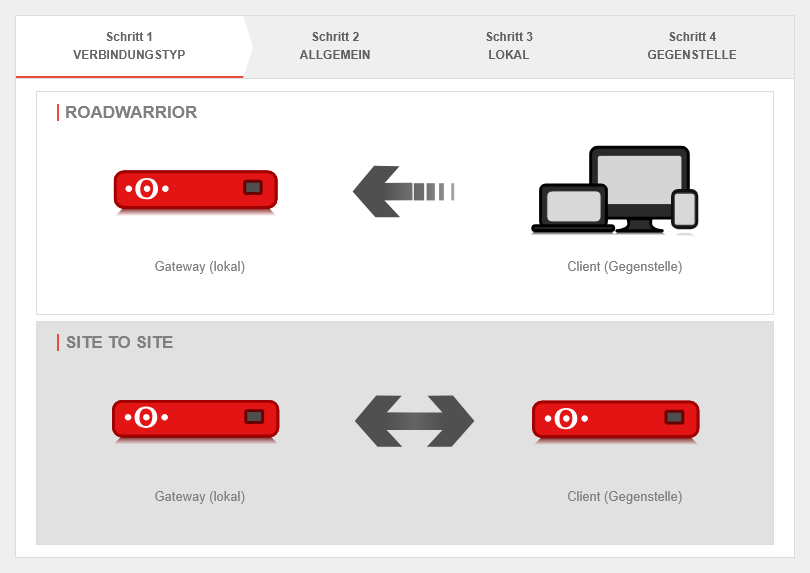 UTM v14.1.0 IPSec Multipathrouting Konfiguration Schritt 1.png 810 × 573; 35 KB
-
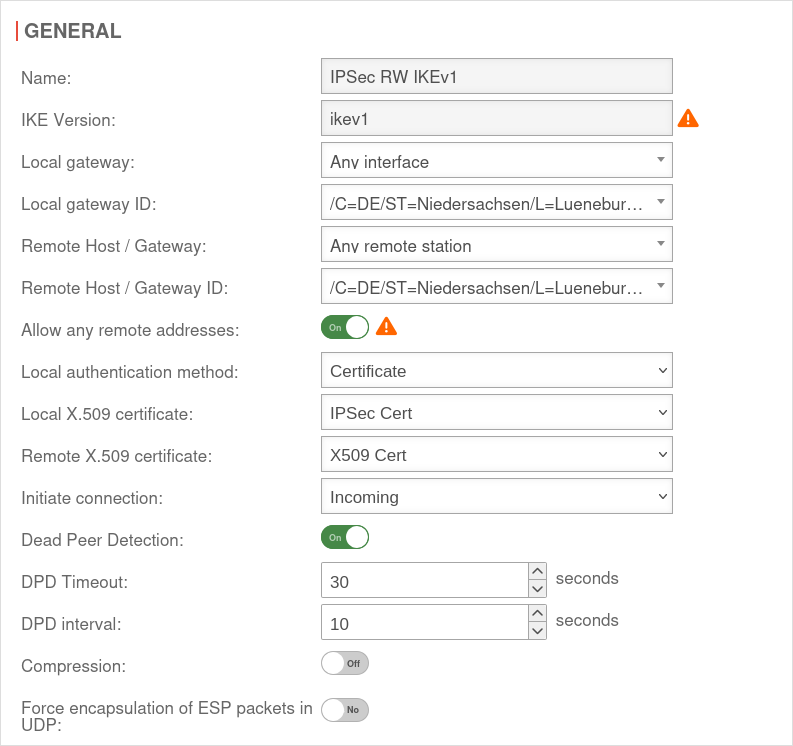 UTM v14.1.0 IPSec RW IKEv1 Phase1 Allgemein-en.png 793 × 746; 85 KB
-
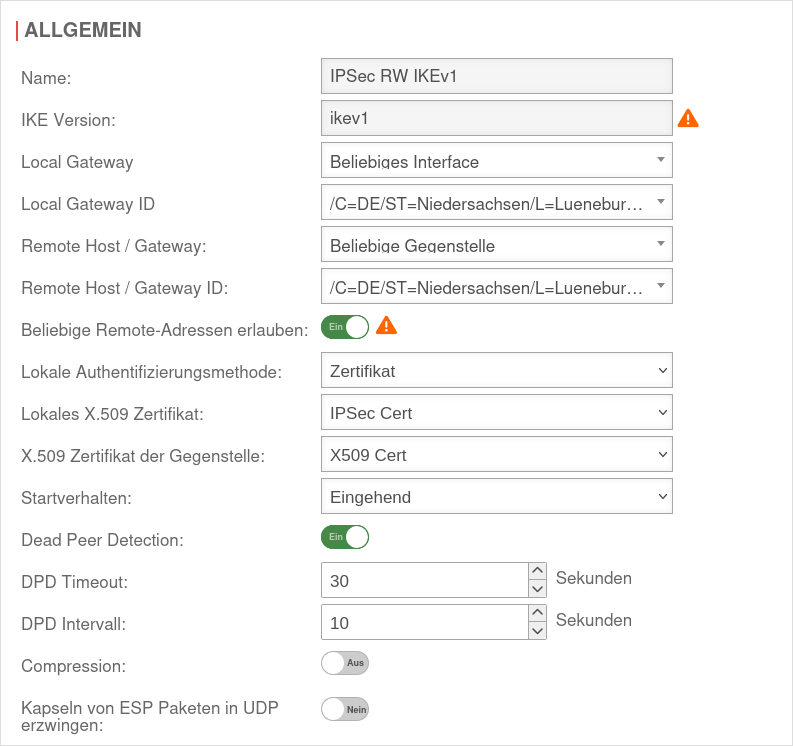 UTM v14.1.0 IPSec RW IKEv1 Phase1 Allgemein.png 793 × 746; 88 KB
-
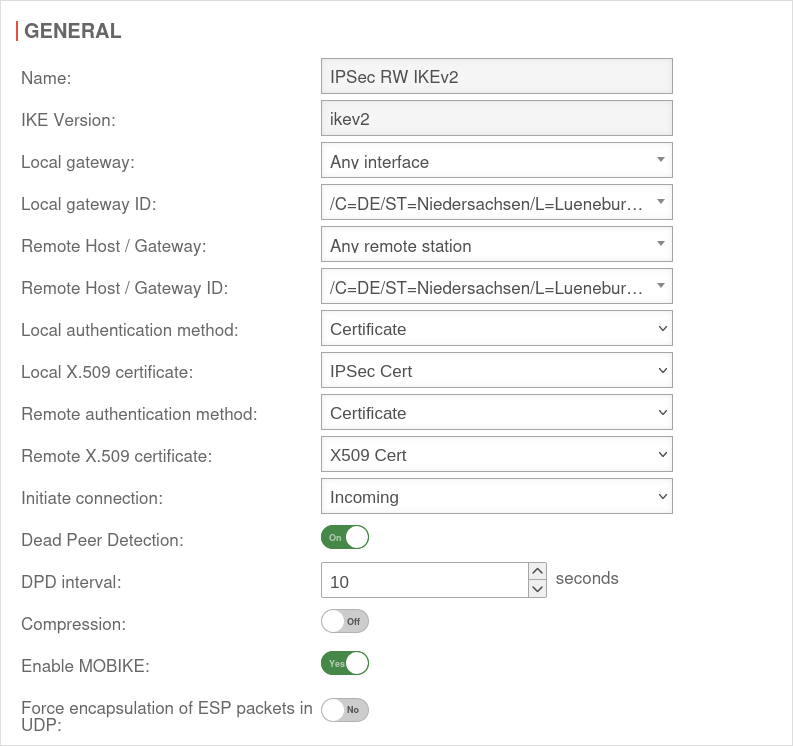 UTM v14.1.0 IPSec RW IKEv2 Phase1 Allgemein-en.png 793 × 746; 84 KB
-
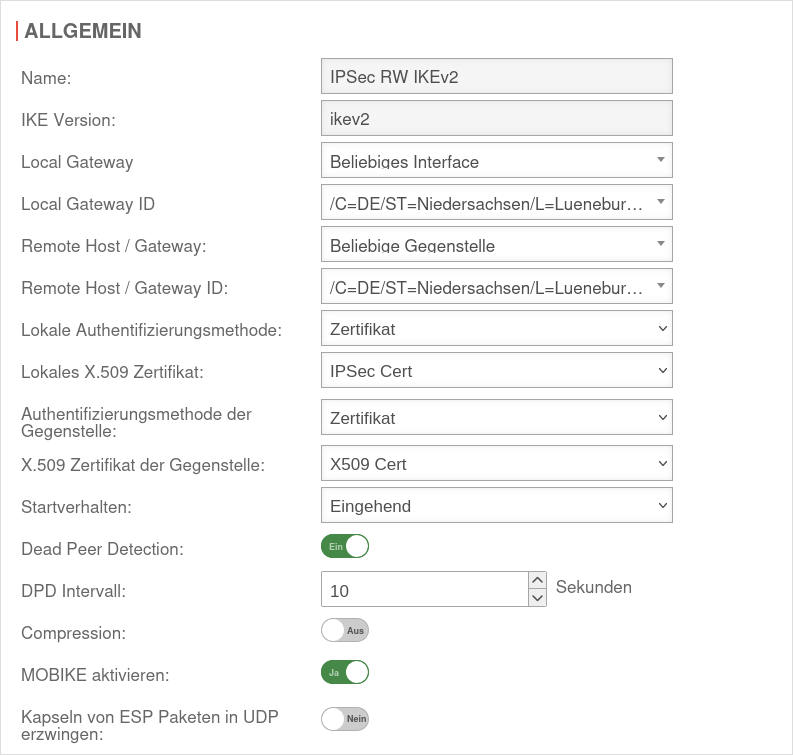 UTM v14.1.0 IPSec RW IKEv2 Phase1 Allgemein.png 793 × 755; 88 KB
-
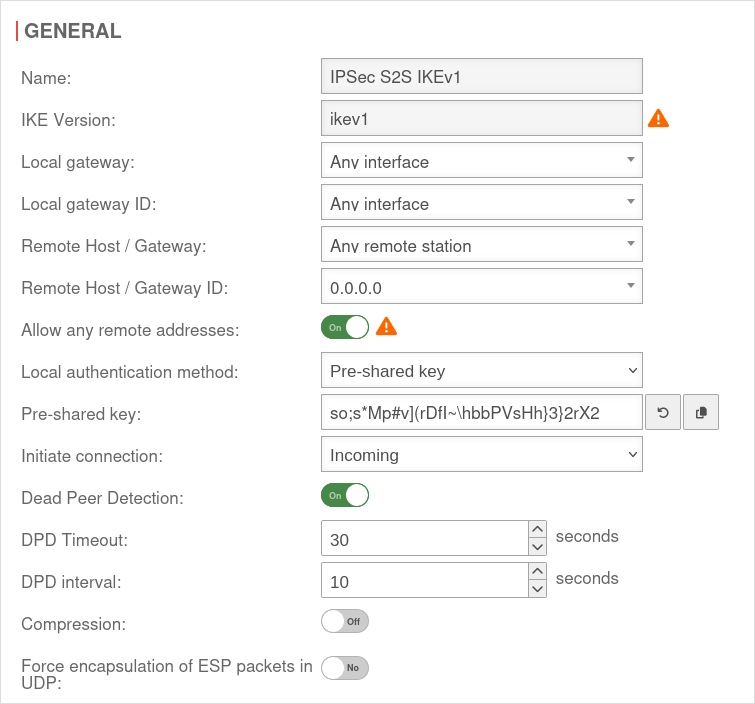 UTM v14.1.0 IPSec S2S IKEv1 Phase1-en.png 755 × 704; 77 KB
-
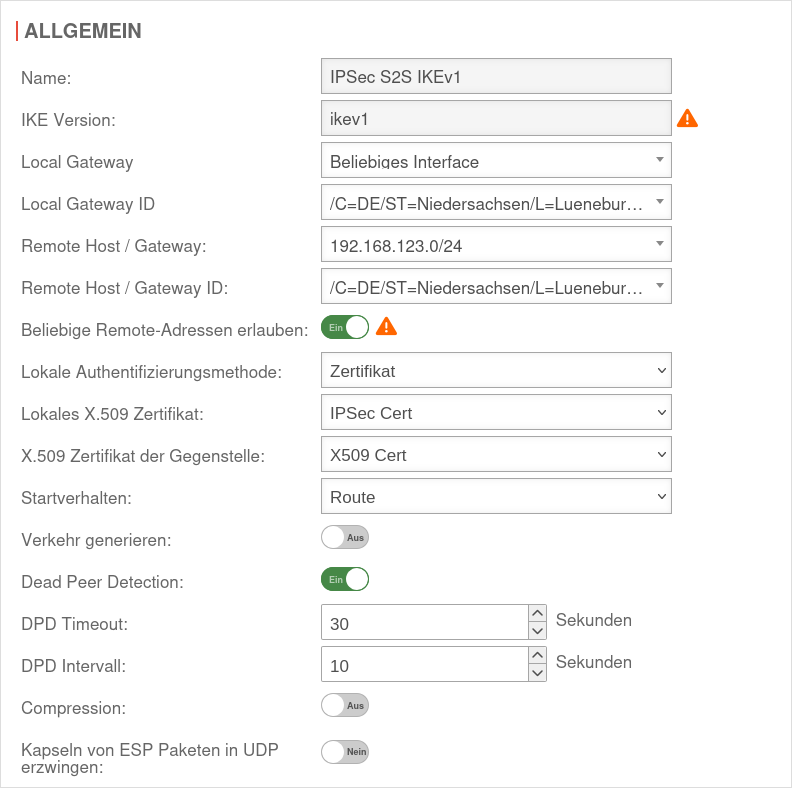 UTM v14.1.0 IPSec S2S IKEv1 Phase1.png 792 × 788; 91 KB
-
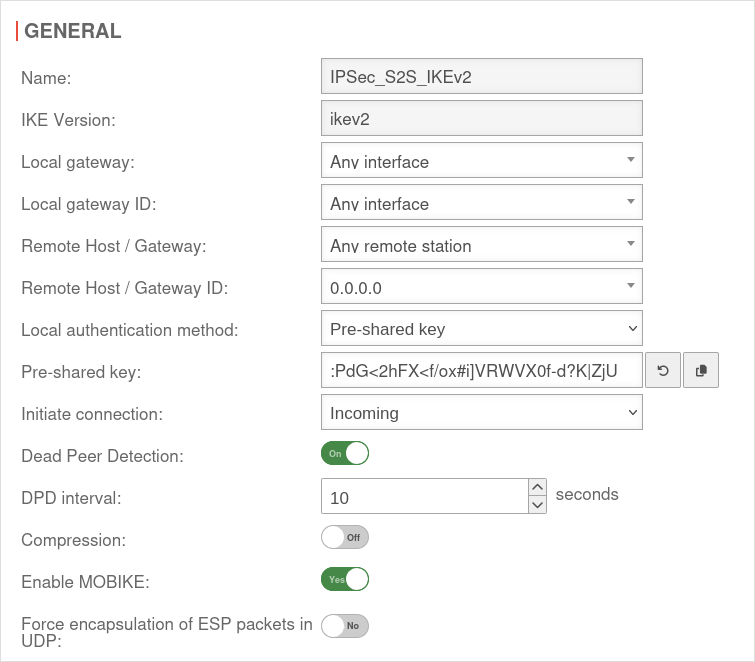 UTM v14.1.0 IPSec S2S IKEv2 Phase1-en.png 755 × 662; 72 KB
-
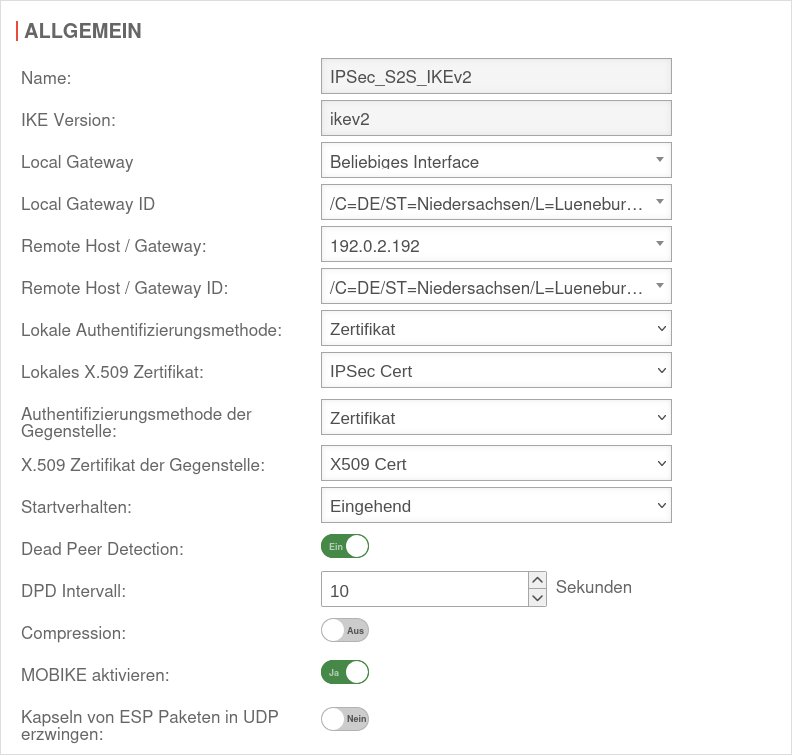 UTM v14.1.0 IPSec S2S IKEv2 Phase1.png 792 × 755; 87 KB
-
 UTM v14.1.0 IPSec S2S Schritt1-en.png 810 × 573; 35 KB
-
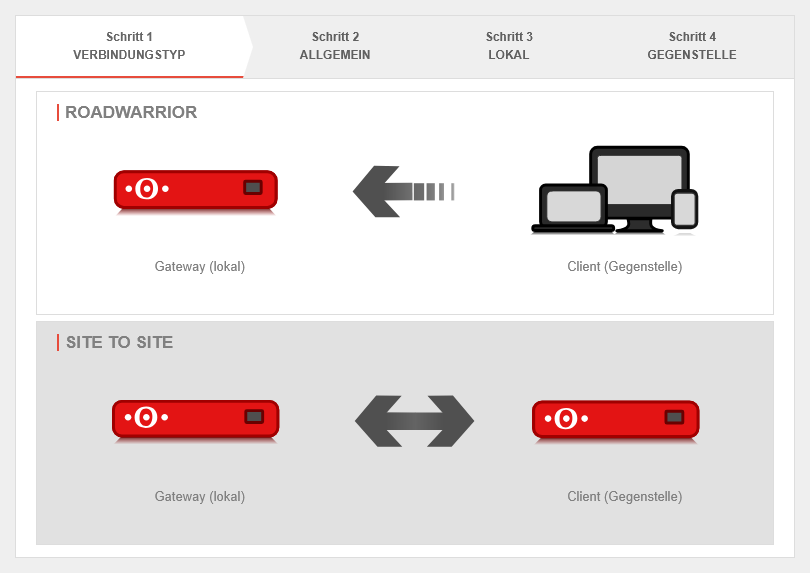 UTM v14.1.0 IPSec S2S Schritt1.png 810 × 573; 35 KB
-
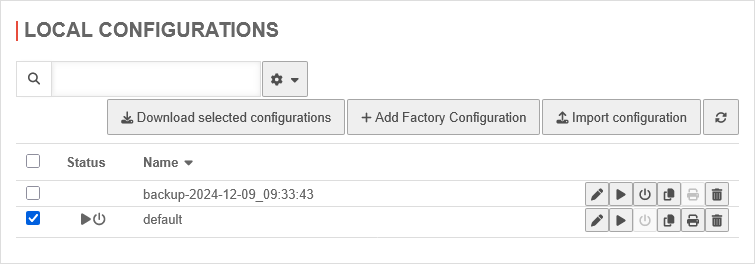 UTM v14.1.0 Konfiguration Lokale Konfiguration-en.png 755 × 264; 18 KB
-
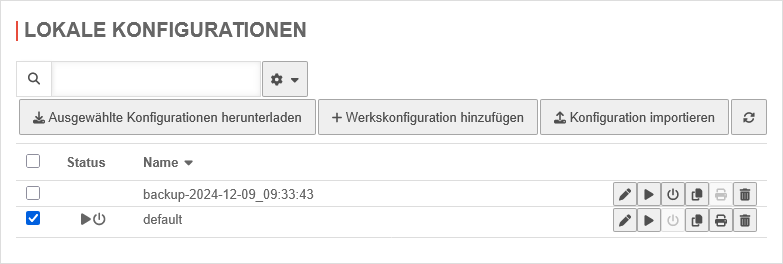 UTM v14.1.0 Konfiguration Lokale Konfiguration.png 783 × 264; 18 KB
-
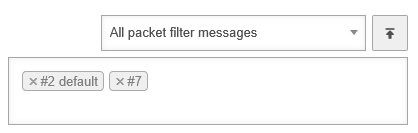 UTM v14.1.0 Log Paketfilter-en.png 418 × 133; 5 KB
-
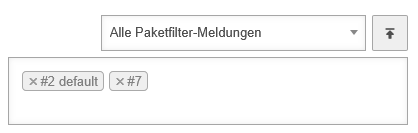 UTM v14.1.0 Log Paketfilter.png 418 × 133; 5 KB
-
 UTM v14.1.0 Mailrelay Allgemein-en.png 755 × 443; 48 KB
-
 UTM v14.1.0 Mailrelay Allgemein.png 755 × 452; 51 KB
-
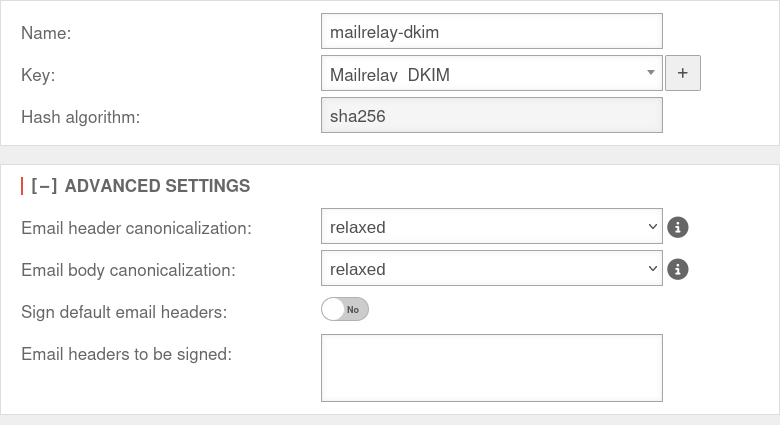 UTM v14.1.0 Mailrelay DKIM Selector bearbeiten-en.png 780 × 425; 38 KB
-
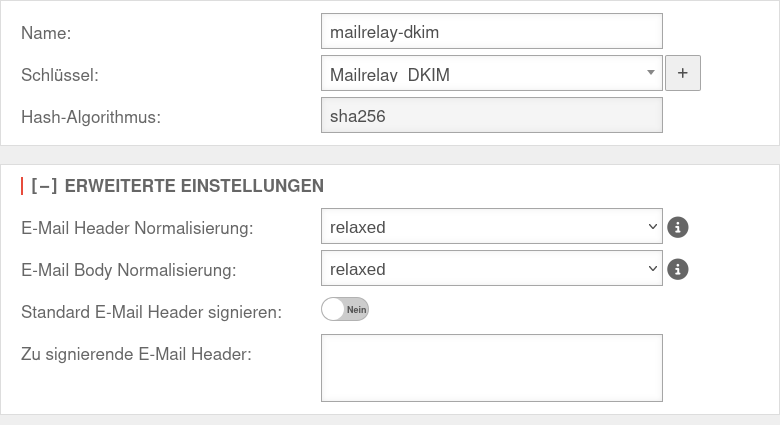 UTM v14.1.0 Mailrelay DKIM Selector bearbeiten.png 780 × 425; 40 KB
-
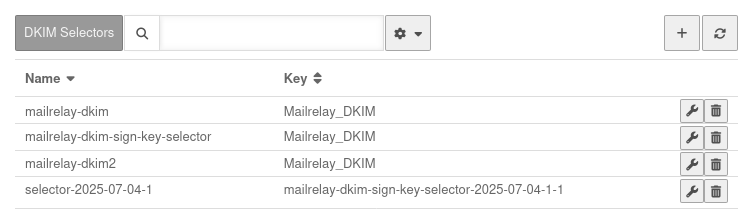 UTM v14.1.0 Mailrelay DKIM Selectoren-en.png 753 × 219; 25 KB
-
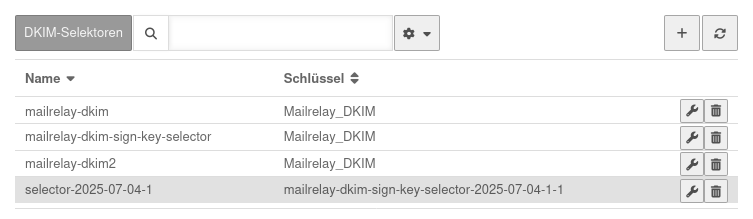 UTM v14.1.0 Mailrelay DKIM Selectoren.png 753 × 219; 25 KB
-
 UTM v14.1.0 Mailrelay Domain hinzufügen-en.png 668 × 170; 11 KB
-
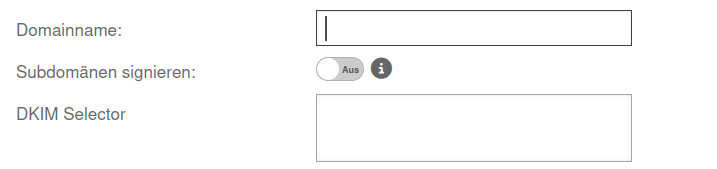 UTM v14.1.0 Mailrelay Domain hinzufügen.png 811 × 154; 10 KB
-
 UTM v14.1.0 Mailrelay Relaying Domain hinzufügen-en.png 811 × 154; 10 KB
-
 UTM v14.1.0 Mailrelay Relaying Domain hinzufügen.png 811 × 154; 10 KB
-
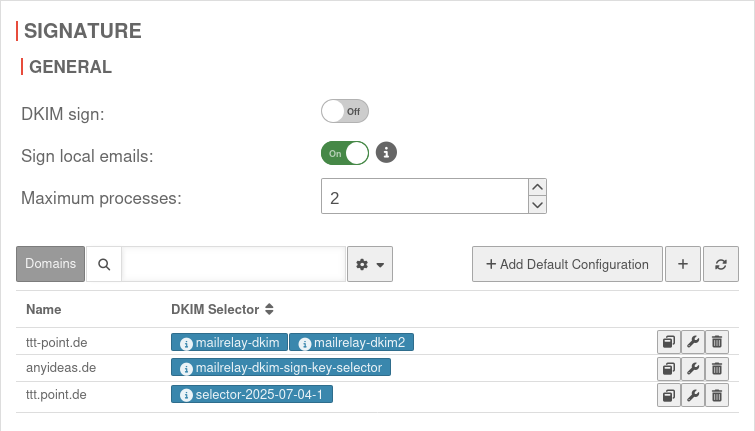 UTM v14.1.0 Mailrelay Signierung-en.png 755 × 431; 44 KB


