Bitte beachte, dass andere Webseiten eine Datei mit einer direkten URL verlinken können. Diese könnte daher hier aufgelistet sein, obwohl diese in aktiver Verwendung ist.
Unten werden bis zu 50 Ergebnisse im Bereich 2.951 bis 3.000 angezeigt.
-
 Video AWP Trainings mit Wirkung.png 640 × 360; 134 KB
-
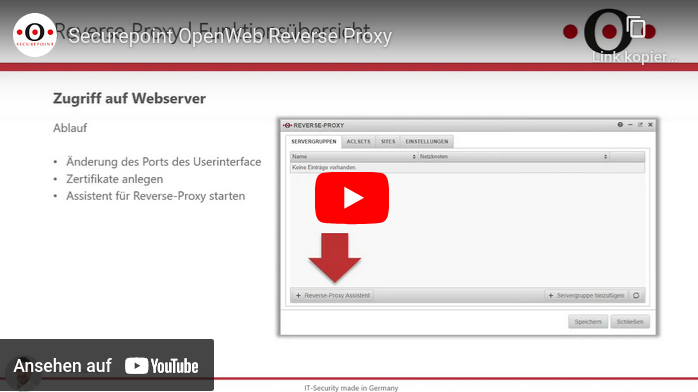 Video UTM App ReverseProxy.png 698 × 392; 98 KB
-
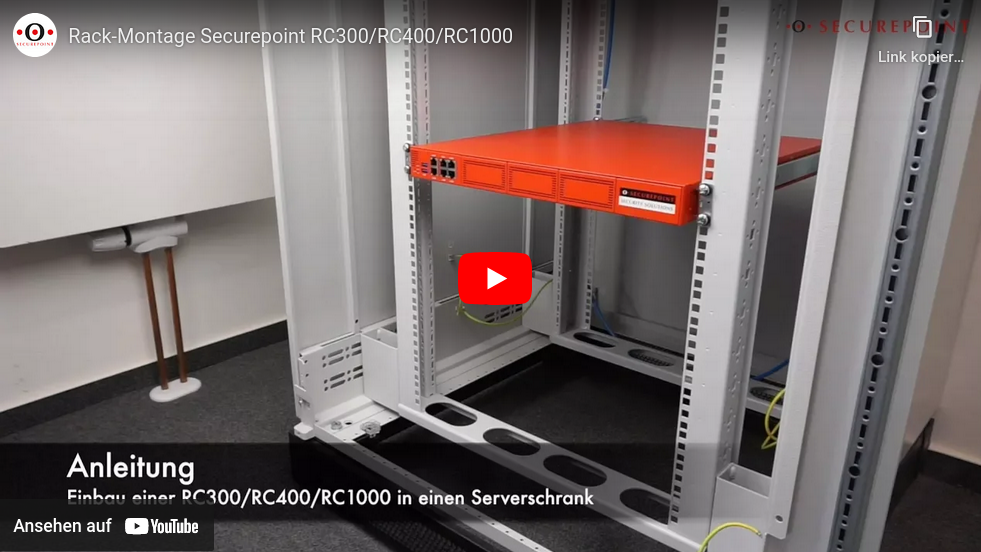 Video Rackmontage.png 981 × 552; 739 KB
-
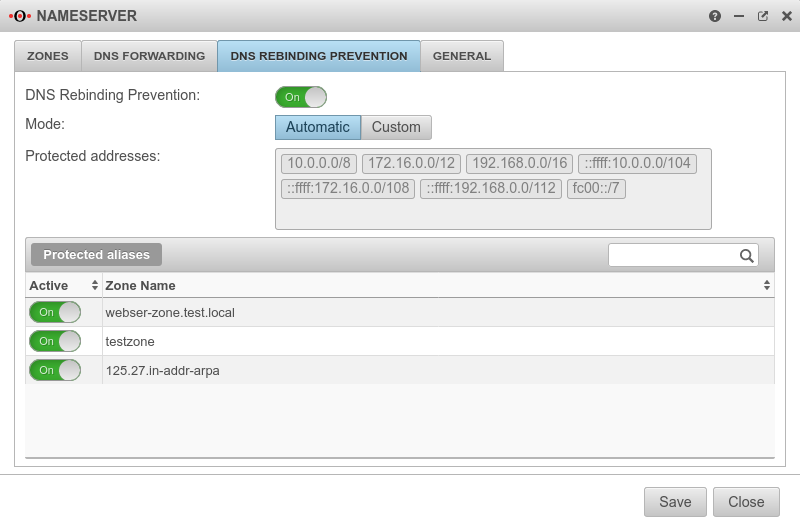 UTM v12.2 Nameserver DNS Rebinding Prevention-en.png 800 × 531; 57 KB
-
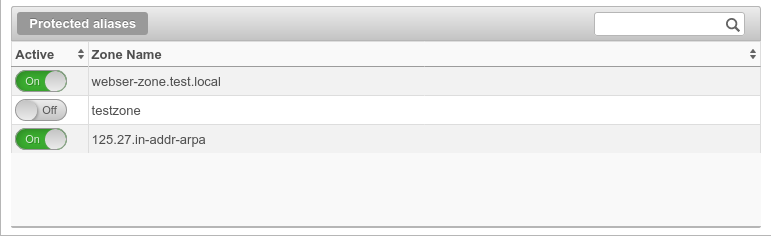 UTM v12.2 Nameserver DNS Rebinding Prevention Aliasse-en.png 771 × 236; 19 KB
-
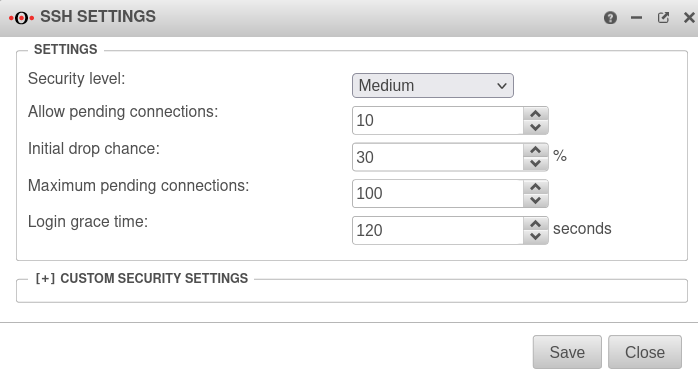 UTM v12.4 Authentifizierung SSH Einstellungen-en.png 698 × 381; 36 KB
-
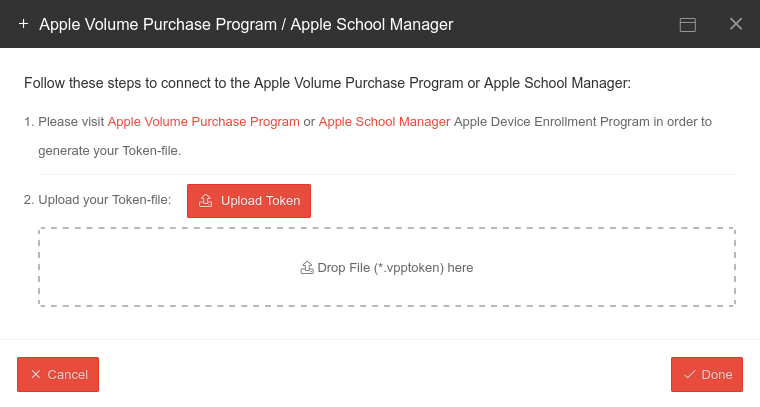 MS v1.8 VPP upload-en.png 760 × 407; 40 KB
-
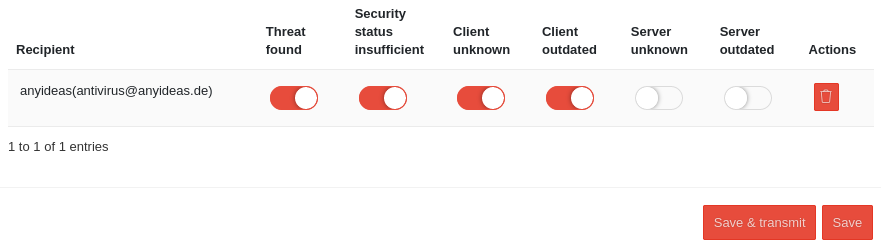
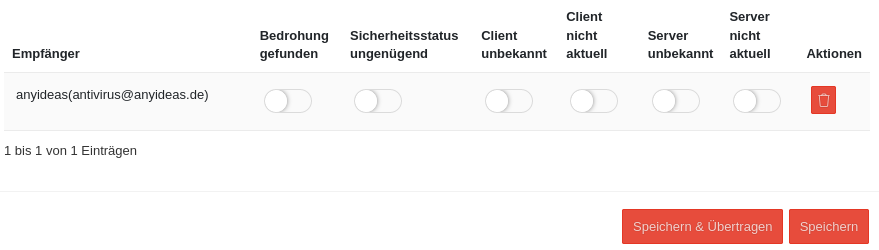
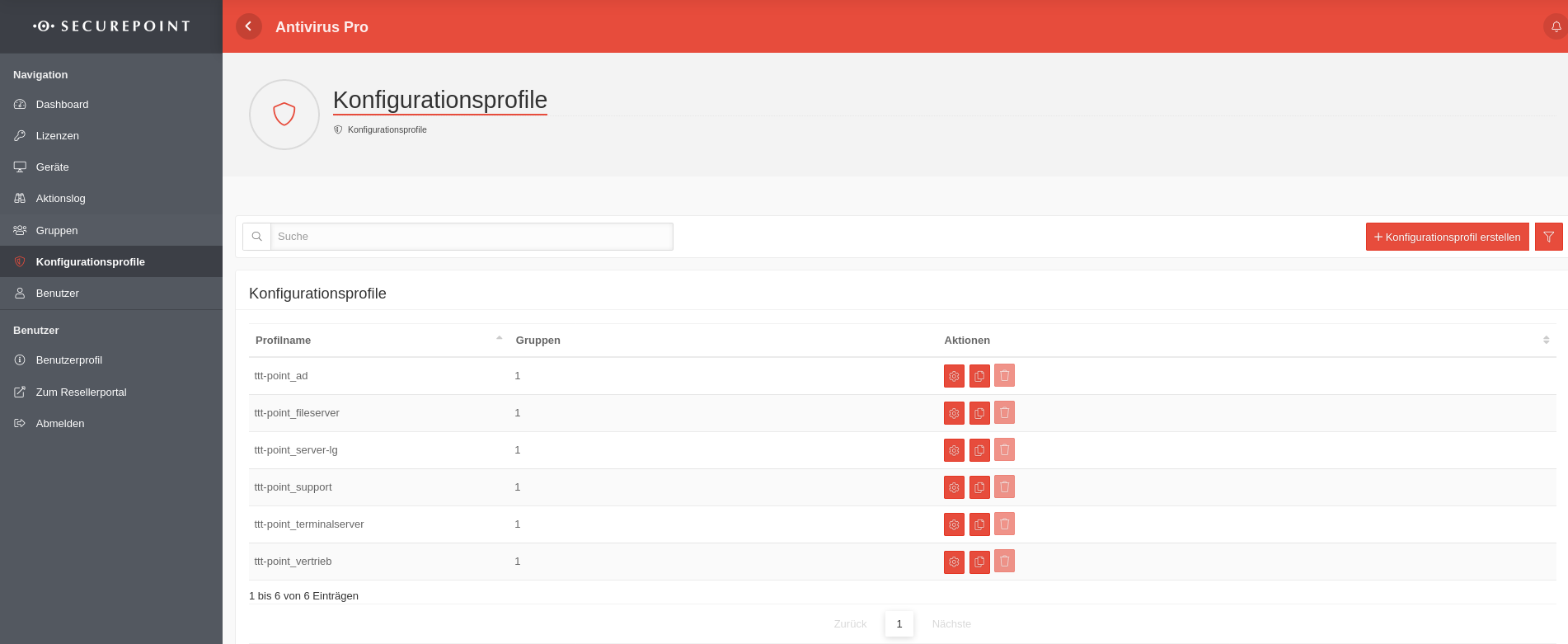 AV v3.16 Konfigurationsprofile Übersicht.png 1.902 × 781; 113 KB
-
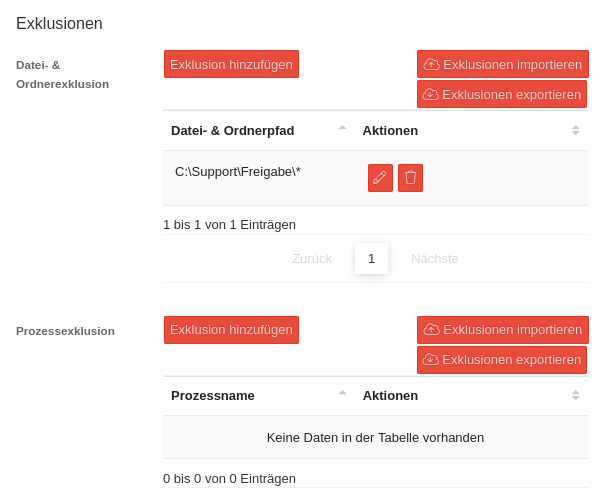 AVP v3.16.0 Konfigurationsprofile Exklusionen.png 609 × 495; 55 KB
-
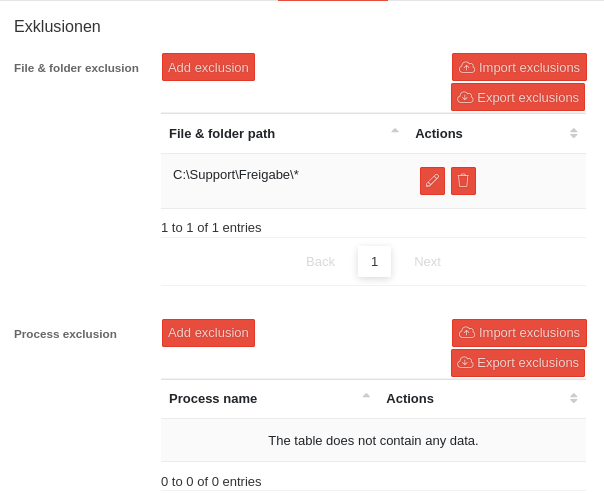 AVP v3.16.0 Konfigurationsprofile Exklusionen-en.png 604 × 494; 47 KB
-
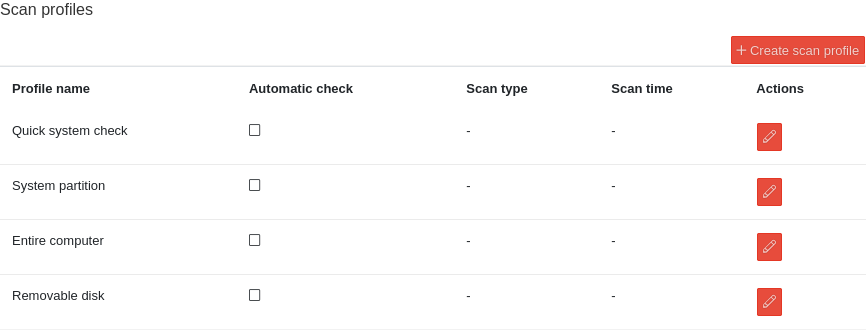 AV v3.16.0 Konfigurationsprofile Scan Profile-en.png 866 × 334; 28 KB
-
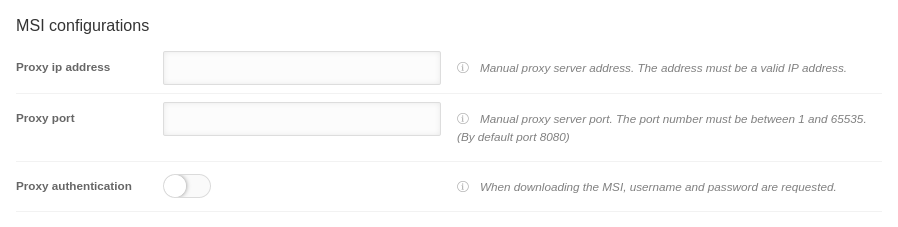 AVP v3.16.0 Konfigurationsprofile MSI Konfiguration-en.png 898 × 227; 26 KB
-
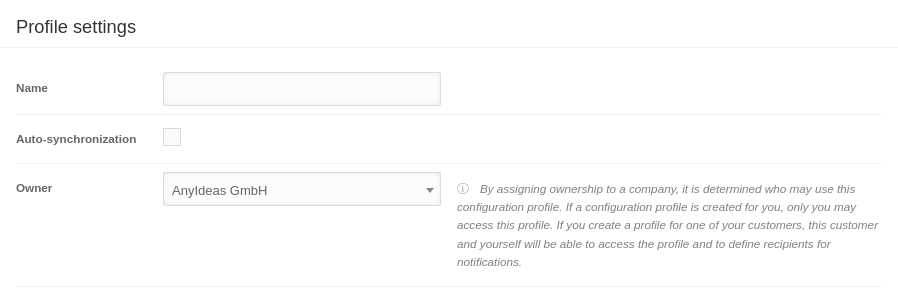 AV v3.16.0 Konfigurationsprofile Profileinstellungen-en.png 898 × 302; 31 KB
-
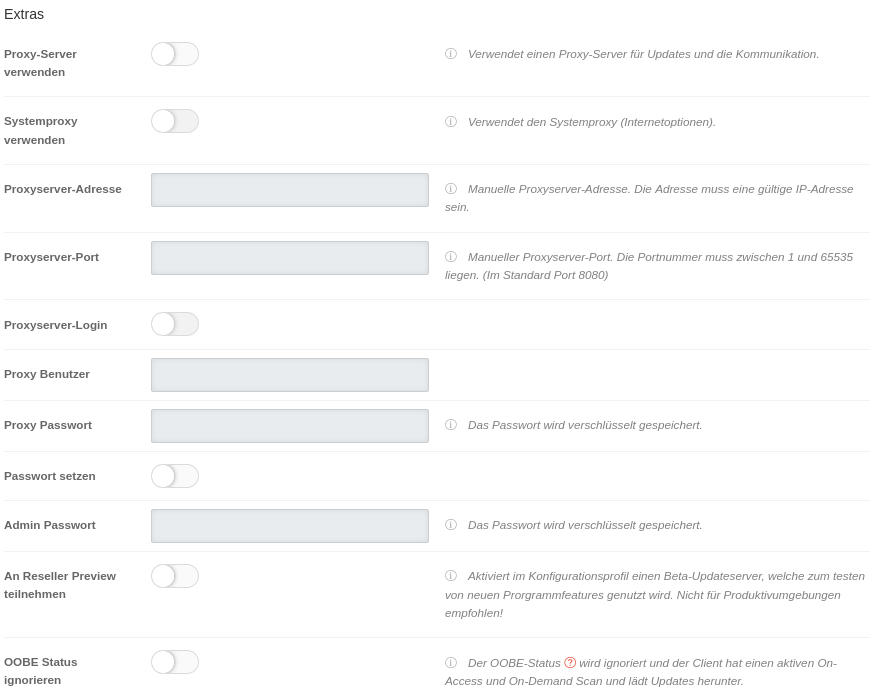 AV v3.16.0 Konfigurationsprofile Clientkonfiguration Extras.png 876 × 694; 92 KB
-
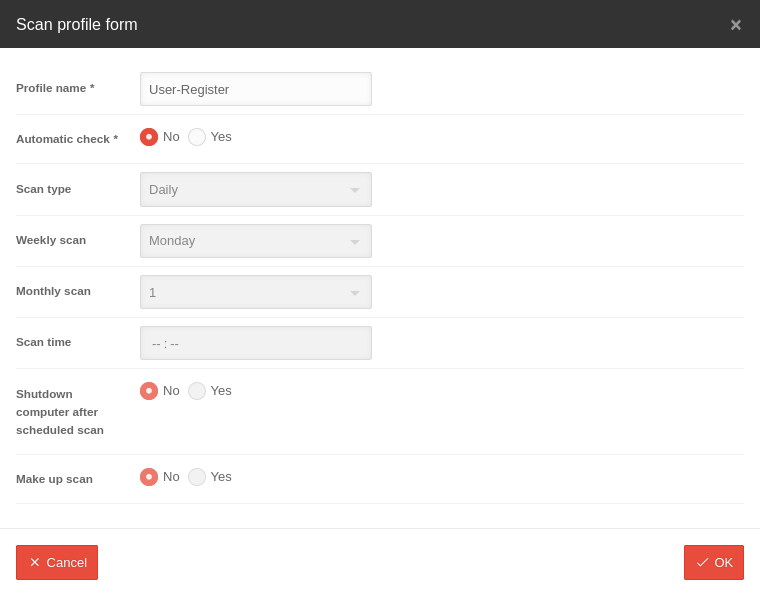 AV v3.16.0 Konfigurationsprofile Scan Profile erstellen-en.png 760 × 595; 37 KB
-
 AV v3.16.0 Konfigurationsprofile Clientkonfiguration Extras-en.png 875 × 624; 71 KB
-
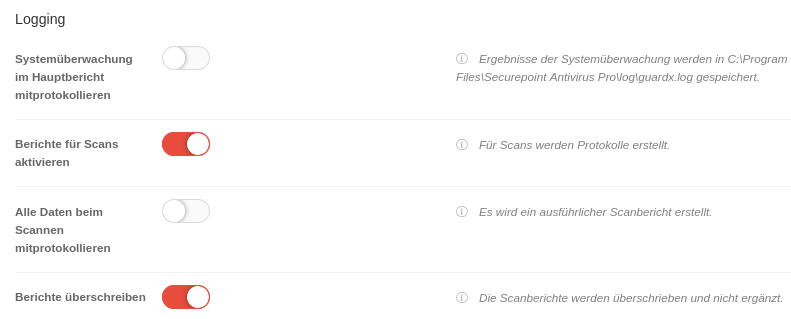 AV v3.16.0 Konfigurationsprofile Clientkonfiguration Logging.png 791 × 319; 46 KB
-
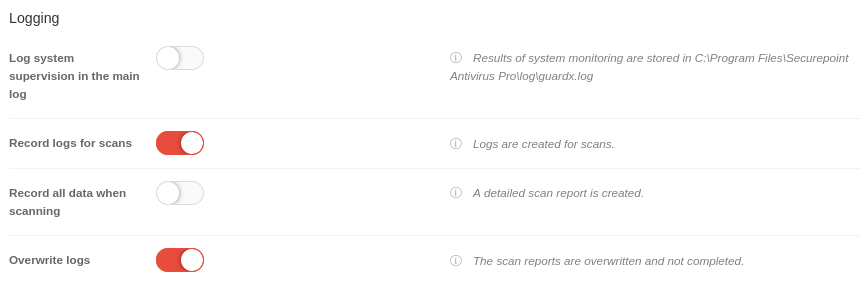 AV v3.16.0 Konfigurationsprofile Clientkonfiguration Logging-en.png 861 × 284; 31 KB
-
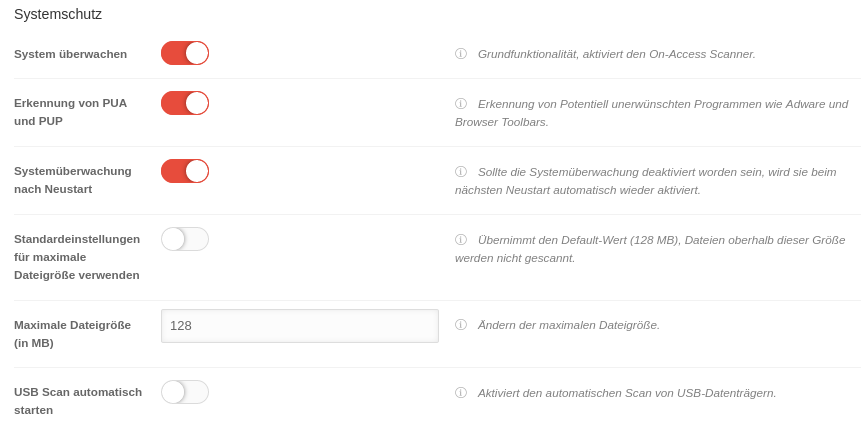
-
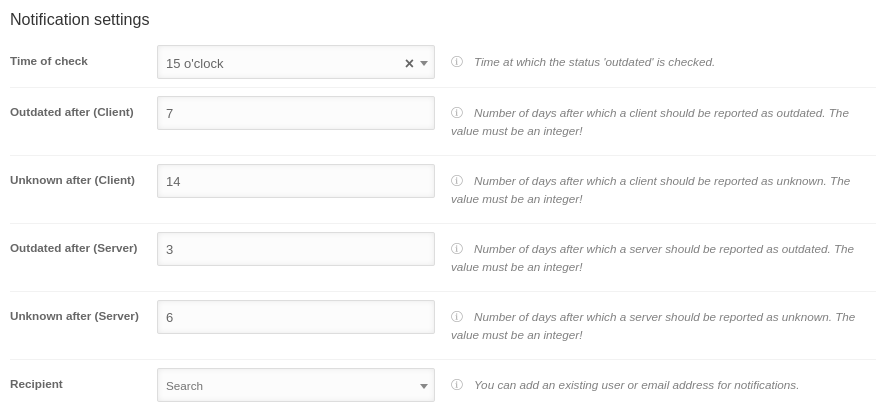
-
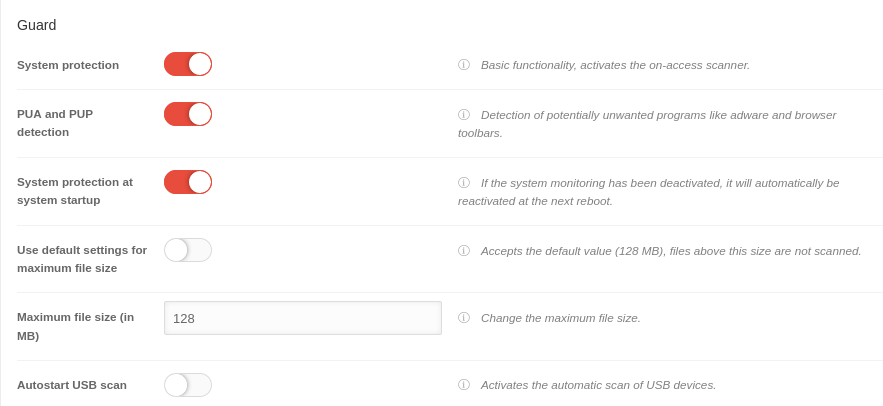
-
-
-
 AWP Endkundenseite individuelles Firmenlogo-en.png 674 × 221; 23 KB
-
 AWP Logo hineinziehen-en.png 279 × 106; 4 KB
-
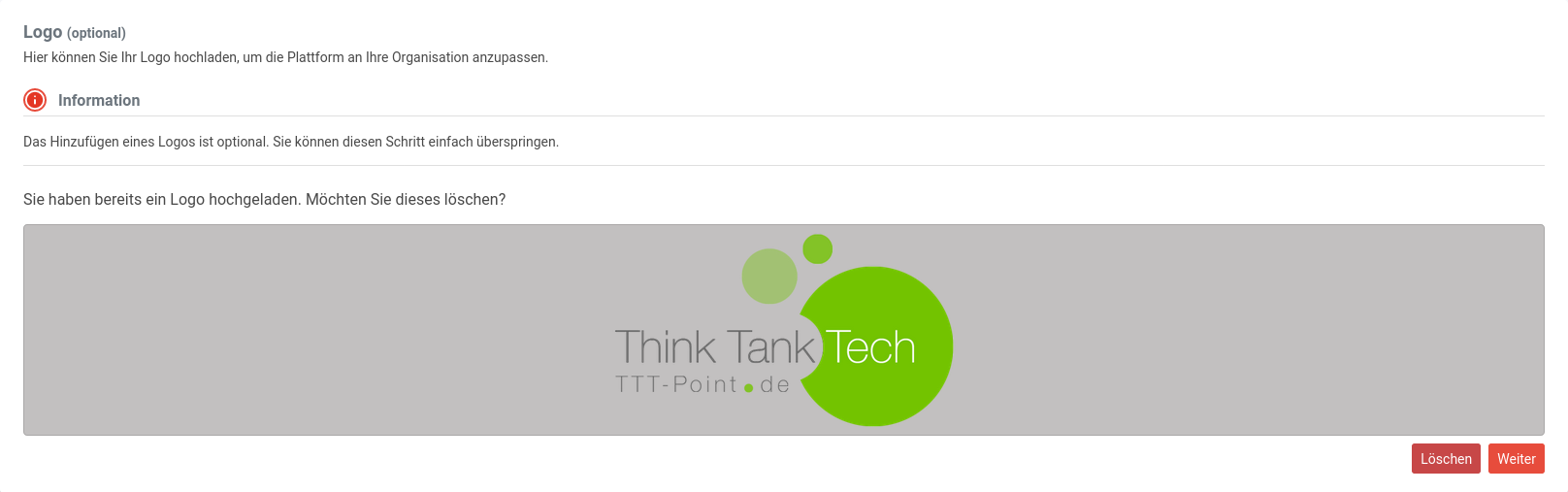 AWP Stammdaten Logo eingefügt-en.png 1.616 × 507; 71 KB
-
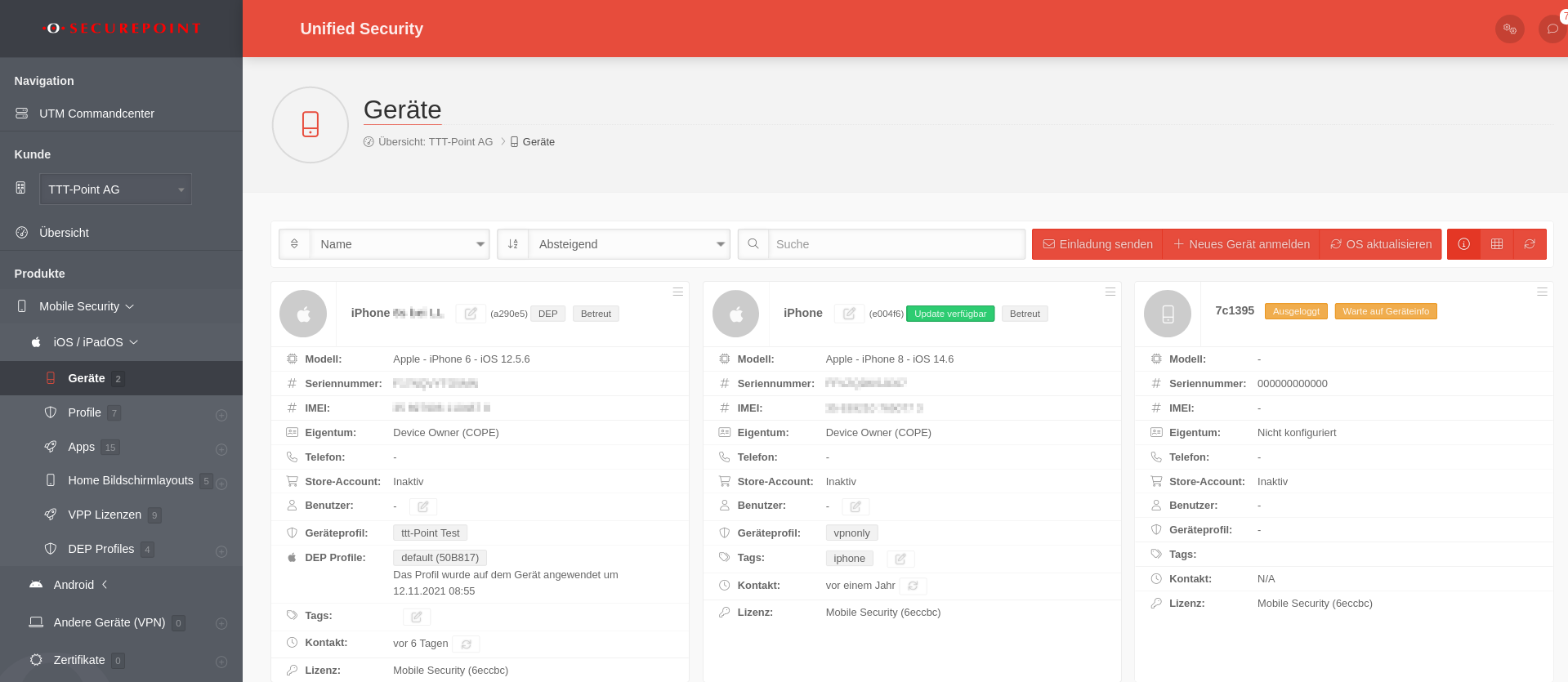 MS 1.9 iOS Geräte verwalten.png 1.919 × 835; 188 KB
-
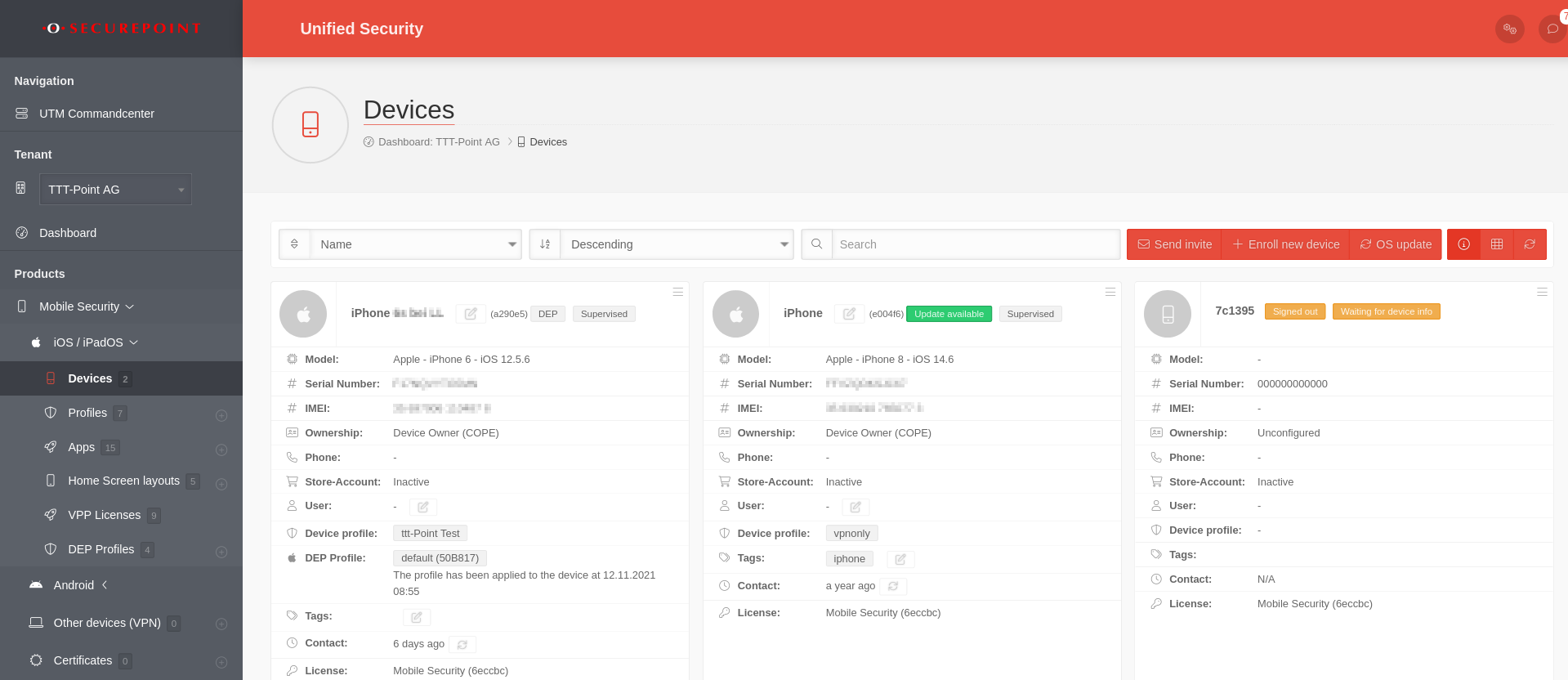 MS 1.9 iOS Geräte verwalten-en.png 1.919 × 832; 188 KB
-
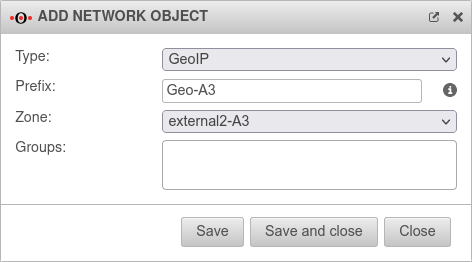 UTM v12.2.3 Netzwerkobjekt hinzufügen GeoIP-en.png 472 × 262; 19 KB
-
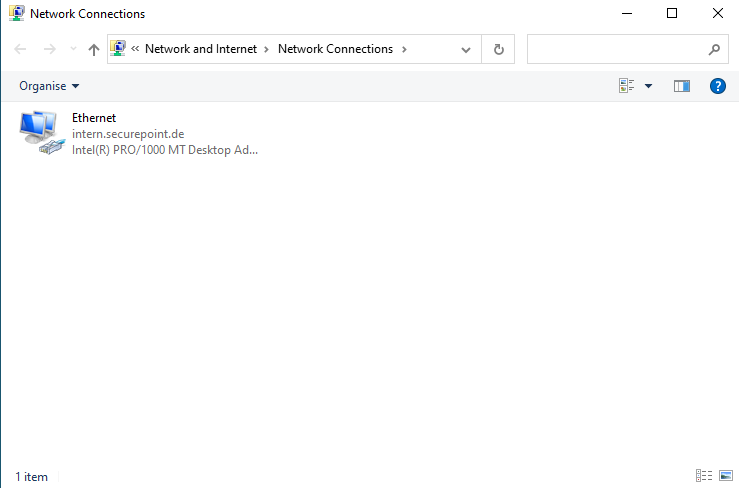 IP-change Win Adapter-en.png 739 × 488; 18 KB
-
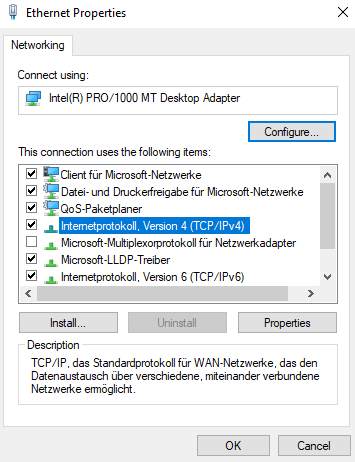 IP-change Win Eigenschaften-en.png 355 × 462; 22 KB
-
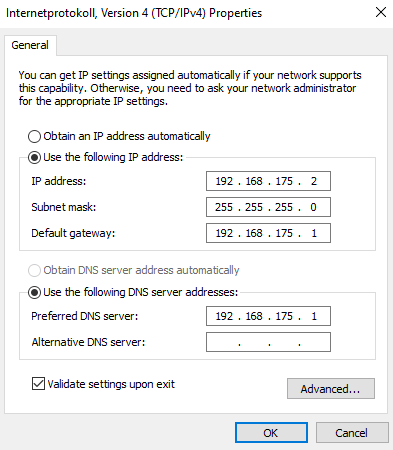 IP-change Win IP statisch-en.png 393 × 450; 20 KB
-
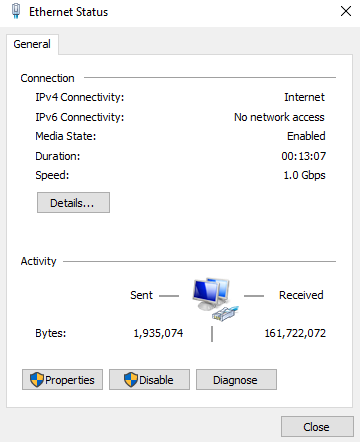 IP-change Win Status Ethernet-en.png 360 × 442; 16 KB
-
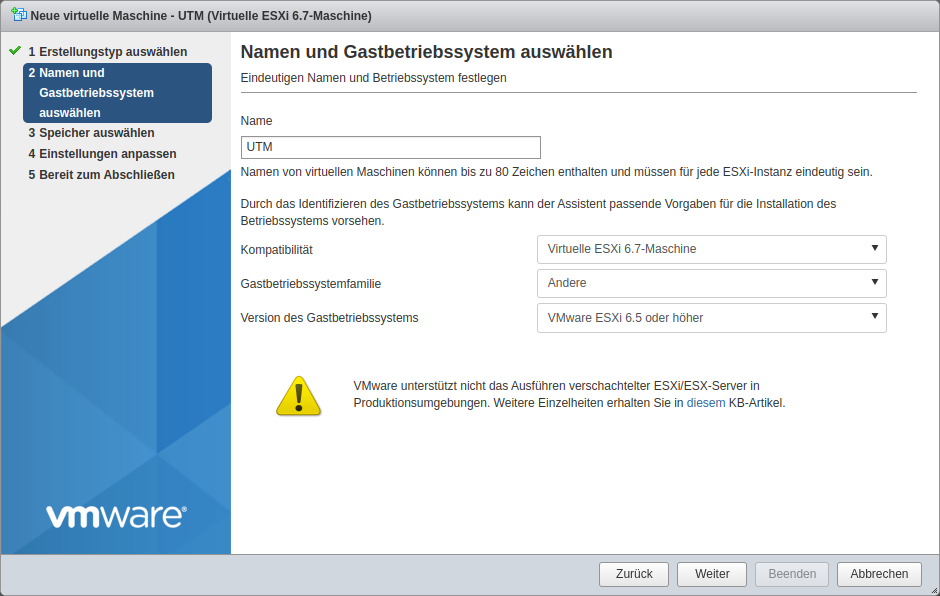 UTM v12.2. ESXI.png 940 × 596; 92 KB
-
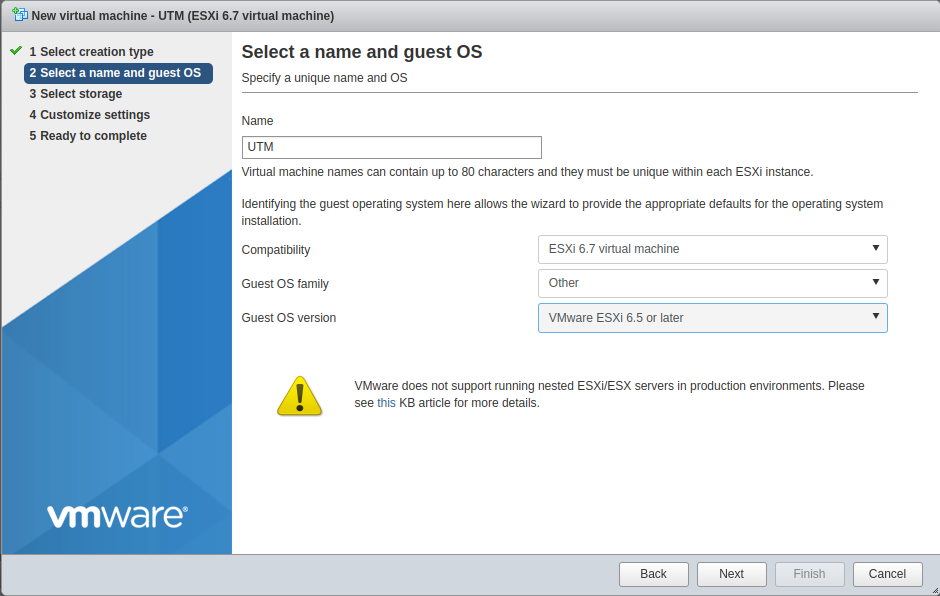 UTM v12.2. ESXI-en.png 940 × 596; 83 KB
-
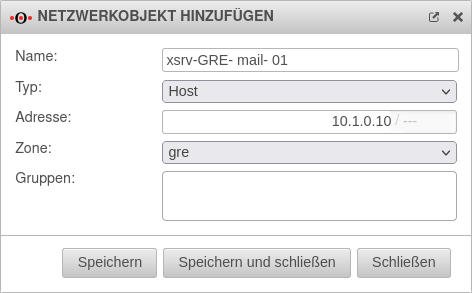 GRE-NO-Anlegen.png 472 × 293; 23 KB
-
 GRE-NO-Anlegen-en.png 472 × 293; 21 KB
-
 GRE-Zentrale-S1-en.png 452 × 300; 23 KB
-
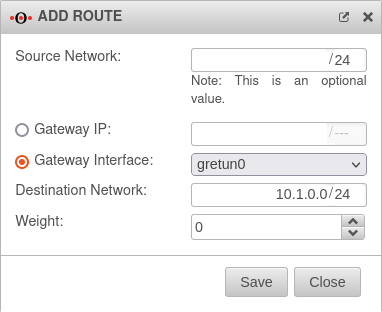
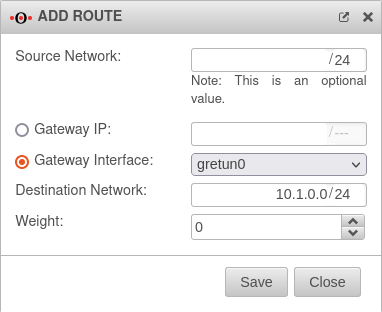 GRE-Route-anlegen-en.png 382 × 312; 24 KB
-
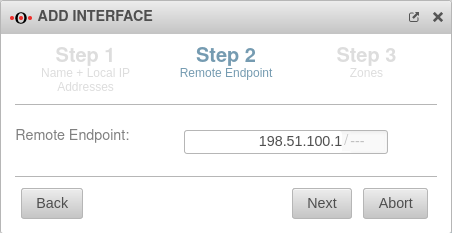 GRE-Zentrale-S2-en.png 452 × 233; 18 KB
-
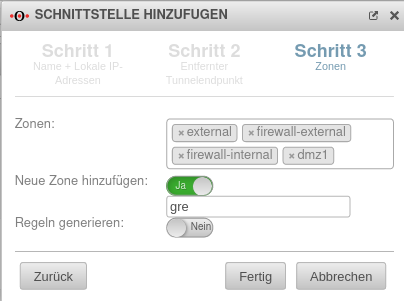 UTM 12.2.3 GRE-Zentrale-S3.png 404 × 301; 26 KB
-
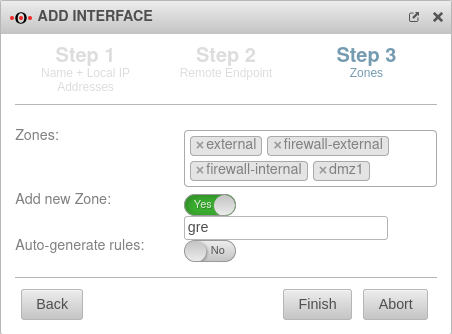 UTM 12.2.3 GRE-Zentrale-S3-en.png 452 × 334; 28 KB
-
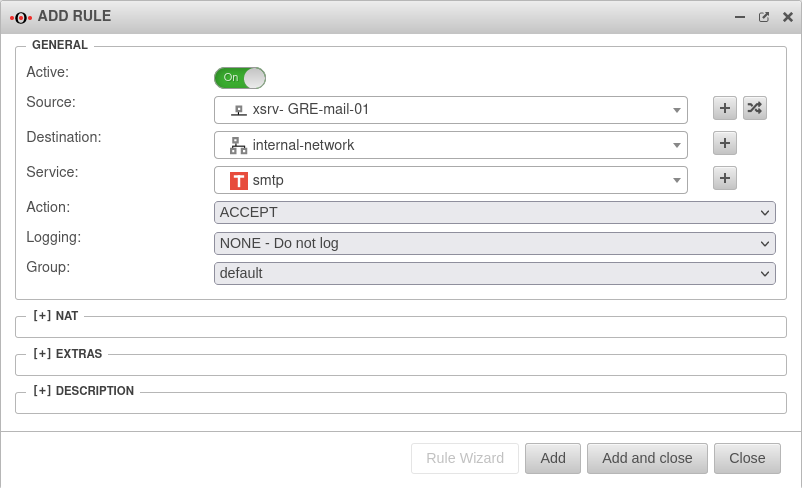
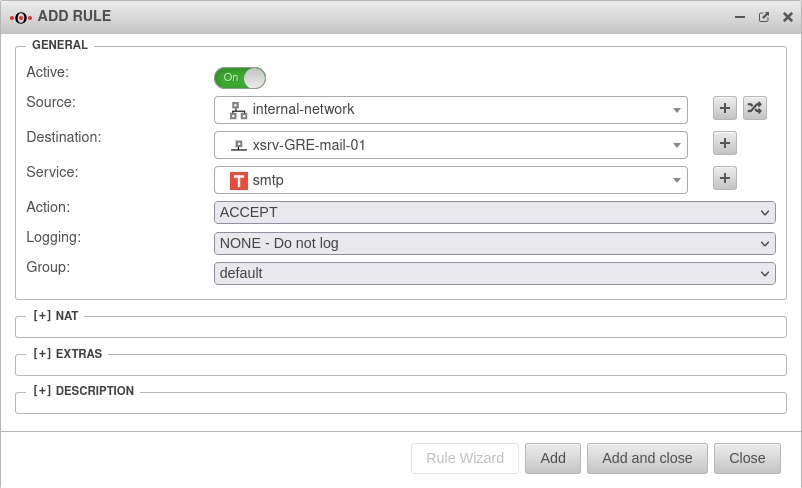 UTM v12.2.3 GRE-Portfilter Regel hinzufügen-en.png 802 × 488; 43 KB
-
-
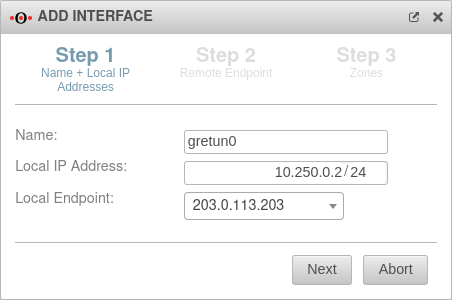
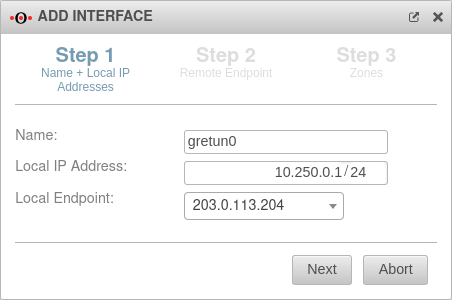 UTM v12.2.3 Netzwerk Netzwerkkonfiguration GRE Schritt 1-en.png 452 × 300; 24 KB
-
-
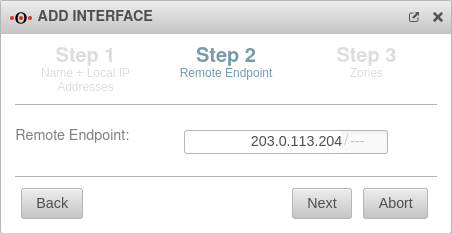
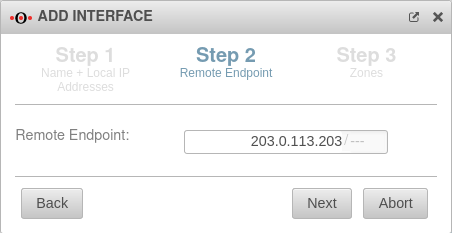 UTM v12.2.3 Netzwerk Netzwerkkonfiguration GRE Schritt 2-en.png 452 × 233; 18 KB
-
-
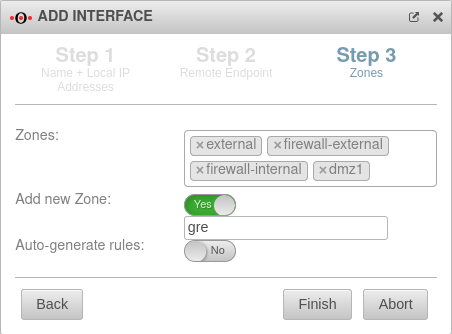 UTM v12.2.3 Netzwerk Netzwerkkonfiguration GRE Schritt 3-en.png 452 × 334; 28 KB
-