Bitte beachte, dass andere Webseiten eine Datei mit einer direkten URL verlinken können. Diese könnte daher hier aufgelistet sein, obwohl diese in aktiver Verwendung ist.
Unten werden bis zu 50 Ergebnisse im Bereich 3.001 bis 3.050 angezeigt.
-
-
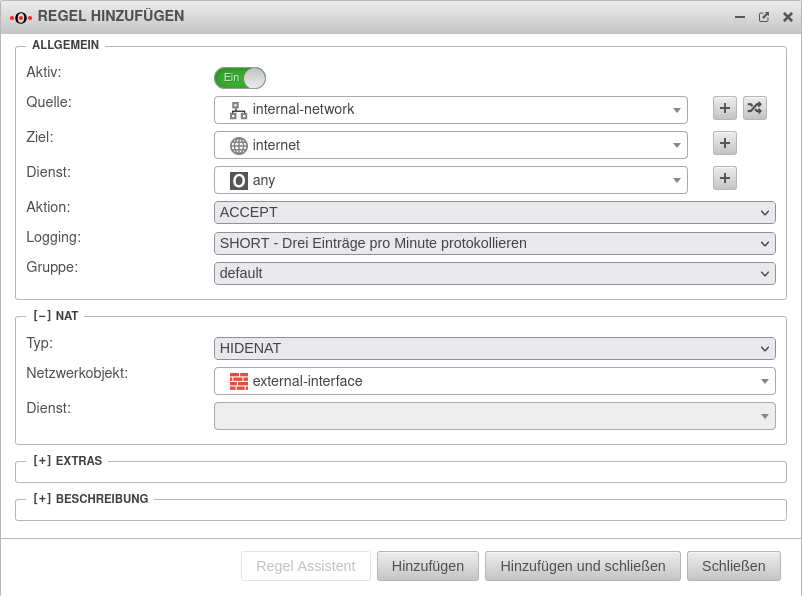 UTM v12.4 Firewall Portfilter Regel anlegen Ziel Internet.png 802 × 596; 55 KB
-
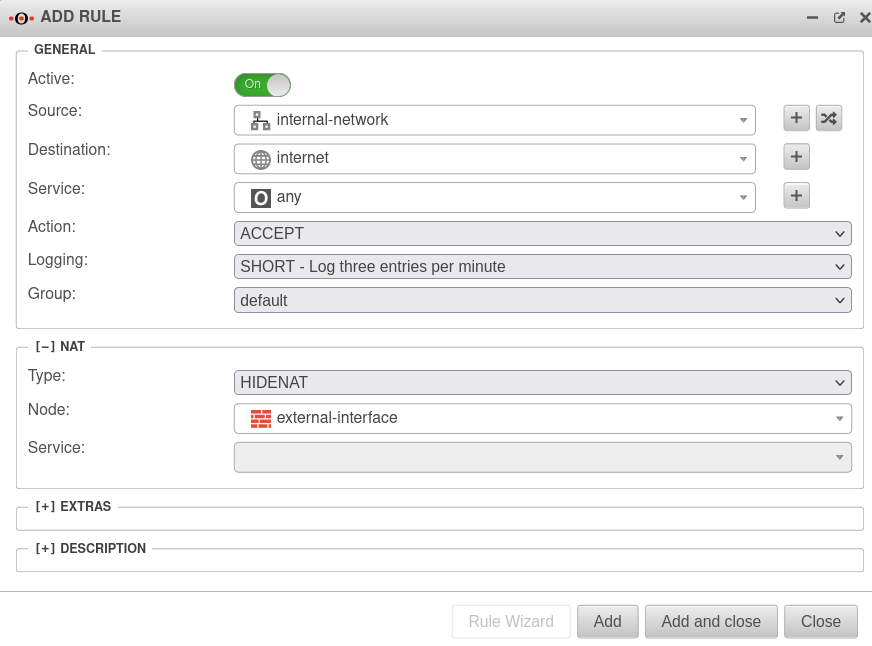 UTM v12.4 Firewall Portfilter Regel anlegen Ziel Internet-en.png 872 × 646; 60 KB
-
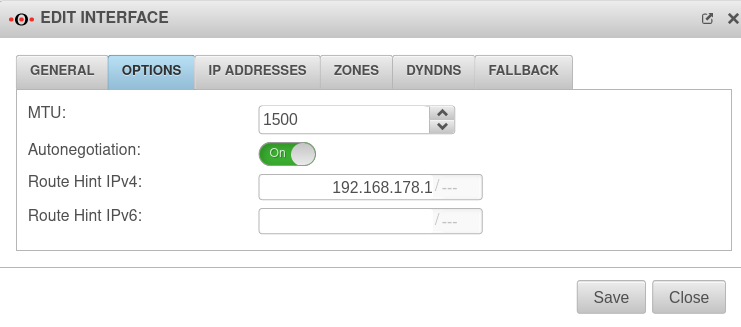 UTM v12.4 Netzwerkkonfiguration Einstellung Route hint IPv4-en.png 741 × 327; 34 KB
-
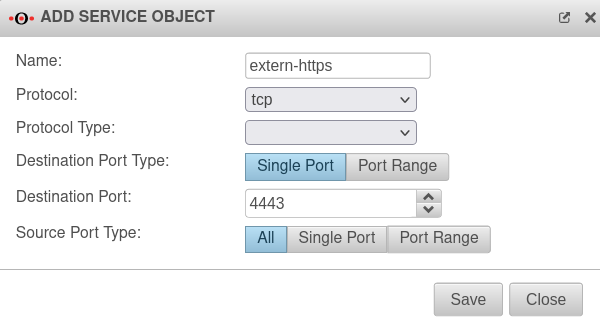 UTM v12.4 Firewall Portfilter Dienste Objekt hinzufügen-en.png 600 × 327; 34 KB
-
-
-
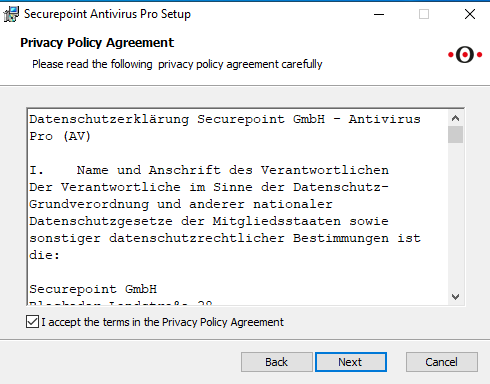 AVC v3.3.32 Wizard Installation Privacy Policy Agreement-en.png 490 × 384; 20 KB
-
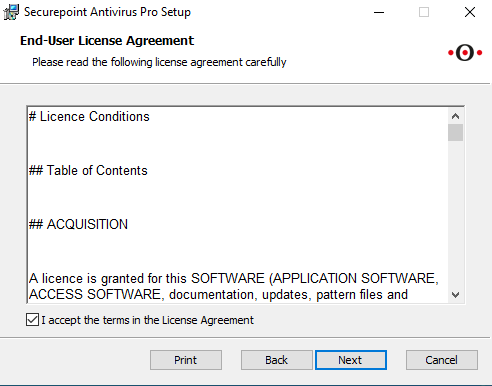 AVC v3.3.32 Wizard Installation End-User License Agreement-en.png 492 × 386; 15 KB
-
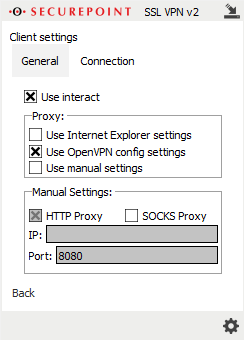
-
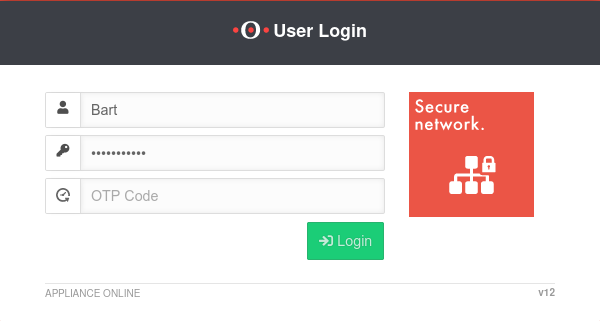 UTM v12.2.3 UI OTP-Login-en.png 600 × 321; 19 KB
-
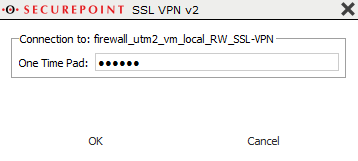 SSL-VPN-v2 OTP-en.png 358 × 161; 7 KB
-
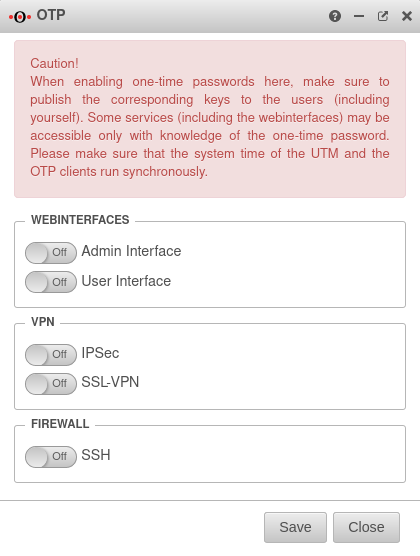 UTM v12.2.3 Authentifizierung OTP-en.png 420 × 556; 47 KB
-
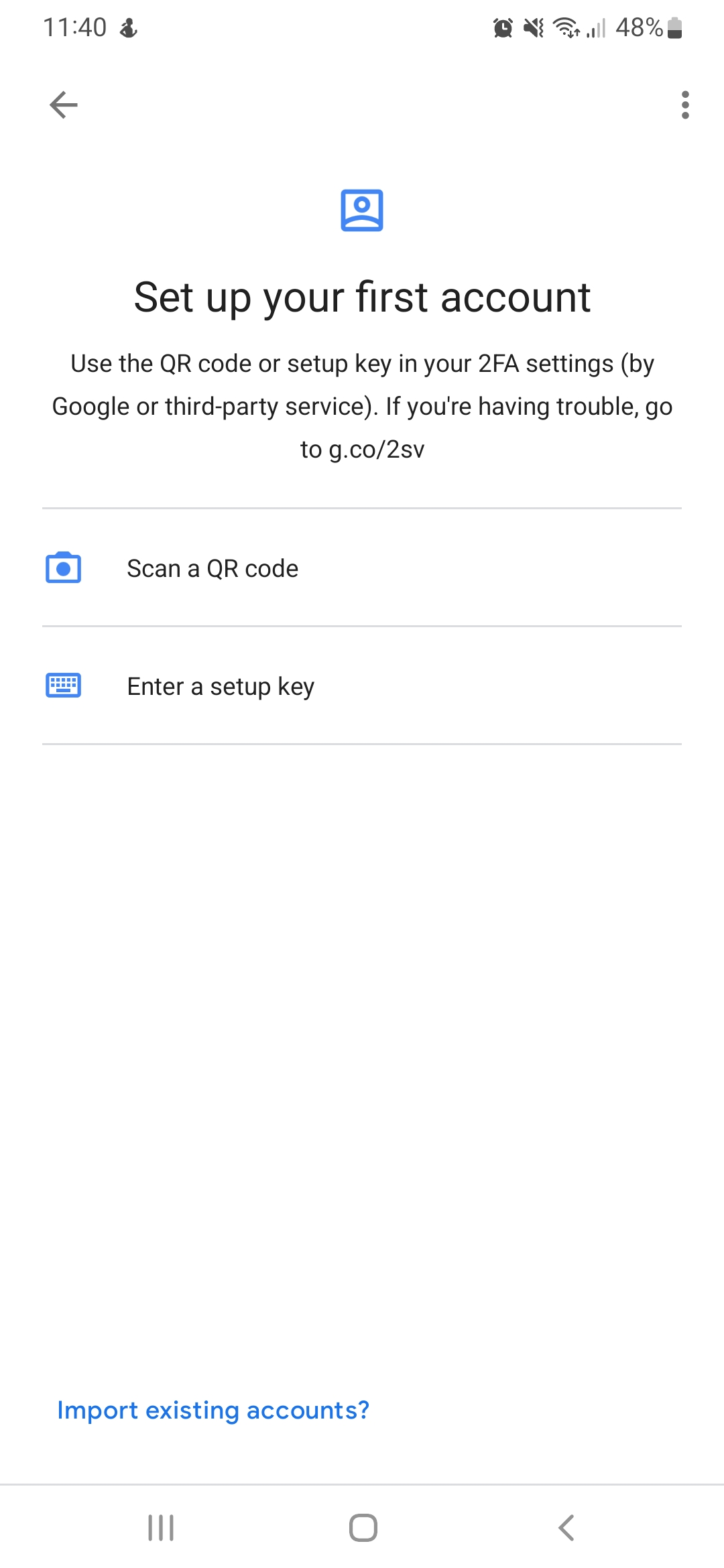 OTP Einrichten des Google Authenticator für OTP-en.png 1.080 × 2.340; 121 KB
-
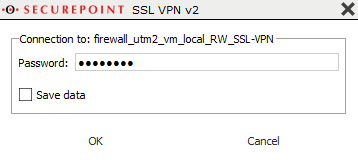 SSL-VPN-v2 Kennwort-en.png 358 × 160; 7 KB
-
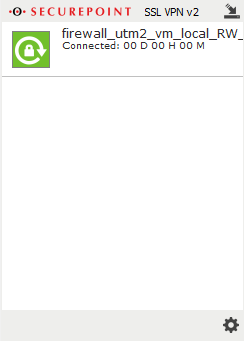 SSL-VPN-v2 Verbunden-en.png 244 × 341; 8 KB
-
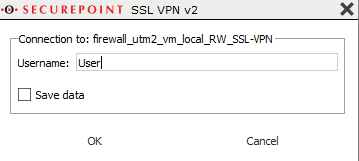 SSL-VPN-v2 Benutzername-en.png 359 × 161; 7 KB
-
 UTM-v12.2.3-UI-Kachel-Passwort-ändern-en.png 230 × 130; 5 KB
-
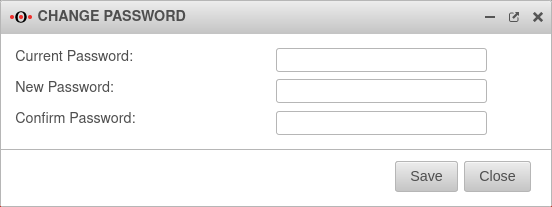 UTM-v12.2.3-UI-Passwort-ändern-Fenster-en.png 552 × 207; 15 KB
-
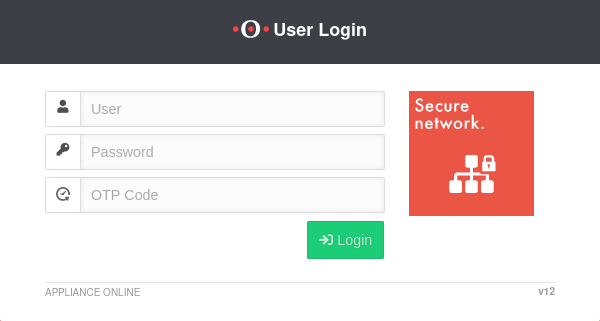 UTM-v12.2.3-Benutzer-Login-OTP-en.png 600 × 321; 19 KB
-
 UTM-v12.2.3-UI-WOL-Fenster-en.png 582 × 606; 27 KB
-
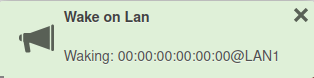 UTM-v12.2.3-UI-WOL-wecken-en.png 314 × 78; 7 KB
-
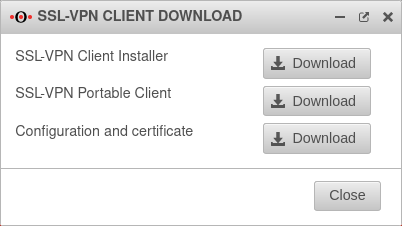 UTM v12.2.3-Fenster-SSL-VPN-Client Download-en.png 402 × 226; 20 KB
-
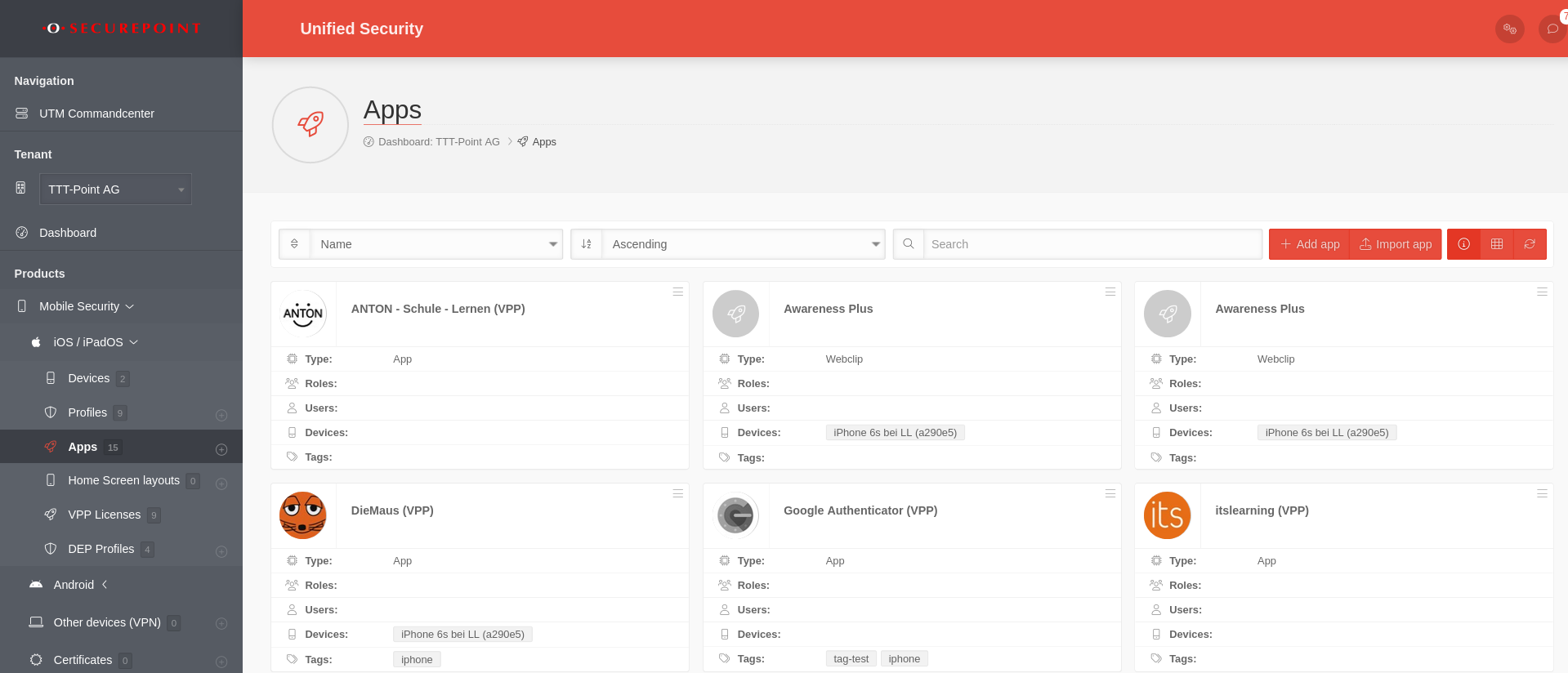 MS v1.9 MS iOS Apps Übersicht-en.png 1.919 × 824; 192 KB
-
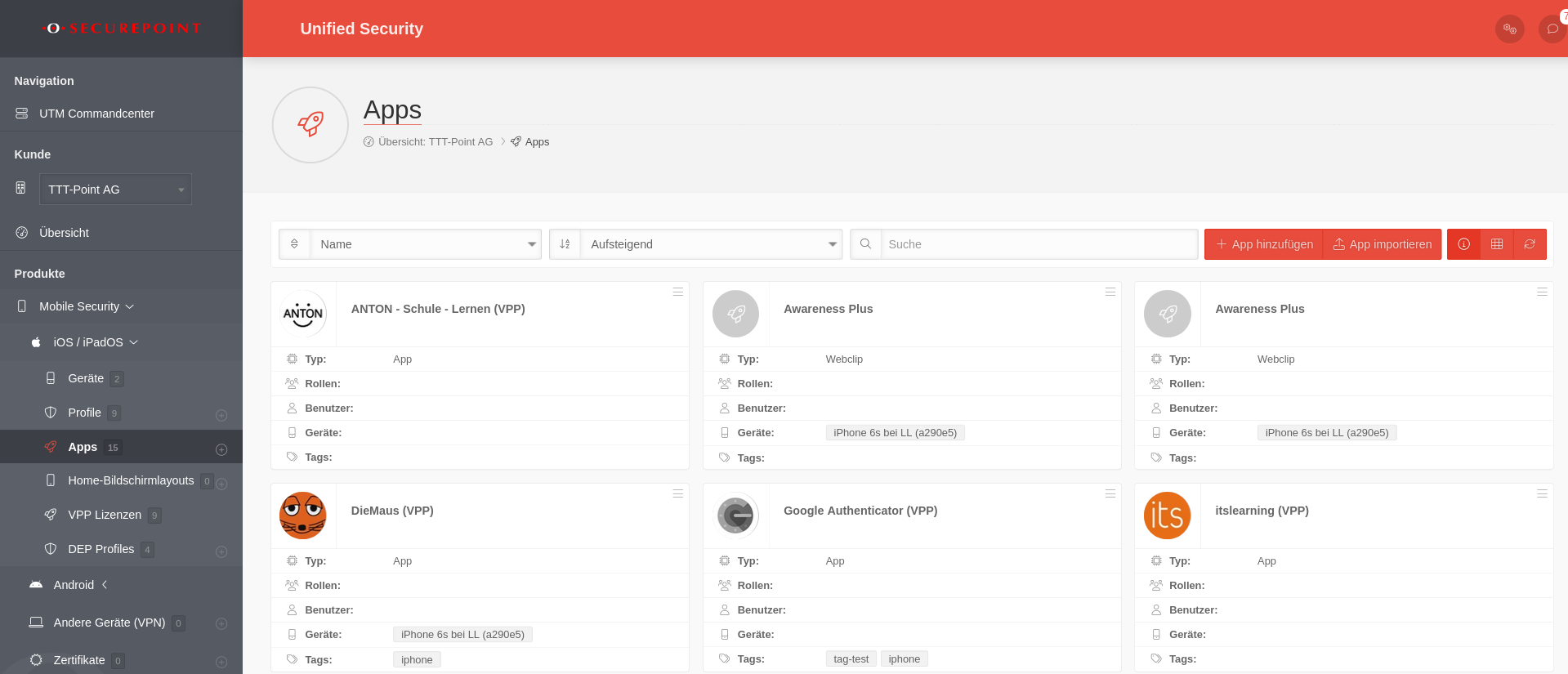 MS v1.9 MS iOS Apps Übersicht.png 1.919 × 825; 195 KB
-
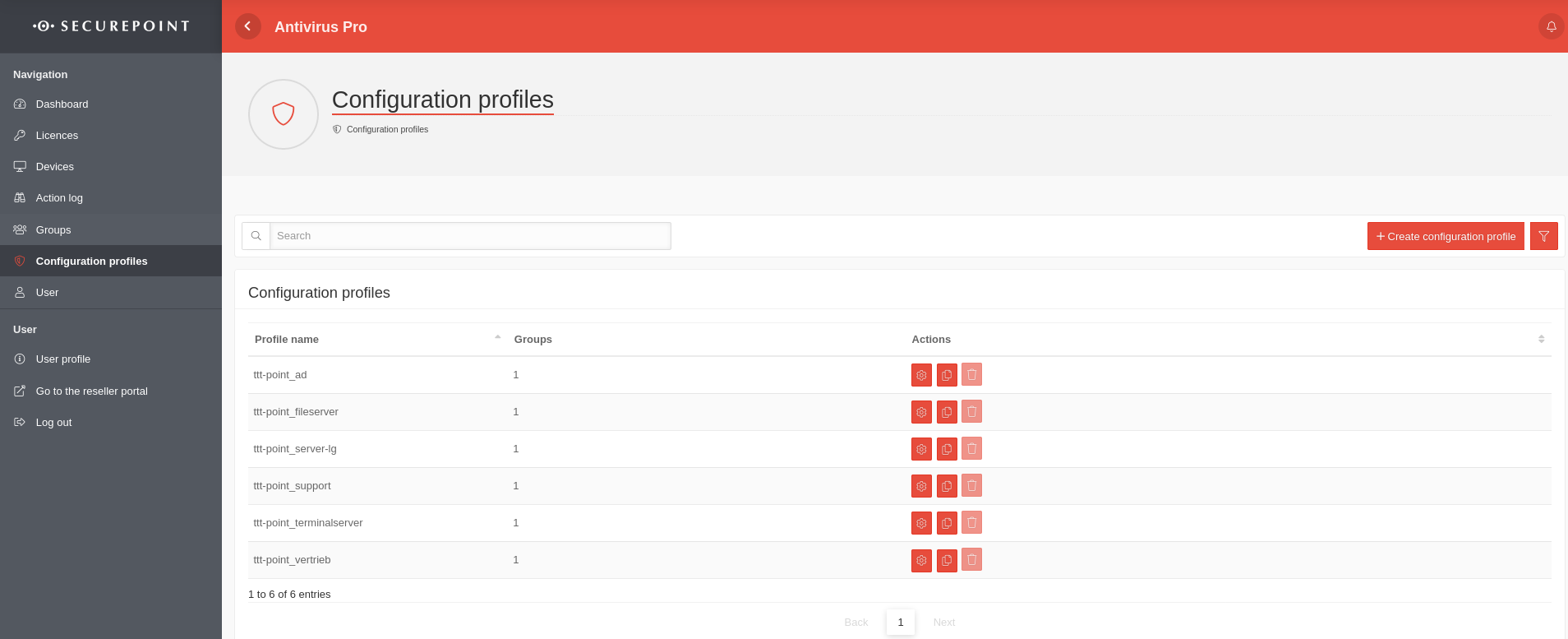 AV v3.16 Konfigurationsprofile Übersicht-en.png 1.908 × 777; 111 KB
-
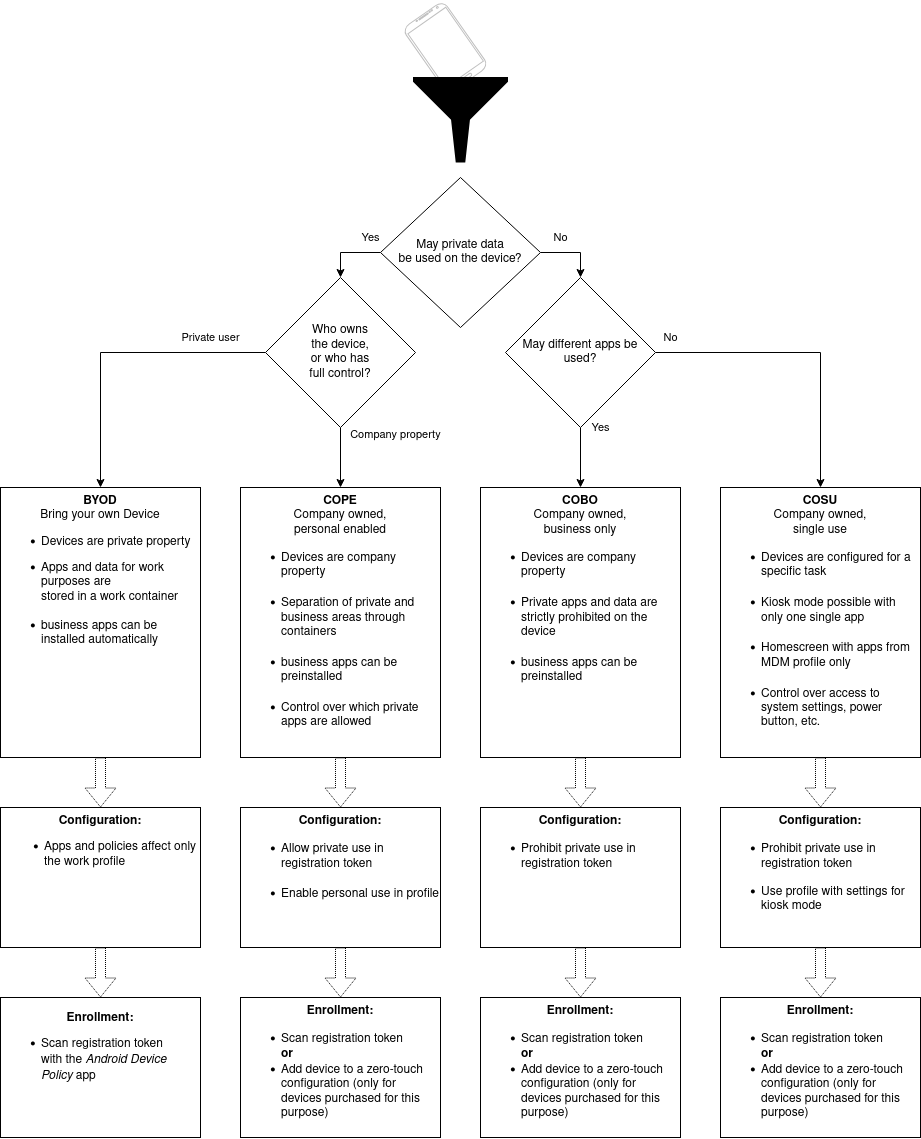 MDM Betriebsarten-zero-en.png 921 × 1.139; 129 KB
-
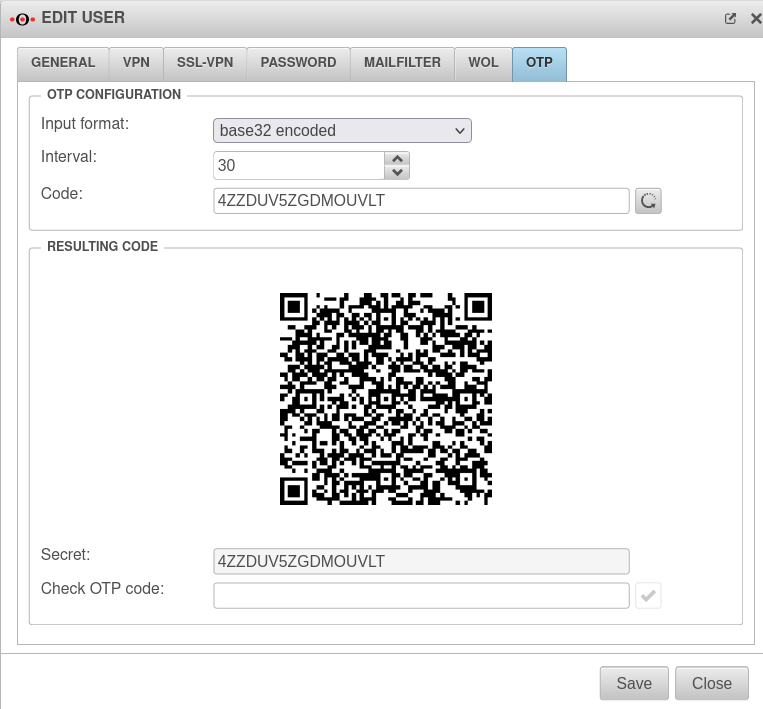 UTM v12.4 Authentifizierung Benutzer bearbeiten OTP-en.png 763 × 709; 71 KB
-
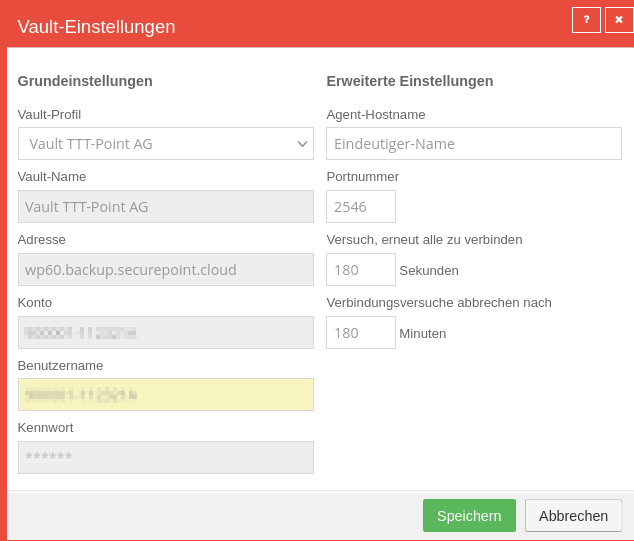 SUB Computer Button Vault hinzufügen.png 634 × 541; 49 KB
-
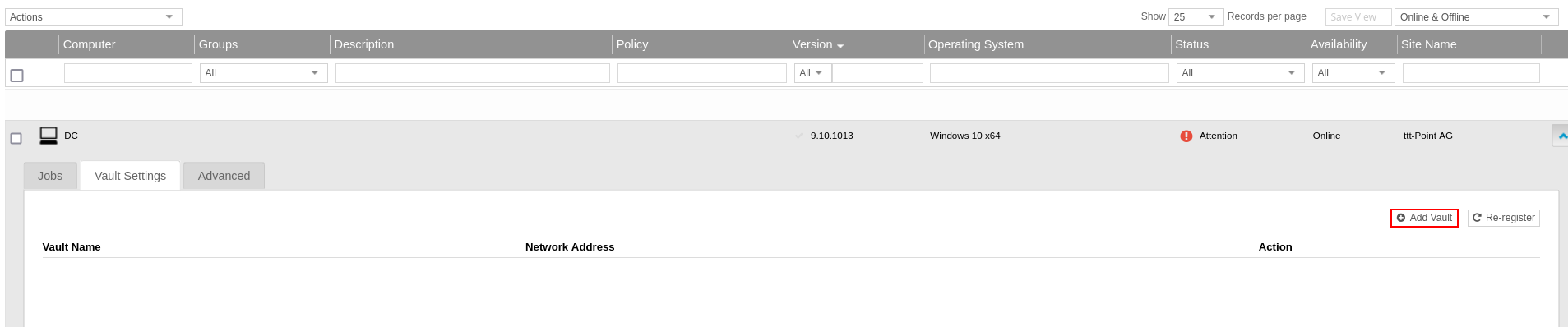 SUB Computer Vault Einstellungen Vault hinzufügen-en.png 1.907 × 398; 47 KB
-
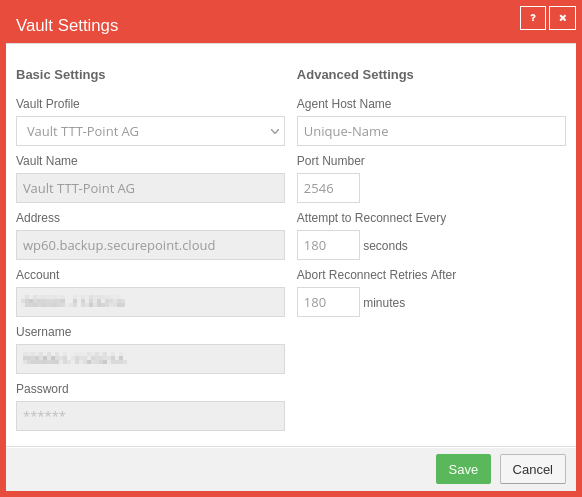 SUB Computer Button Vault hinzufügen-en.png 582 × 497; 44 KB
-
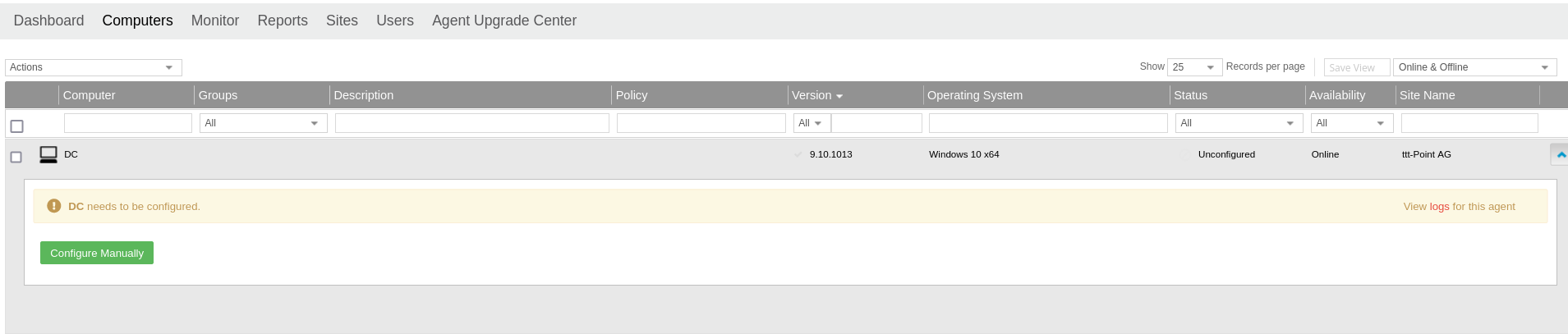 SUB Computer Manuell Konfigurieren-en.png 1.909 × 407; 56 KB
-
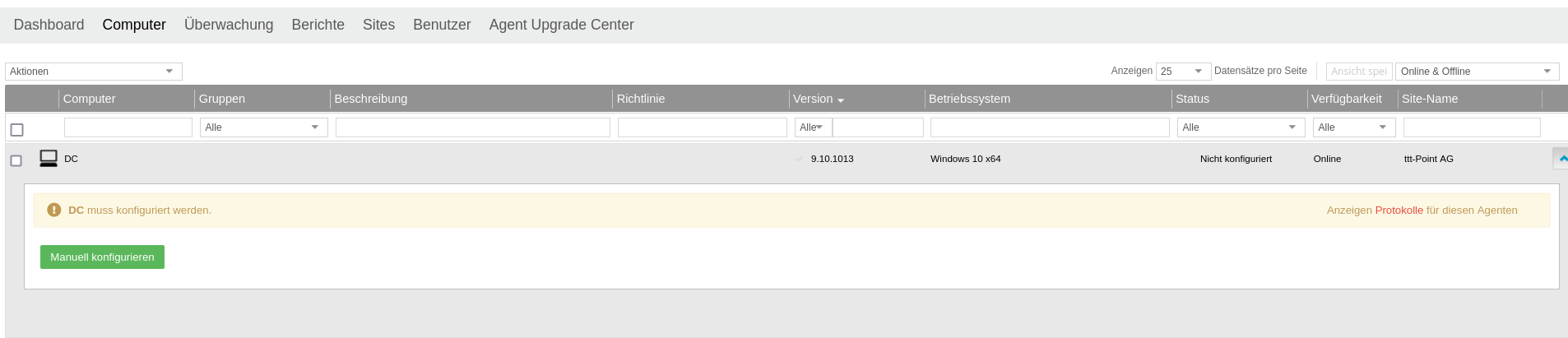 SUB Computer Manuell Konfigurieren.png 1.906 × 411; 59 KB
-
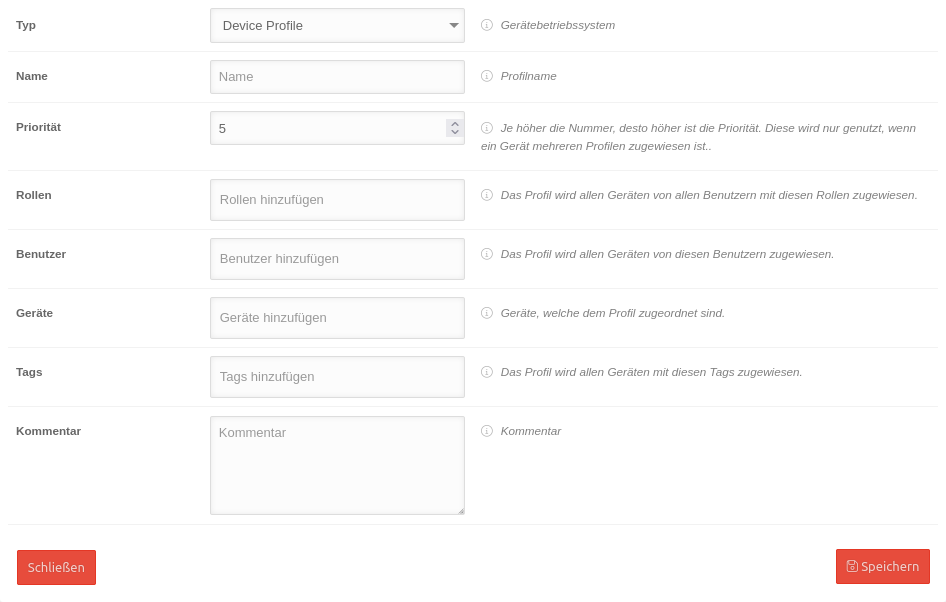 MSP-iOS-Profile-Allgemein.png 946 × 602; 60 KB
-
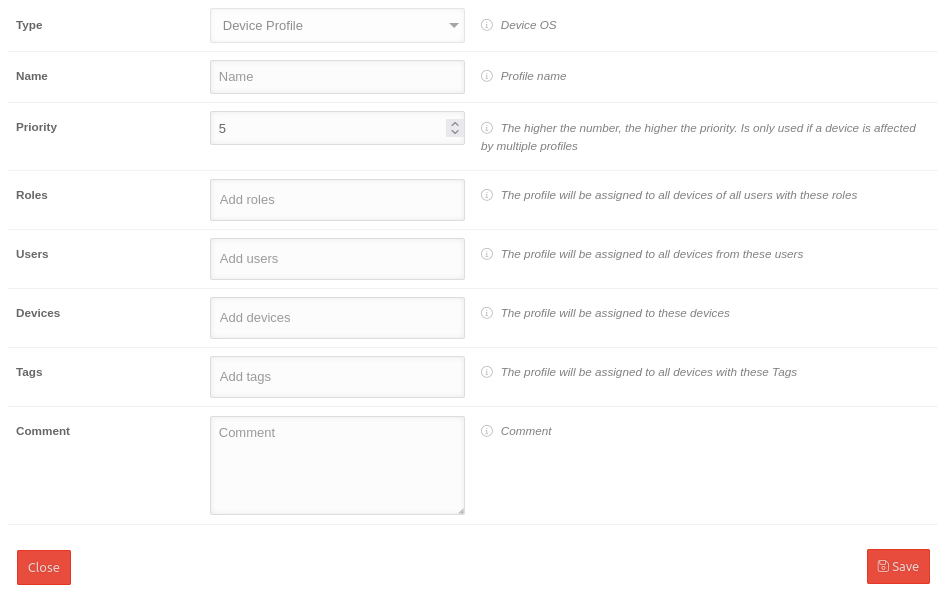 MSP-iOS-Profile-Allgemein-en.png 946 × 595; 54 KB
-
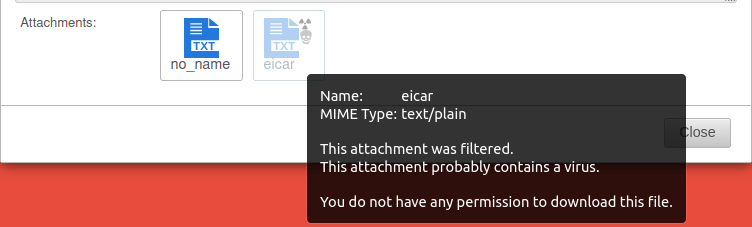 UTM-v12.2.3-Anhänge-Hover-en.png 752 × 227; 25 KB
-
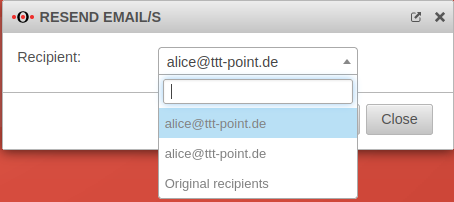 UTM-v12.2.3-Mail-Erneut-zusenden-Auswahl-en.png 454 × 202; 18 KB
-
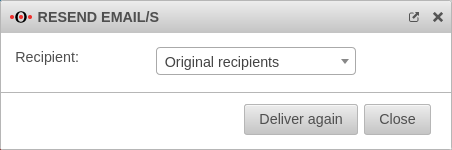 UTM-v12.2.3-Mail-Erneut-zusenden-en.png 452 × 150; 11 KB
-
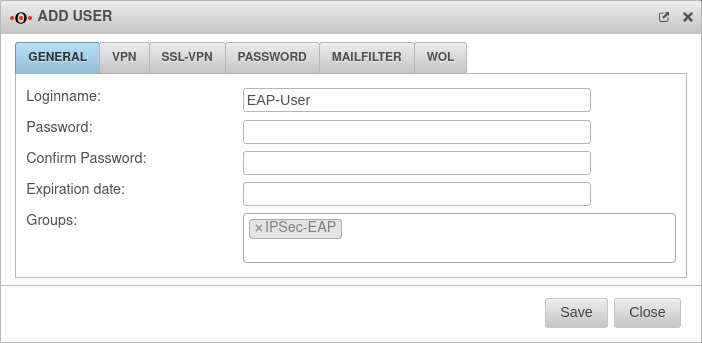 UTM v12.2.4 IPSec-EAP-Benutzer-en.png 702 × 343; 29 KB
-
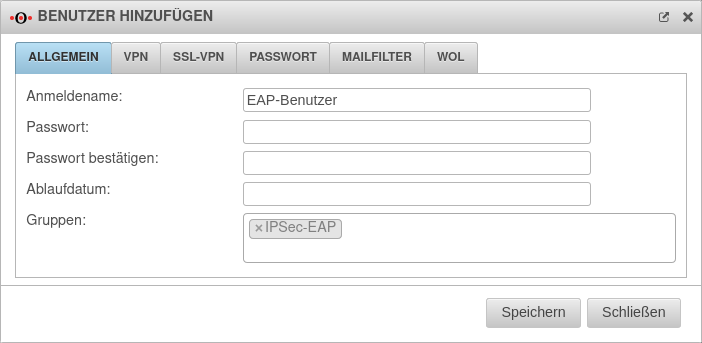 UTM v12.2.4 IPSec-EAP-Benutzer.png 702 × 343; 32 KB
-
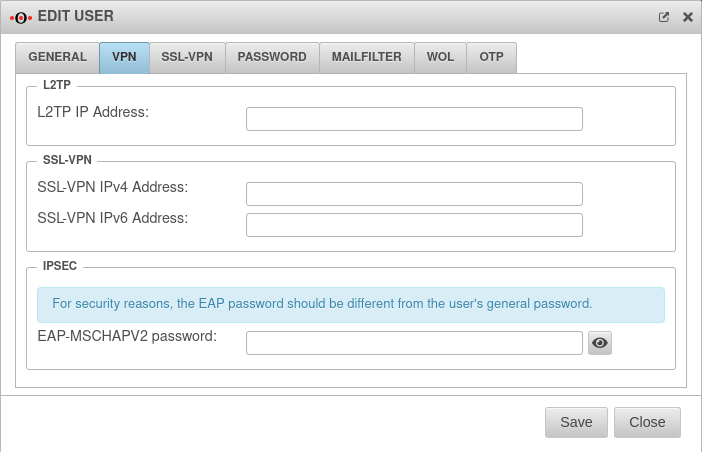 UTM v12.2.4 IPSec-EAP-Benutzer-Passwort-en.png 702 × 452; 43 KB
-
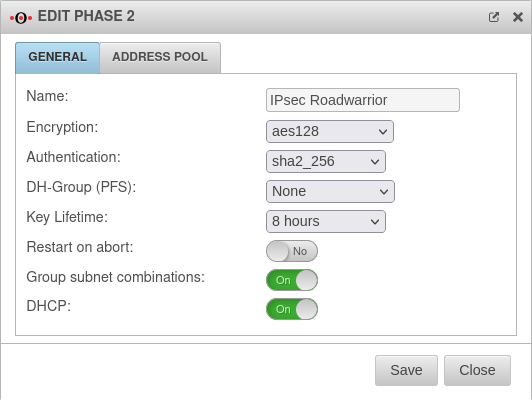 UTM v12.2.4 IPSec-EAP-Phase2-en.png 532 × 400; 38 KB
-
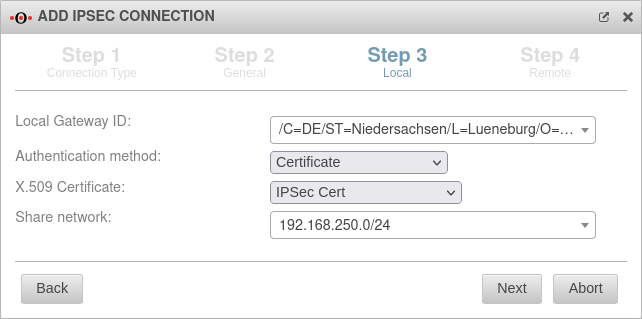 UTMv12.2.4 IPSEC S2E ikev2 Assitent3-EAP-en.png 642 × 319; 35 KB
-
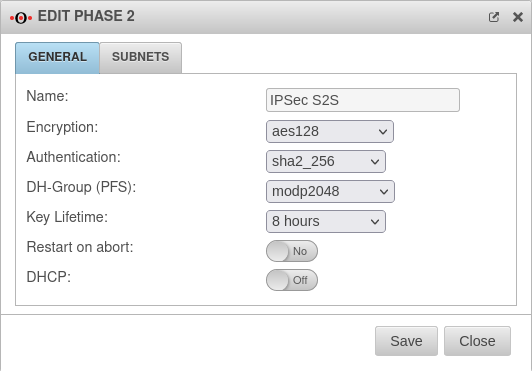 UTM v12.2.4 IPSec S2S Phase2-en.png 532 × 371; 33 KB
-
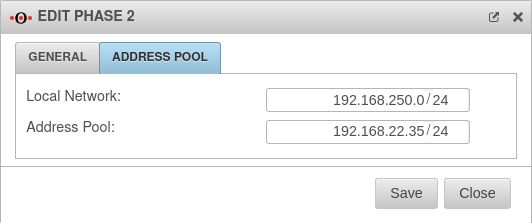 UTM v12.2.4 IPSec S2S Phase2 4Adress-Pool-en.png 532 × 223; 19 KB
-
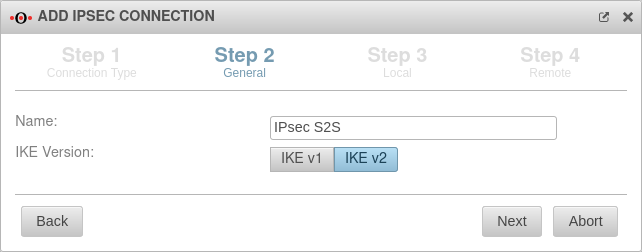 UTM v12.2.4 IPSec S2S Schritt2-en.png 642 × 252; 23 KB
-
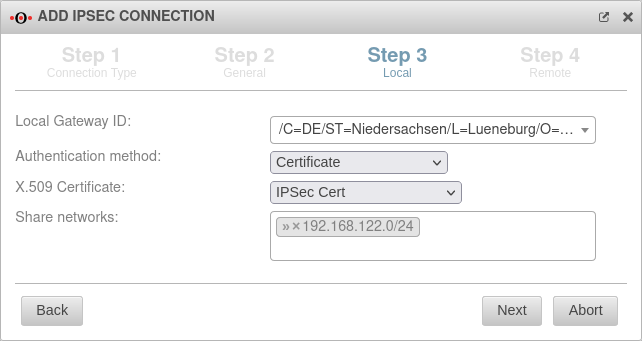 UTM v12.2.4 IPSec S2S Schritt3-en.png 642 × 341; 35 KB
-
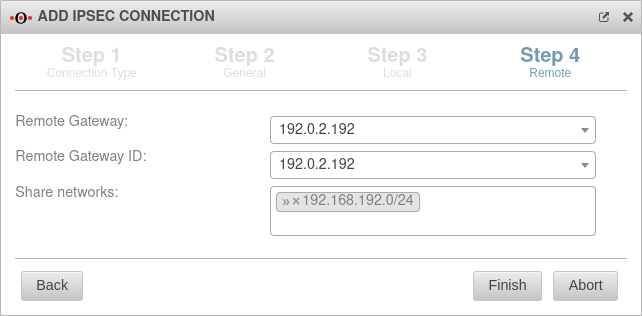 UTM v12.2.4 IPSec S2S Schritt4-en.png 642 × 316; 29 KB
-
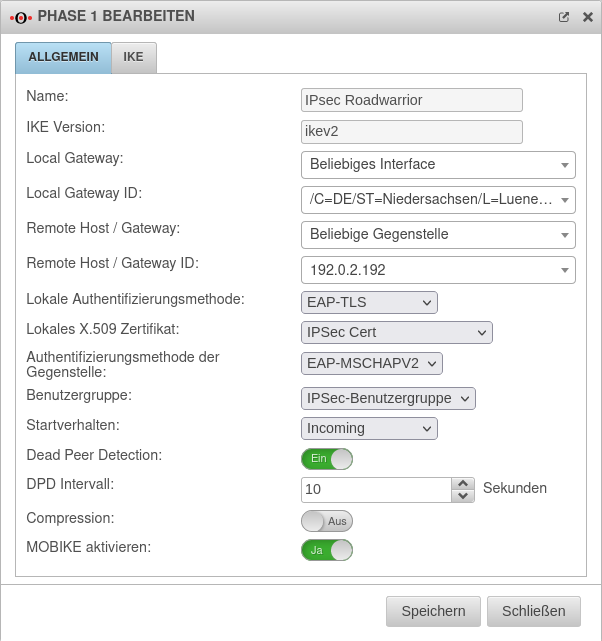 UTM v12.2.4 IPSec v1 Phase1 Allgemein.png 602 × 641; 75 KB
-
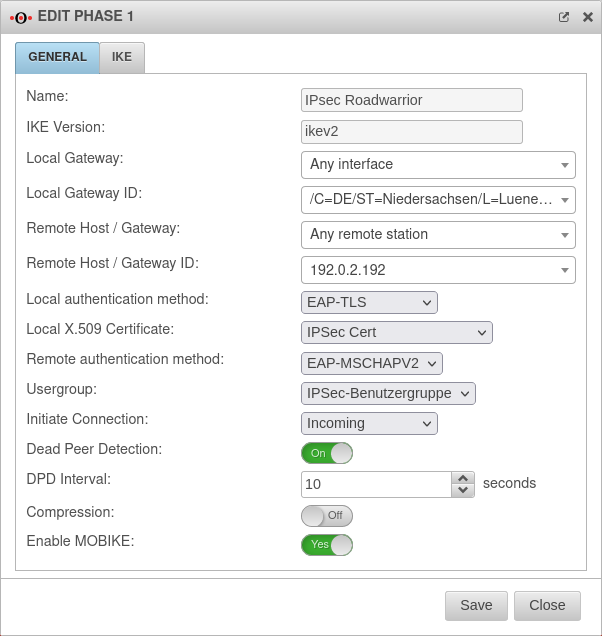 UTM v12.2.4 IPSec v1 Phase1 Allgemein-en.png 602 × 636; 70 KB


