Bitte beachte, dass andere Webseiten eine Datei mit einer direkten URL verlinken können. Diese könnte daher hier aufgelistet sein, obwohl diese in aktiver Verwendung ist.
Unten werden bis zu 50 Ergebnisse im Bereich 3.401 bis 3.450 angezeigt.
-
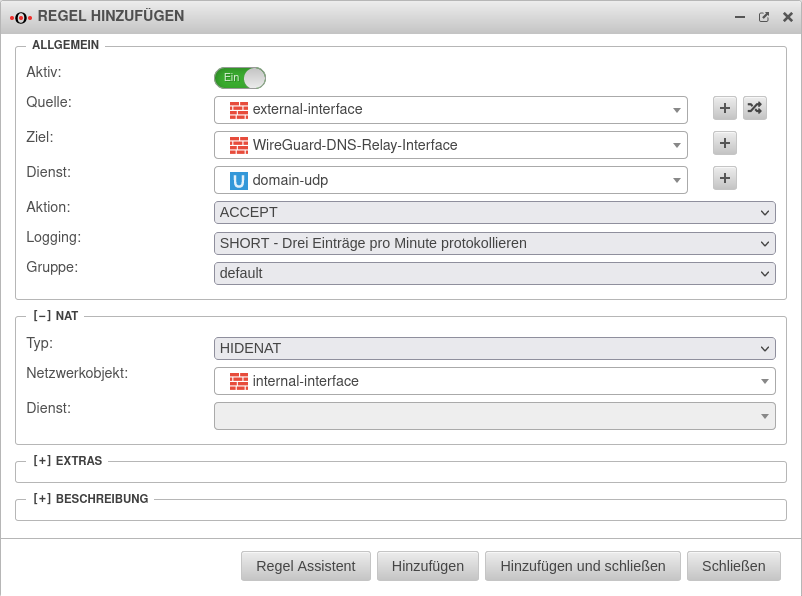 UTM v12.2.5 DNS Relay WireGuard S2S portfilterregel erstellen.png 802 × 596; 58 KB
-
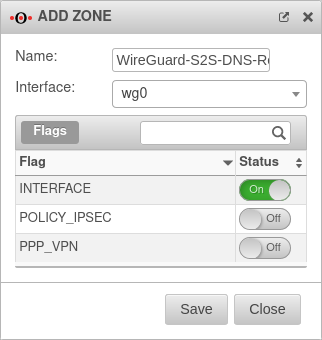 UTM v12.2.5 DNS Relay WireGuard Zone-en.png 322 × 340; 23 KB
-
 UMAv3.3 Outlook-Plugin Erweiterte-Suche-en.png 1.400 × 215; 35 KB
-
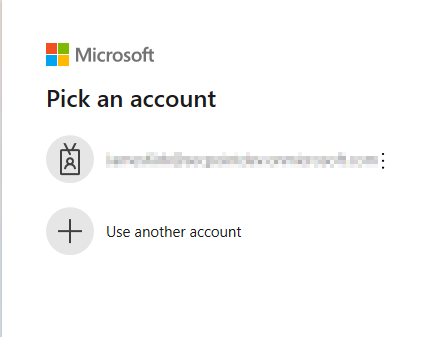 UMAv3.3 Outlook-Pluginv2.2.0 Azure-en.png 442 × 337; 19 KB
-
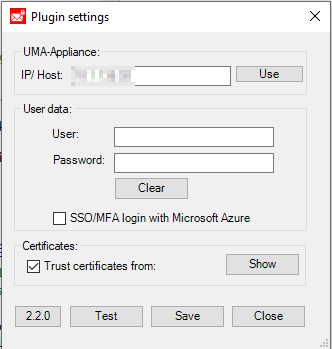 UMAv3.3 Outlook-Pluginv2.2.0 Einstellungen-en.png 332 × 349; 23 KB
-
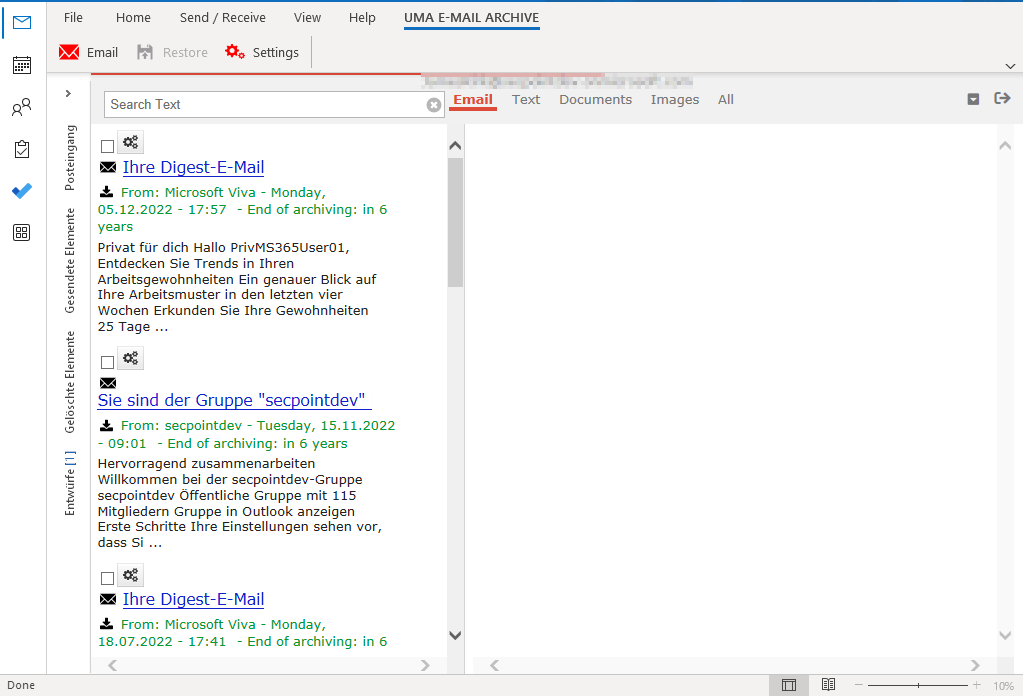 UMAv3.3 Outlook-Pluginv2.2.0 E-Mail-en.png 1.023 × 696; 72 KB
-
 UMAv3.3 Outlook-Pluginv2.2.0 Menu-en.png 978 × 71; 7 KB
-
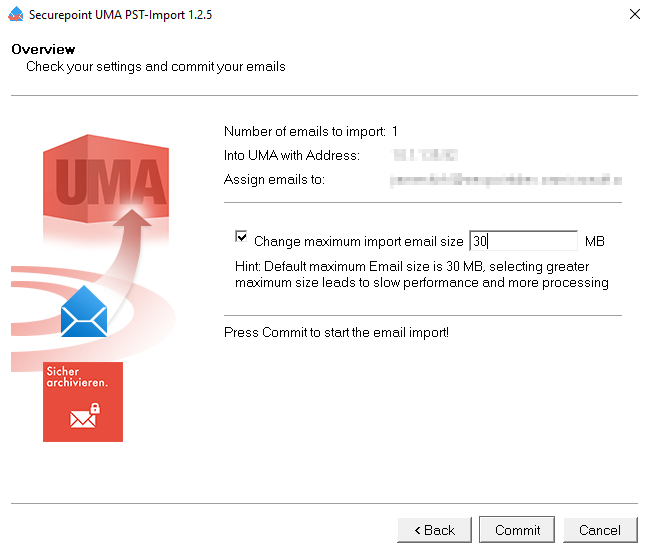 UMAv.3.3 PST-Import-Tool Übersicht-der-Einstellungen-en.png 650 × 555; 46 KB
-
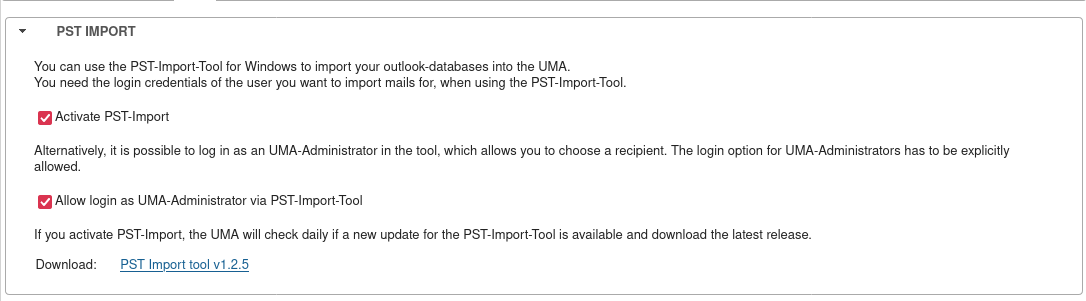 UMAv3.3 Importieren PST PST-Import Download-en.png 1.086 × 301; 45 KB
-
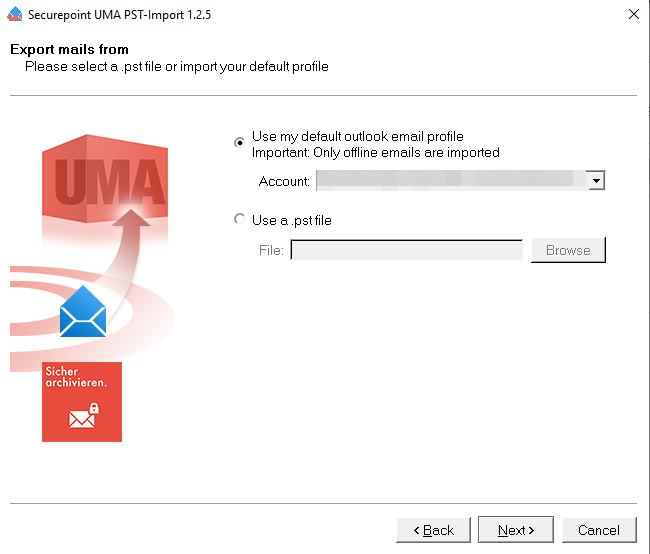 UMAv3.3 PST-Import-Tool E-Mail-Import-Auswahl-en.png 650 × 554; 45 KB
-
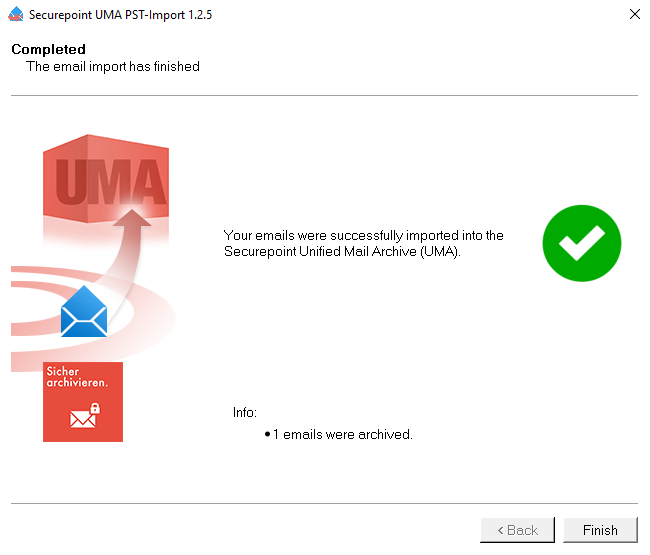 UMAv3.3 PST-Import-Tool Fertig-en.png 650 × 555; 46 KB
-
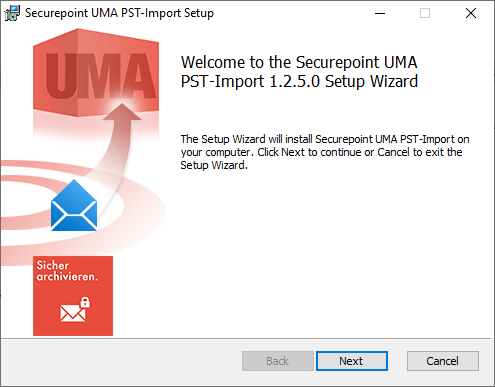 UMAv3.3 PST-Import-Tool Installation Schritt1-en.png 495 × 387; 50 KB
-
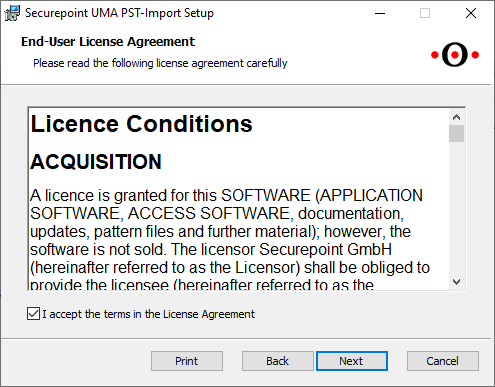 UMAv3.3 PST-Import-Tool Installation Schritt2-en.png 495 × 387; 40 KB
-
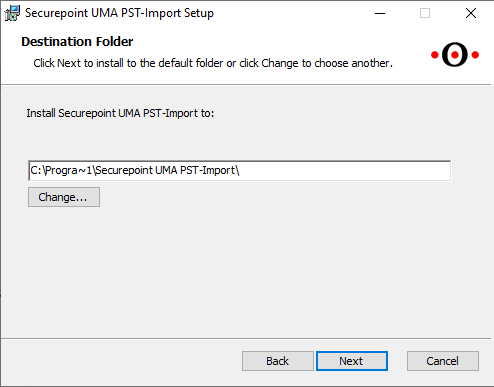 UMAv3.3 PST-Import-Tool Installation Schritt3-en.png 494 × 387; 21 KB
-
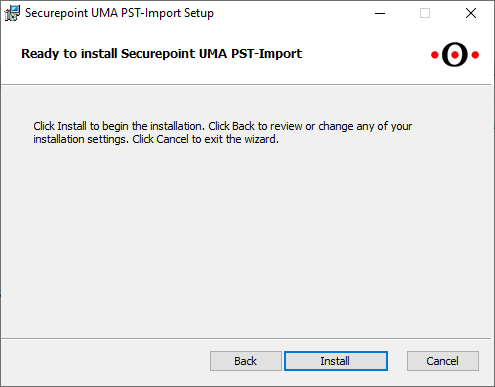 UMAv3.3 PST-Import-Tool Installation Schritt4-en.png 495 × 387; 19 KB
-
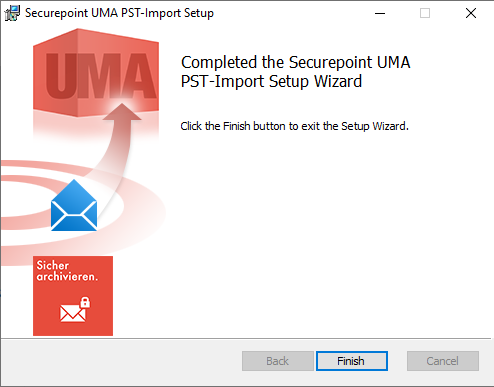 UMAv3.3 PST-Import-Tool Installation Schritt5-en.png 494 × 387; 46 KB
-
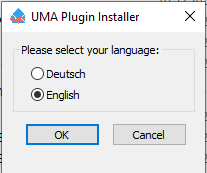 UMAv3.3 PST-Import-Tool-Installation-Sprache-en.png 207 × 173; 6 KB
-
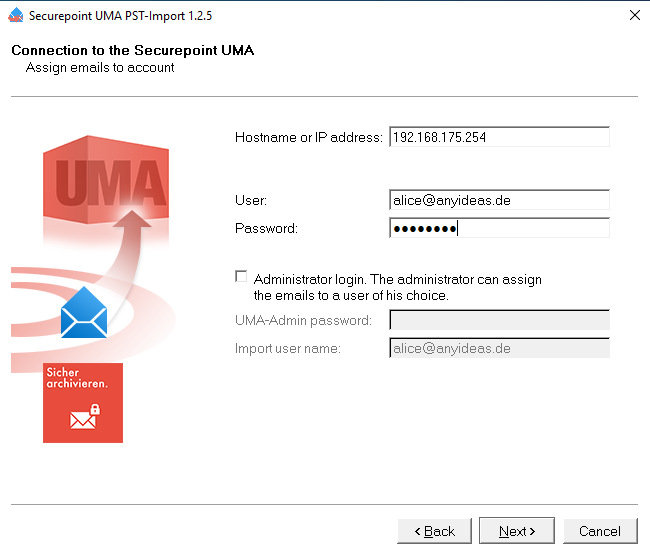 UMAv3.3-PST-Import-Tool-Verbindung-en.png 650 × 555; 46 KB
-
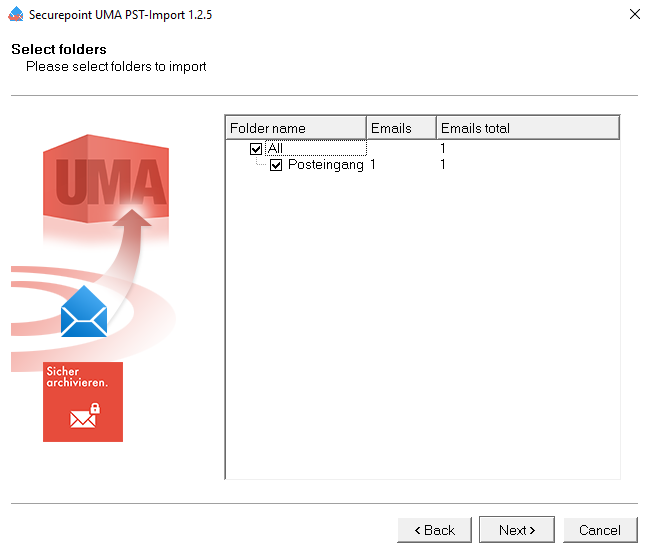 UMAv3.3 PST-Import-Tool Postfach-Auswahl-en.png 650 × 555; 42 KB
-
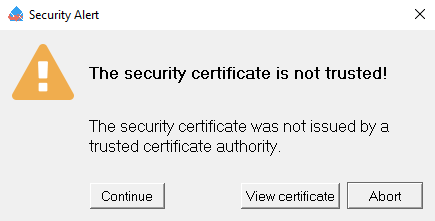 UMAv3.3 PST-Import-Tool Zertifikat-en.png 435 × 221; 14 KB
-
 MS 1.12 iOS Profile Netzwerke EAP-Client.png 879 × 133; 11 KB
-
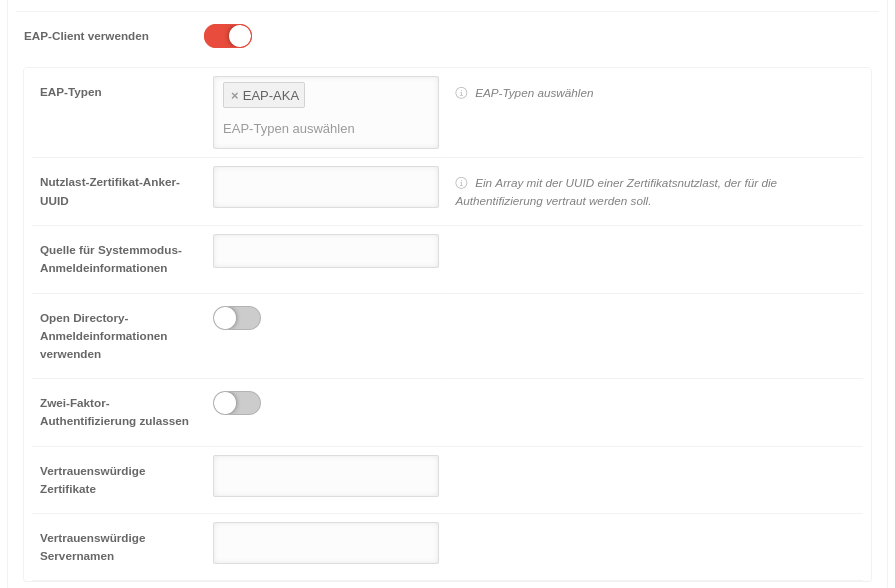 MS 1.12 iOS Profile Netzwerke EAP-Client-EAP-AKA.png 895 × 588; 53 KB
-
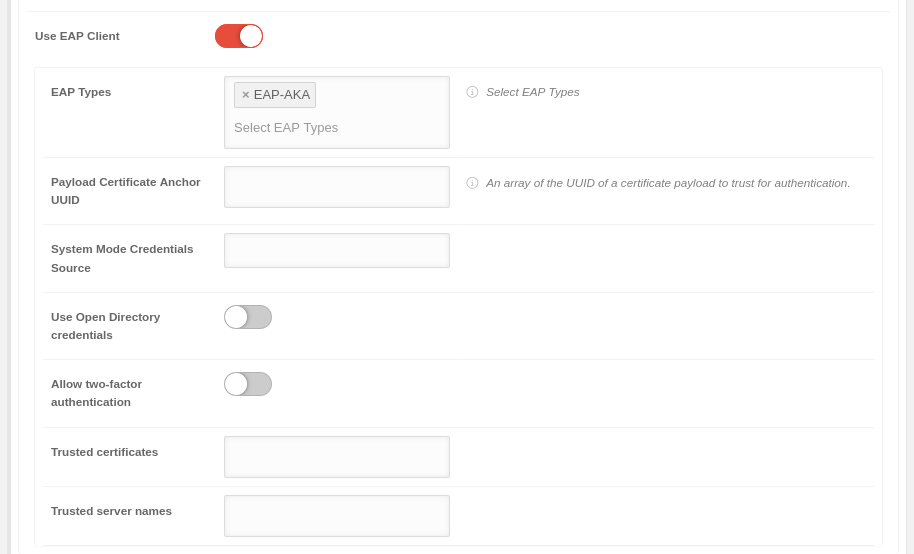 MS 1.12 iOS Profile Netzwerke EAP-Client-EAP-AKA-en.png 914 × 554; 45 KB
-
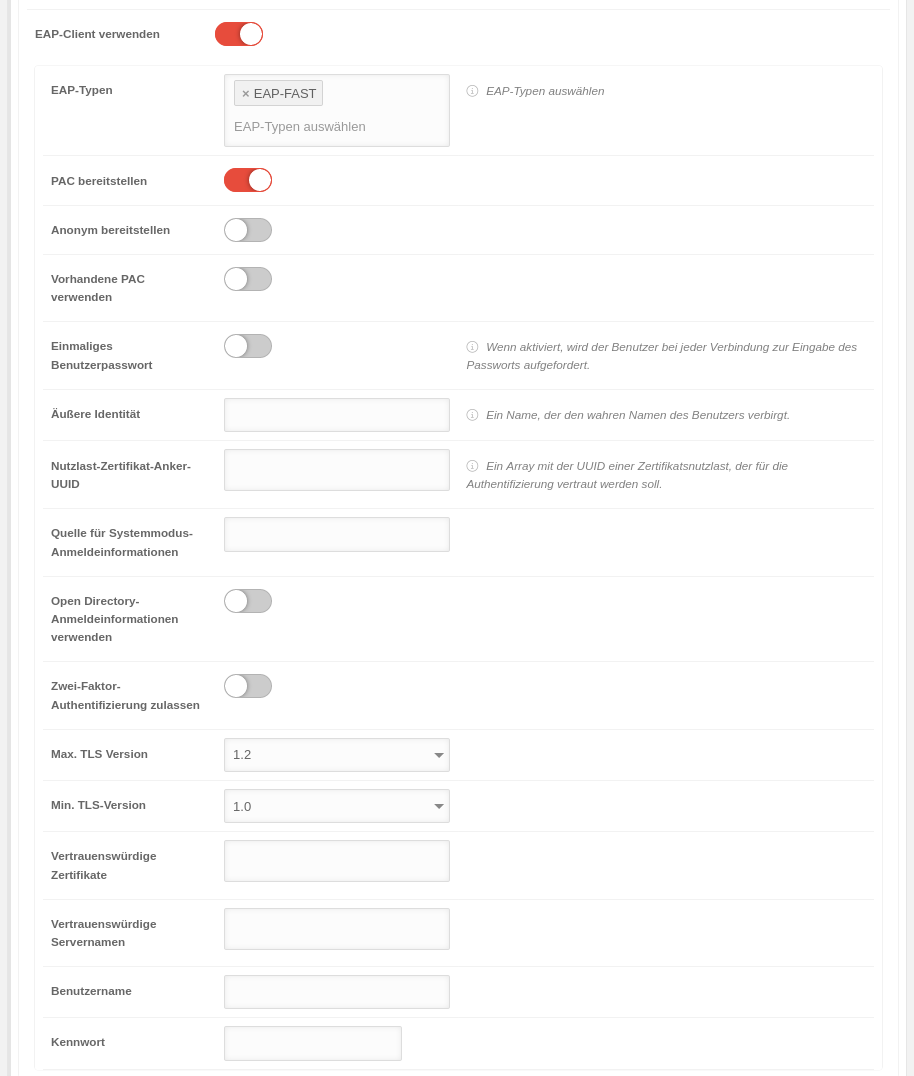 MS 1.12 iOS Profile Netzwerke EAP-Client-EAP-FAST.png 914 × 1.076; 96 KB
-
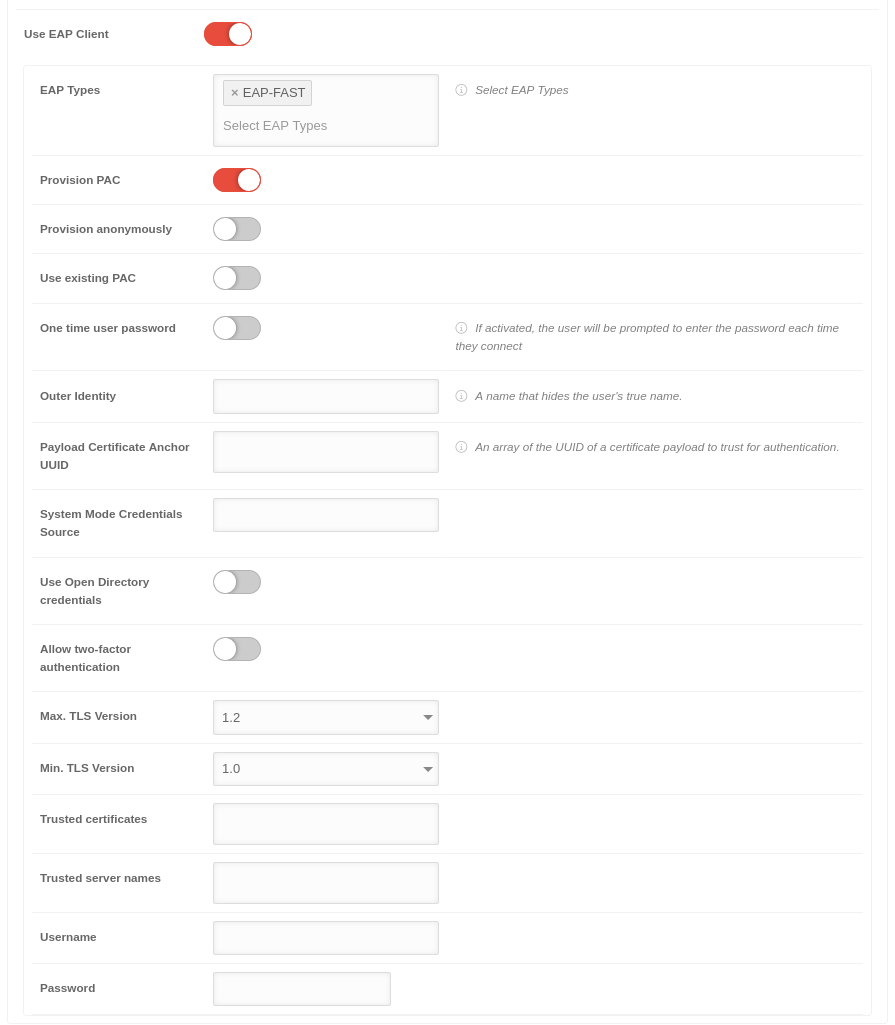 MS 1.12 iOS Profile Netzwerke EAP-Client-EAP-FAST-en.png 895 × 1.025; 83 KB
-
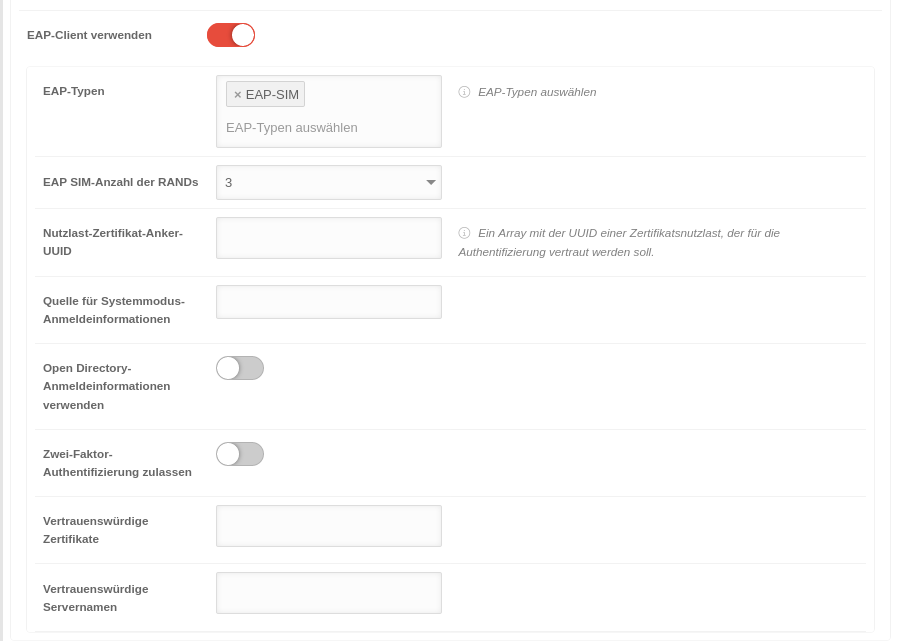 MS 1.12 iOS Profile Netzwerke EAP-Client-EAP-SIM.png 898 × 641; 57 KB
-
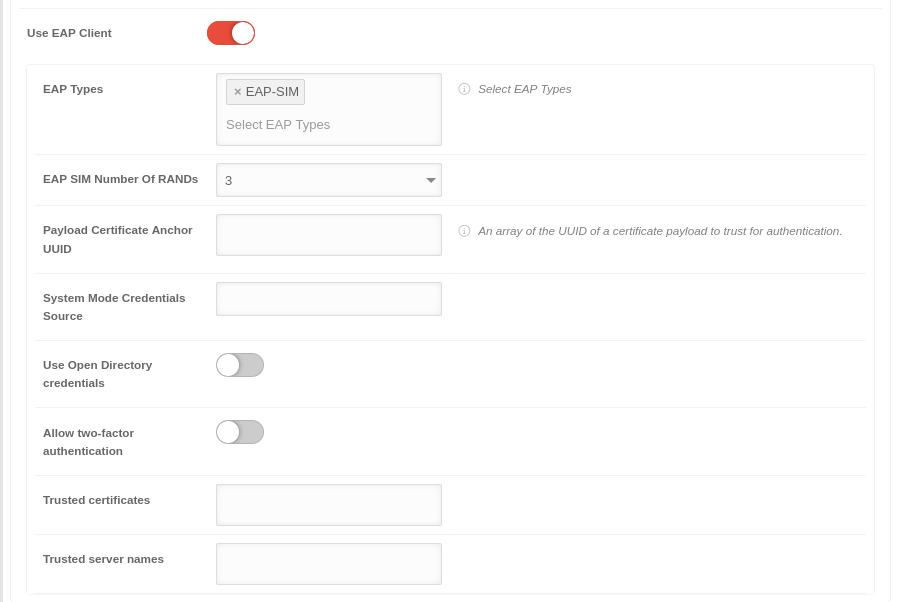 MS 1.12 iOS Profile Netzwerke EAP-Client-EAP-SIM-en.png 898 × 602; 46 KB
-
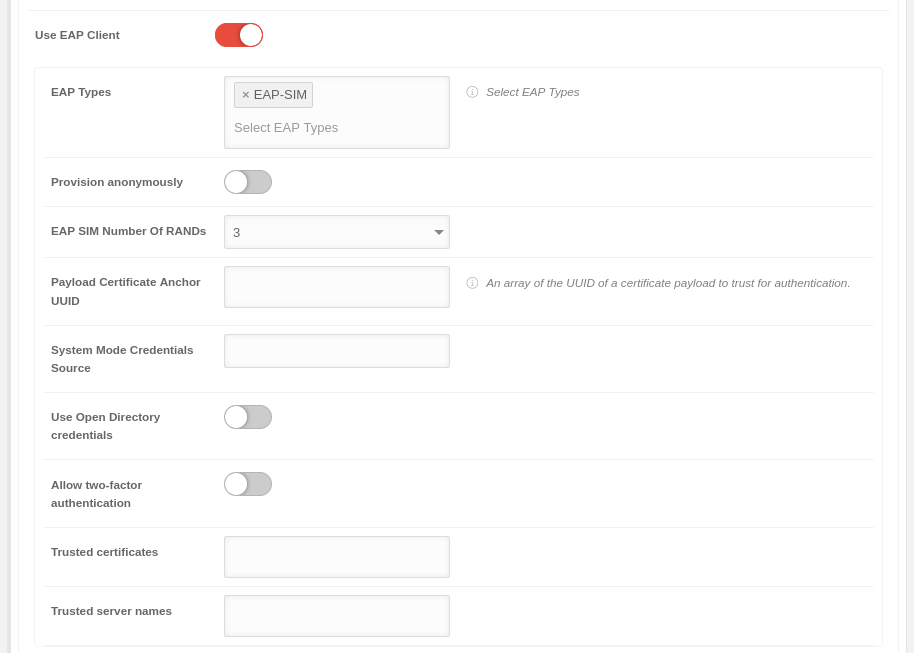 MS 1.12 iOS Profile Netzwerke EAP-Client-EAP-SIM-en-Fehler.png 914 × 653; 53 KB
-
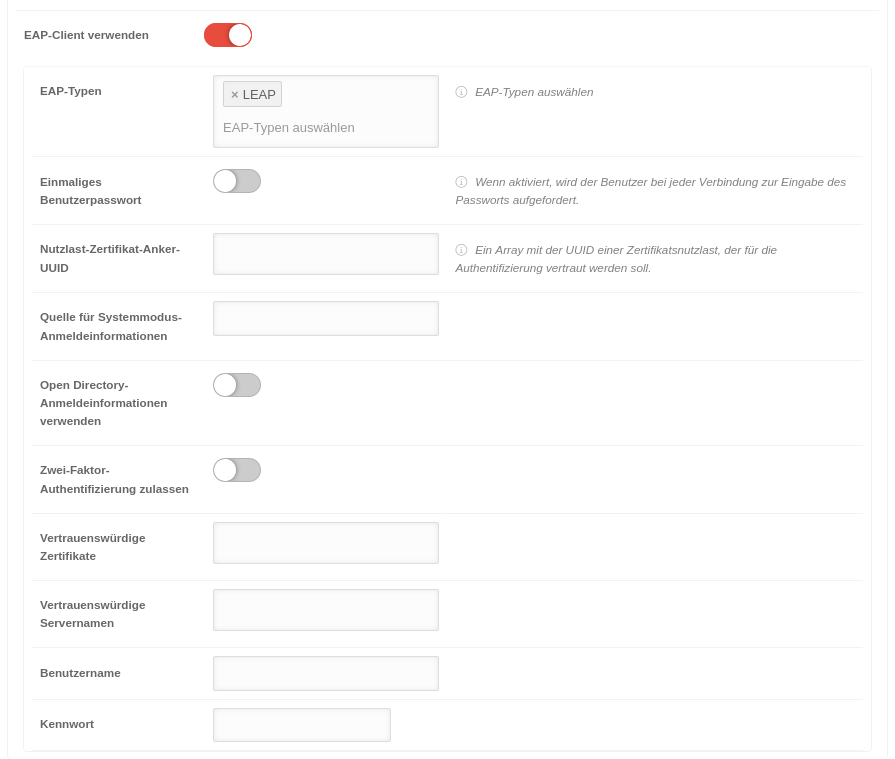 MS 1.12 iOS Profile Netzwerke EAP-Client-LEAP.png 895 × 759; 69 KB
-
 MS 1.12 iOS Profile Netzwerke EAP-Client-en.png 895 × 131; 10 KB
-
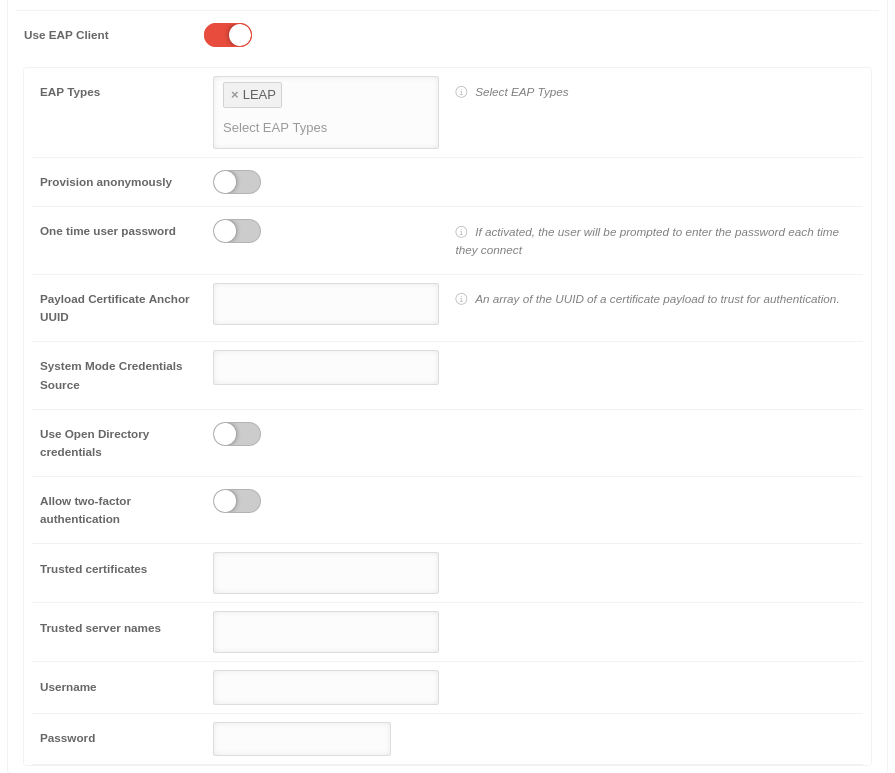 MS 1.12 iOS Profile Netzwerke EAP-Client-LEAP-en.png 895 × 773; 64 KB
-
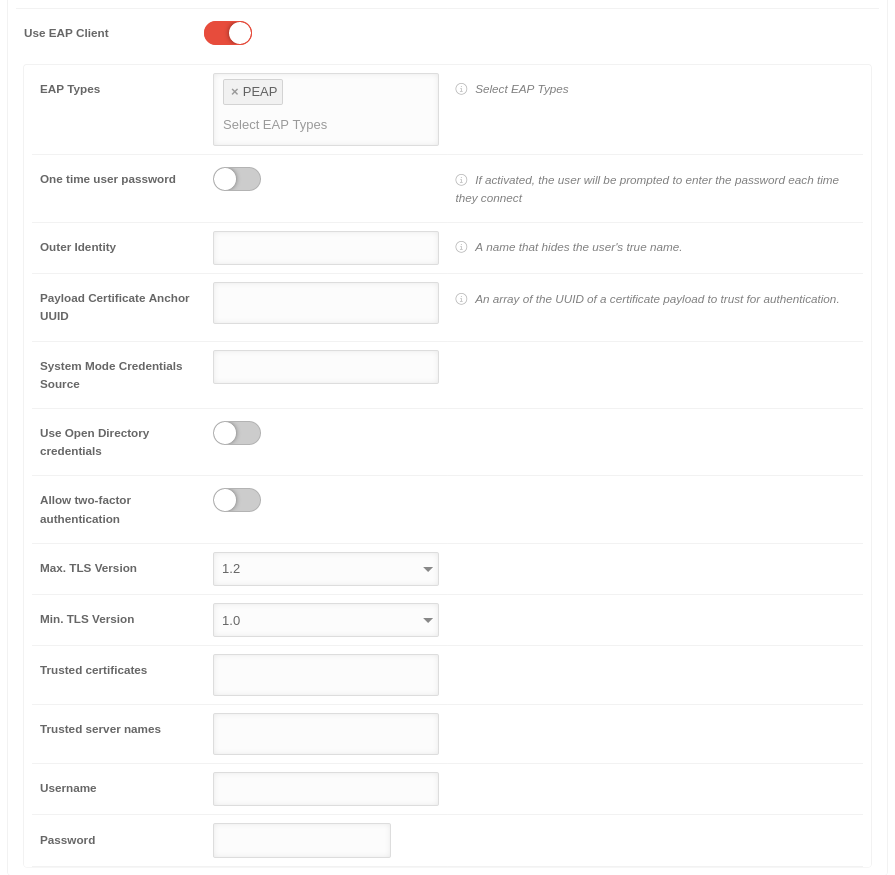 MS 1.12 iOS Profile Netzwerke EAP-Client-PEAP-en.png 895 × 875; 71 KB
-
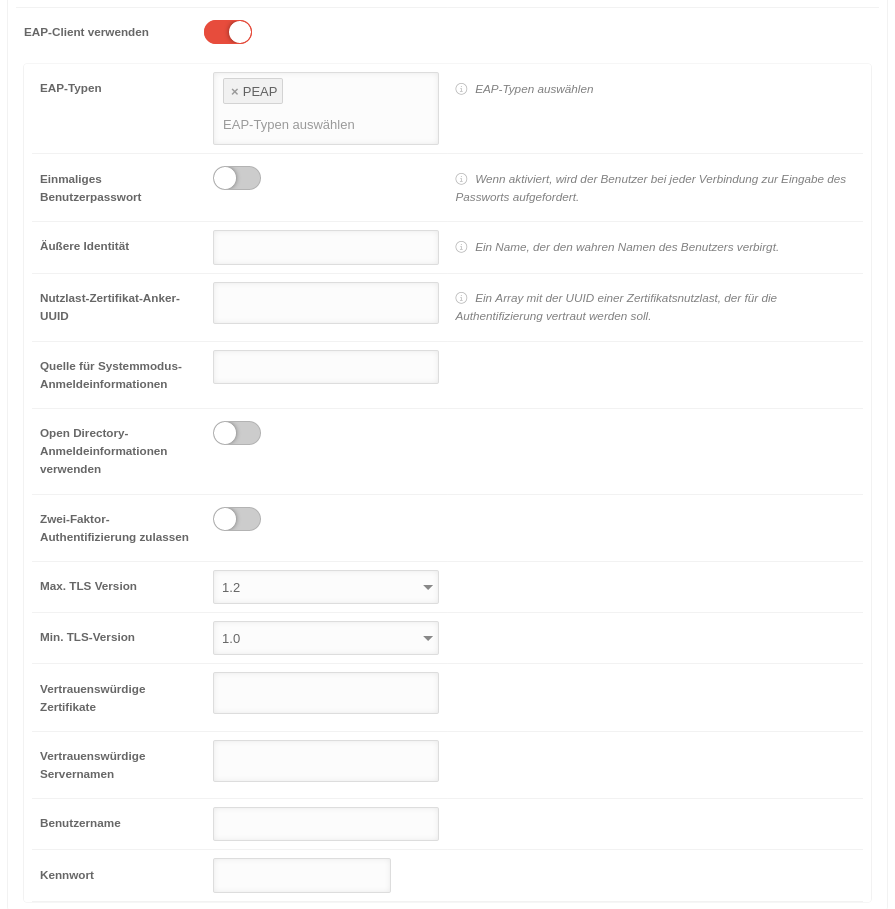 MS 1.12 iOS Profile Netzwerke EAP-Client-PEAP.png 895 × 909; 83 KB
-
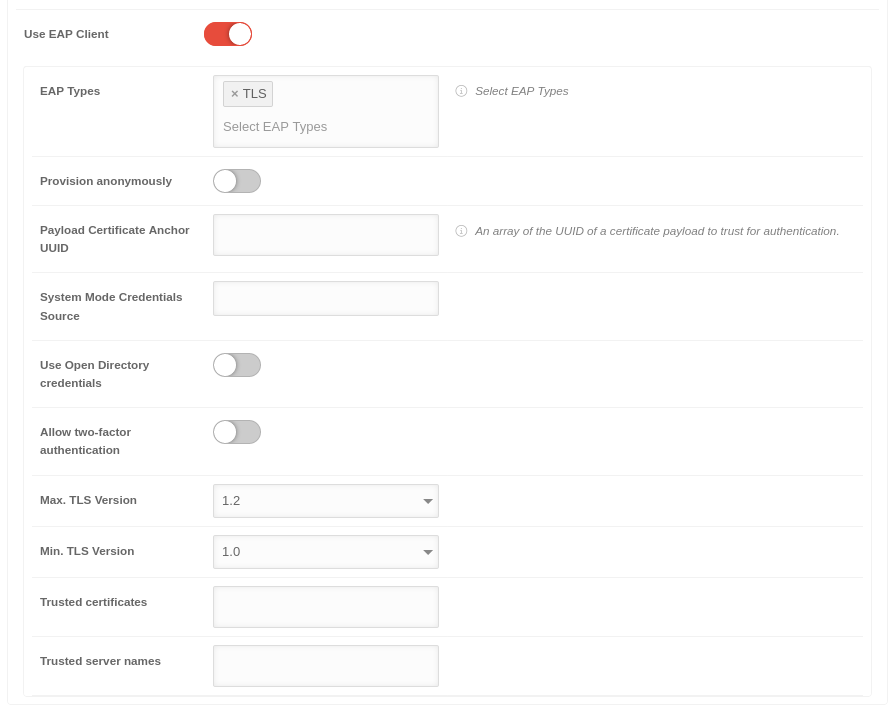 MS 1.12 iOS Profile Netzwerke EAP-Client-TLS-en.png 895 × 705; 56 KB
-
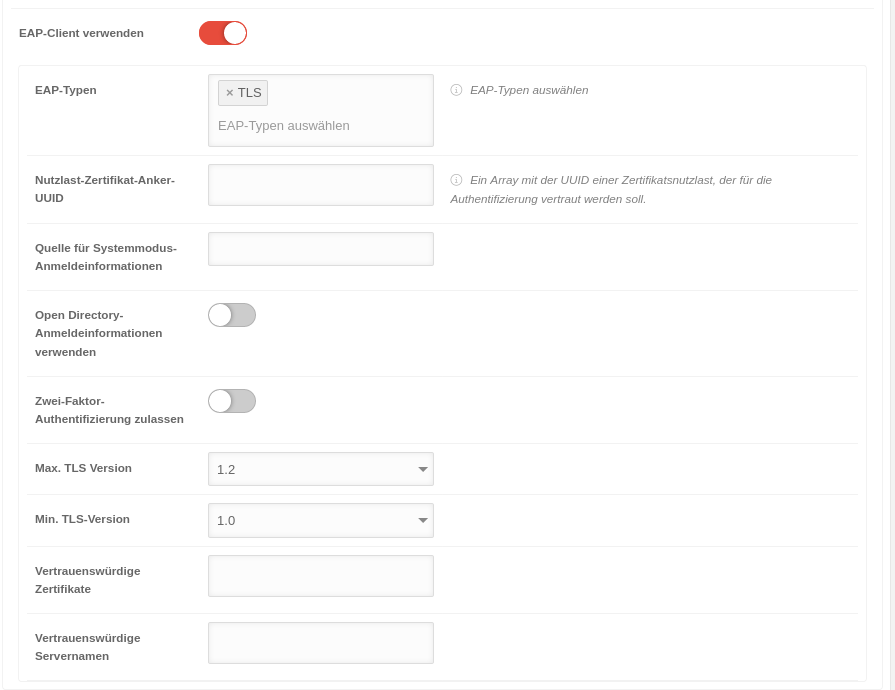 MS 1.12 iOS Profile Netzwerke EAP-Client-TLS.png 895 × 690; 60 KB
-
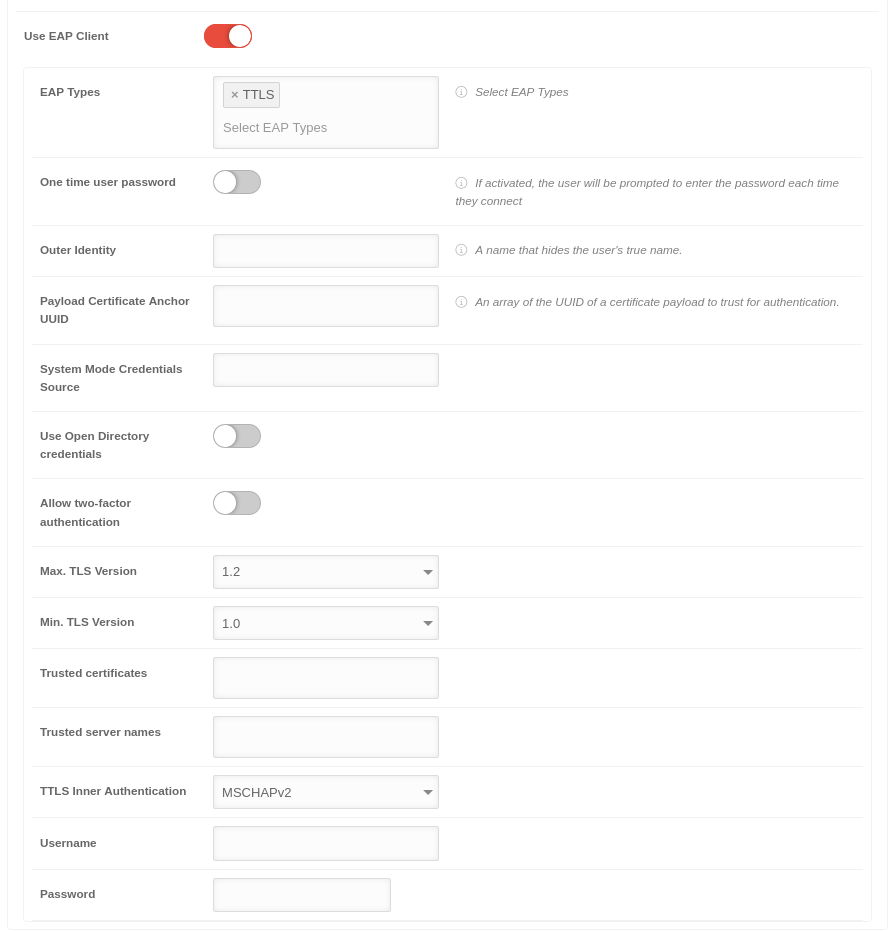 MS 1.12 iOS Profile Netzwerke EAP-Client-TTLS-en.png 895 × 931; 76 KB
-
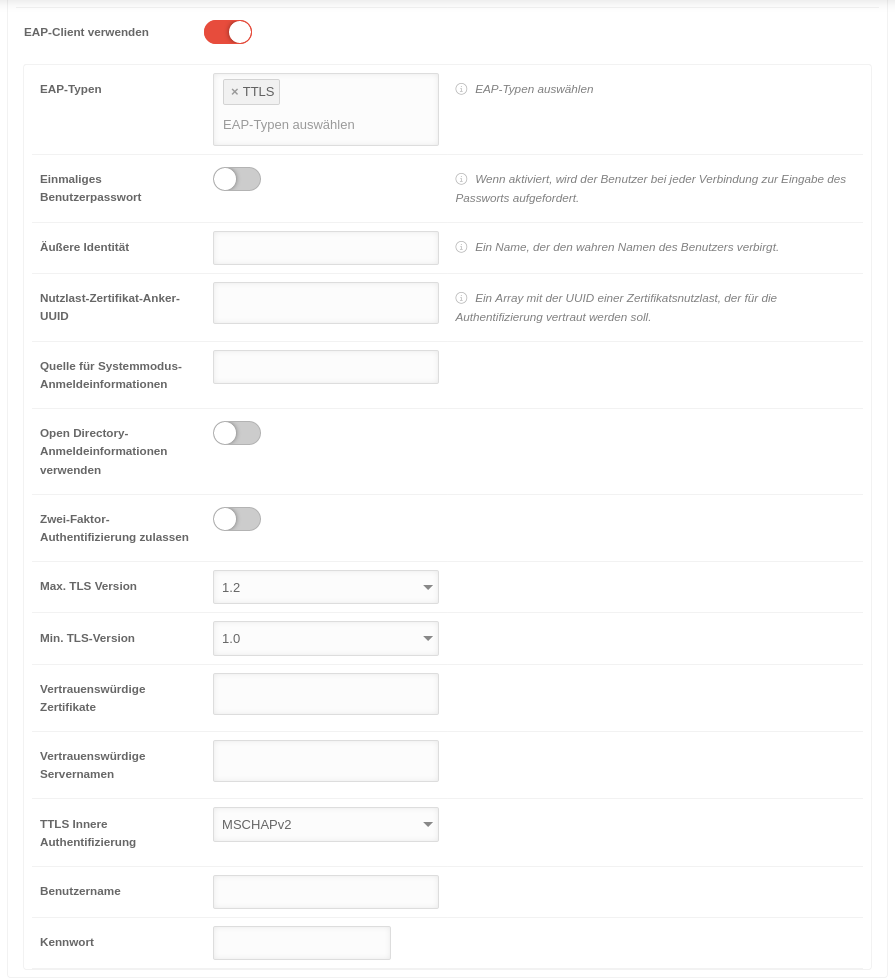 MS 1.12 iOS Profile Netzwerke EAP-Client-TTLS.png 895 × 978; 88 KB
-
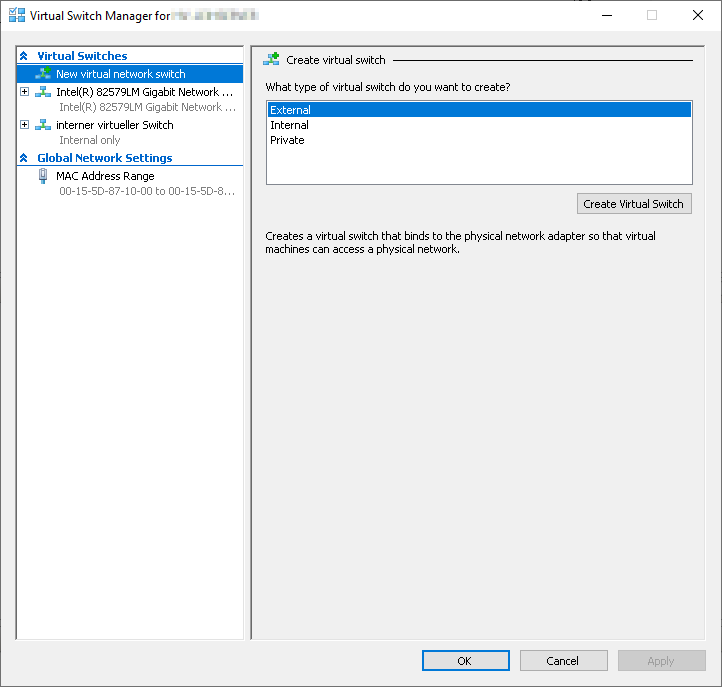 UTMv12.2.5 HyperV Manager-virtuelle-Switches-en.png 722 × 687; 22 KB
-
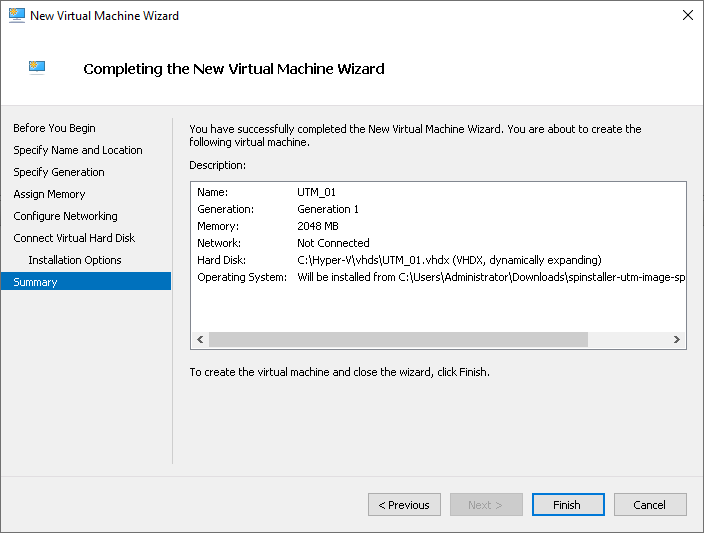 UTMv12.2.5 HyperV Neuer-Virtueller-Computer-en.png 704 × 533; 21 KB
-
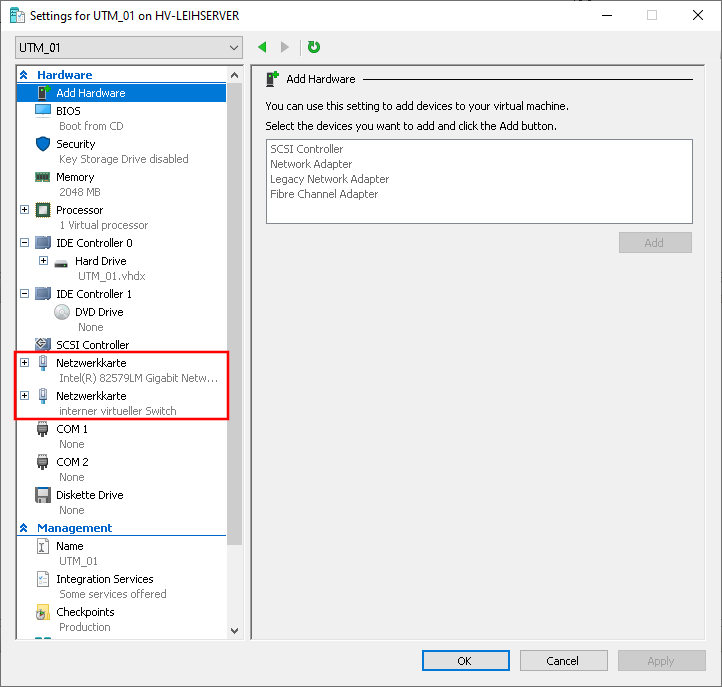 UTMv12.2.5 HyperV virtuelleUTM Einstellungen-anpassen-en.png 722 × 687; 33 KB
-
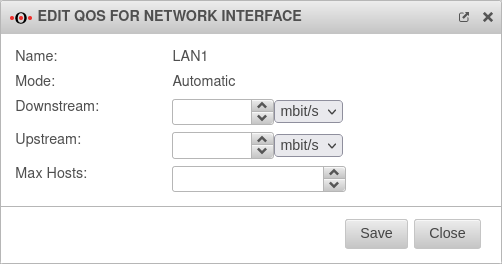 UTM v12.2.5.1 Netzwerk QOS Automatisch Empfohlen-en.png 502 × 264; 22 KB
-
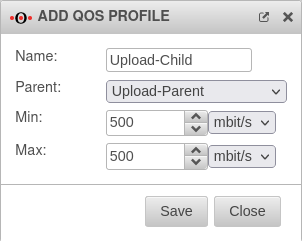 UTM v12.2.5.1 Netzwerk QOS Profil Child hinzufügen-en.png 302 × 241; 18 KB
-
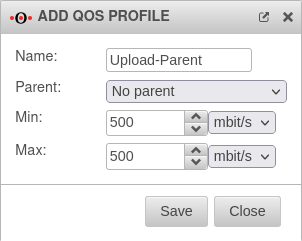 UTM v12.2.5.1 Netzwerk QOS Profil Parent hinzufügen-en.png 302 × 241; 17 KB
-
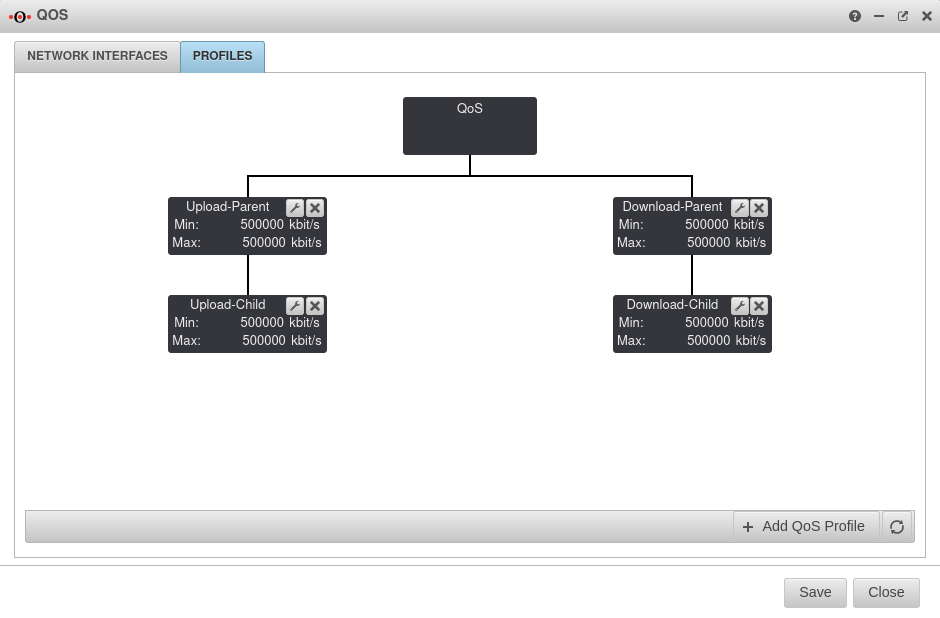
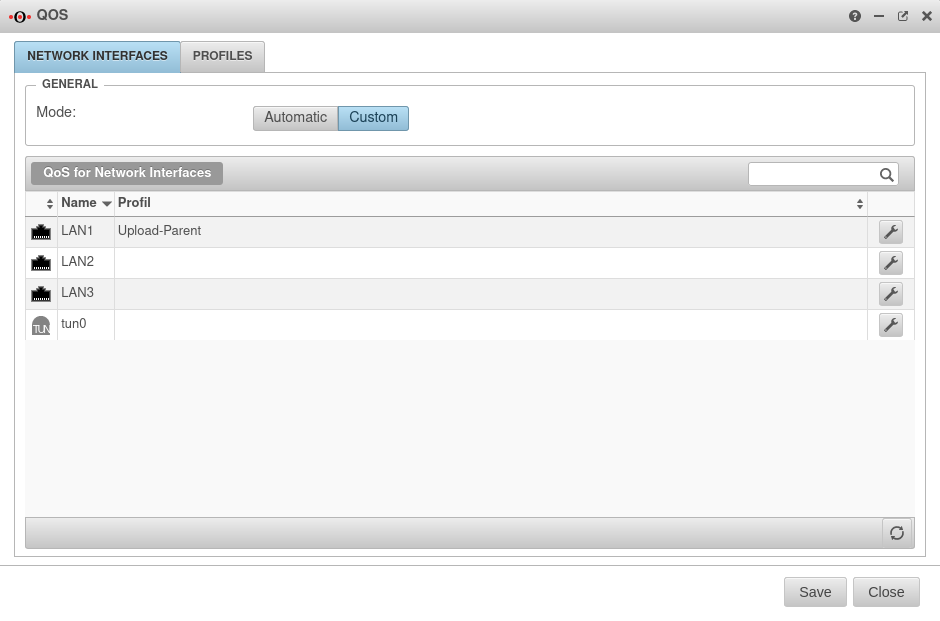 UTM v12.2.5.1 Netzwerk QOS Profil hinzufügen fertig-en.png 940 × 621; 44 KB
-
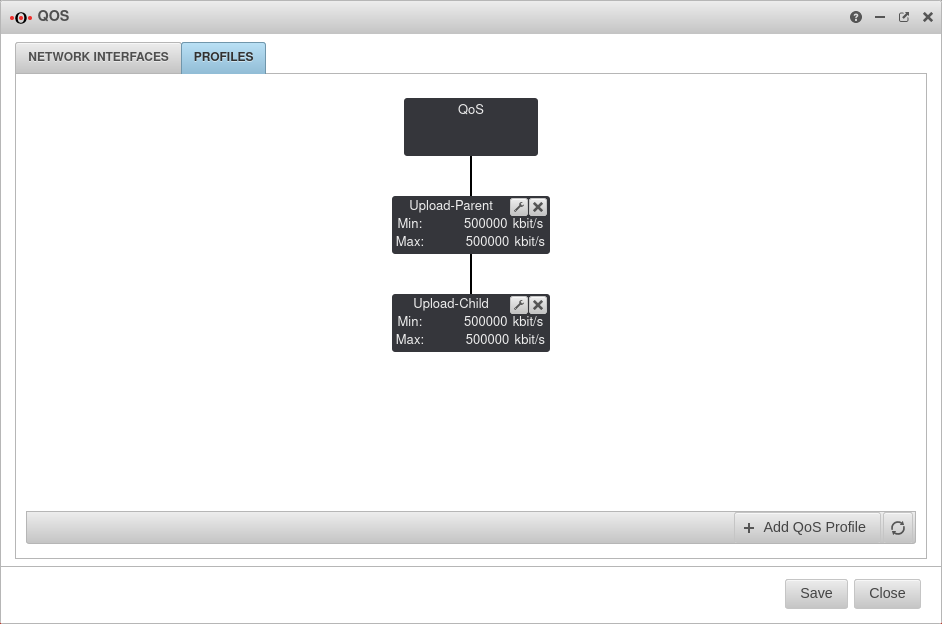 UTM v12.2.5.1 Netzwerk QOS Profile hinzufügen Übersicht-en.png 942 × 624; 43 KB
-
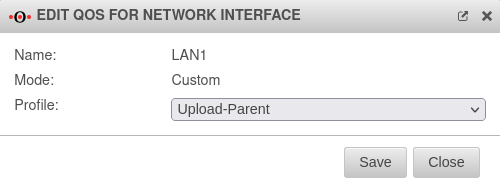
-
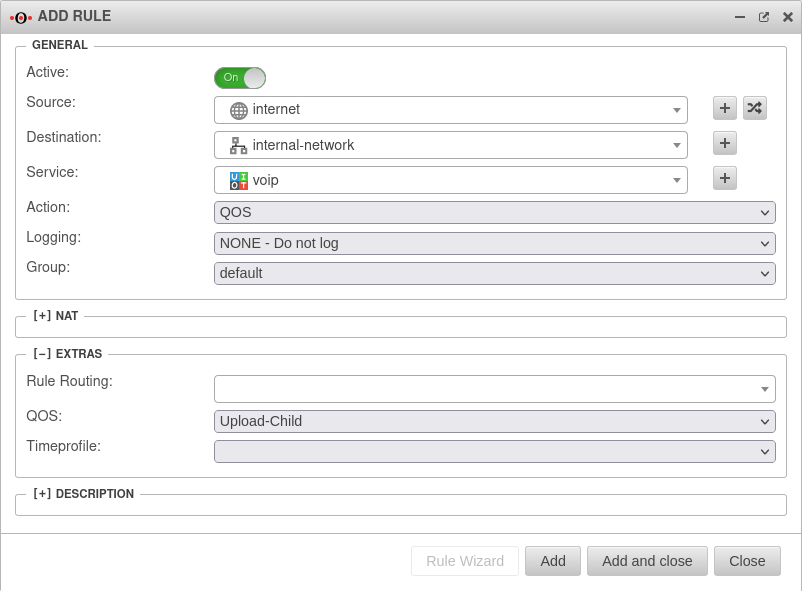 UTM v12.2.5.1 Firewall Portfilterregel hinzufügen QOS-en.png 802 × 591; 51 KB
-
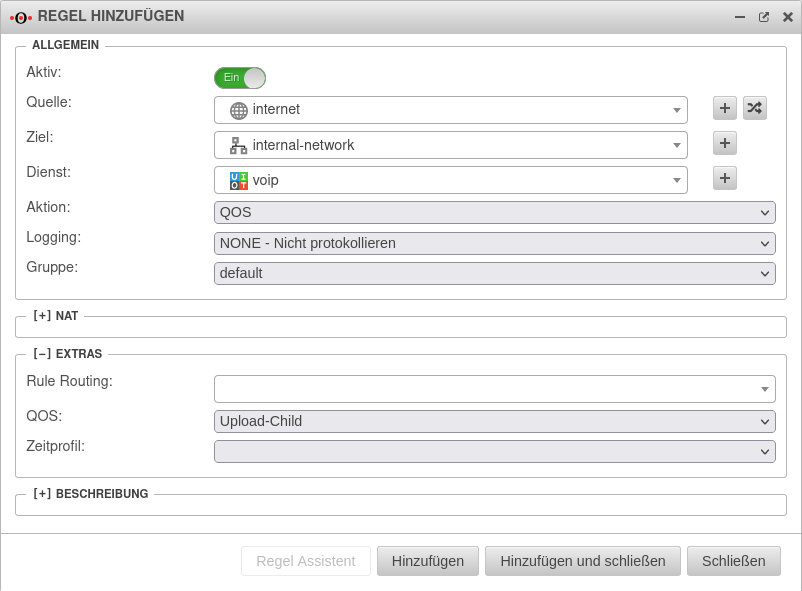 UTM v12.2.5.1 Firewall Portfilterregel hinzufügen QOS.png 802 × 591; 53 KB
-
-
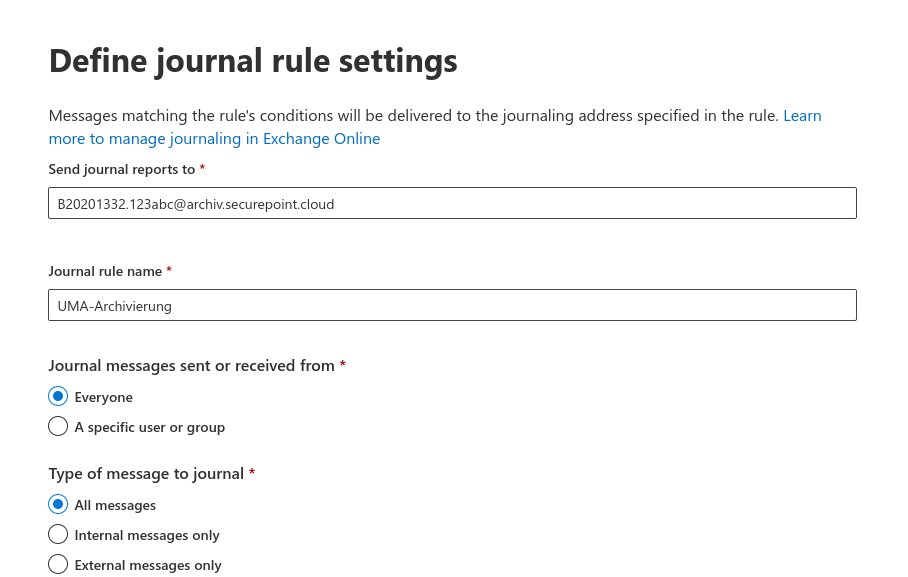 Journal Rule neu-en.png 908 × 577; 62 KB


