Bitte beachte, dass andere Webseiten eine Datei mit einer direkten URL verlinken können. Diese könnte daher hier aufgelistet sein, obwohl diese in aktiver Verwendung ist.
Unten werden bis zu 50 Ergebnisse im Bereich 3.901 bis 3.950 angezeigt.
-
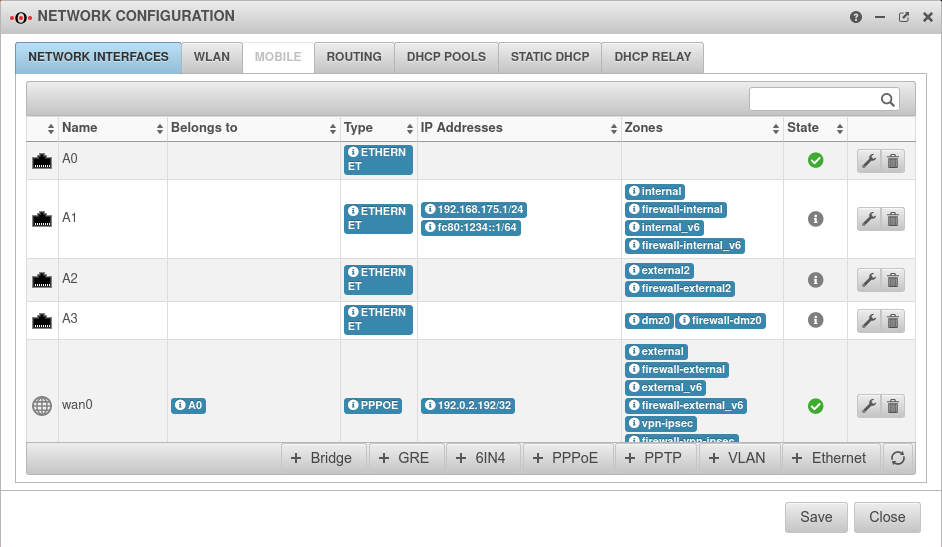 UTM v12.5 Netzwerkkonfiguration PPPoE wan0-en.png 942 × 547; 99 KB
-
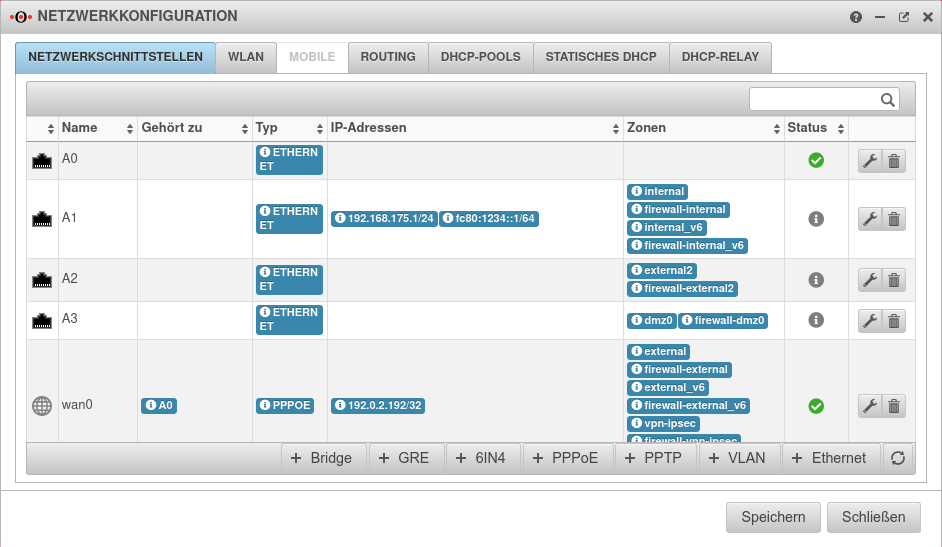 UTM v12.5 Netzwerkkonfiguration PPPoE wan0.png 942 × 547; 102 KB
-
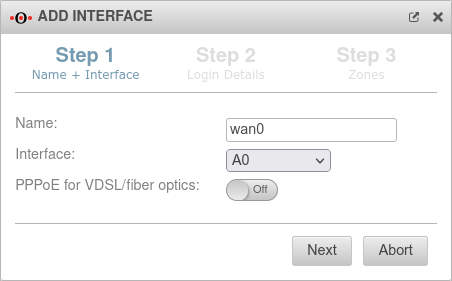 UTM v12.5 Netzwerkkonfiguration PPPoE Wizard Step1-en.png 452 × 281; 22 KB
-
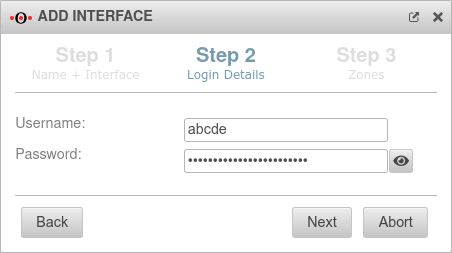 UTM v12.5 Netzwerkkonfiguration PPPoE Wizard Step2-en.png 452 × 253; 19 KB
-
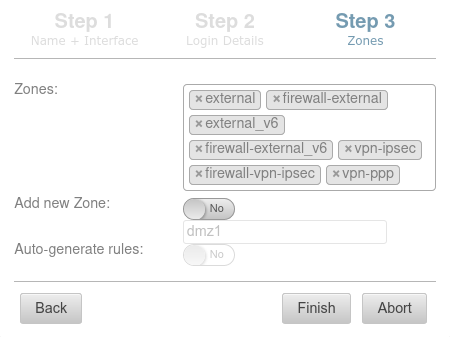 UTM v12.5 Netzwerkkonfiguration PPPoE Wizard Step3-en.png 450 × 337; 29 KB
-
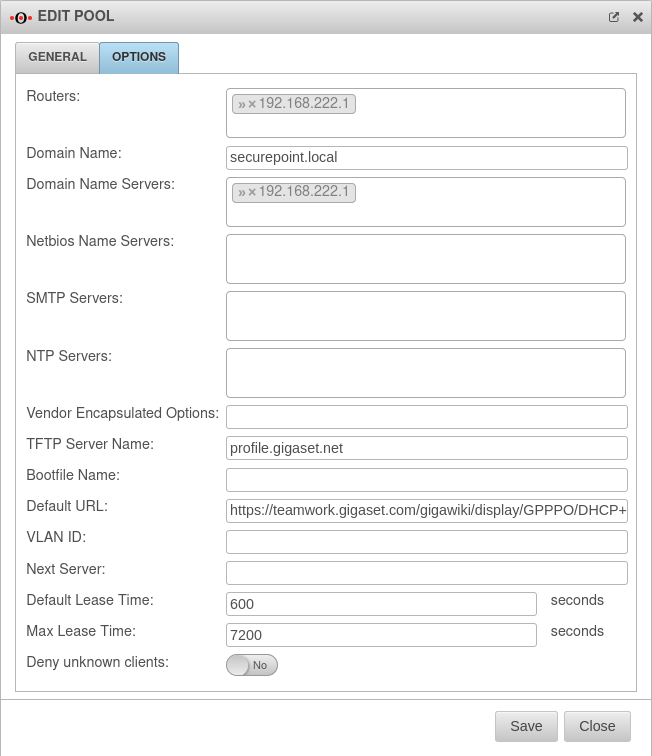
-
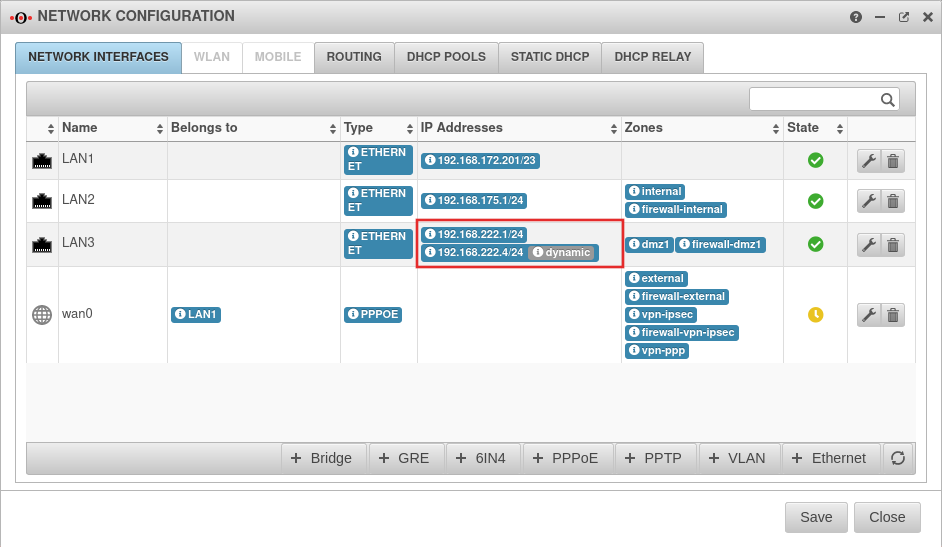 UTM v12.5 Netzwerk Netzwerkkonfiguration LAN3 DHCP-en.png 942 × 547; 83 KB
-
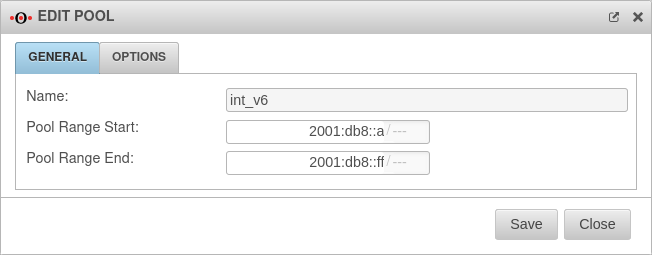
-
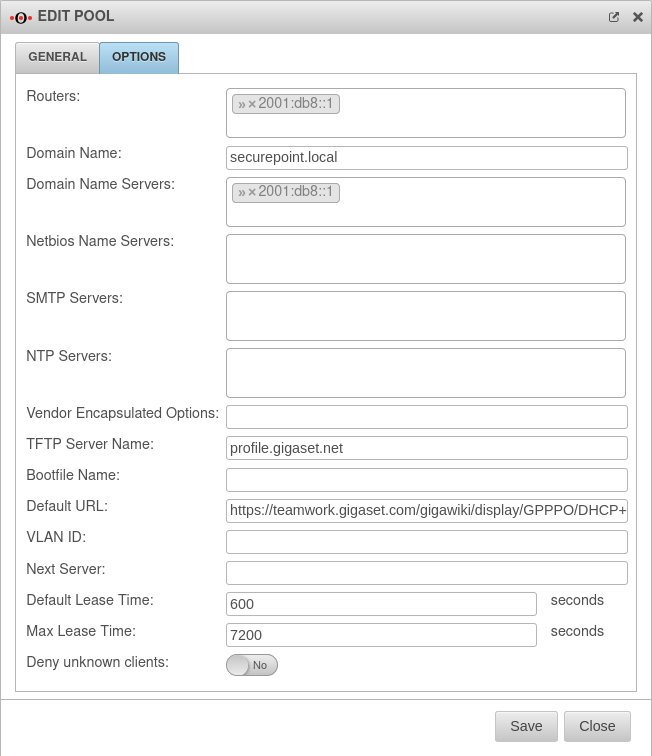
-
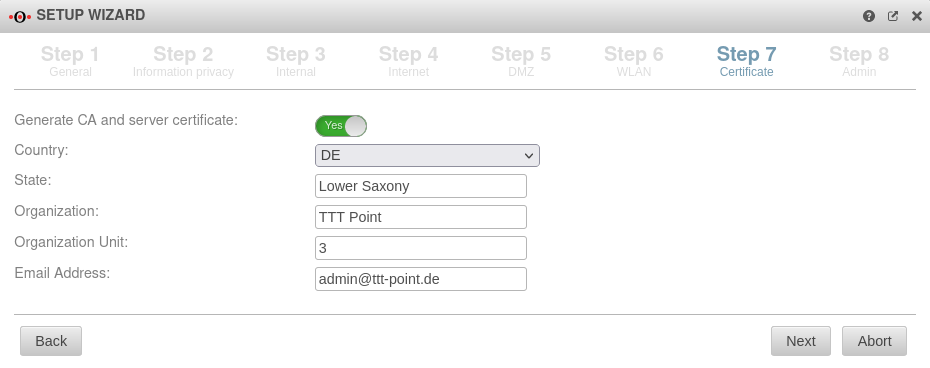 UTM v12.5 Installationsassistent S7 Zertifikat-en.png 930 × 368; 40 KB
-
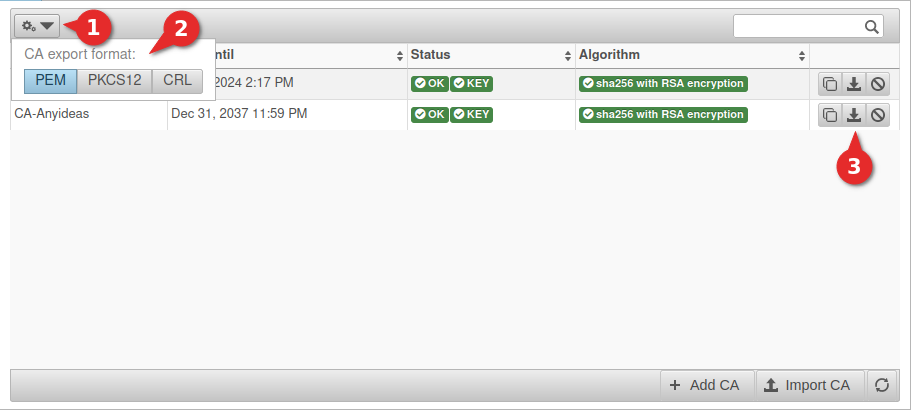 UTM v12.5 Zertifikate Export-en.png 911 × 411; 44 KB
-
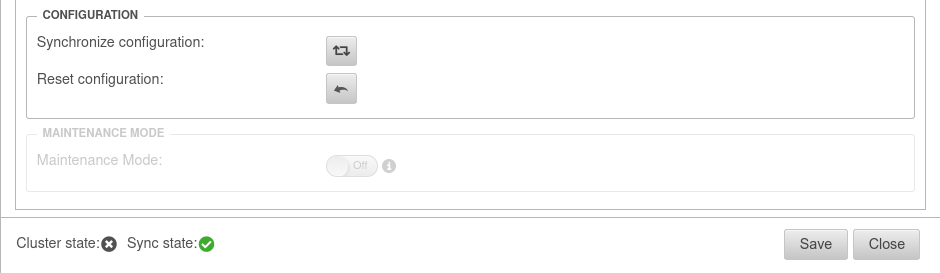 UTM v12.5 Cluster Management synchronized-en.png 940 × 273; 24 KB
-
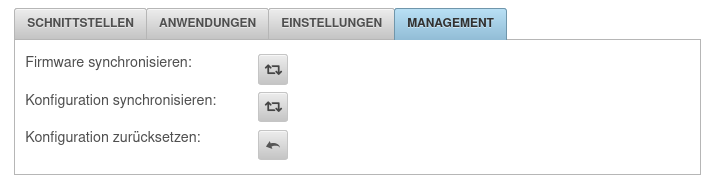 UTM 12.4 Cluster Management.png 715 × 182; 20 KB
-
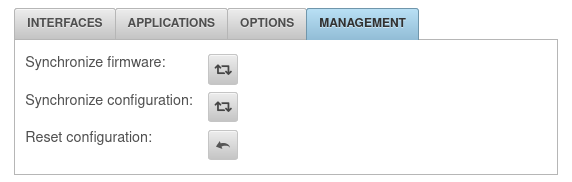 UTM 12.4 Cluster Management-en.png 572 × 182; 19 KB
-
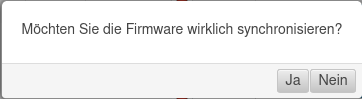 UTM 12.4 Cluster Management sync.png 362 × 99; 7 KB
-
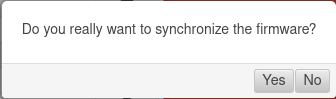 UTM 12.4 Cluster Management sync-en.png 336 × 99; 6 KB
-
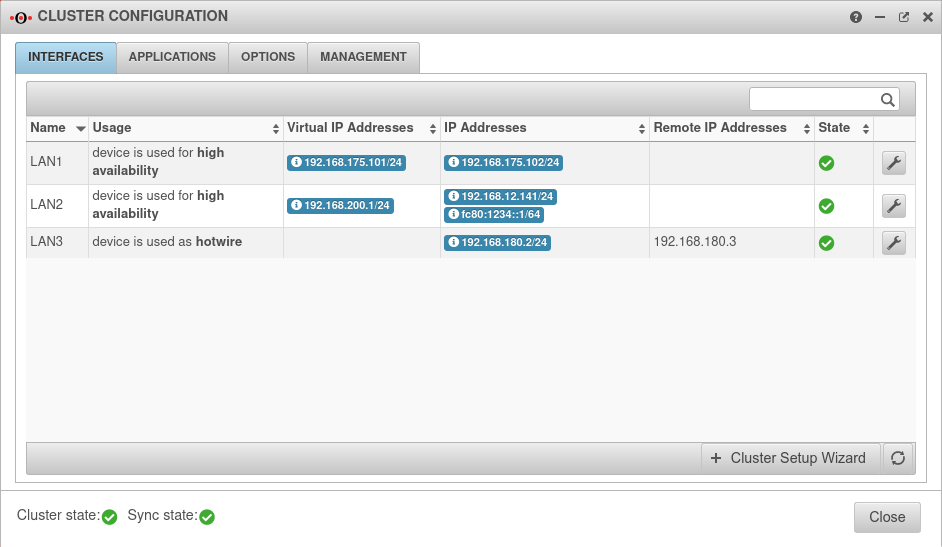 UTM 12.4 Cluster online synced Router-en.png 942 × 547; 70 KB
-
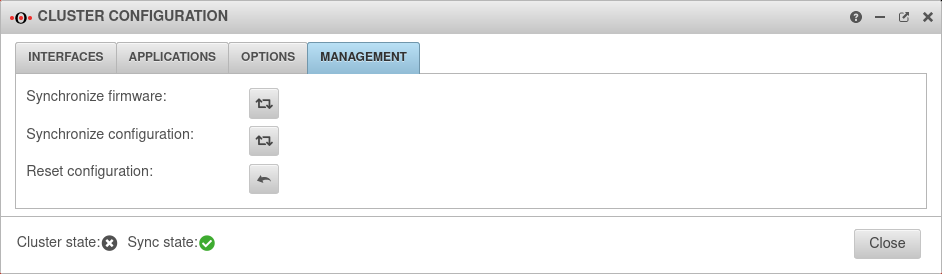 UTM 12.4 Cluster Management synchronized-en.png 942 × 274; 31 KB
-
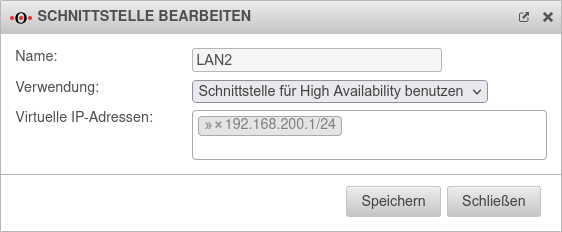 UTM 12.4 Cluster Router Schnittstelle LAN2 HA.png 562 × 232; 22 KB
-
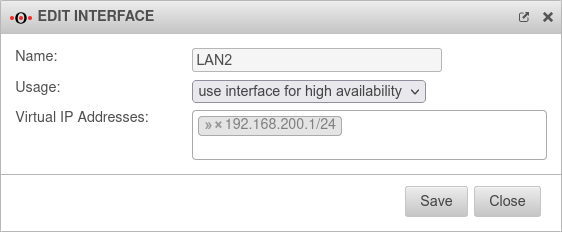 UTM 12.4 Cluster Router Schnittstelle LAN2 HA-en.png 562 × 232; 19 KB
-
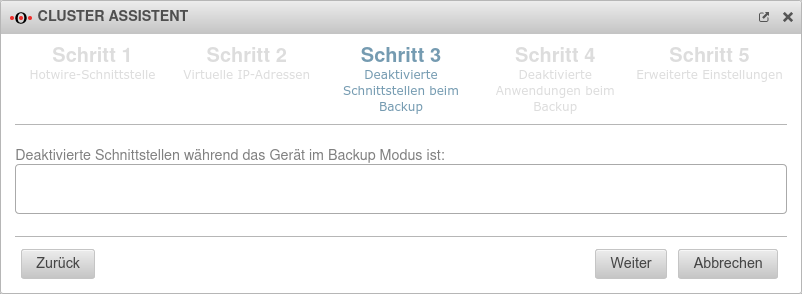 UTM v12.4 Cluster Assistent Schritt3 Router.png 802 × 294; 31 KB
-
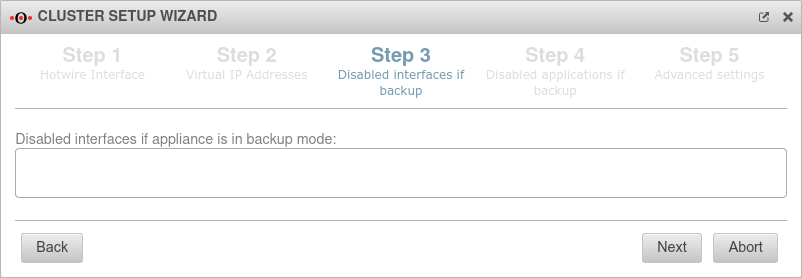 UTM v12.4 Cluster Assistent Schritt3 Router-en.png 802 × 278; 28 KB
-
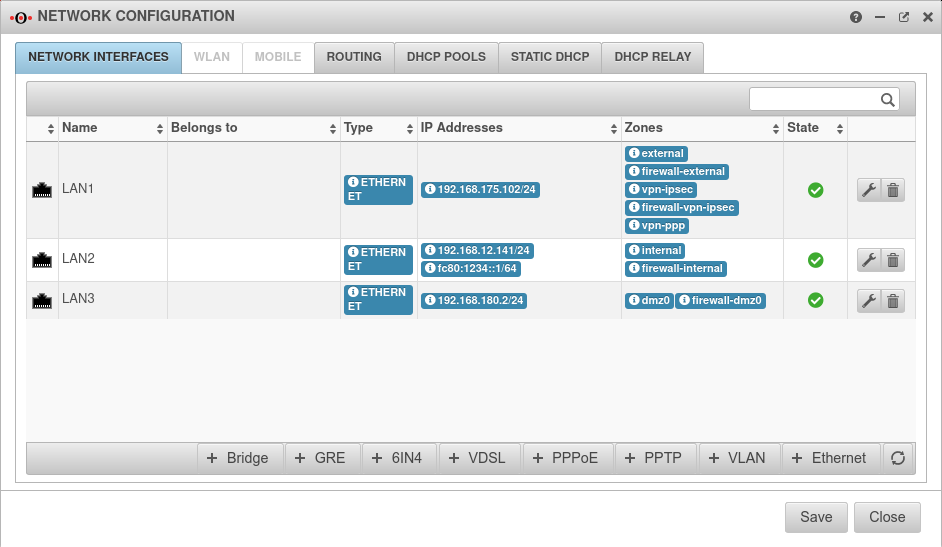 UTM v12.4 Clusterkonfiguration default Router-en.png 942 × 547; 82 KB
-
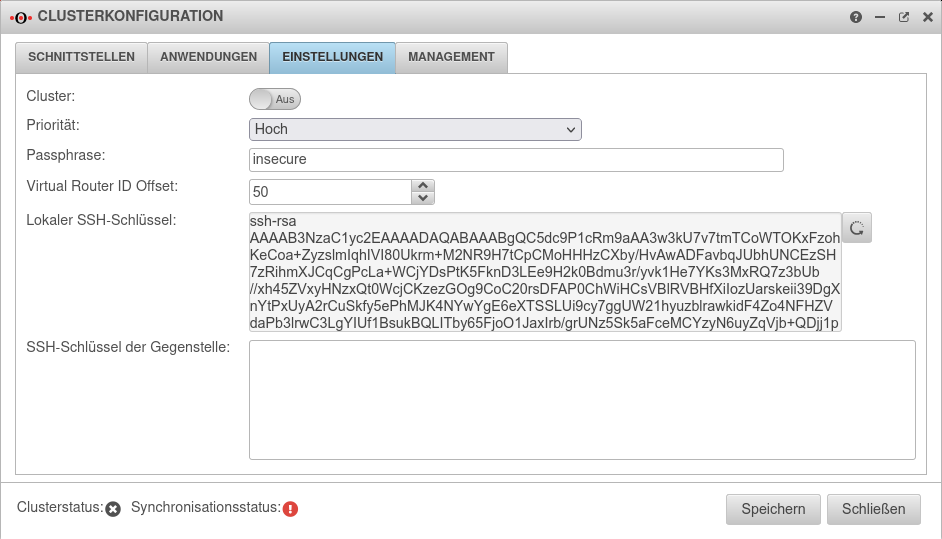 UTM v12.4 Netzwerk Cluster Config Einstellungen.png 942 × 539; 91 KB
-
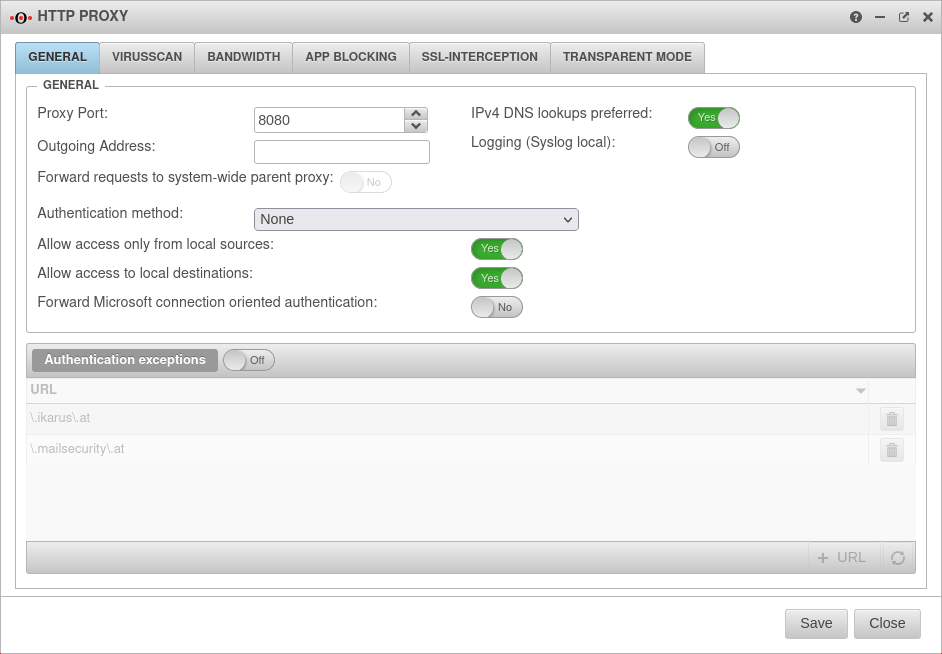 UTM v12.5 HTTP-Proxy Allgemein-en.png 942 × 654; 75 KB
-
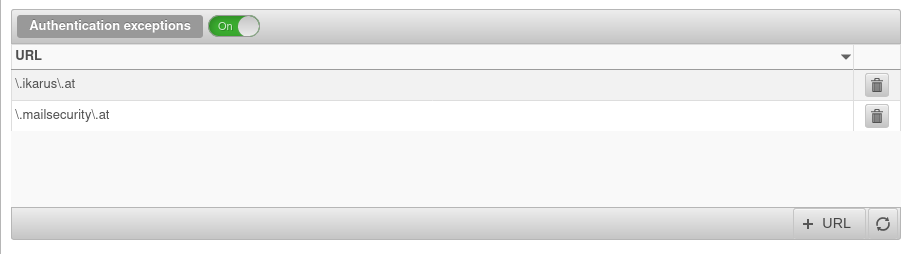 UTM v12.5 HTTP-Proxy Allgemein Authentifizierungsausnahmen-en.png 911 × 254; 19 KB
-
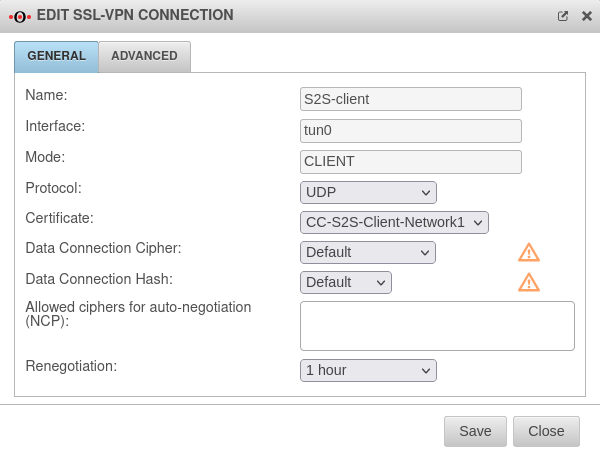 UTM v12.4.1 SSL VPN S2S Client Allgemein-en.png 600 × 455; 44 KB
-
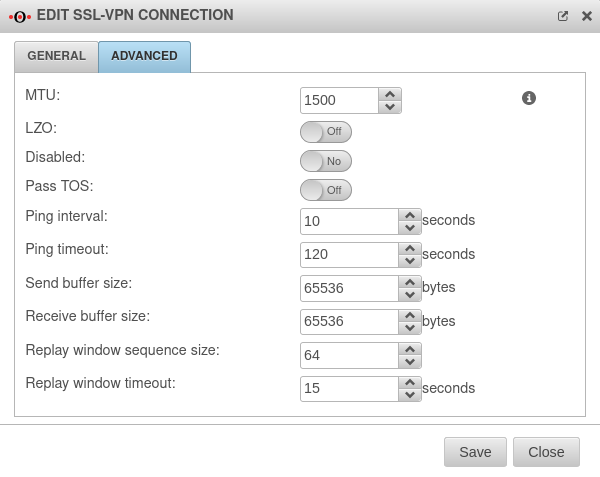 UTM v12.4.1 SSL VPN S2S Client Erweitert-en.png 600 × 477; 47 KB
-
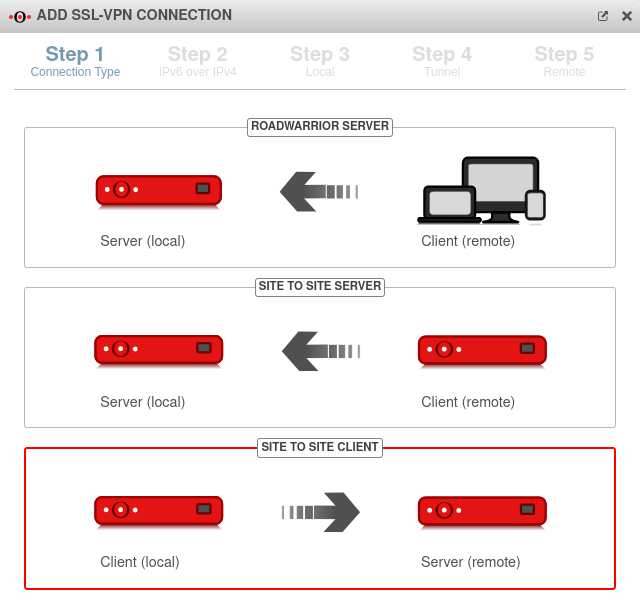 UTM v12.4.1 SSL VPN S2S Client Schritt 1-en.png 640 × 613; 51 KB
-
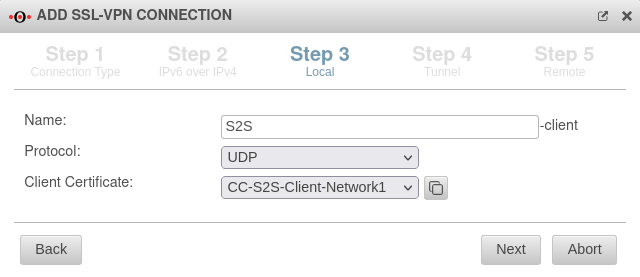 UTM v12.4.1 SSL VPN S2S Client Schritt 3-en.png 640 × 277; 27 KB
-
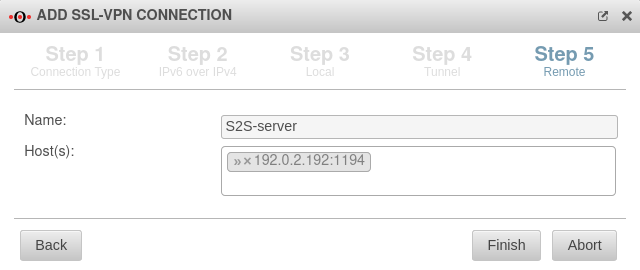 UTM v12.4.1 SSL VPN S2S Client Schritt 5-en.png 640 × 270; 24 KB
-
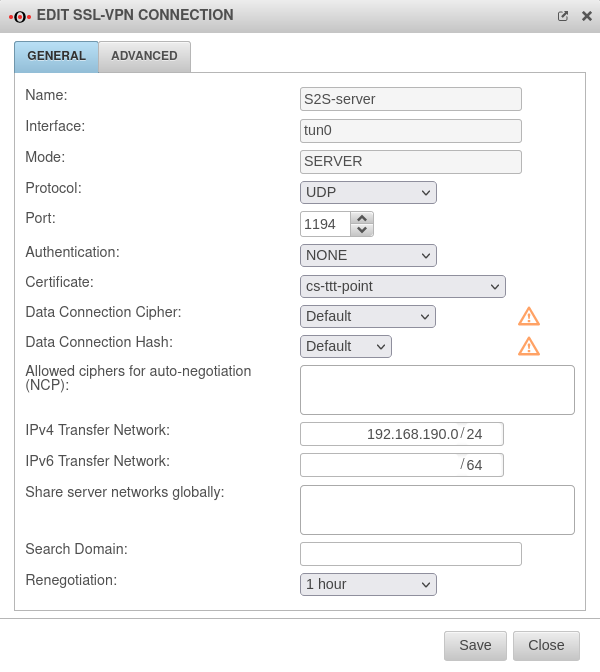 UTM v12.4.1 SSL VPN S2S Server Allgemein-en.png 600 × 672; 63 KB
-
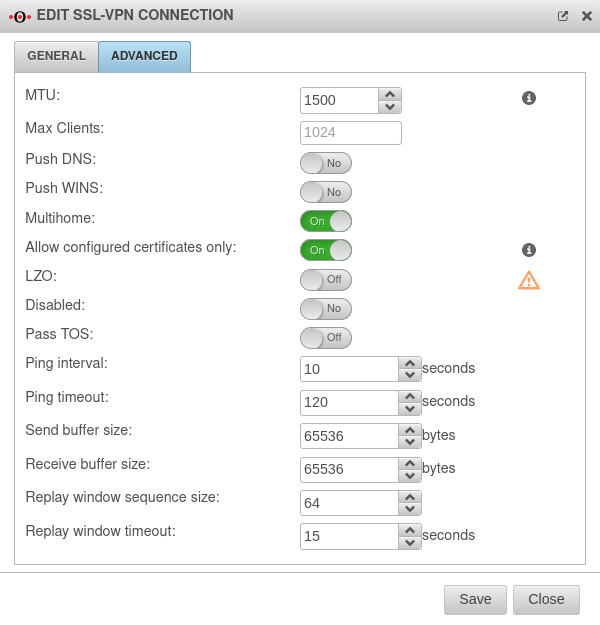 UTM v12.4.1 SSL VPN S2S Server Erweitert-en.png 600 × 625; 64 KB
-
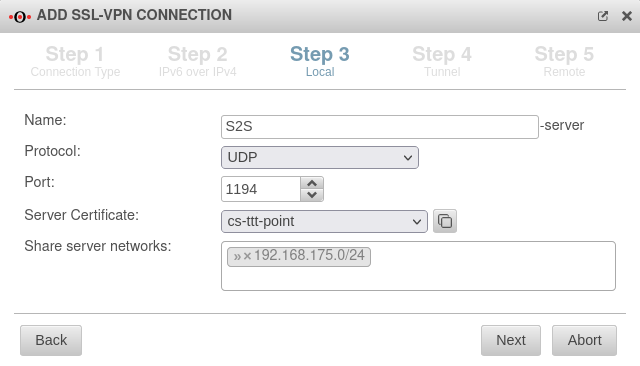 UTM v12.4.1 SSL VPN S2S Server Schritt 3-en.png 640 × 366; 34 KB
-
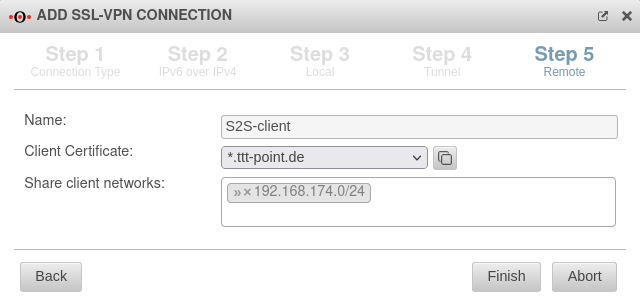 UTM v12.4.1 SSL VPN S2S Server Schritt 5-en.png 640 × 303; 30 KB
-
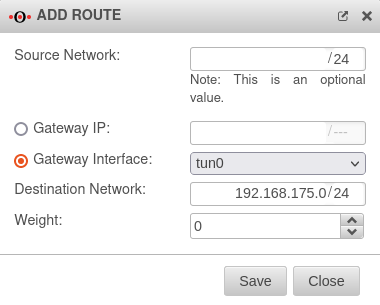 UTM v12.4.1 SSL VPN S2S Client Route hinzufügen-en.png 380 × 305; 24 KB
-
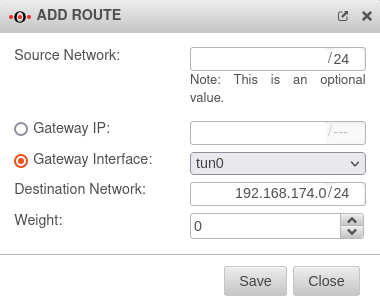 UTM v12.4.1 SSL VPN S2S Server Route hinzufügen.-en.png 380 × 308; 24 KB
-
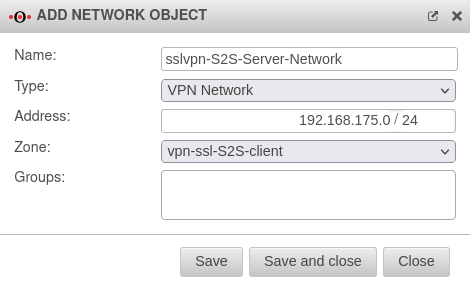 UTM v12.4.1 SSL VPN S2S Client Netzwerkobjekt hinzufügen-en.png 470 × 287; 25 KB
-
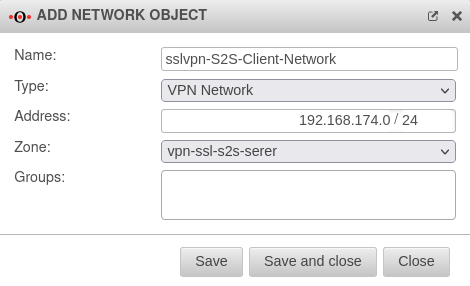 UTM v12.4.1 SSL VPN S2S Server Netzwerkobjekt hinzufügen-en.png 470 × 286; 24 KB
-
 UTM12.5 Websession Pin-en.png 662 × 262; 30 KB
-
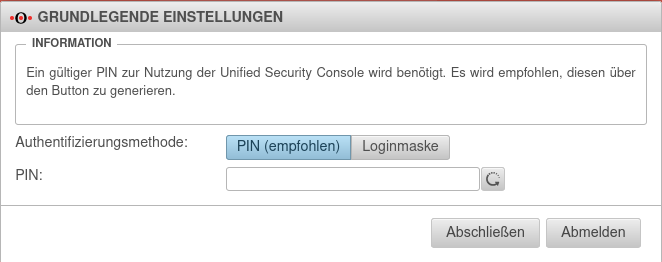 UTM12.5 Websession Pin.png 662 × 262; 29 KB
-
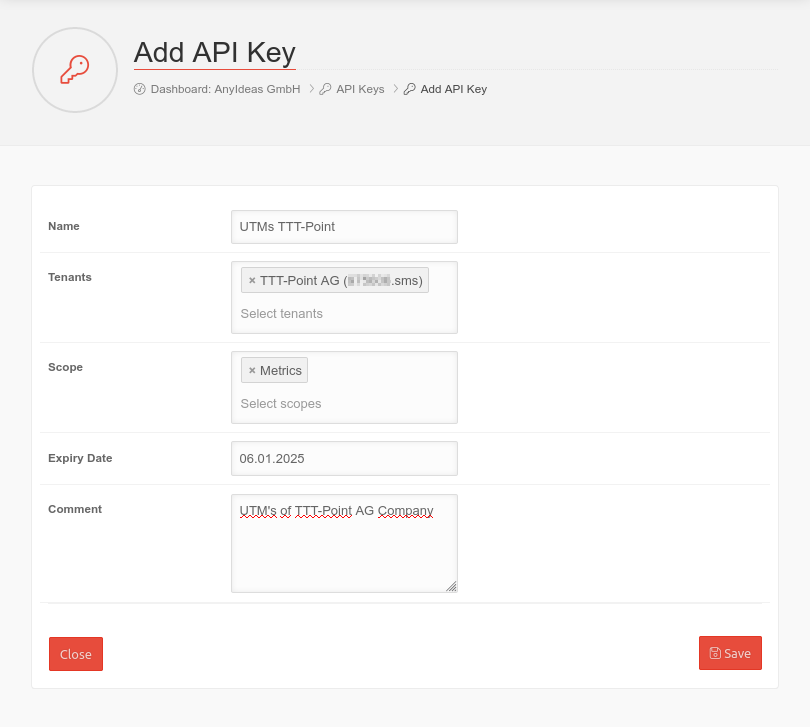 USC v1.13 API Key hinzufuegen-en.png 810 × 727; 44 KB
-
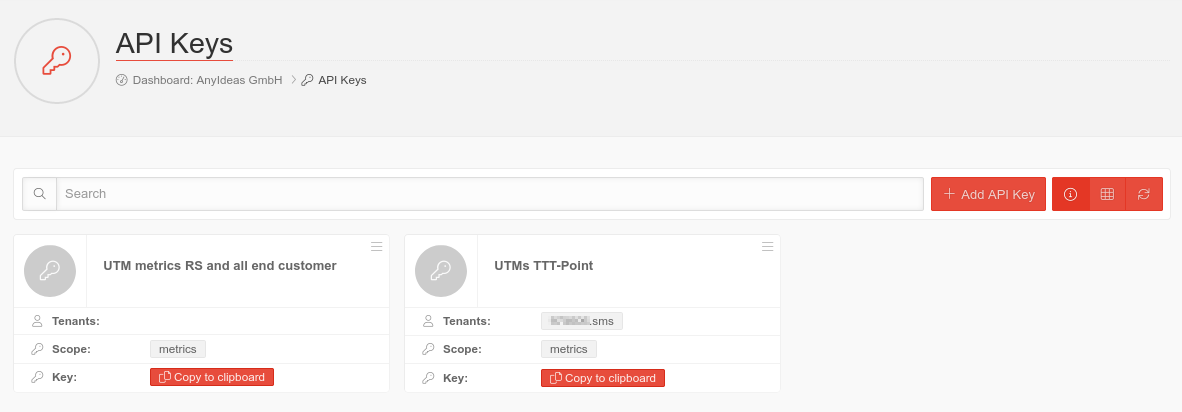 USC v1.13 API Keys-en.png 1.182 × 412; 40 KB
-
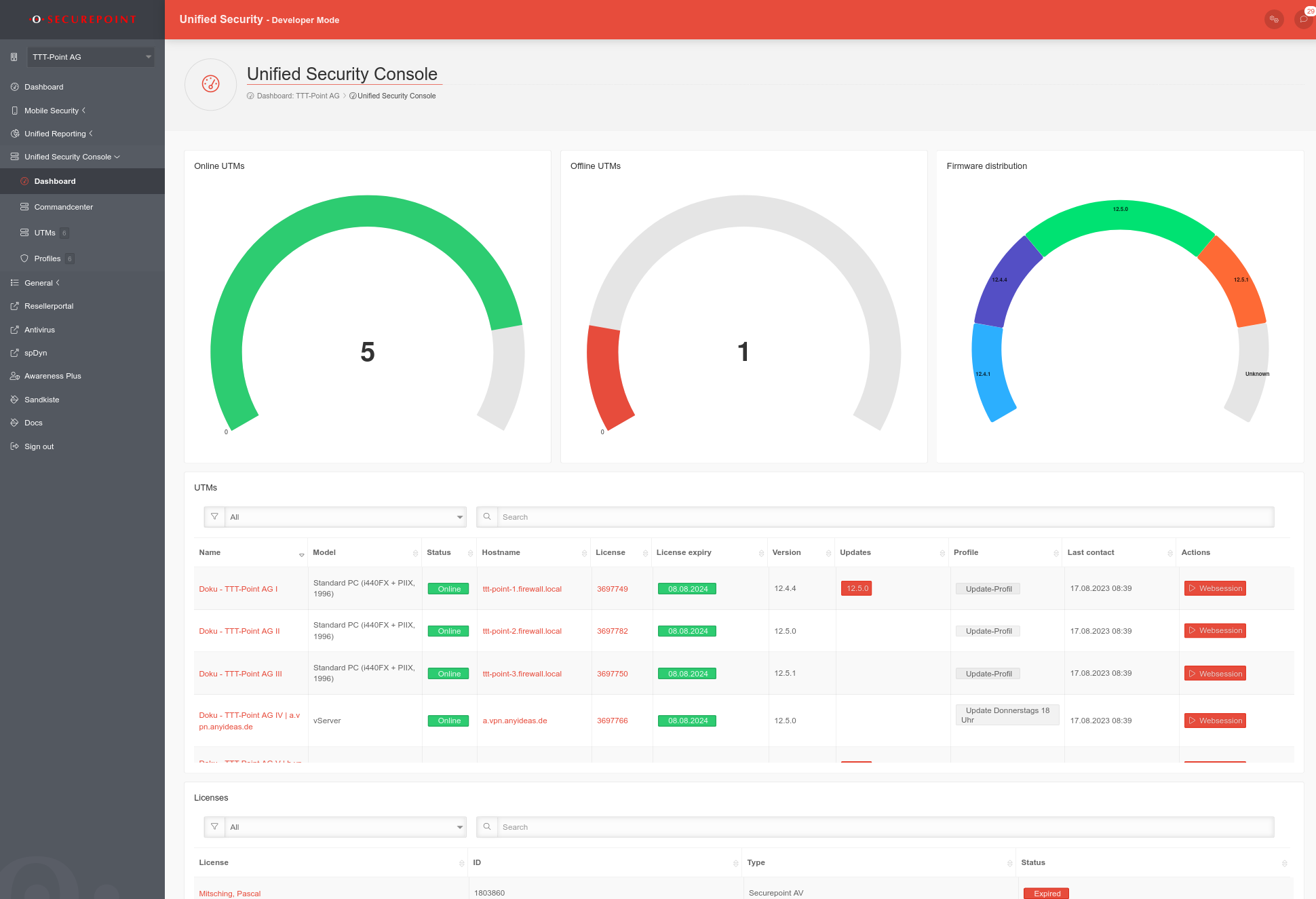 USC 1.17.3 Dashboard-en.png 1.940 × 1.325; 251 KB
-
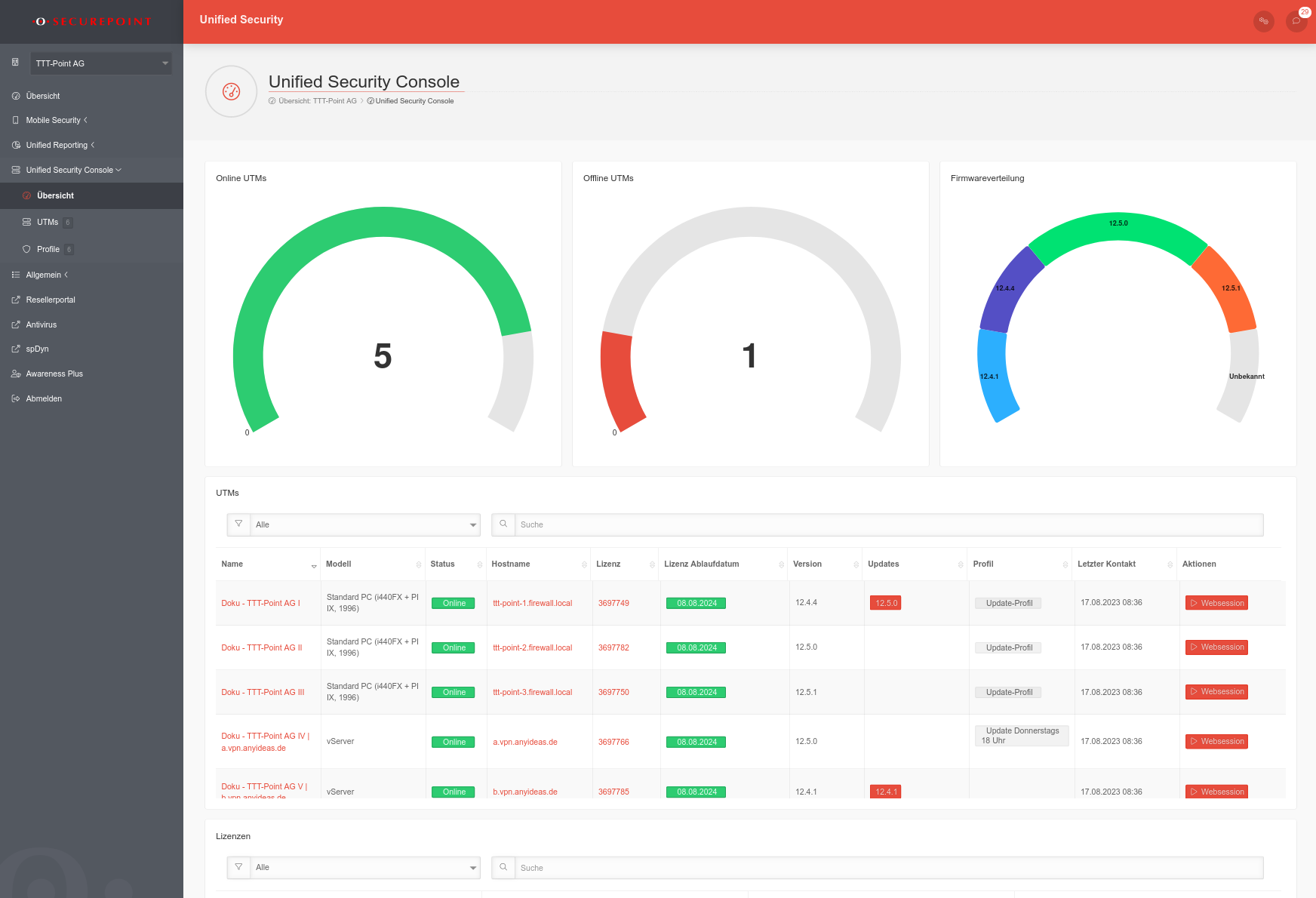 USC 1.17.3 Dashboard.png 1.744 × 1.190; 172 KB
-
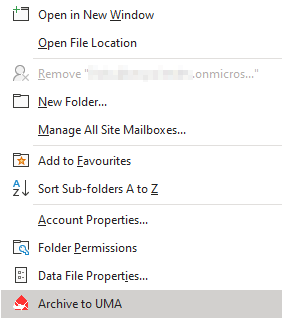 UMA Outlook-Plugin Import Account-en.png 282 × 319; 22 KB
-
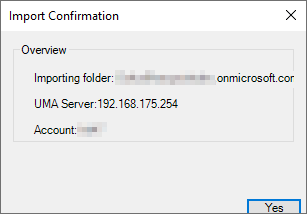 UMA Outlook-Plugin Import Account Importbestätigung-en.png 307 × 214; 14 KB
-
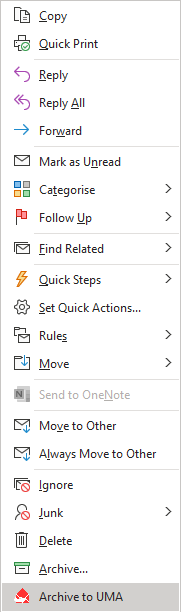 UMA Outlook-Plugin Import E-Mail-en.png 181 × 612; 23 KB
-
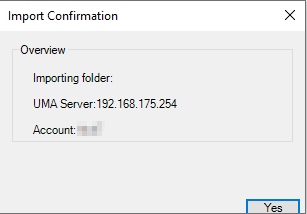 UMA Outlook-Plugin Import E-Mail Importbestätigung-en.png 307 × 214; 12 KB
-
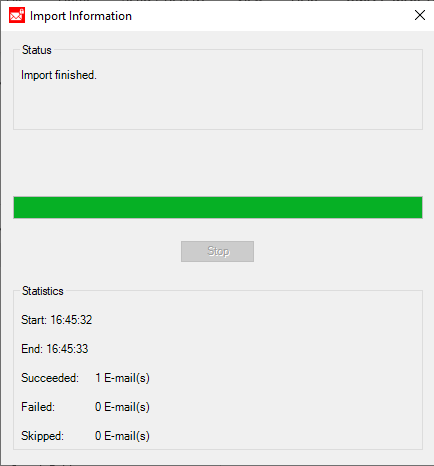 UMA Outlook-Plugin Import E-Mail Import Informationen-en.png 434 × 466; 18 KB


