Bitte beachte, dass andere Webseiten eine Datei mit einer direkten URL verlinken können. Diese könnte daher hier aufgelistet sein, obwohl diese in aktiver Verwendung ist.
Unten werden bis zu 50 Ergebnisse im Bereich 5.351 bis 5.400 angezeigt.
-
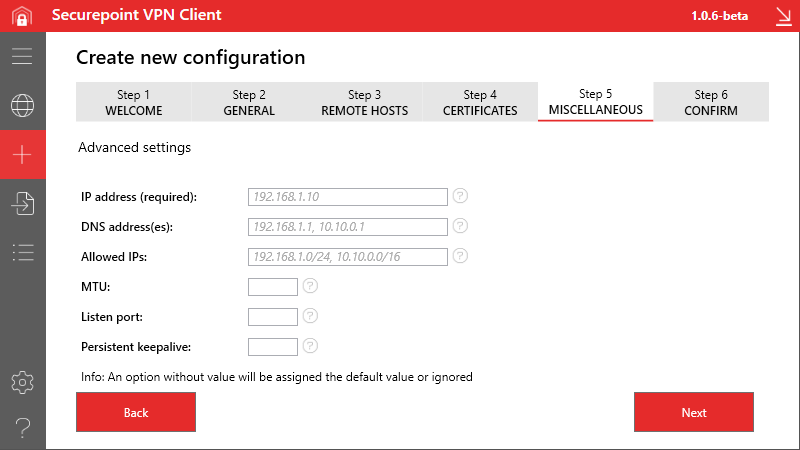 VPN-Client v1.0 Konfigurations-Wizard WireGuard Schritt 5-en.png 800 × 450; 42 KB
-
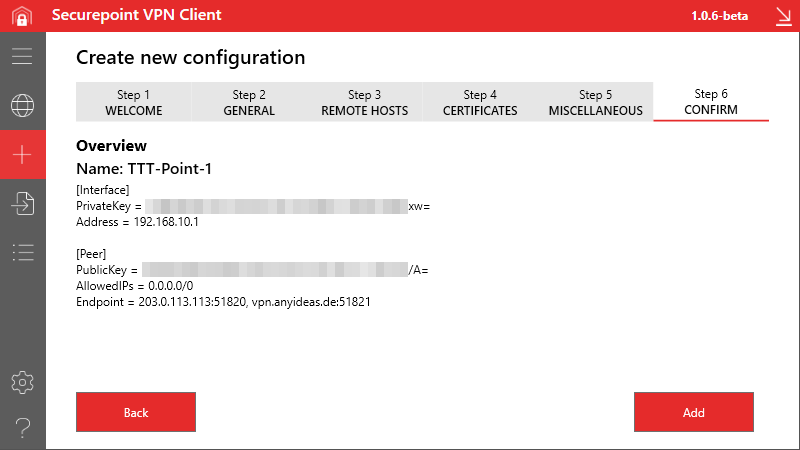 VPN-Client v1.0 Konfigurations-Wizard WireGuard Schritt 6-en.png 800 × 450; 34 KB
-
 VPN-Client v1.0 Log-en.png 800 × 450; 62 KB
-
 VPN-Client v1.0 Migration Schritt 1-en.png 984 × 555; 70 KB
-
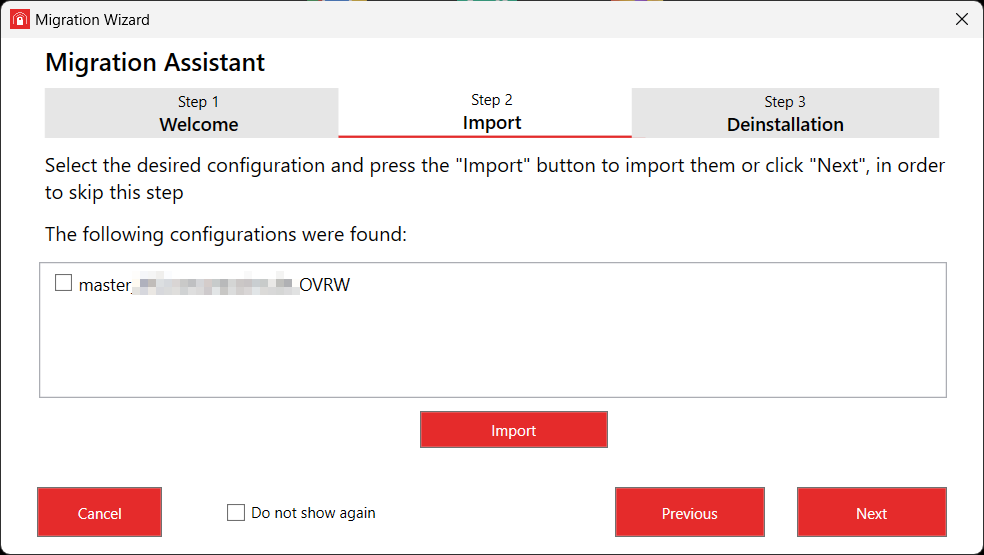 VPN-Client v1.0 Migration Schritt 2-en.png 984 × 555; 45 KB
-
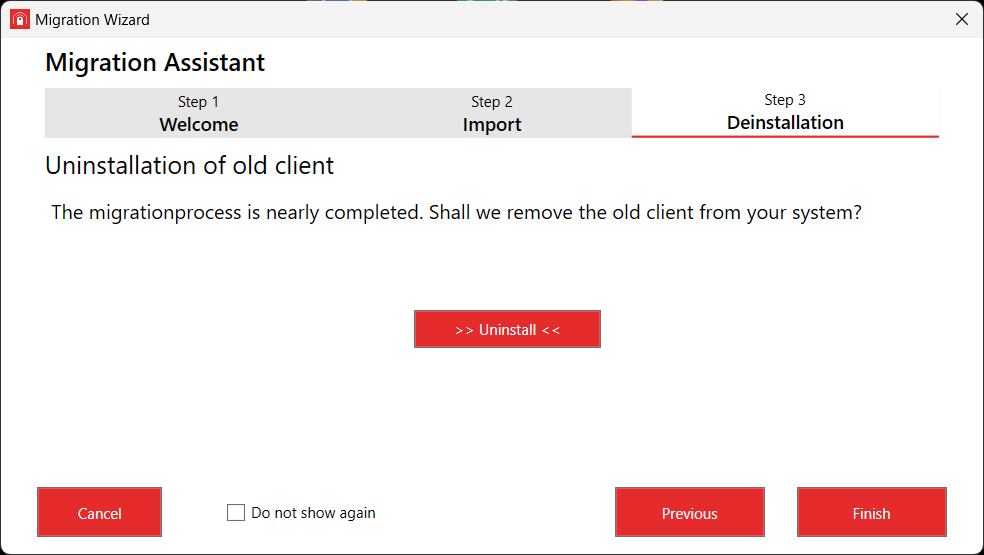 VPN-Client v1.0 Migration Schritt 3-en.png 984 × 555; 39 KB
-
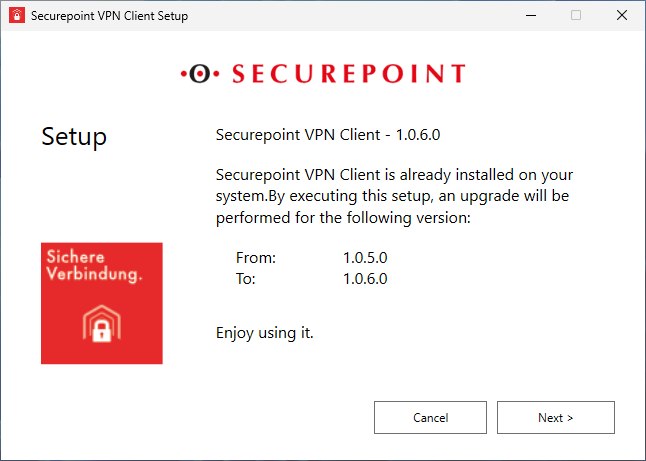 VPN-Client v1.0 Update-en.png 646 × 461; 35 KB
-
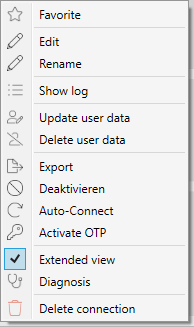 VPN-Client v1.0 Verbindung Kontextmenue-en.png 194 × 327; 13 KB
-
 VPN-Client v1.0 Verbindung Tags.png 190 × 86; 3 KB
-
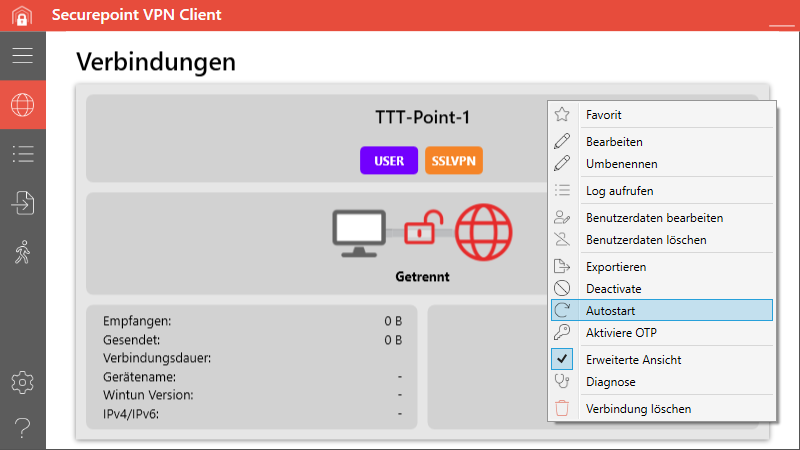 VPN-Client 1.0 Autoconnect.png 800 × 450; 51 KB
-
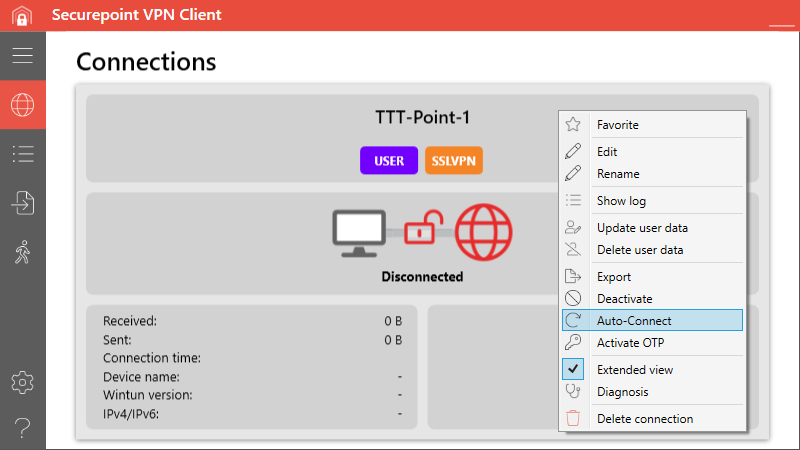 VPN-Client 1.0 Autoconnect-en.png 800 × 450; 50 KB
-
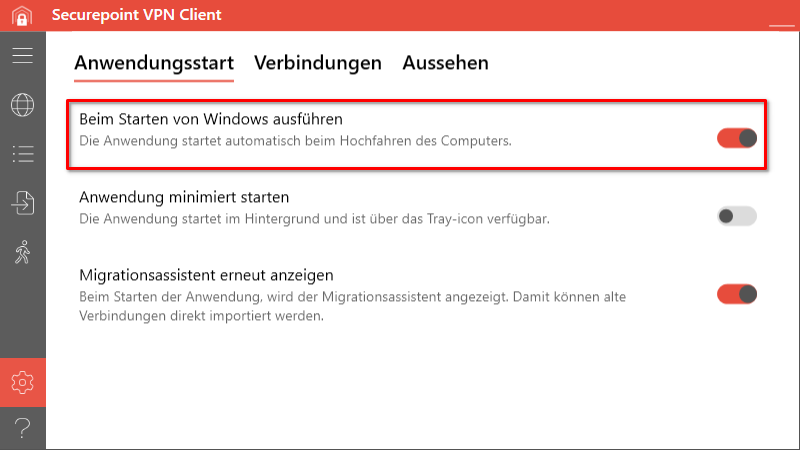 VPN-Client 1.0 Autostart.png 800 × 450; 51 KB
-
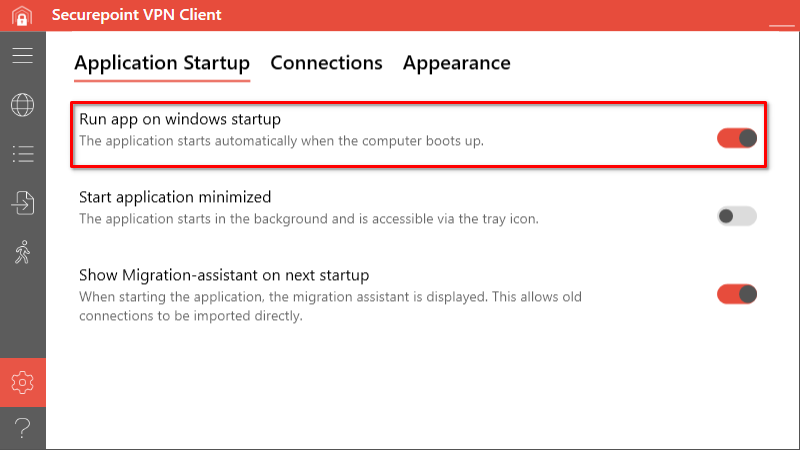 VPN-Client 1.0 Autostart-en.png 800 × 450; 49 KB
-
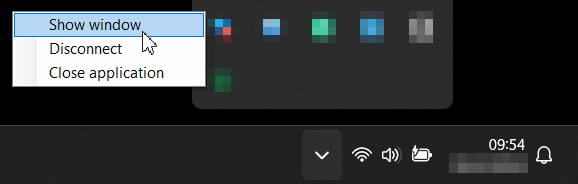 VPN-Client 1.0 Fenster anzeigen-en.png 578 × 184; 25 KB
-
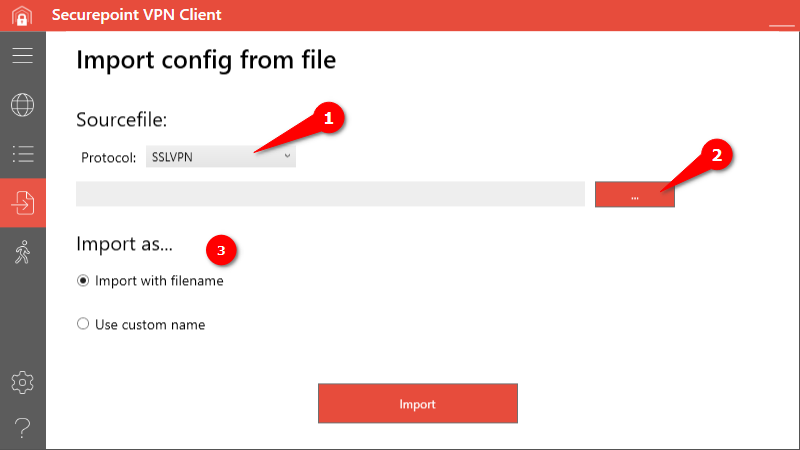 VPN-Client 1.0 Import-en.png 800 × 450; 36 KB
-
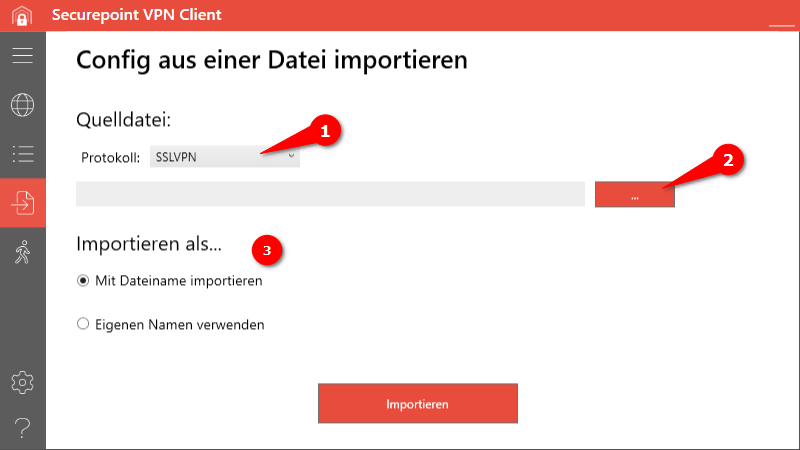 VPN-Client 1.0 Import.png 800 × 450; 40 KB
-
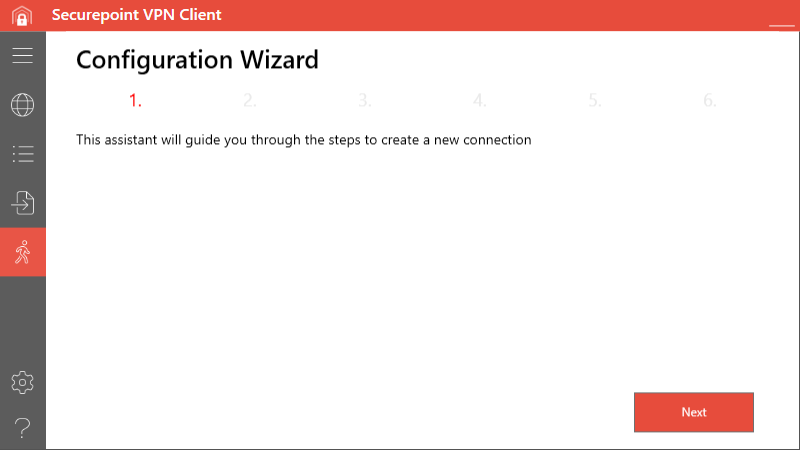 VPN-Client 1.0 Konfigurations-Wizard Schritt 1-en.png 800 × 450; 21 KB
-
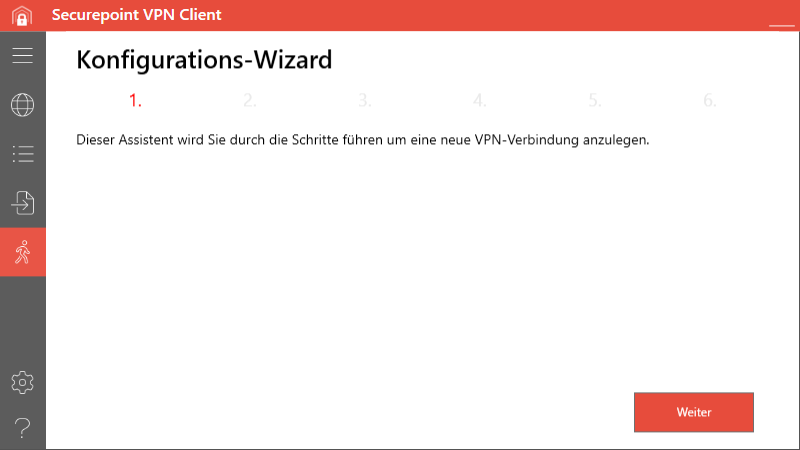 VPN-Client 1.0 Konfigurations-Wizard Schritt 1.png 800 × 450; 23 KB
-
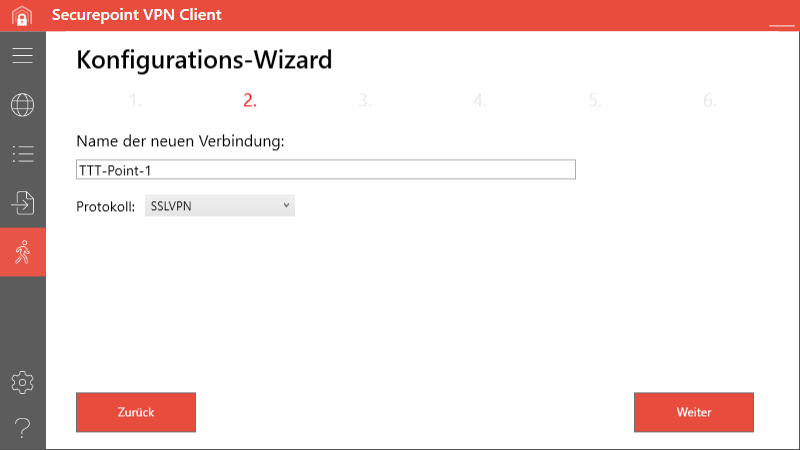 VPN-Client 1.0 Konfigurations-Wizard Schritt 2.png 800 × 450; 24 KB
-
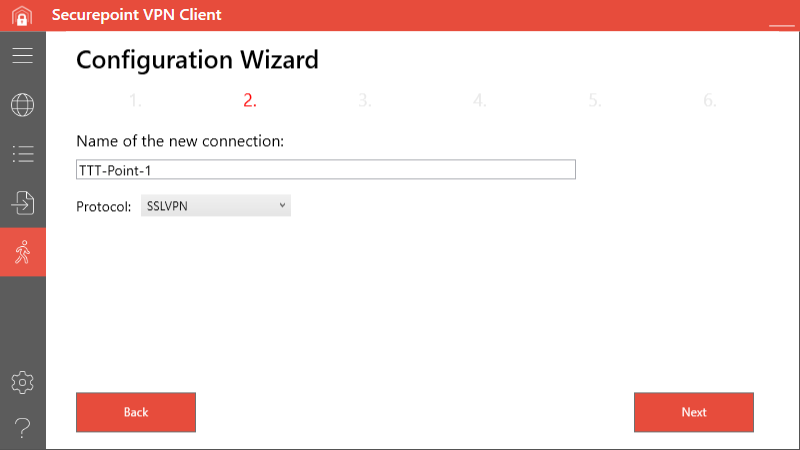 VPN-Client 1.0 Konfigurations-Wizard Schritt 2-en.png 800 × 450; 23 KB
-
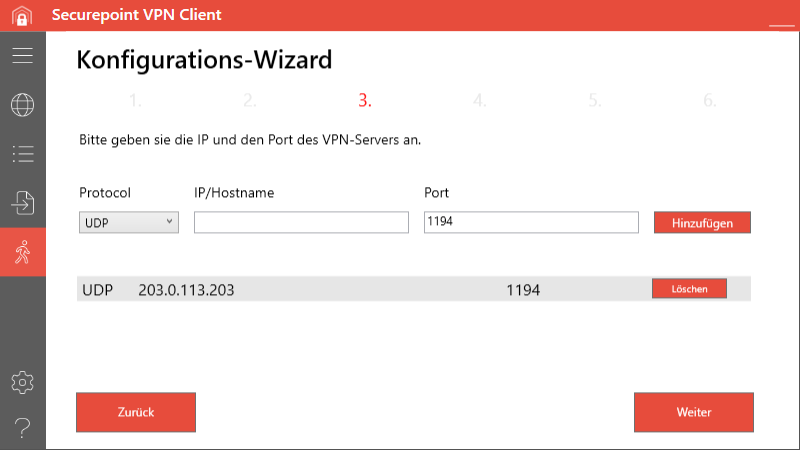 VPN-Client 1.0 Konfigurations-Wizard Schritt 3.png 800 × 450; 29 KB
-
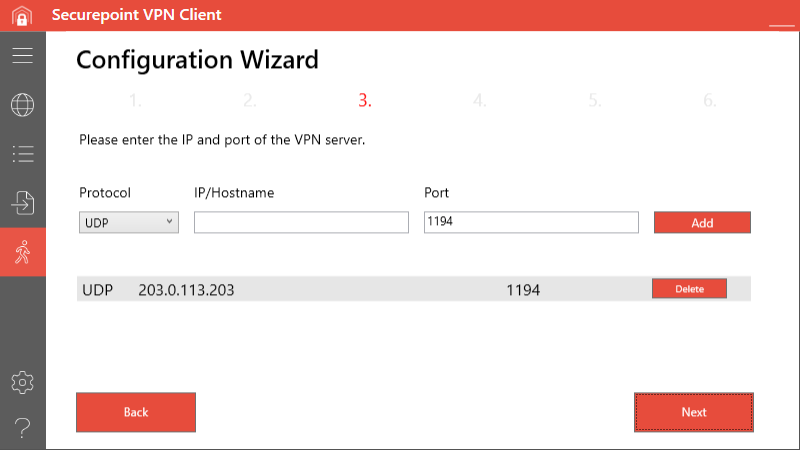 VPN-Client 1.0 Konfigurations-Wizard Schritt 3-en.png 800 × 450; 28 KB
-
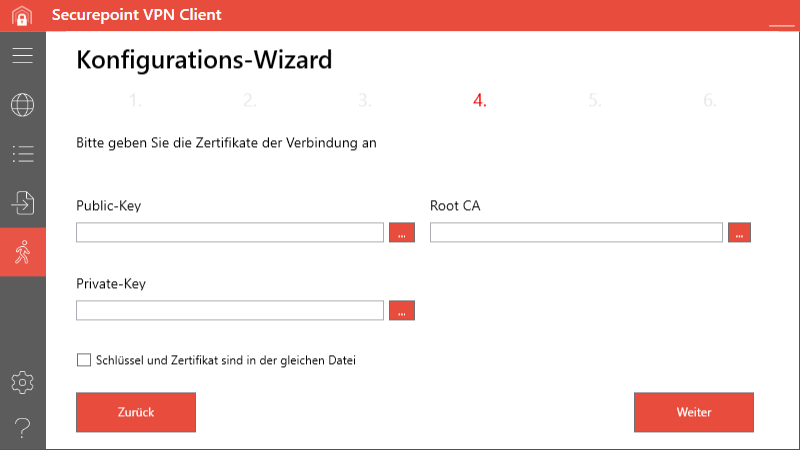 VPN-Client 1.0 Konfigurations-Wizard Schritt 4.png 800 × 450; 28 KB
-
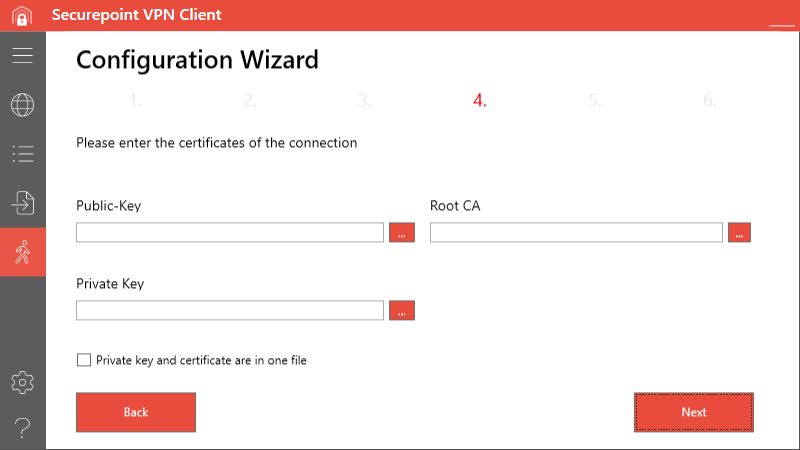 VPN-Client 1.0 Konfigurations-Wizard Schritt 4-en.png 800 × 450; 26 KB
-
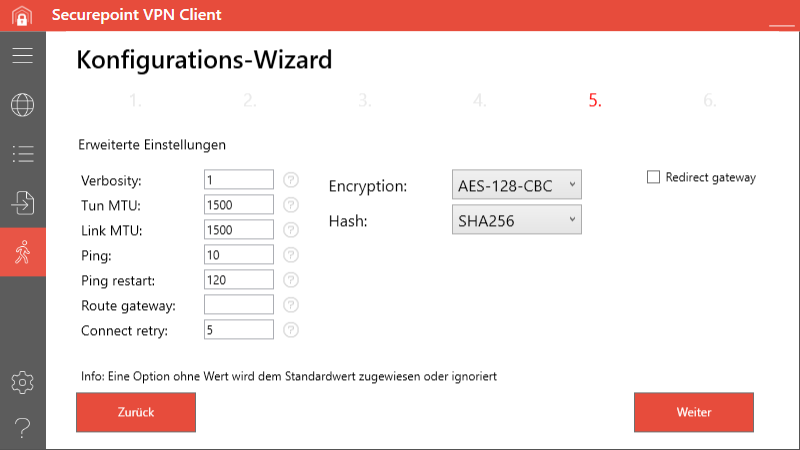 VPN-Client 1.0 Konfigurations-Wizard Schritt 5.png 800 × 450; 41 KB
-
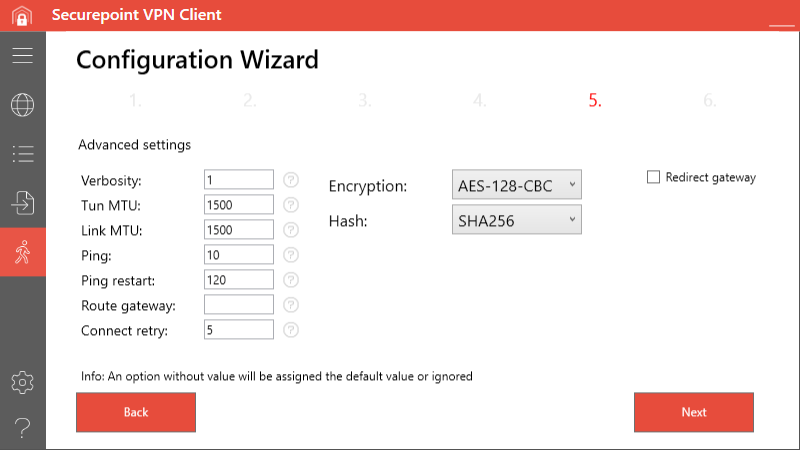 VPN-Client 1.0 Konfigurations-Wizard Schritt 5-en.png 800 × 450; 40 KB
-
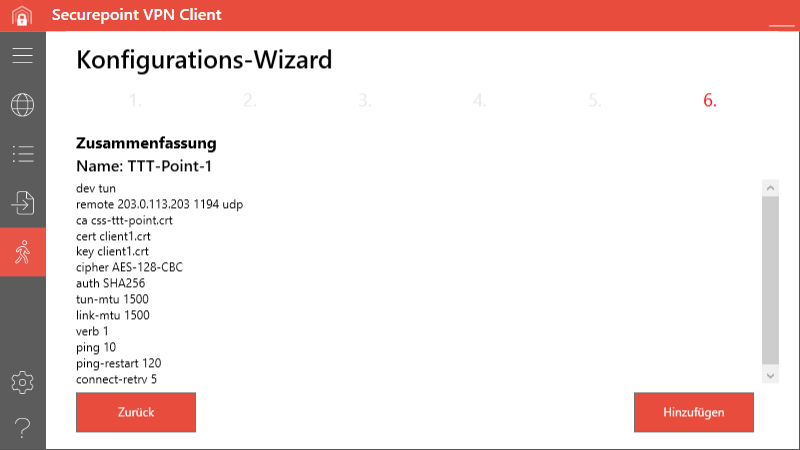 VPN-Client 1.0 Konfigurations-Wizard Schritt 6.png 800 × 450; 36 KB
-
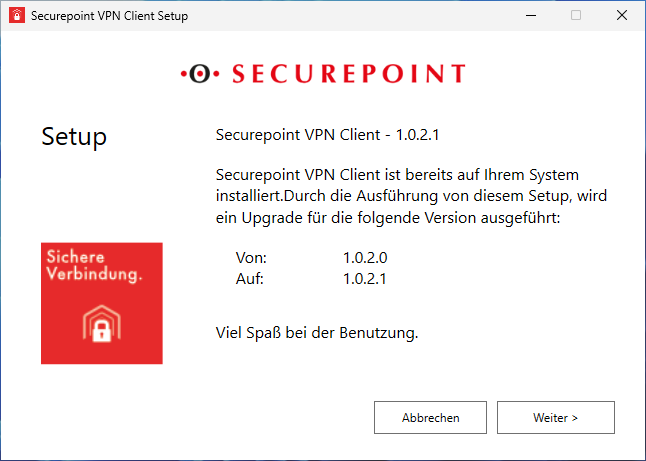 VPN-Client 1.0 Update.png 646 × 461; 38 KB
-
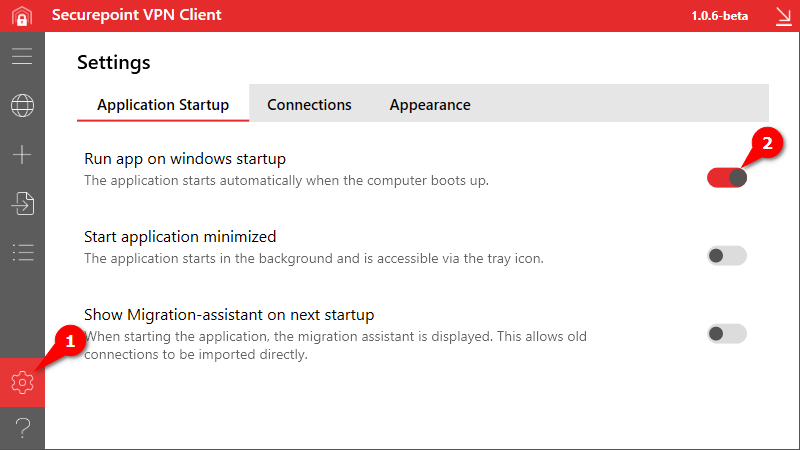 VPN Client Autostart aktivieren-en.png 800 × 450; 41 KB
-
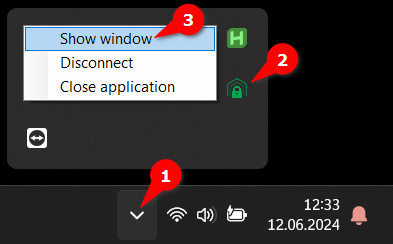 VPN Client Fenster einblenden-en.png 393 × 244; 41 KB
-
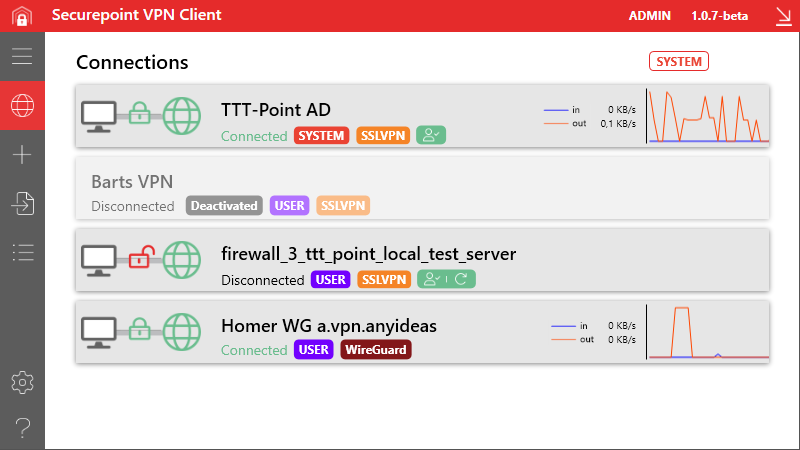 SP-VPN-Client v1.0 Verbindungen-en.png 800 × 450; 65 KB
-
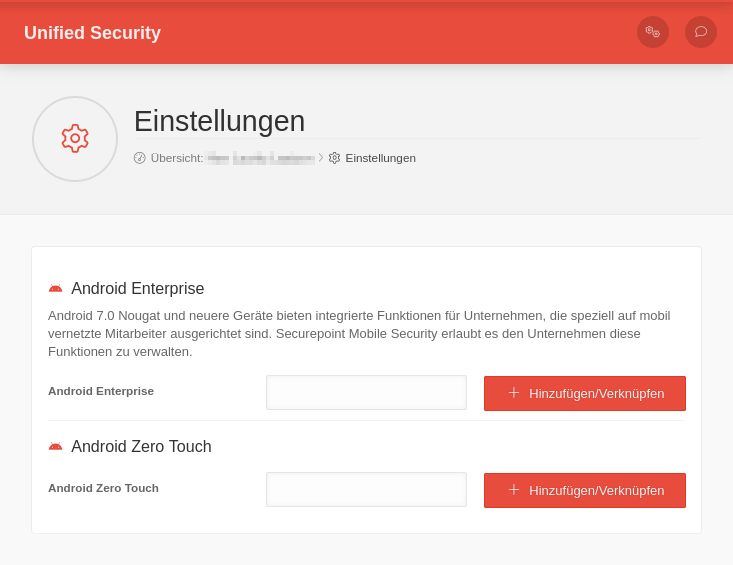 MS 1.27 Einstellungen Android.png 733 × 565; 48 KB
-
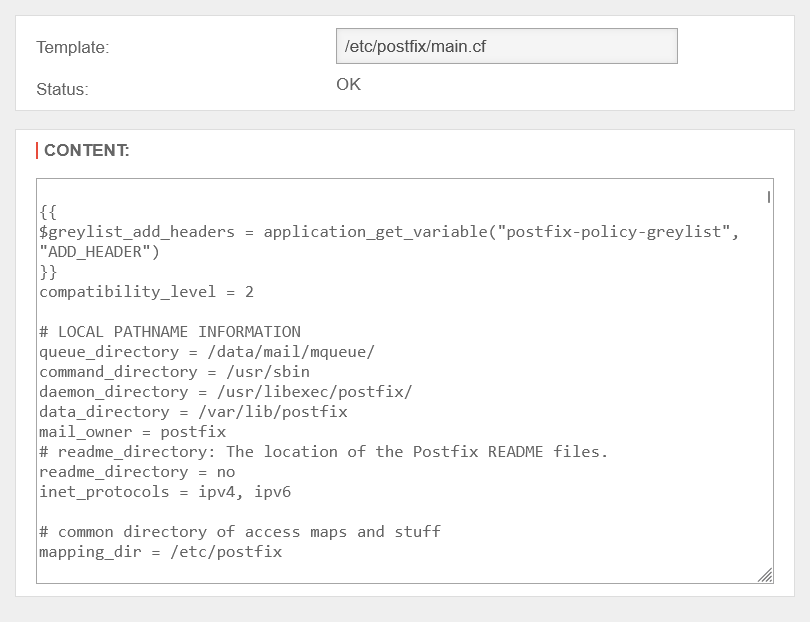 UTM v12.7.1 Templates bearbeiten-OK-en.png 810 × 622; 38 KB
-
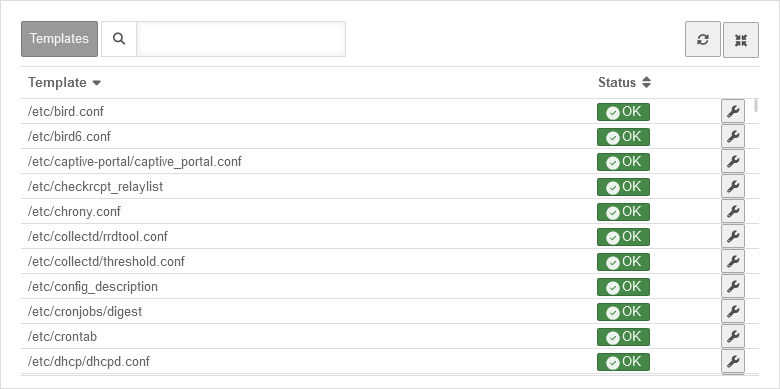 UTM v12.7.1 Templates Uebersicht-en.png 780 × 389; 32 KB
-
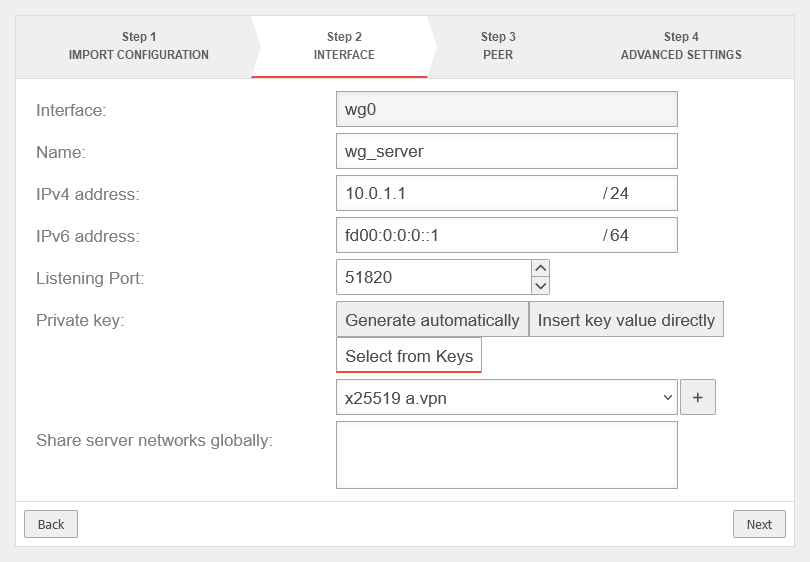 UTM v12.7.1 WireGuard S2E Wizard Schritt 2-en.png 810 × 562; 33 KB
-
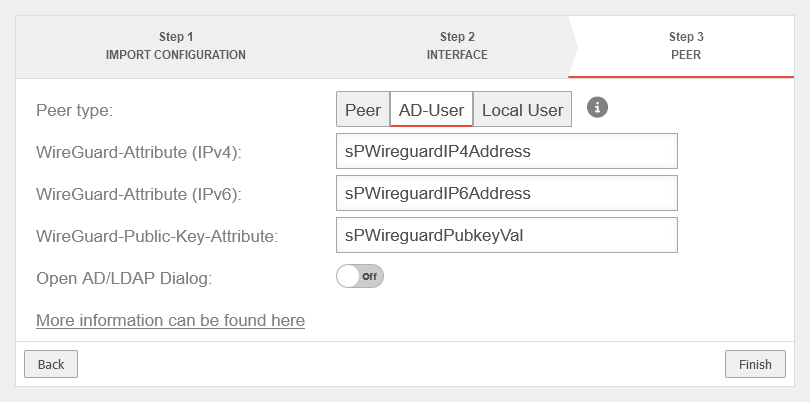 UTM v12.7.1 WireGuard S2E Wizard Schritt 3 AD-en.png 810 × 402; 28 KB
-
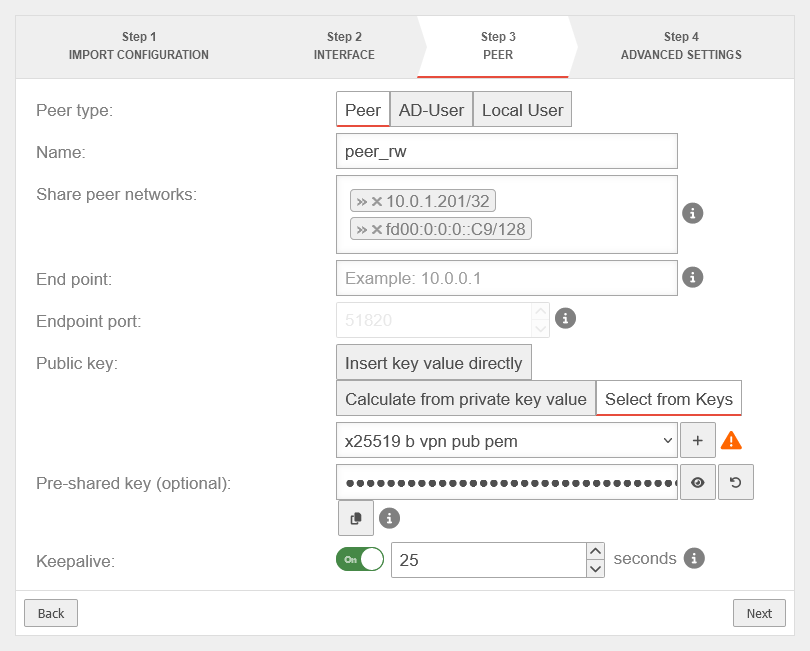 UTM v12.7.1 WireGuard S2E Wizard Schritt 3-en.png 810 × 651; 45 KB
-
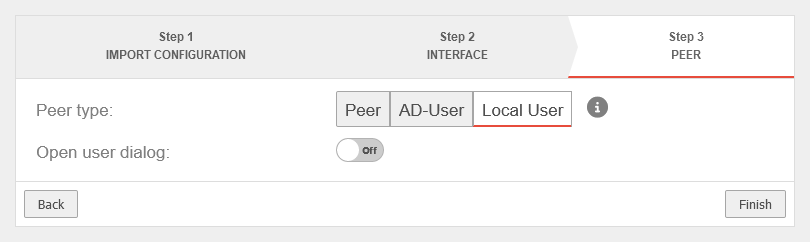 UTM v12.7.1 WireGuard S2E Wizard Schritt 3 lokal-en.png 810 × 242; 13 KB
-
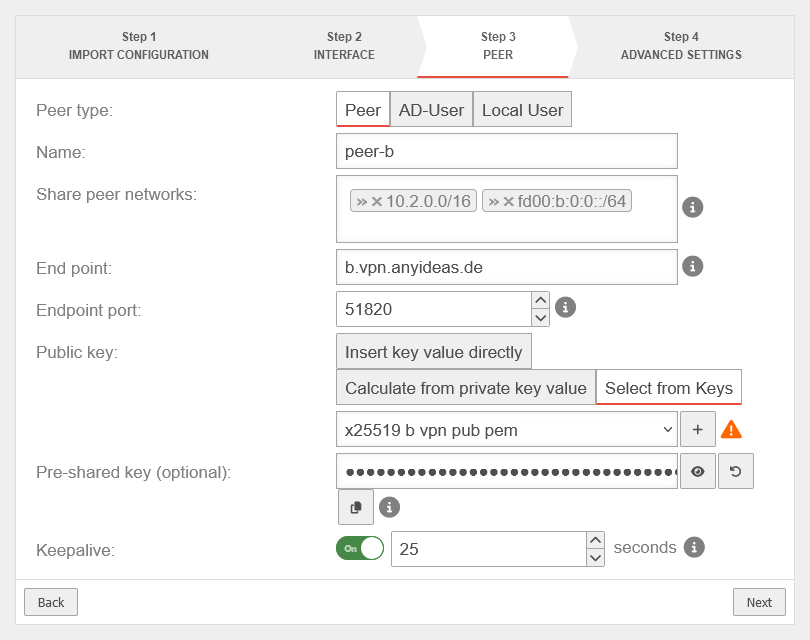 UTM v12.7.1 WireGuard S2S Wizard Schritt 3-en.png 810 × 640; 44 KB
-
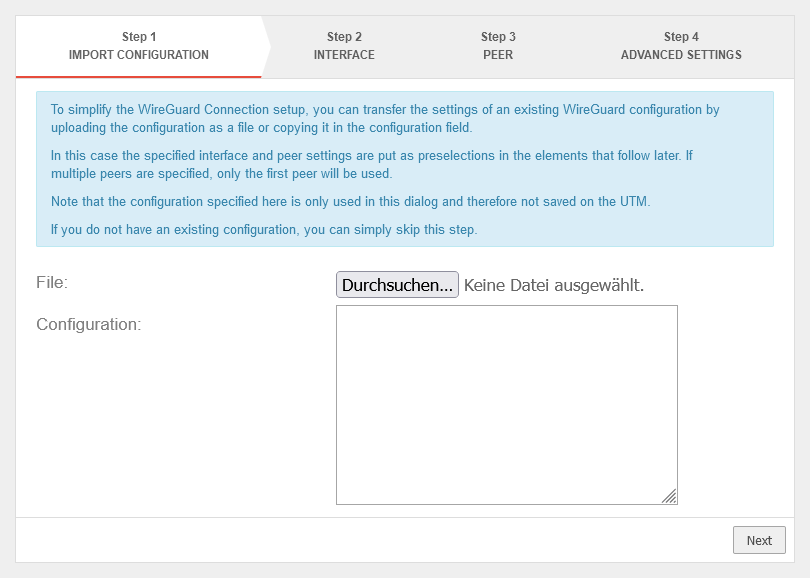 UTM v12.7.1 WireGuard Wizard Schritt 1-en.png 810 × 578; 34 KB
-
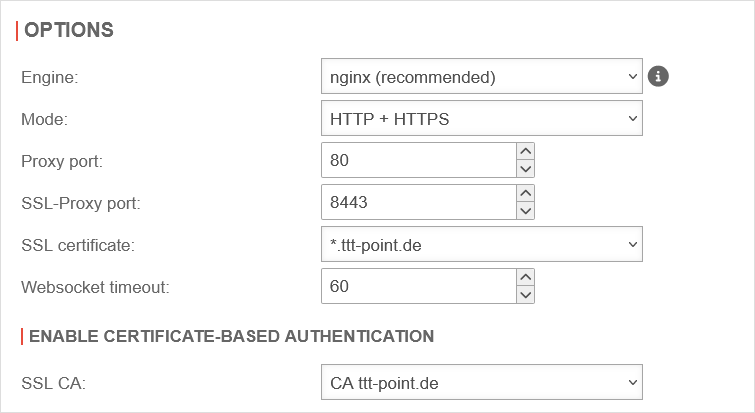 UTM v12.7.1 Reverse Proxy Einstellungen-en.png 755 × 413; 24 KB
-
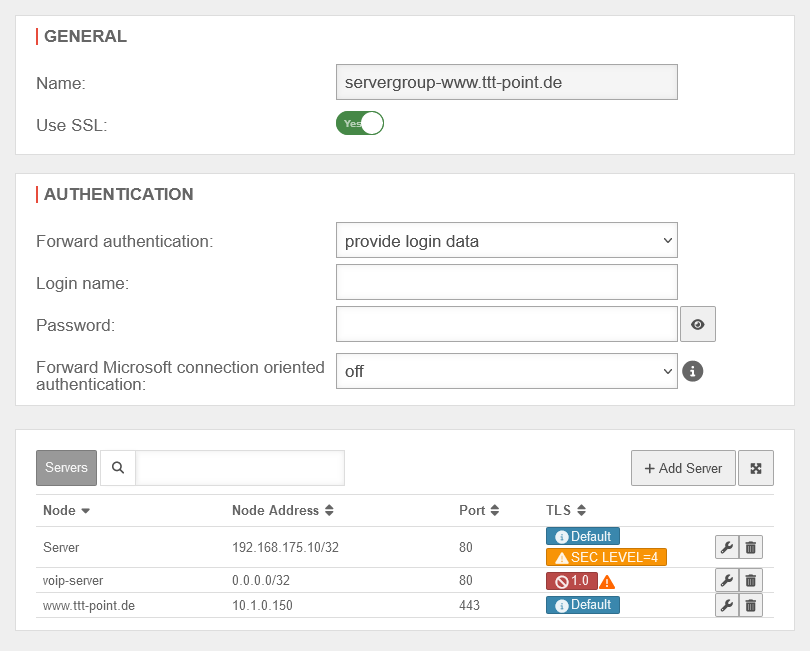 UTM v12.7.1 Reverse Proxy Servergruppe bearbeiten ngnix-en.png 810 × 651; 41 KB
-
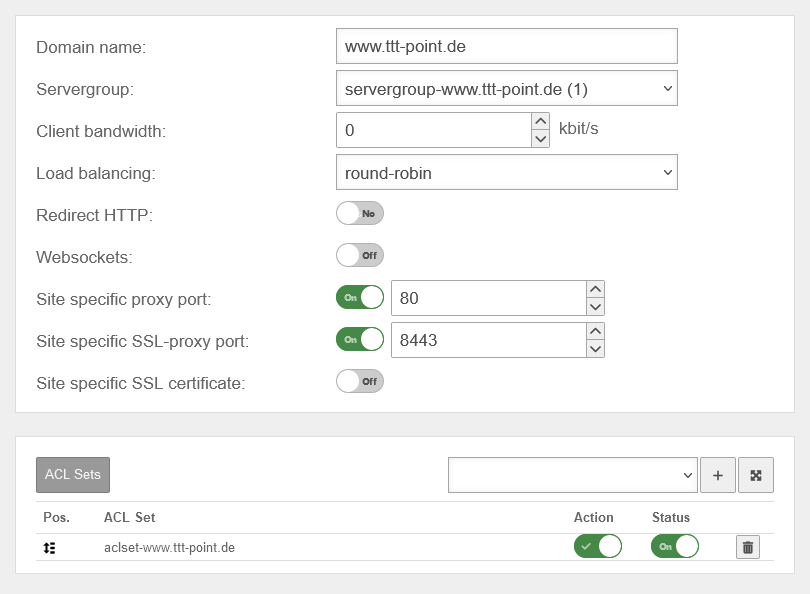 UTM v12.7.1 Reverse Proxy Sites bearbeiten ngnix-en.png 810 × 594; 38 KB
-
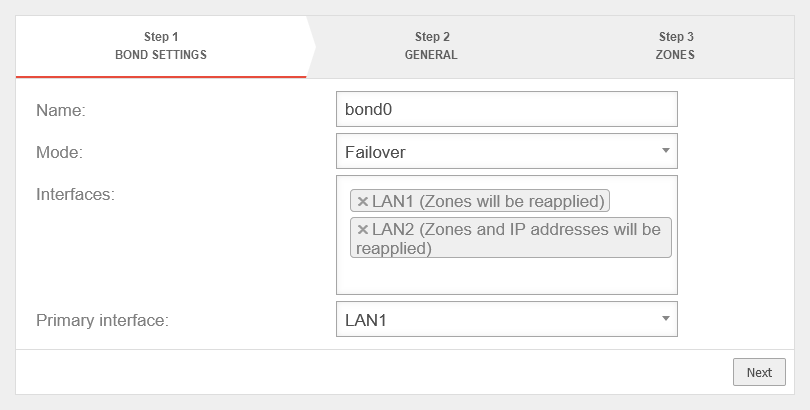 UTM v12.7.1 Bond Assistent Schritt 1-Ausfallsicherung-en.png 810 × 410; 23 KB
-
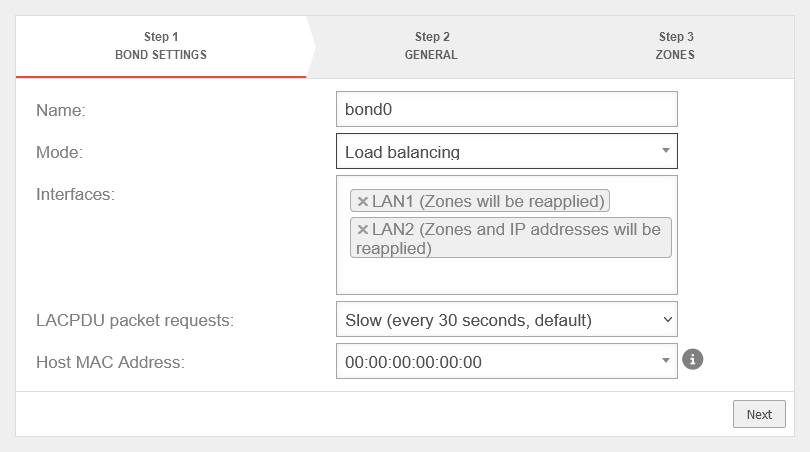 UTM v12.7.1 Bond Assistent Schritt 1-Lastverteilung-en.png 810 × 452; 28 KB
-
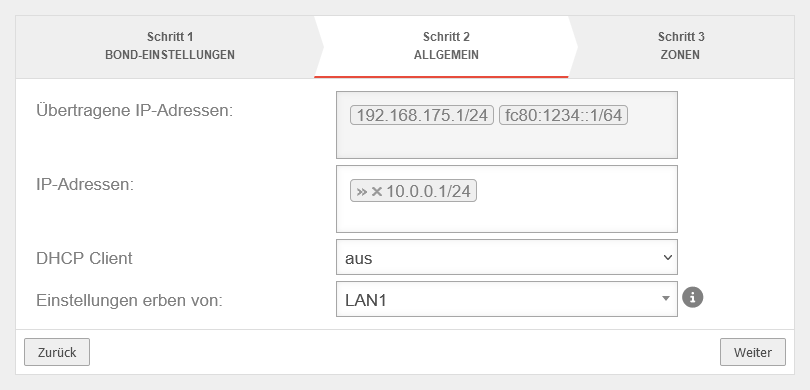 UTM v12.7.1 Bond Assistent Schritt 2-en.png 810 × 390; 22 KB
-
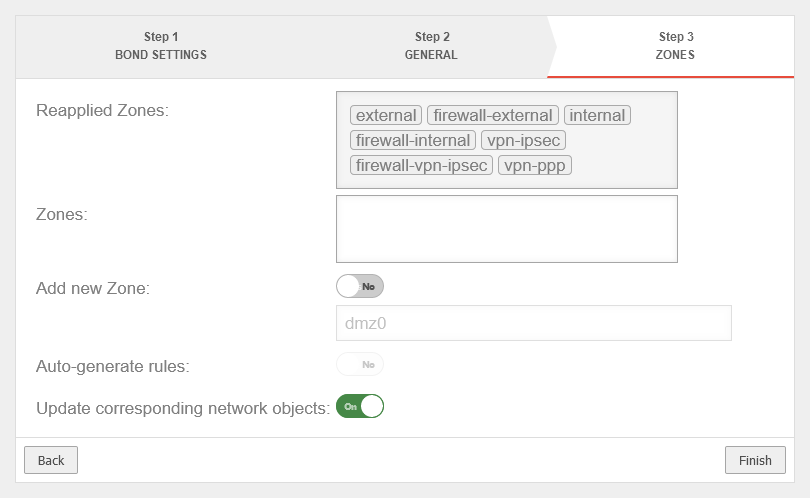 UTM v12.7.1 Bond Assistent Schritt 3-en.png 810 × 498; 28 KB
-
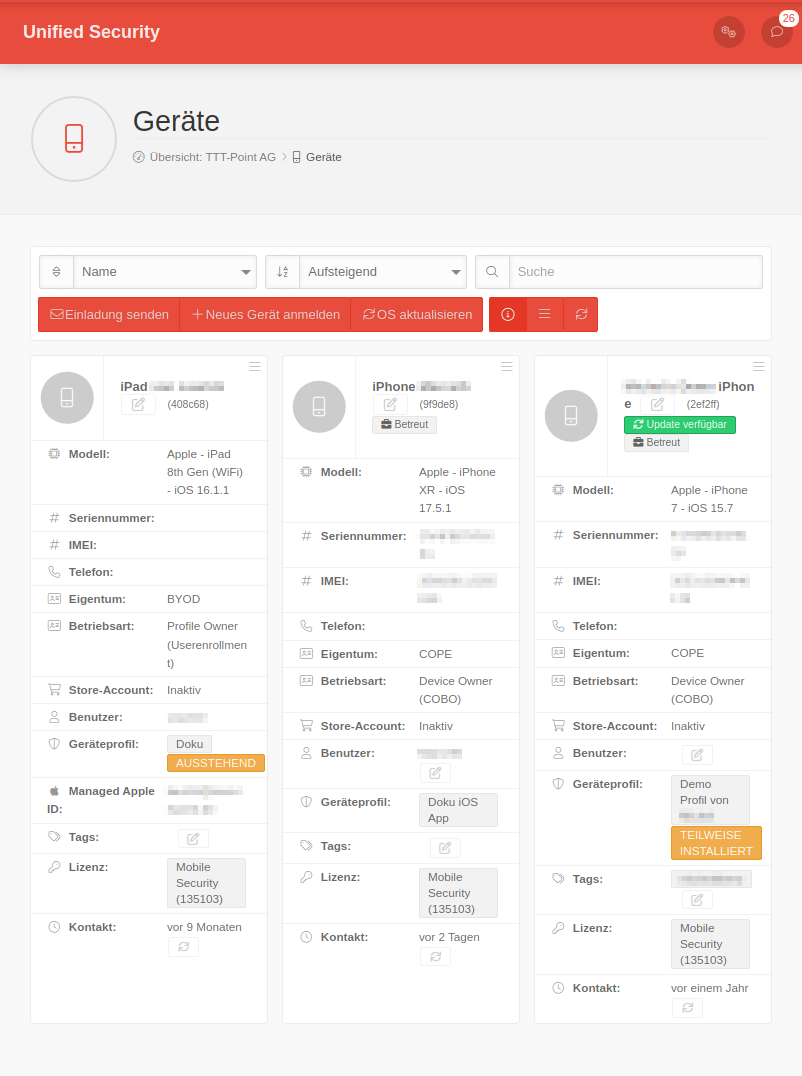 MS 1.27 iOS Geräte verwalten.png 802 × 1.076; 91 KB
-
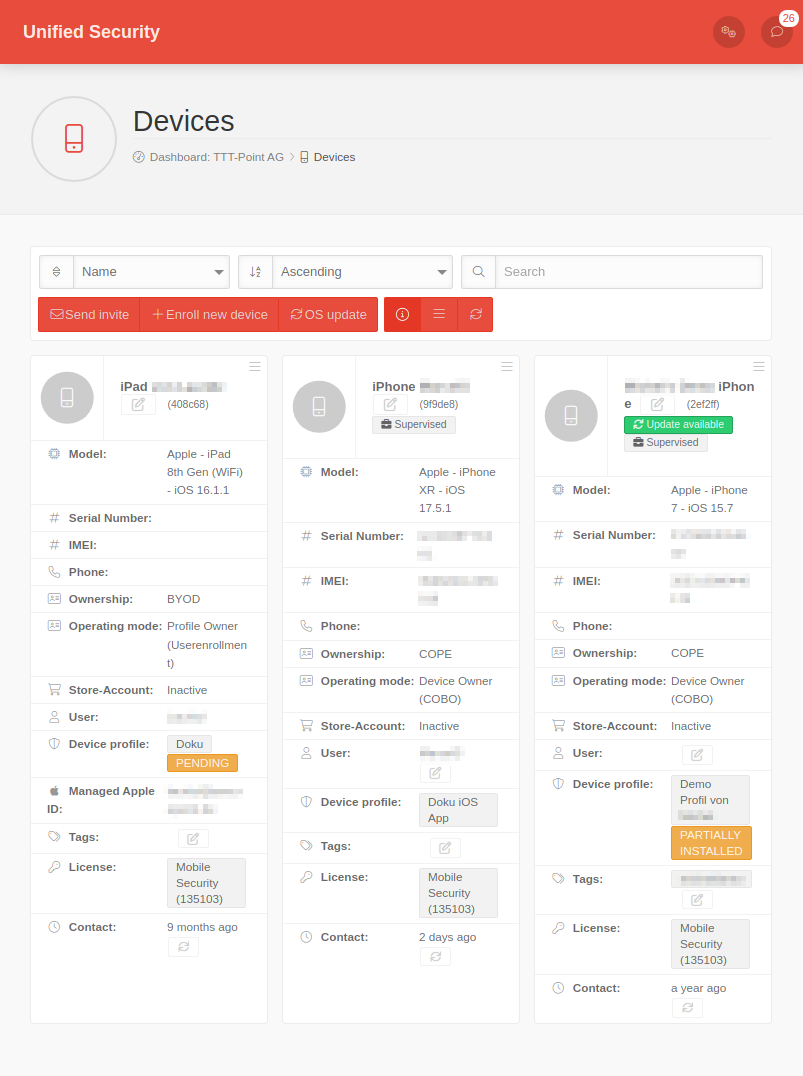 MS 1.27 iOS Geräte verwalten-en.png 803 × 1.076; 91 KB
-
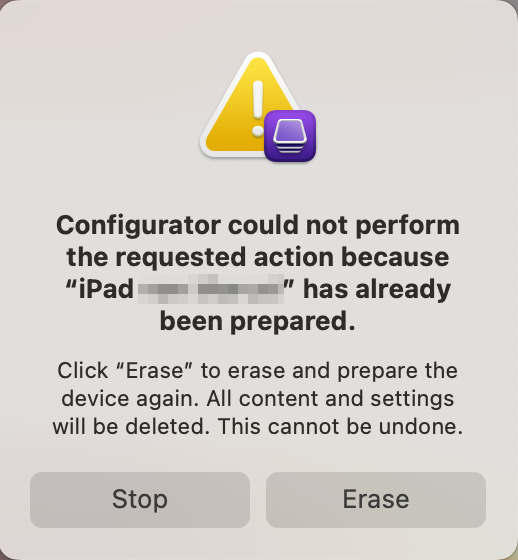 Macos 14.5 Configurator Fehler bereits-vorbereitet-en.png 518 × 560; 75 KB


