Unten werden bis zu 50 Ergebnisse im Bereich 5.451 bis 5.500 angezeigt.
-
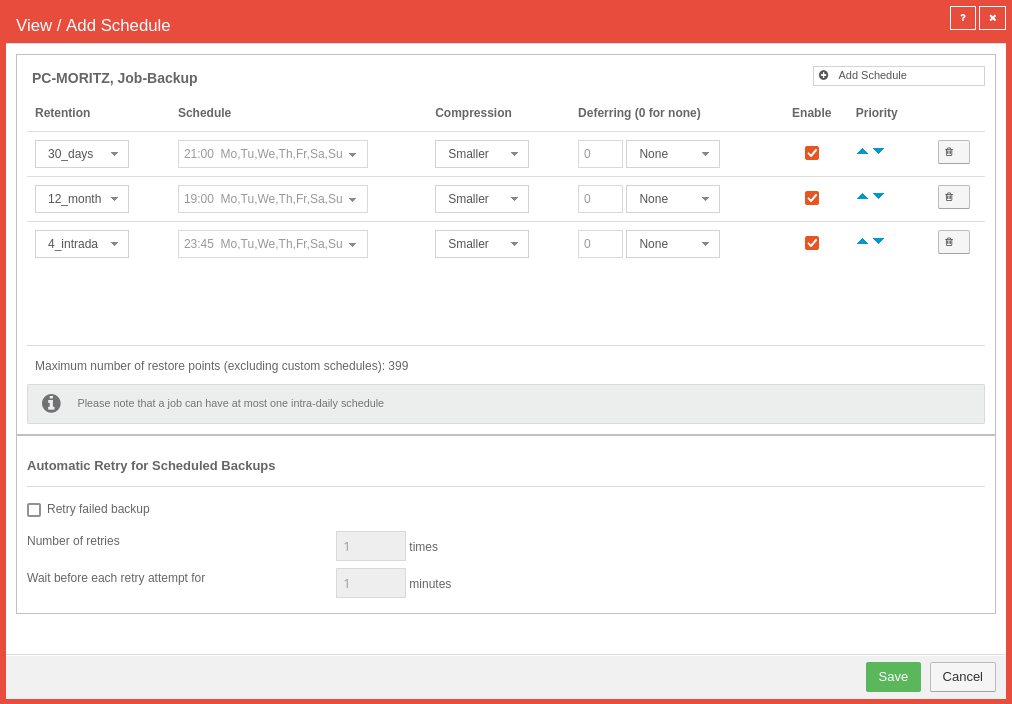 SUB Computer Aktion auswählen Zeitplan anzeigen-en.png 1.012 × 704; 66 KB
-
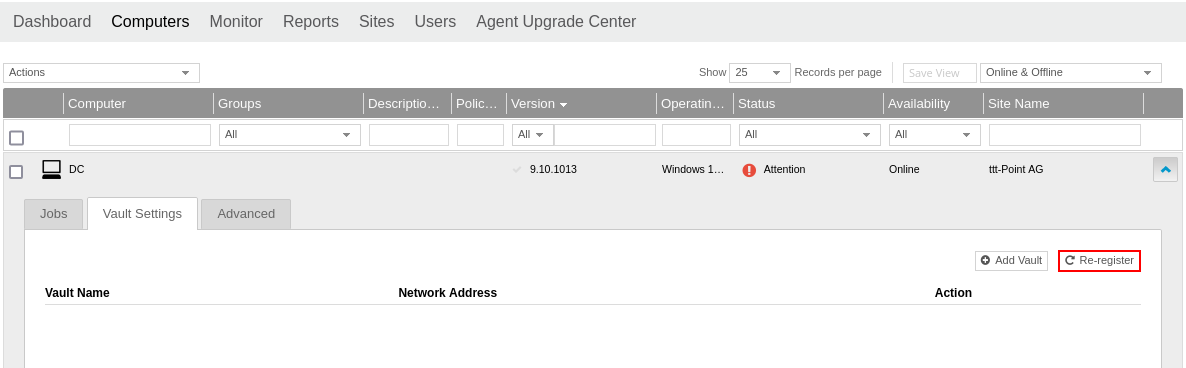 SUB Computer Button Erneut Registrieren-en.png 1.186 × 368; 44 KB
-
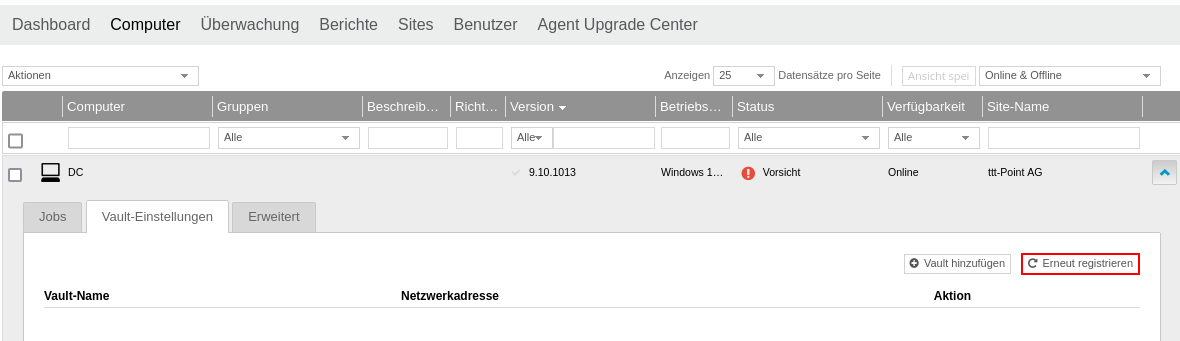 SUB Computer Button Erneut Registriern.png 1.180 × 341; 45 KB
-
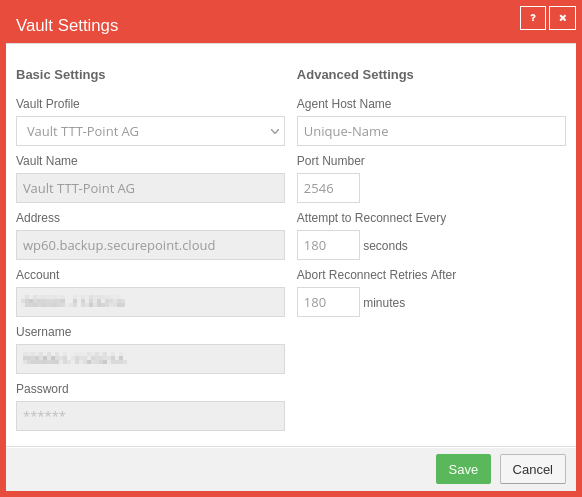 SUB Computer Button Vault hinzufügen-en.png 582 × 497; 44 KB
-
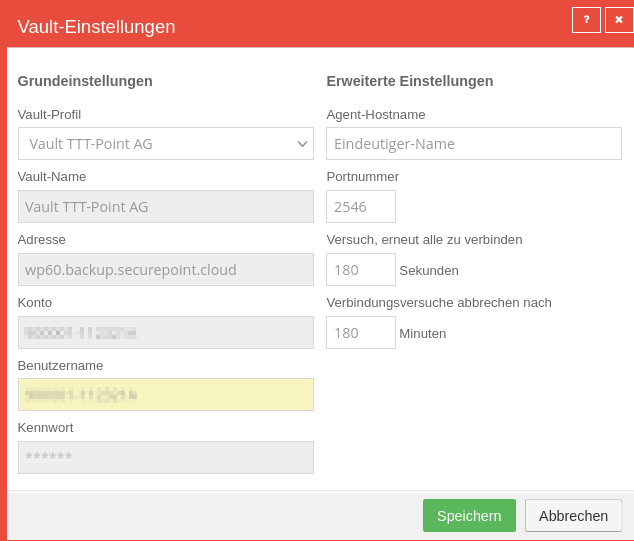 SUB Computer Button Vault hinzufügen.png 634 × 541; 49 KB
-
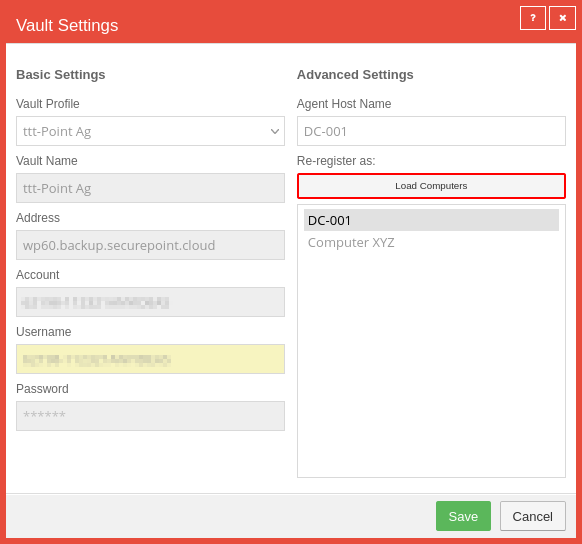 SUB Computer Erneut Registrieren Auswahlfenster-en.png 582 × 544; 40 KB
-
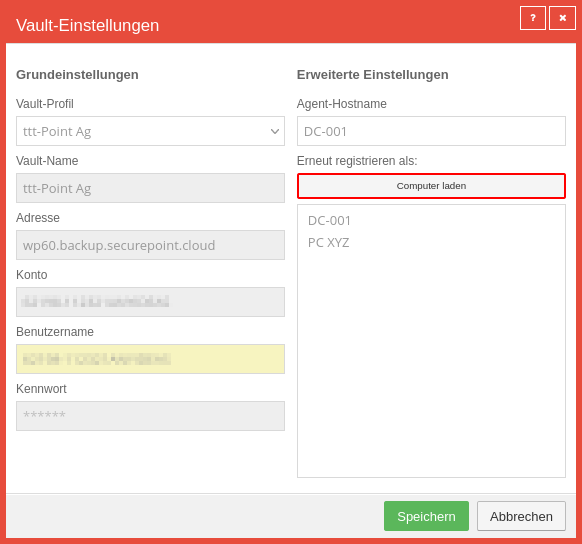 SUB Computer Erneut Registrieren Auswahlfenster.png 582 × 544; 40 KB
-
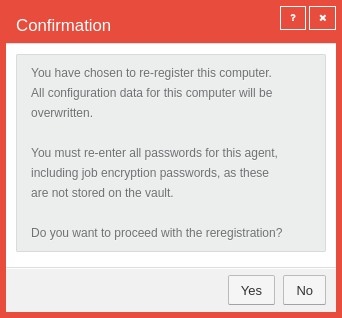 SUB Computer Erneut Registrieren Warnhinweis-en.png 342 × 318; 26 KB
-
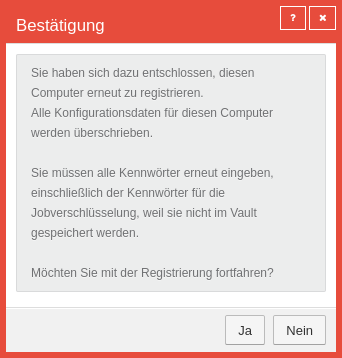 SUB Computer Erneut Registrieren Warnhinweis.png 342 × 358; 30 KB
-
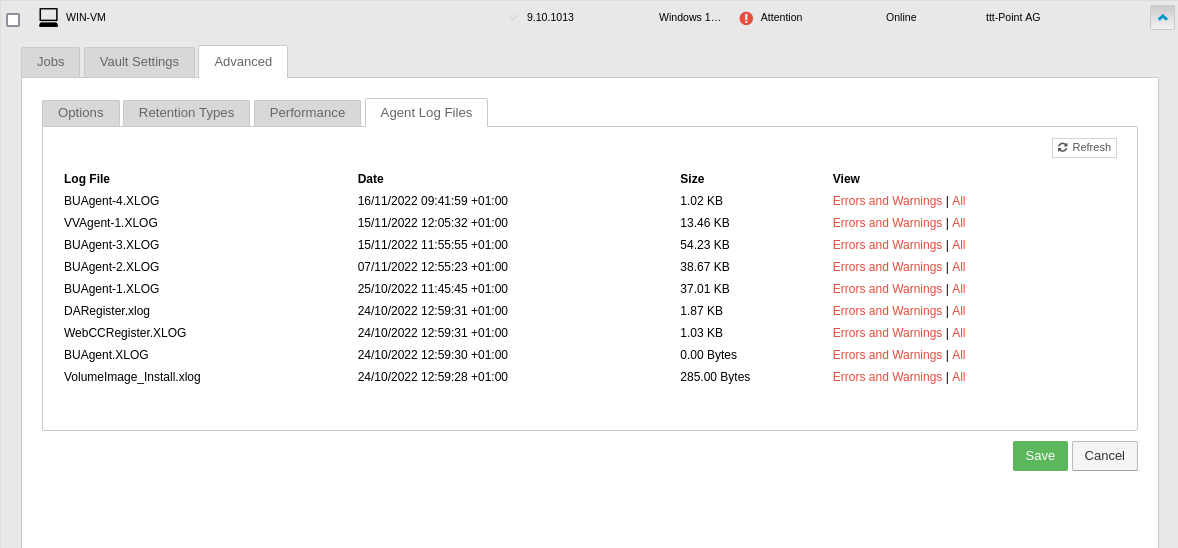 SUB Computer Erweitert Agent-Protokolldatein-en.png 1.178 × 548; 88 KB
-
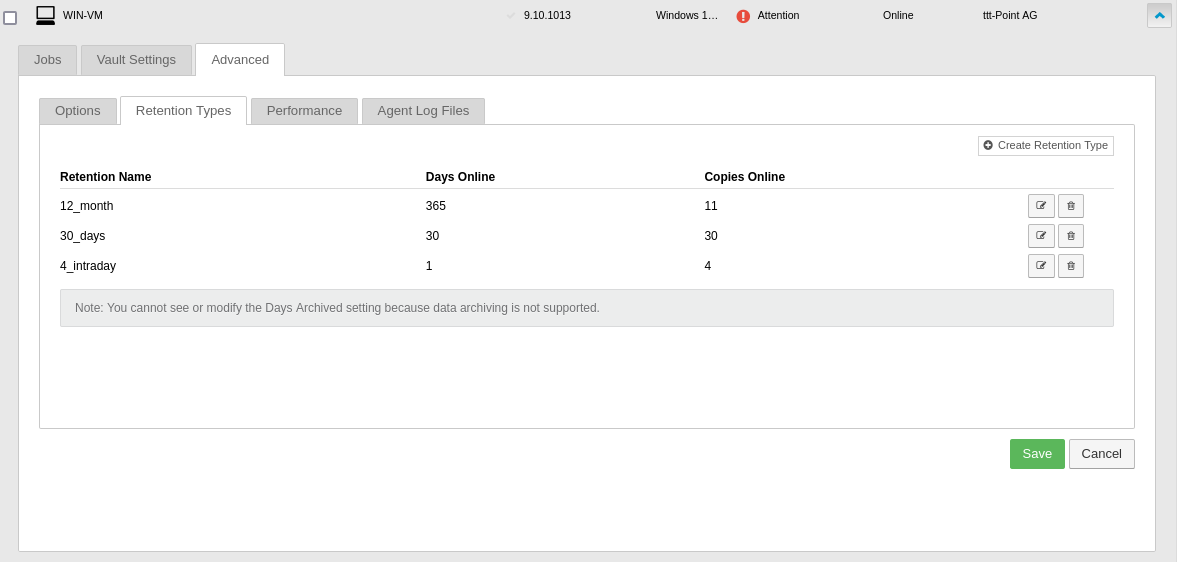 SUB Computer Erweitert Aufbewahrungstypen-en.png 1.178 × 562; 46 KB
-
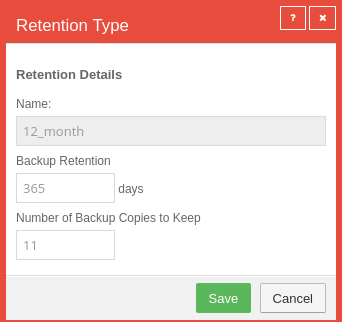 SUB Computer Erweitert Aufbewahrungstypen bearbeiten-en.png 343 × 322; 25 KB
-
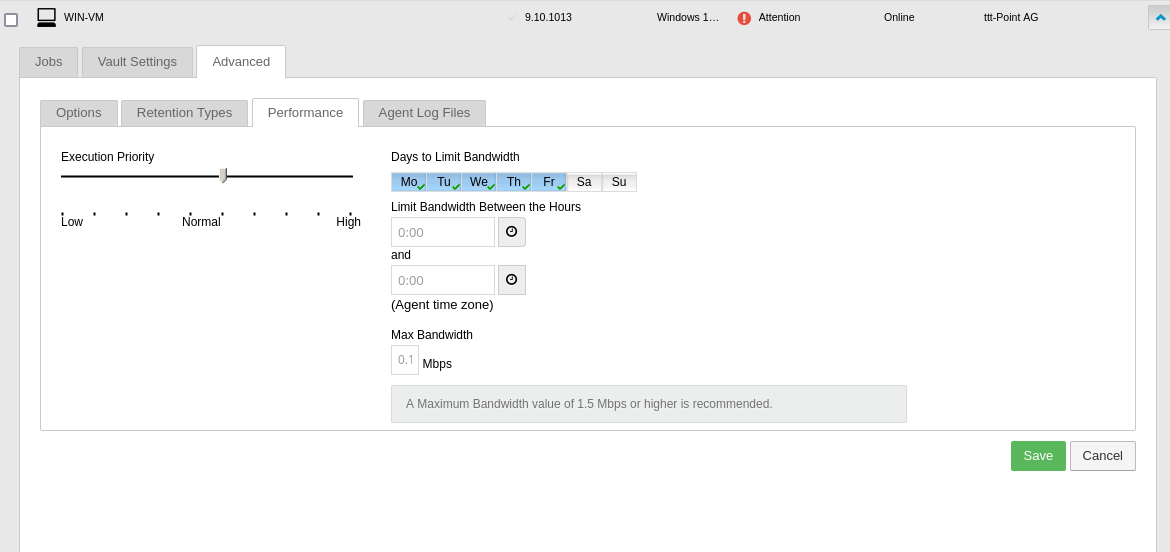 SUB Computer Erweitert Leistung-en.png 1.170 × 552; 49 KB
-
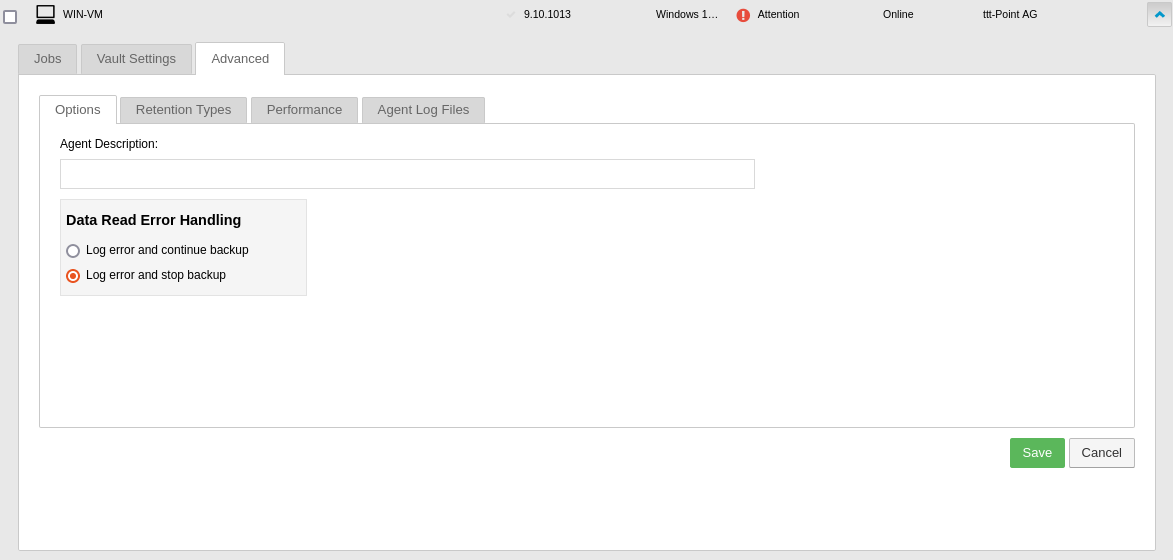 SUB Computer Erweitert Optionen-en.png 1.173 × 560; 36 KB
-
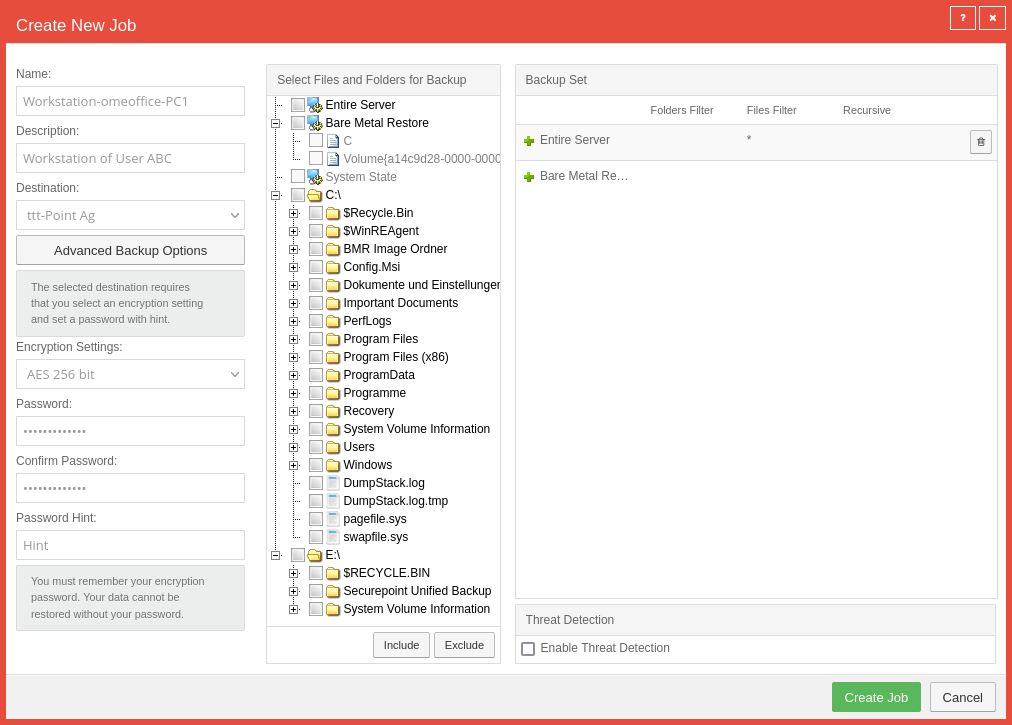 SUB Computer Job erstellen-en.png 1.012 × 725; 133 KB
-
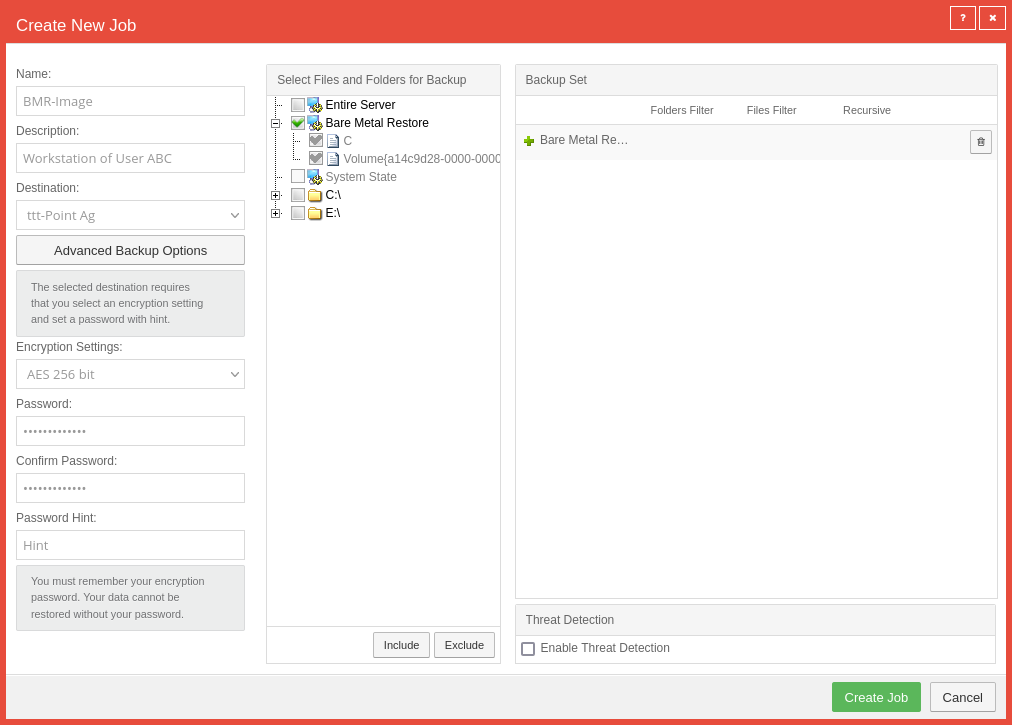 SUB Computer Job erstellen BMR Image-en.png 1.012 × 725; 86 KB
-
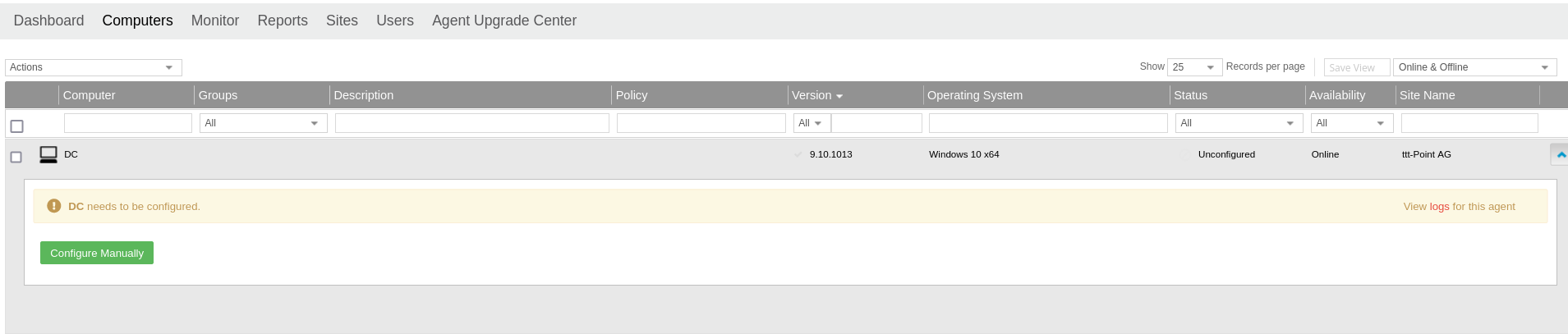 SUB Computer Manuell Konfigurieren-en.png 1.909 × 407; 56 KB
-
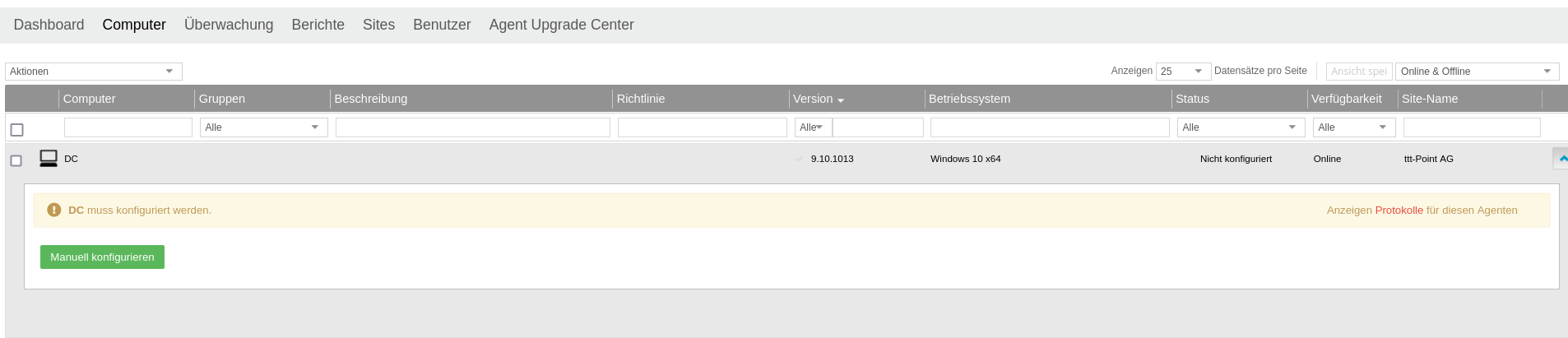 SUB Computer Manuell Konfigurieren.png 1.906 × 411; 59 KB
-
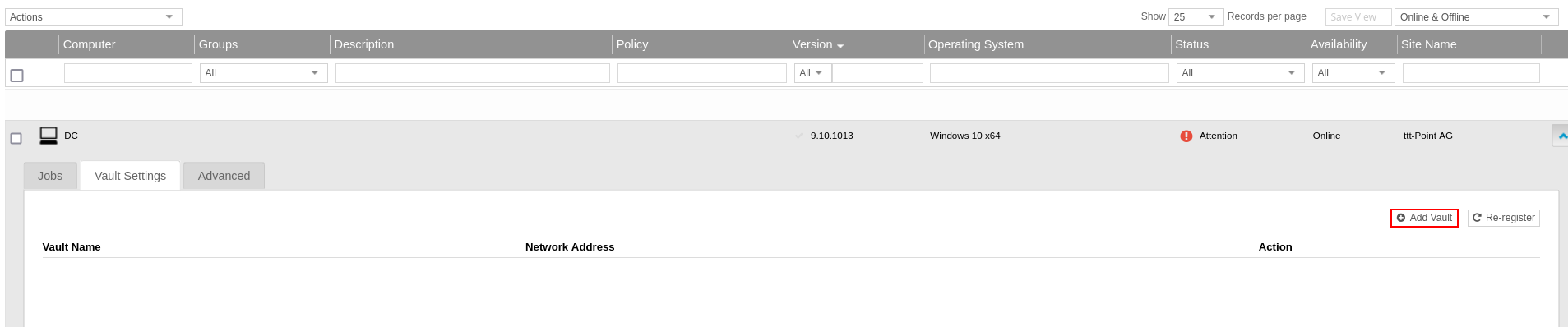 SUB Computer Vault Einstellungen Vault hinzufügen-en.png 1.907 × 398; 47 KB
-
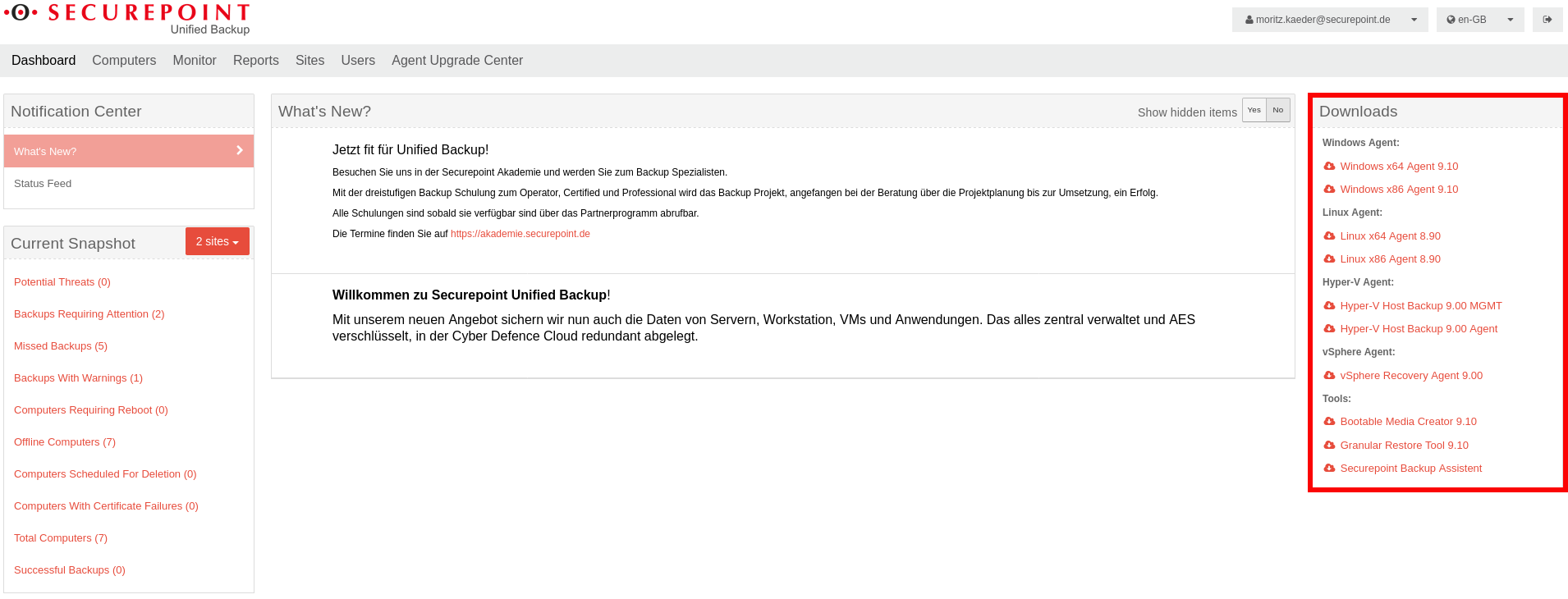 SUB Dashboard Downloadbereich-en.png 1.910 × 730; 169 KB
-
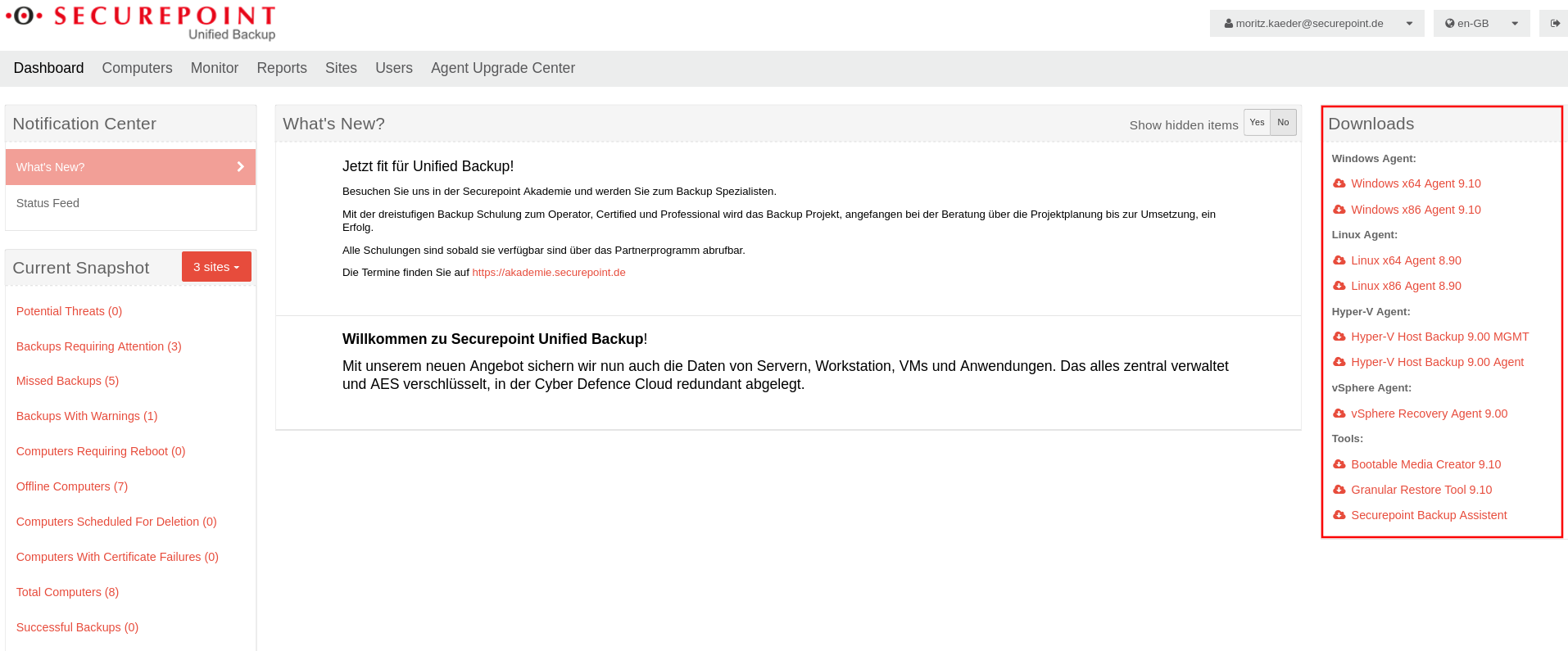 SUB Dashboard Downloadbereich 2023-en.png 1.914 × 795; 194 KB
-
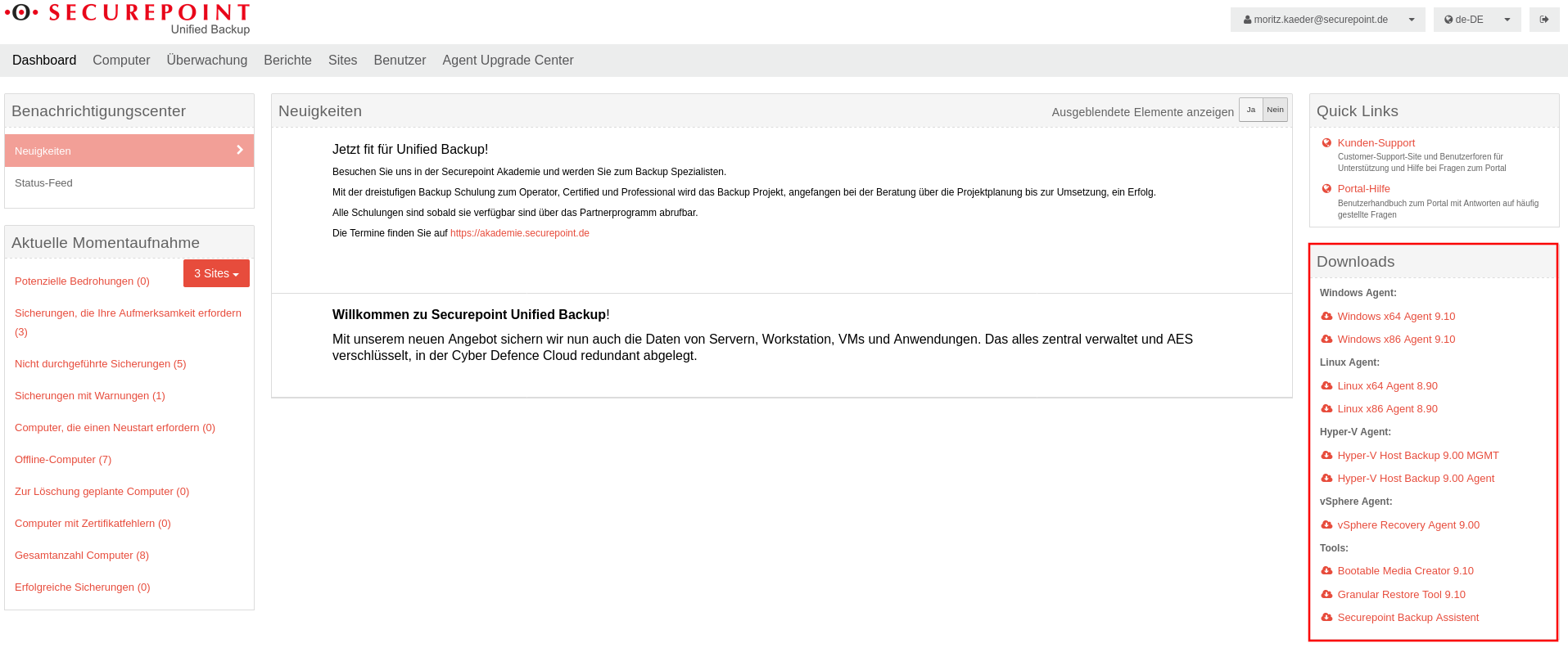 SUB Dashboard Downloadbereich 2023.png 1.915 × 792; 191 KB
-
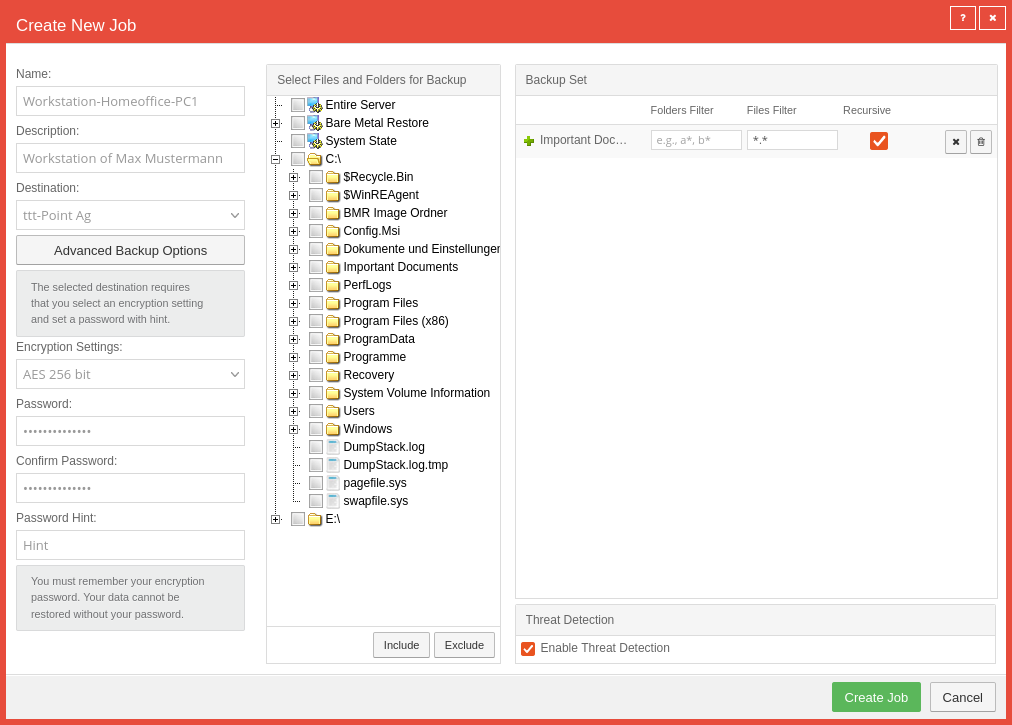 SUB Dateibasiertes Backup Job erstellen inkl Bedrohungserkennung-en.png 1.012 × 725; 124 KB
-
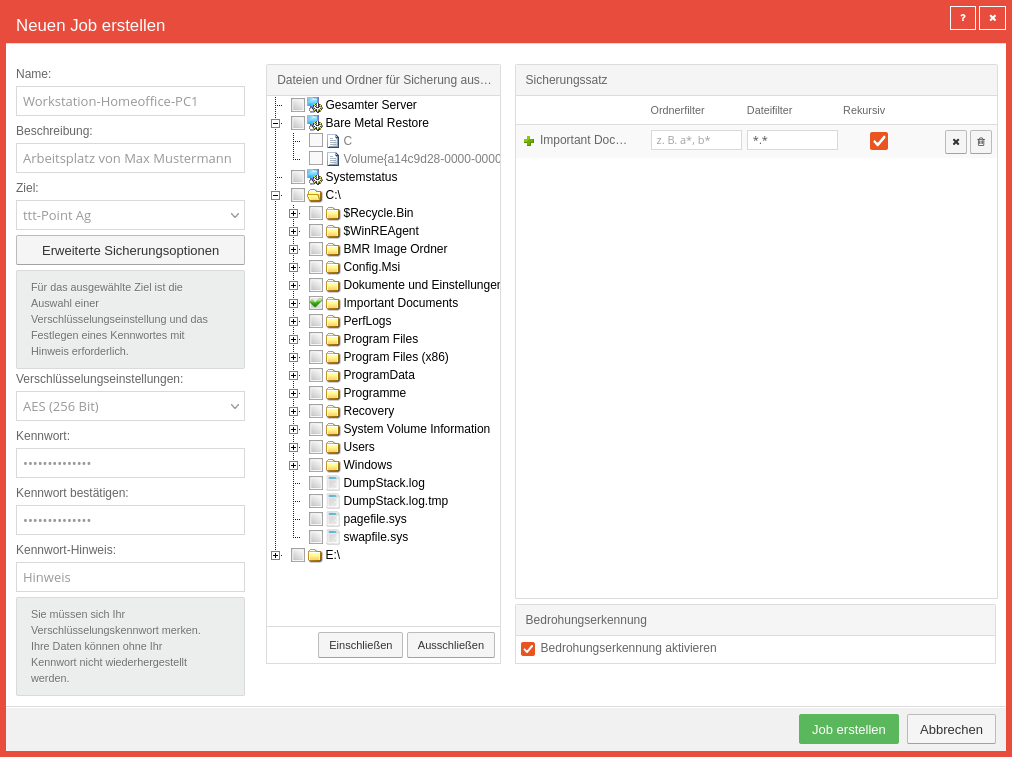 SUB Dateibasiertes Backup Job erstellen inkl Bedrohungserkennung.png 1.012 × 757; 136 KB
-
 SUB Homepage Login Fenster-en.png 605 × 577; 34 KB
-
 SUB Homepage Login Fenster.png 605 × 579; 34 KB
-
 SUB Login.png 369 × 472; 16 KB
-
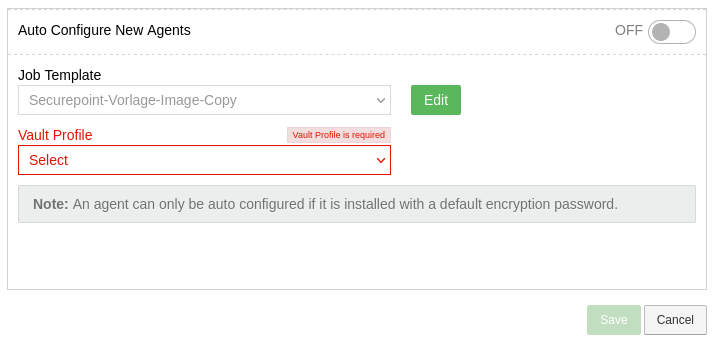 SUB Neue Agenten automatisch konfigurieren-en.png 715 × 347; 30 KB
-
 SUB PC Icon.PNG 21 × 20; 10 KB
-
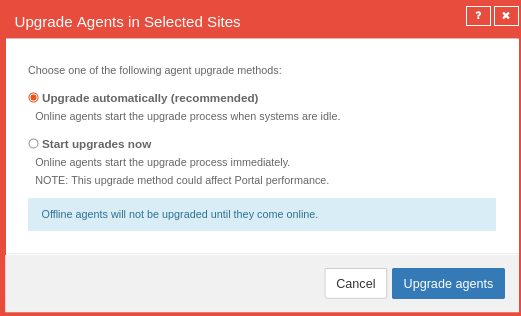 SUB Reiter Agent Upgrade Center Bestätigungsfenster-en.png 521 × 316; 30 KB
-
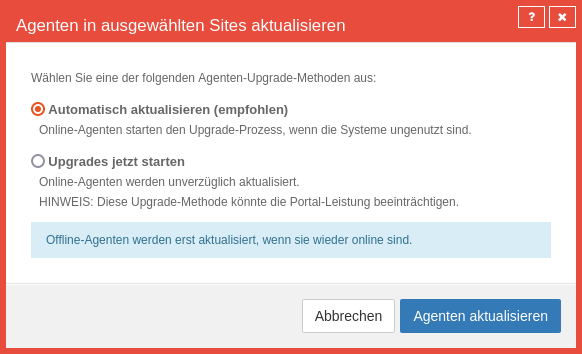 SUB Reiter Agent Upgrade Center Bestätigungsfenster.png 582 × 354; 39 KB
-
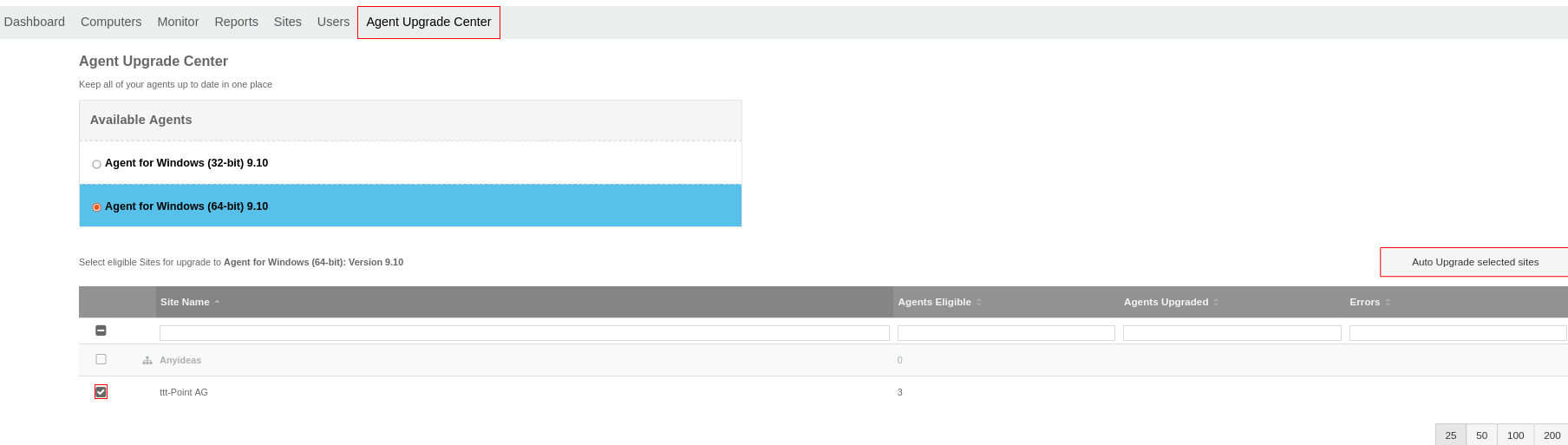 SUB Reiter Agent Upgrade Center makiert-en.png 1.808 × 513; 61 KB
-
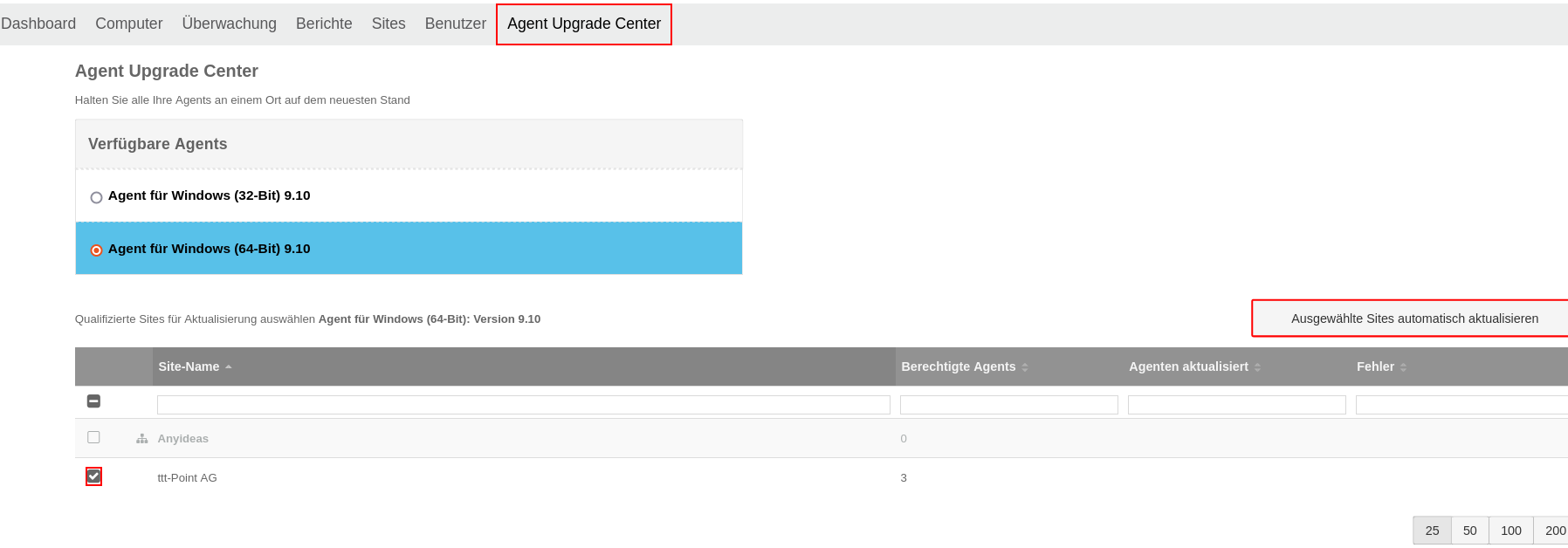 SUB Reiter Agent Upgrade Center makiert.png 1.796 × 628; 81 KB
-
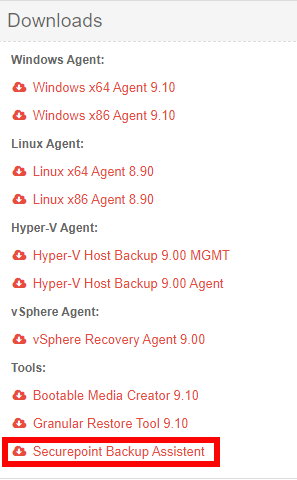 SUB Securepoint Backup Assistent download.png 297 × 480; 37 KB
-
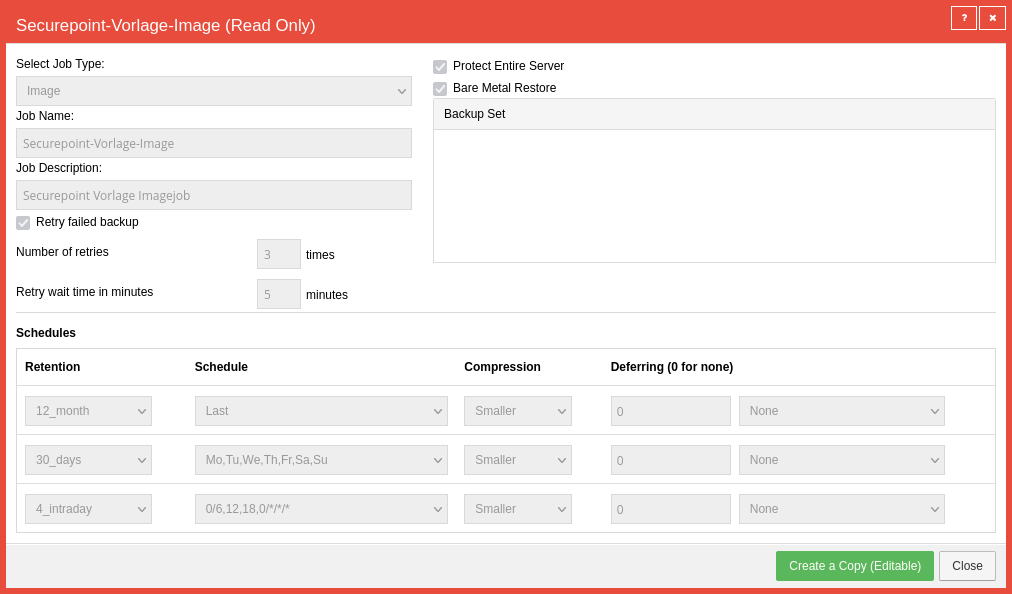 SUB SitesJob Template anzeigen-en.png 1.012 × 594; 60 KB
-
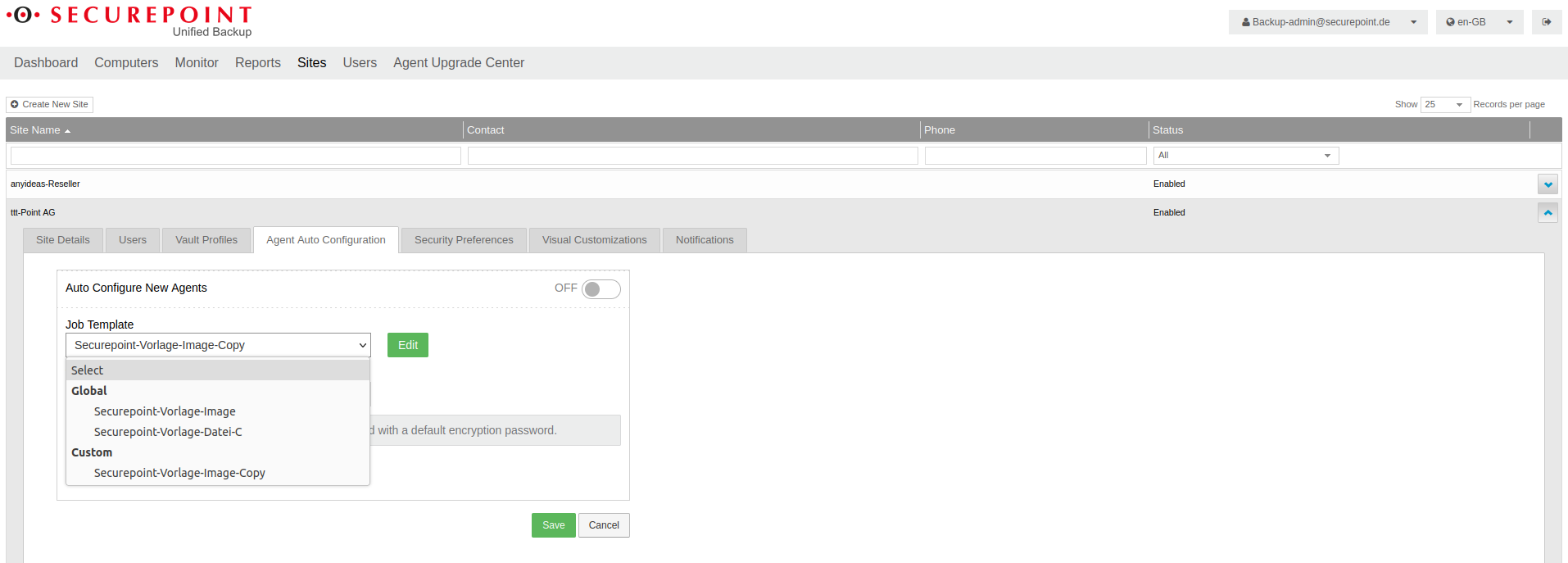 SUB Sites Automatische Agentenkonfiguration-en.png 1.914 × 687; 98 KB
-
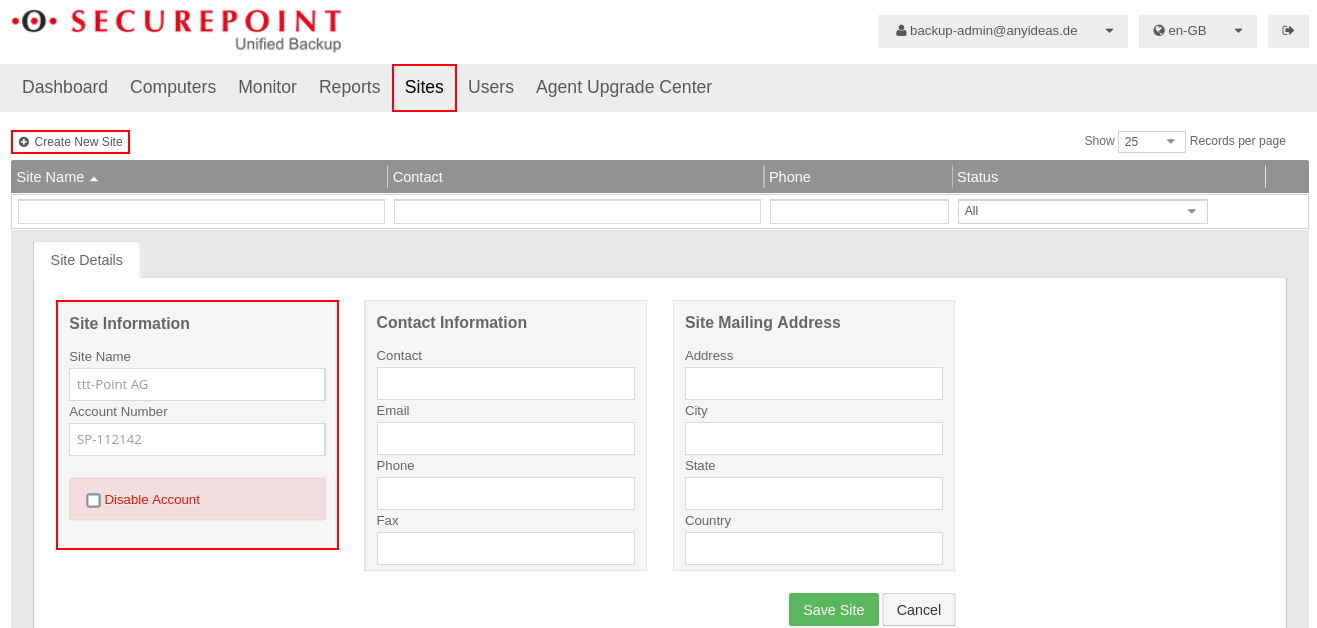 SUB Sites Button Neue Seite erstellen-en.png 1.317 × 628; 76 KB
-
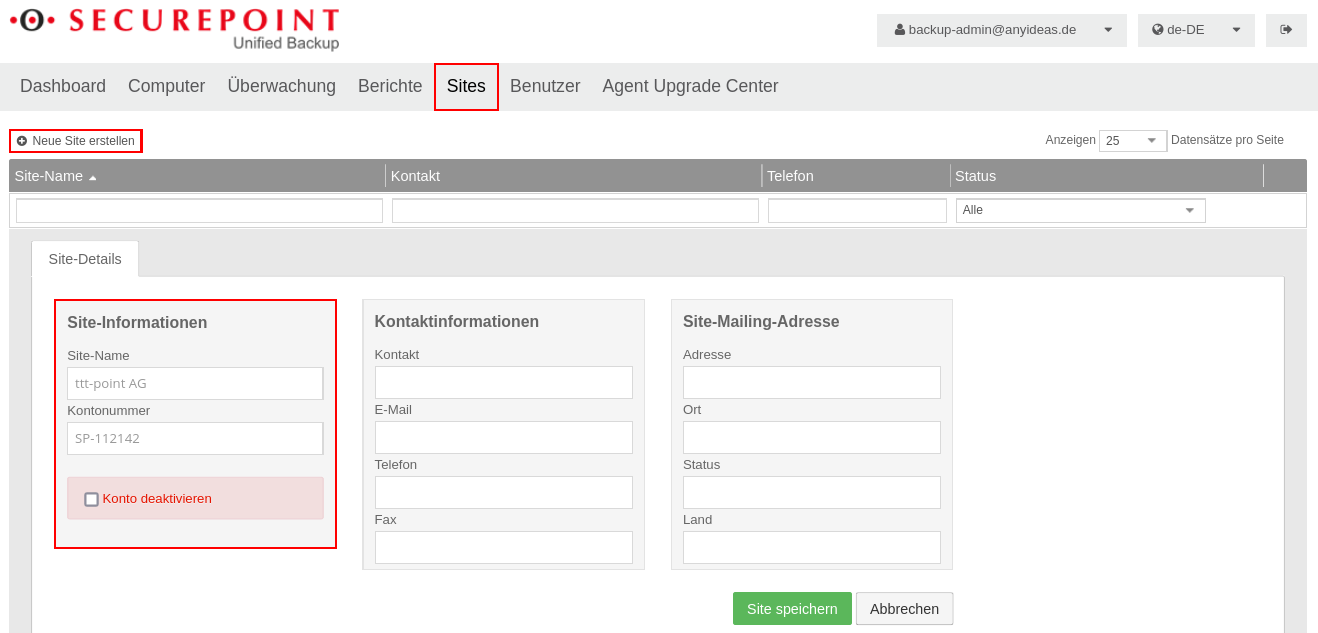 SUB Sites Button Neue Seite erstellen.png 1.318 × 633; 76 KB
-
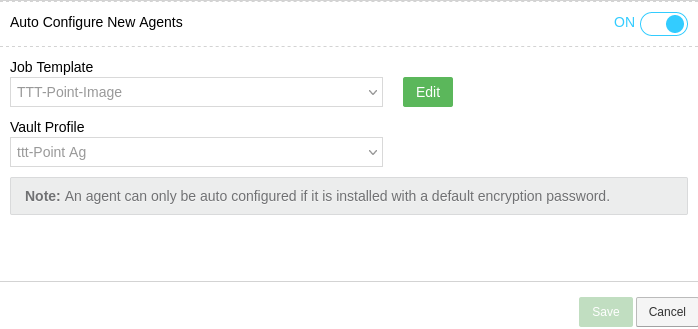 SUB Sites Jobvorlage mit neuen Agenten automatisch aktivieren-en.png 698 × 329; 28 KB
-
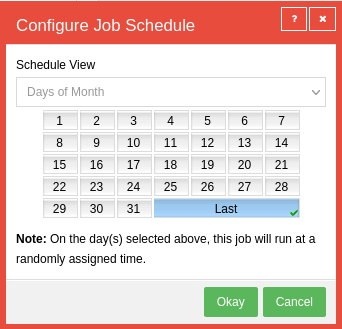 SUB Sites Jobzeitplan konfigurieren-en.png 342 × 329; 23 KB
-
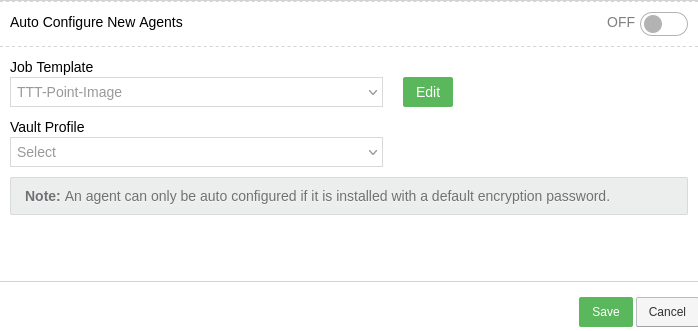 SUB Sites Neue Jobvorlage übernommen-en.png 698 × 331; 27 KB
-
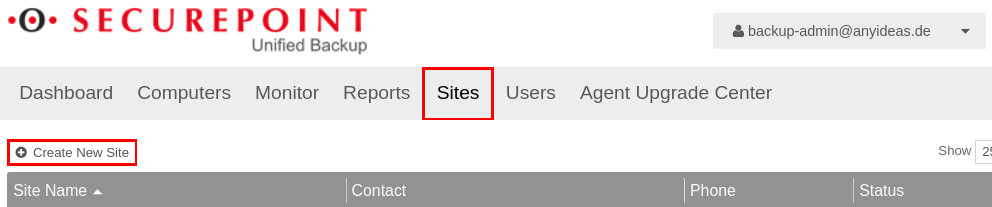 SUB Sites Neue Site erstellen-en.png 992 × 207; 41 KB
-
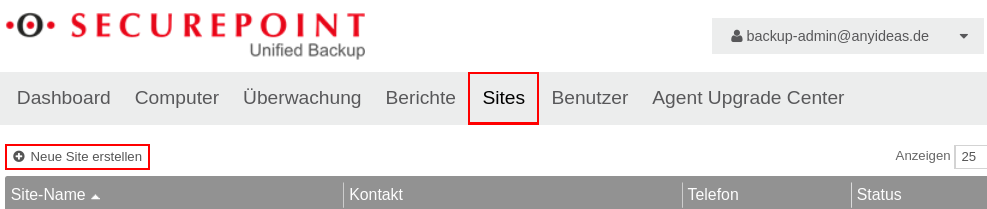 SUB Sites Neue Site erstellen.png 987 × 209; 42 KB
-
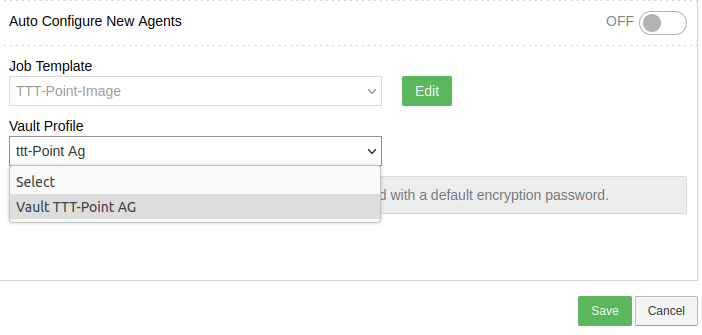 SUB Sites Vault Profil auswählen-en.png 702 × 335; 33 KB
-
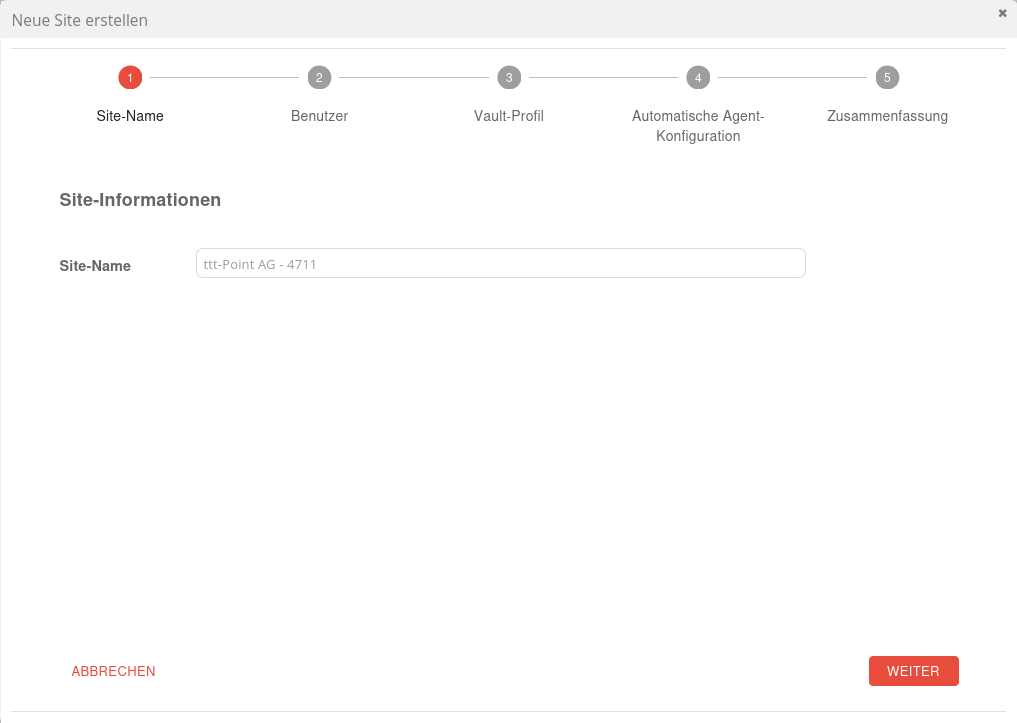 SUB Sites Wizard Schritt 1.png 1.017 × 723; 37 KB
-
 SUB Sites Wizard Schritt 2.png 1.017 × 723; 90 KB
-
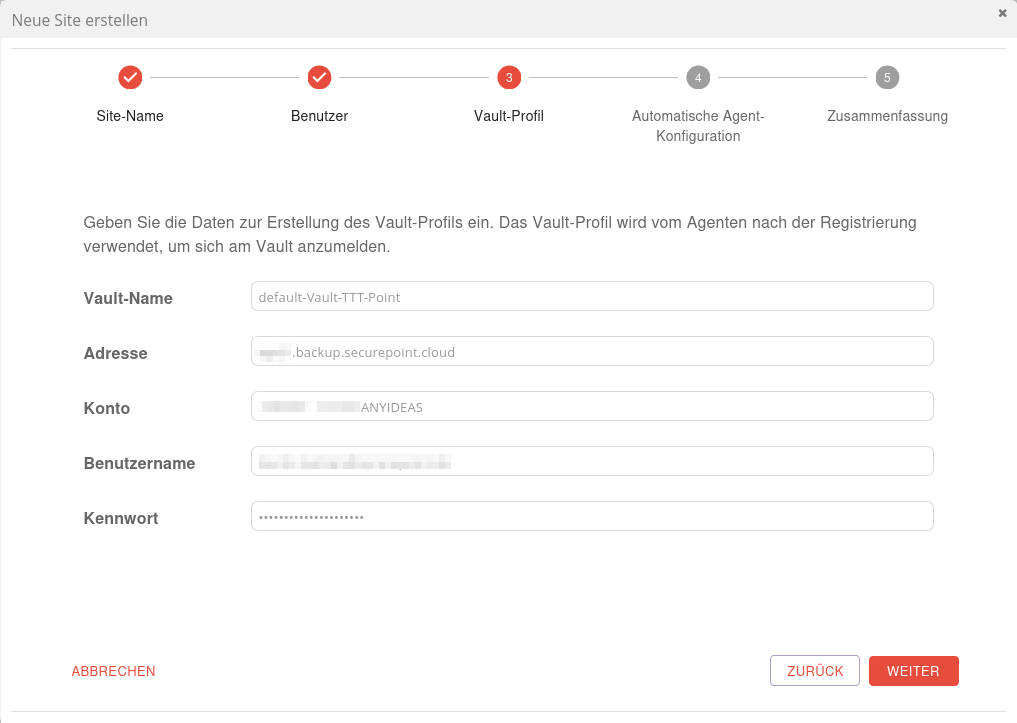 SUB Sites Wizard Schritt 3 Vaultdaten.png 1.017 × 723; 53 KB
-
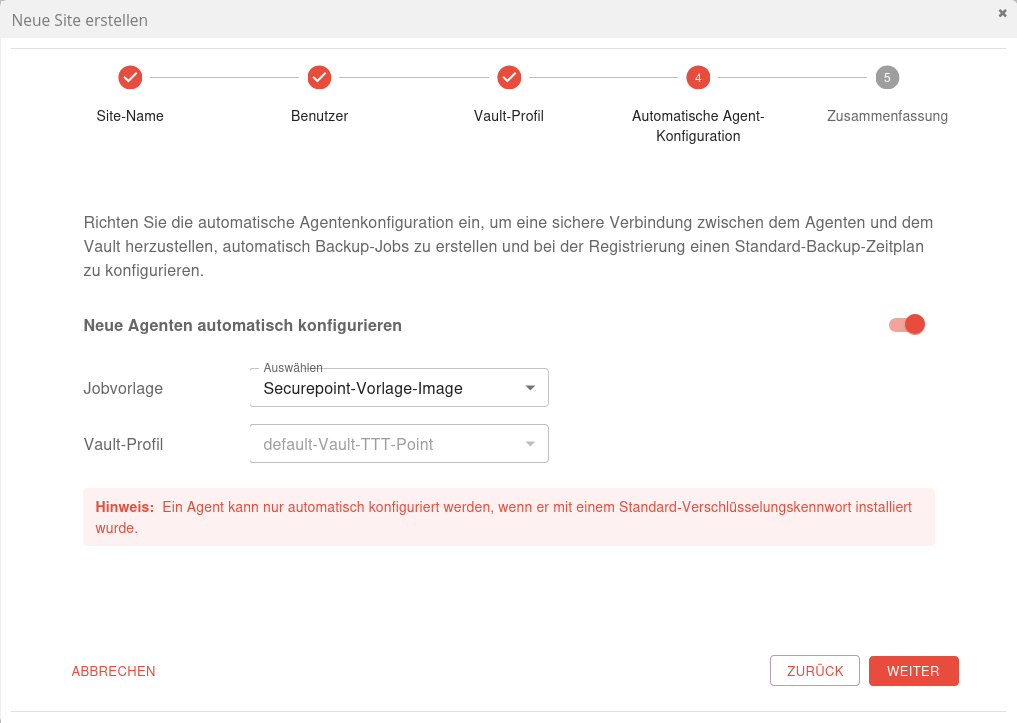 SUB Sites Wizard Schritt 4 Agent Konfiguration.png 1.017 × 723; 76 KB
-
 SUB Sites Wizard Schritt 5 Zugangsdaten erstellt.png 1.017 × 723; 58 KB
-
 SUB Sites Wizard Schritt 5 Zusammenfassung.png 1.017 × 723; 69 KB


