Bitte beachte, dass andere Webseiten eine Datei mit einer direkten URL verlinken können. Diese könnte daher hier aufgelistet sein, obwohl diese in aktiver Verwendung ist.
Unten werden bis zu 50 Ergebnisse im Bereich 5.501 bis 5.550 angezeigt.
-
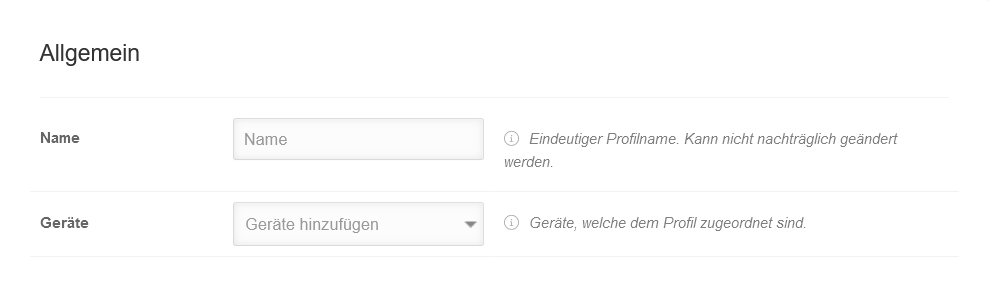 MS v1.18 Android Profile Allgemein.png 988 × 297; 17 KB
-
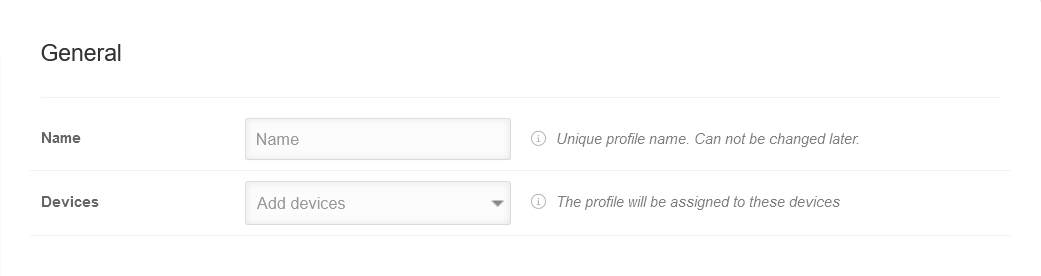 MS v1.18 Android Profile Allgemein-en.png 1.041 × 276; 16 KB
-
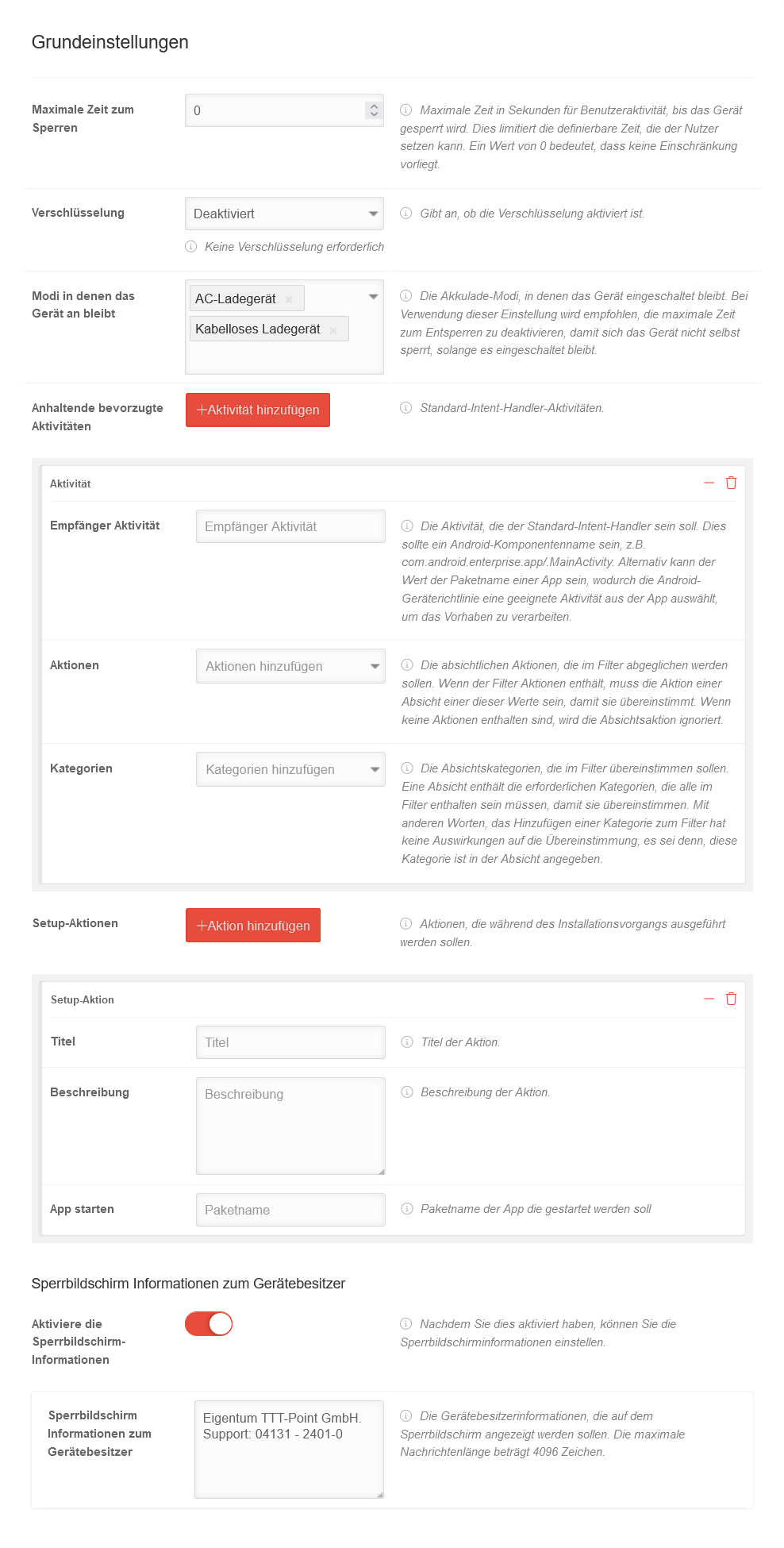 MS v1.18 Android Profile Grundeinstellungen.png 988 × 1.950; 172 KB
-
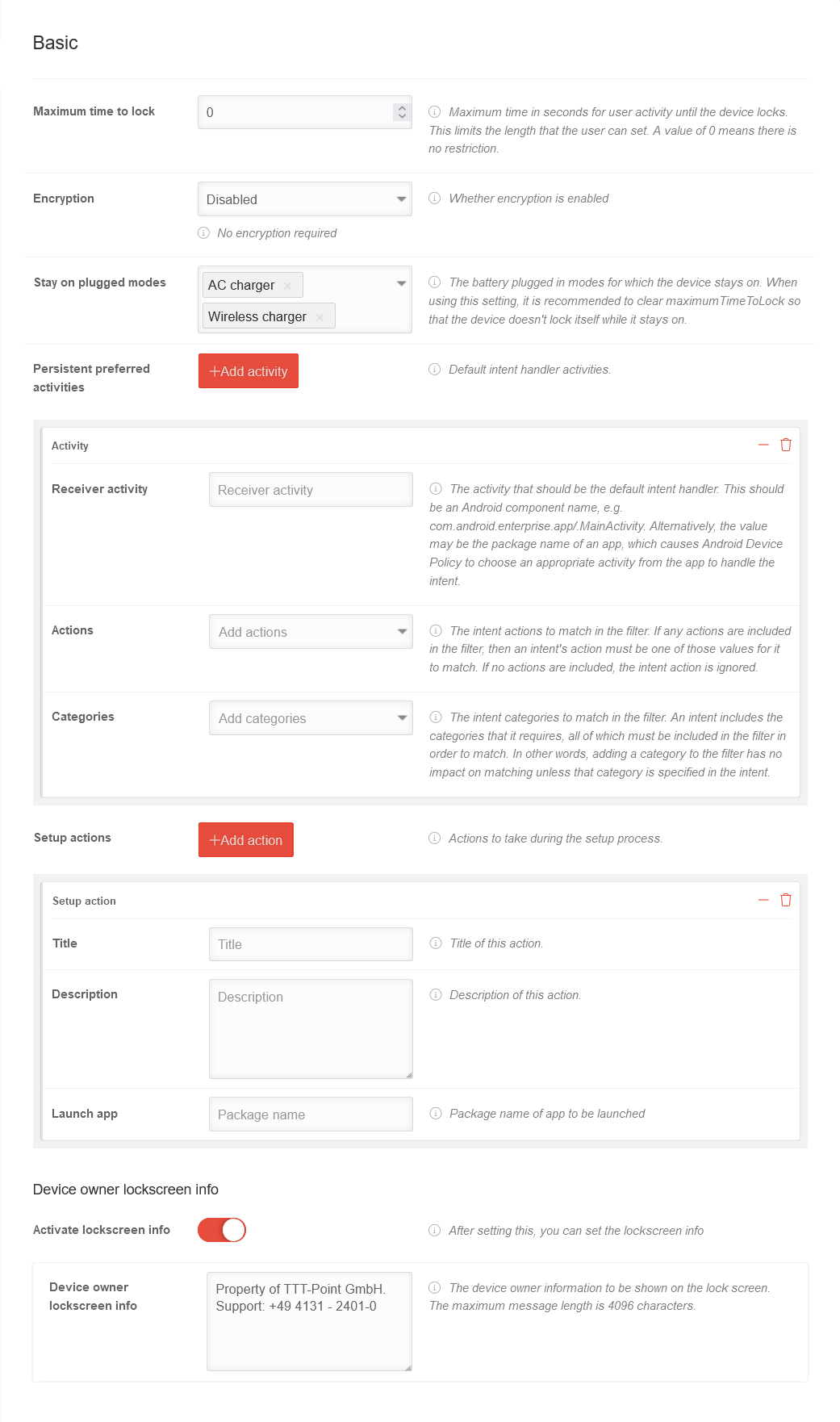 MS v1.18 Android Profile Grundeinstellungen-en.png 1.041 × 1.762; 147 KB
-
 MS v1.18 Android Profile Einschraenkungen.png 988 × 8.357; 811 KB
-
 MS v1.18 Android Profile Einschraenkungen-en.png 1.041 × 7.110; 685 KB
-
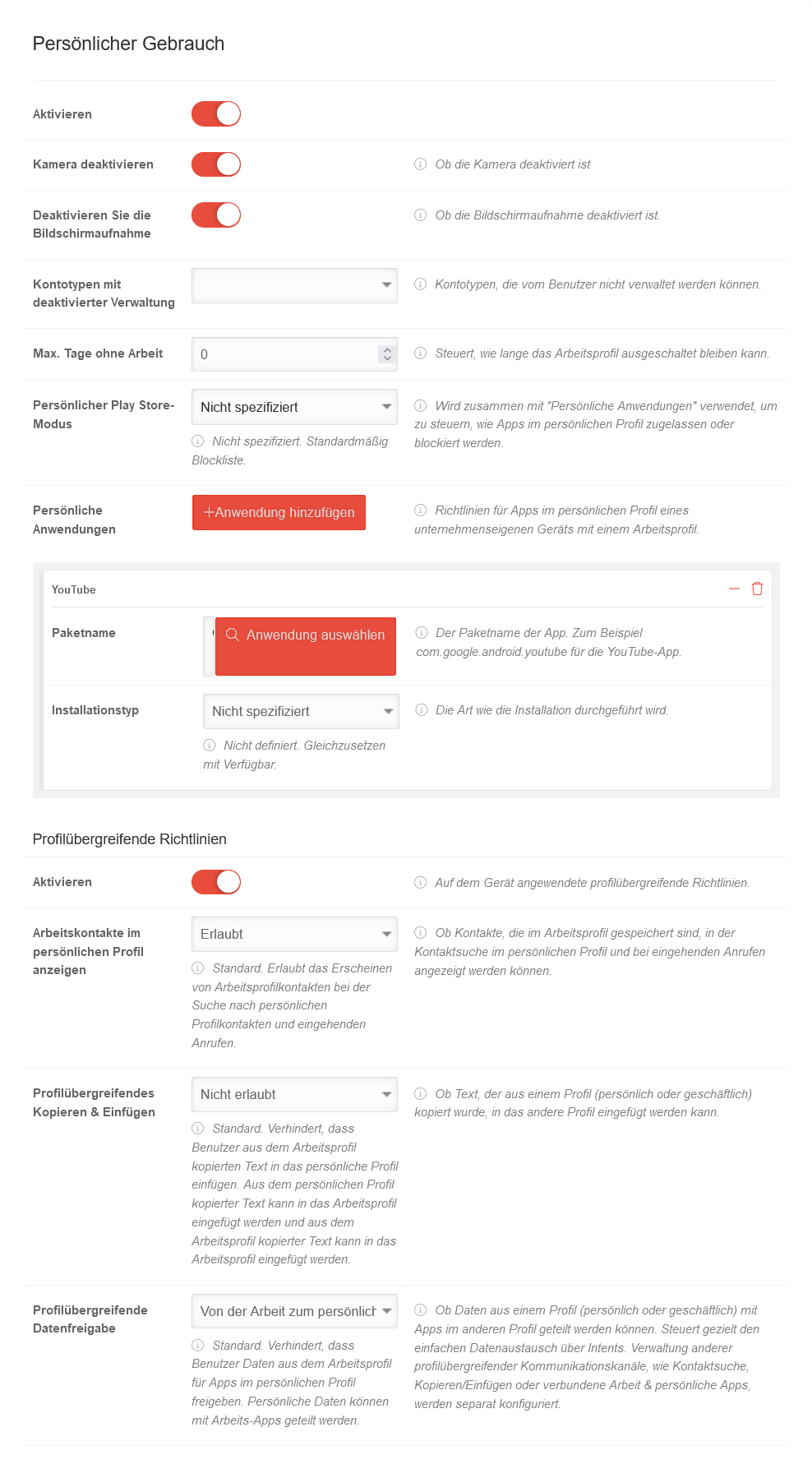 MS v1.18 Android Profile Persoenlicher Gebrauch.png 988 × 1.798; 167 KB
-
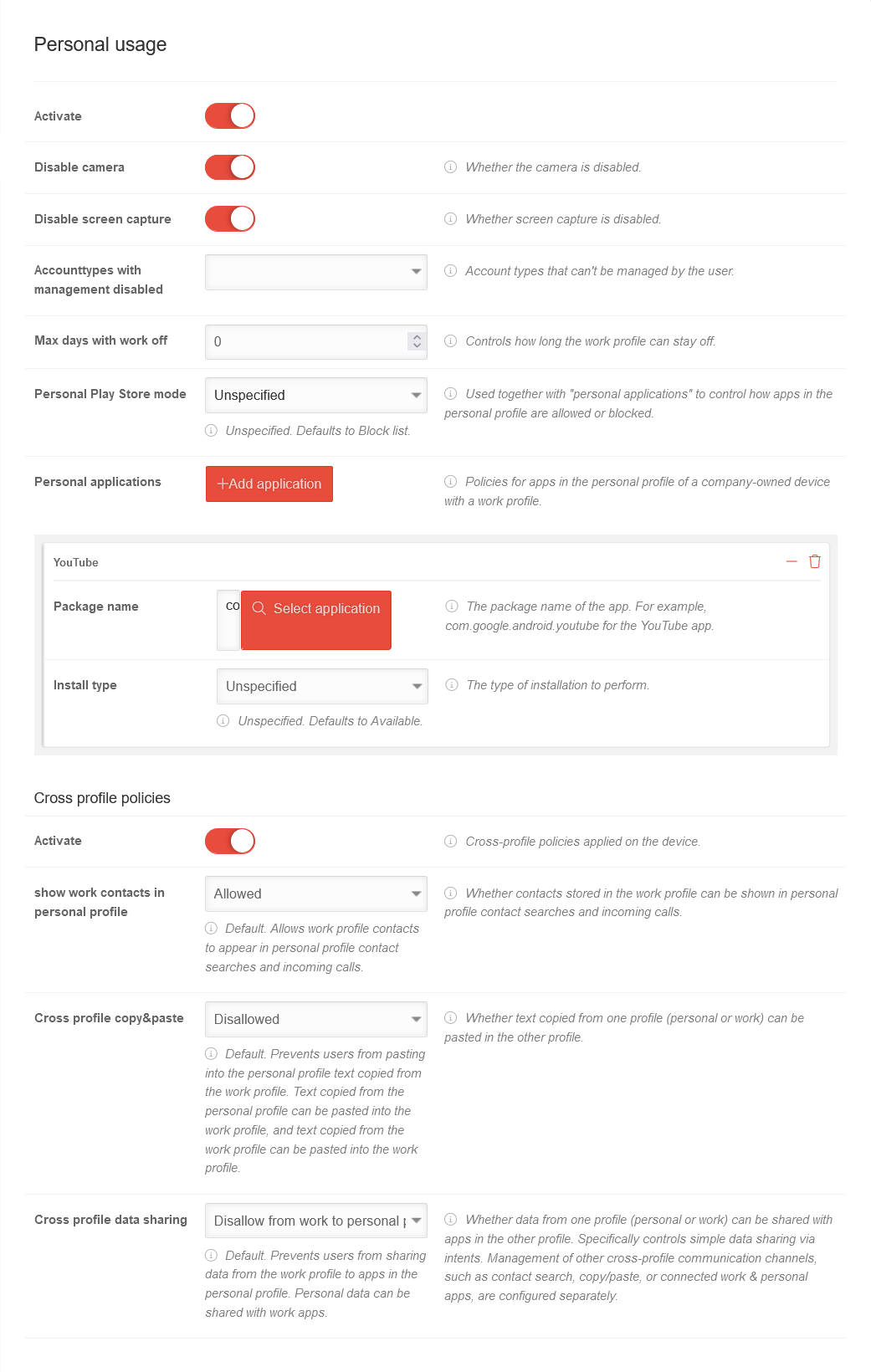 MS v1.18 Android Profile Persoenlicher Gebrauch-en.png 1.041 × 1.640; 150 KB
-
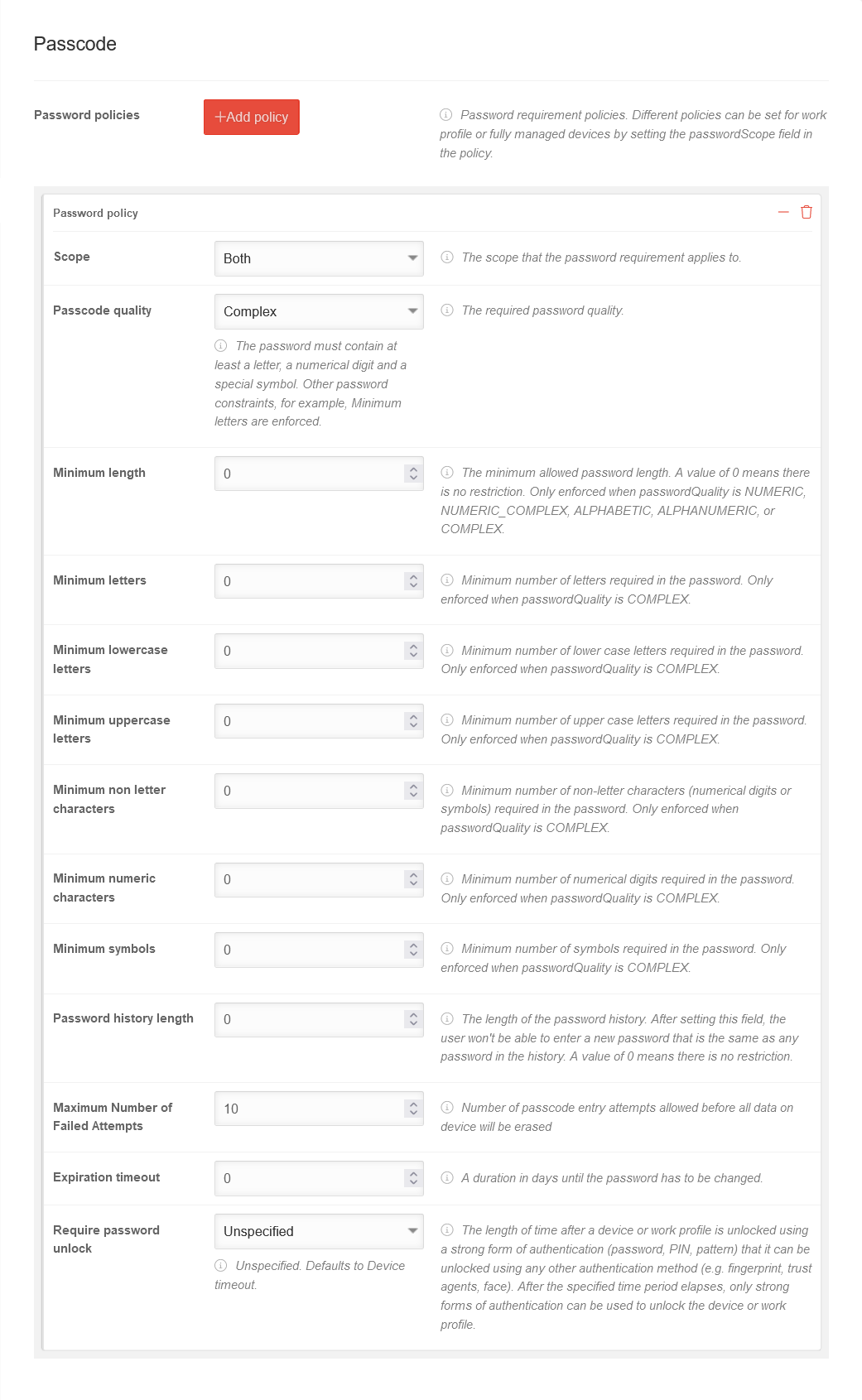 MS v1.18 Android Profile Passcode-en.png 1.041 × 1.691; 160 KB
-
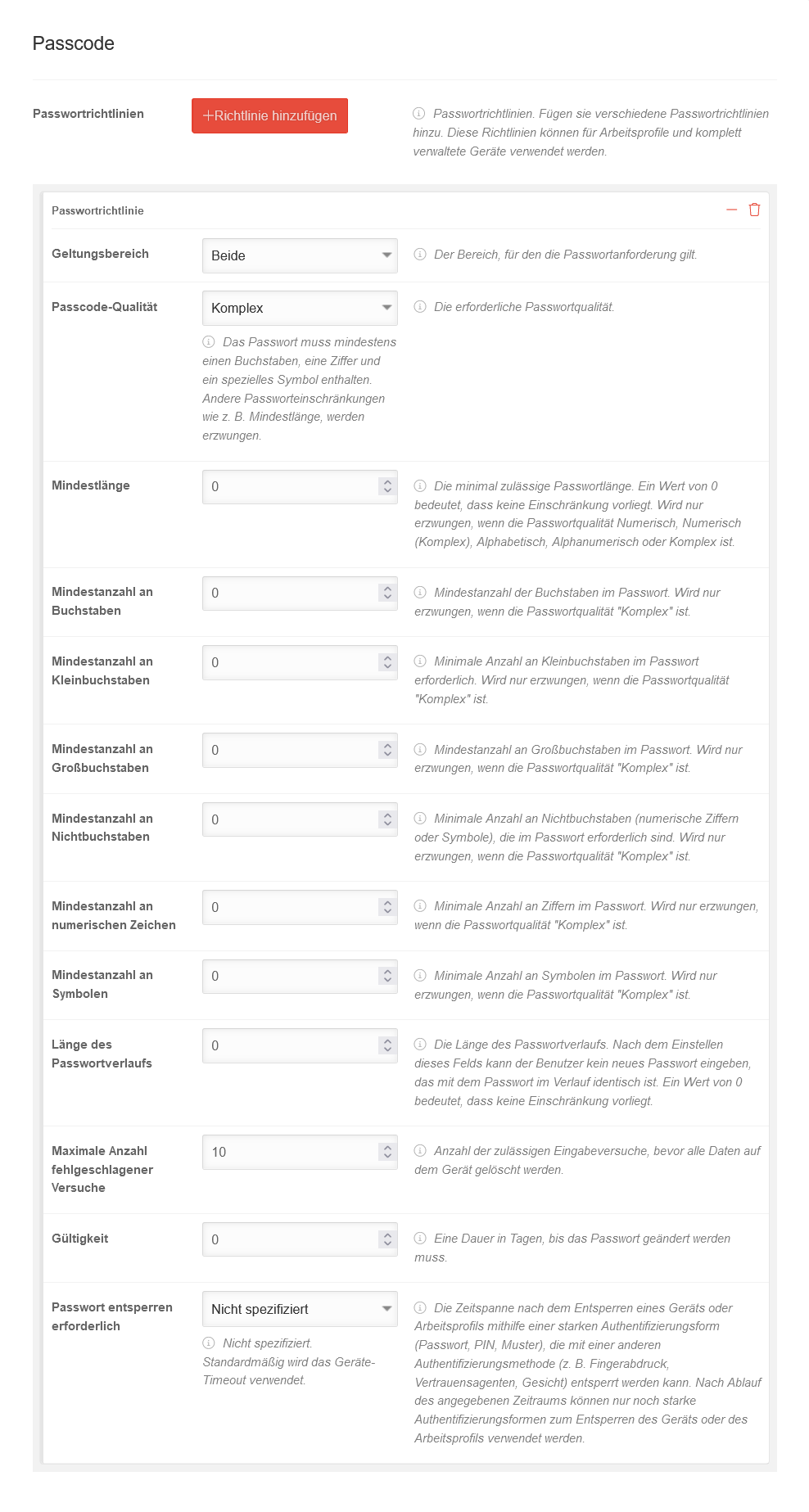 MS v1.18 Android Profile Passcode.png 988 × 1.847; 174 KB
-
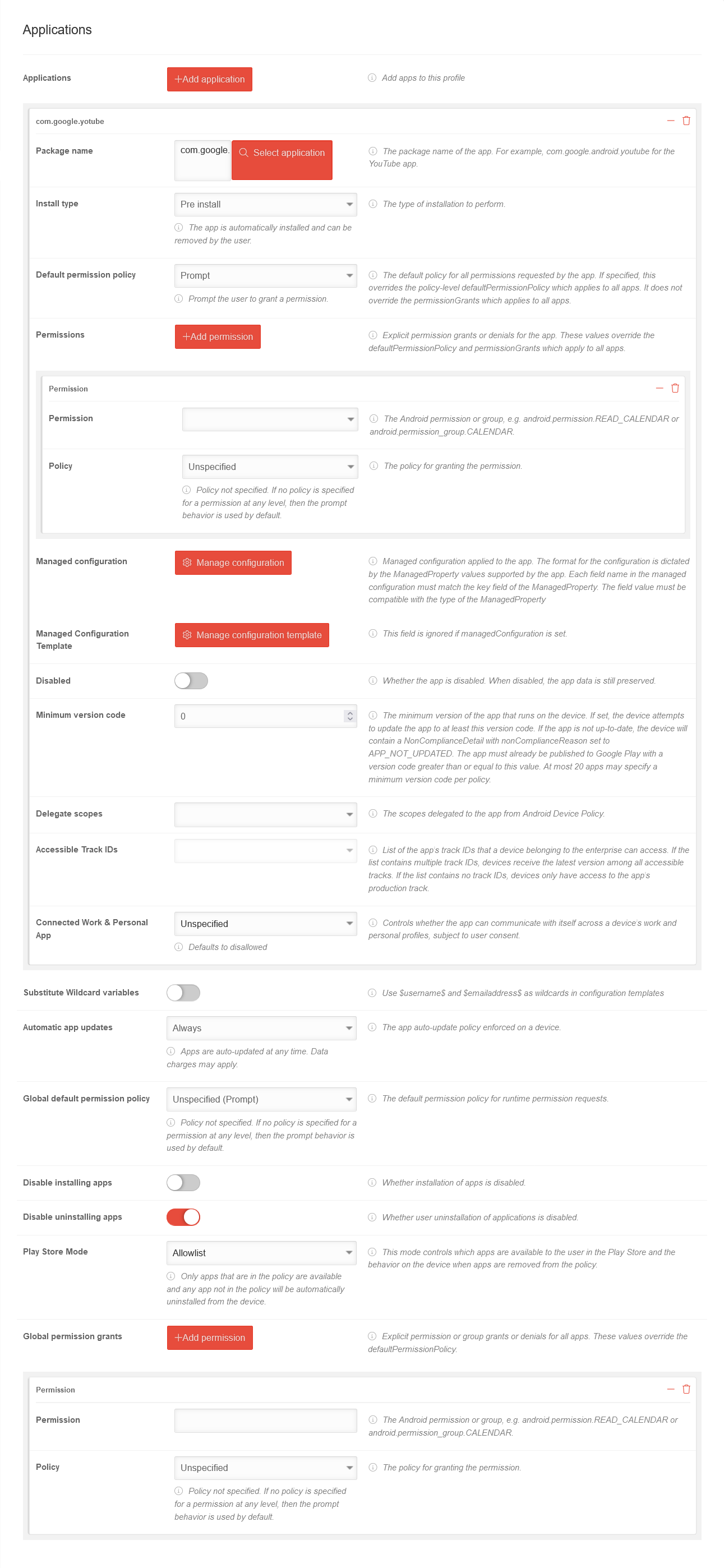 MS v1.18 Android Profile Anwendungen-en.png 1.291 × 2.796; 292 KB
-
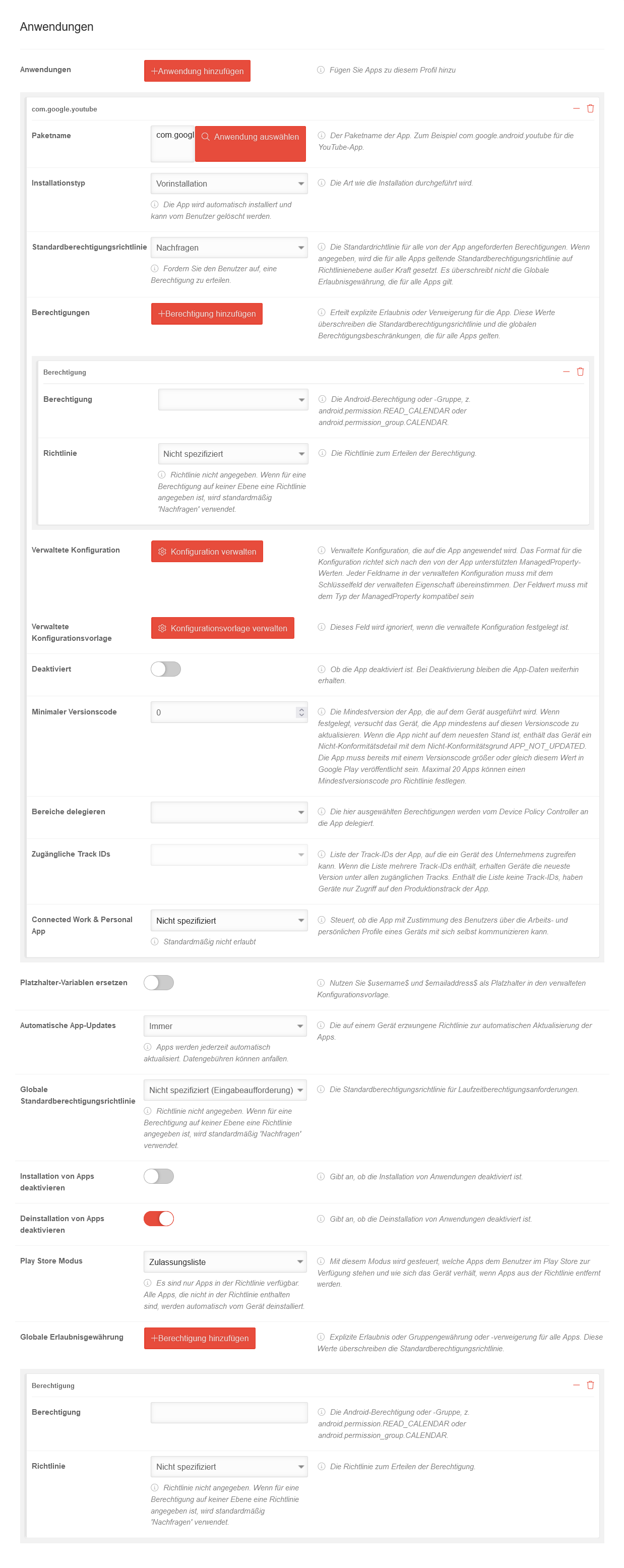 MS v1.18 Android Profile Anwendungen.png 1.238 × 3.110; 336 KB
-
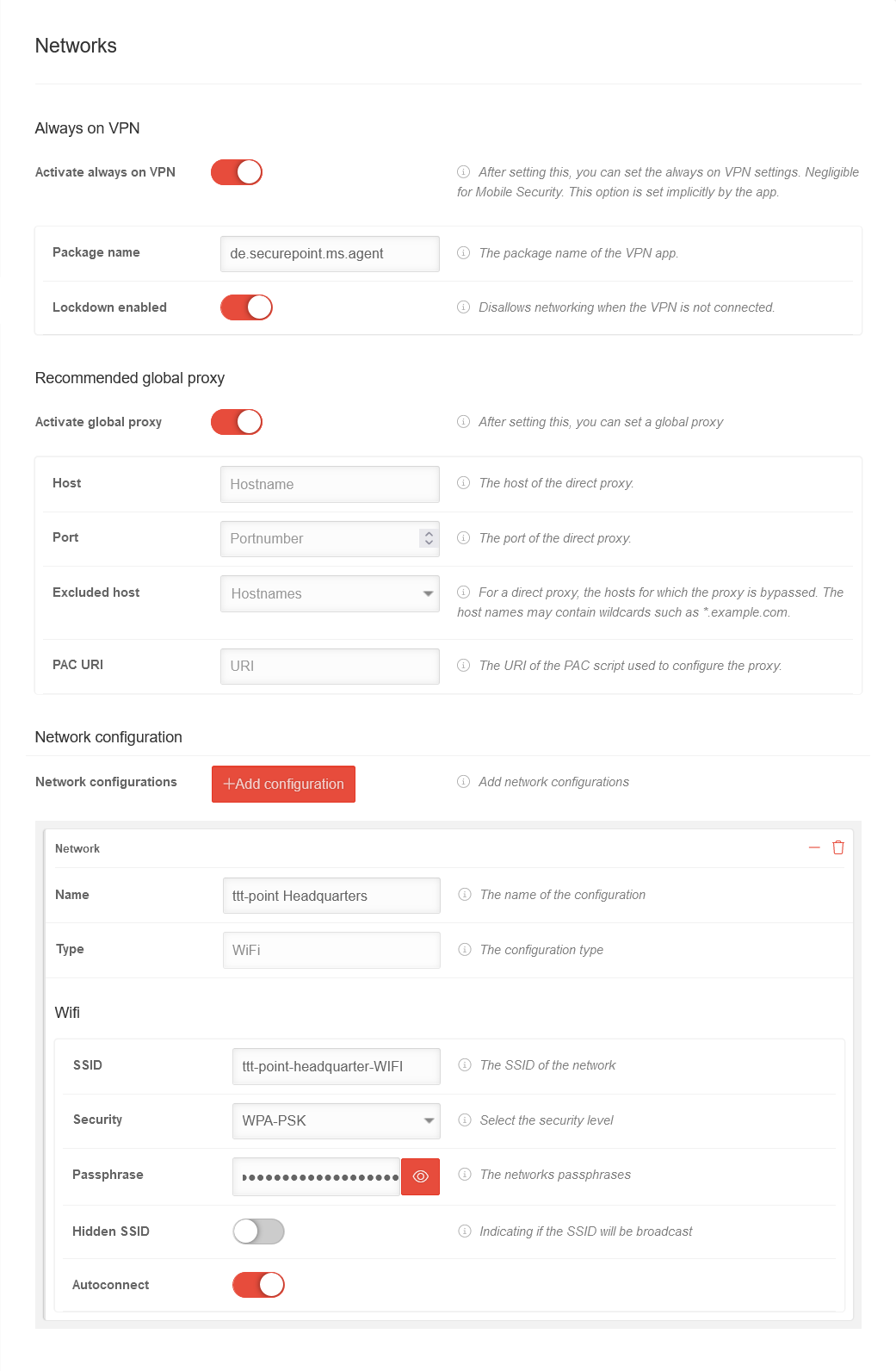 MS v1.18 Android Profile Netzwerke-en.png 1.041 × 1.592; 124 KB
-
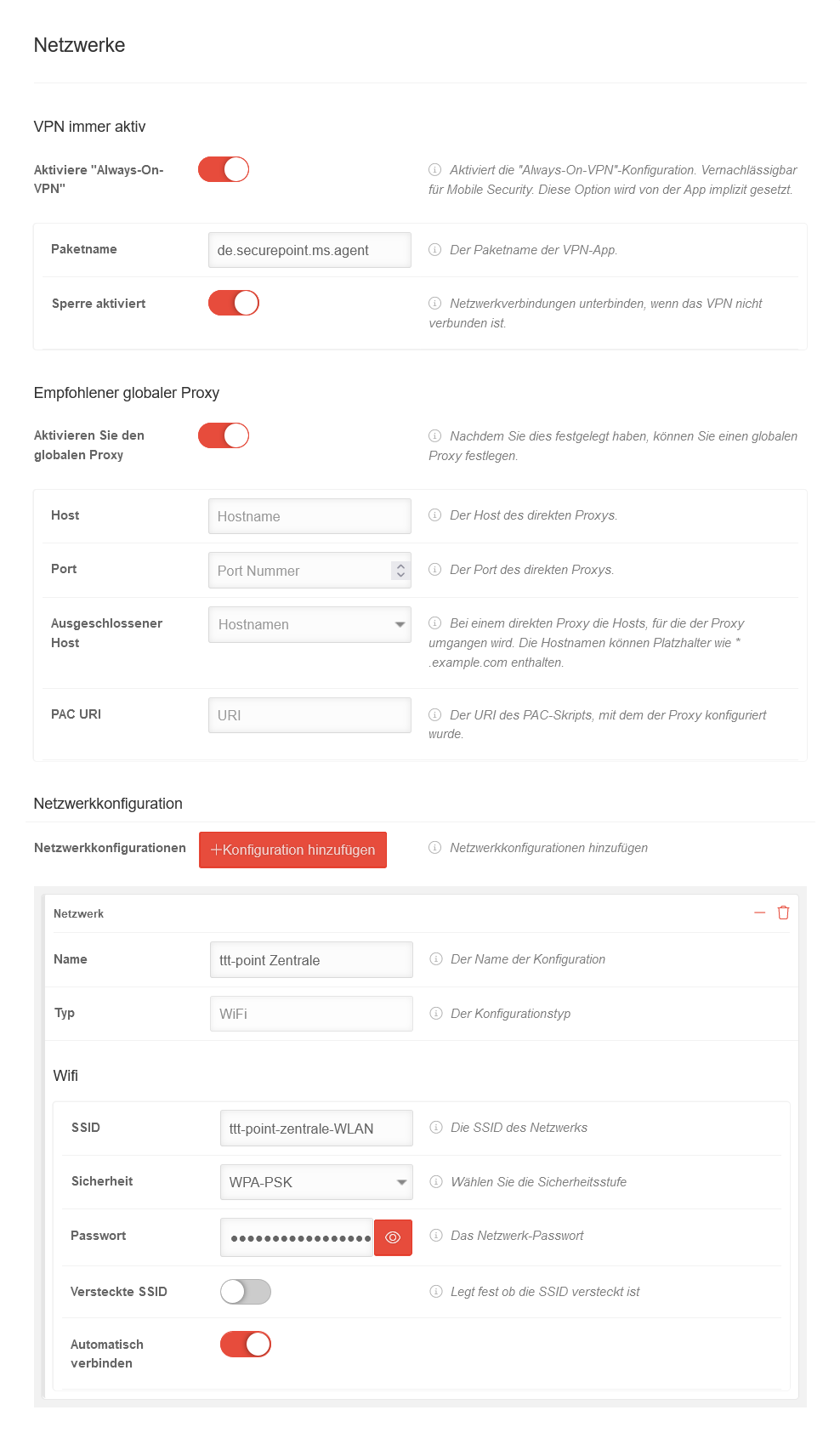 MS v1.18 Android Profile Netzwerke.png 988 × 1.705; 129 KB
-
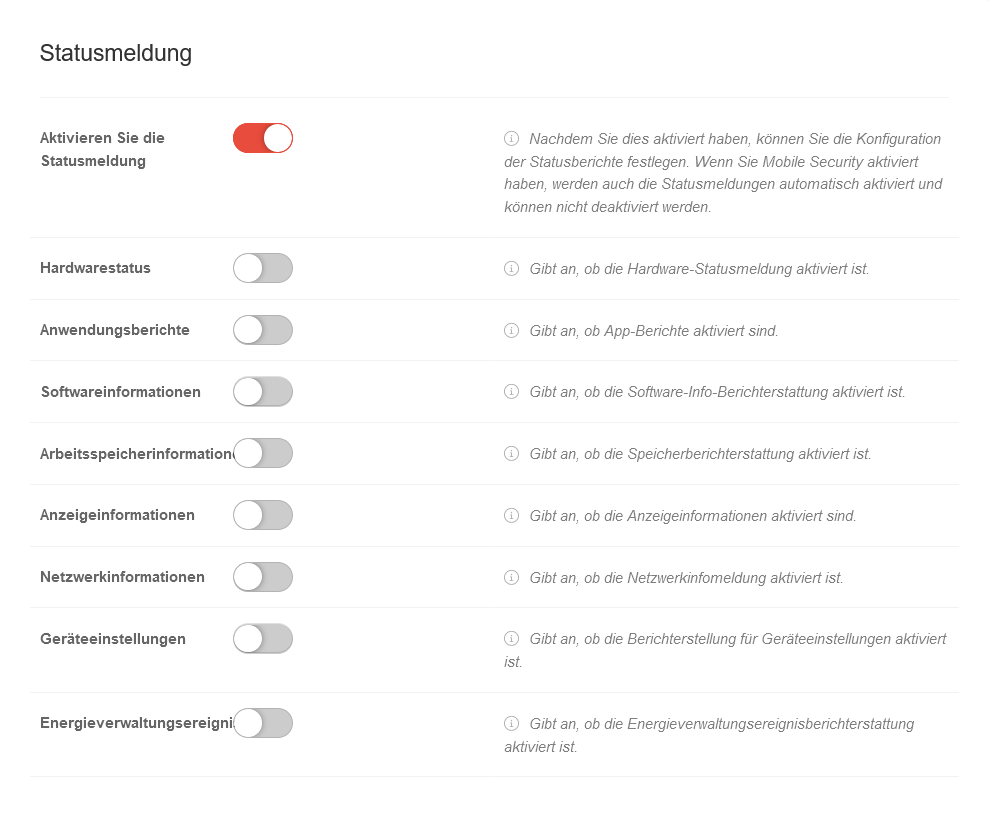 MS v1.18 Android Profile Statusmeldung.png 988 × 817; 71 KB
-
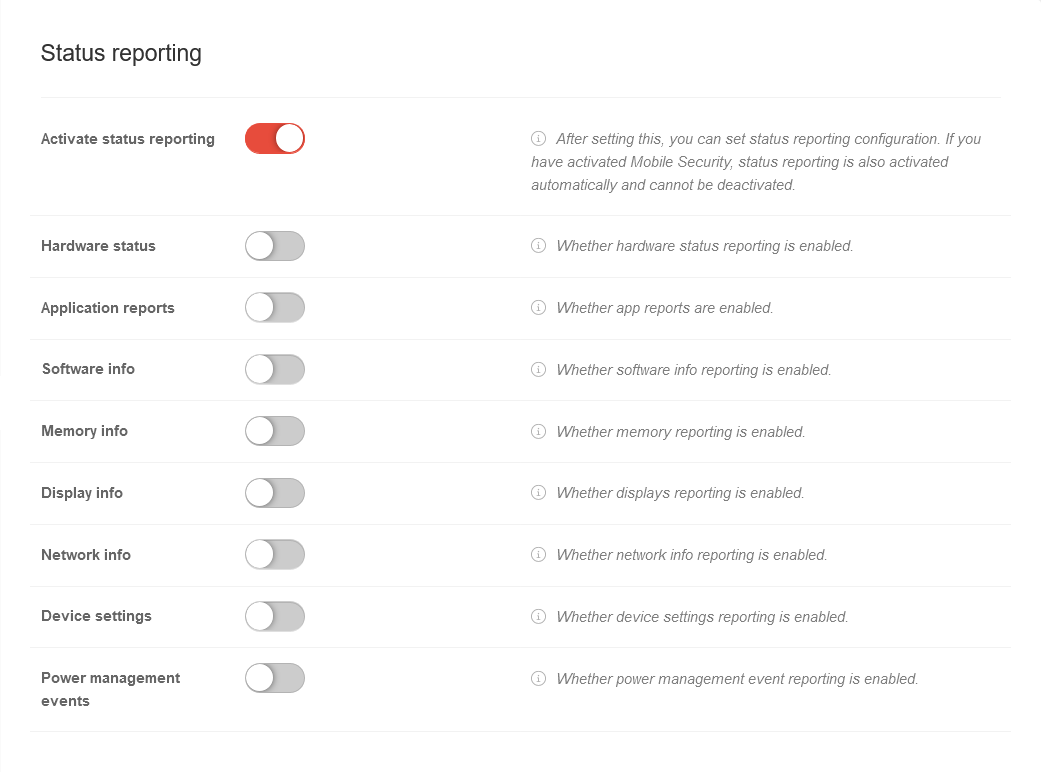 MS v1.18 Android Profile Statusmeldung-en.png 1.041 × 772; 64 KB
-
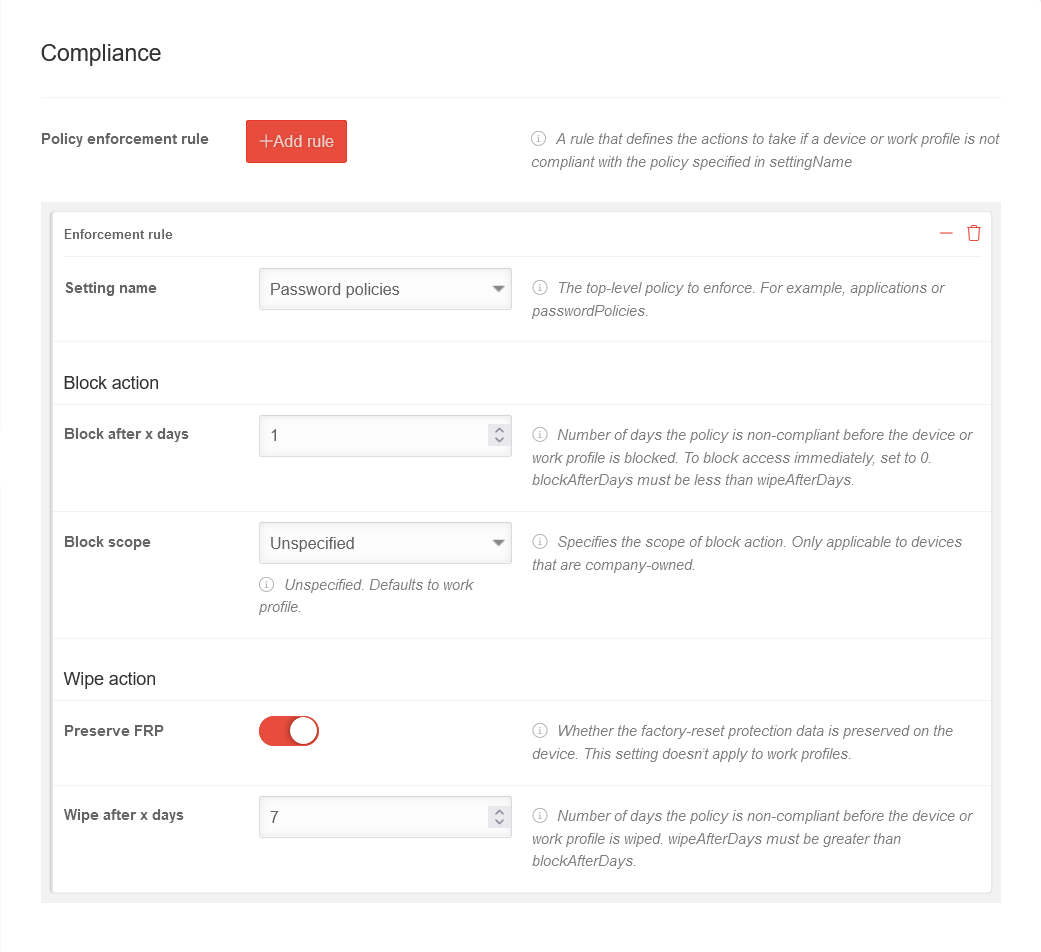 MS v1.18 Android Profile Compliance-en.png 1.041 × 952; 76 KB
-
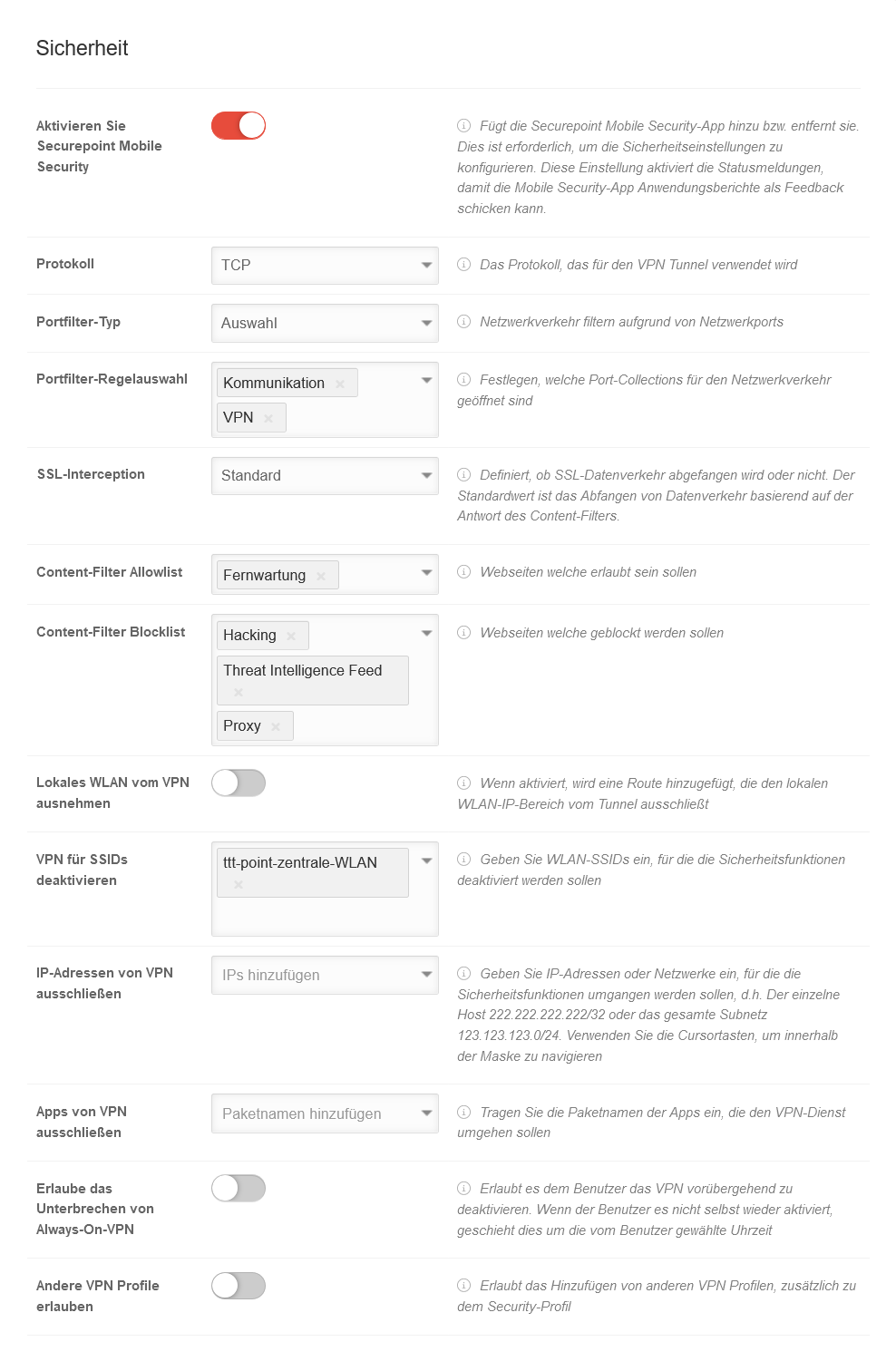 MS v1.18 Android Profile Sicherheit.png 988 × 1.512; 135 KB
-
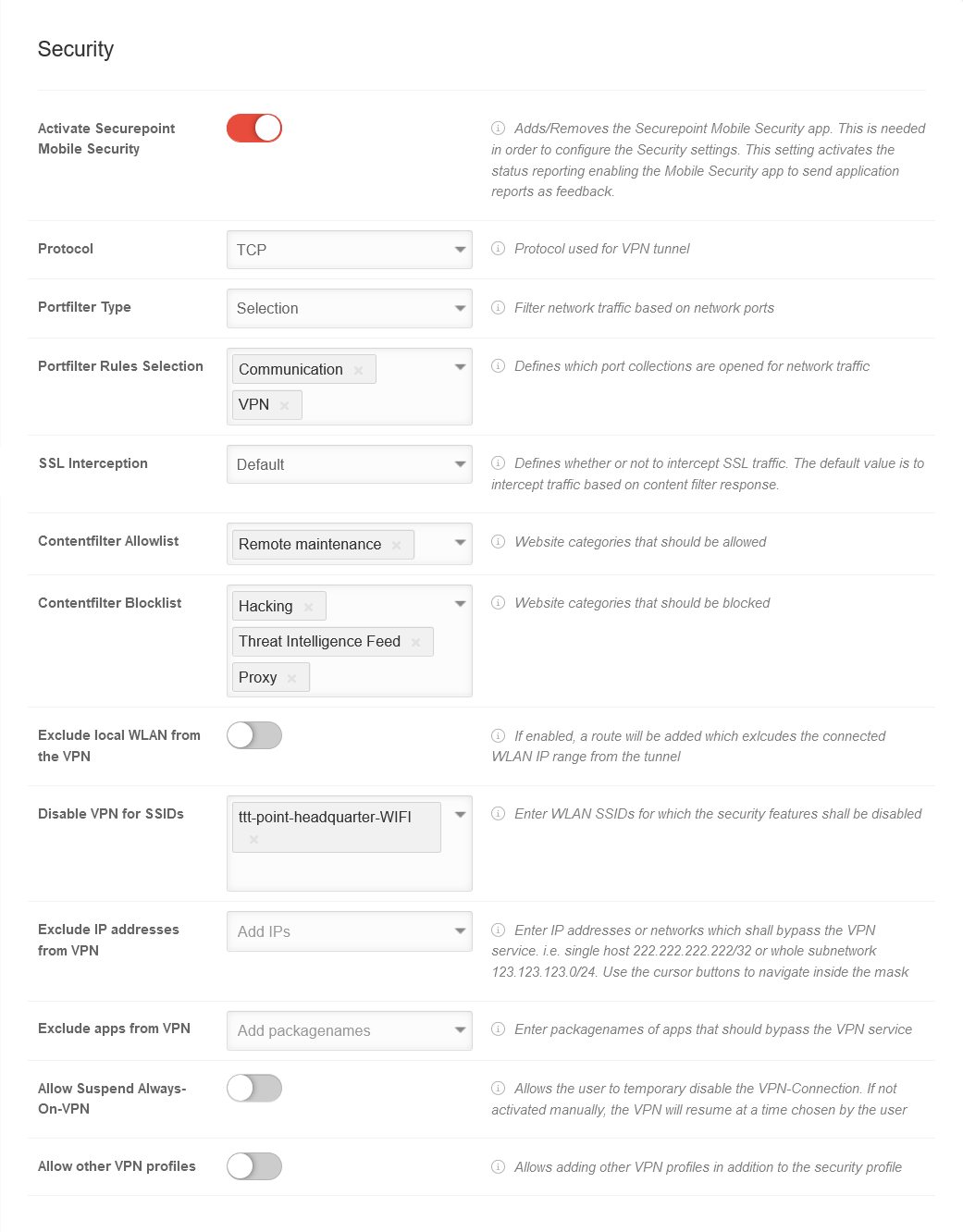 MS v1.18 Android Profile Sicherheit-en.png 1.041 × 1.332; 121 KB
-
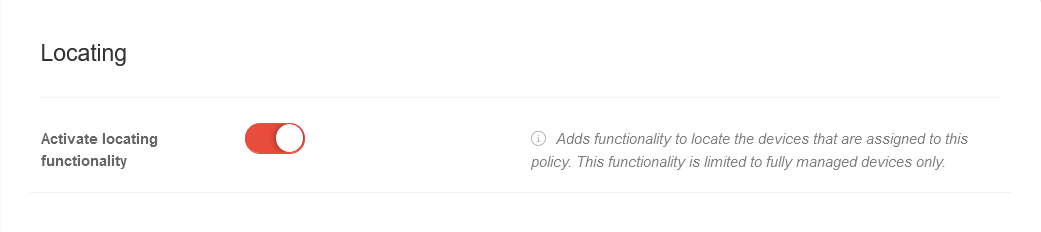 MS v1.18 Android Profile Lokalisieren-en.png 1.041 × 232; 15 KB
-
 MDM Ortung.svg 145 × 165; 3 KB
-
 MDM Toolbox.svg 145 × 165; 3 KB
-
 MDM VPN.png 65 × 105; 3 KB
-
 MDM VPN.svg 65 × 105; 3 KB
-
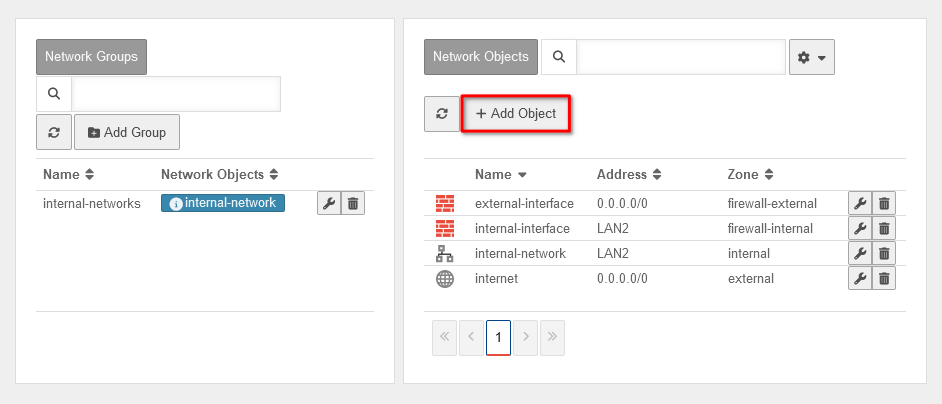 UTM v12.7.1 DNS Relay IPSec Netzwerkobjekt Uebersicht-en.png 942 × 404; 25 KB
-
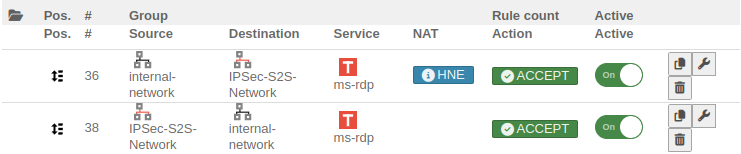 UTM v12.6.5 Firewall Regel-IPSEC-en.png 741 × 154; 29 KB
-
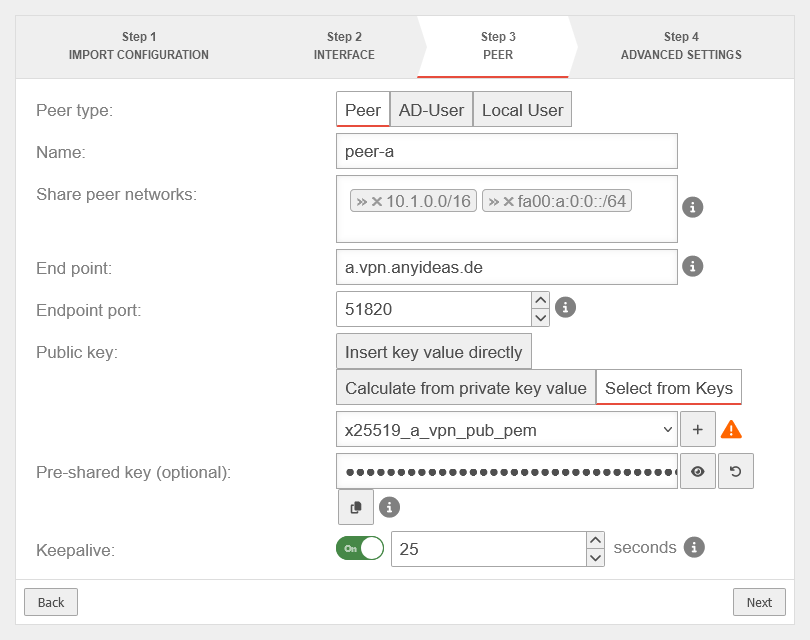 UTM v12.7.1 WireGuard S2S Wizard Schritt 3b-en.png 810 × 640; 44 KB
-
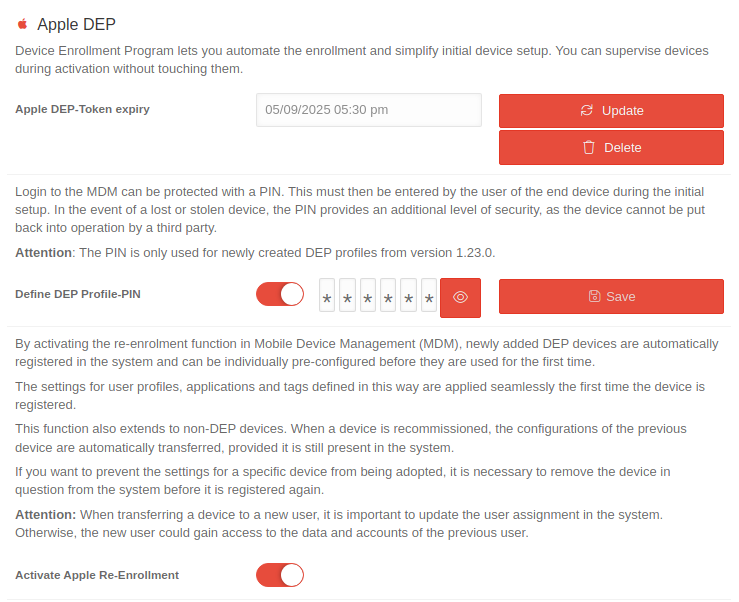 MS 1.29-Einstellungen-Apple-DEP-en.png 739 × 602; 78 KB
-
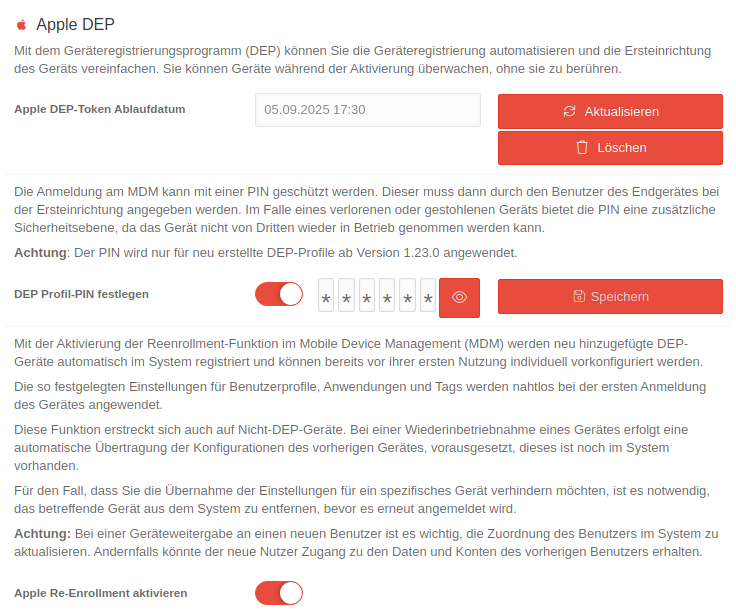 MS 1.29-Einstellungen-Apple-DEP.png 736 × 616; 88 KB
-
 MS 1.29 Portal Titelleiste-en.png 1.280 × 63; 12 KB
-
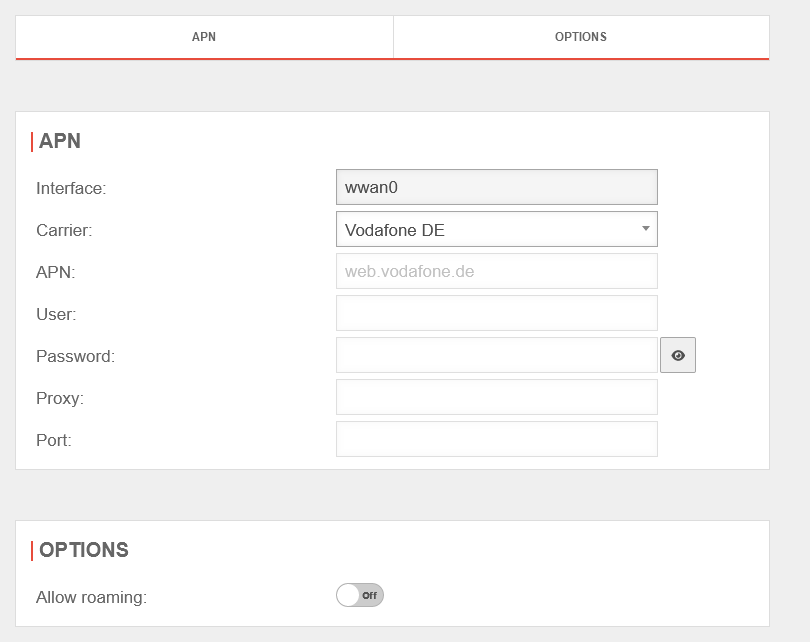 UTM v12.7.0 Mobile bearbeiten-en.png 810 × 642; 25 KB
-
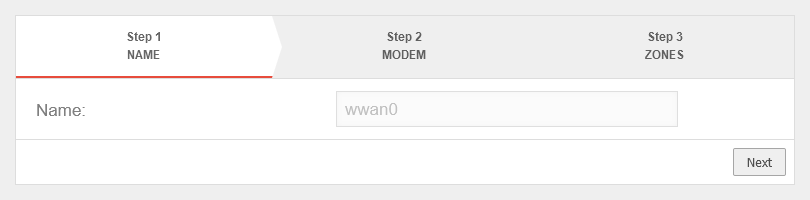 UTM v12.7.0 Mobile hinzufuegen Schritt 1-en.png 810 × 200; 8 KB
-
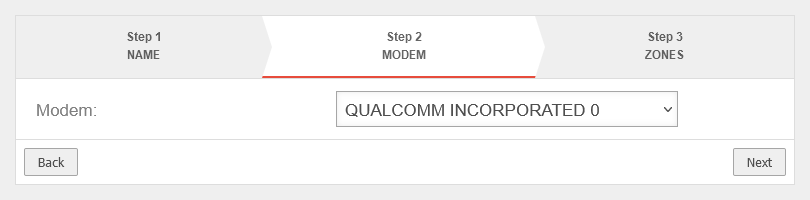 UTM v12.7.0 Mobile hinzufuegen Schritt 2-en.png 810 × 200; 11 KB
-
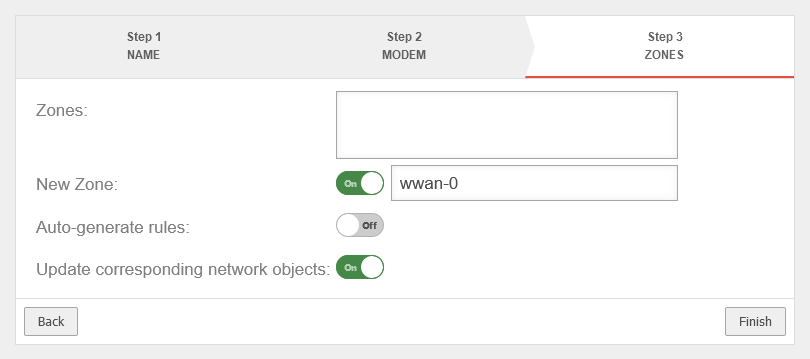 UTM v12.7.0 Mobile hinzufuegen Schritt 3-en.png 810 × 359; 19 KB
-
 UTM v12.7.0 Mobile Signalqualitaet o2-en.png 1.007 × 196; 16 KB
-
 UTM v12.7.0 Mobile Signalqualitaet Vodafone-en.png 1.007 × 196; 17 KB
-
 UTM v12.7.0 Mobile Uebersicht-entsperren-en.png 1.007 × 196; 16 KB
-
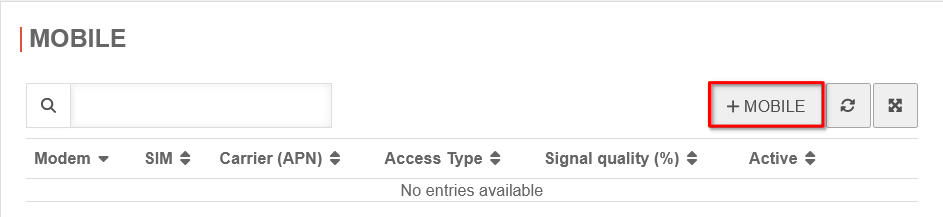 UTM v12.7.0 Mobile Uebersicht-hinzufuegen-en.png 943 × 217; 12 KB
-
 UTM v12.7.0 Mobile Uebersicht-konfigurieren-en.png 1.007 × 194; 16 KB
-
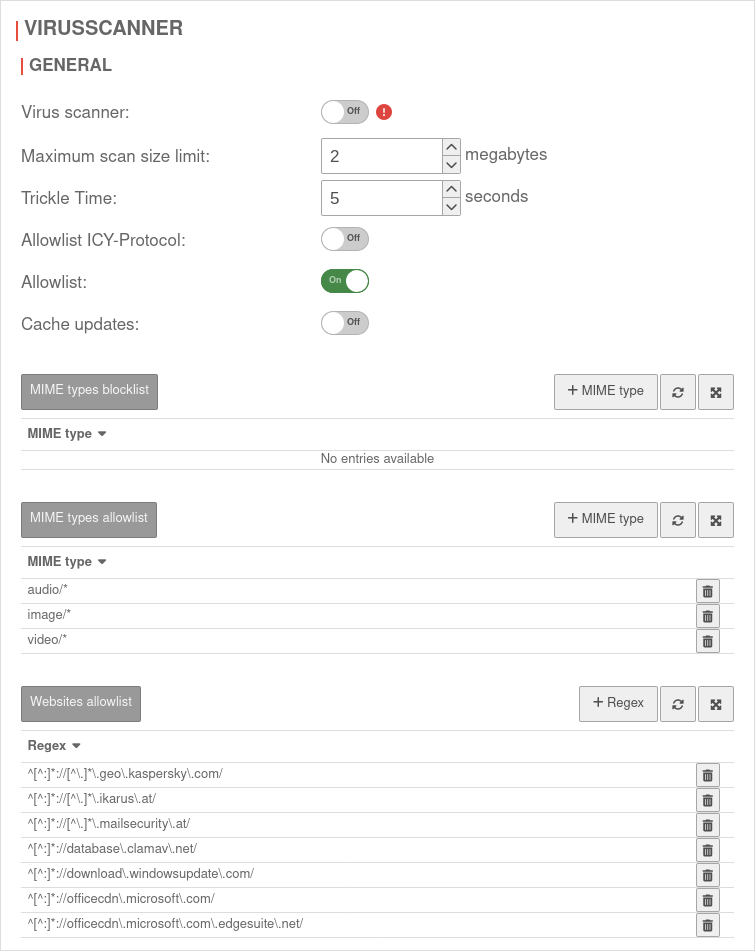 UTM v12.7.2 Anwendungen HTTP Proxy Virenscanner-en.png 755 × 951; 82 KB
-
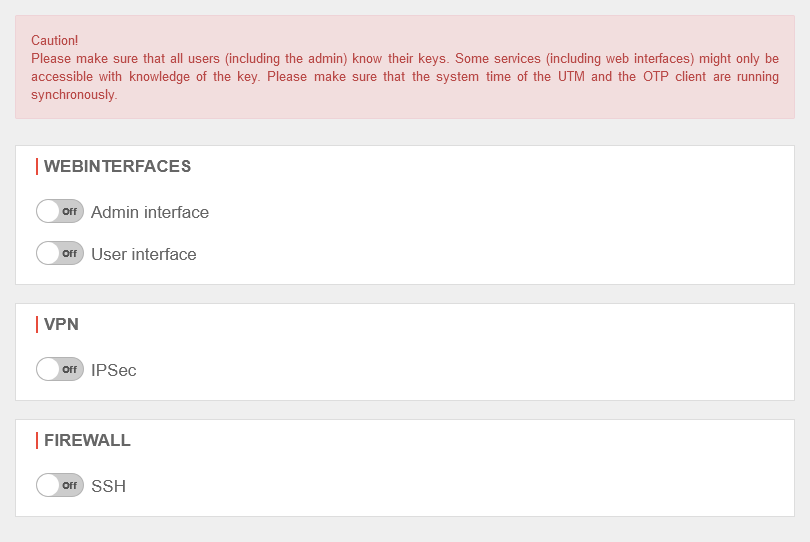 UTM v12.7.3 OTP Authentifizierung OTP-en.png 810 × 542; 26 KB
-
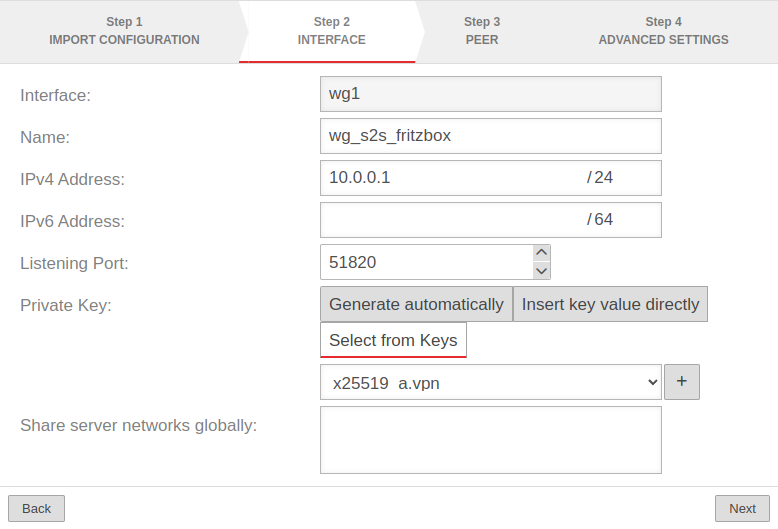 UTM 12.6 VPN Wireguard Schritt2-en.png 778 × 529; 48 KB
-
 Spicon-mailsecurity.svg 512 × 512; 5 KB
-
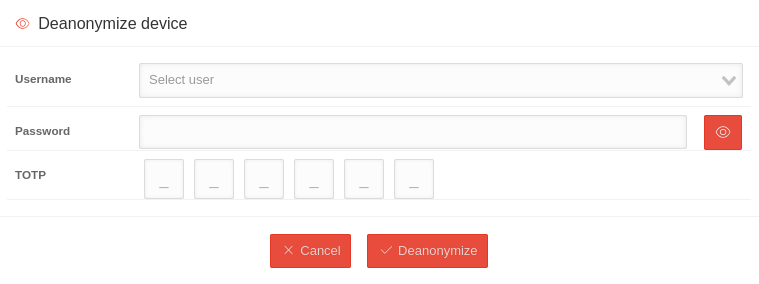 MS 1.30 Statistiken Gerät-depseudonymisieren-en.png 759 × 284; 16 KB
-
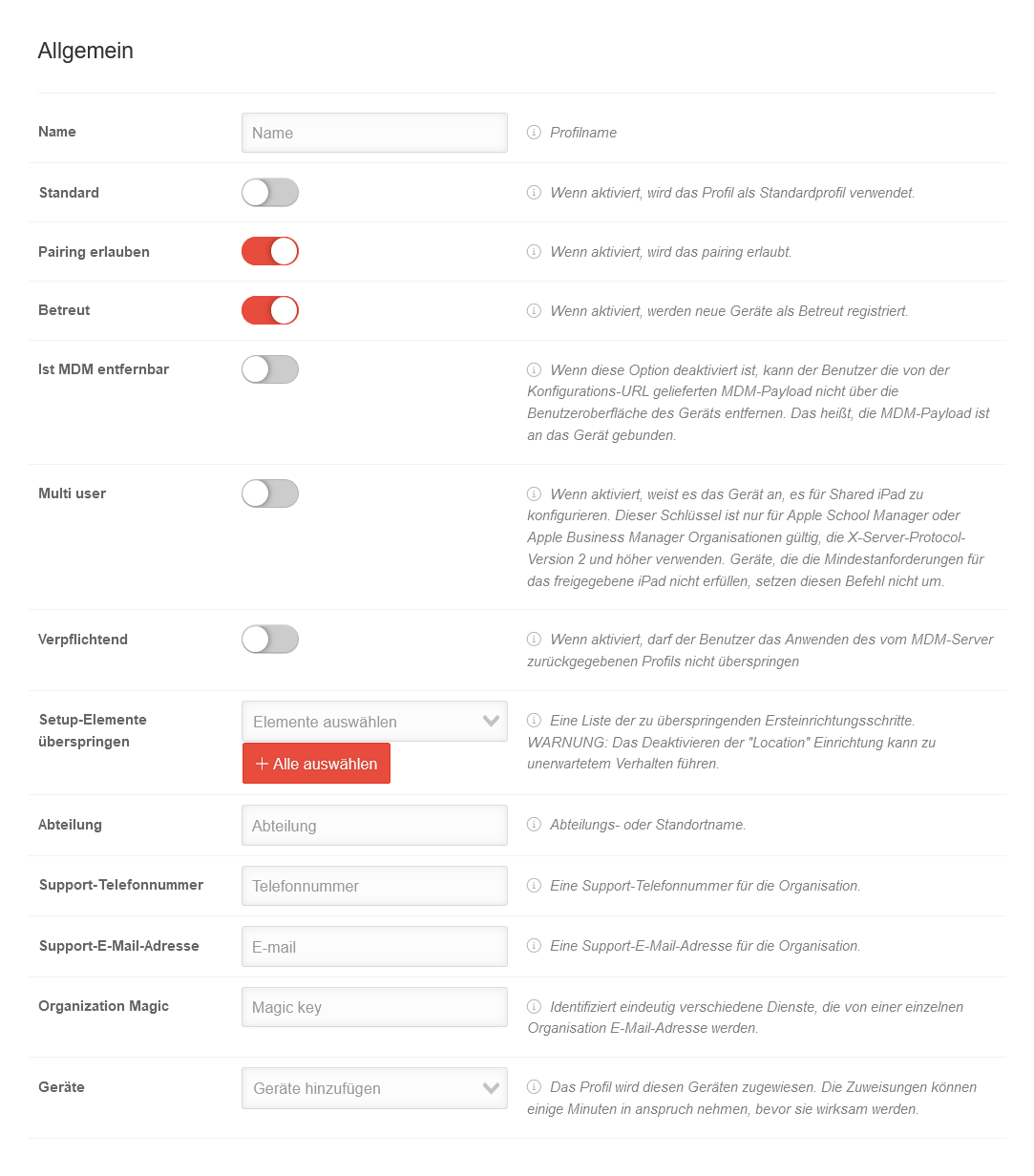 MSP 1.29 DEP Profil hinzufügen.png 1.083 × 1.232; 119 KB
-
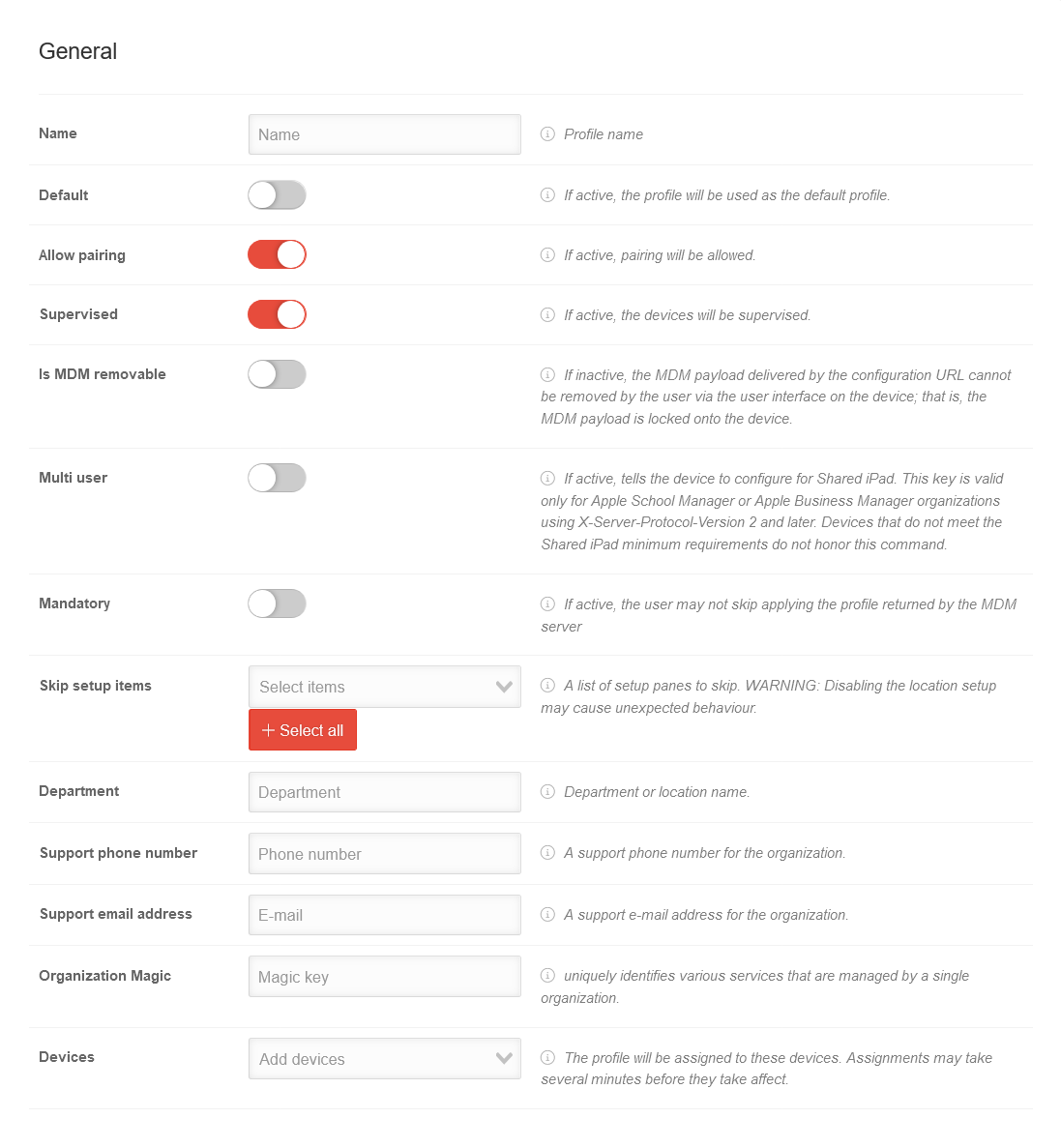 MSP 1.29 DEP Profil hinzufügen-en.png 1.097 × 1.187; 106 KB
-
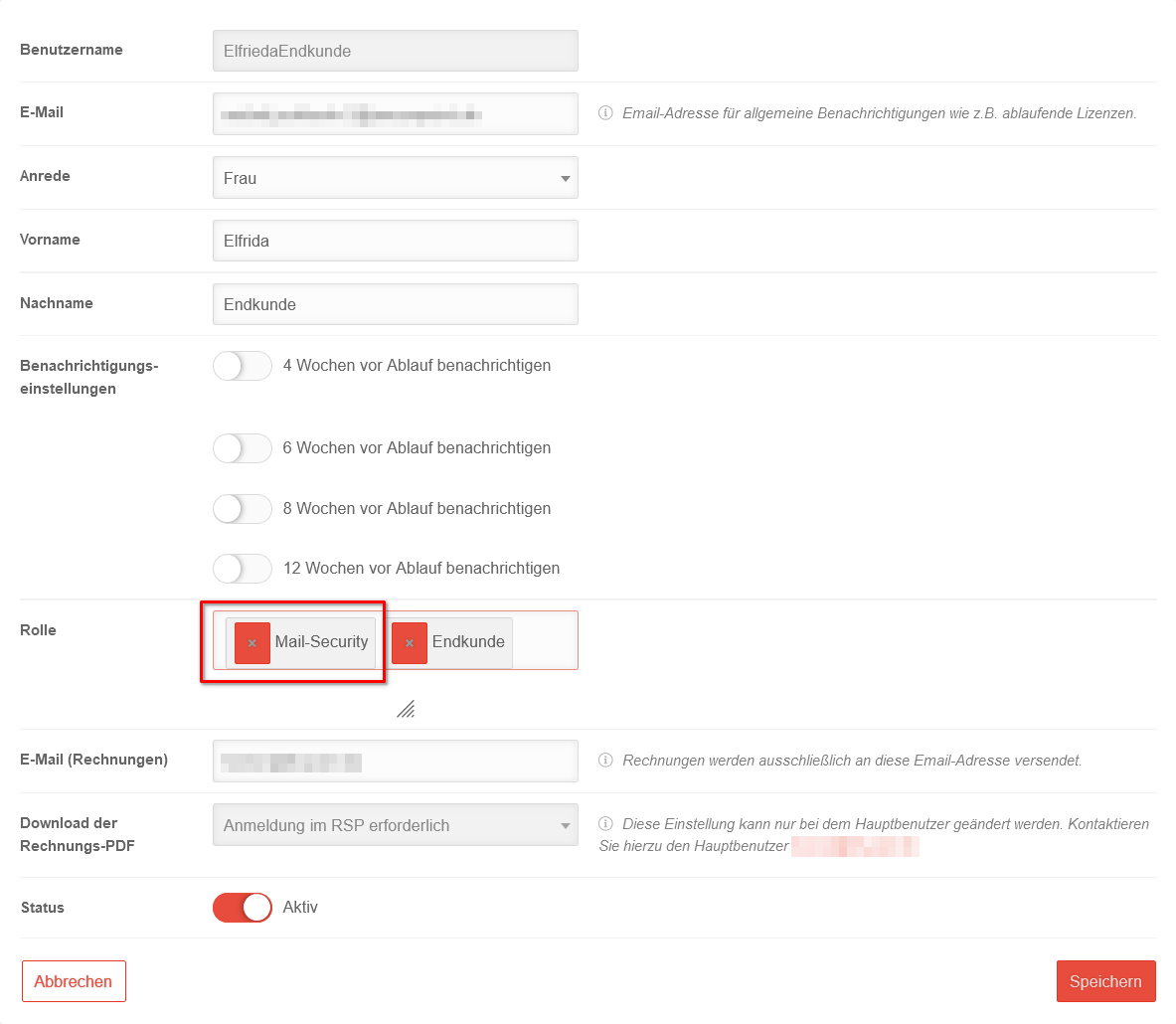 MaS 1.0 Ersteinrichtung Benutzer Rolle Mail-Security.png 1.183 × 1.030; 64 KB
-
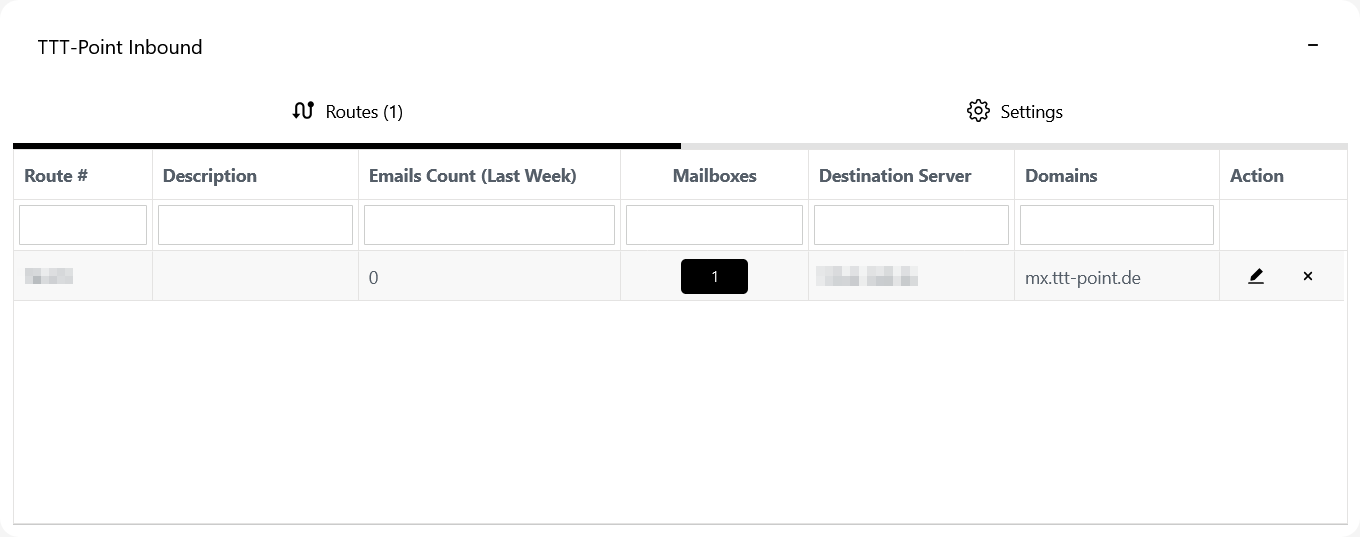 MaS 1.0 Ersteinrichtung Eingehend fertig-en.png 1.360 × 537; 18 KB
-
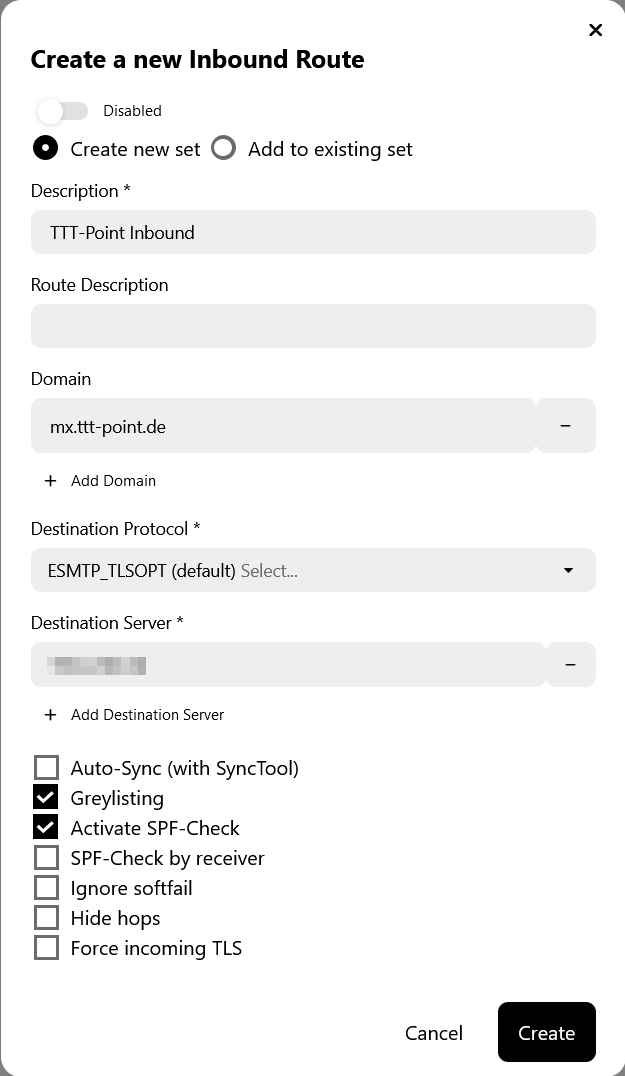 MaS 1.0 Ersteinrichtung Eingehend TTT-Point-en.png 625 × 1.076; 49 KB
-
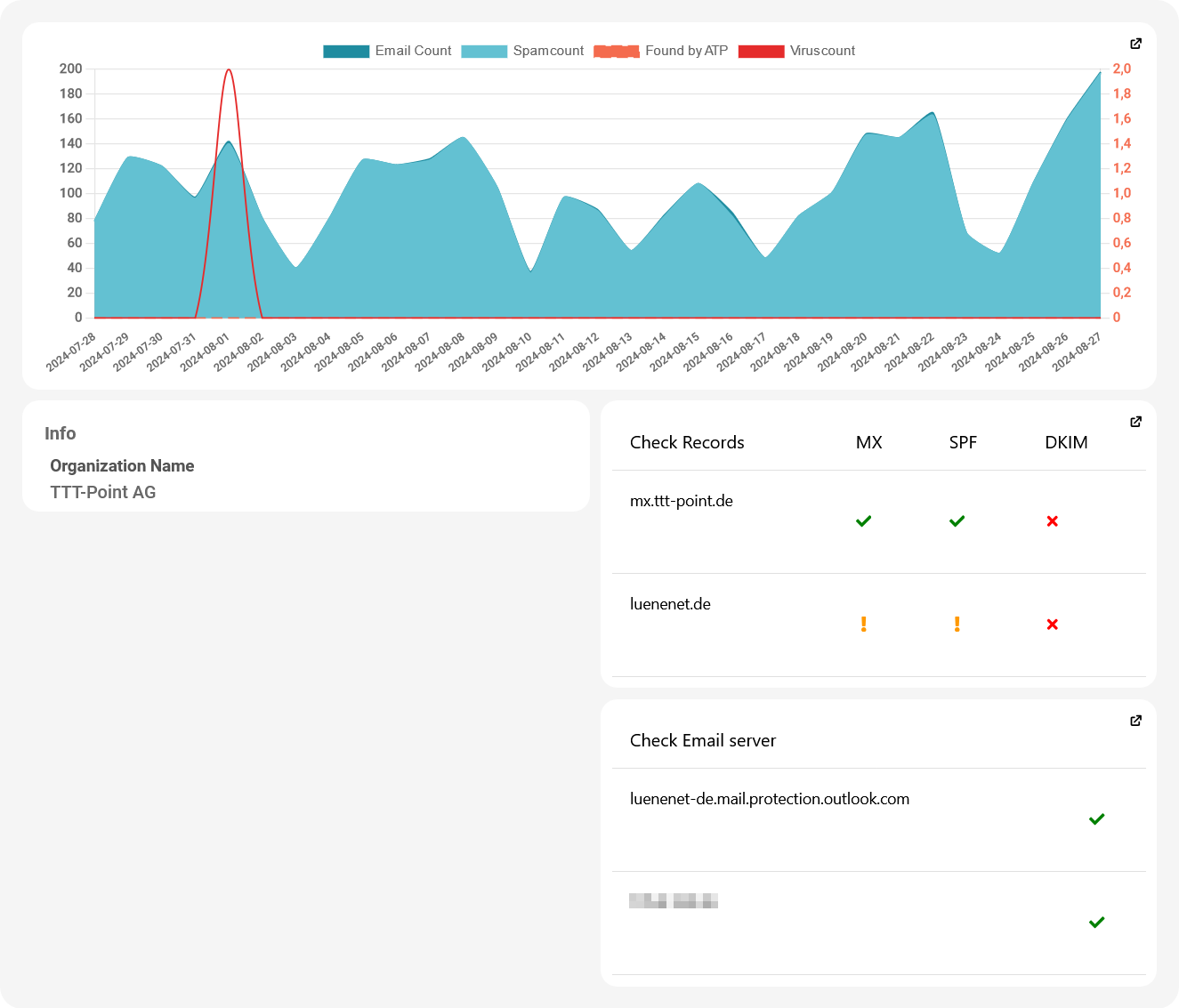 MaS 1.0 Dashboard-en.png 1.325 × 1.133; 80 KB


