Bitte beachte, dass andere Webseiten eine Datei mit einer direkten URL verlinken können. Diese könnte daher hier aufgelistet sein, obwohl diese in aktiver Verwendung ist.
Unten werden bis zu 50 Ergebnisse im Bereich 5.851 bis 5.900 angezeigt.
-
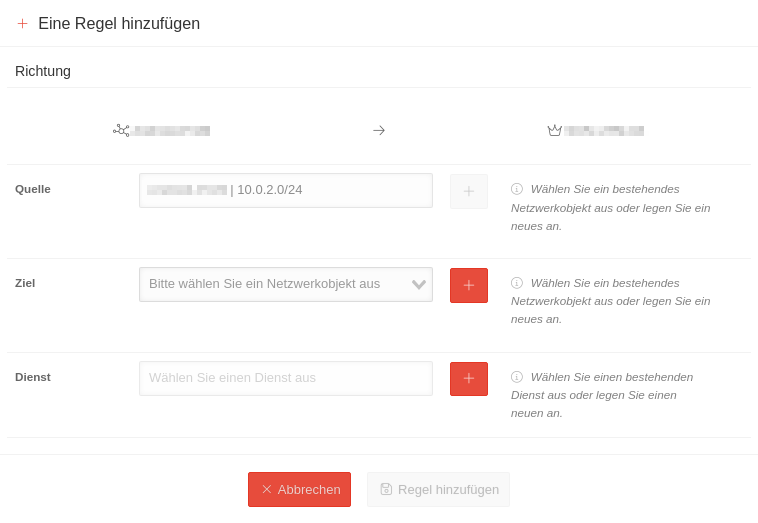 UNC 1.30 Konfiguration Adresspool Regel-hinzufügen.png 758 × 523; 39 KB
-
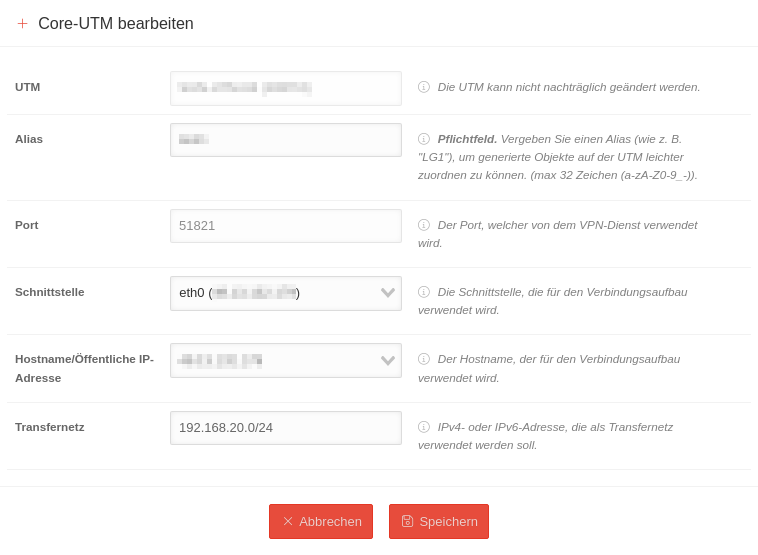 UNC 1.30 Konfiguration Core-UTM-bearbeiten.png 758 × 555; 54 KB
-
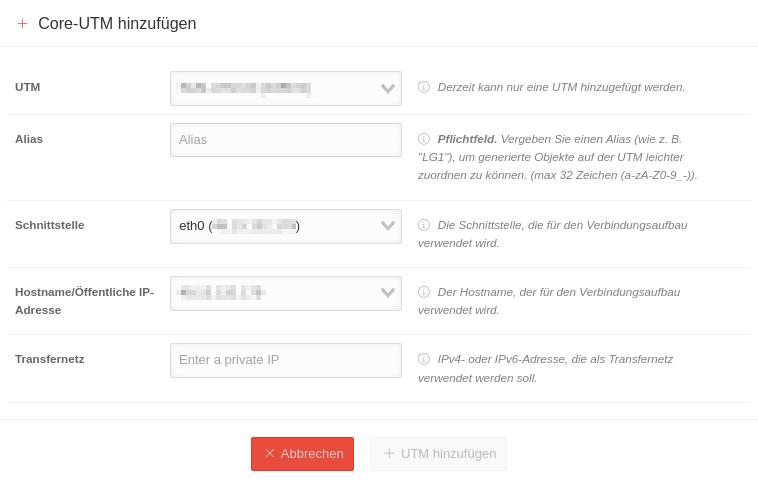 UNC 1.30 Konfiguration Core-UTM-hinzufügen.png 758 × 487; 50 KB
-
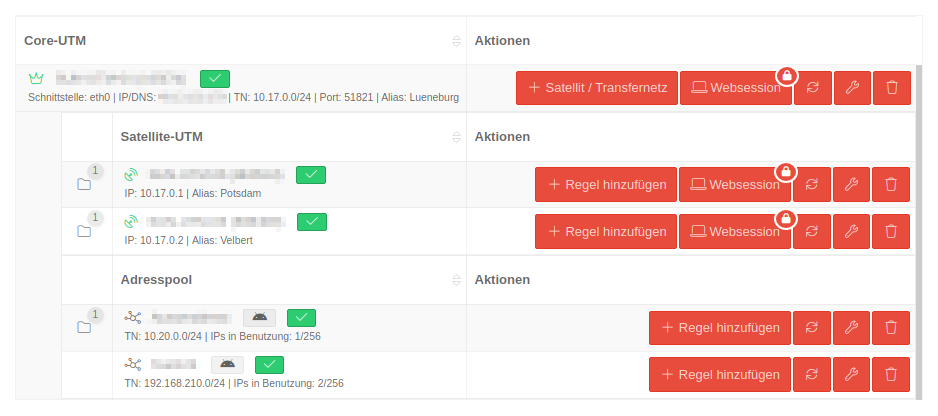 UNC 1.30 Konfiguration Einträge.png 938 × 416; 50 KB
-
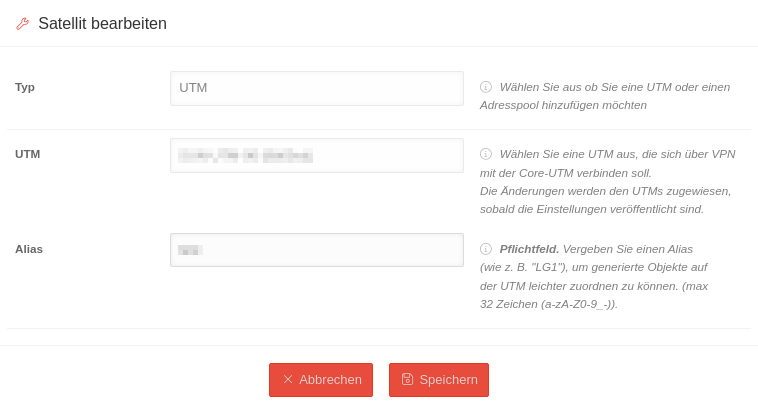 UNC 1.30 Konfiguration Satellite-UTM-bearbeiten.png 758 × 413; 42 KB
-
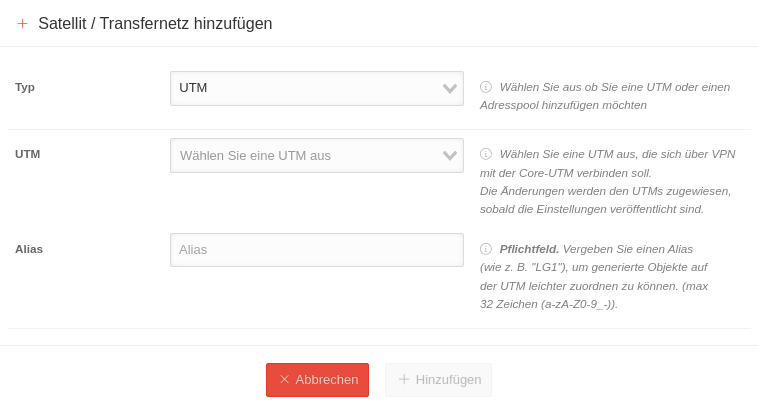 UNC 1.30 Konfiguration Satellite-UTM-hinzufügen.png 758 × 413; 45 KB
-
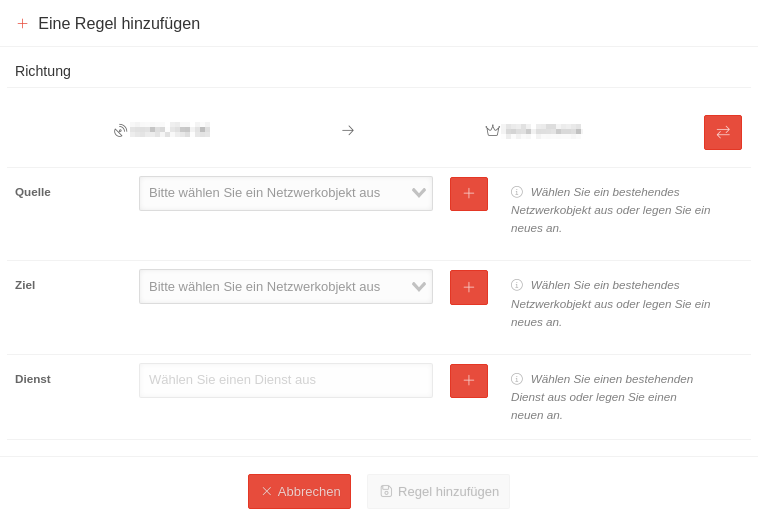 UNC 1.30 Konfiguration Satellite-UTM Regel-hinzufügen.png 758 × 525; 41 KB
-
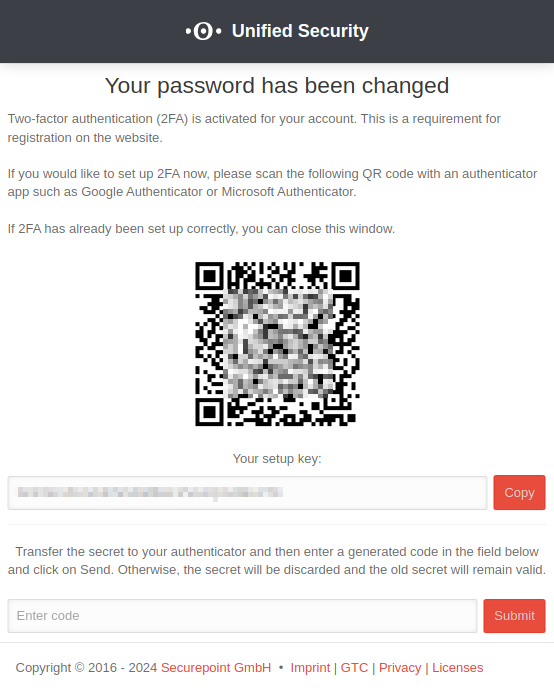 MS 2.0.0 2FA QR-Code-en.png 554 × 692; 50 KB
-
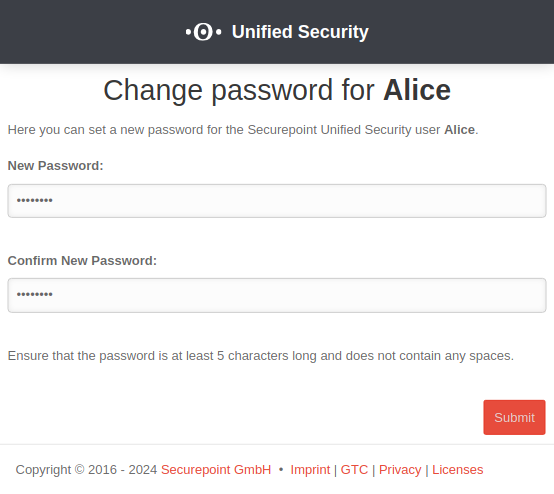 MS 2.0.0 2FA Passwort-ändern-en.png 554 × 494; 33 KB
-
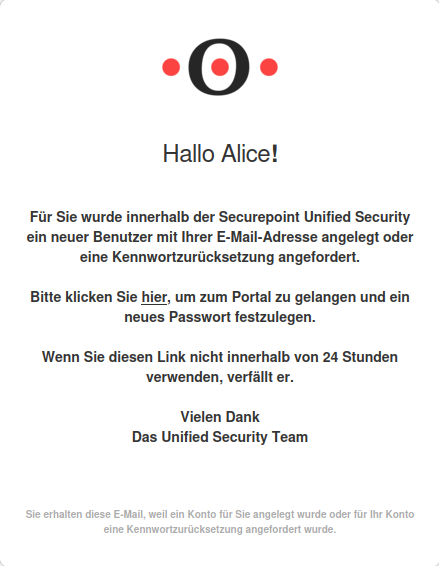 MS 2.0.0 2FA-E-Mail.png 439 × 566; 56 KB
-
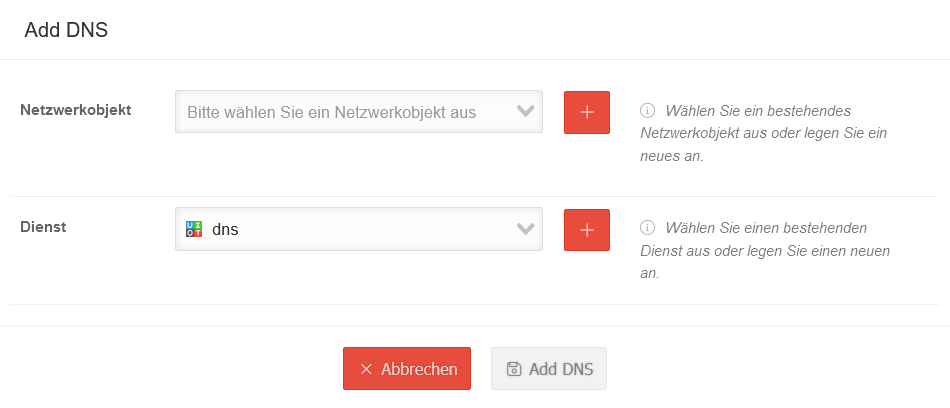 USC 2.0 VPN-Konfiguration Core DNS hinzufuegen.png 950 × 408; 30 KB
-
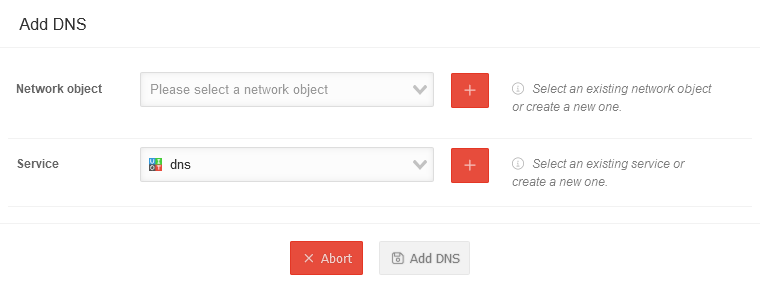 USC 2.0 VPN-Konfiguration Core DNS hinzufuegen-en.png 760 × 290; 19 KB
-
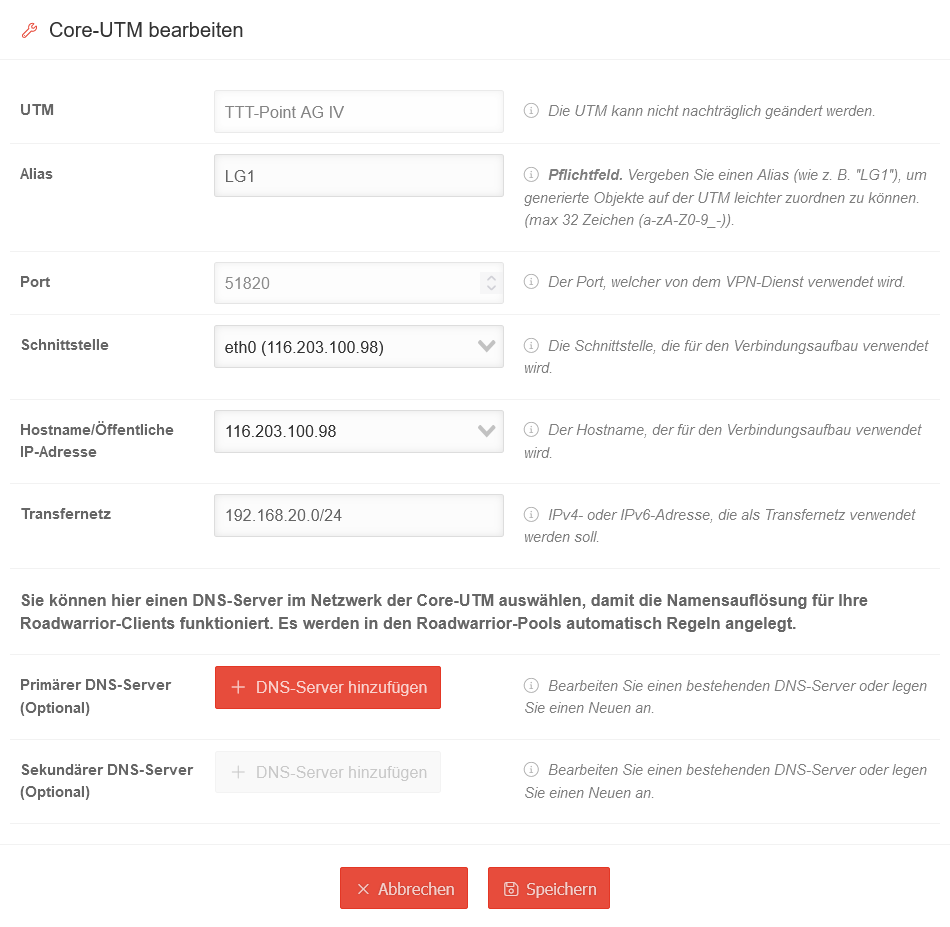 USC 2.0 VPN-Konfiguration Core-UTM bearbeiten.png 950 × 927; 75 KB
-
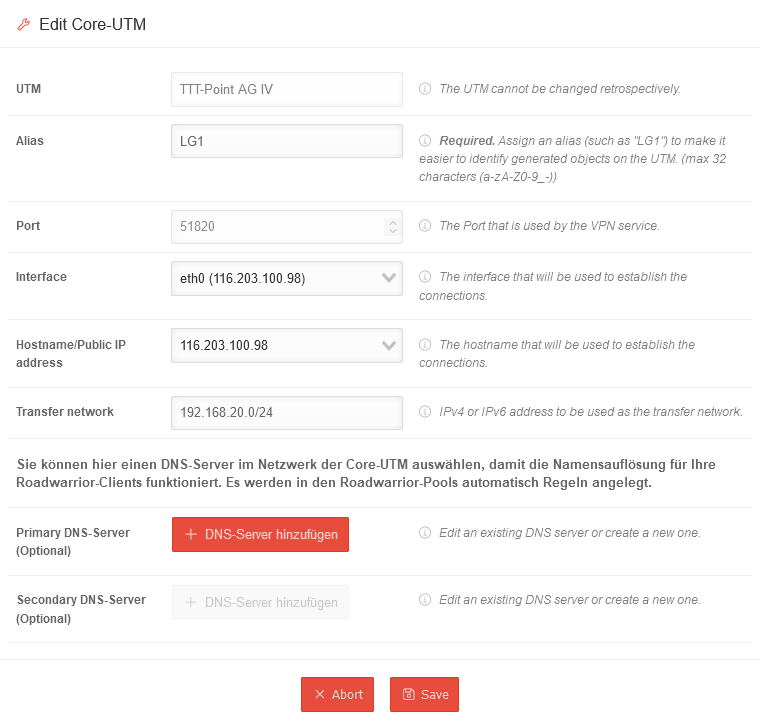 USC 2.0 VPN-Konfiguration Core-UTM bearbeiten-en.png 760 × 727; 53 KB
-
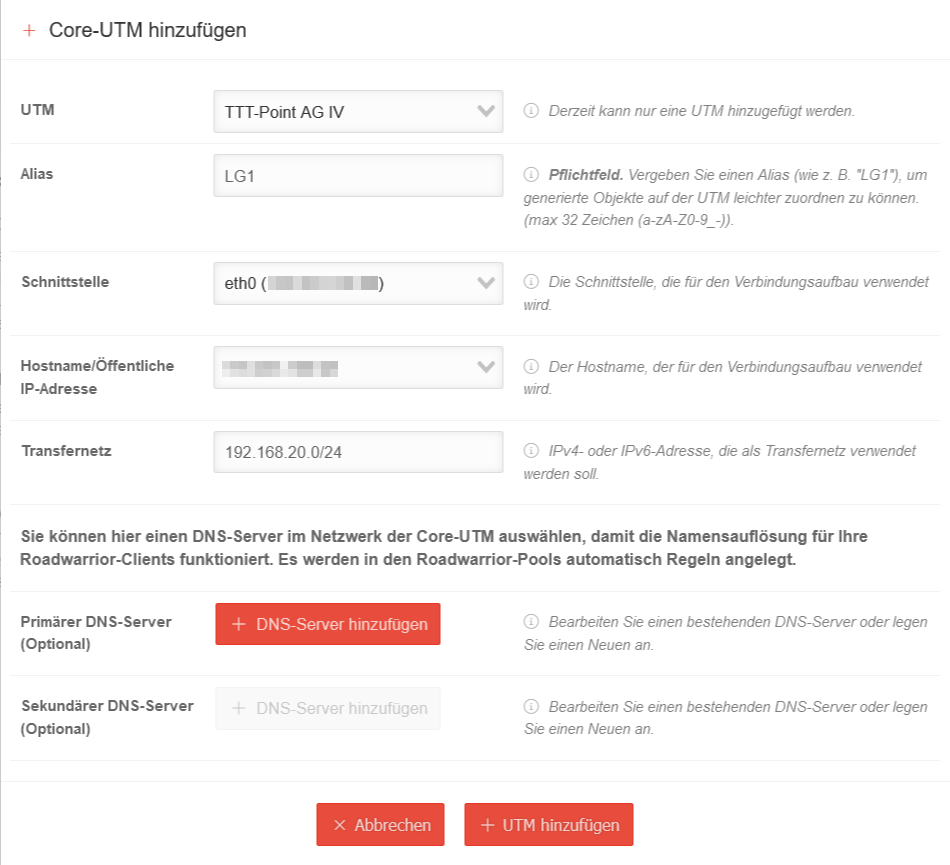 USC 2.0 VPN-Konfiguration Core-UTM hinzufuegen.png 950 × 865; 88 KB
-
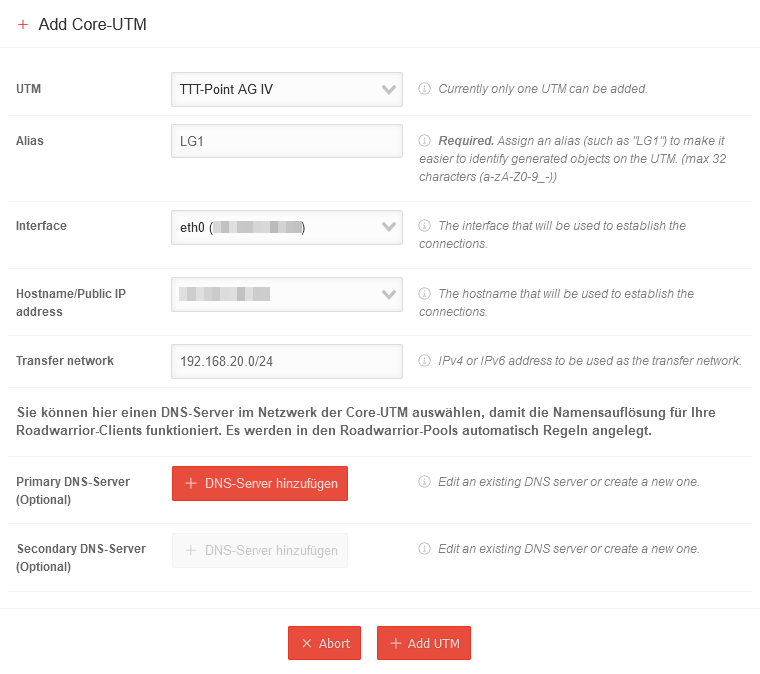 USC 2.0 VPN-Konfiguration Core-UTM hinzufuegen-en.png 760 × 674; 49 KB
-
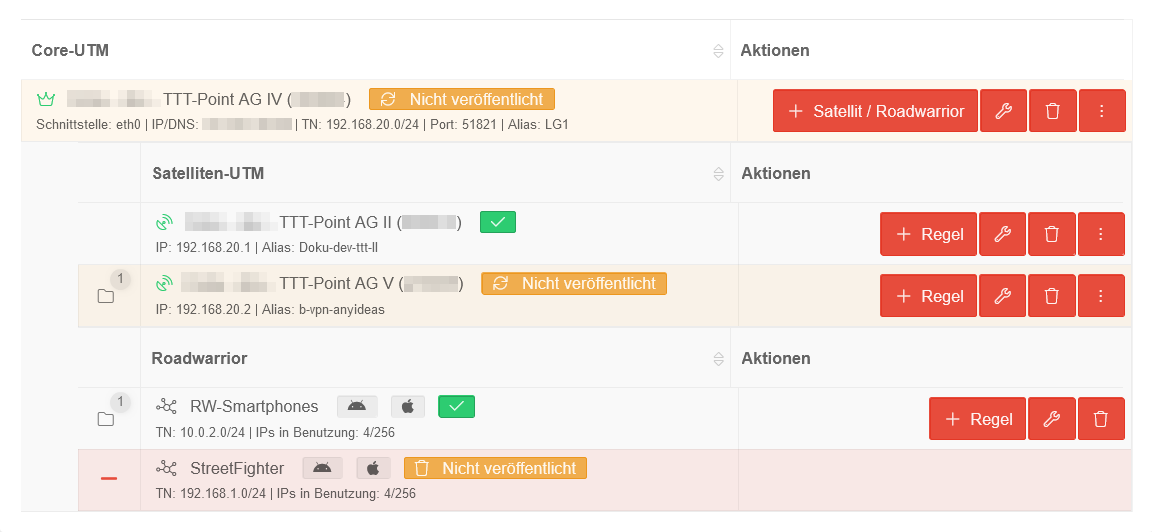 USC 2.0 VPN-Konfiguration eingerichtete Konfiguration.png 1.152 × 532; 48 KB
-
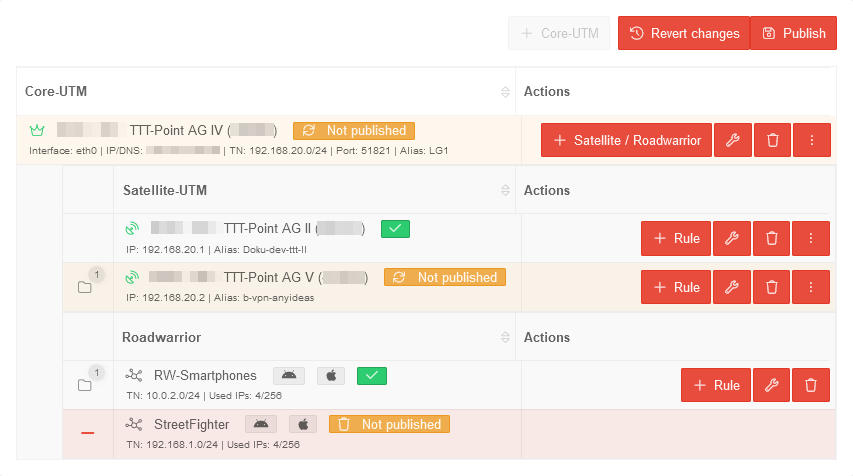 USC 2.0 VPN-Konfiguration eingerichtete Konfiguration-en.png 853 × 476; 38 KB
-
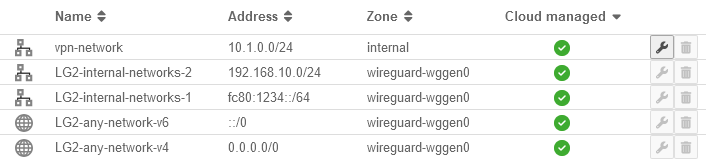 USC 2.0 VPN-Konfiguration Netzwerkobjekte-en.png 706 × 159; 19 KB
-
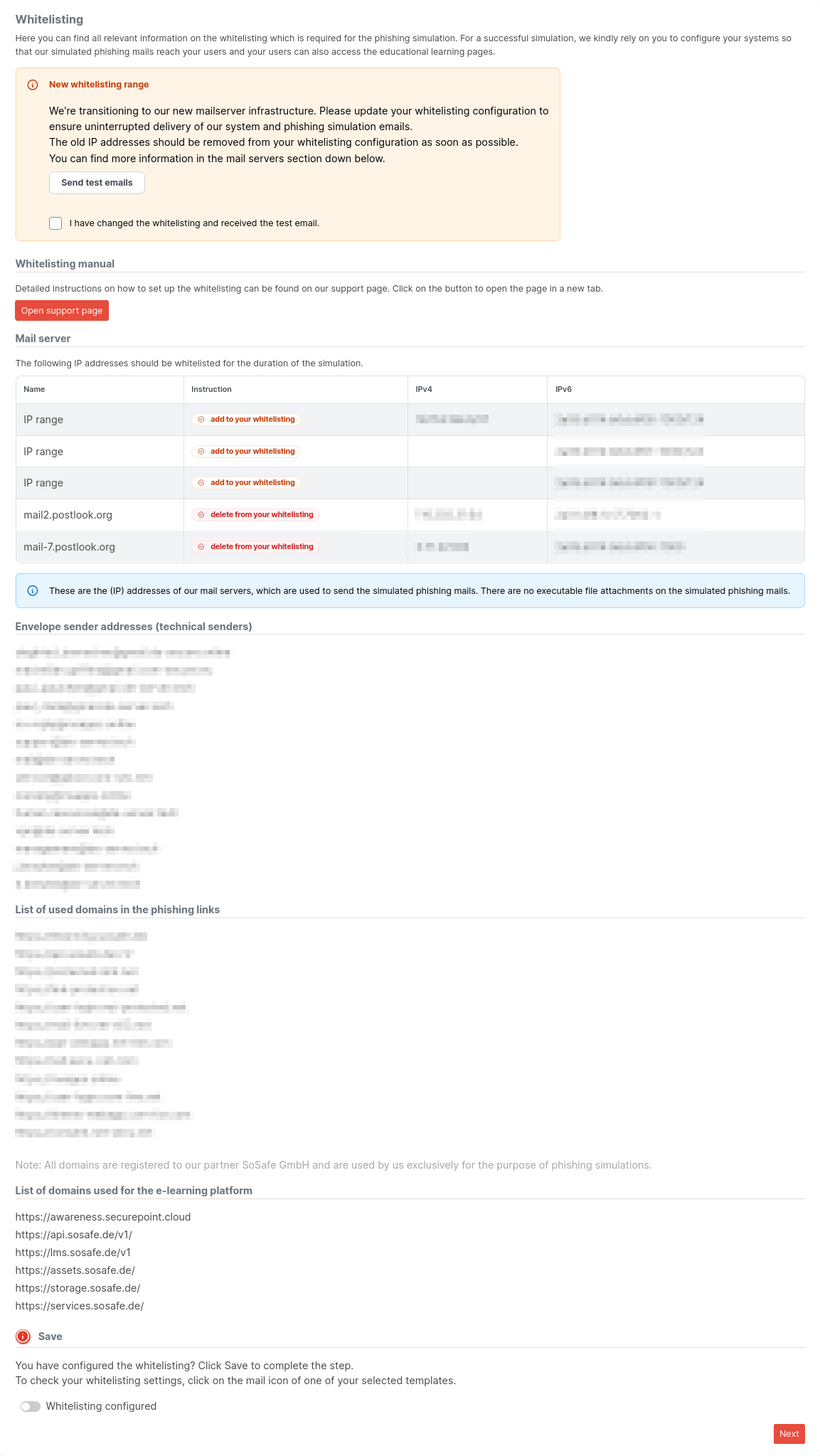 AWP Simulation Whitelisting IP-en.png 1.153 × 2.047; 194 KB
-
 UTM v14.0 Mailfilter URL-Filter AWP-en.png 905 × 144; 14 KB
-
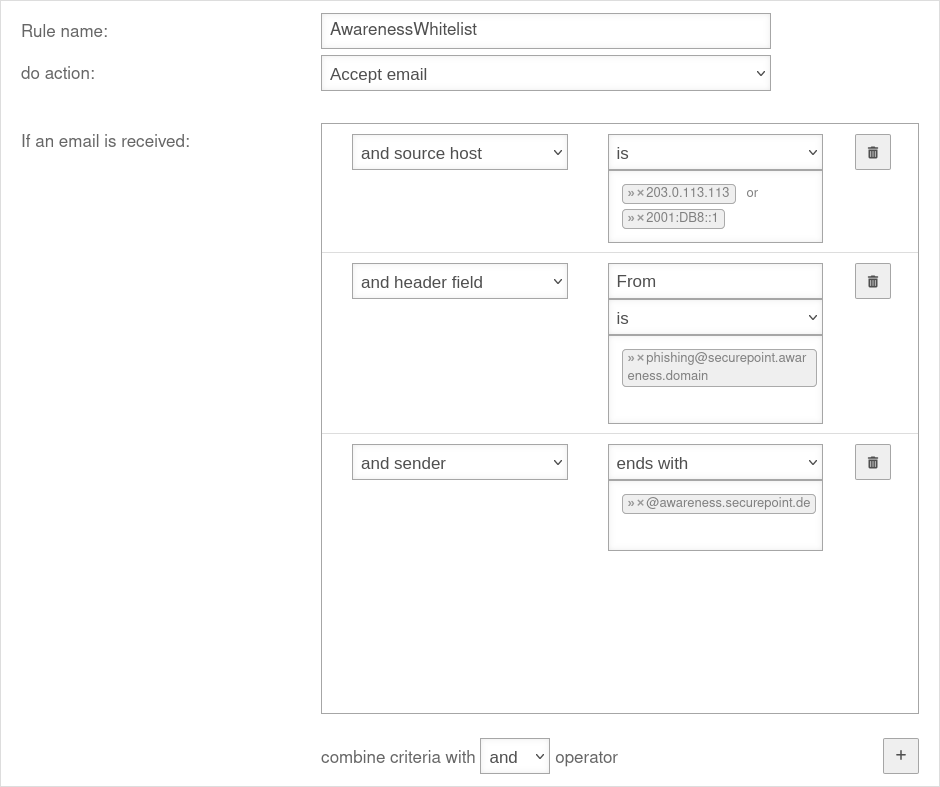 UTM 14.0 Anwedungen Mailfilter Regel AWP-en.png 940 × 787; 59 KB
-
 12.24 WireGuard S2S Vorschaubild.png 1.523 × 850; 203 KB
-
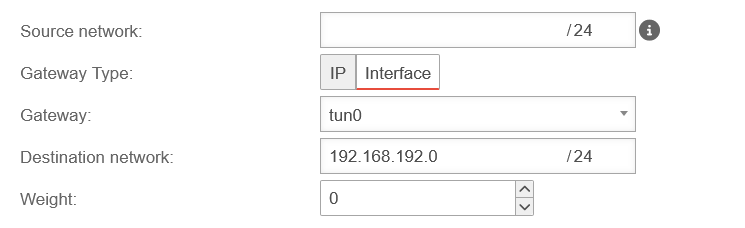 UTM v14.0.0 SSL-VPN E2S BP Route erstellen-en.png 745 × 228; 14 KB
-
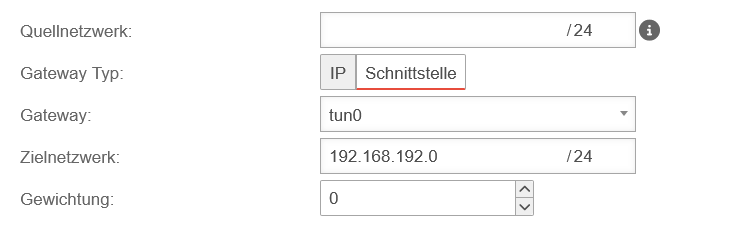 UTM v14.0.0 SSL-VPN E2S BP Route erstellen.png 745 × 228; 14 KB
-
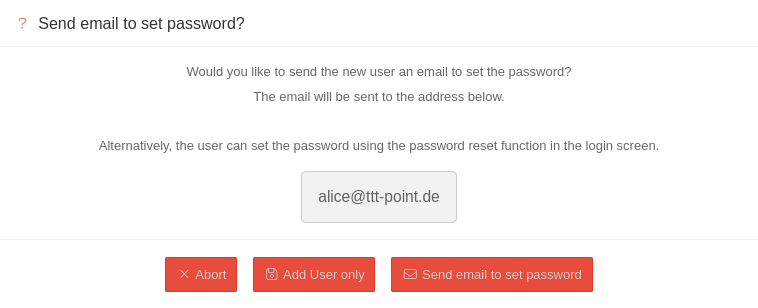 MS 2.1 Allgemein Benutzer hinzufügen Passwort-en.png 758 × 308; 29 KB
-
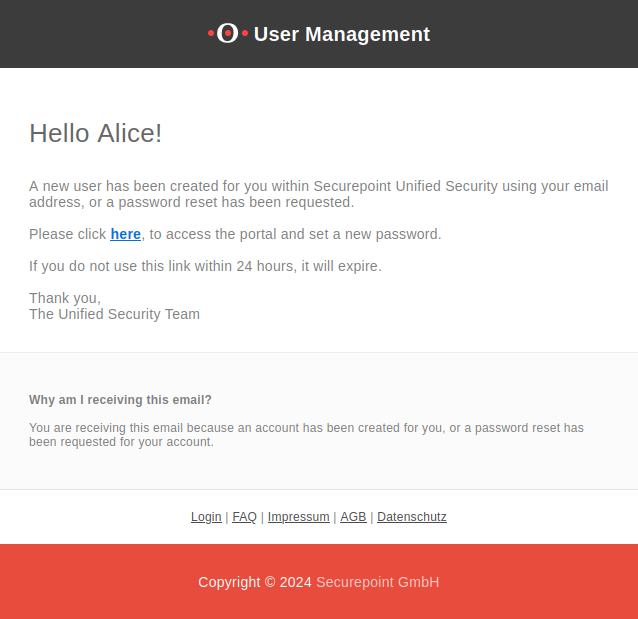 MS 2.1 2FA-E-Mail-en.png 638 × 619; 62 KB
-
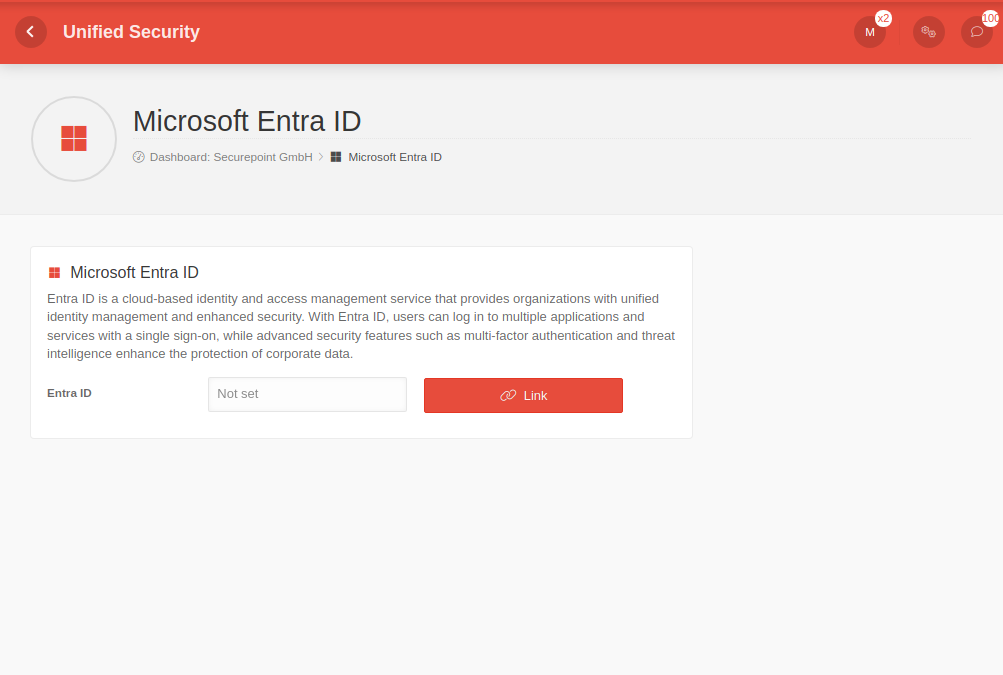 MDM 2.1 Allgemein Microsoft-Entra-ID-en.png 1.003 × 675; 41 KB
-
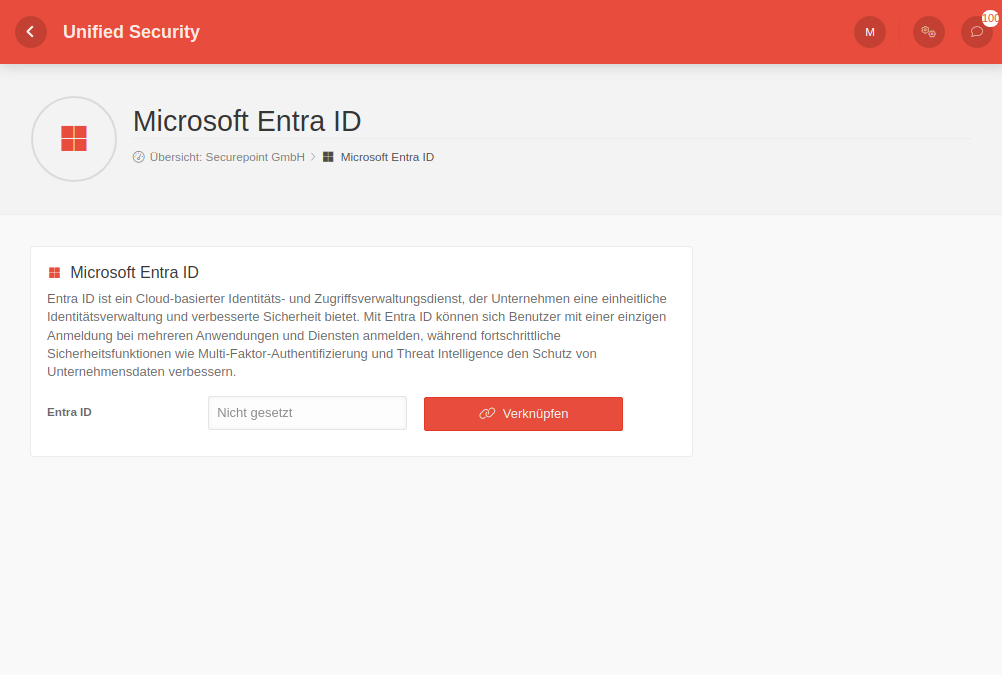 MDM 2.1 Allgemein Microsoft-Entra-ID.png 1.002 × 675; 45 KB
-
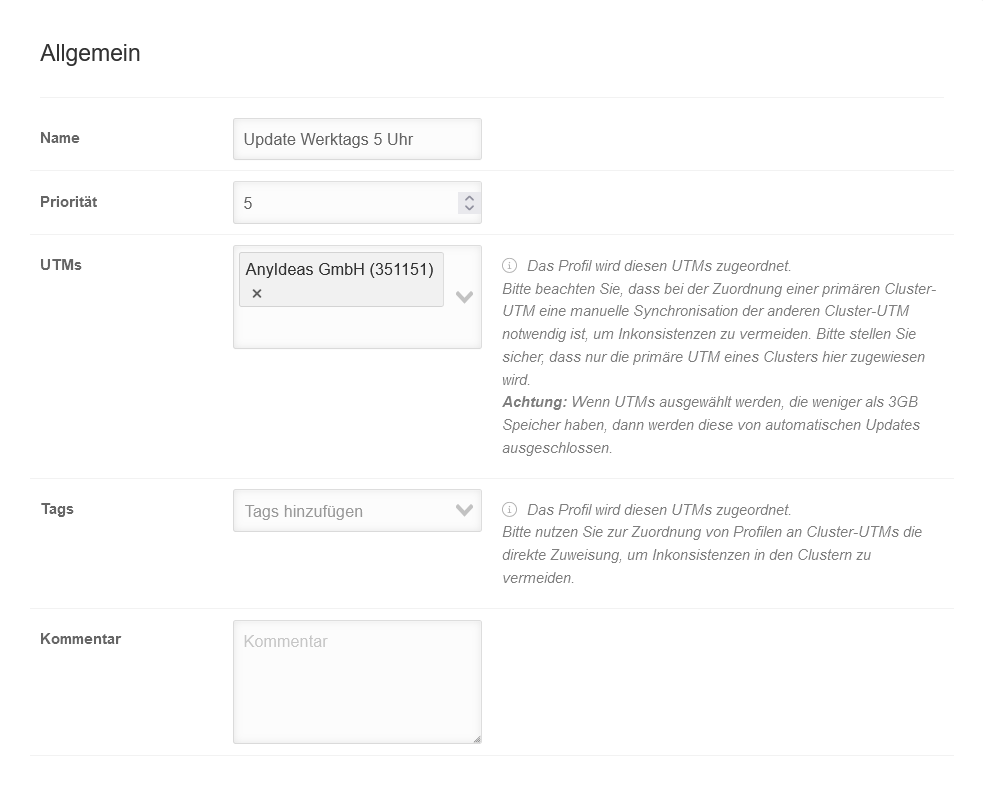 USC v2.1 UTM-Profile Allgemein.png 983 × 796; 55 KB
-
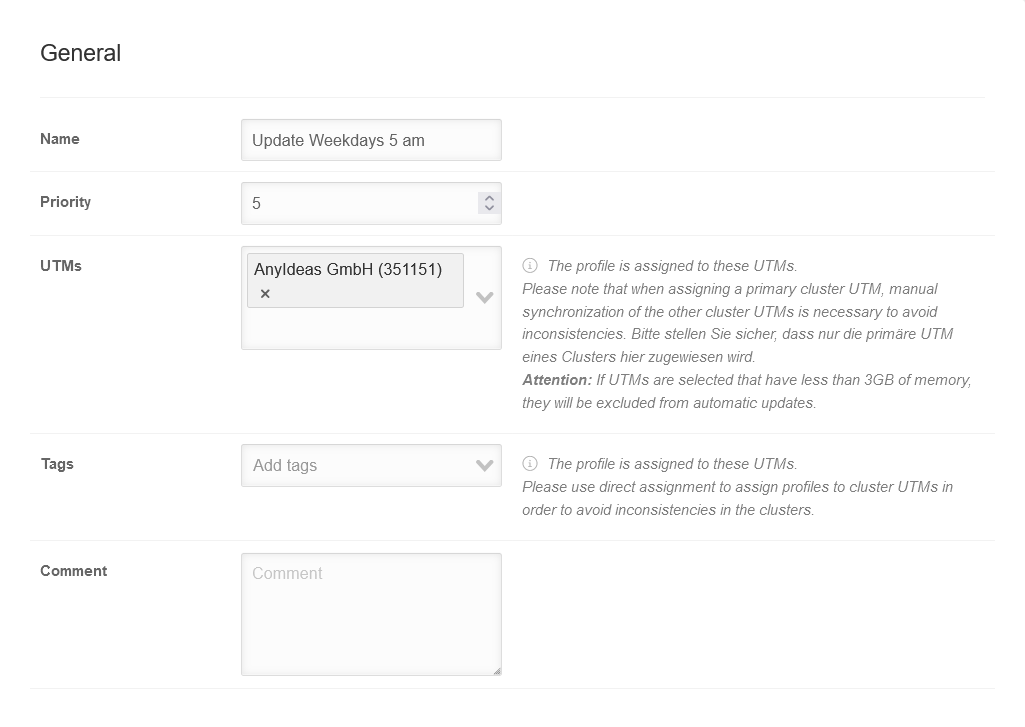 USC v2.1 UTM-Profile Allgemein-en.png 1.025 × 727; 51 KB
-
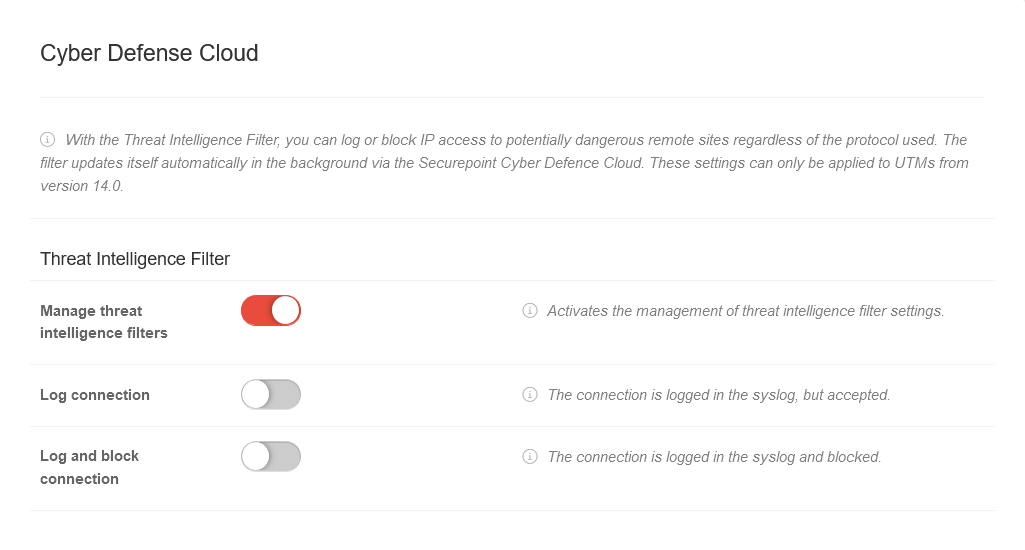 USC v2.1 UTM-Profile CDC-en.png 1.025 × 550; 41 KB
-
 USC v2.1 UTM-Profile Datenschutz-en.png 1.025 × 1.448; 102 KB
-
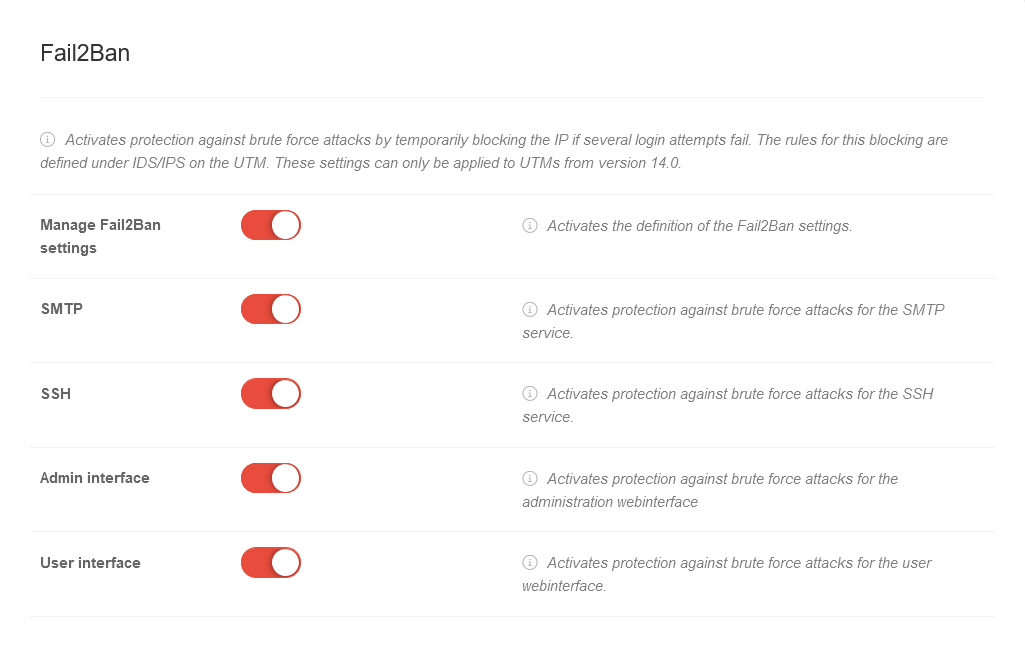 USC v2.1 UTM-Profile Fail2Ban-en.png 1.025 × 657; 53 KB
-
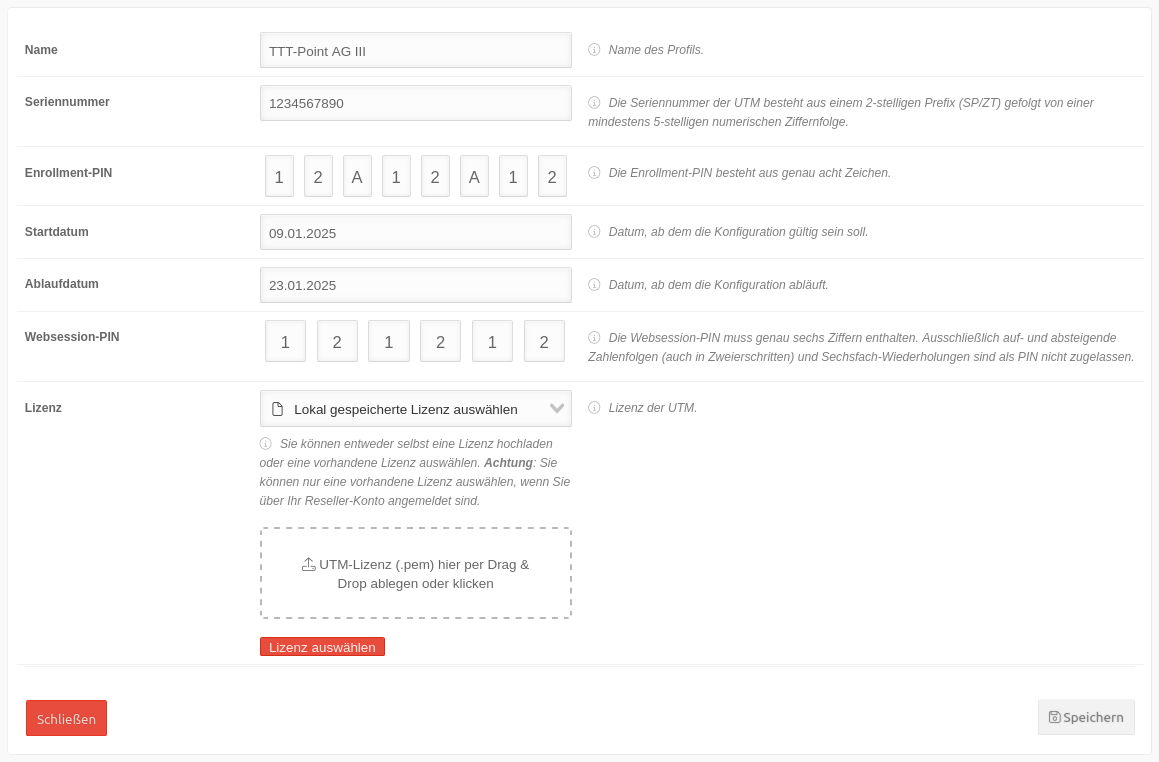 USC v2.1 UTM Zero-Touch Profil bearbeiten.png 1.159 × 762; 102 KB
-
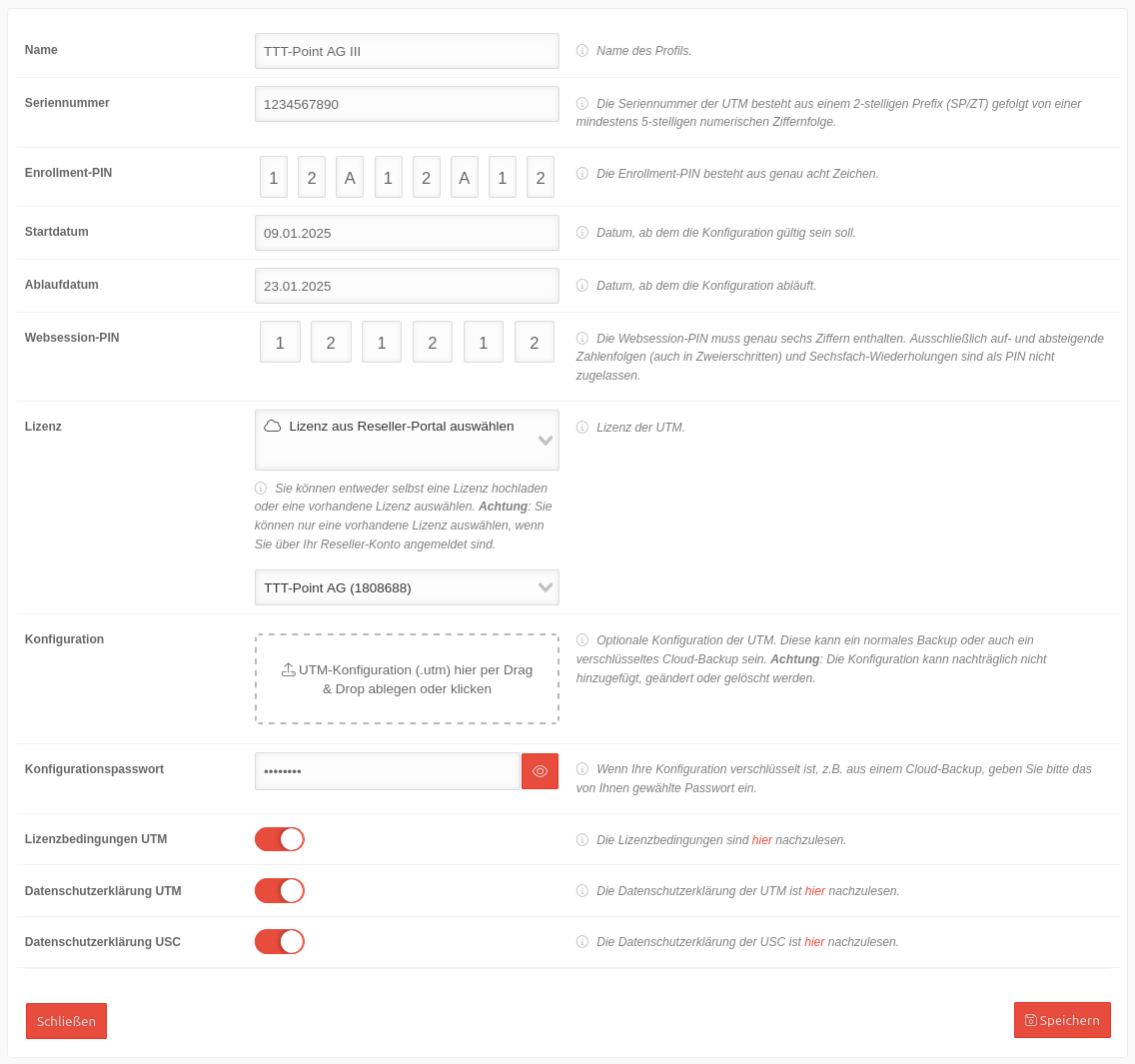 USC v2.1 UTM Zero-Touch Profil hinzufügen.png 1.136 × 1.065; 160 KB
-
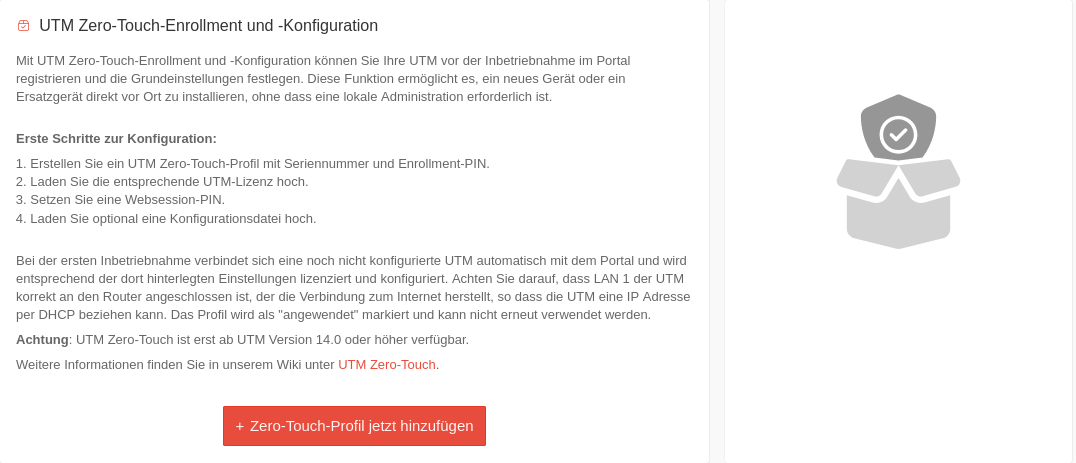 USC v2.1 UTM Zero Touch.png 1.076 × 463; 87 KB
-
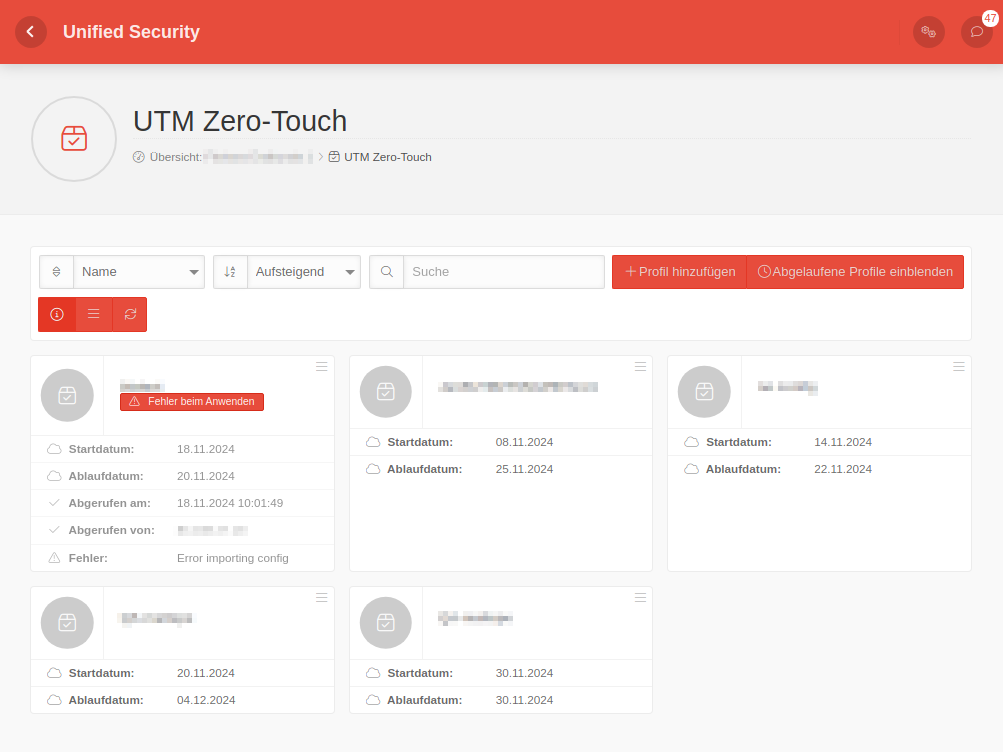 UCS 2.0.0 Zero-Touch-Allgemein.png 1.003 × 752; 68 KB
-
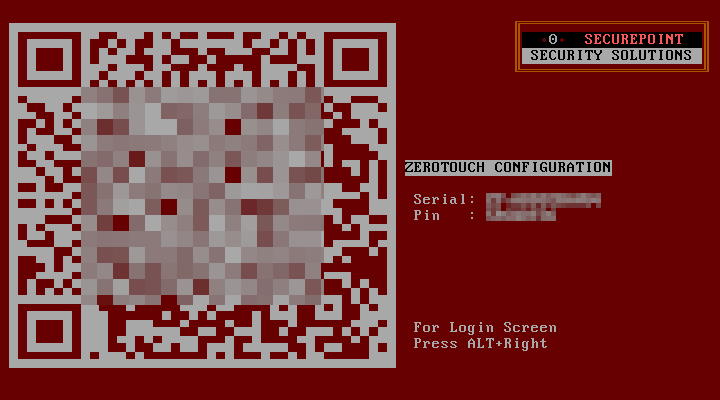 UTM 14.0.0 Zero-Touch-Configuration.png 720 × 400; 21 KB
-
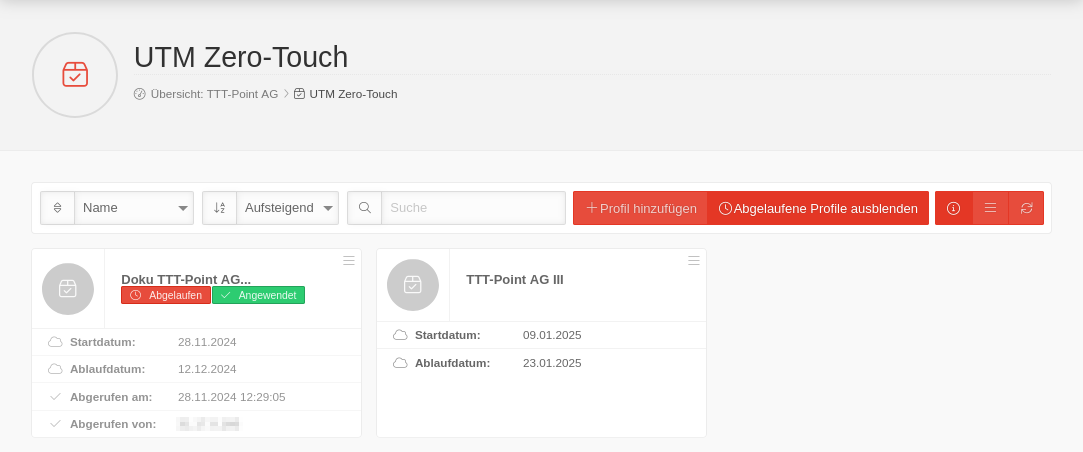 USC v2.1 UTM Zerotouch Dashboard.png 1.083 × 452; 49 KB
-
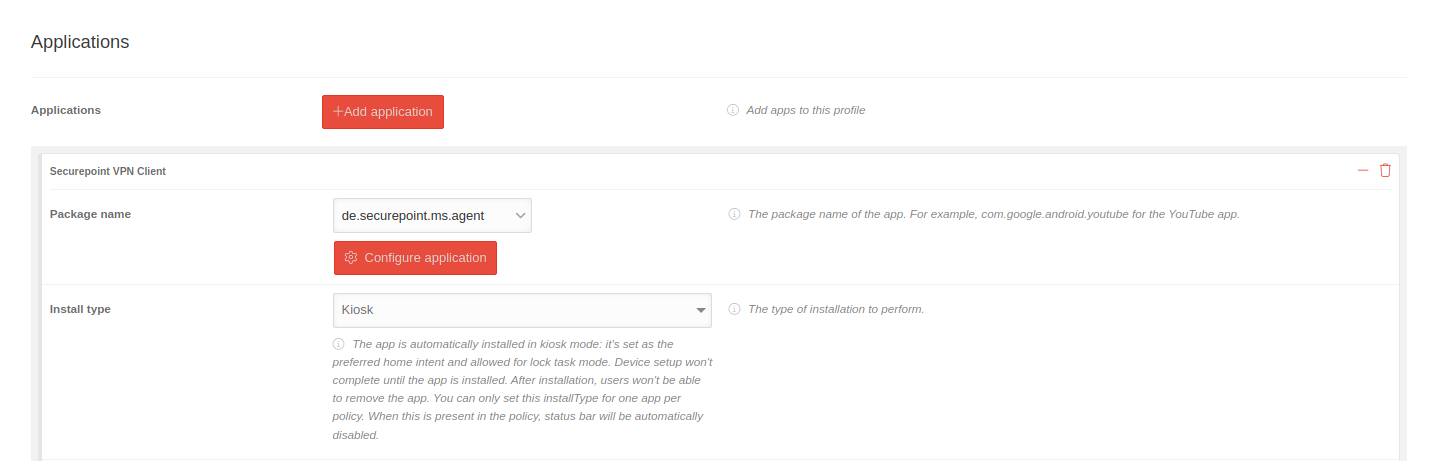 MS 2.0 Android Profile Anwendungen Kiosk-en.png 1.438 × 461; 48 KB
-
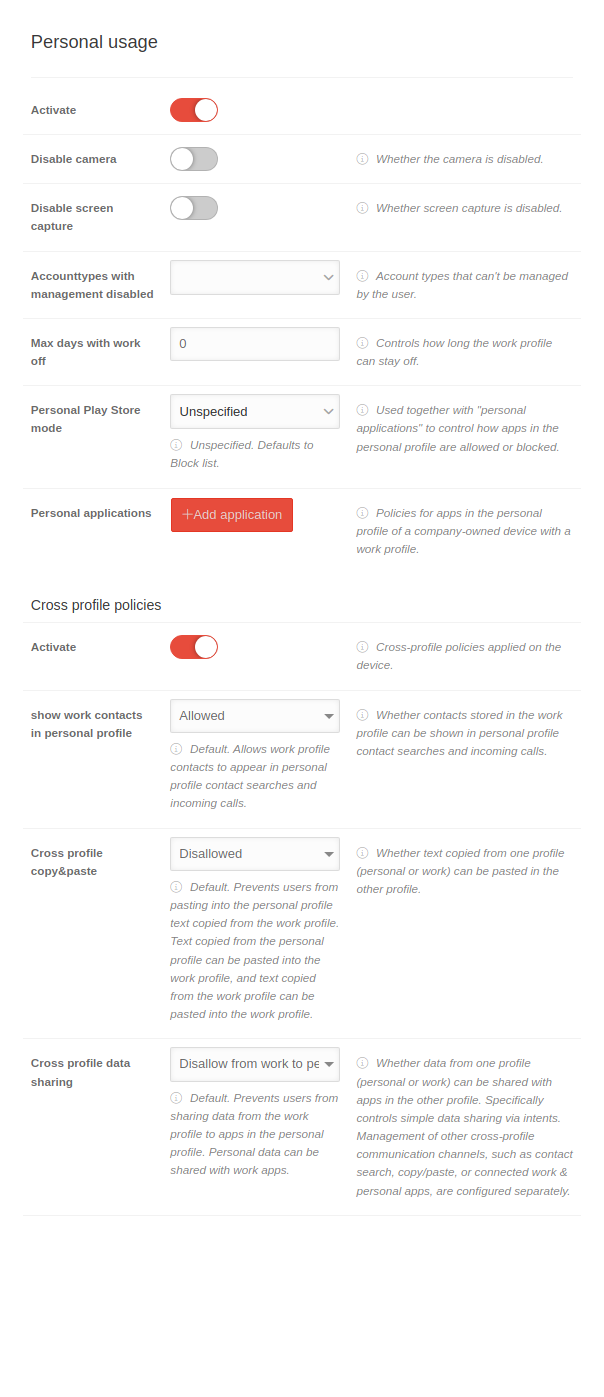 MS 2.0 Android Profile Persönlicher-Gebrauch-en.png 604 × 1.397; 108 KB
-
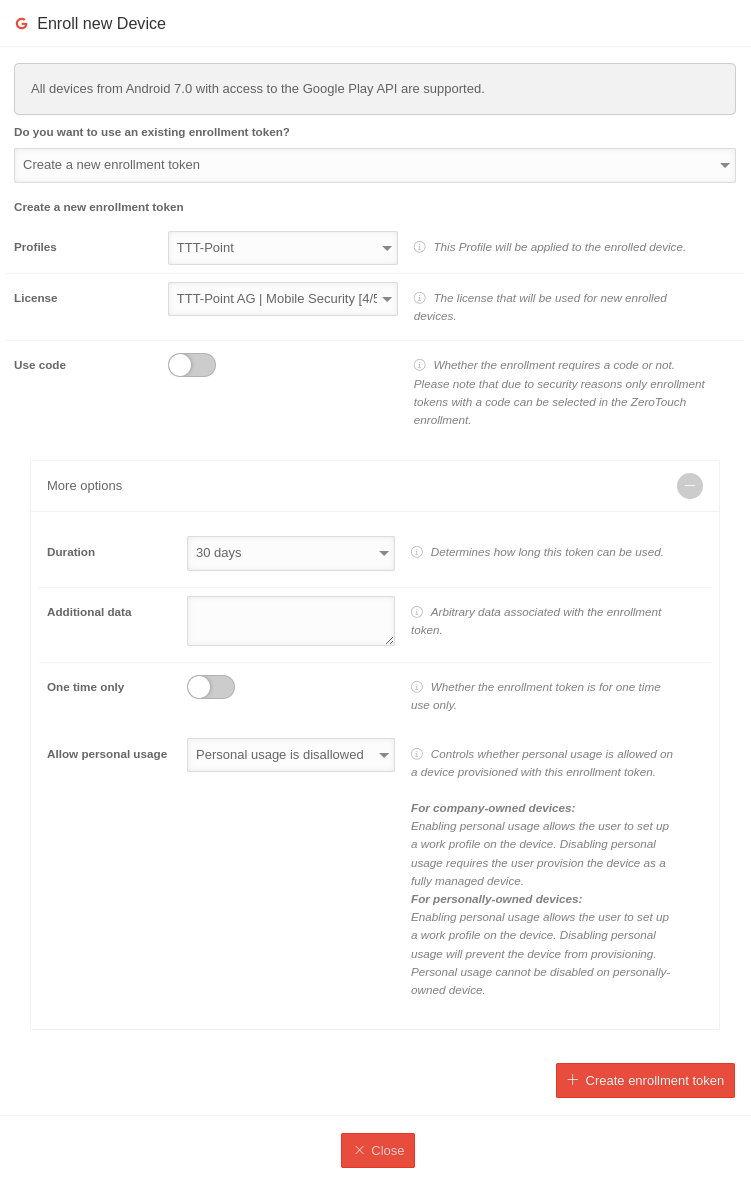 MS 2.0 Android Geräte Anmeldung COBO-COSU-en.png 751 × 1.183; 107 KB
-
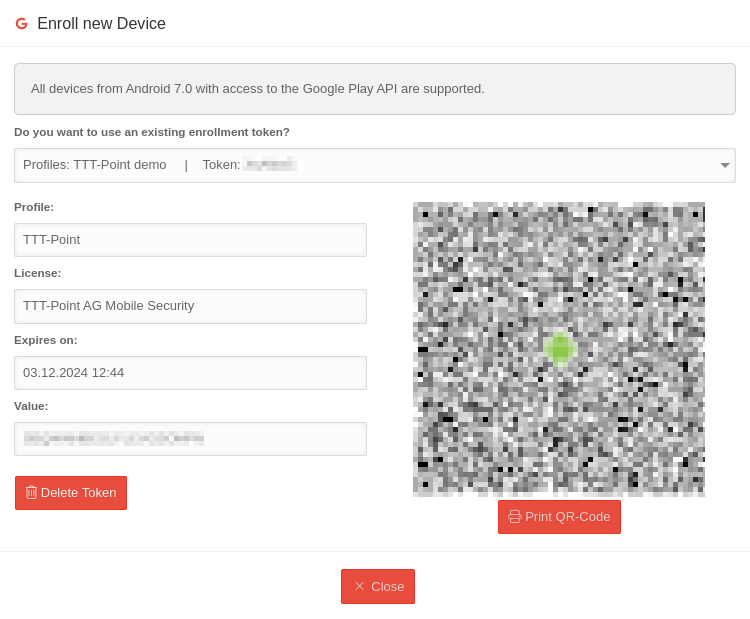 MS 2.0 Android Geräte Anmeldung Token-en.png 750 × 619; 44 KB
-
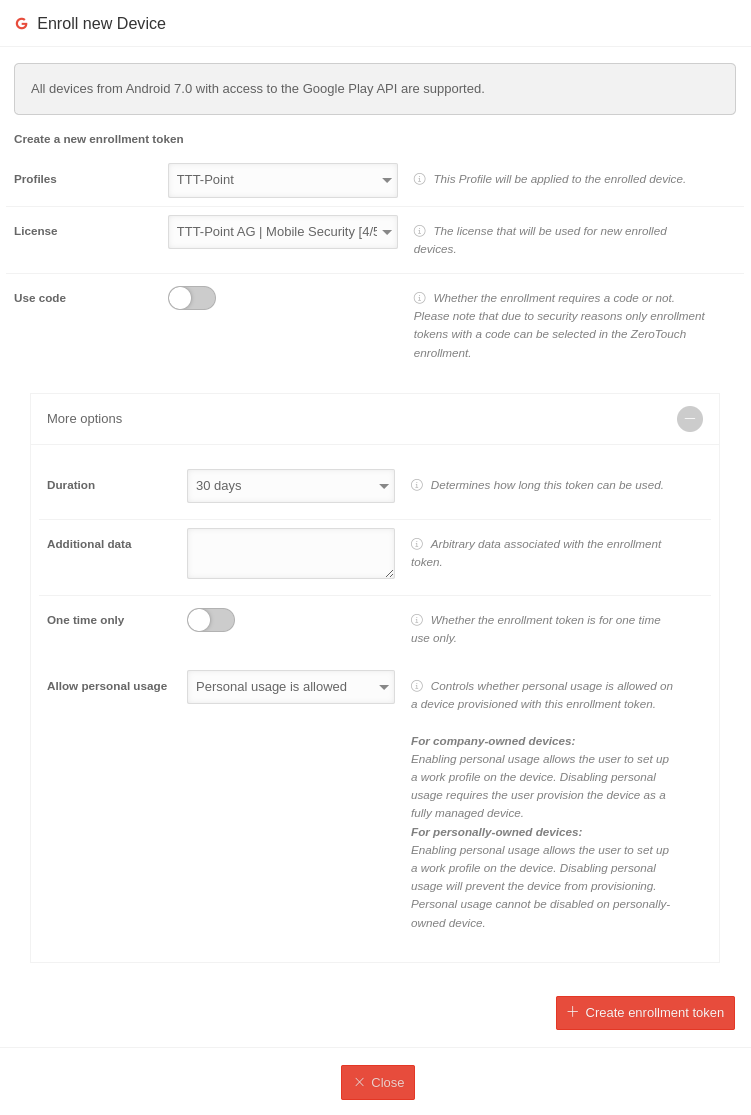 MS 2.0 Android Geräte Anmeldung BYOD-COPE-en.png 751 × 1.115; 101 KB
-
 MS 2.1 Android Profile Anwendungen-en.png 598 × 3.442; 273 KB
-
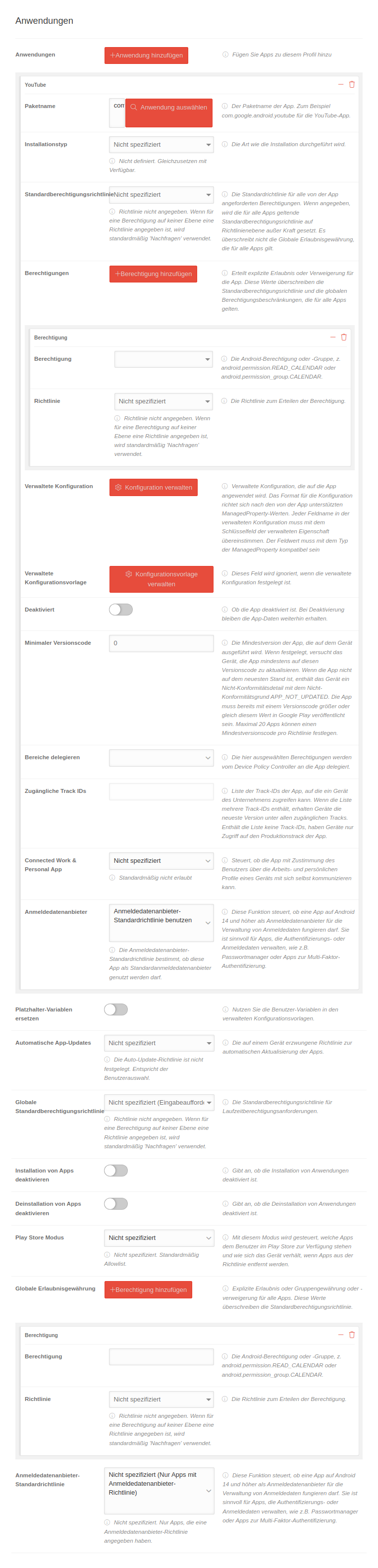 MS 2.1 Android Profile Anwendungen.png 763 × 3.164; 337 KB
-
 MSA 3.1 Android-VPN-App Mehr Diagnose-en.png 270 × 600; 40 KB
-
 MSA 3.1 Android-VPN-App-Mehr-Diagnose-Logging-en.png 270 × 600; 51 KB
-


