Unten werden bis zu 50 Ergebnisse im Bereich 6.451 bis 6.500 angezeigt.
-
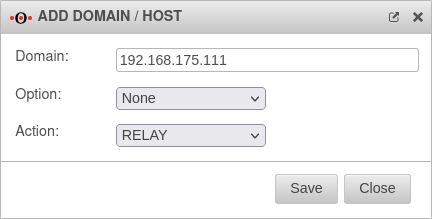 UMA3.3 Anwendungen Mailrelay Relaying1-en.png 432 × 219; 15 KB
-
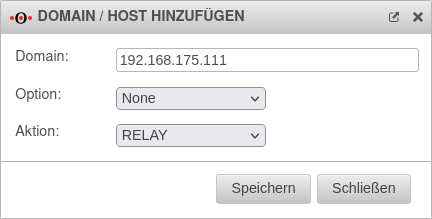 UMA3.3 Anwendungen Mailrelay Relaying1.png 432 × 219; 16 KB
-
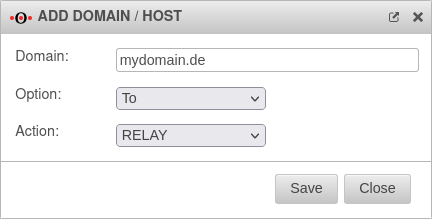 UMA3.3 Anwendungen Mailrelay Relaying2-en.png 432 × 219; 14 KB
-
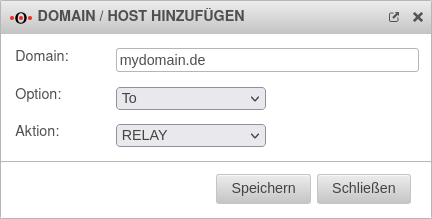 UMA3.3 Anwendungen Mailrelay Relaying2.png 432 × 219; 16 KB
-
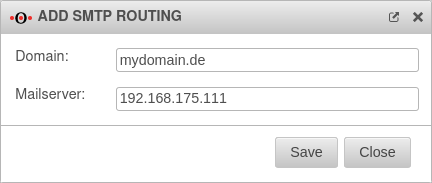 UMA3.3 Anwendungen Mailrelay SMTP-Routen-en.png 432 × 183; 13 KB
-
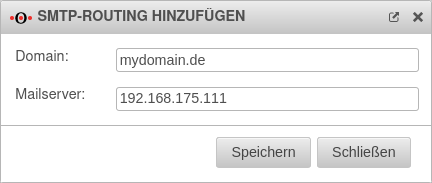 UMA3.3 Anwendungen Mailrelay SMTP-Routen.png 432 × 183; 14 KB
-
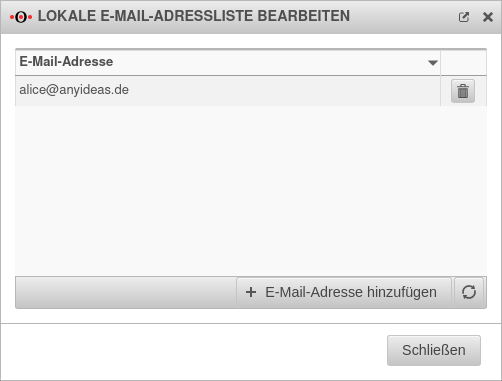 UMA3.3 Anwendungen Mailrelay SMTP-Routen E-Mail.png 502 × 381; 20 KB
-
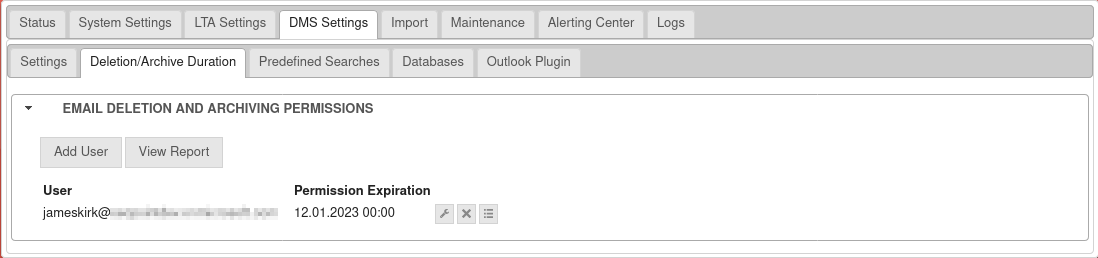 UMA3.3 DMS-Einstellungen E-Mail-Löschung-en.png 1.098 × 258; 39 KB
-
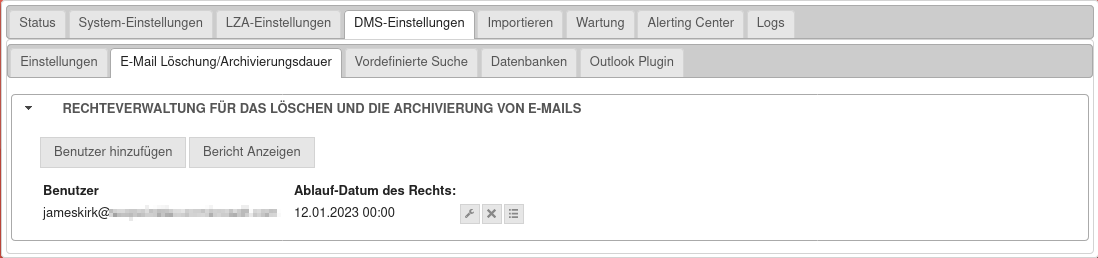 UMA3.3 DMS-Einstellungen E-Mail-Löschung.png 1.098 × 258; 43 KB
-
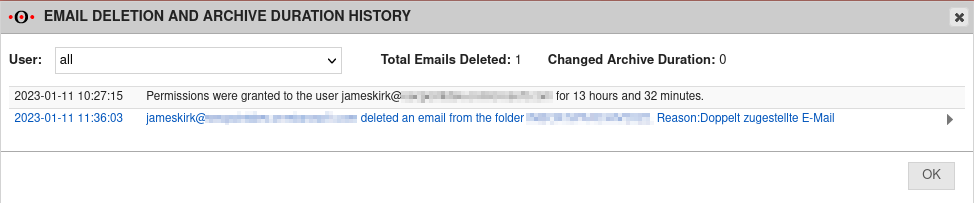 UMA3.3 DMS-Einstellungen E-Mail-Löschung Bericht-en.png 974 × 203; 34 KB
-
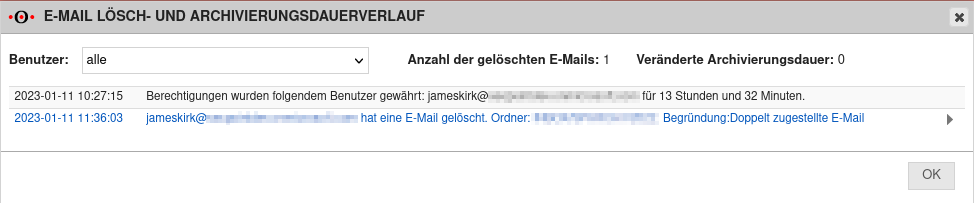 UMA3.3 DMS-Einstellungen E-Mail-Löschung Bericht.png 974 × 203; 38 KB
-
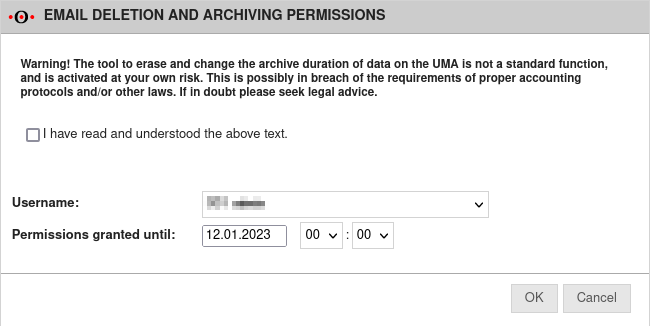 UMA3.3 DMS-Einstellungen E-Mail-Löschung PopUp-en.png 650 × 326; 34 KB
-
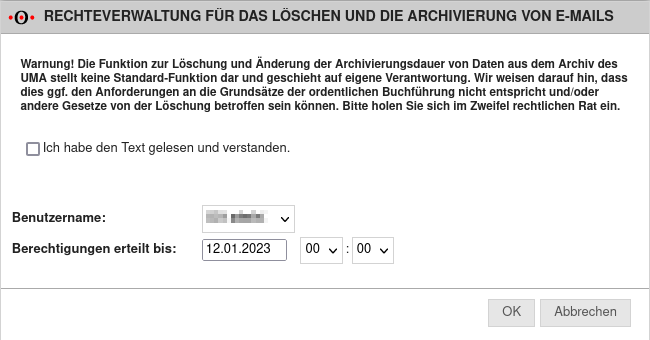 UMA3.3 DMS-Einstellungen E-Mail-Löschung PopUp.png 650 × 340; 45 KB
-
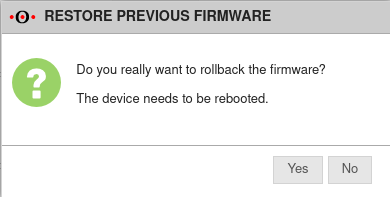 UMA3.3 Fenster Vorherige-Firmware-wiederherstellen-en.png 390 × 197; 14 KB
-
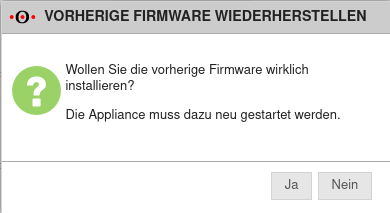 UMA3.3 Fenster Vorherige-Firmware-wiederherstellen.png 390 × 213; 16 KB
-
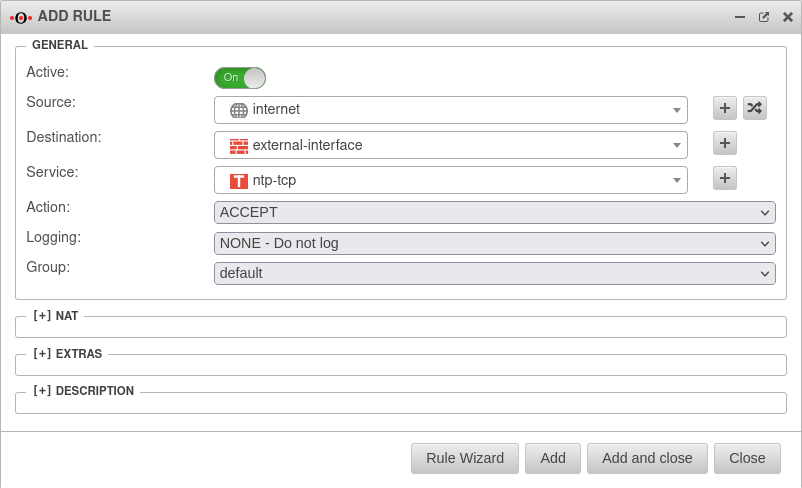 UMA3.3 Firewall Portfilter-Regel-hinzufügen-en.png 802 × 488; 42 KB
-
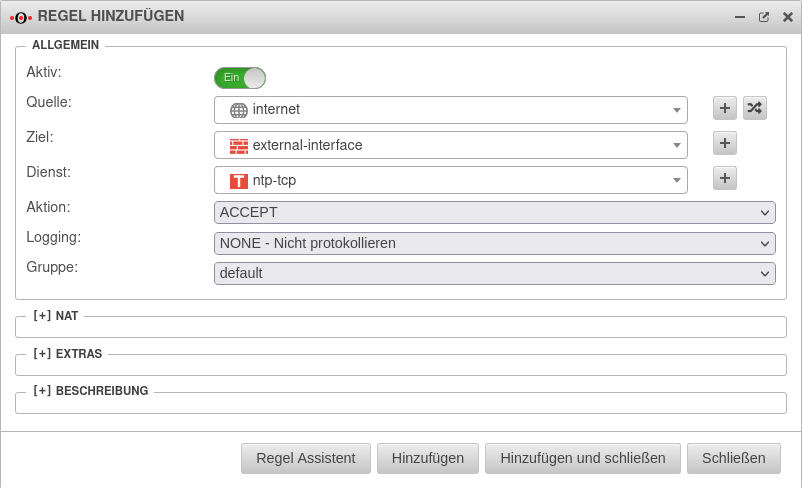 UMA3.3 Firewall Portfilter-Regel-hinzufügen.png 802 × 488; 45 KB
-
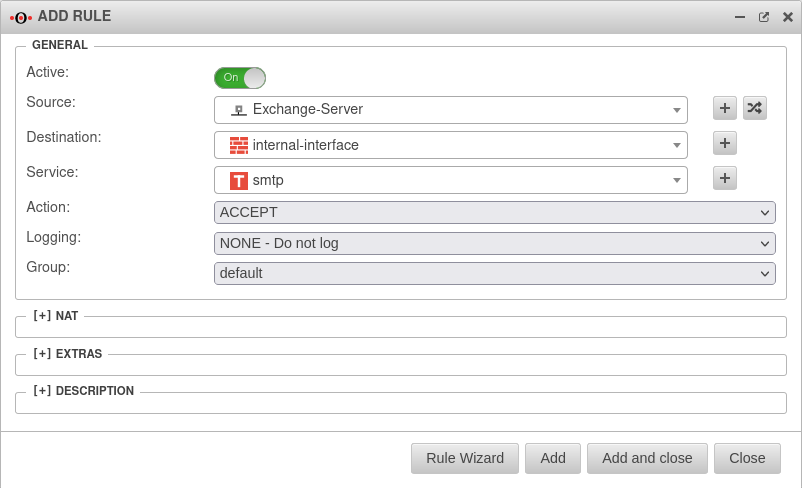 UMA3.3 Firewall Portfilter-Regel-hinzufügen2-en.png 802 × 488; 43 KB
-
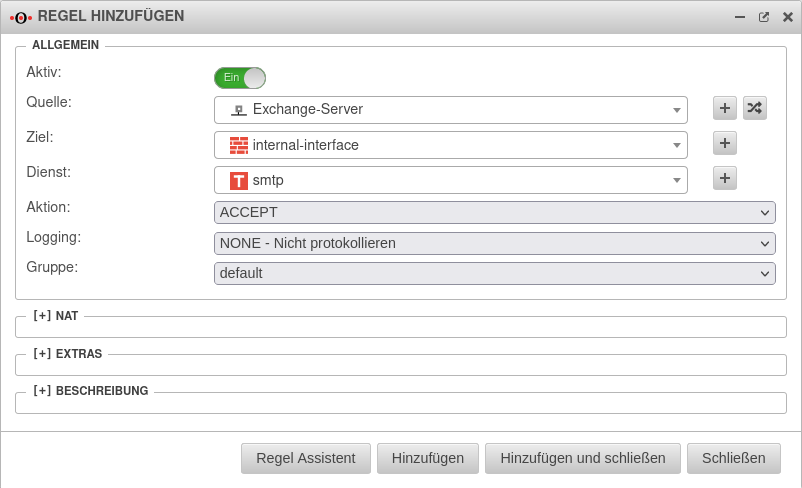 UMA3.3 Firewall Portfilter-Regel-hinzufügen2.png 802 × 488; 45 KB
-
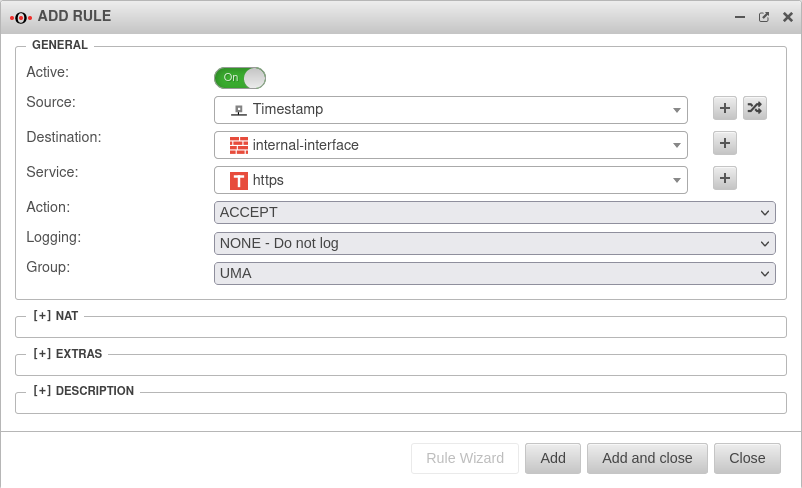 UMA3.3 Firewall Portfilter-Regel-hinzufügen Zeitstempel-en.png 802 × 488; 42 KB
-
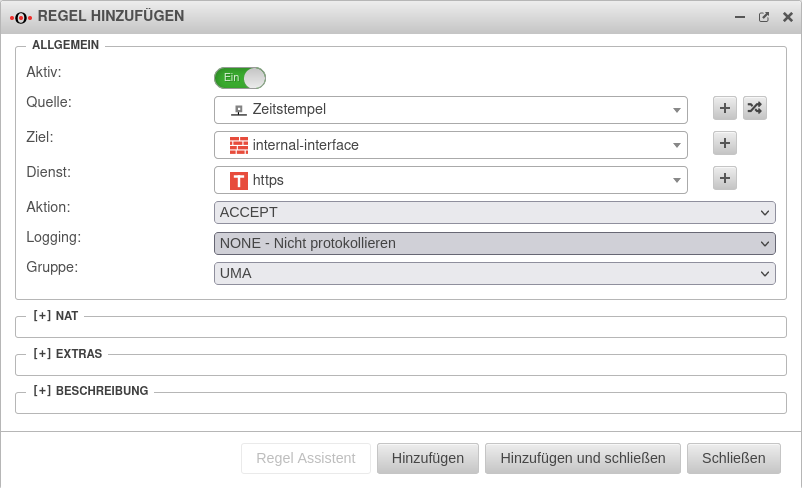 UMA3.3 Firewall Portfilter-Regel-hinzufügen Zeitstempel.png 802 × 488; 45 KB
-
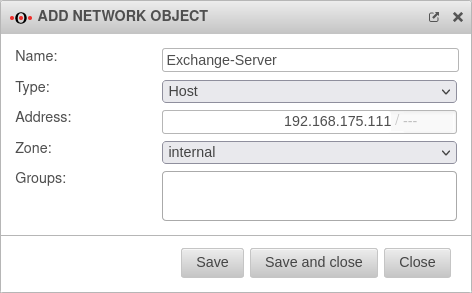 UMA3.3 Firewall Portfilter Netzwerkobjekt hinzufügen-en.png 472 × 293; 22 KB
-
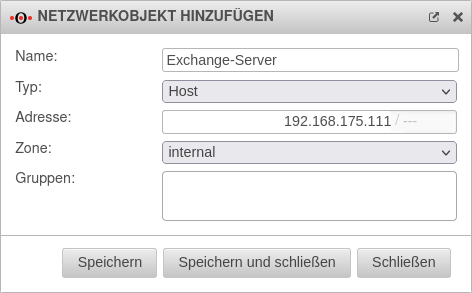 UMA3.3 Firewall Portfilter Netzwerkobjekt hinzufügen.png 472 × 293; 24 KB
-
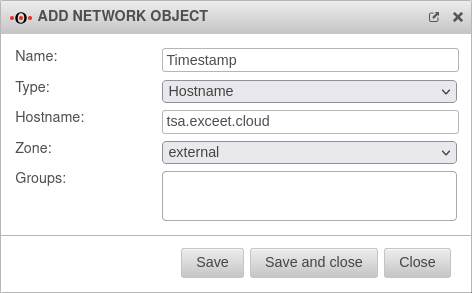 UMA3.3 Firewall Portfilter Netzwerkobjekte Zeitstempel-en.png 472 × 293; 22 KB
-
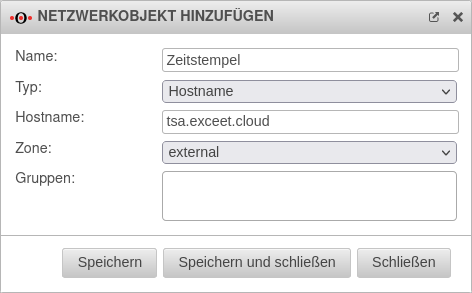 UMA3.3 Firewall Portfilter Netzwerkobjekte Zeitstempel.png 472 × 293; 24 KB
-
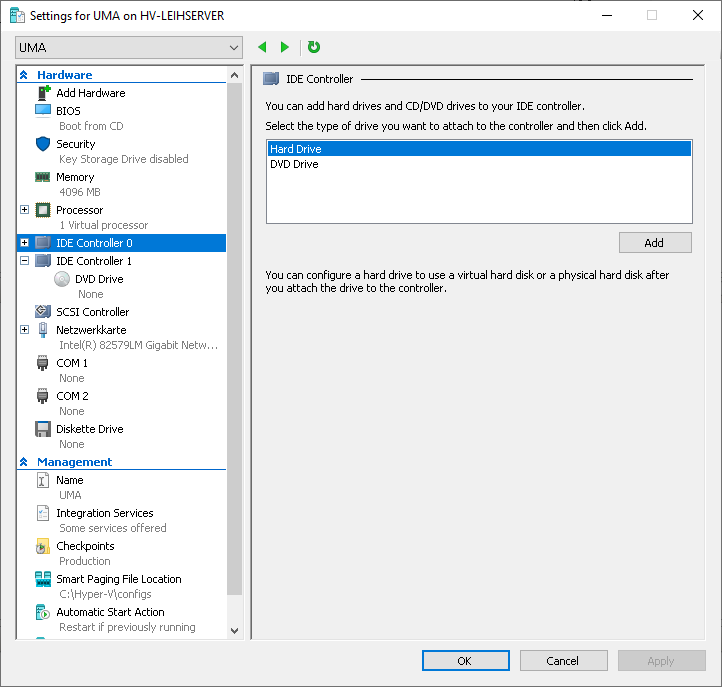 UMA3.3 HyperV Erweiterung-Hauptspeicher-en.png 722 × 687; 35 KB
-
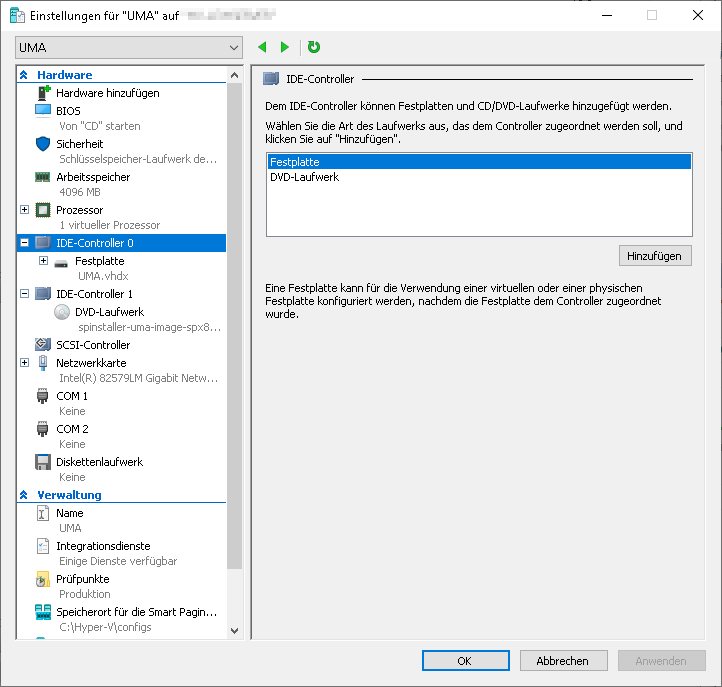 UMA3.3 HyperV Erweiterung-Hauptspeicher.png 722 × 687; 37 KB
-
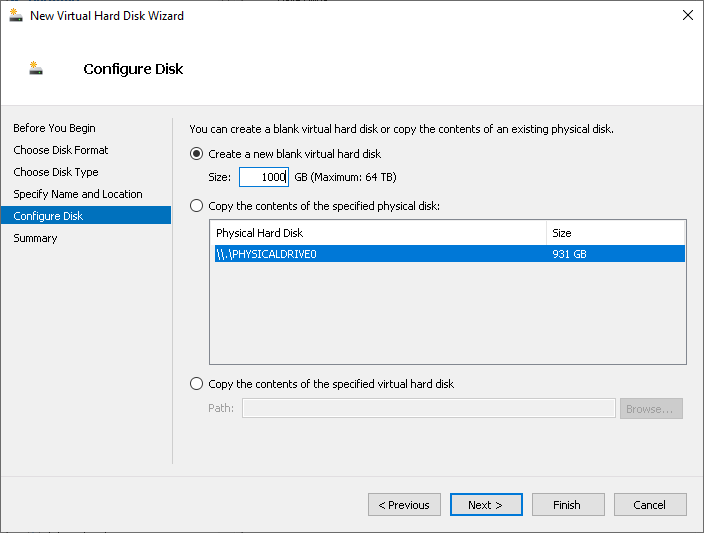 UMA3.3 HyperV Erweiterung-Hauptspeicher Datenträger-konfig-en.png 704 × 533; 20 KB
-
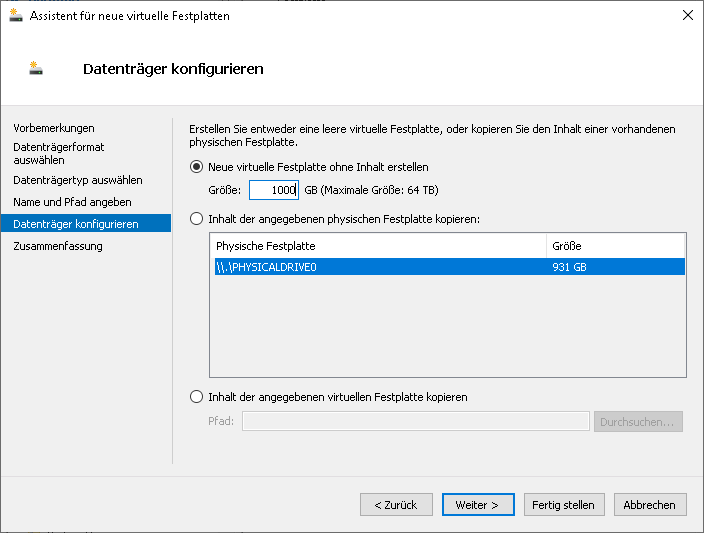 UMA3.3 HyperV Erweiterung-Hauptspeicher Datenträger-konfig.png 704 × 533; 22 KB
-
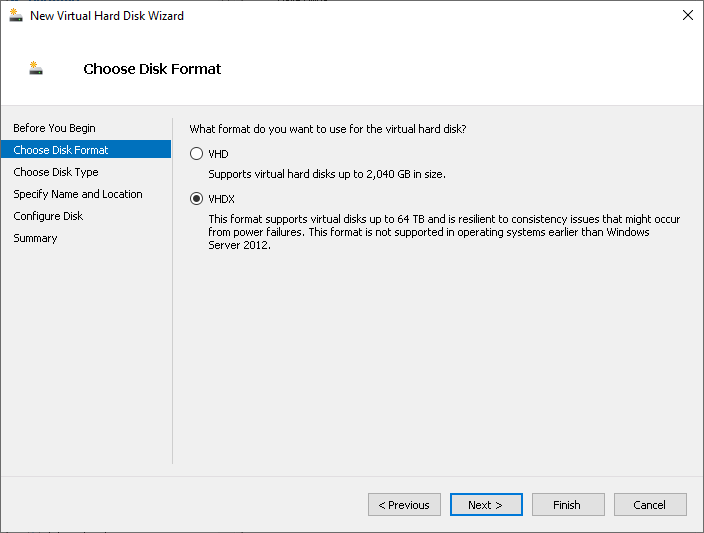 UMA3.3 HyperV Erweiterung-Hauptspeicher Datenträgerformat-en.png 704 × 533; 18 KB
-
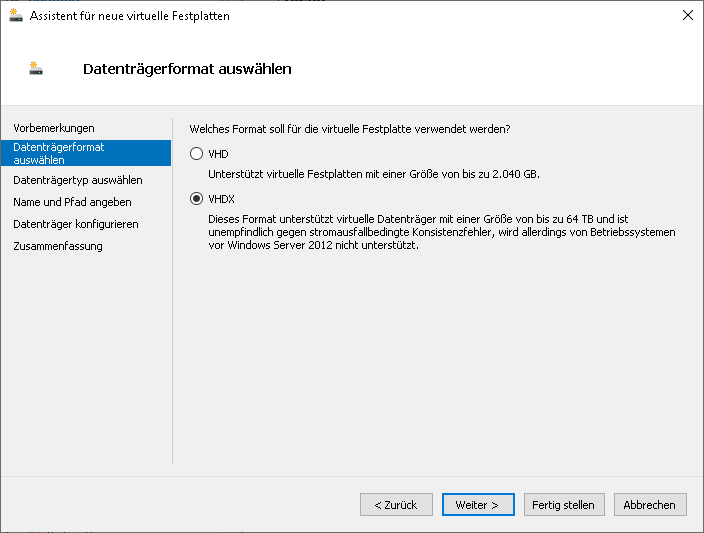 UMA3.3 HyperV Erweiterung-Hauptspeicher Datenträgerformat.png 704 × 533; 19 KB
-
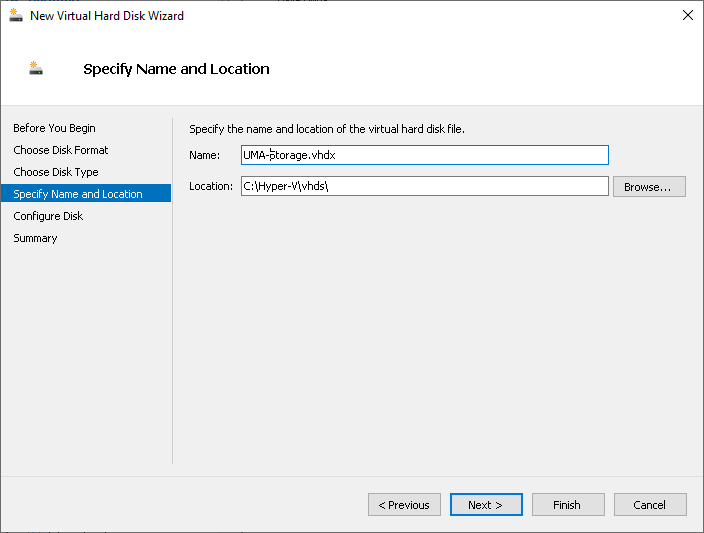 UMA3.3 HyperV Erweiterung-Hauptspeicher Name-Typ-en.png 704 × 533; 16 KB
-
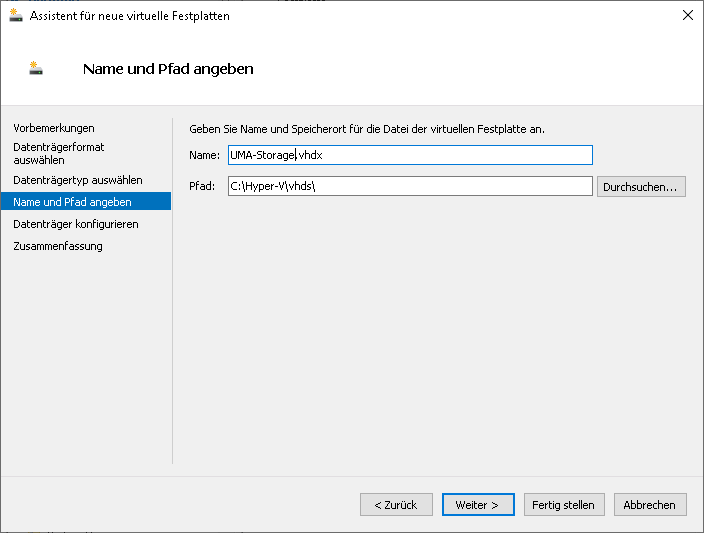 UMA3.3 HyperV Erweiterung-Hauptspeicher Name-Typ.png 704 × 533; 16 KB
-
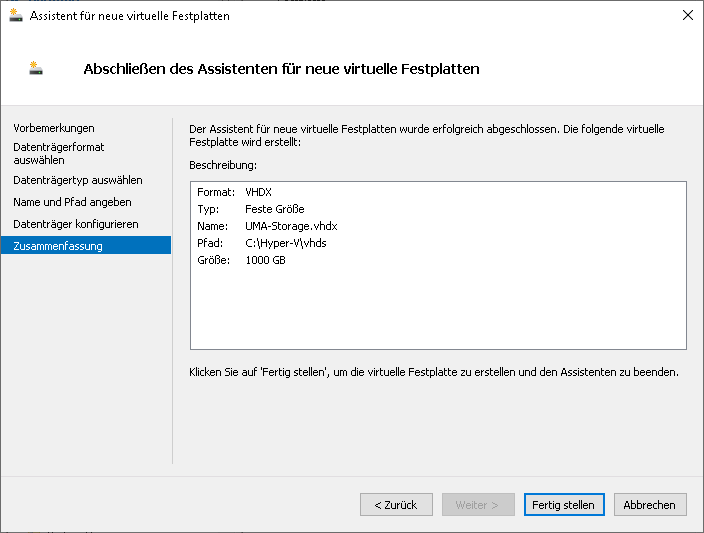 UMA3.3 HyperV Erweiterung-Hauptspeicher Zusammenfassung.png 704 × 533; 19 KB
-
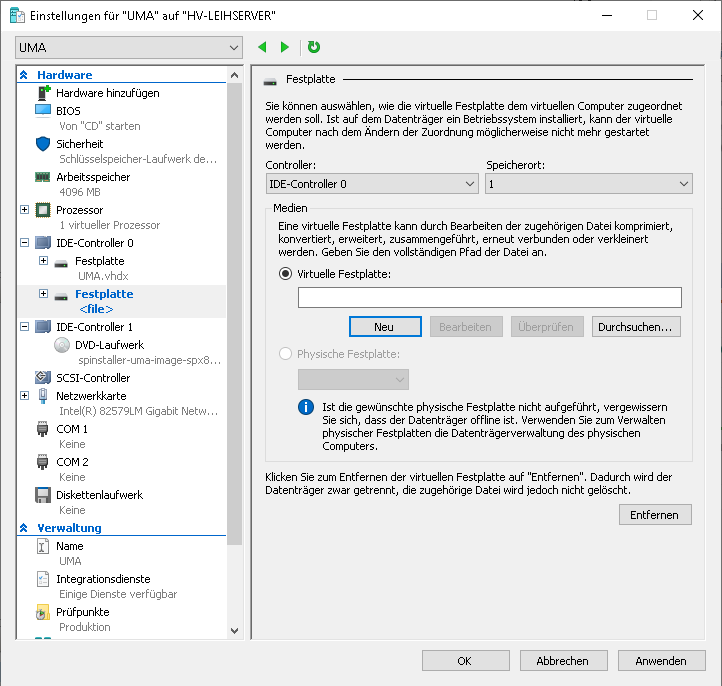 UMA3.3 HyperV Erweiterung-Hauptspeicher neue-Festplatte.png 722 × 686; 44 KB
-
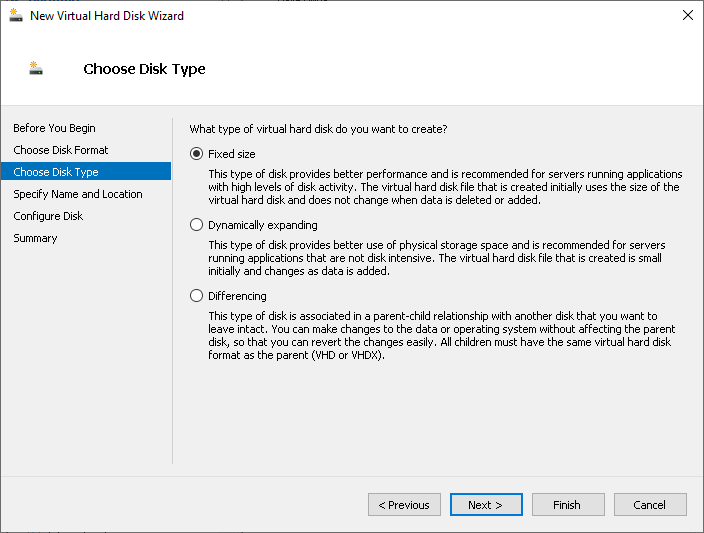 UMA3.3 HyperV Erweiterung-hauiptspeicher Datenträgertyp-en.png 704 × 533; 25 KB
-
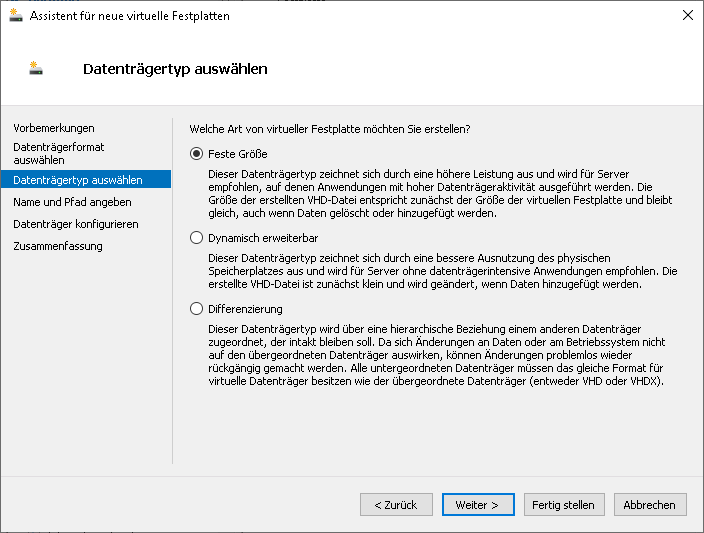 UMA3.3 HyperV Erweiterung-hauiptspeicher Datenträgertyp.png 704 × 533; 27 KB
-
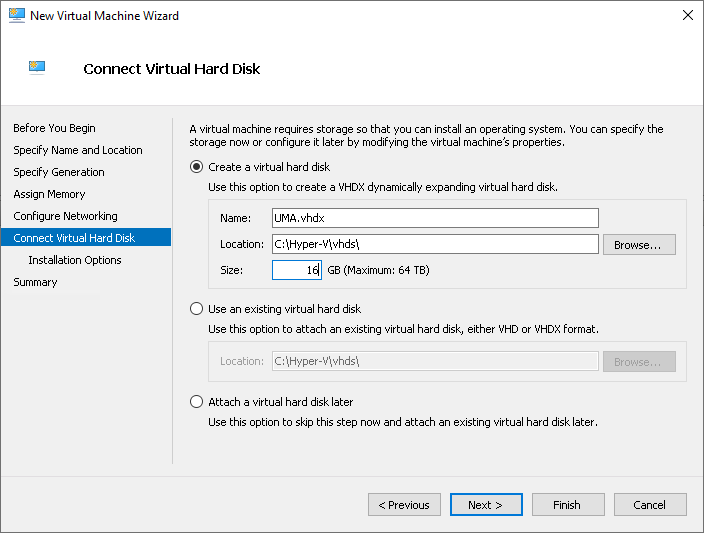 UMA3.3 HyperV Installation Festplatte-en.png 704 × 533; 25 KB
-
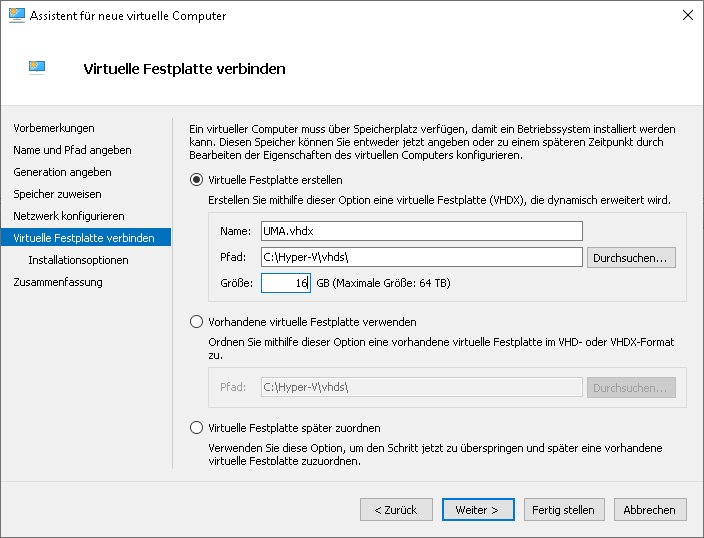 UMA3.3 HyperV Installation Festplatte.png 704 × 538; 26 KB
-
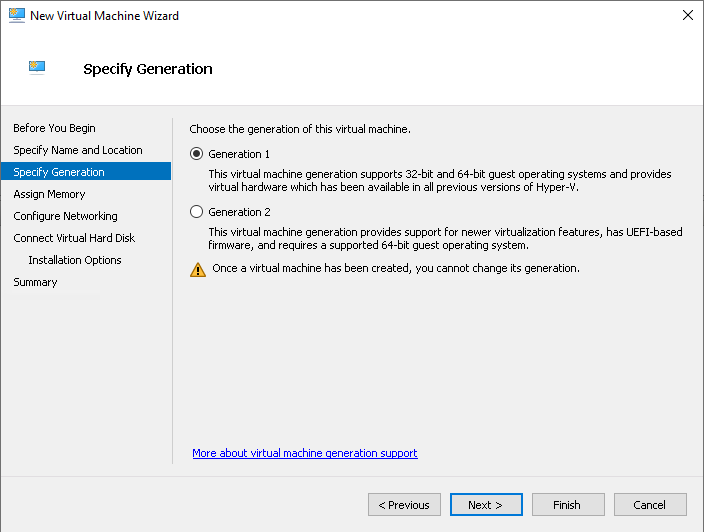 UMA3.3 HyperV Installation Generation-en.png 704 × 532; 22 KB
-
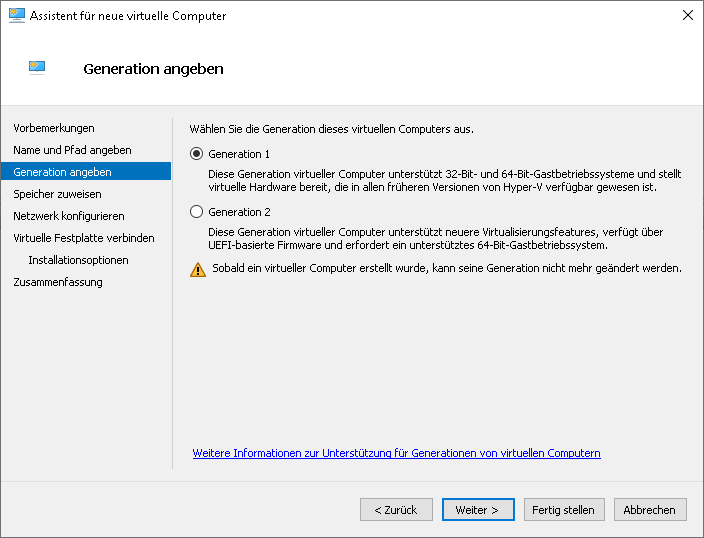 UMA3.3 HyperV Installation Generation.png 704 × 538; 23 KB
-
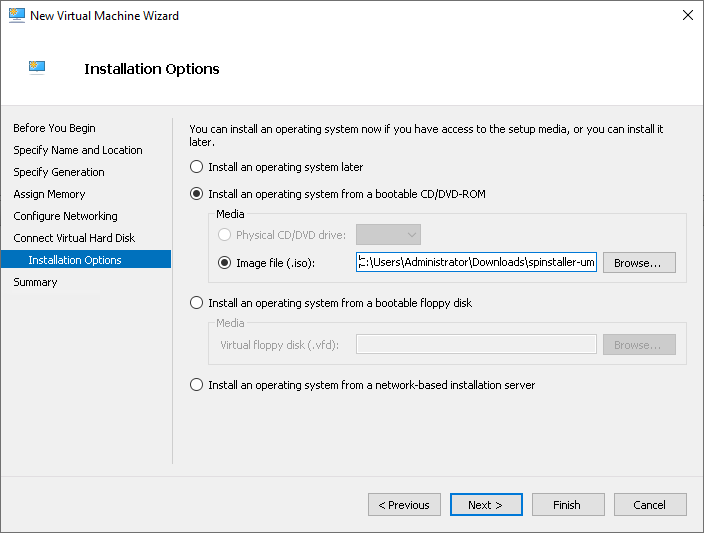 UMA3.3 HyperV Installation Installationsoptionen-en.png 704 × 533; 24 KB
-
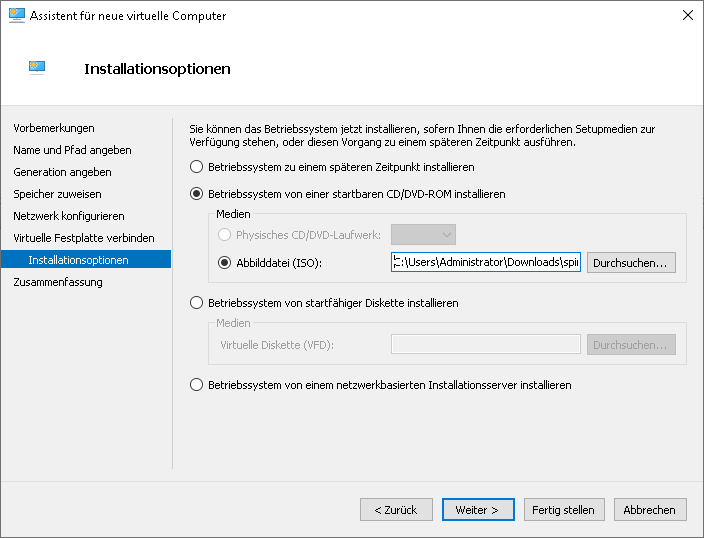 UMA3.3 HyperV Installation Installationsoptionen.png 704 × 538; 25 KB
-
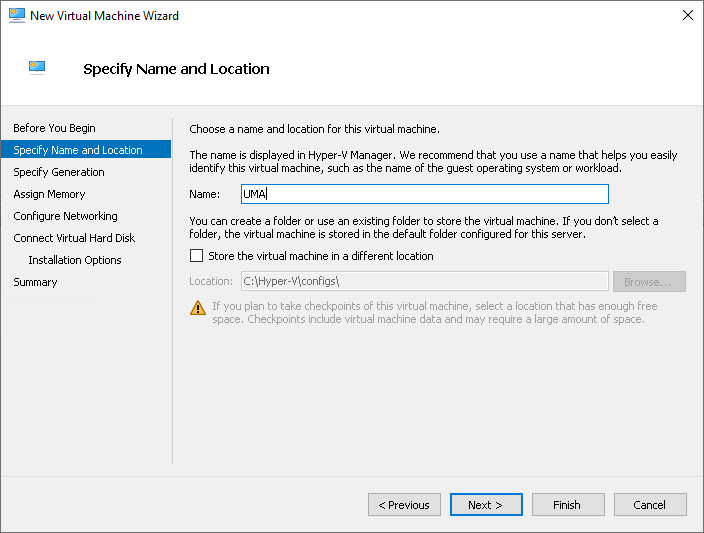 UMA3.3 HyperV Installation Name-en.png 704 × 533; 23 KB
-
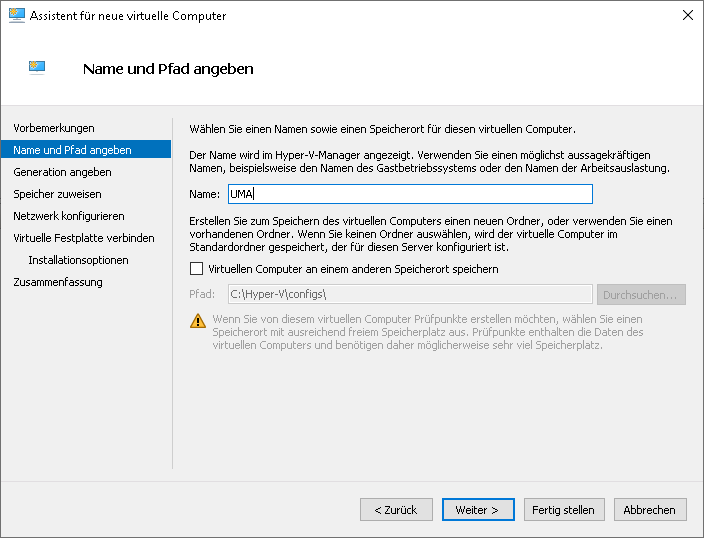 UMA3.3 HyperV Installation Name.png 704 × 538; 24 KB
-
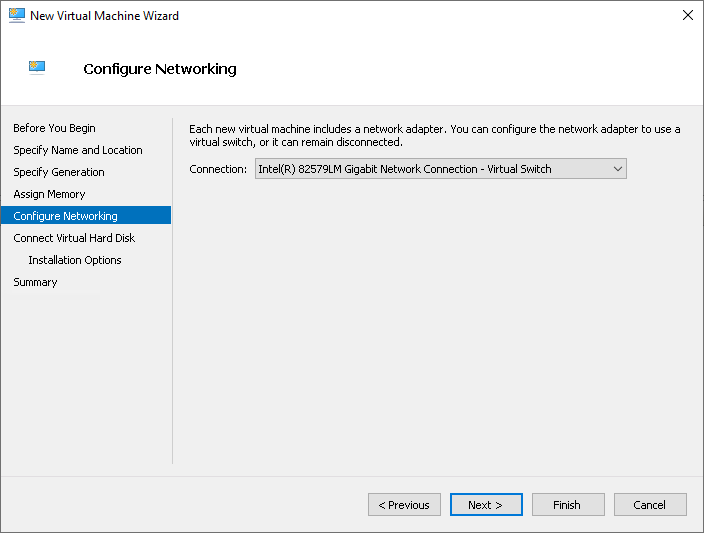 UMA3.3 HyperV Installation Netzwerk-en.png 704 × 533; 17 KB
-
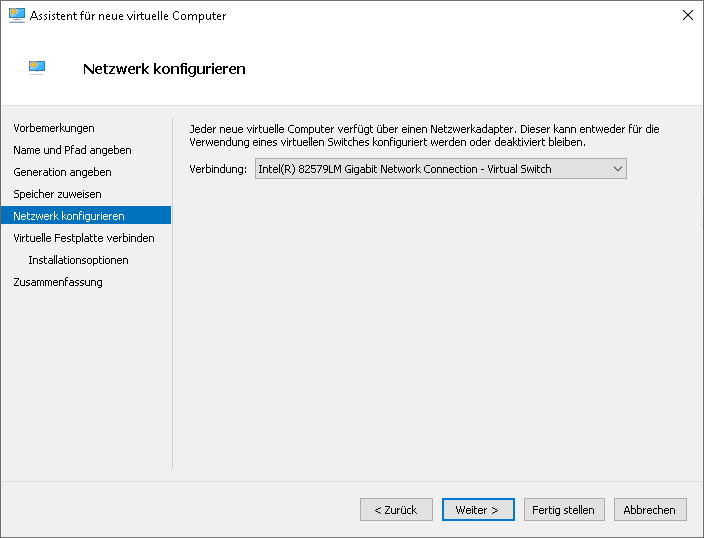 UMA3.3 HyperV Installation Netzwerk.png 704 × 538; 17 KB
-
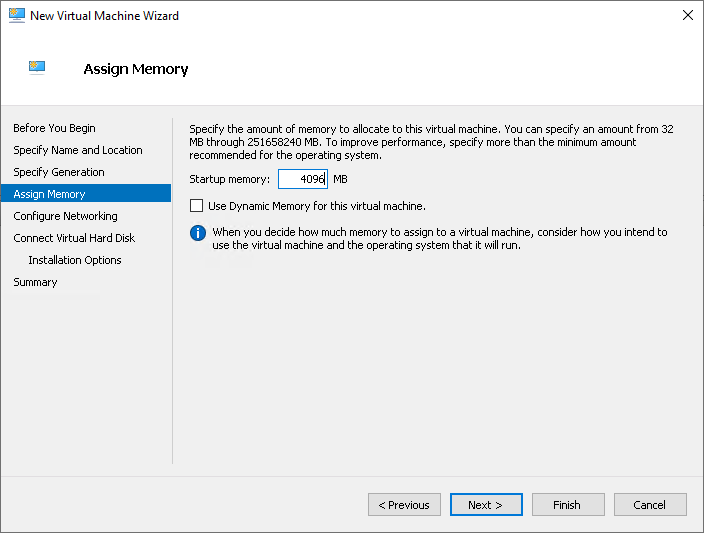 UMA3.3 HyperV Installation RAM-en.png 704 × 533; 23 KB
-
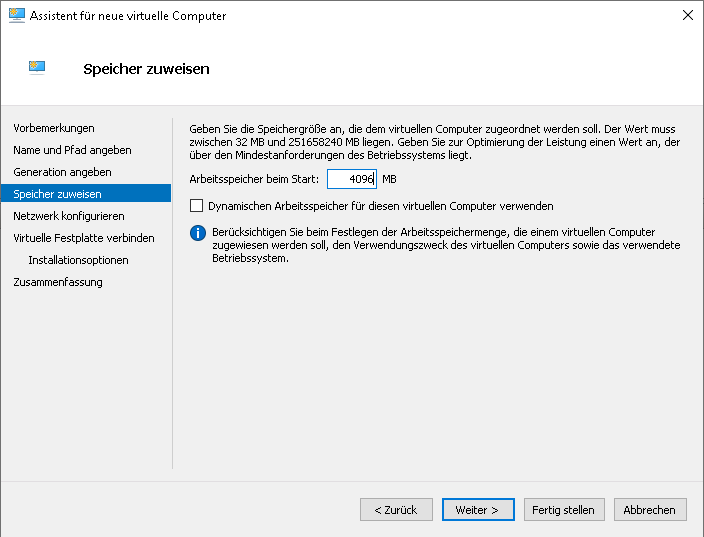 UMA3.3 HyperV Installation RAM.png 704 × 537; 21 KB
-
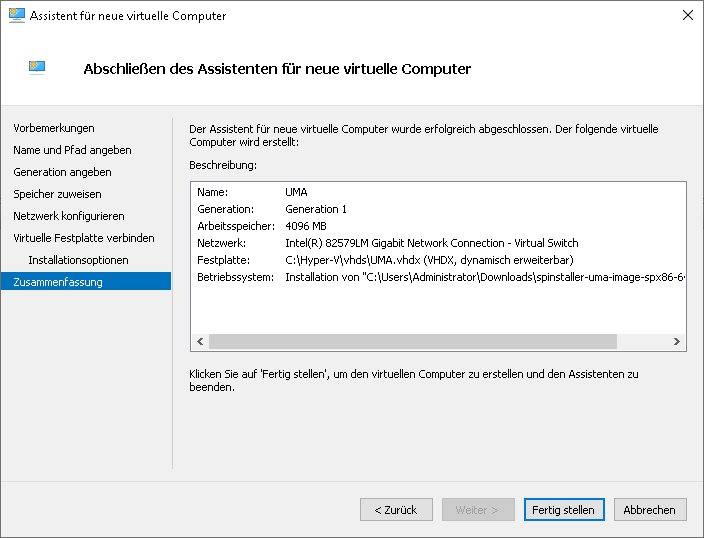 UMA3.3 HyperV Installation Zusammenfassung.png 704 × 538; 23 KB


