Bitte beachte, dass andere Webseiten eine Datei mit einer direkten URL verlinken können. Diese könnte daher hier aufgelistet sein, obwohl diese in aktiver Verwendung ist.
Unten werden bis zu 50 Ergebnisse im Bereich 6.501 bis 6.550 angezeigt.
-
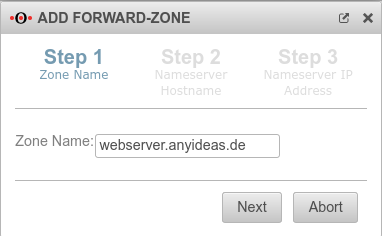 UTM v12.2.2 Nameserver Forwardzone Schritt1-en.png 382 × 236; 18 KB
-
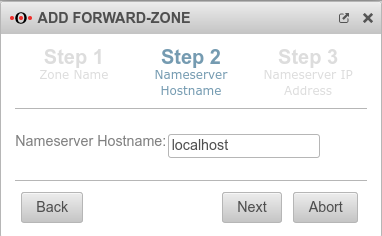 UTM v12.2.2 Nameserver Forwardzone Schritt2-en.png 382 × 236; 19 KB
-
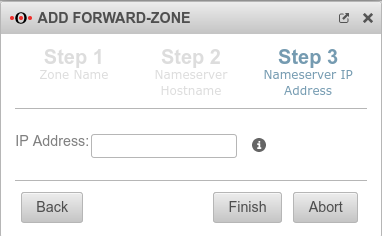 UTM v12.2.2 Nameserver Forwardzone Schritt3-en.png 382 × 236; 18 KB
-
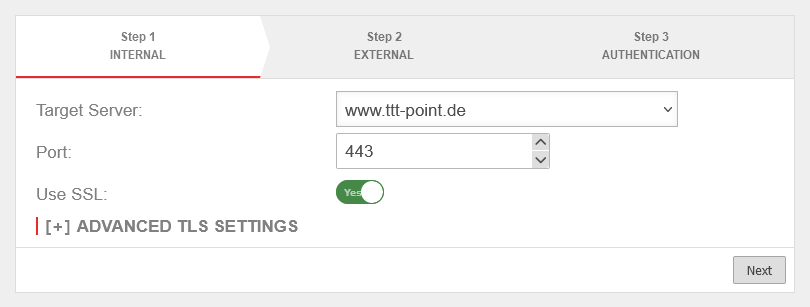 UTM v12.6 Reverse Proxy Einrichtung Schritt 1-en.png 810 × 307; 16 KB
-
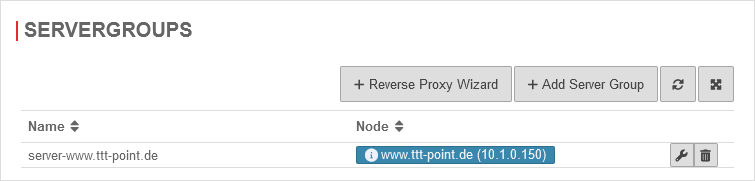 UTM v12.6 Reverse Proxy Einrichtung fertig-en.png 755 × 181; 11 KB
-
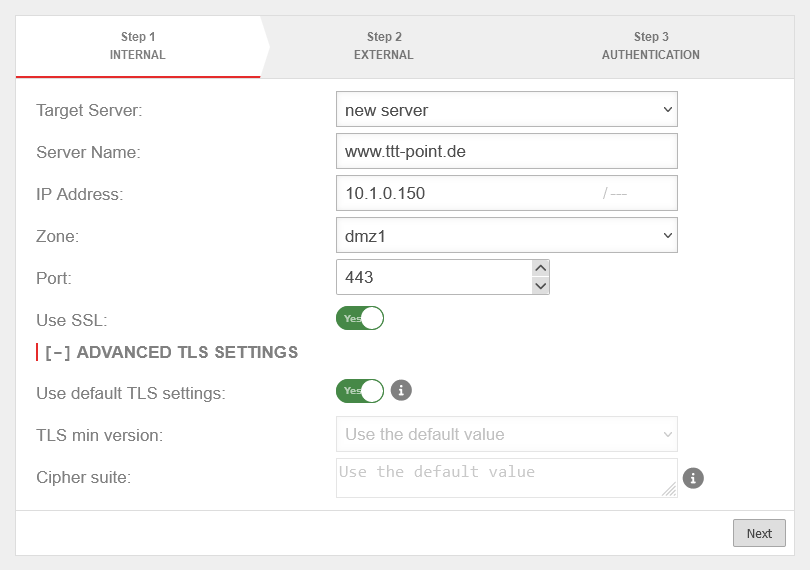 UTM v12.6 Reverse Proxy Einrichtung Schritt 1 Server anlegen-en.png 810 × 570; 34 KB
-
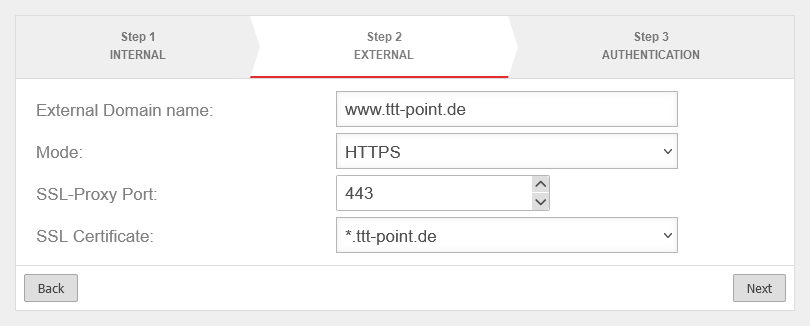 UTM v12.6 Reverse Proxy Einrichtung Schritt 2-en.png 810 × 326; 18 KB
-
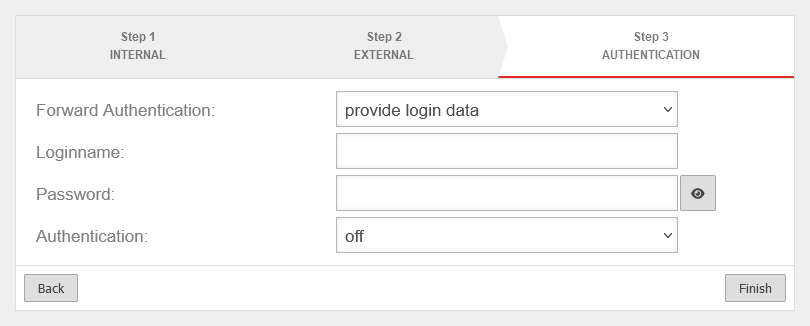 UTM v12.6 Reverse Proxy Einrichtung Schritt 3-en.png 810 × 326; 17 KB
-
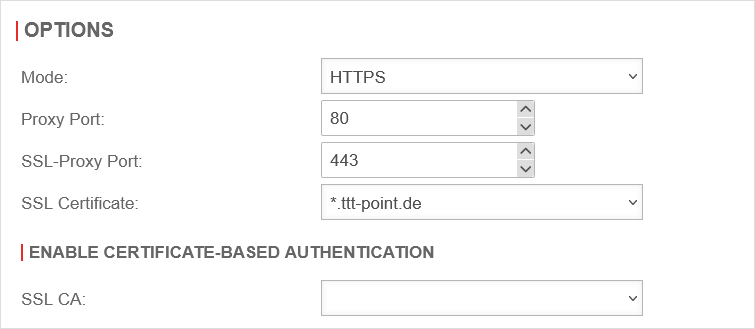 UTM v12.6 Reverse Proxy Einstellungen-en.png 755 × 329; 17 KB
-
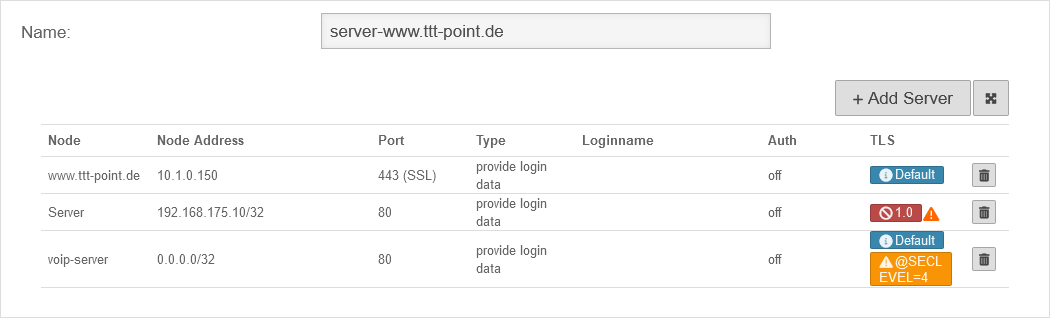 UTM v12.6 Reverse Proxy Servergruppe bearbeiten-en.png 1.050 × 318; 25 KB
-
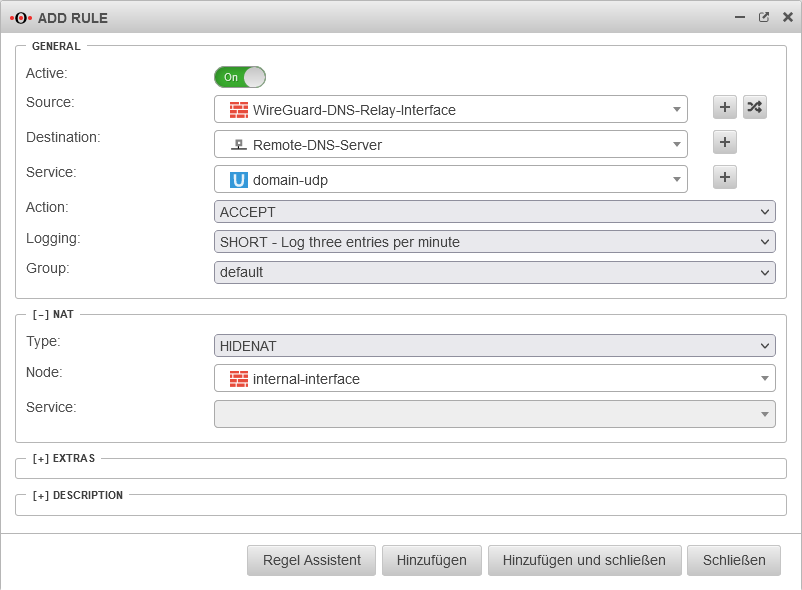 UTM v12.5 DNS Relay WireGuard S2S portfilterregel erstellen-en.png 802 × 590; 39 KB
-
 Glyphicons-halflings-185-stats.svg 512 × 512; 574 Bytes
-
 Glyphicons-halflings-60-picture.svg 512 × 512; 796 Bytes
-
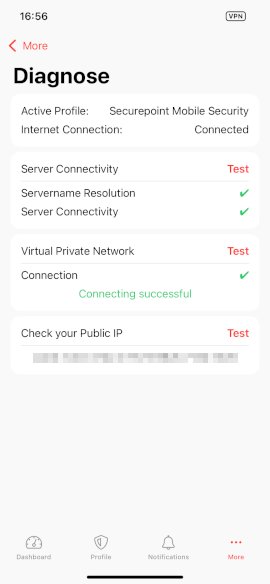 MSA 3.3 iOS-VPN-App Mehr Diagnose-en.png 270 × 584; 31 KB
-
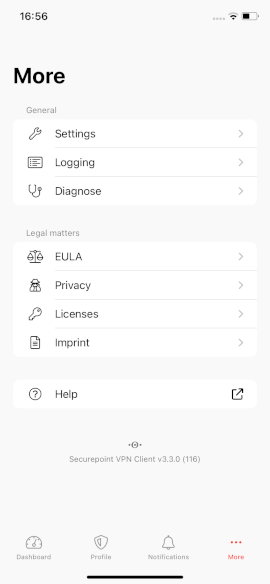 MSA 3.3 iOS-VPN-App Mehr-en.png 270 × 584; 21 KB
-
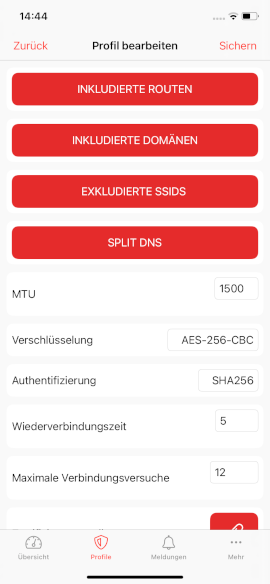 MSA 3.3 iOS-VPN-App Profile-Verwalten Profil-Bearbeiten2.png 270 × 584; 33 KB
-
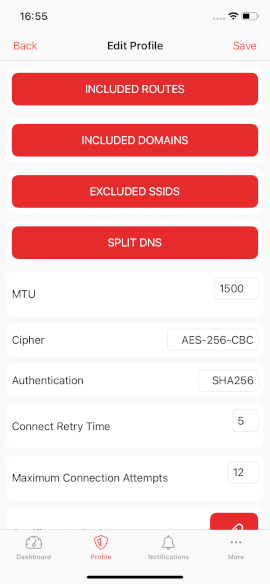 MSA 3.3 iOS-VPN-App Profile-Verwalten Profil-Bearbeiten2-en.png 270 × 584; 30 KB
-
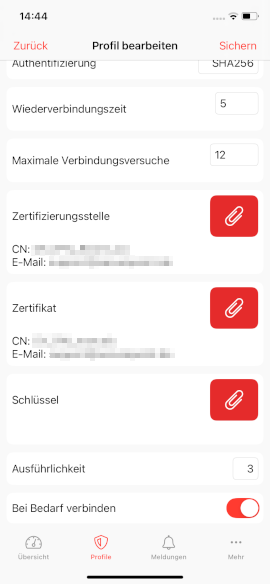 MSA 3.3 iOS-VPN-App Profile-Verwalten Profil-Bearbeiten3.png 270 × 584; 32 KB
-
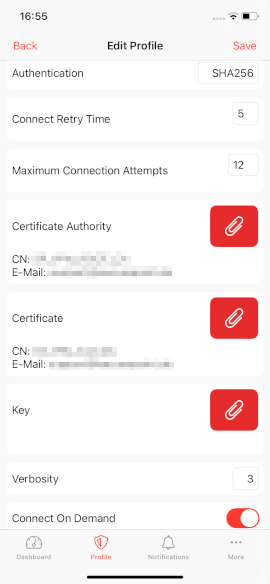 MSA 3.3 iOS-VPN-App Profile-Verwalten Profil-Bearbeiten3-en.png 270 × 584; 31 KB
-
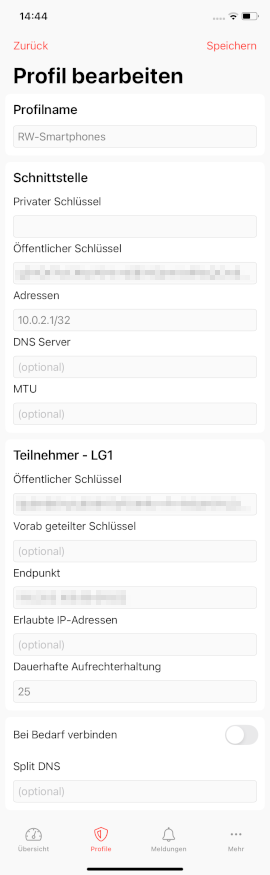 MSA 3.3 iOS-VPN-App Profile-Verwalten Profil-Bearbeiten Portal.png 270 × 875; 51 KB
-
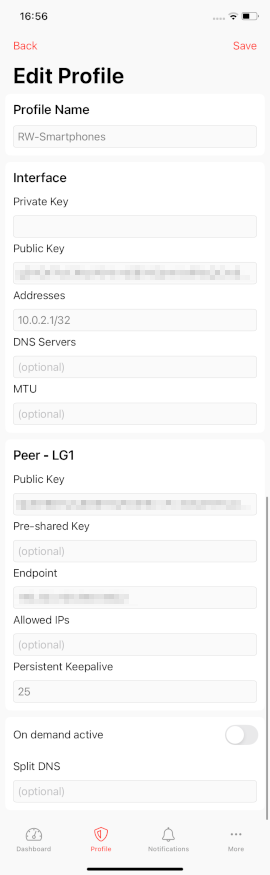
-
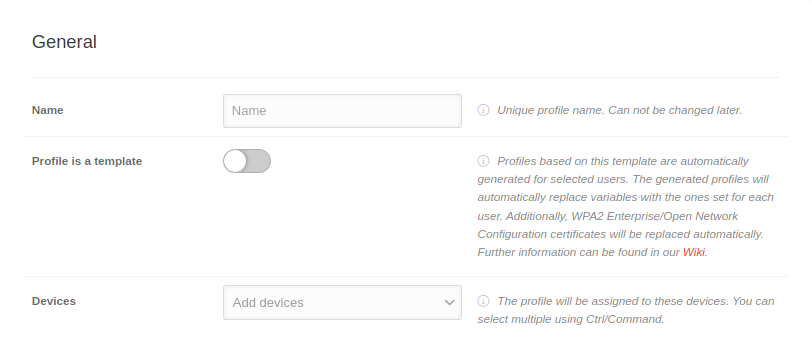 MS 2.8 Android Profile Allgemein-en.png 812 × 343; 30 KB
-
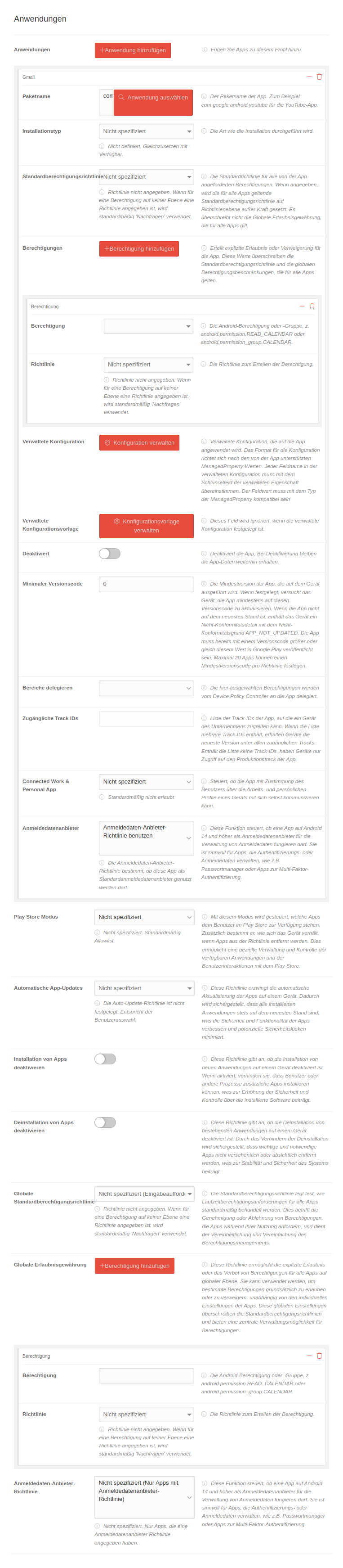 MS 2.8 Android Profile Anwendungen.png 763 × 3.484; 448 KB
-
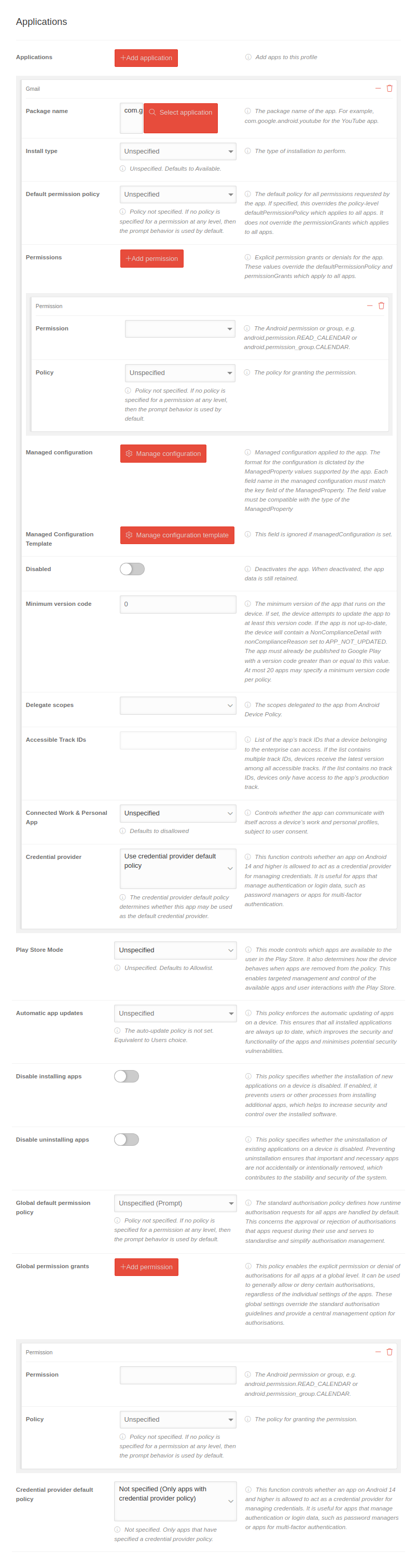 MS 2.8 Android Profile Anwendungen-en.png 804 × 3.023; 370 KB
-
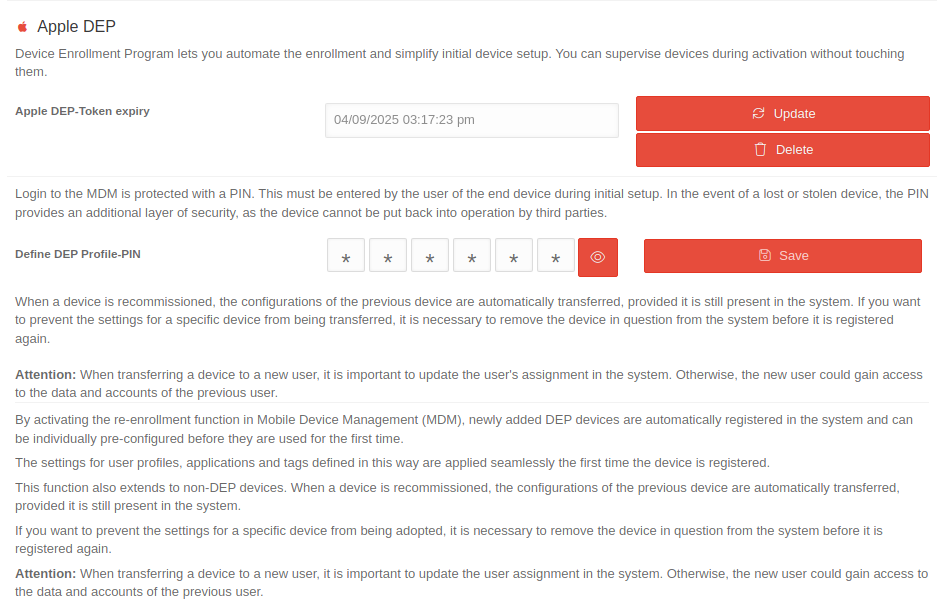 MS 2.8-Einstellungen-Apple-DEP-en.png 945 × 610; 80 KB
-
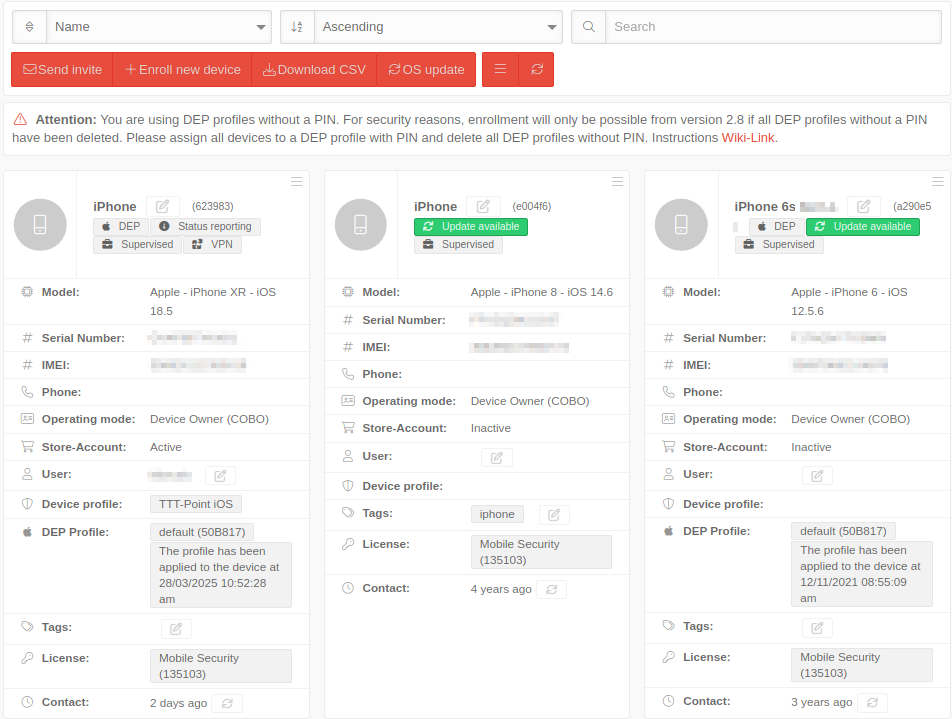 MS 2.8 iOS Geräte verwalten-en.png 952 × 719; 103 KB
-
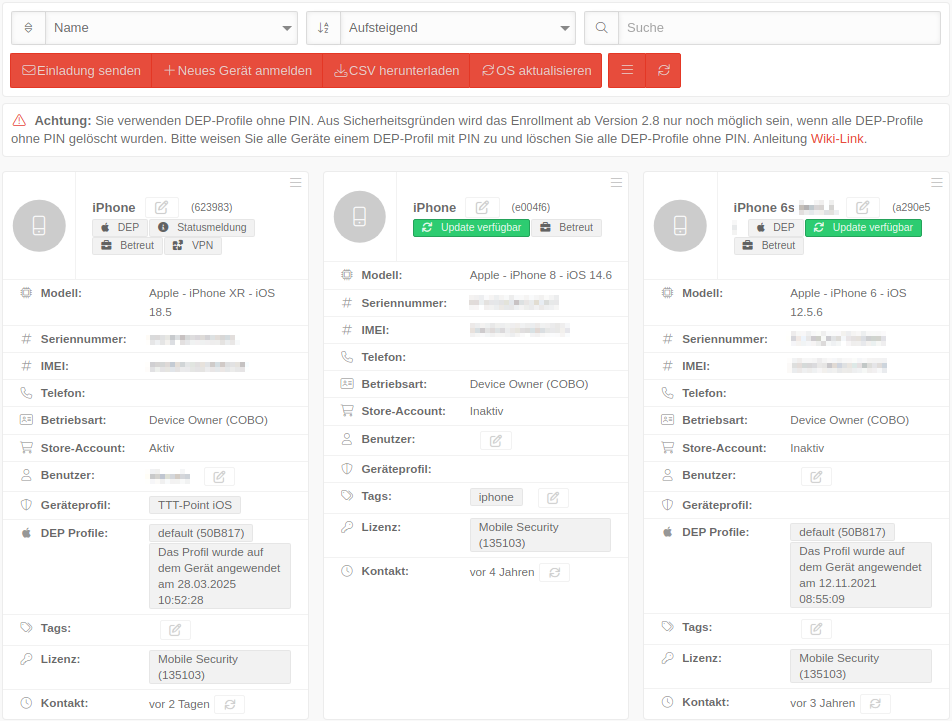 MS 2.8 iOS Geräte verwalten.png 952 × 721; 104 KB
-
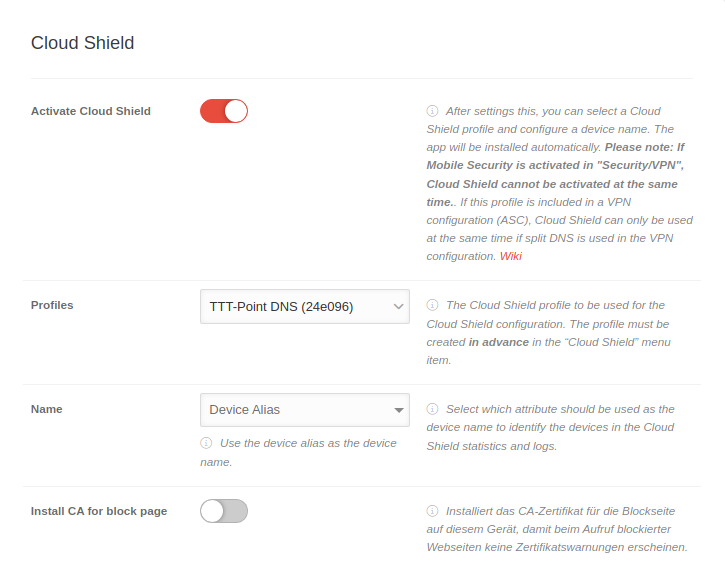 MS 2.8 iOS Profile Cloud-Shield-en.png 725 × 570; 55 KB
-
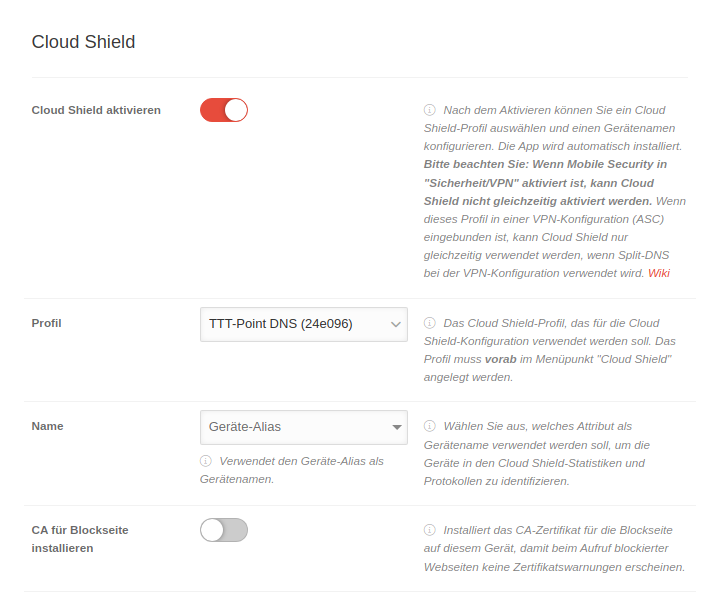 MS 2.8 iOS Profile Cloud-Shield.png 719 × 595; 61 KB
-
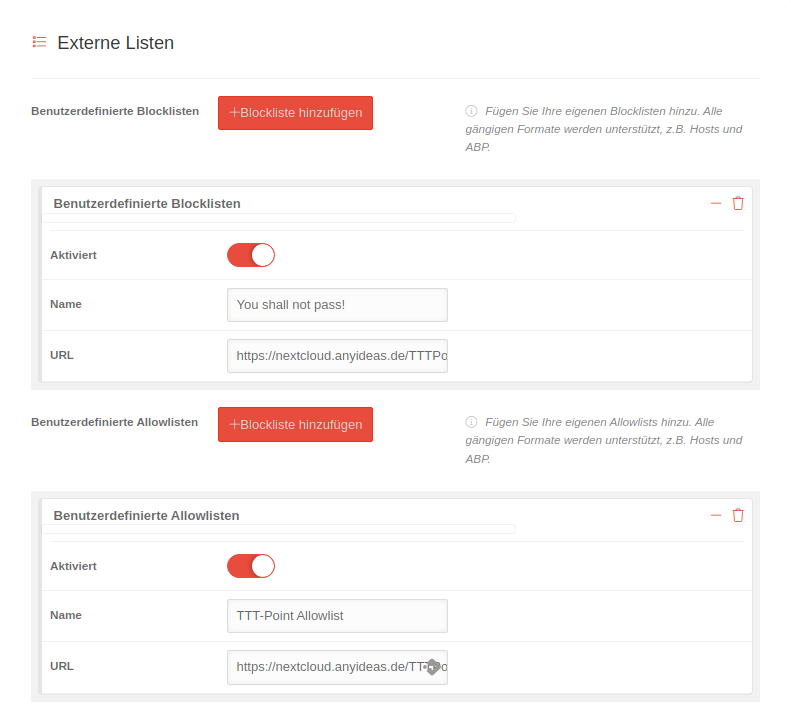 USC 2.8 Cloud-Shield Profile erstellen Externe-Listen.png 791 × 705; 44 KB
-
 USC 2.8 Cloud-Shield Profile erstellen Externe-Listen-en.png 792 × 667; 38 KB
-
 USC 2.8 VPN-Konfiguration Core-UTM bearbeiten-en.png 1.078 × 793; 99 KB
-
 USC 2.8 VPN-Konfiguration Core-UTM bearbeiten.png 1.078 × 829; 112 KB
-
 USC 2.8 VPN-Konfiguration Core-UTM hinzufuegen-en.png 1.079 × 793; 100 KB
-
 USC 2.8 VPN-Konfiguration Core-UTM hinzufuegen.png 1.080 × 830; 110 KB
-
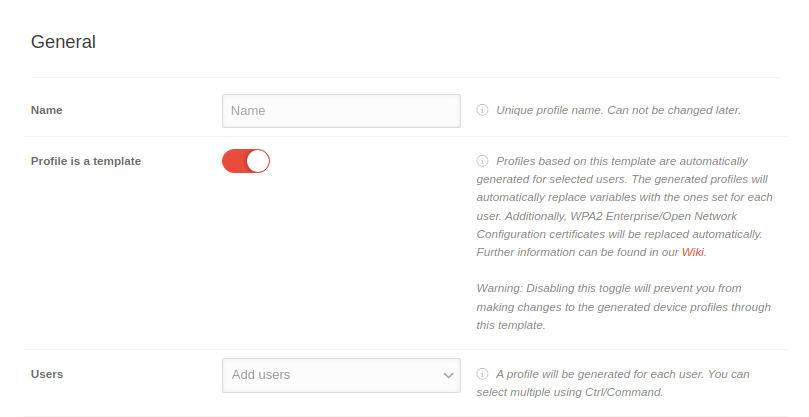 MS 2.8 Android Profile Allgemein Vorlage-en.png 809 × 417; 35 KB
-
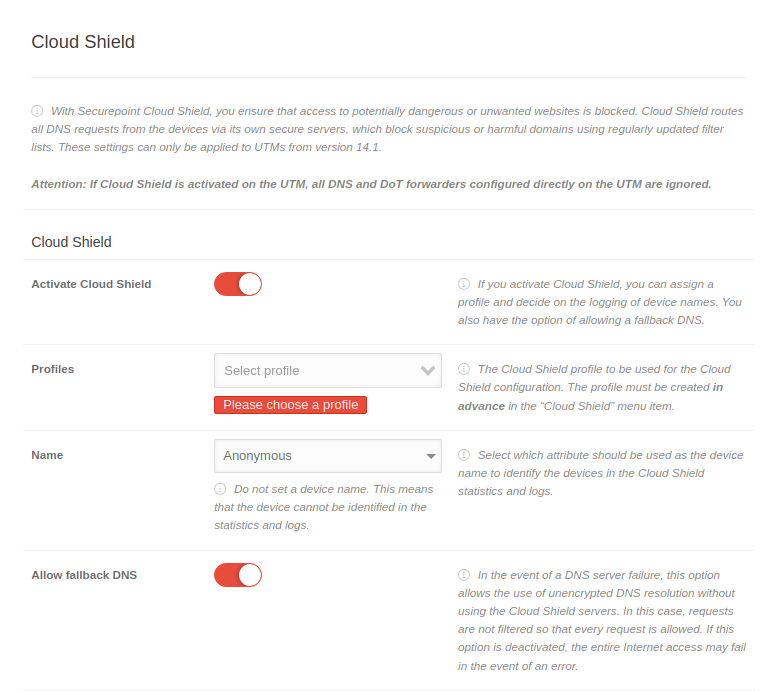 USC 2.7 UTM-Profile Cloud-Shield-en.png 777 × 691; 71 KB
-
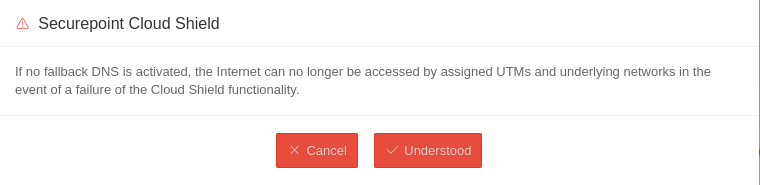 USC 2.7 UTM-Profile Cloud-Shield Fallback-DNS-deaktiviert-en.png 760 × 185; 16 KB
-
 USC 2.8 Windows Clients Uebersicht.png 1.008 × 1.579; 188 KB
-
 USC 2.8 Windows Clients Uebersicht-en.png 1.008 × 1.604; 185 KB
-
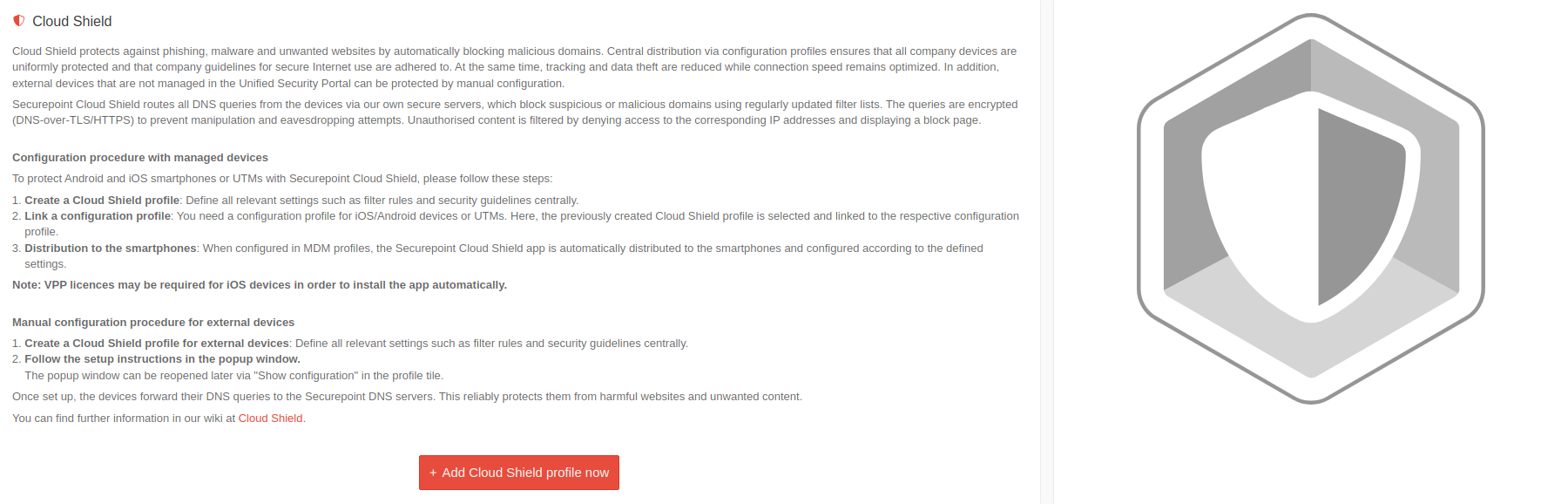 USC 2.7 Cloud Shield Profile Einleitung-en.png 1.800 × 578; 125 KB
-
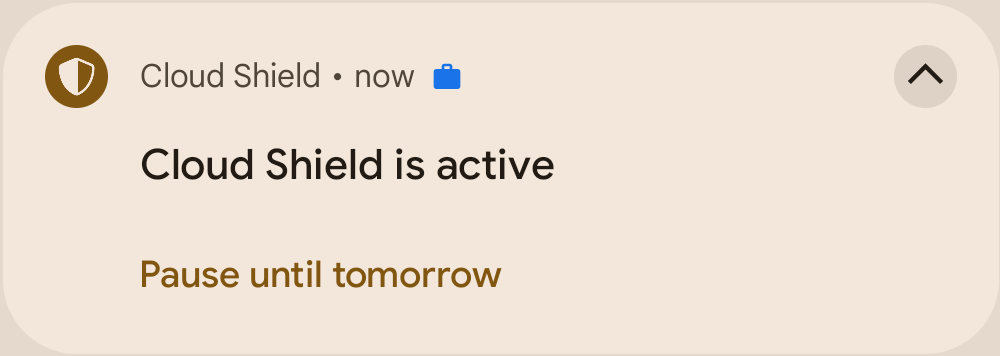 MS 1.3 Android Cloud Shield-App Benachrichtigung-en.PNG 1.000 × 356; 25 KB
-
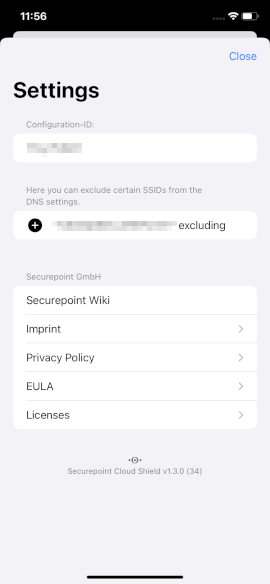 MS 1.3 iOS Cloud Shield-App externMDM Einstellungen-en.PNG 270 × 584; 21 KB
-
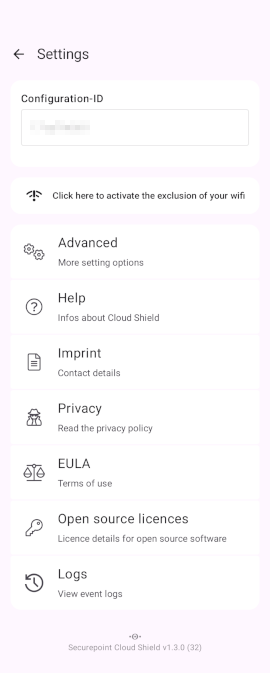 MS 1.3 Android Cloud Shield-App externMDM Einstellungen-en.PNG 270 × 673; 39 KB
-
 TI-Proxy Status Implizite Regeln-en.png 780 × 62; 5 KB
-
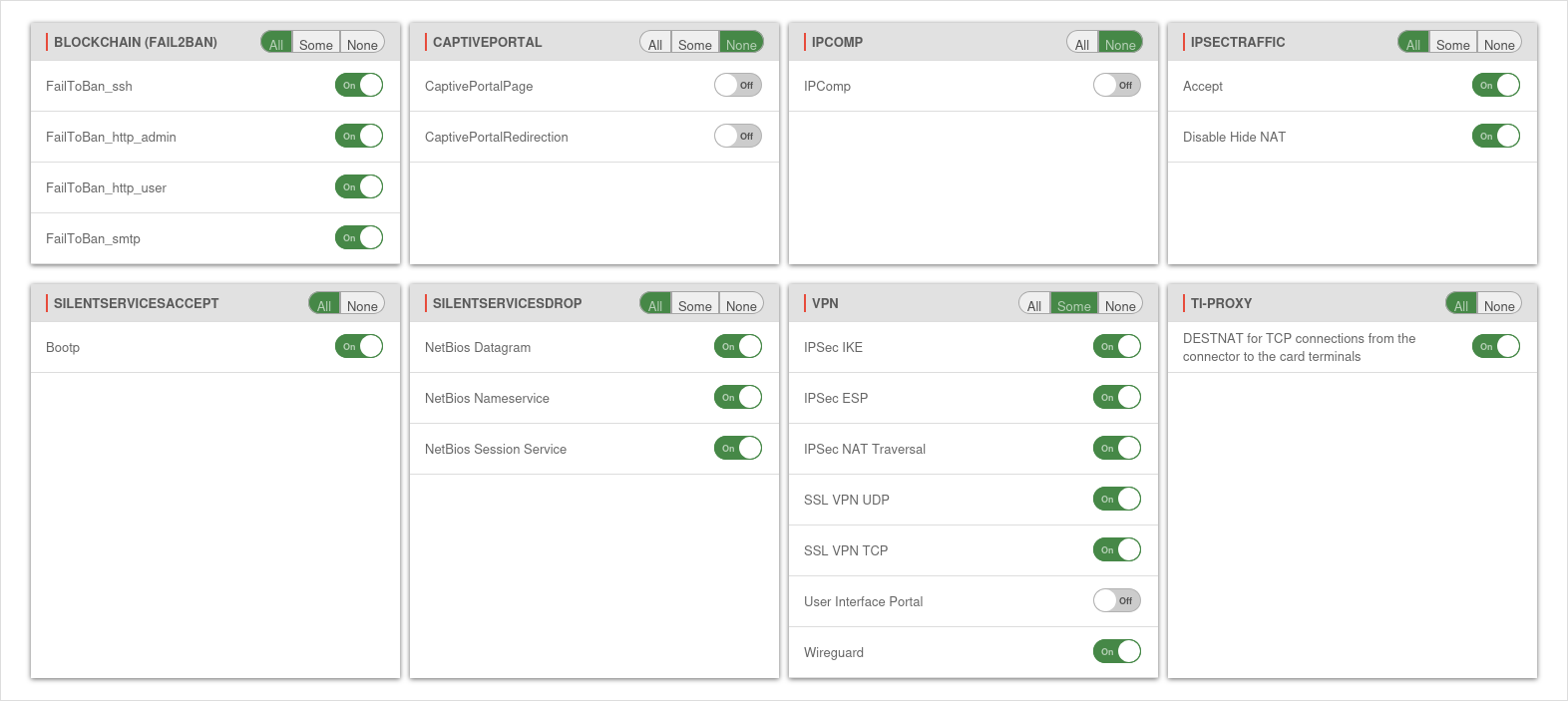 UTM v14.0.8.2 Firewall Implizite-Regeln-en.png 1.572 × 703; 102 KB
-
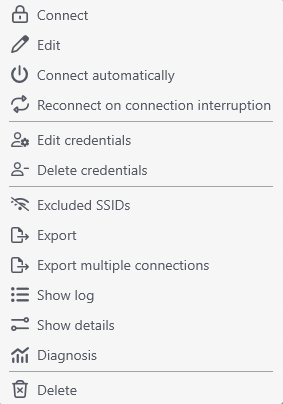 VPN-Client 3.2 OTP Verbindungen Kontextmenu-SSLVPN-en.png 283 × 404; 15 KB
-
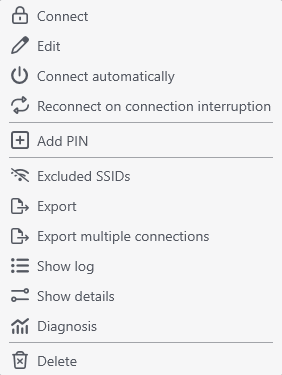 VPN-Client 3.2 OTP Verbindungen Kontextmenu-WireGuard-en.png 282 × 375; 13 KB
-
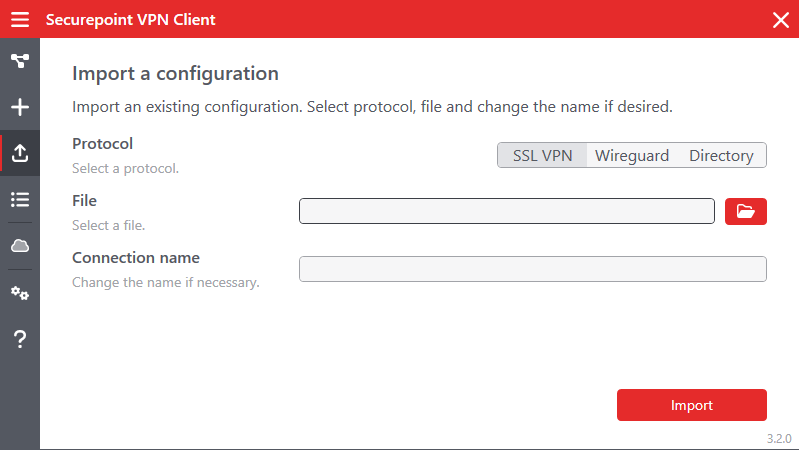 VPN-Client v3.2 Import-en.png 799 × 450; 28 KB
-
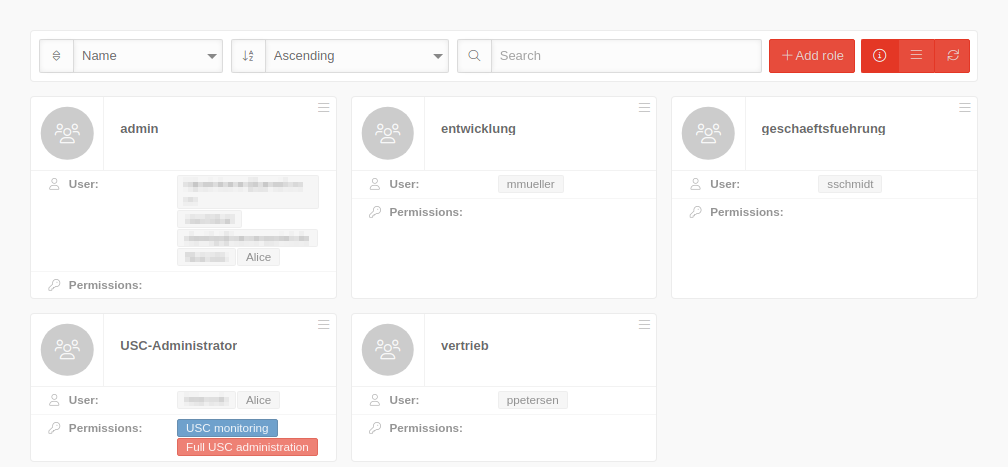 USP 2.8 Allgemein Rollen-en.png 1.008 × 467; 38 KB


