Bitte beachte, dass andere Webseiten eine Datei mit einer direkten URL verlinken können. Diese könnte daher hier aufgelistet sein, obwohl diese in aktiver Verwendung ist.
Unten werden bis zu 50 Ergebnisse im Bereich 6.851 bis 6.900 angezeigt.
-
 CSW 1.0.0 Ausnahmen Hinzufuegen-en.png 798 × 449; 36 KB
-
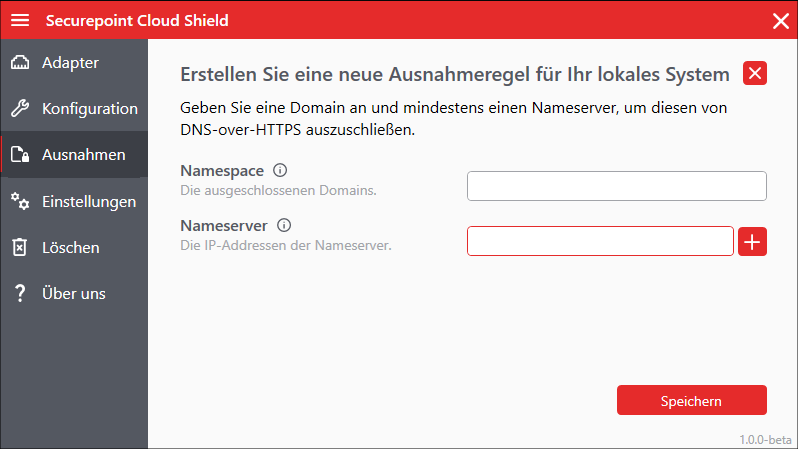 CSW 1.0.0 Ausnahmen Hinzufuegen.png 798 × 449; 40 KB
-
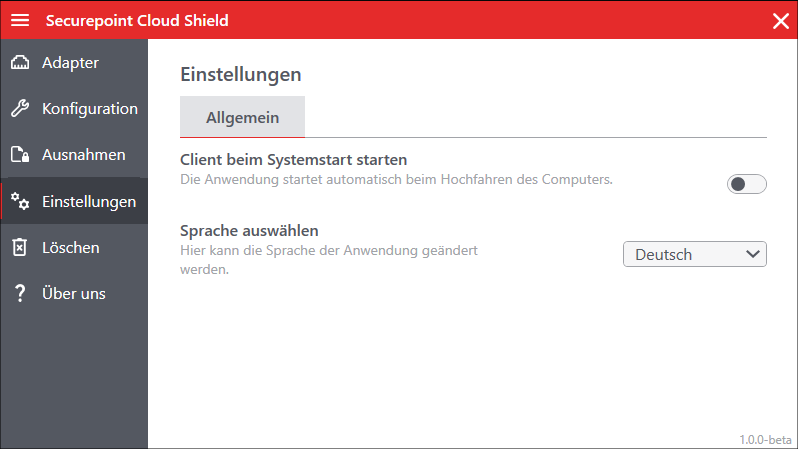 CSW 1.0.0 Einstellungen.png 798 × 449; 35 KB
-
 CSW 1.0.0 Einstellungen-en.png 798 × 449; 33 KB
-
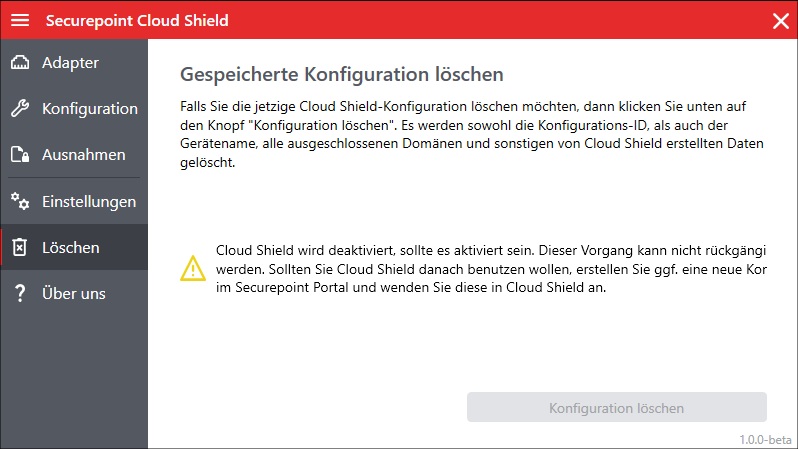 CSW 1.0.0 Konfiguration loeschen.png 798 × 449; 43 KB
-
 CSW 1.0.0 Adapter aktiviert-en.png 798 × 449; 38 KB
-
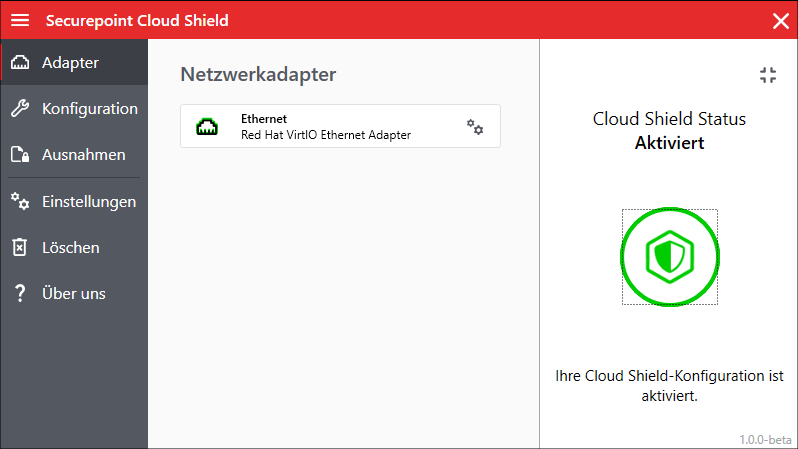 CSW 1.0.0 Adapter aktiviert.png 798 × 449; 38 KB
-
 CSW 1.0.0 Konfiguration loeschen-en.png 798 × 449; 39 KB
-
 CSW 1.0.0 Ausnahmen-en.png 799 × 448; 36 KB
-
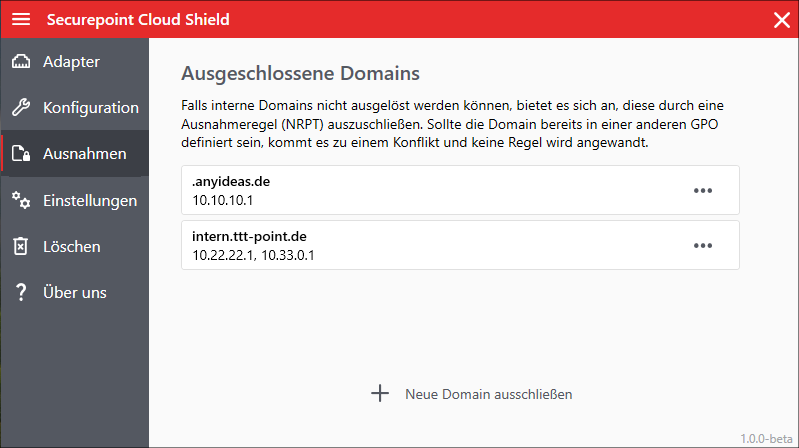 CSW 1.0.0 Ausnahmen.png 799 × 448; 42 KB
-
 CSW 1.0.0 Adapter Einstellungen aktiviert-en.png 799 × 448; 47 KB
-
 CSW 1.0.0 Adapter Einstellungen-en.png 798 × 449; 34 KB
-
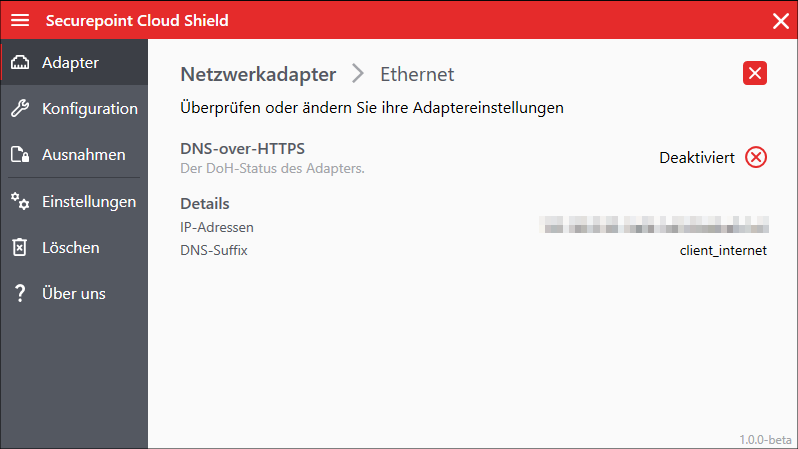 CSW 1.0.0 Adapter Einstellungen.png 798 × 449; 35 KB
-
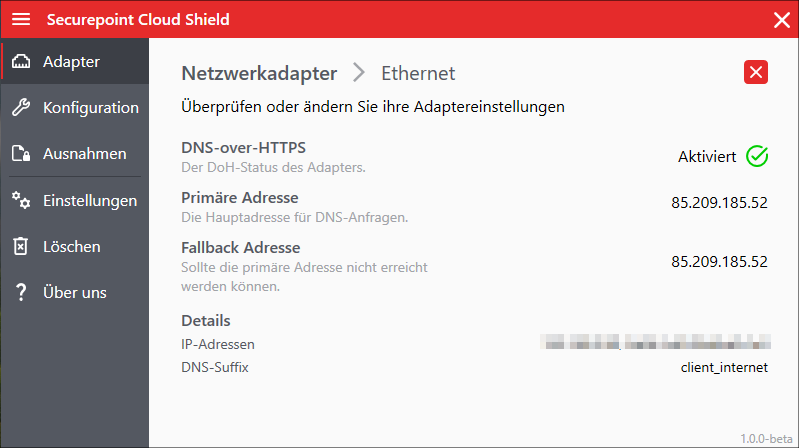 CSW 1.0.0 Adapter Einstellungen aktiviert.png 799 × 448; 50 KB
-
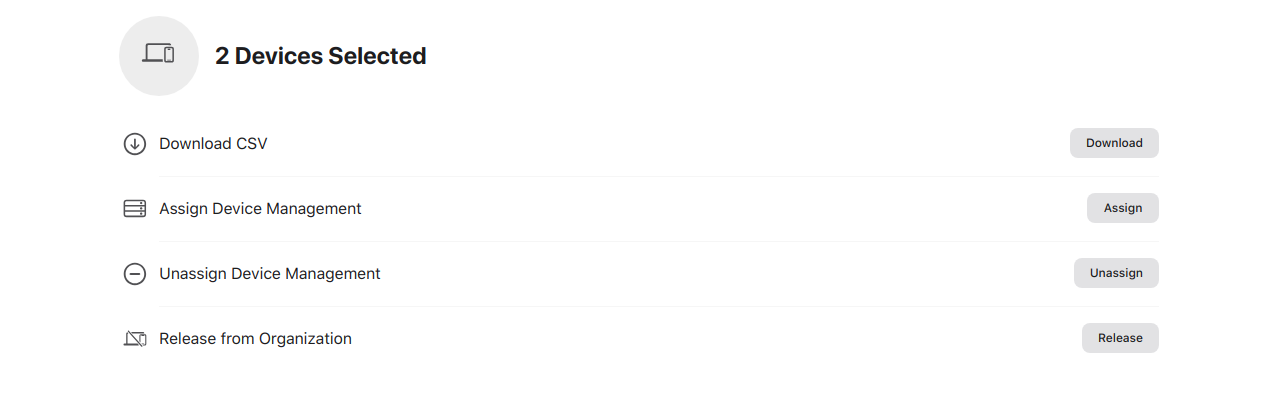 MS 2.10 iOS enrollment Migration Mehrere Schritt5-en.png 1.279 × 405; 28 KB
-
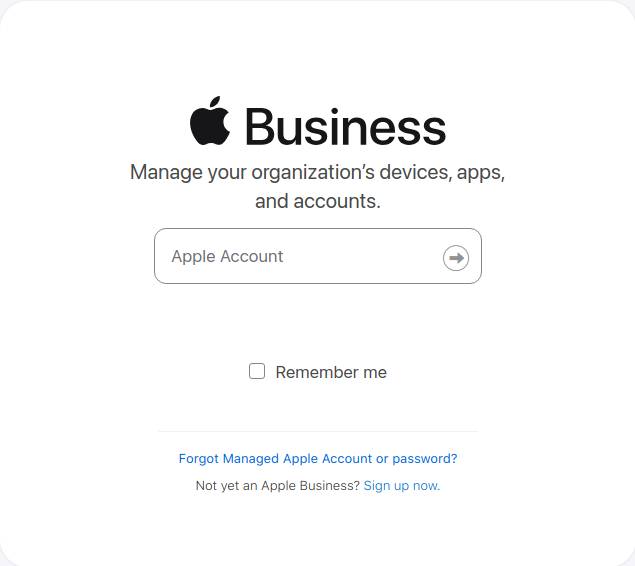 MS 2.10 iOS enrollment Migration Schritt1-en.png 635 × 566; 30 KB
-
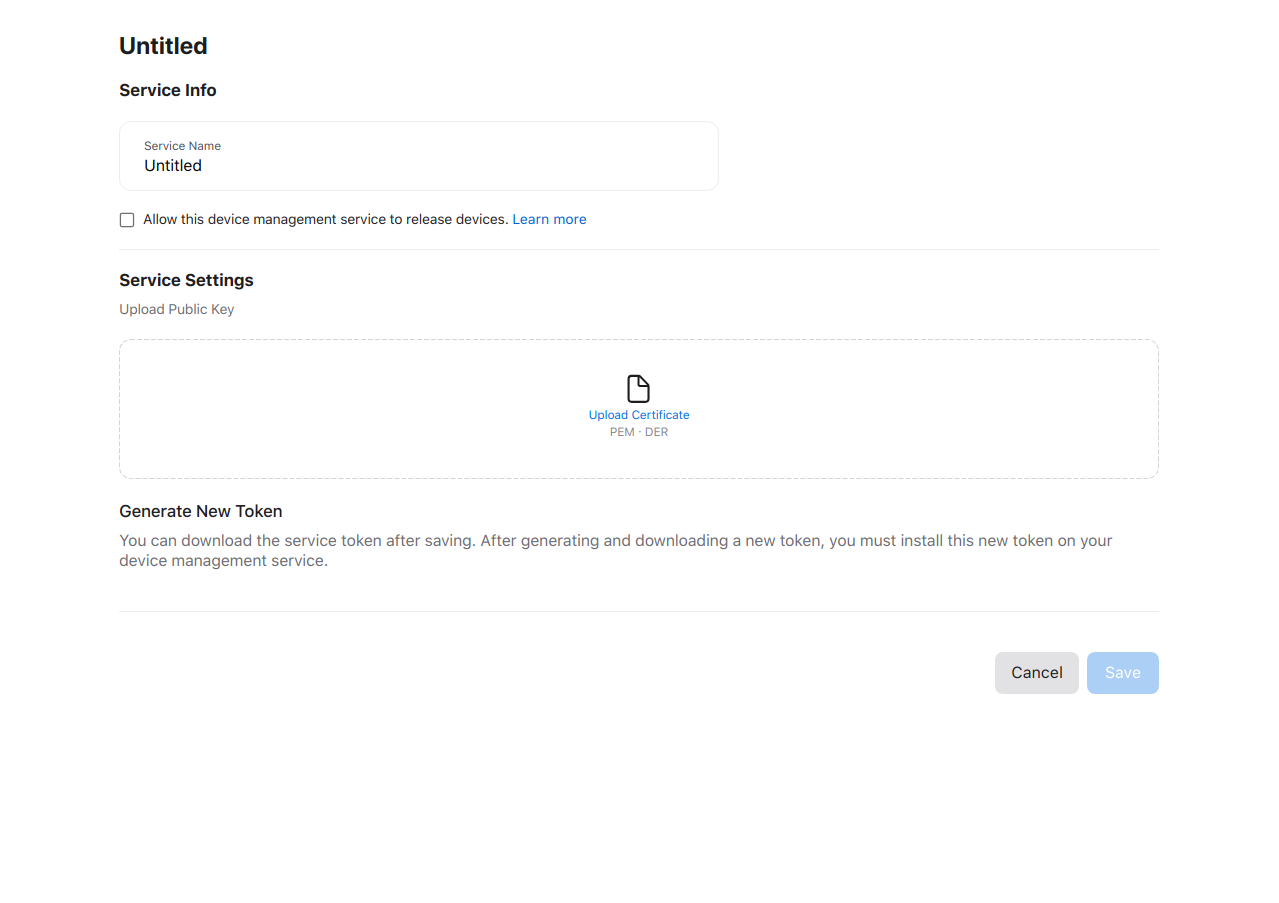 MS 2.10 iOS enrollment Migration Schritt2-en.png 1.279 × 903; 46 KB
-
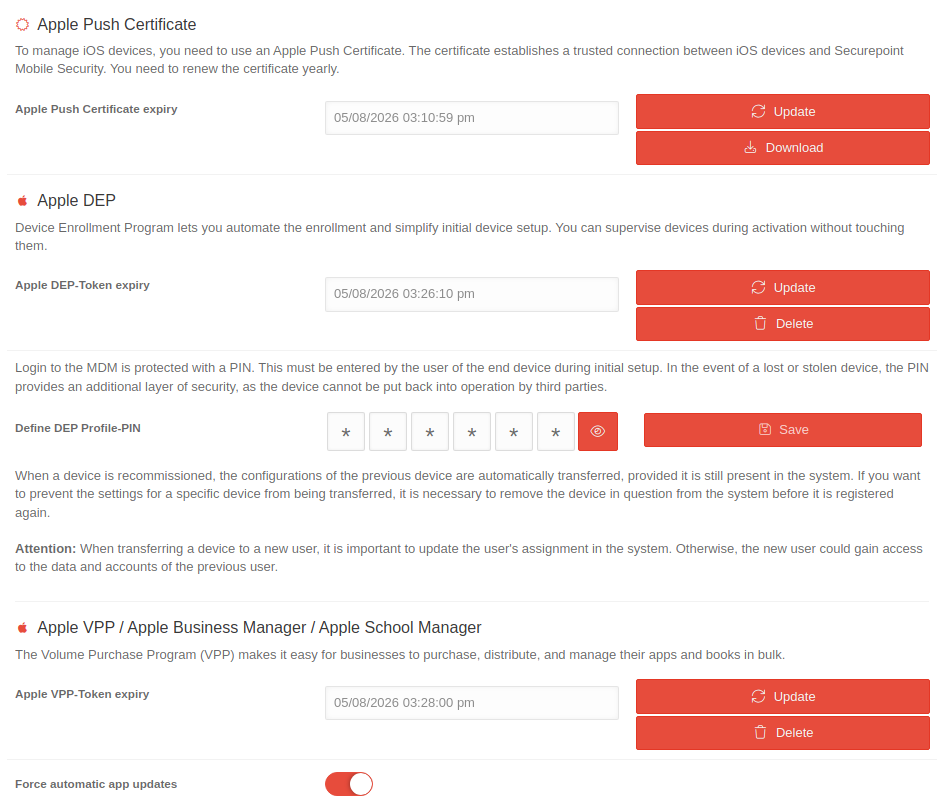 MS 2.10 iOS enrollment Migration Schritt4-en.png 944 × 808; 88 KB
-
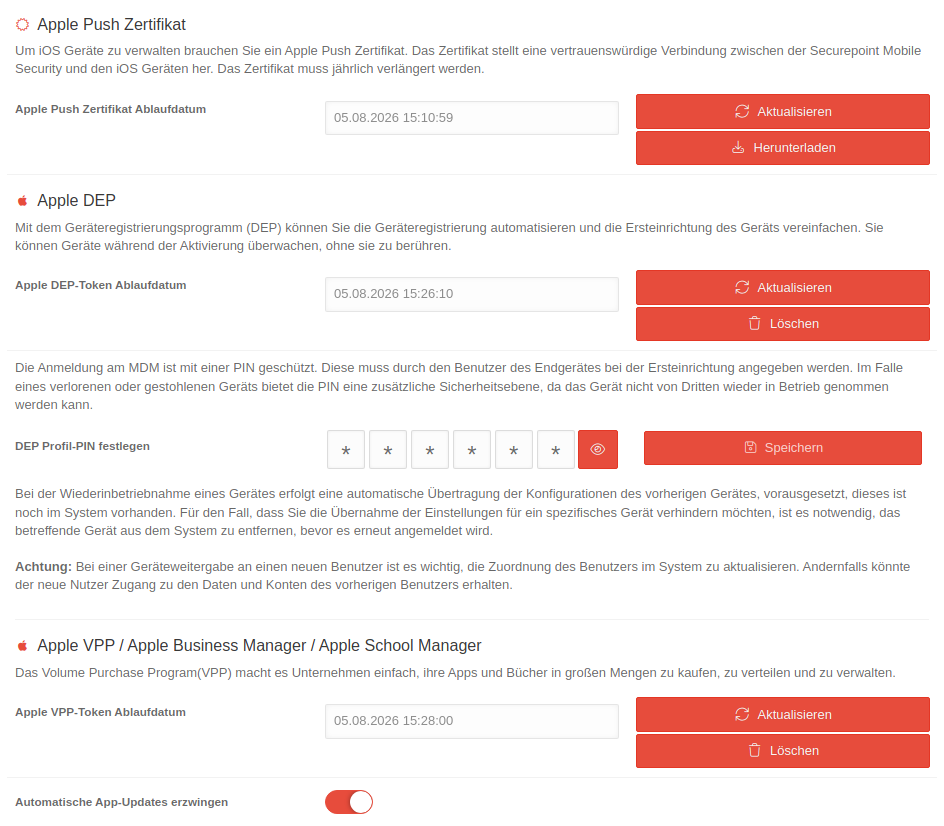 MS 2.10 iOS enrollment Migration Schritt4.png 944 × 826; 103 KB
-
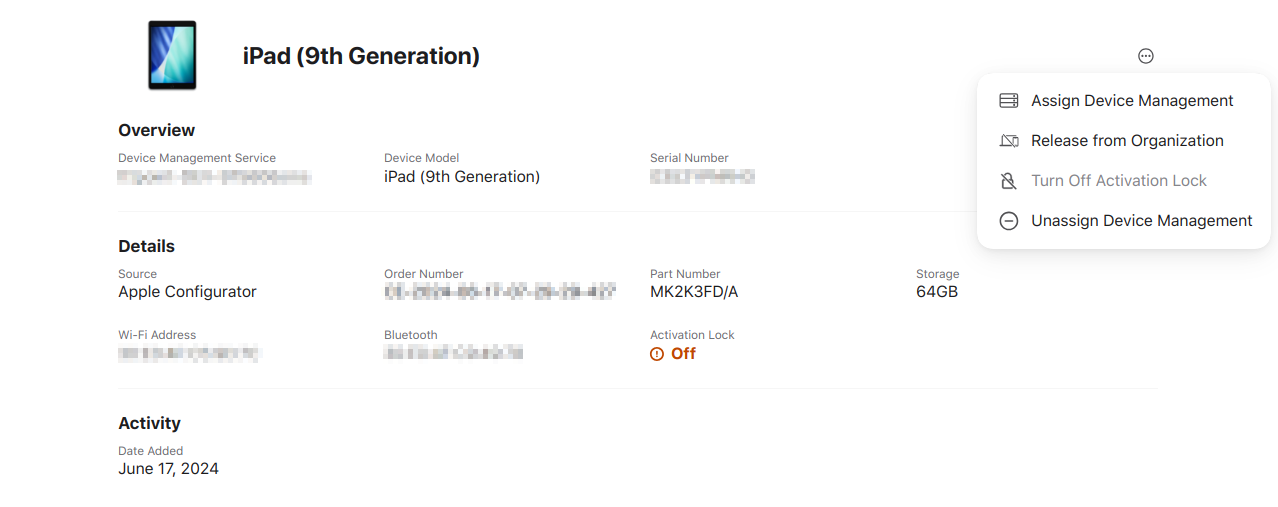 MS 2.10 iOS enrollment Migration Schritt5-en.png 1.278 × 507; 69 KB
-
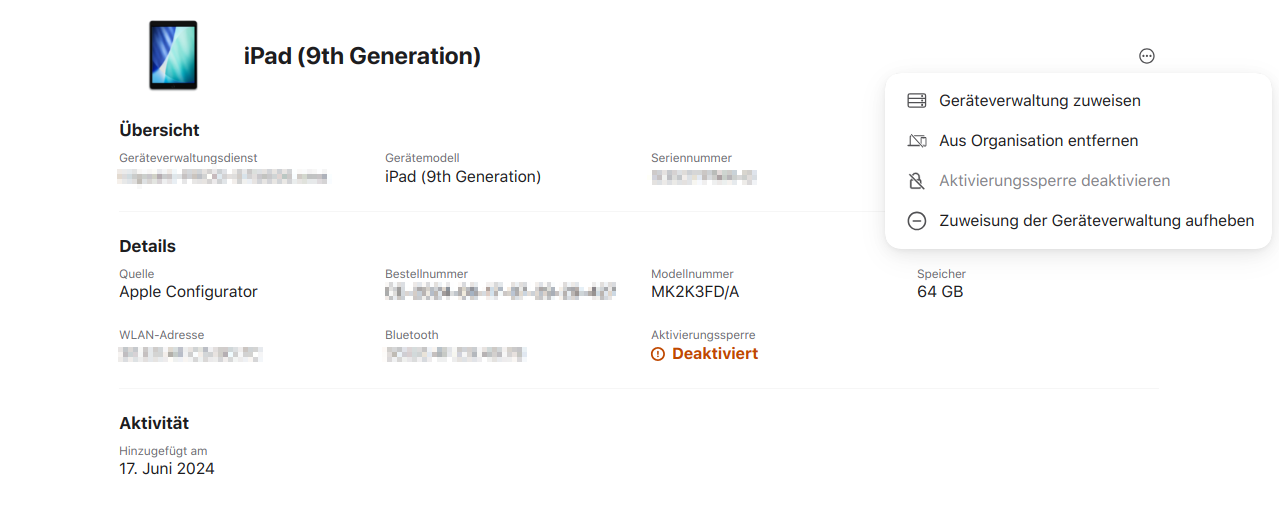 MS 2.10 iOS enrollment Migration Schritt5.png 1.279 × 507; 74 KB
-
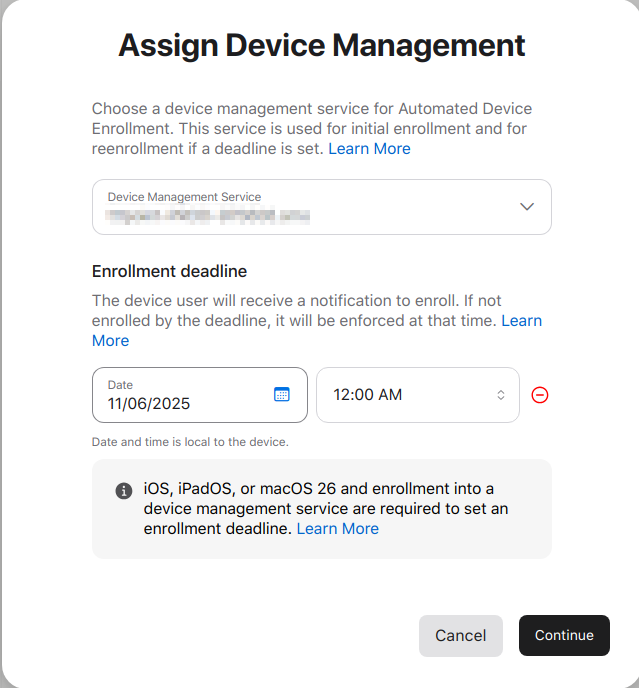 MS 2.10 iOS enrollment Migration Schritt6-en.png 639 × 688; 69 KB
-
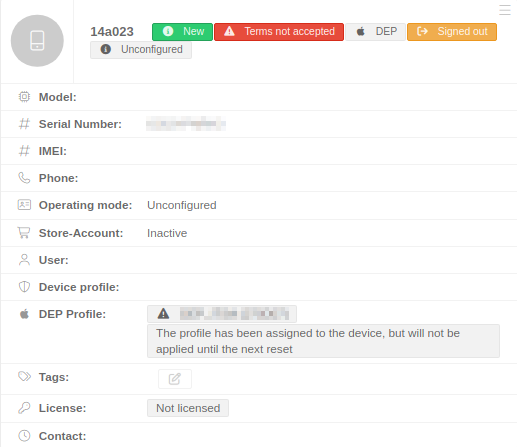 MS 2.10 iOS enrollment Migration Schritt7-en.png 517 × 447; 30 KB
-
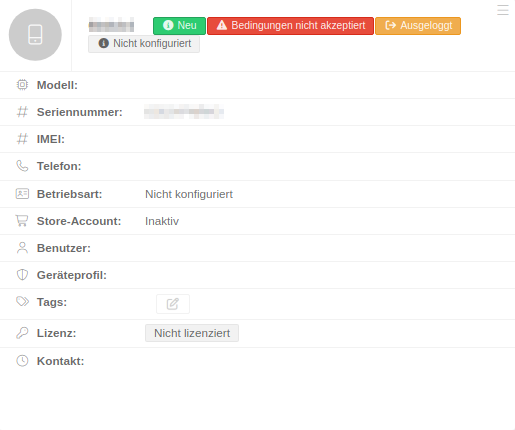 MS 2.10 iOS enrollment Migration Schritt7.png 515 × 430; 23 KB
-
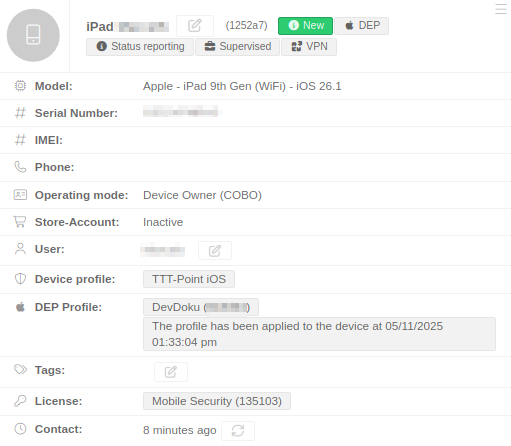 MS 2.10 iOS enrollment Migration Schritt8-en.png 511 × 446; 37 KB
-
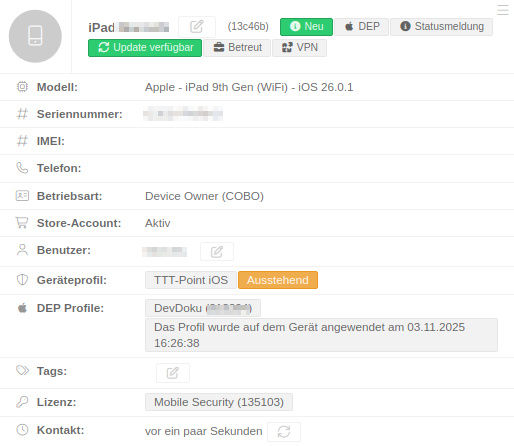 MS 2.10 iOS enrollment Migration Schritt8.png 514 × 446; 40 KB
-
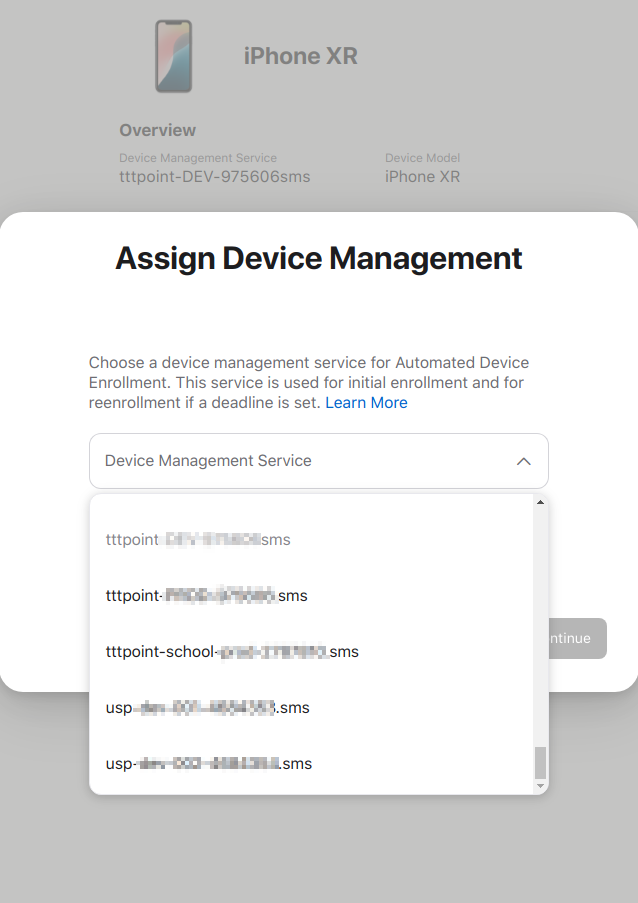 MS 2.10 iOS enrollment Tenantwechsel intern Schritt5-en.png 638 × 903; 70 KB
-
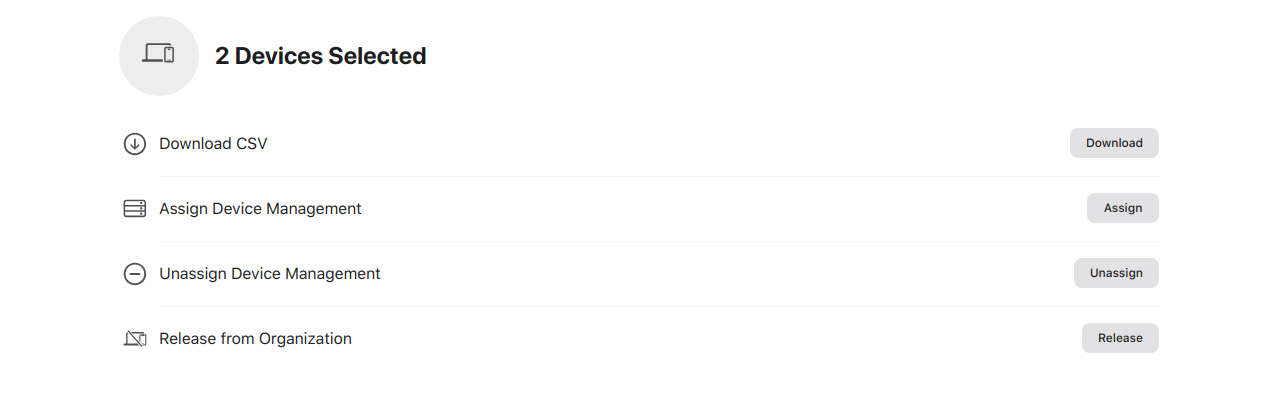 MS 2.10 iOS enrollment Tenantwechsel Mehrere Schritt2-en.png 1.279 × 405; 28 KB
-
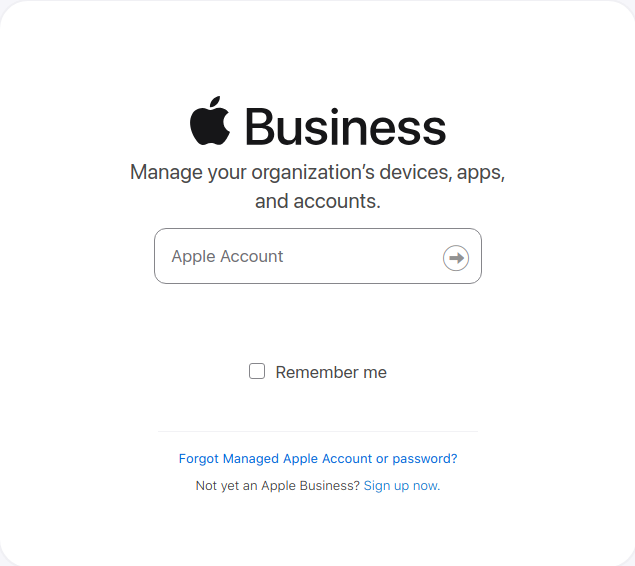 MS 2.10 iOS enrollment Tenantwechsel Schritt1-en.png 635 × 566; 30 KB
-
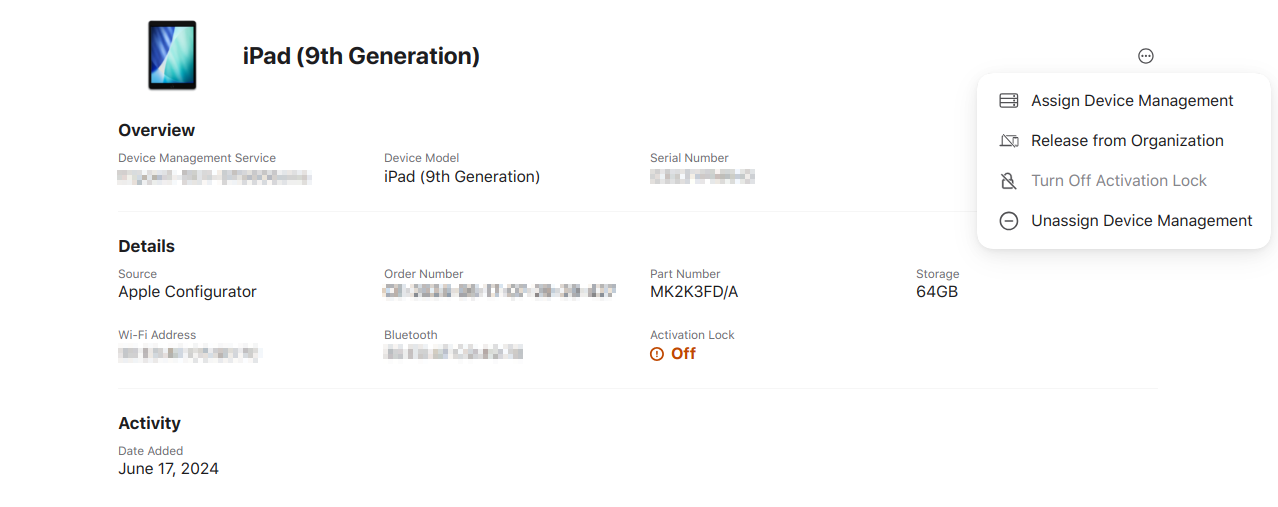 MS 2.10 iOS enrollment Tenantwechsel Schritt2-en.png 1.278 × 507; 69 KB
-
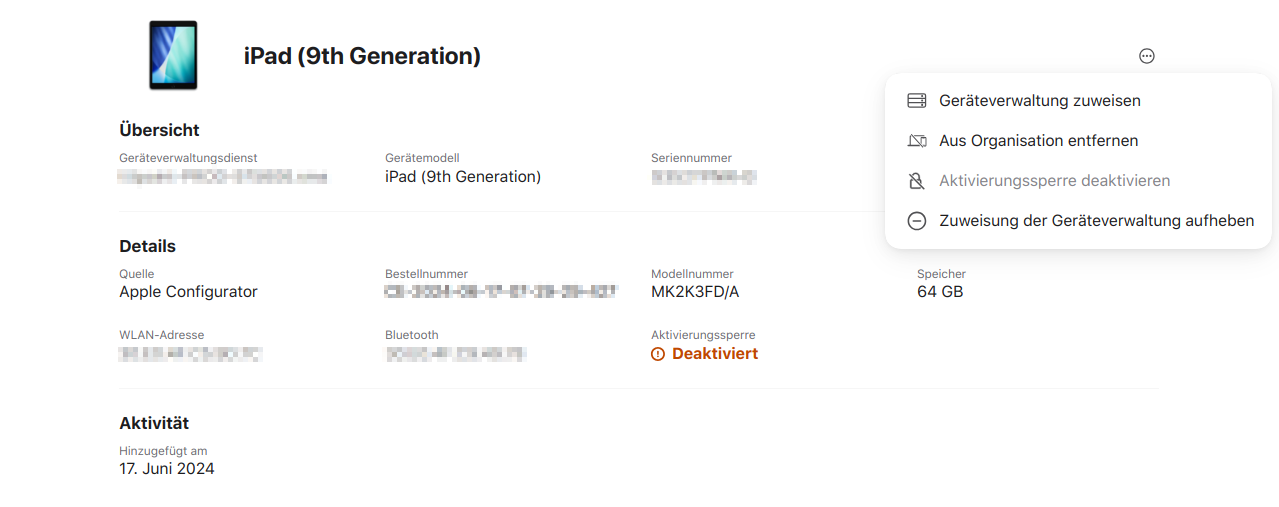 MS 2.10 iOS enrollment Tenantwechsel Schritt2.png 1.279 × 507; 74 KB
-
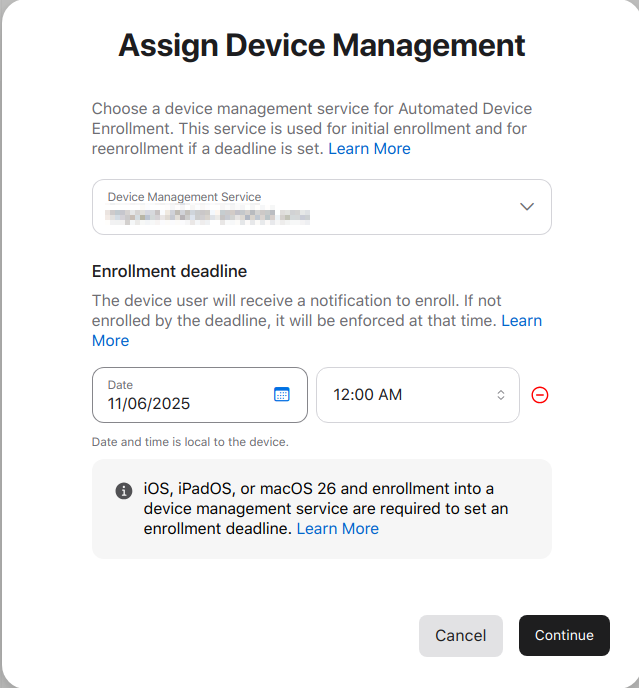 MS 2.10 iOS enrollment Tenantwechsel Schritt3-en.png 639 × 688; 69 KB
-
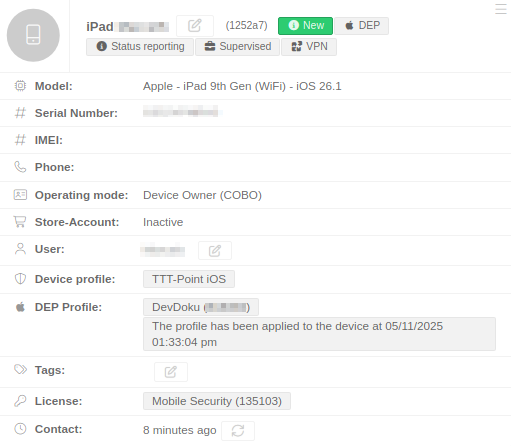 MS 2.10 iOS enrollment Tenantwechsel Schritt4-en.png 511 × 446; 37 KB
-
 MaS Import.svg 16 × 16; 254 Bytes
-
 MaS-Clipboard.svg 16 × 16; 425 Bytes
-
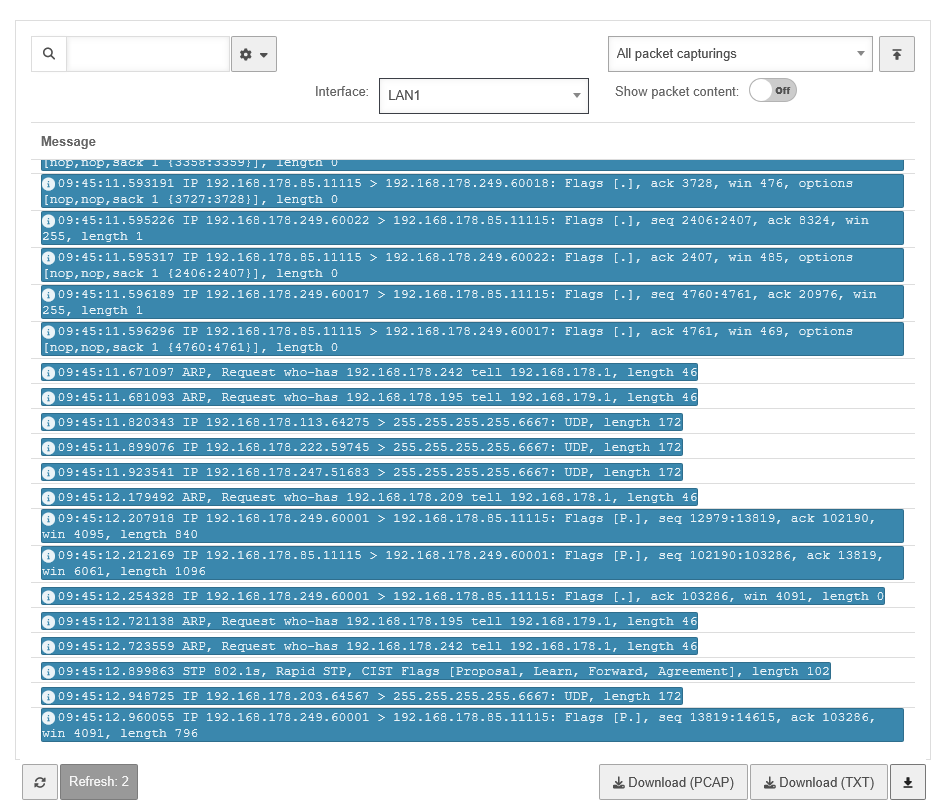 UTM v14.1.0 Paket-Mitschnitte Logs-en.png 884 × 730; 72 KB
-
 UTM v12.6 Webfilter Regel hinzufügen-en.png 651 × 144; 8 KB
-
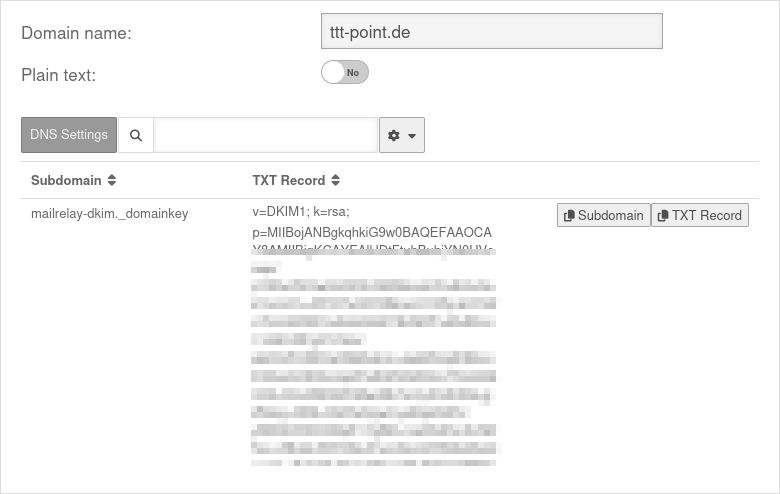 UTM v14.1.0 Mailrelay Signierung DNS-Einstellungen-en.png 850 × 538; 35 KB
-
 UTM v14.1.0 Mailrelay Relaying Domain hinzufügen-en.png 811 × 154; 10 KB
-
 UTM v14.1.1 TI-Proxy Status Implizite Regeln-en.png 850 × 66; 6 KB
-
 UTM v14.1.0 Mailrelay Domain hinzufügen-en.png 668 × 170; 11 KB
-
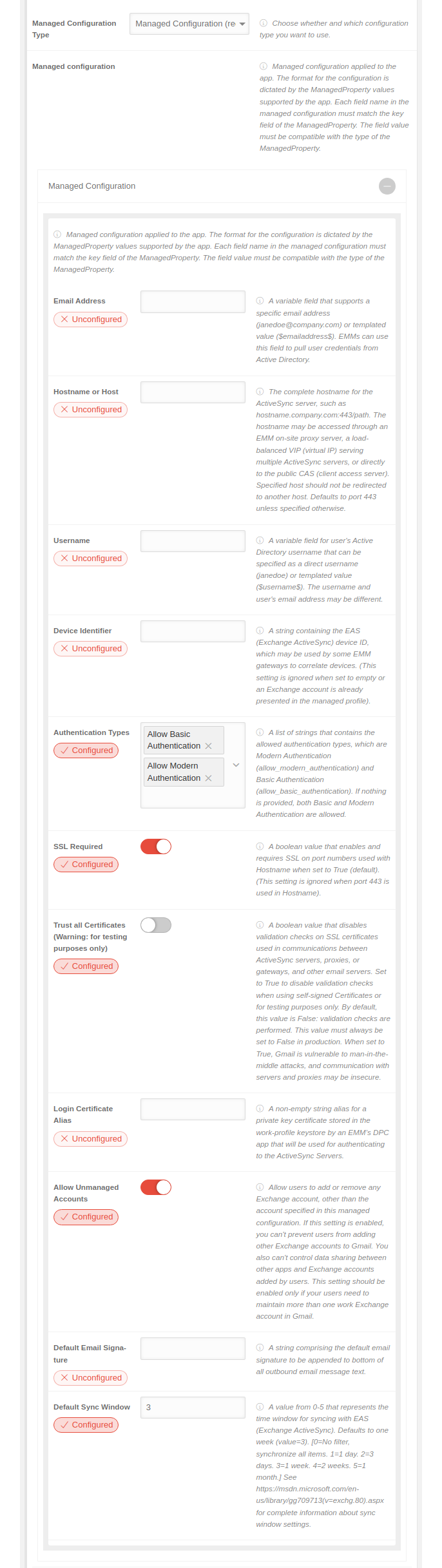 MS 2.12 Android Profile Anwendungen Verwaltete-Konfiguration-en.png 686 × 2.434; 283 KB
-
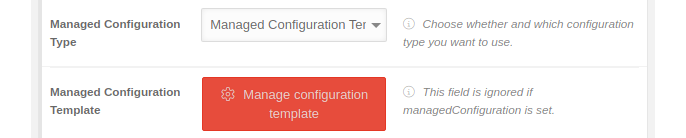
-
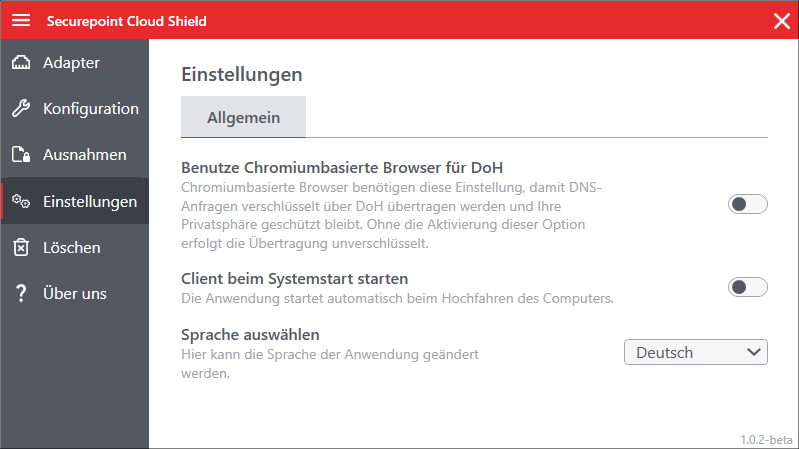 CSW 1.0.2 Einstellungen.png 799 × 449; 49 KB
-
 CSW 1.0.2 Einstellungen-en.png 799 × 449; 48 KB
-
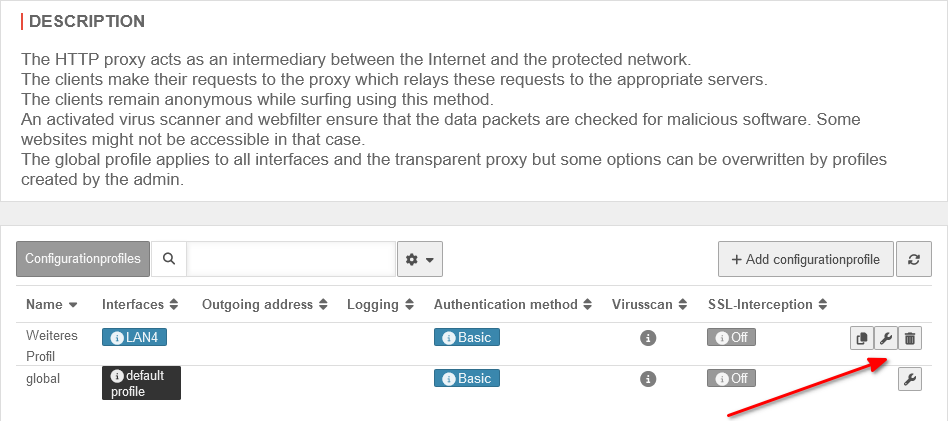 UTM 14.1.1 HTTP Proxy Profil bearbeiten-en.png 948 × 421; 45 KB
-
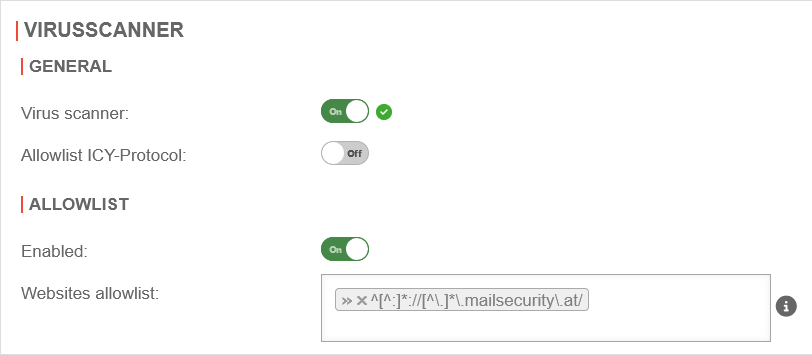 UTM v14.1.1 Anwendungen HTTP Proxy Virenscanner blanko-en.png 812 × 355; 20 KB
-
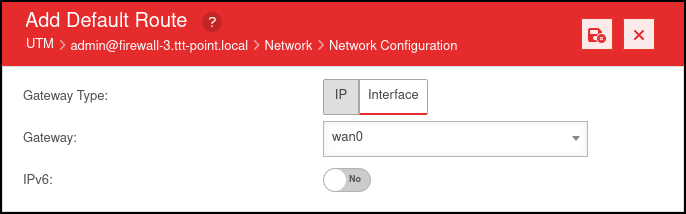 UTM v12.6 Fallback Routing Gateway-en.png 669 × 135; 8 KB
-
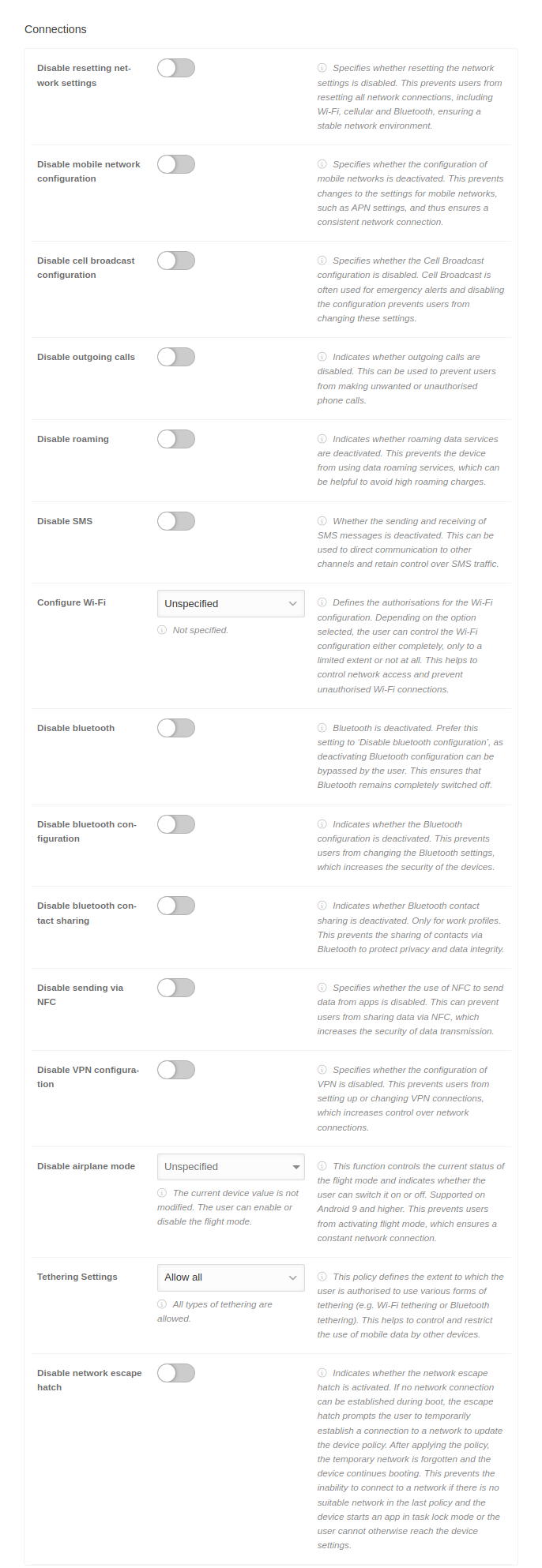 MS 2.13 Android Profile Einschraenkungen Verbindungen-en.png 686 × 1.986; 231 KB
-
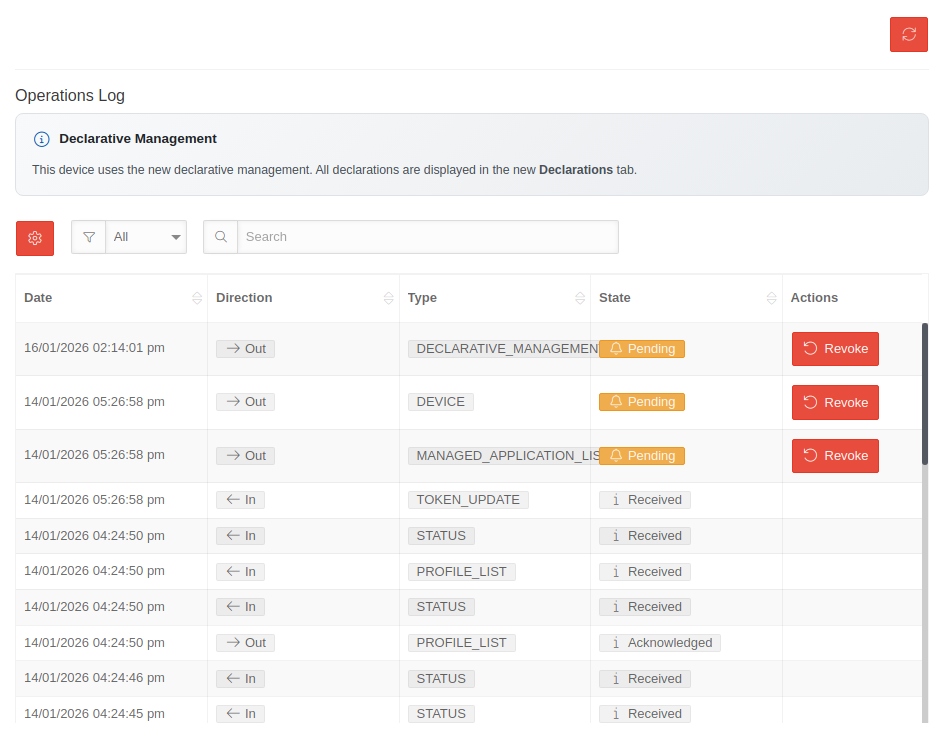 MS 2.13 Geräte Operationen-Log-en.png 944 × 738; 84 KB


