Unten werden bis zu 50 Ergebnisse im Bereich 7.251 bis 7.300 angezeigt.
-
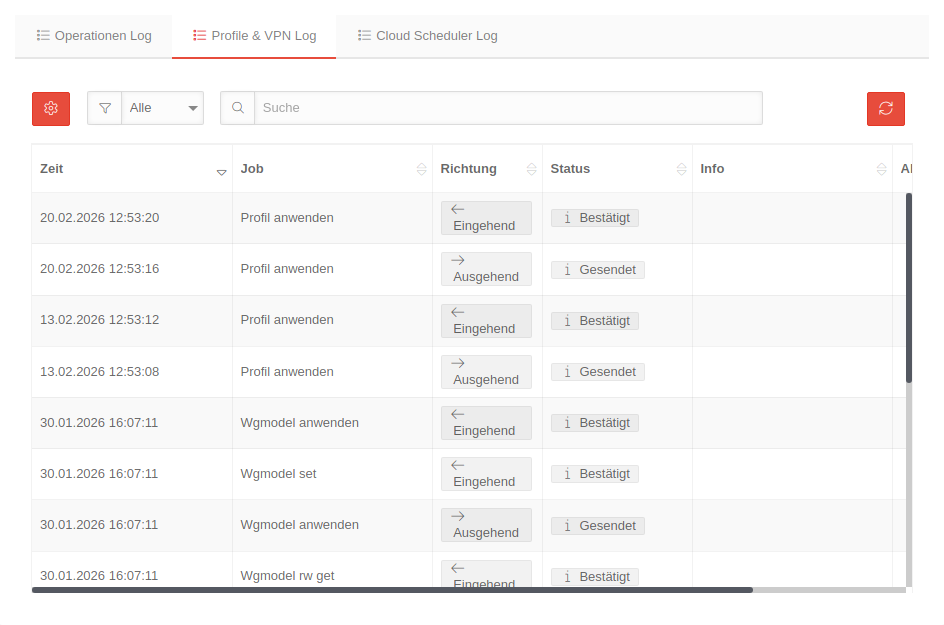 USC 2.14 UTMs Protokolle Profile&VPN-Log.png 944 × 625; 52 KB
-
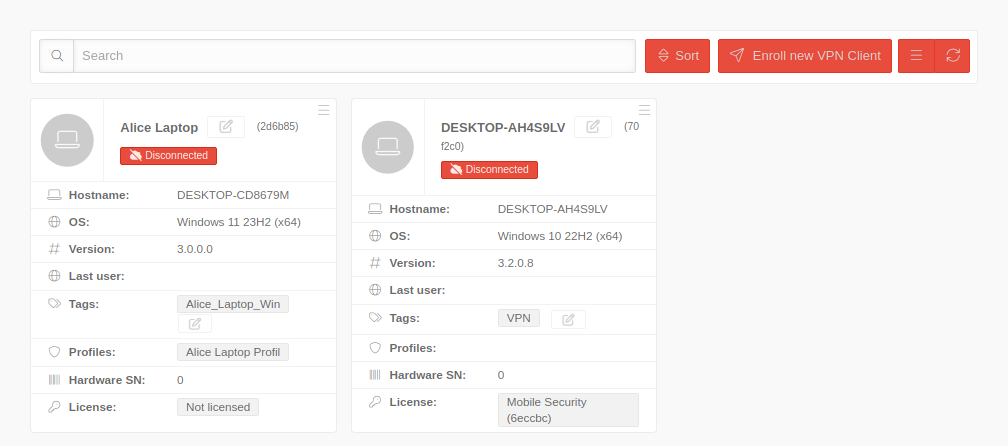 USC 2.14 Windows Clients Uebersicht-en.png 1.008 × 446; 44 KB
-
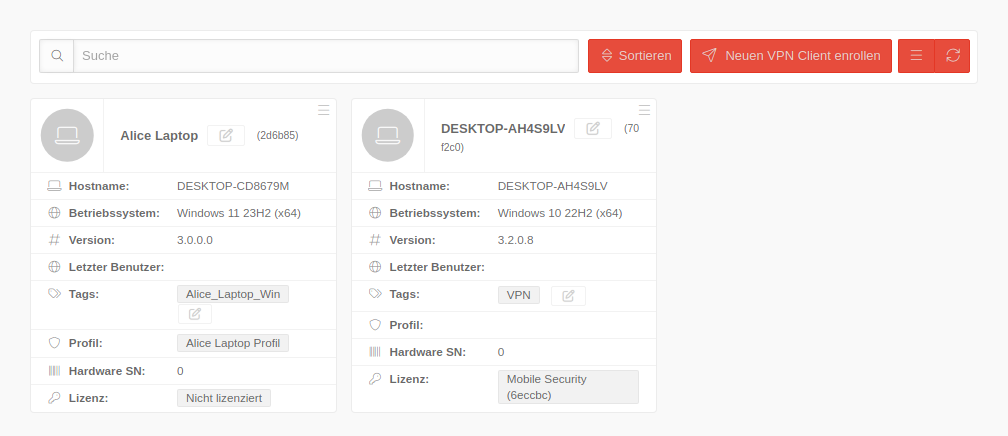 USC 2.14 Windows Clients Uebersicht.png 1.008 × 436; 42 KB
-
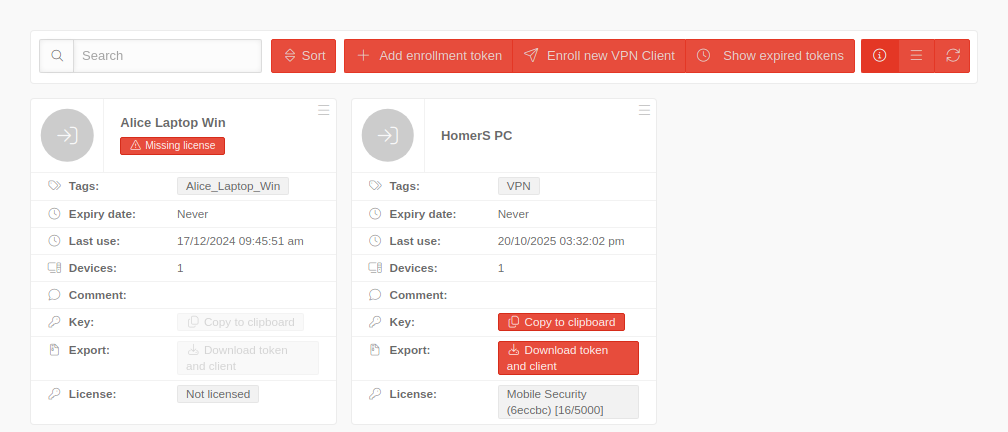 USC 2.14 Windows Enrollment Uebersicht-en.png 1.008 × 432; 46 KB
-
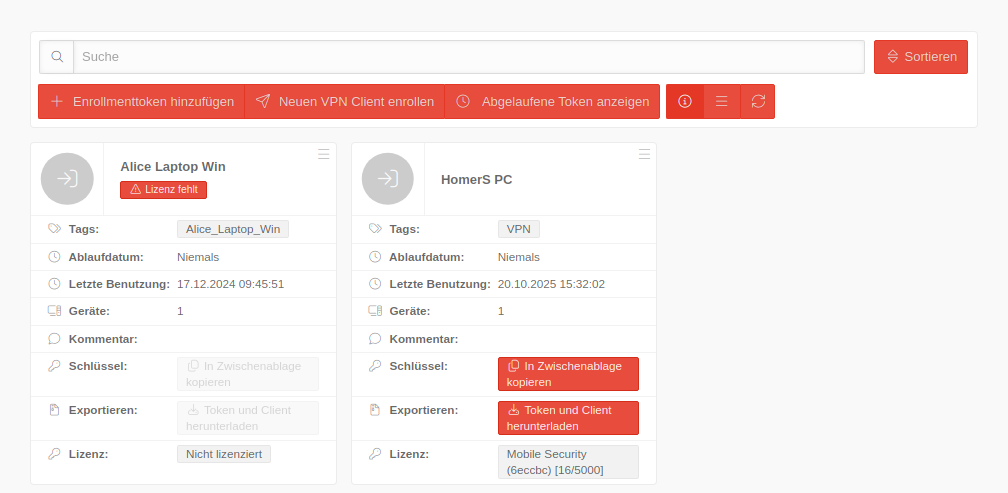 USC 2.14 Windows Enrollment Uebersicht.png 1.008 × 493; 50 KB
-
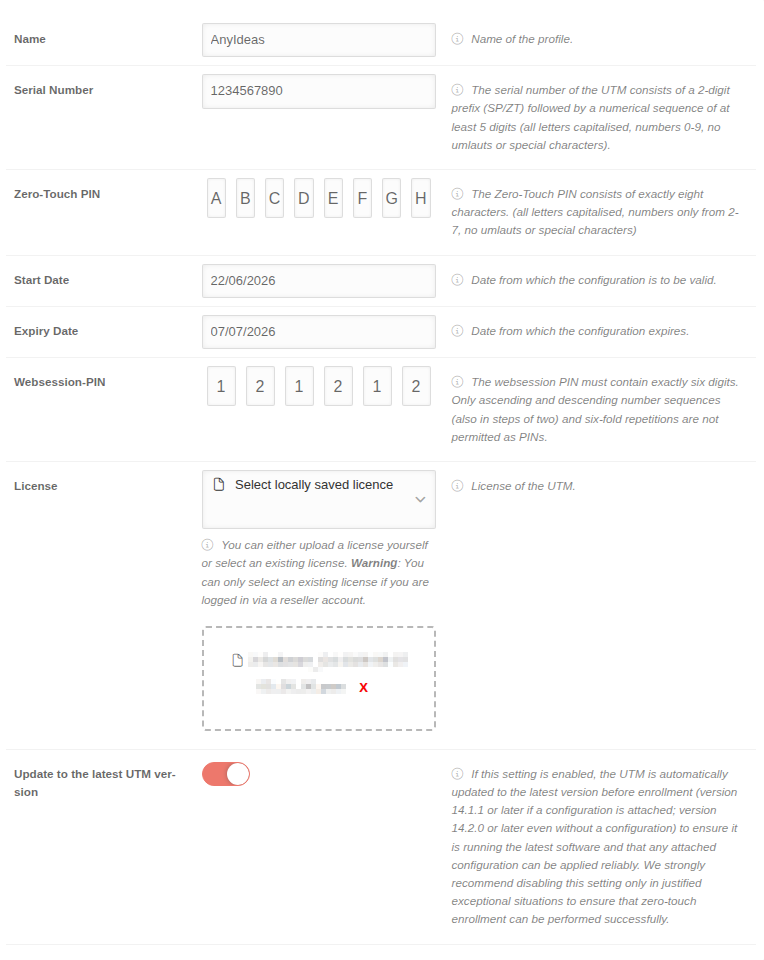 USC 2.18 UTM Zero-Touch Profil bearbeiten-en.png 764 × 960; 85 KB
-
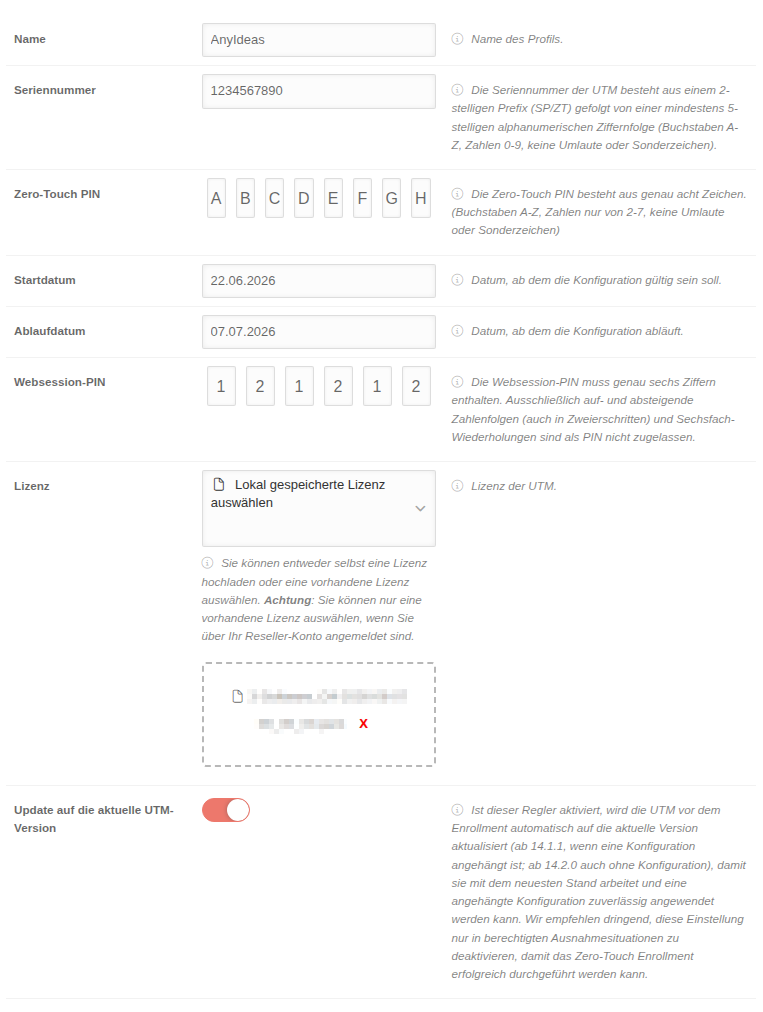 USC 2.18 UTM Zero-Touch Profil bearbeiten.png 763 × 1.012; 92 KB
-
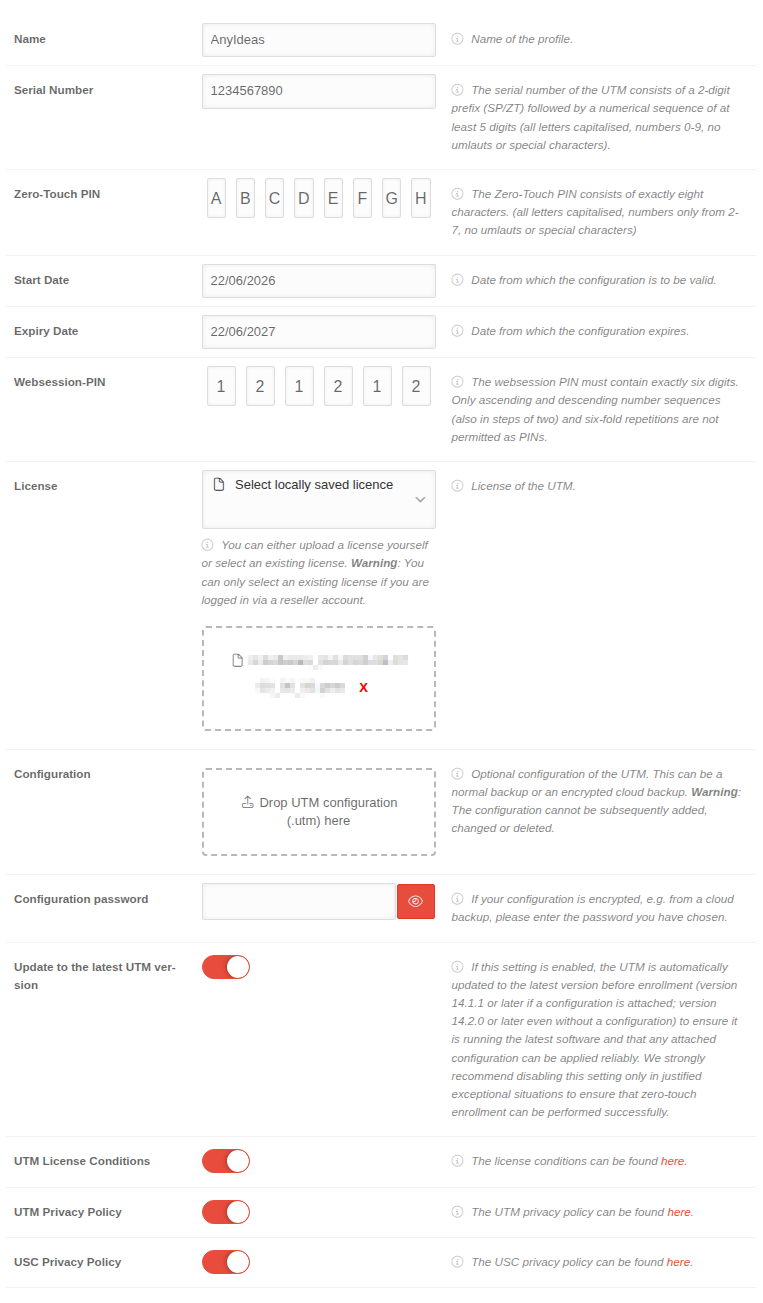 USC 2.18 UTM Zero-Touch Profil hinzufügen-en.png 763 × 1.303; 121 KB
-
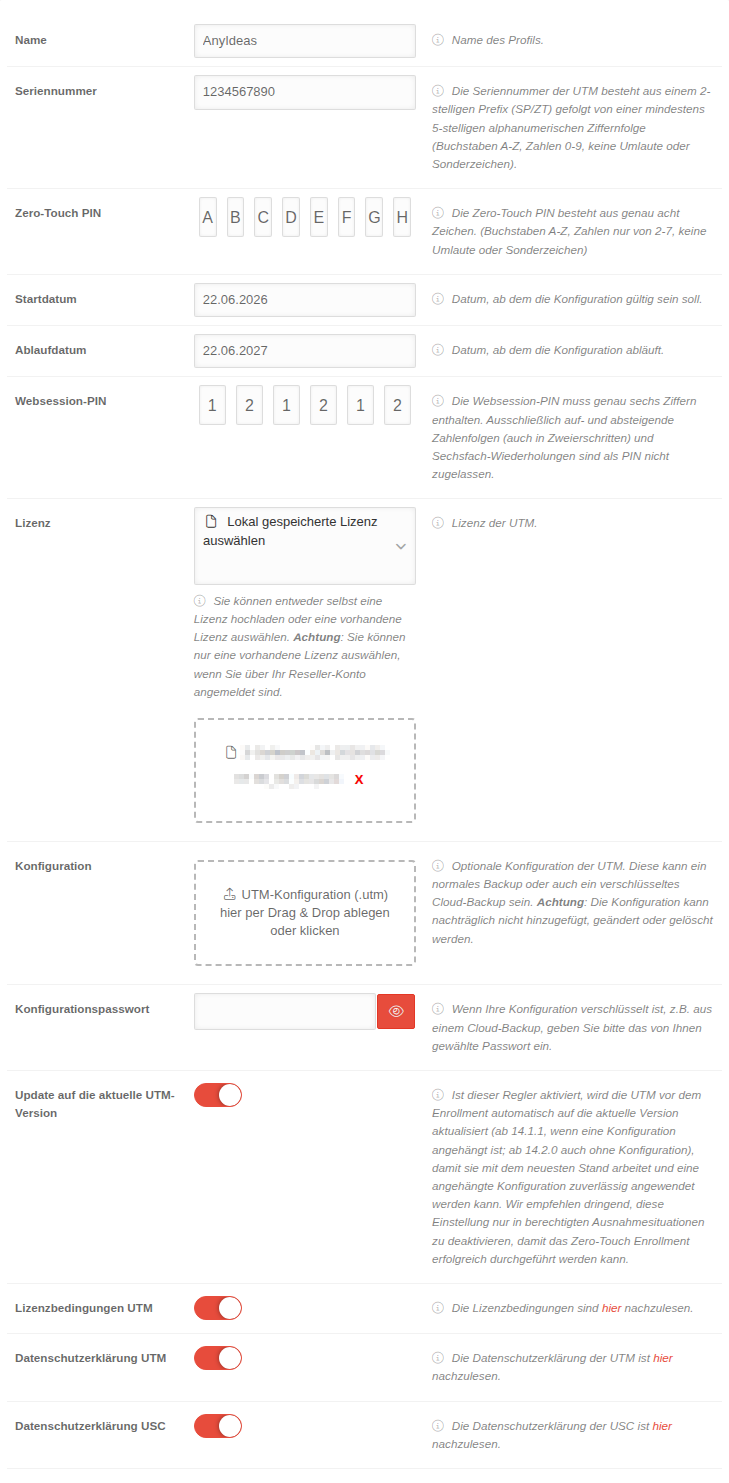 USC 2.18 UTM Zero-Touch Profil hinzufügen.png 729 × 1.483; 136 KB
-
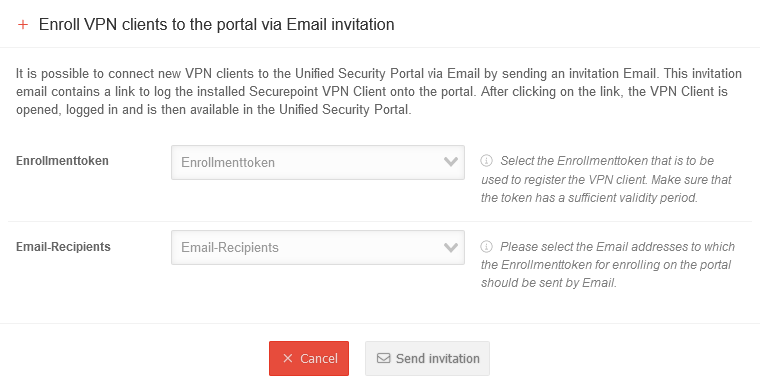 USC 2.1 Windows Clients Einladung senden-en.png 760 × 390; 32 KB
-
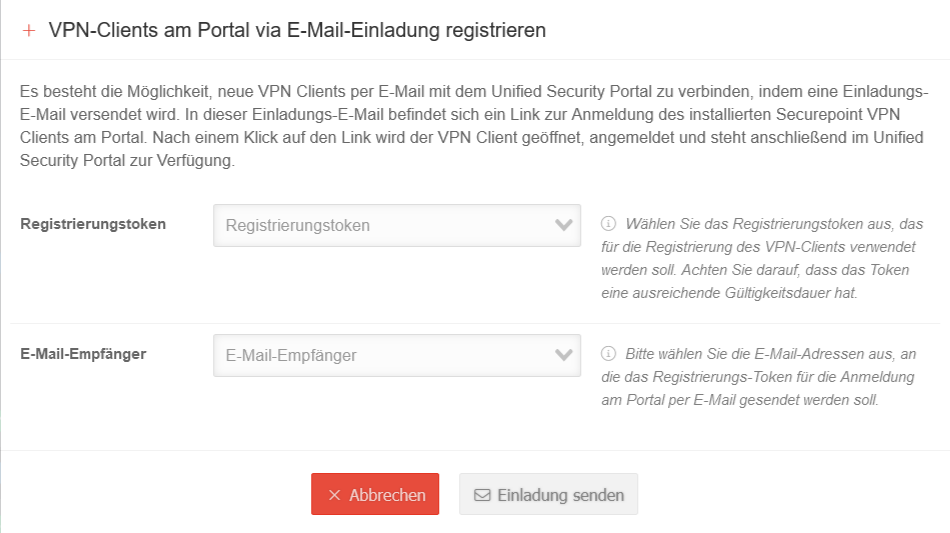 USC 2.1 Windows Clients Einladung senden.png 950 × 533; 64 KB
-
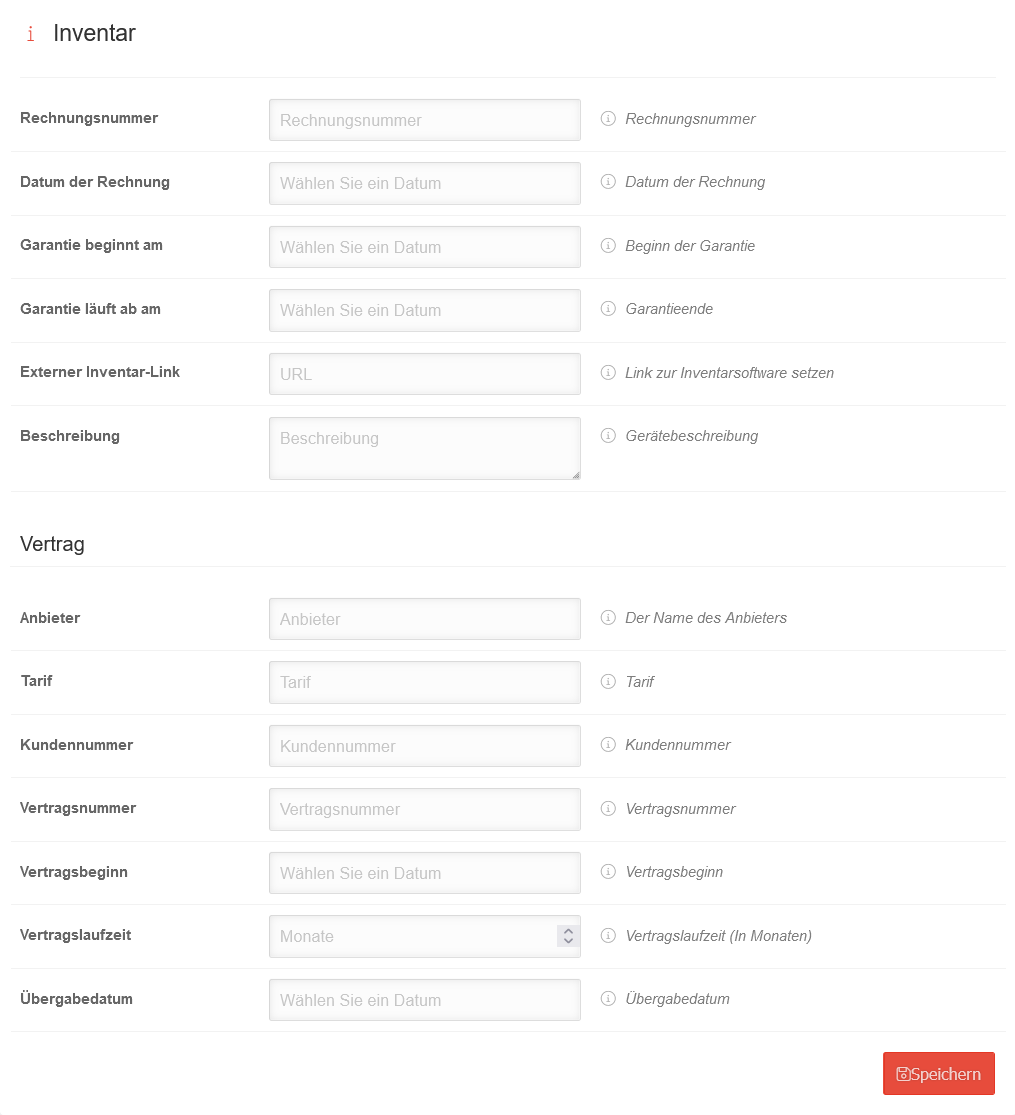 USC 2.1 Windows Clients Konfiguration Inventar.png 1.015 × 1.115; 78 KB
-
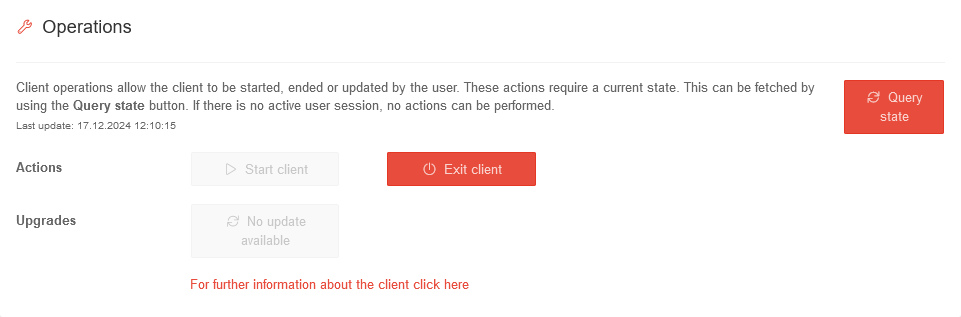 USC 2.1 Windows Clients Konfiguration Operationen-en.png 961 × 317; 22 KB
-
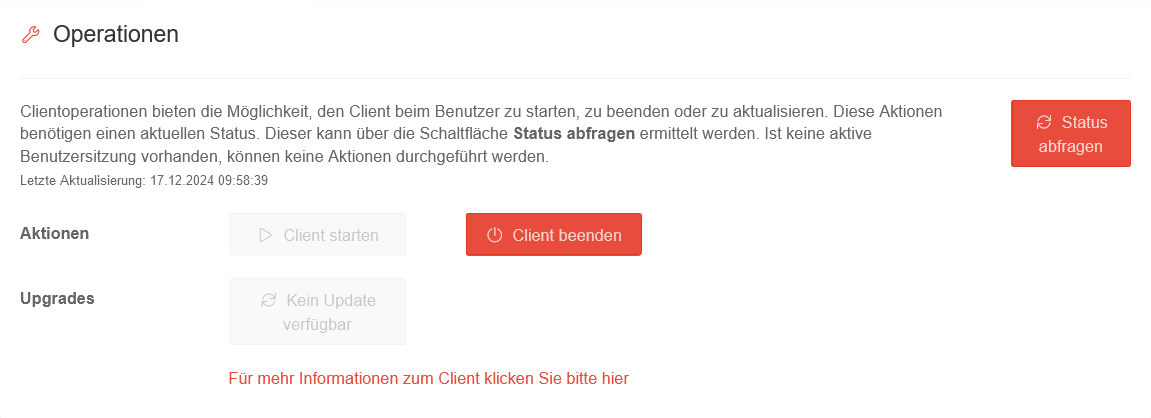 USC 2.1 Windows Clients Konfiguration Operationen.png 1.151 × 418; 36 KB
-
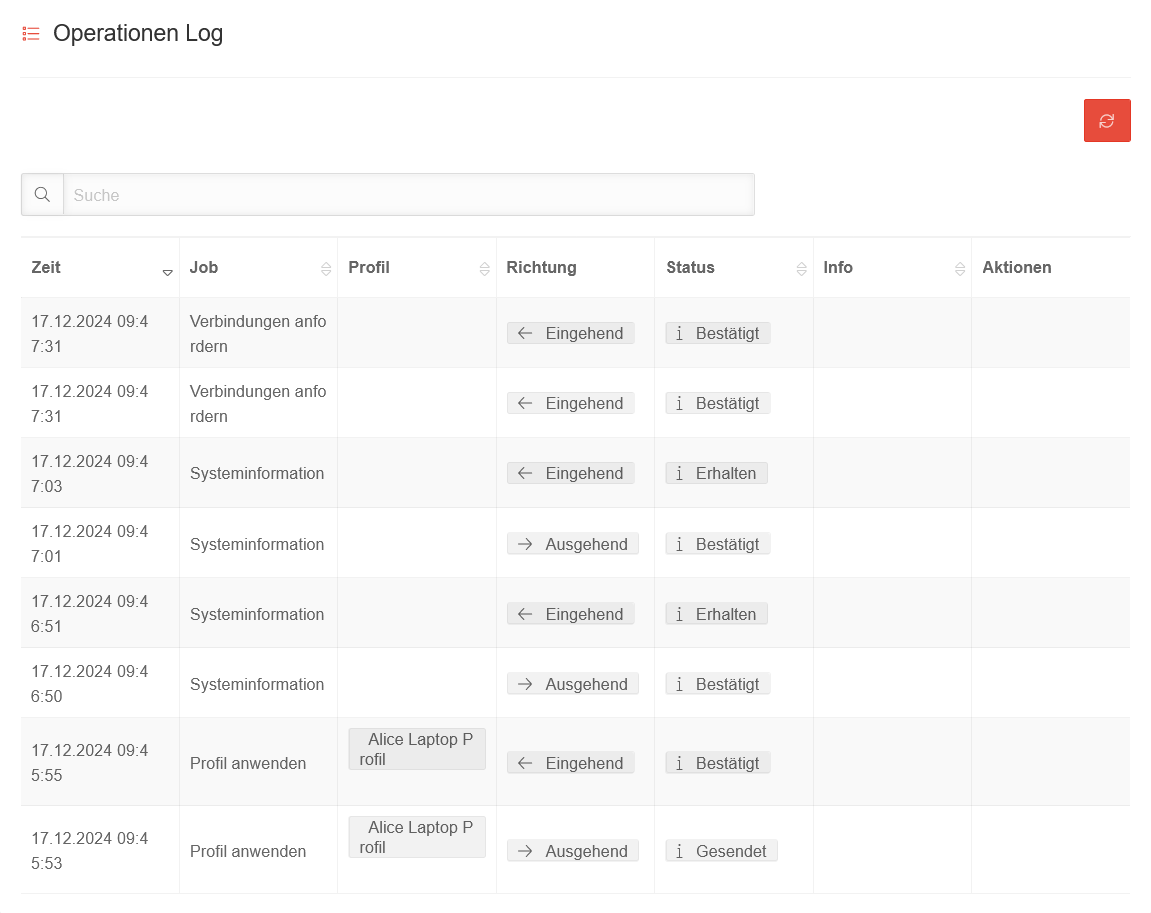 USC 2.1 Windows Clients Konfiguration Operationen Log.png 1.151 × 913; 76 KB
-
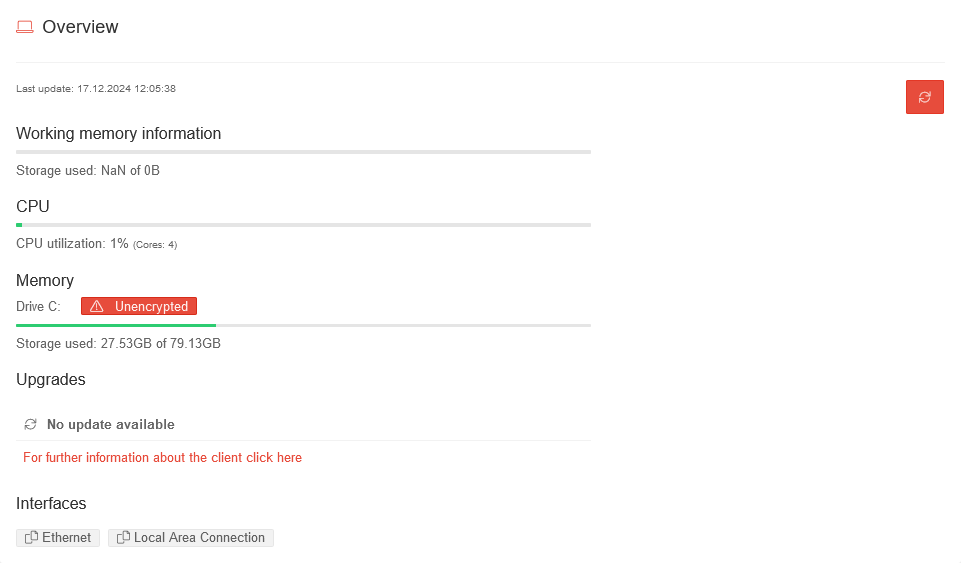 USC 2.1 Windows Clients Konfiguration Uebersicht-en.png 961 × 563; 27 KB
-
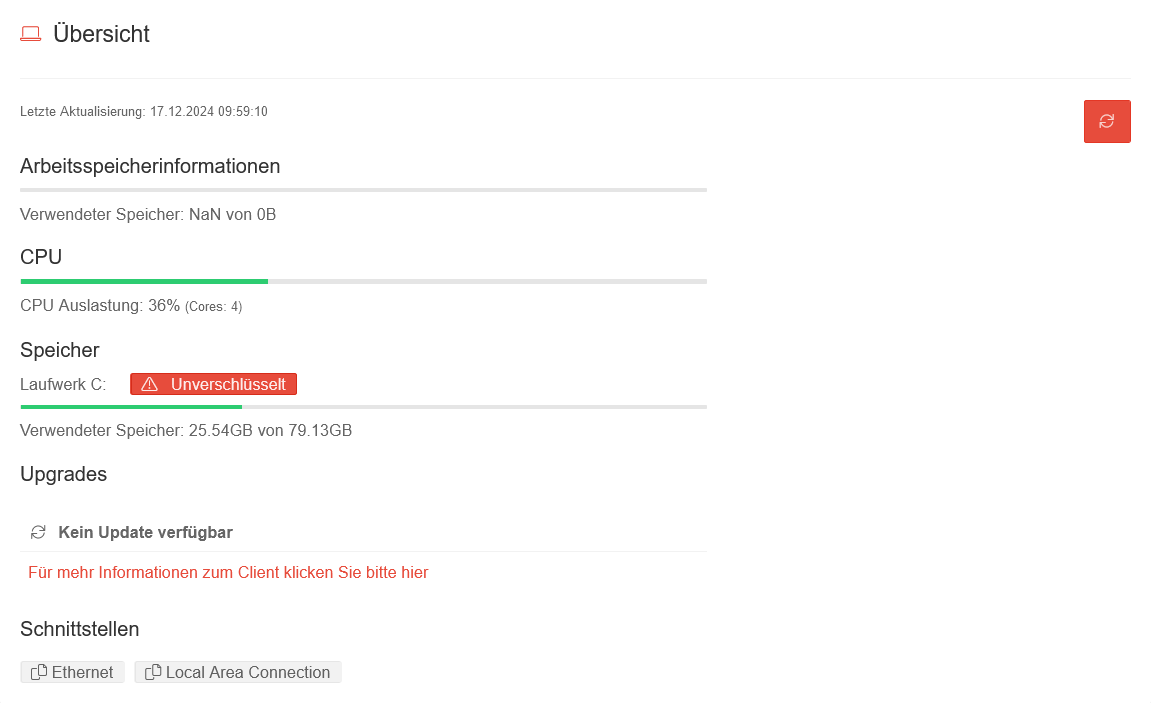 USC 2.1 Windows Clients Konfiguration Uebersicht.png 1.151 × 703; 42 KB
-
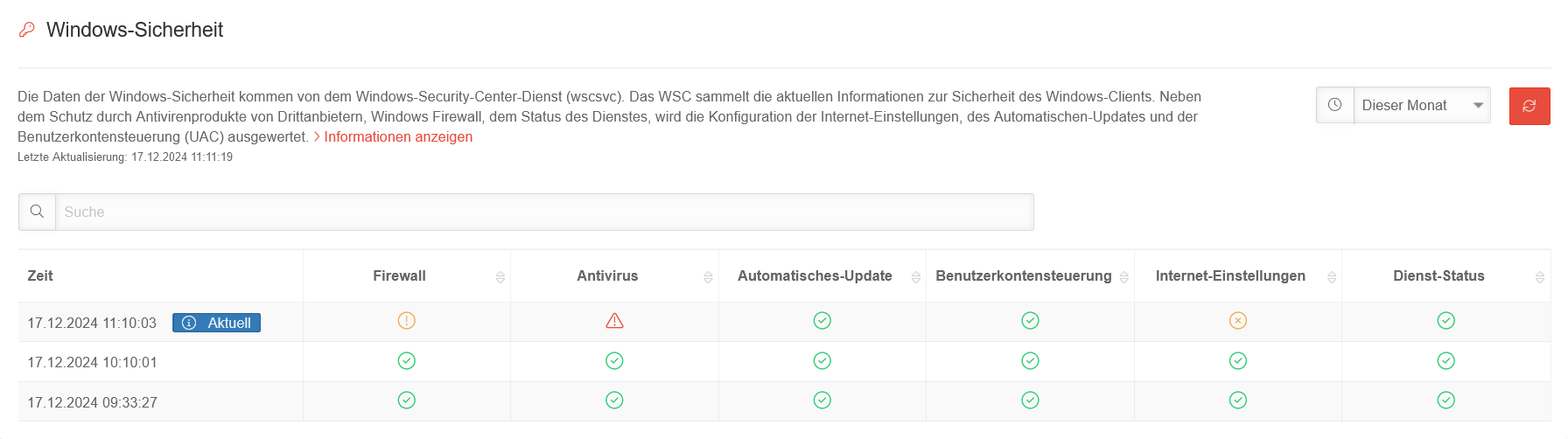 USC 2.1 Windows Clients Konfiguration Windows-Sicherheit.png 1.792 × 502; 67 KB
-
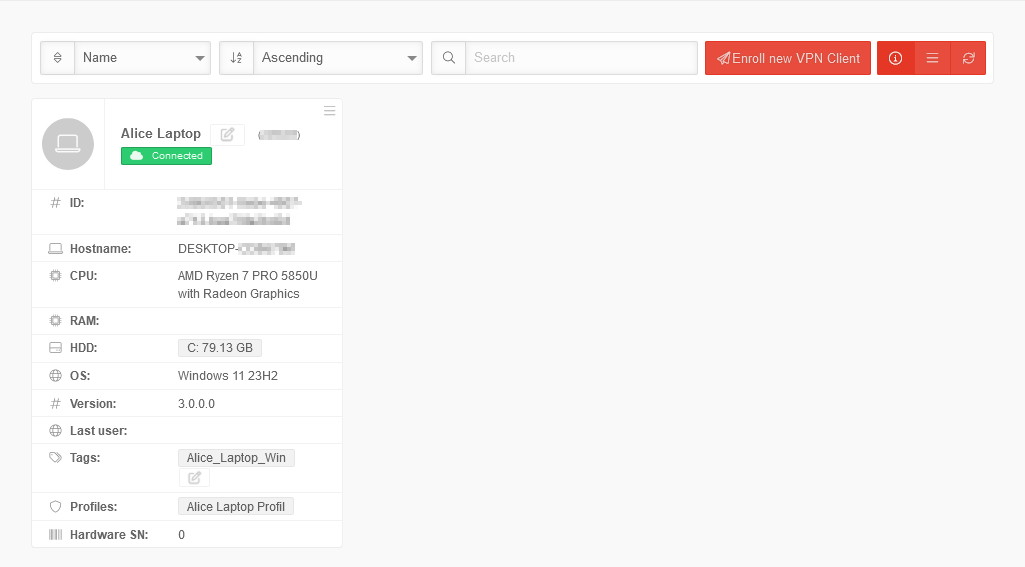 USC 2.1 Windows Clients Uebersicht-en.png 1.025 × 567; 33 KB
-
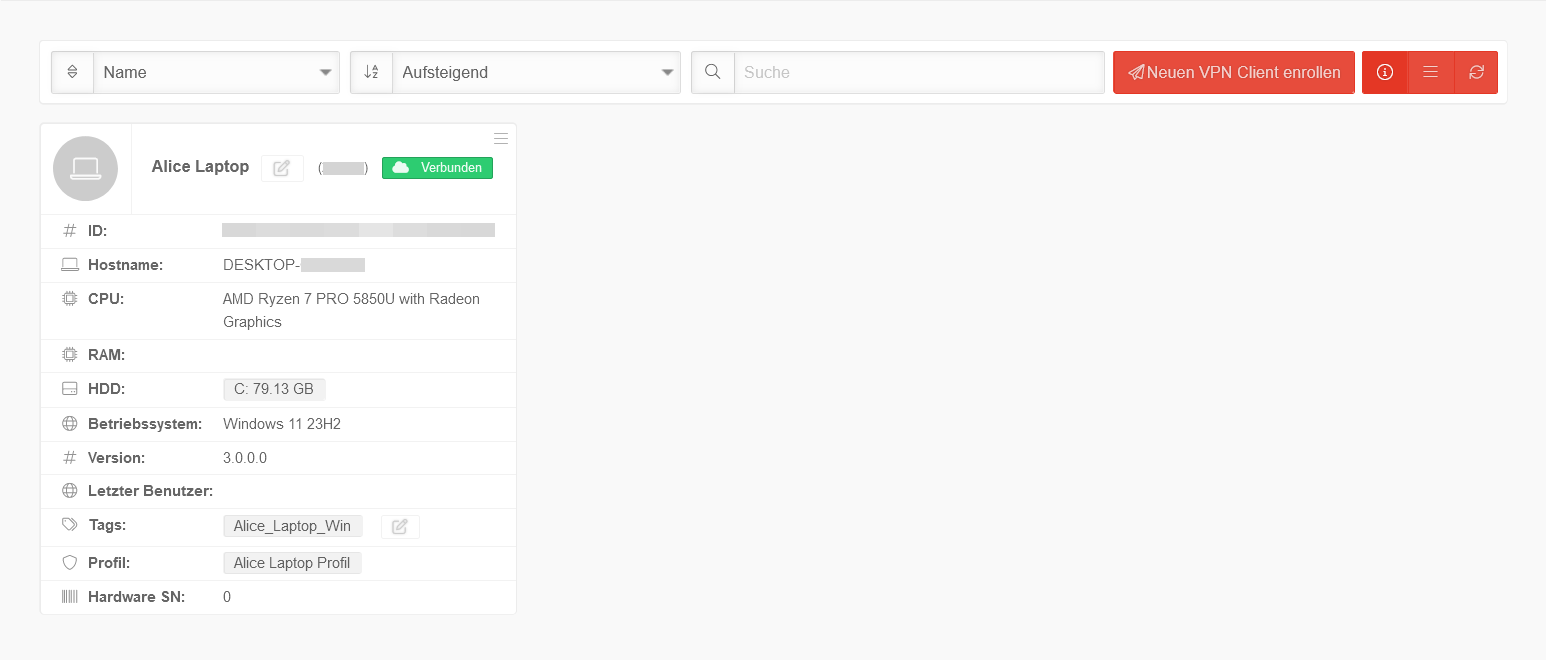 USC 2.1 Windows Clients Uebersicht.png 1.546 × 660; 44 KB
-
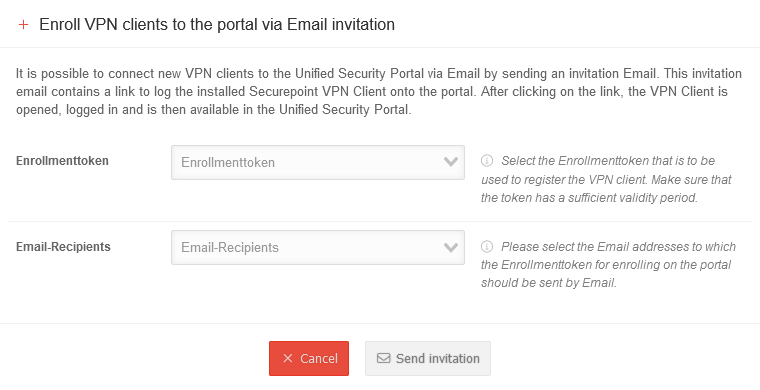 USC 2.1 Windows Enrollment Einladung senden-en.png 760 × 390; 31 KB
-
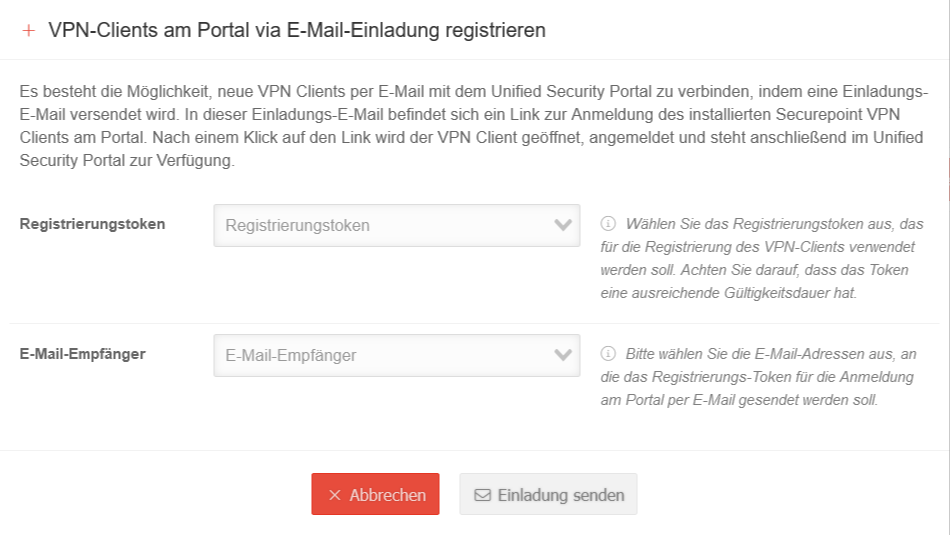 USC 2.1 Windows Enrollment Einladung senden.png 950 × 535; 60 KB
-
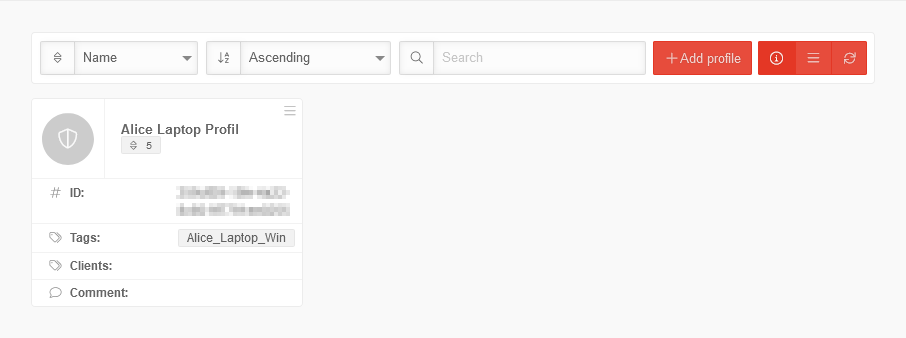 USC 2.1 Windows Profile Uebersicht-en.png 906 × 338; 17 KB
-
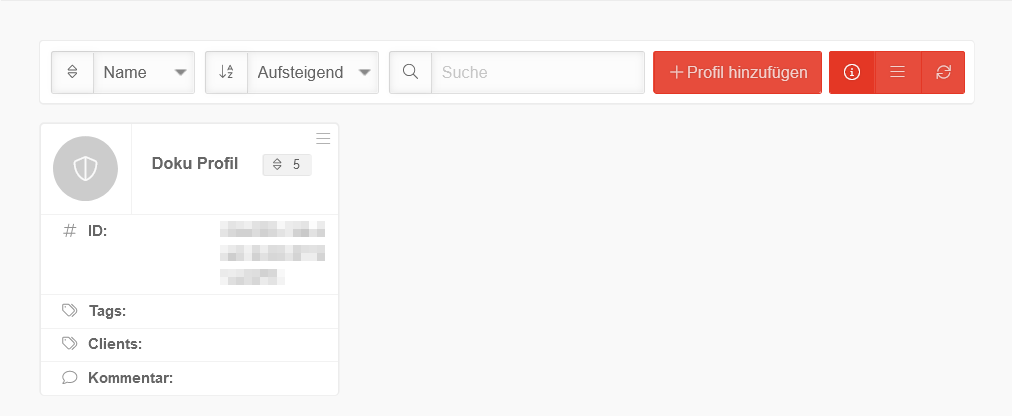 USC 2.1 Windows Profile Uebersicht.png 1.012 × 416; 21 KB
-
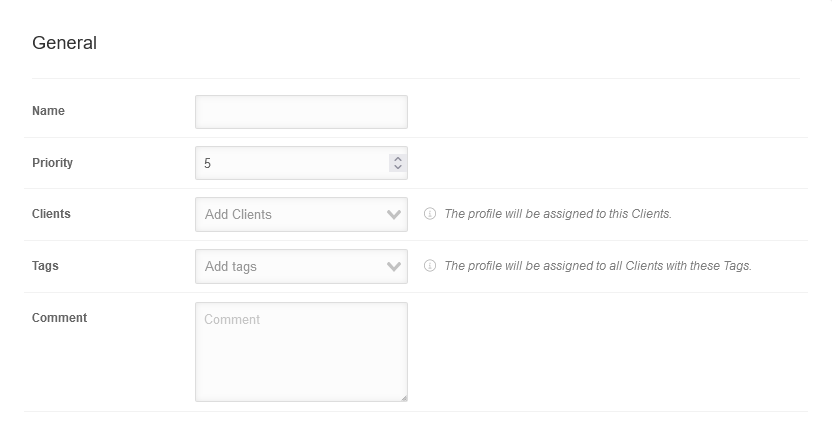 USC 2.1 Windows Profile hinzufuegen Allgemein-en.png 832 × 444; 21 KB
-
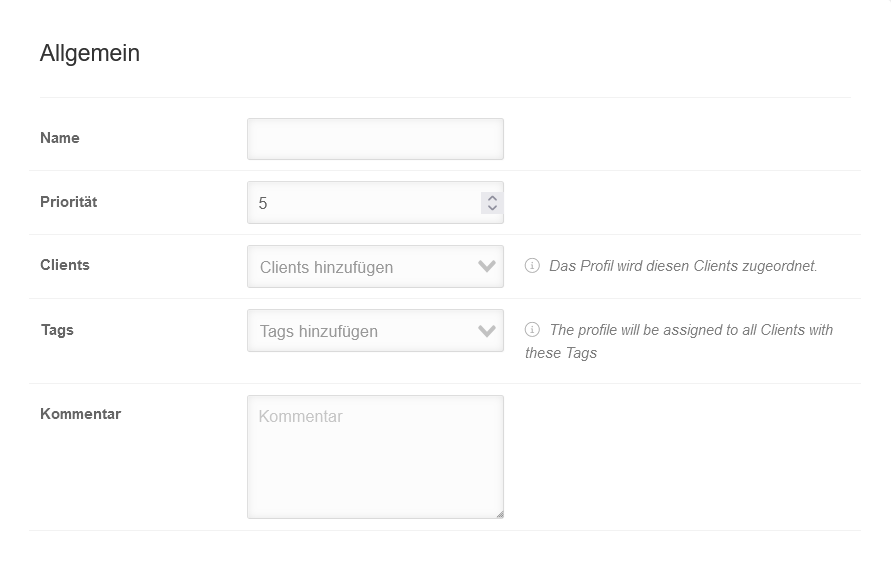 USC 2.1 Windows Profile hinzufuegen Allgemein.png 891 × 571; 28 KB
-
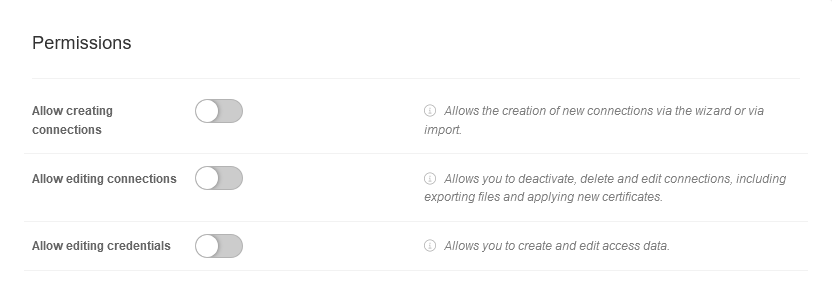 USC 2.1 Windows Profile hinzufuegen Berechtigungen-en.png 832 × 303; 20 KB
-
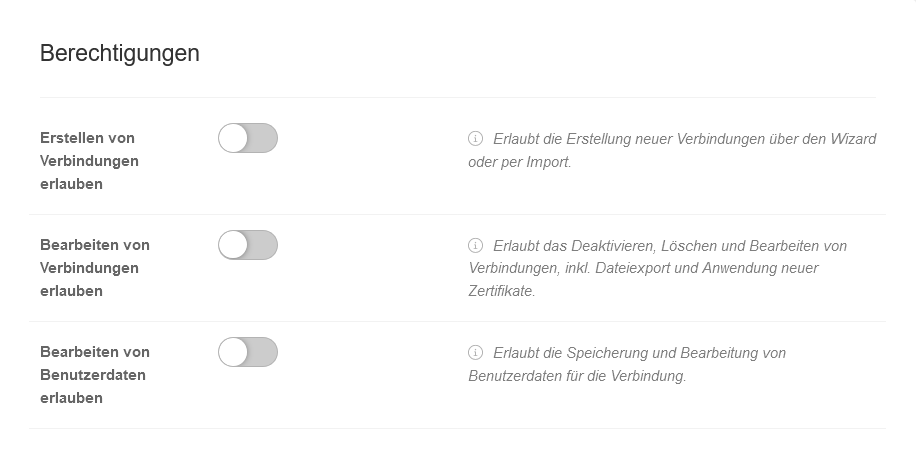 USC 2.1 Windows Profile hinzufuegen Berechtigungen.png 916 × 468; 32 KB
-
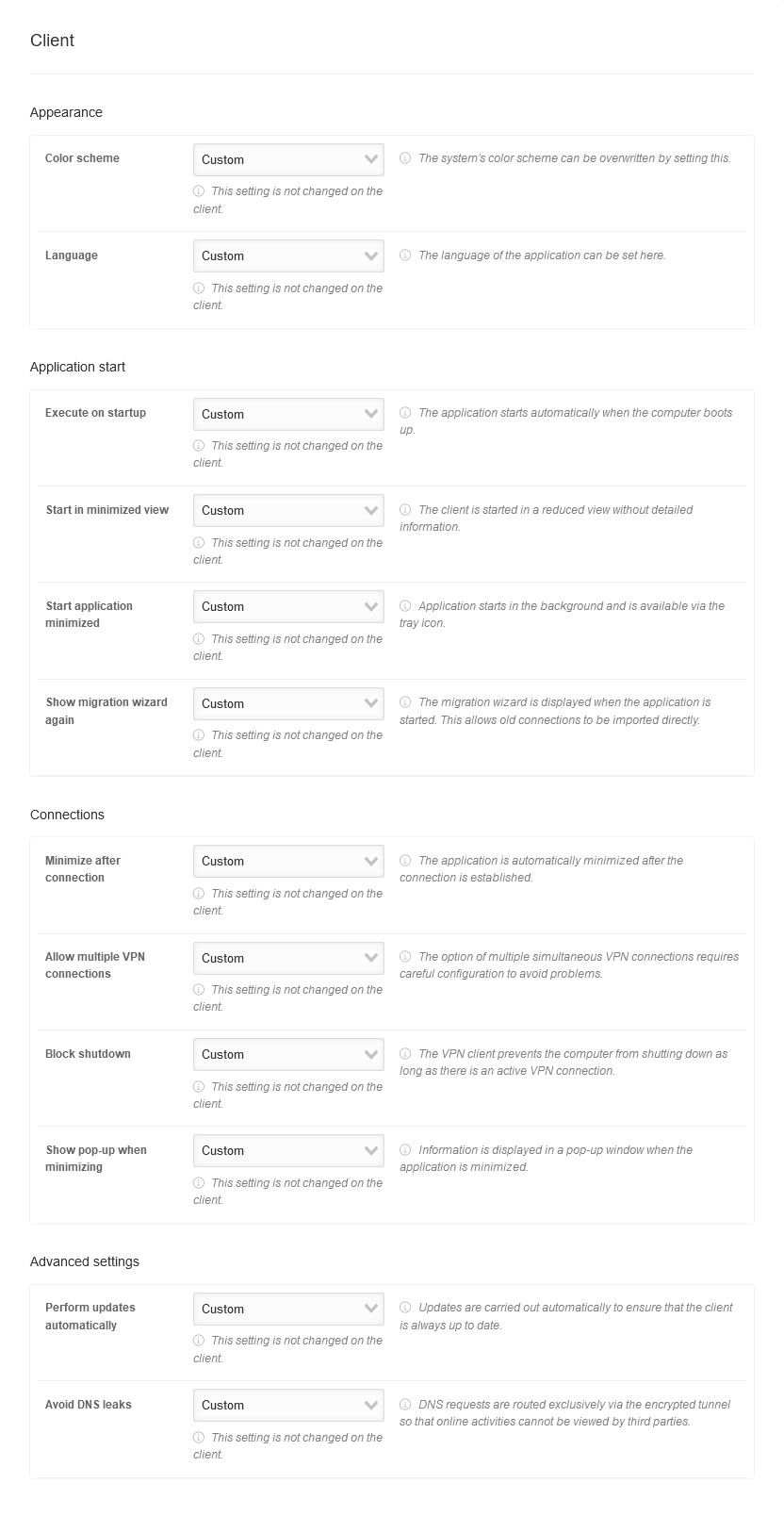 USC 2.1 Windows Profile hinzufuegen Client-en.png 832 × 1.608; 110 KB
-
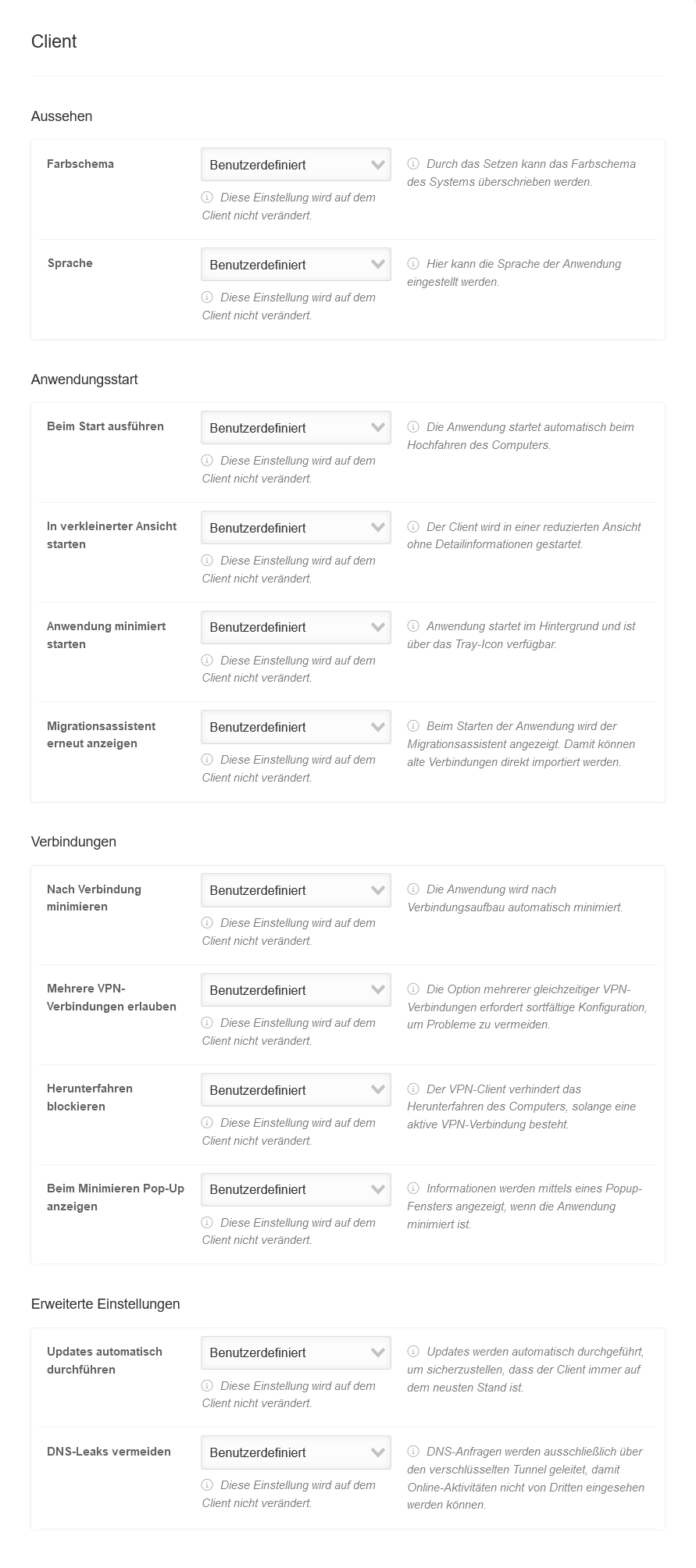 USC 2.1 Windows Profile hinzufuegen Client.png 891 × 2.008; 168 KB
-
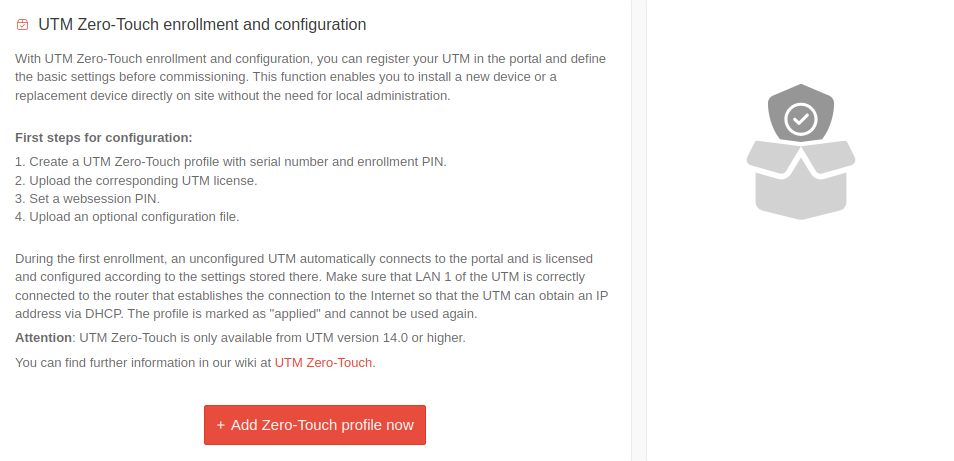 USC 2.2 UTM Zero Touch-en.png 954 × 461; 59 KB
-
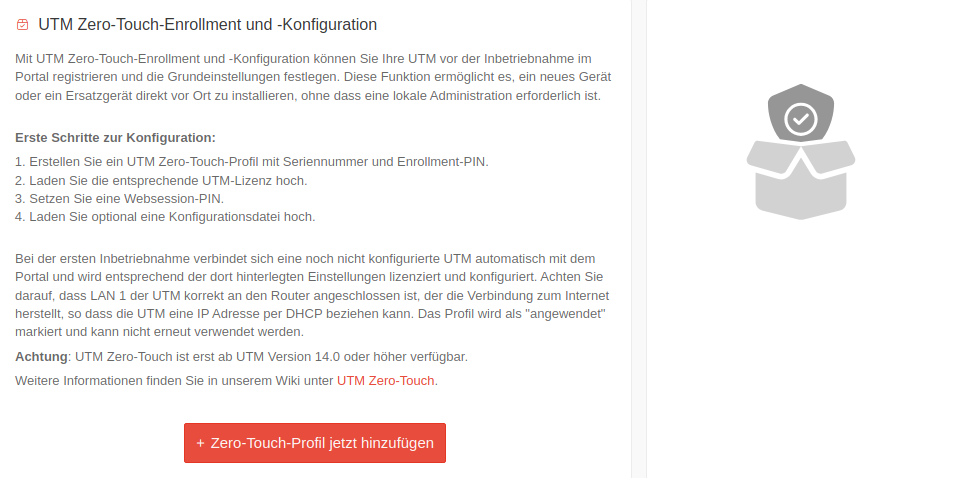 USC 2.2 UTM Zero Touch.png 954 × 478; 65 KB
-
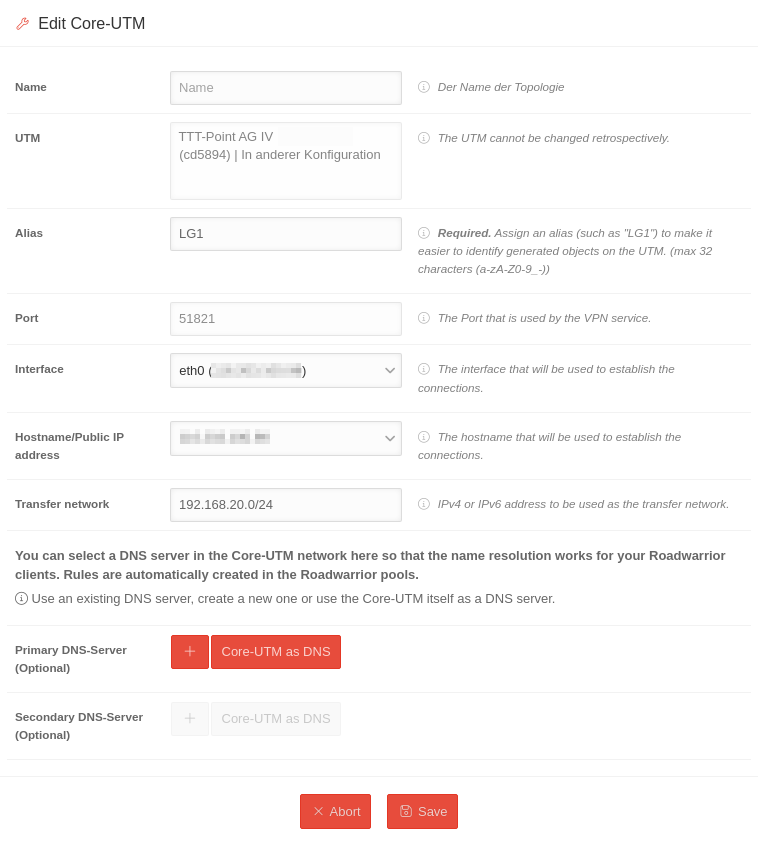 USC 2.2 VPN-Konfiguration Core-UTM bearbeiten-en.png 758 × 846; 84 KB
-
 USC 2.2 VPN-Konfiguration Core-UTM bearbeiten.png 758 × 874; 91 KB
-
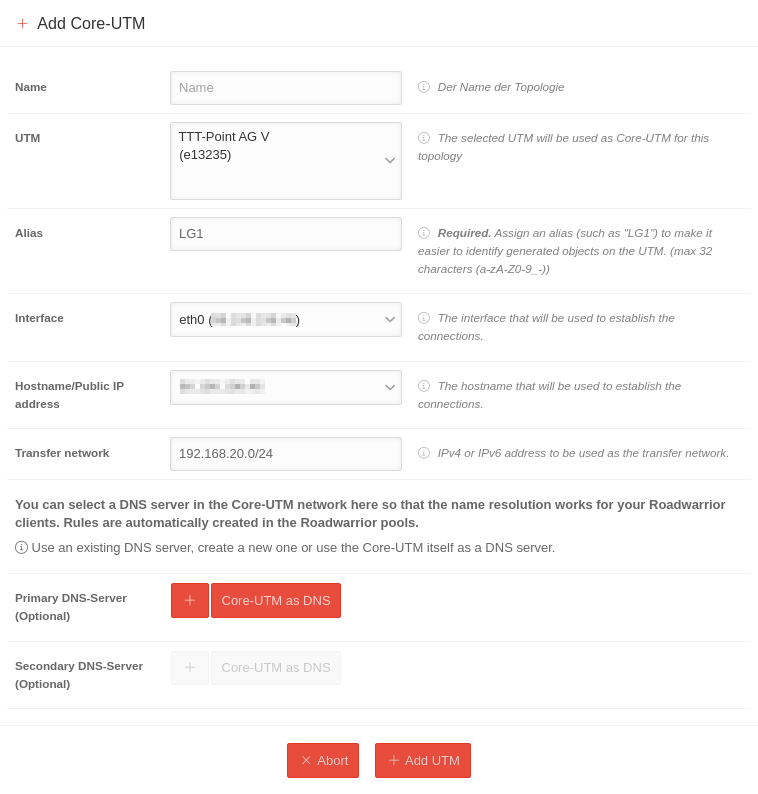 USC 2.2 VPN-Konfiguration Core-UTM hinzufuegen-en.png 758 × 794; 79 KB
-
 USC 2.2 VPN-Konfiguration Core-UTM hinzufuegen.png 758 × 830; 86 KB
-
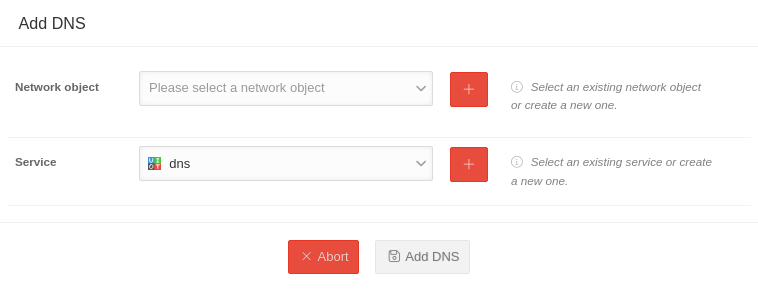 USC 2.2 VPN-Konfiguration Core DNS hinzufuegen-en.png 758 × 290; 23 KB
-
 USC 2.2 VPN-Konfiguration Core DNS hinzufuegen.png 758 × 327; 28 KB
-
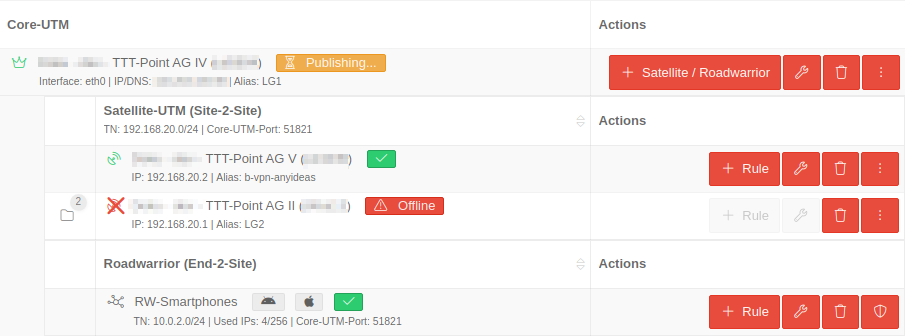 USC 2.2 VPN-Konfiguration eingerichtete Konfiguration-en.png 905 × 336; 43 KB
-
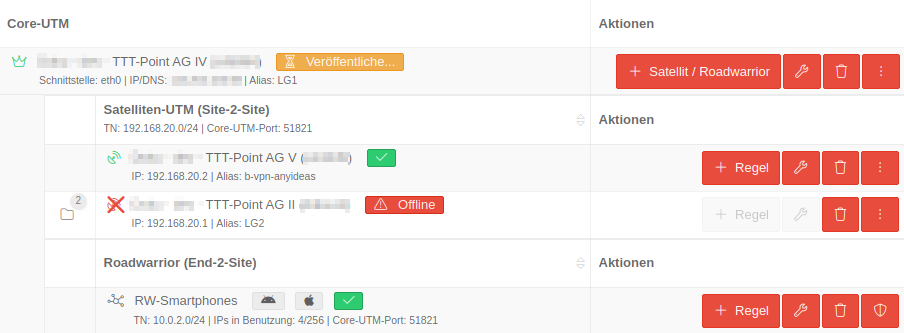 USC 2.2 VPN-Konfiguration eingerichtete Konfiguration.png 904 × 333; 44 KB
-
 USC 2.2 VPN Konfiguration-en.png 938 × 110; 8 KB
-
 USC 2.2 VPN Konfiguration.png 937 × 110; 9 KB
-
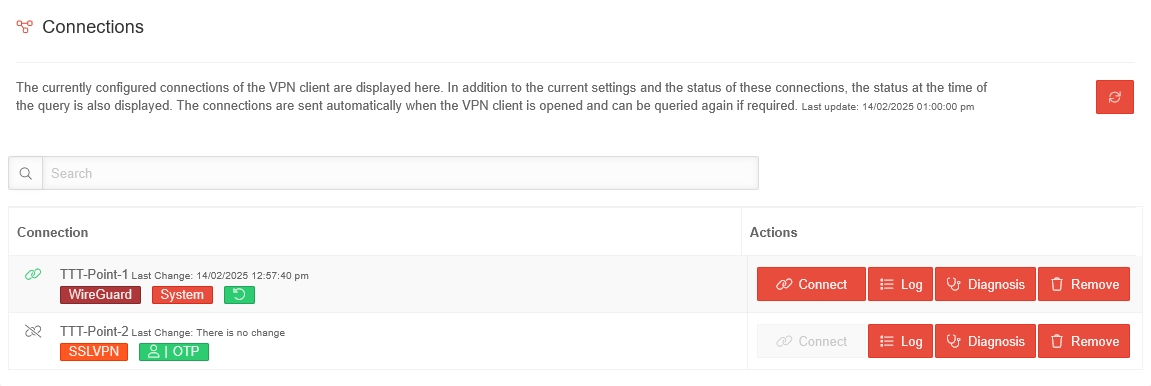 USC 2.2 Windows Clients Konfiguration Verbindungen-en.png 1.151 × 386; 37 KB
-
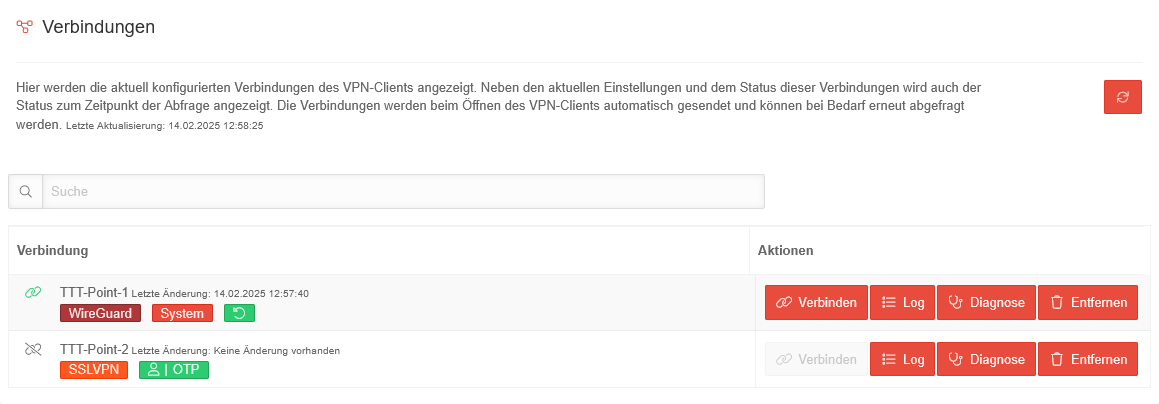 USC 2.2 Windows Clients Konfiguration Verbindungen.png 1.159 × 404; 40 KB
-
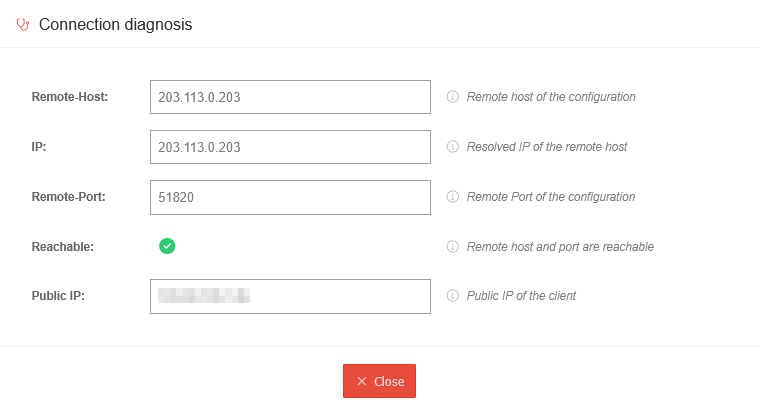 USC 2.2 Windows Clients Verbindungen Diagnose-en.png 760 × 415; 22 KB
-
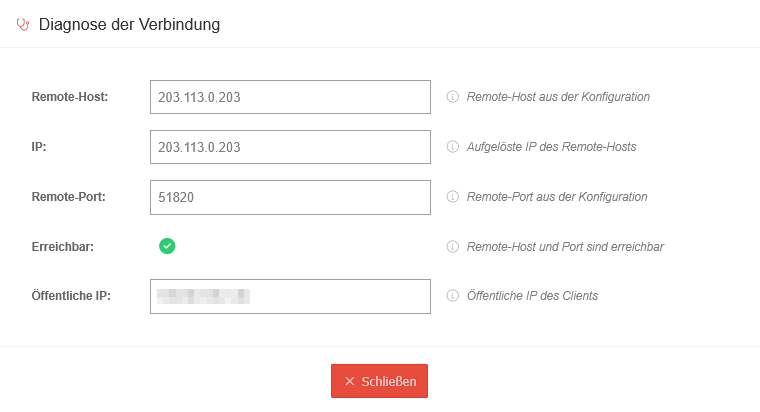 USC 2.2 Windows Clients Verbindungen Diagnose.png 760 × 412; 23 KB
-
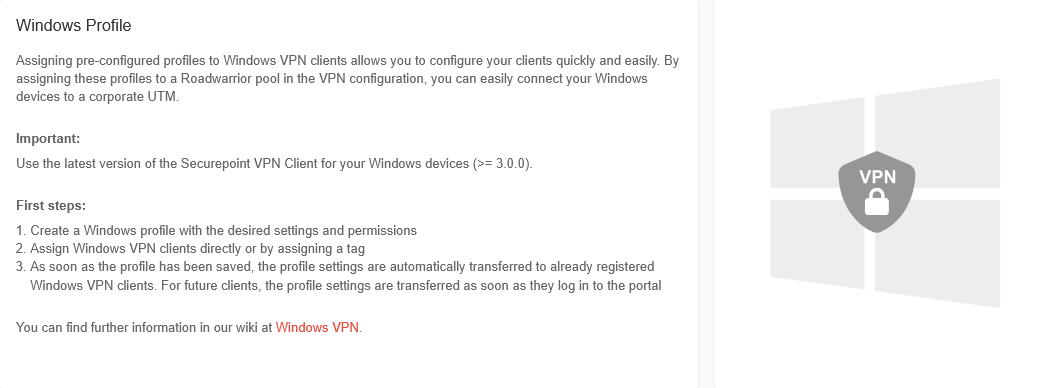 USC 2.2 Windows Profile Einleitung-en.png 1.053 × 388; 41 KB
-
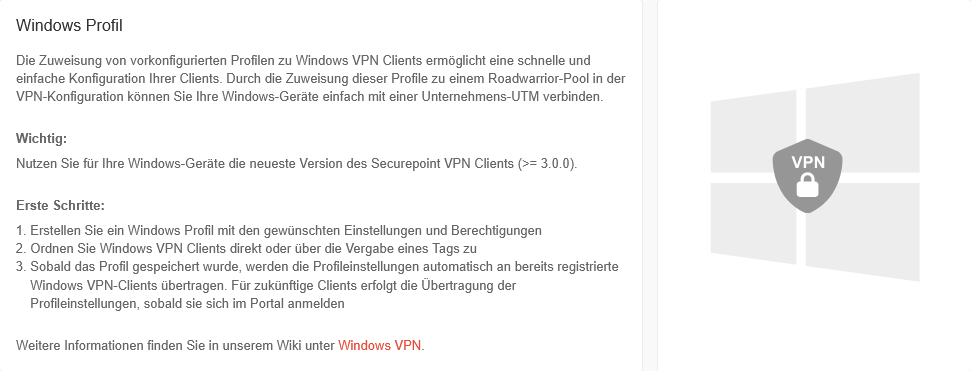 USC 2.2 Windows Profile Einleitung.png 971 × 371; 42 KB
-
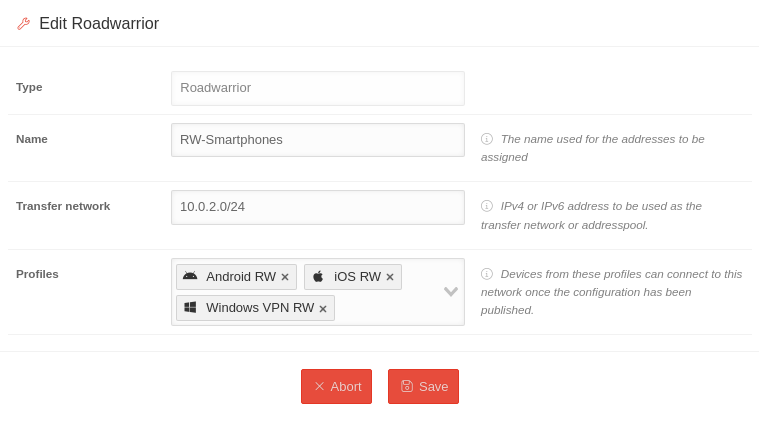 USC 2.3 VPN-Konfiguration Roadwarrior bearbeiten-en.png 759 × 421; 35 KB
-
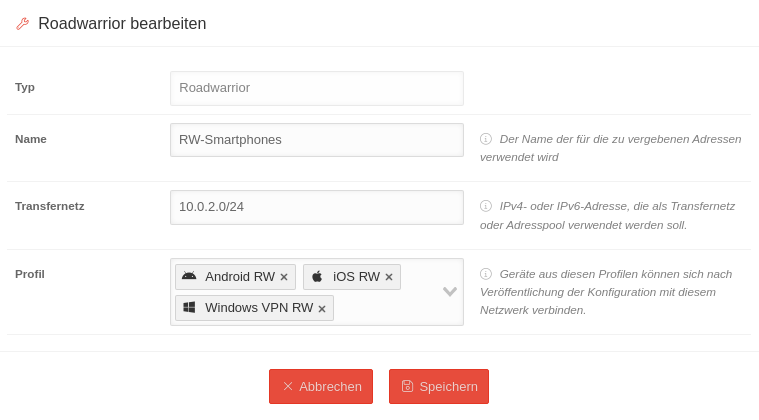 USC 2.3 VPN-Konfiguration Roadwarrior bearbeiten.png 759 × 420; 38 KB


