


Create and edit a subsite for end customers
Last adaption: 02.2026
New:
notempty
This article refers to a Beta version
-
Preliminary note
End customers are organized into so-called subsites.
The reseller's hosts are handled (under an NFR license) in the same way in a subsite as an end customer.
notempty
For data protection reasons, different end customers must not be organized in the same subsite!
Login
Login on the page https://backup.securepoint.cloud 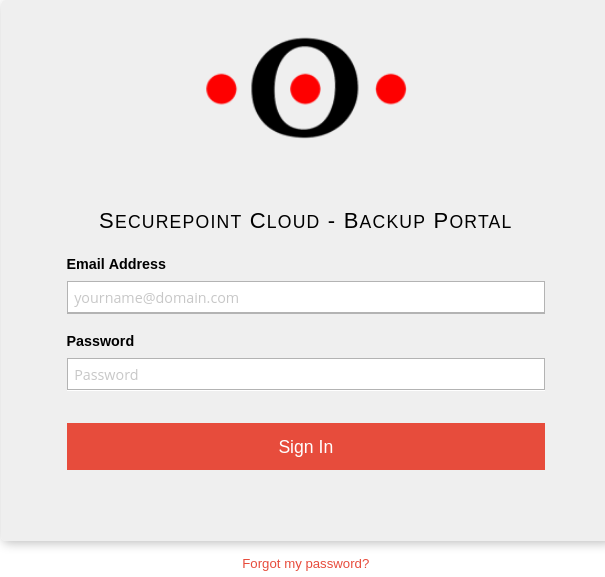
As soon as the login credentials have been created for the first login, a notice will appear in the Reseller Portal after log-in displaying these credentials. The password must be changed during the first login.

Create a new site
Menu Sites / button
notempty
New: 2026.02
This creates a new customer site within which users and computers can now be set up.
Site Details
| Caption | Description | [[Datei: ]] |
|---|---|---|
| Site informations | Site-Name ttt-Point GmbH - 4711 To ensure uniqueness, the site name should include an internal customer number | |
| Contact information Site mailing address |
Optional details that are not mandatory for the operation of Securepoint Unified Backup. | |
| Save site | Save the details. | |
| Caption | Description | [[Datei: ]] |
|---|---|---|
| notempty New as of 02.2026 |
||
| notempty New as of 02.2026 |
||