K 1 Version importiert: Release USP Version 2.13 Versuch 2 |
Keine Bearbeitungszusammenfassung Markierung: Zurückgesetzt |
||
| Zeile 33: | Zeile 33: | ||
<div class="startbox-body-breit" style="column-count: 1;"> | <div class="startbox-body-breit" style="column-count: 1;"> | ||
<!--<div class="startbox">--><div class="inline-block" <!--style="float:right;"--> > | <!--<div class="startbox">--><div class="inline-block" <!--style="float:right;"--> > | ||
; {{#var:Neu im Unified Security Portal}} 2.13 | <!--; {{#var:Neu im Unified Security Portal}} 2.13 | ||
* {{#var:neu--UTM Update Geplantes Update}} | * {{#var:neu--UTM Update Geplantes Update}}--> | ||
; {{#var:Neu im Unified Security Portal}} 2.12 | |||
* {{#var:neu--Roadwarrior VPP-Lizenz Überprüfung}} | |||
</div> | </div> | ||
</div> | </div> | ||
Version vom 27. Januar 2026, 14:46 Uhr
 |

 |
|
Die neuesten Features zur Version 2.17The latest features of the version 2.17The latest features of the version 2.17
- Neu im Unified Security PortalNew in Unified Security PortalNew in Unified Security Portal2.12
- Beim Hinzufügen eines iOS Roadwarrior-Profils zur VPN-Konfiguration wird nun geprüft, ob eine gültige VPP-Lizenz für den Securepoint VPN Client im Apple Business Manager vorhanden istBeim Hinzufügen eines iOS Roadwarrior-Profils zur VPN-Konfiguration wird nun geprüft, ob eine gültige VPP-Lizenz für den Securepoint VPN Client im Apple Business Manager vorhanden istBeim Hinzufügen eines iOS Roadwarrior-Profils zur VPN-Konfiguration wird nun geprüft, ob eine gültige VPP-Lizenz für den Securepoint VPN Client im Apple Business Manager vorhanden ist
Das Securepoint Unified Security Portal:
Mobile Security | Cloud Shield | Unified Reporting | Unified Security Console
ÜbersichtOverviewOverview
- Inhaltsangabe:Summary:Summary:
- Dashboards
- UTMs im USC PortalUTMs in the USC portalUTMs in the USC portal
- UTM ProfileUTM ProfilesUTM Profiles
- VPN-Konfiguration – Adaptive Secure ConnectVPN-Configuration – Adaptive Secure ConnectVPN-Configuration – Adaptive Secure Connect
- Windows VPN
- AllgemeinesGeneralGeneral
- Weitere Informationen:Further information:Further information:
- Youtube-Channel
- Forum
- Reseller Portal
- Unified Security Portal
- Changelog Unified Security Portal
- FAQ
Legende:
Neue Artikel
New articles
New articles
Aktualisierte Artikel
updated articles
updated articles
Dashboards
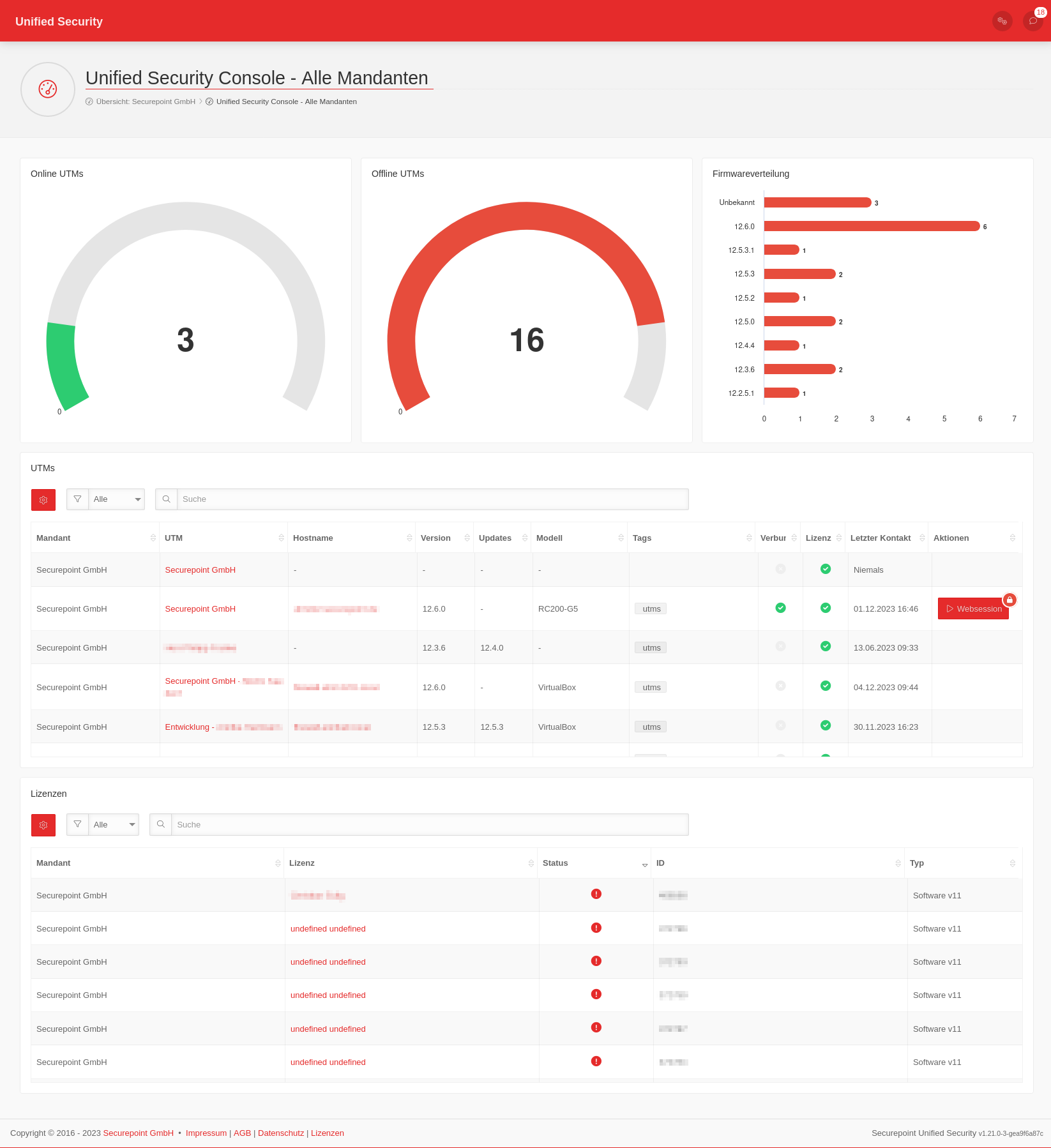
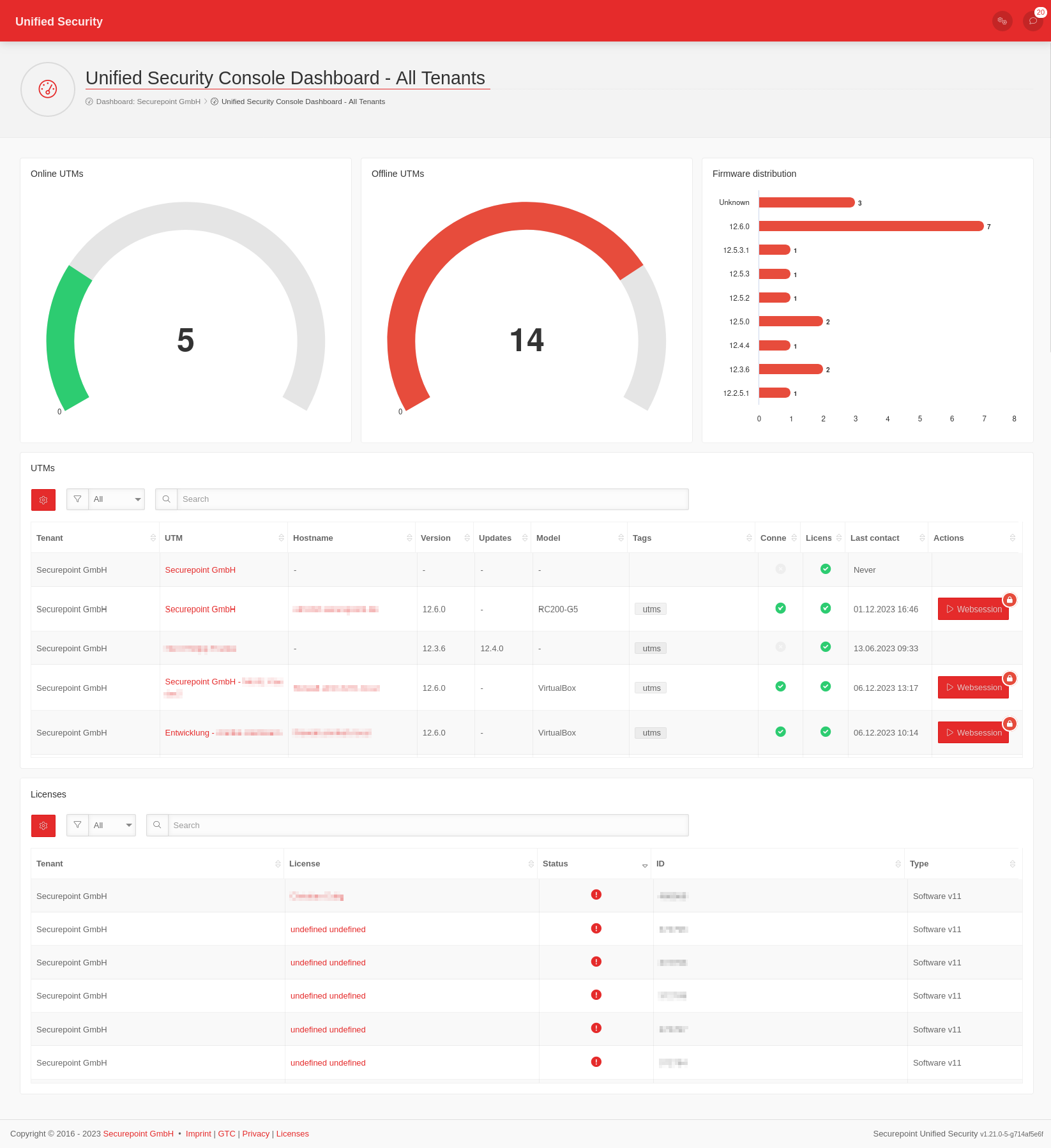
UTMs im USC PortalUTMs in the USC portalUTMs in the USC portal
- Voraussetzungen & VorbereitungenRequirements & PreparationsRequirements & Preparations
- UTMs im USC PortalUTMs in the USC portalUTMs in the USC portal
UTM ProfileUTM ProfilesUTM Profiles
-
- Firmware Updates
(Automatische Aktualisierungen)
VPN-Konfiguration – Adaptive Secure ConnectVPN-Configuration – Adaptive Secure ConnectVPN-Configuration – Adaptive Secure Connect
notempty
VPN-Konfigurationen mit der USC erfordern eine UTM v14.0 oder höher.
VPN configurations with the USC require a UTM v14.0 or higher.
VPN configurations with the USC require a UTM v14.0 or higher.
- Unverwaltete GeräteUnmanaged devicesUnmanaged devicesnotemptyNeu ab: 2.9
Windows VPN in der USCWindows VPN in the USCWindows VPN in the USC
AllgemeinesGeneralGeneral
- API-KeysAPI-KeysAPI-Keys
- Allgemein
-
- Weitere Informationen sind im Wiki-Abschnitt Unified Securtiy Console zu findenFurther information can be found in the Wiki section Unified Securtiy ConsoleFurther information can be found in the Wiki section Unified Securtiy Console
-